

'%3e%3cpath%20d='M21.0949%203.79395L13.9961%209.82854H21.0949V3.79395Z'%20stroke='black'%20stroke-width='1.38'%20stroke-miterlimit='10'/%3e%3cpath%20d='M13.998%209.82854L7.44531%203.79395V9.82854H13.998Z'%20stroke='black'%20stroke-width='1.38'%20stroke-miterlimit='10'/%3e%3cpath%20d='M13.9961%202.69922V25.1919'%20stroke='black'%20stroke-width='1.38'%20stroke-miterlimit='10'/%3e%3cpath%20d='M20.5488%2016.4113L13.9961%209.82812V18.2217L20.5488%2024.0918V16.4113Z'%20stroke='black'%20stroke-width='1.38'%20stroke-miterlimit='10'/%3e%3cpath%20d='M7.44531%2016.4113L13.998%209.82812V18.0526L7.44531%2024.0918V16.4113Z'%20stroke='black'%20stroke-width='1.38'%20stroke-miterlimit='10'/%3e%3cpath%20d='M4.71094%209.82812V18.6057H7.44125V16.4113L13.9941%209.82812H4.71094Z'%20stroke='black'%20stroke-width='1.38'%20stroke-miterlimit='10'/%3e%3cpath%20d='M13.9961%209.82812L20.5488%2016.4113V18.6057H23.2792V9.82812H13.9961Z'%20stroke='black'%20stroke-width='1.38'%20stroke-miterlimit='10'/%3e%3c/g%3e%3c/svg%3e)

'%3e%3cmask%20id='mask0_21456_29260'%20style='mask-type:luminance'%20maskUnits='userSpaceOnUse'%20x='0'%20y='0'%20width='28'%20height='28'%3e%3cpath%20d='M27.5%200.5H0.5V27.5H27.5V0.5Z'%20fill='white'/%3e%3c/mask%3e%3cg%20mask='url(%23mask0_21456_29260)'%3e%3cpath%20d='M14%2027.5C13.4854%2024.1035%2011.8974%2020.9608%209.46828%2018.5317C7.03922%2016.1026%203.89651%2014.5146%200.5%2014C3.89651%2013.4854%207.03922%2011.8974%209.46828%209.46828C11.8974%207.03922%2013.4854%203.89651%2014%200.5C14.5147%203.89644%2016.1028%207.03905%2018.5318%209.46816C20.9609%2011.8972%2024.1035%2013.4853%2027.5%2014C24.1035%2014.5147%2020.9609%2016.1028%2018.5318%2018.5318C16.1028%2020.9609%2014.5147%2024.1035%2014%2027.5Z'%20fill='url(%23paint0_linear_21456_29260)'/%3e%3c/g%3e%3c/g%3e%3cdefs%3e%3clinearGradient%20id='paint0_linear_21456_29260'%20x1='9.5'%20y1='9.5'%20x2='20.75'%20y2='21.875'%20gradientUnits='userSpaceOnUse'%3e%3cstop%20stop-color='%23F0DCD6'/%3e%3cstop%20offset='0.914506'%20stop-color='%231D6DFF'/%3e%3c/linearGradient%3e%3cclipPath%20id='clip0_21456_29260'%3e%3crect%20width='28'%20height='28'%20fill='white'/%3e%3c/clipPath%3e%3c/defs%3e%3c/svg%3e)
'%3e%3cpath%20d='M22.8019%2011.2412L23.5234%2011.6807V12.0103L23.3172%2012.7796L14.5579%2014.9771L13.7344%2012.7951L22.8019%2011.2412Z'%20fill='%23D97757'/%3e%3cpath%20d='M19.5236%204.77832L20.5322%205.00396L20.8%205.35575L21.0552%206.19876L20.9494%206.73644L15.0712%2015.3068L13.1133%2013.2191L18.5338%205.63471L19.5236%204.77832Z'%20fill='%23D97757'/%3e%3cpath%20d='M14.4577%203.43951L15.0761%203L15.5912%203.21976L16.1065%203.9889L14.6949%2013.0345L13.7364%2012.3397L13.3242%2011.131L14.0456%204.31853L14.4577%203.43951Z'%20fill='%23D97757'/%3e%3cpath%20d='M7.84766%203.5851L8.48285%202.7199L8.89716%202.61914L9.71923%202.74717L10.125%203.08581L13.0815%2010.0748L14.1509%2013.3954L12.8997%2014.1372L8.13117%204.91019L7.84766%203.5851Z'%20fill='%23D97757'/%3e%3cpath%20d='M4.77232%208.38688L4.56641%207.50742L5.18478%206.73828L5.90613%206.84816H6.11223L10.4403%2010.2544L11.78%2011.3531L13.6349%2012.8914L12.6044%2014.7594L11.6769%2013.9903L11.0586%2013.331L5.08168%208.82593L4.77232%208.38688Z'%20fill='%23D97757'/%3e%3cpath%20d='M3.53288%2014.0982L3.06641%2013.5489L3.06647%2013.0601L3.53288%2012.8896L8.78833%2013.2193L13.9408%2013.6588L13.7736%2014.7528L3.94502%2014.2082L3.53288%2014.0982Z'%20fill='%23D97757'/%3e%3cpath%20d='M6.62378%2019.8178H5.59334L5.18359%2019.3146V18.7132L6.93299%2017.3946L14.045%2012.5674L14.7648%2013.8785L6.62378%2019.8178Z'%20fill='%23D97757'/%3e%3cpath%20d='M8.57739%2022.8884L8.16518%2022.9984L7.54688%2022.6687L7.64995%2022.1193L13.7299%2013.5488L14.5543%2014.7574L10.0201%2021.1305L8.57739%2022.8884Z'%20fill='%23D97757'/%3e%3cpath%20d='M13.7361%2023.9861L13.4271%2024.4257L12.8088%2024.6454L12.2935%2024.2058L11.9844%2023.5466L13.5301%2014.6465L14.4576%2014.7563L13.7361%2023.9861Z'%20fill='%23D97757'/%3e%3cpath%20d='M18.9869%2021.5713V22.4503L18.8838%2022.7799L18.4716%2022.9997L17.7503%2022.8974L12.7969%2015.0367L14.7617%2013.4404L16.4104%2016.6269L16.5652%2017.7805L18.9869%2021.5713Z'%20fill='%23D97757'/%3e%3cpath%20d='M21.3629%2020.2507L21.4659%2020.8L21.1568%2021.2396L20.8476%2021.1297L19.0958%2019.8112L16.4165%2017.284L14.3555%2015.7457L14.9736%2013.6582L16.0041%2014.3175L16.6226%2015.5259L21.3629%2020.2507Z'%20fill='%23D97757'/%3e%3cpath%20d='M20.0232%2014.6482L22.5995%2014.8679L23.2178%2015.3074L23.6299%2015.9667V16.441L22.4964%2016.9556L16.7256%2015.4173L14.3555%2015.3074L14.9737%2013L16.6226%2014.3185L20.0232%2014.6482Z'%20fill='%23D97757'/%3e%3c/g%3e%3c/svg%3e)
Key Takeaways
InVideo’s Translation Limits Drive Creators Toward New Tools
Many users are switching to alternatives because InVideo can only translate videos created within its own AI. This has boosted the popularity of platforms like VMEG AI, which allow creators to upload and localize any existing video into 170+ languages with high-accuracy dubbing and lip-syncing.
The Market Now Offers Specialized AI for Every Niche
The 2025 AI video landscape has moved beyond one-size-fits-all tools. Creators now choose HeyGen or Synthesia for realistic AI avatars, VEED for quick social media editing, and Pictory for turning scripts into visuals, allowing for better pricing and features tailored to specific workflows.
Many users are switching to alternatives because InVideo can only translate videos created within its own AI. This has boosted the popularity of platforms like VMEG AI, which allow creators to upload and localize any existing video into 170+ languages with high-accuracy dubbing and lip-syncing.
The Market Now Offers Specialized AI for Every Niche
The 2025 AI video landscape has moved beyond one-size-fits-all tools. Creators now choose HeyGen or Synthesia for realistic AI avatars, VEED for quick social media editing, and Pictory for turning scripts into visuals, allowing for better pricing and features tailored to specific workflows.
Are you using Invideo? If so, you know how valuable tools like that are in creating quality, unique, and creative output. But sometimes people still look for some alternatives for various reasons. Whether you are looking for a tool with different pricing, new and specific features, or a fresher interface, exploring and trying different tools can help you find the best one that suits your preferences. If you are looking for invideo alternatives, you’ve come to the right place.
What Are the Best invideo Alternatives in 2025?
Invideo has invideo AI and invideo Studio. The invideo AI, which is powered by a range of AI tools and features, allows you to create and edit videos. In the invideo Studio, you can edit visuals, audio, text, and enjoy other features. Whatever project you have in mind, you can create it with invideo. However, if invideo doesn’t suit your preferences, you may try these invideo alternatives.
VMEG AI
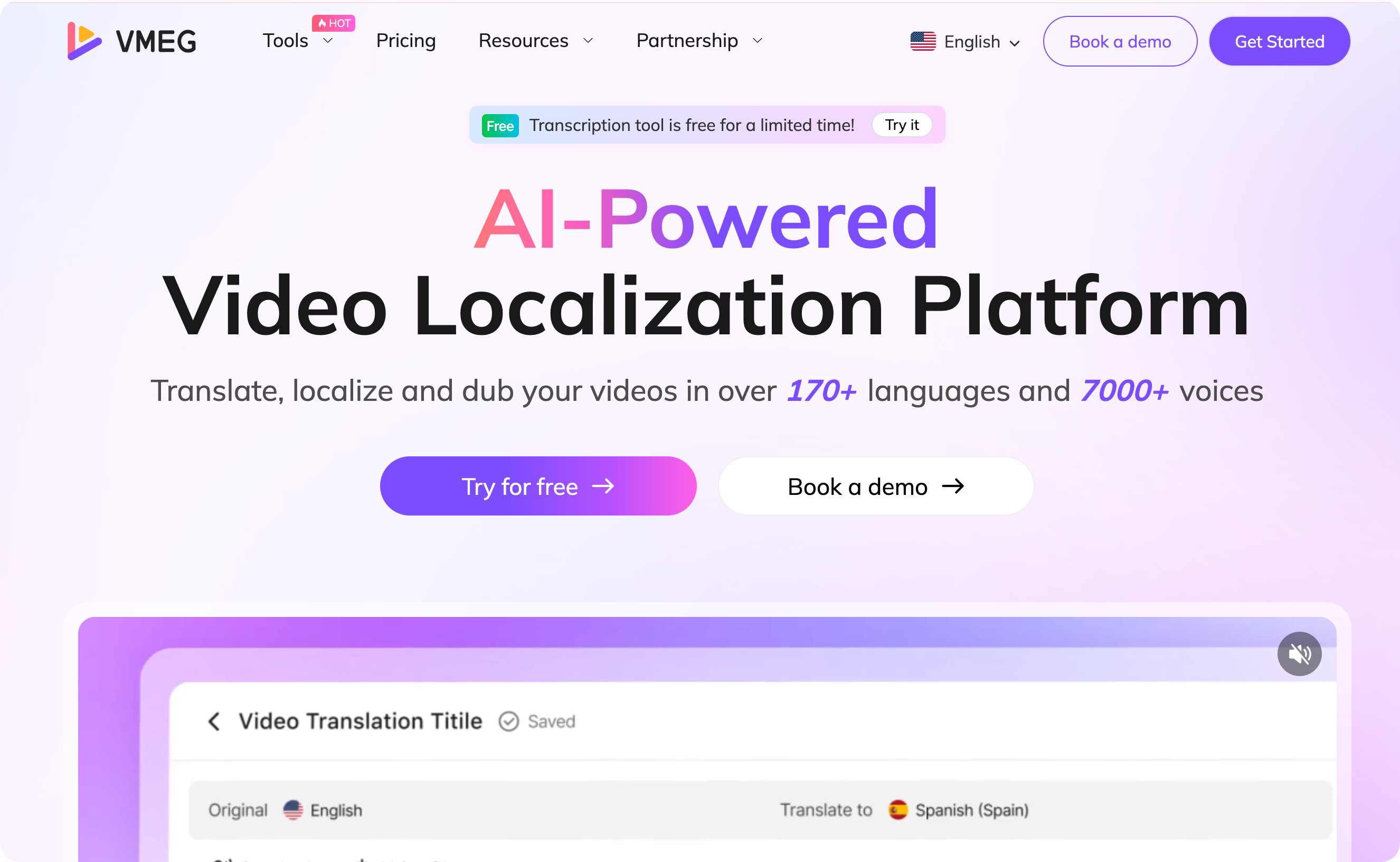
VMEG AI is a perfect tool when it comes to localization and translation, as the translation feature of invideo only supports videos created through invideo AI, not from existing videos. If you are looking for fast, innovative, and easy video creation and translation, choose VMEG AI. With its high-accuracy AI translation, dubbing, lip-sync, and other tools, creating content that resonates with your audience worldwide has been easier. VMEG AI is also a perfect invideo alternative, especially when it comes to video localization.
Key Features:
Supports more than 170 languages and 7,000 natural-sounding voices. Reaching a wider audience is easier with VMEG AI as there are many languages and voices to choose from.
Easy to use. Another best feature of VMEG AI is that it is easy to use. It only takes a few minutes and a little time to localize your content. It is ideal for beginners, as it doesn’t require technical expertise.
VEED
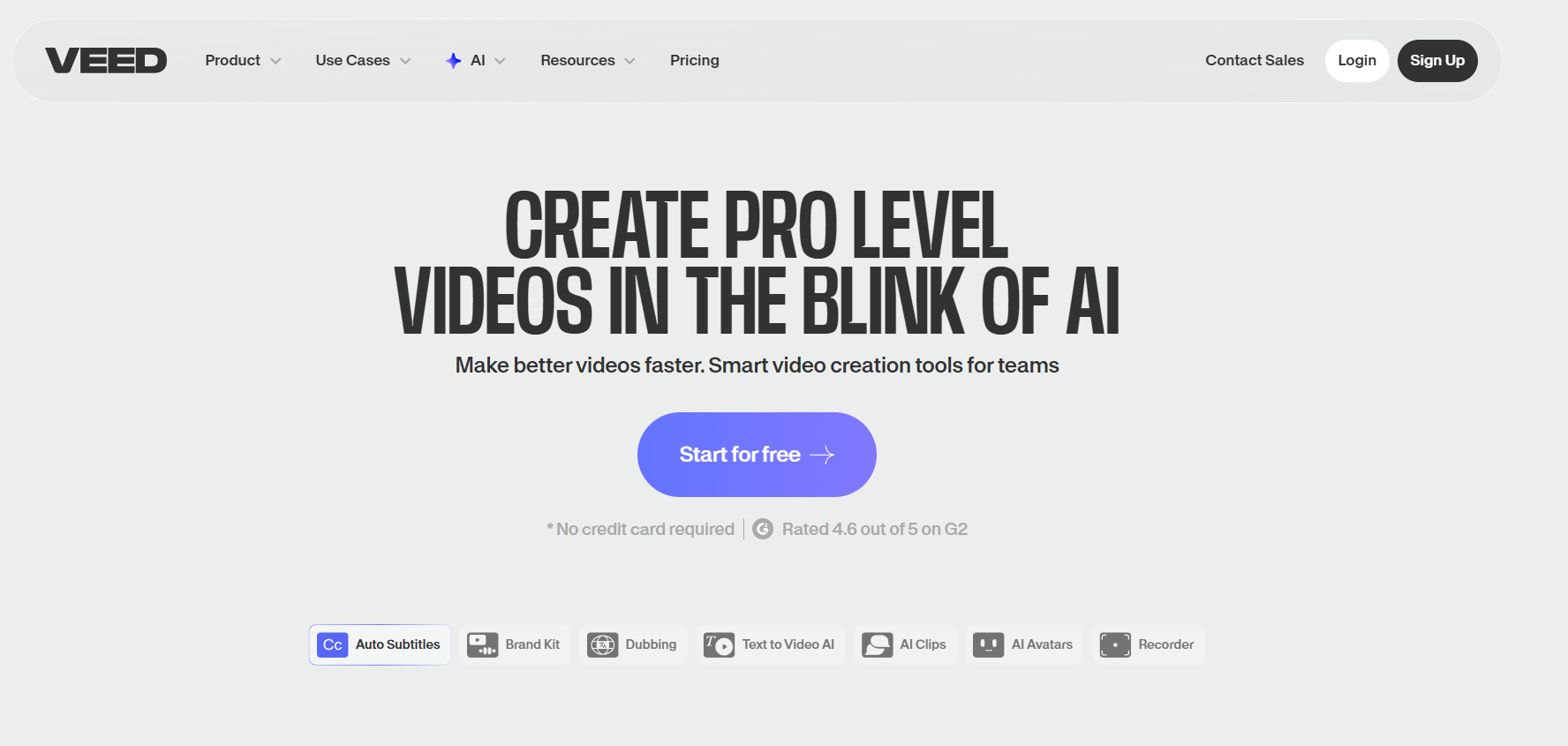
Image Credits: Screenshot from the Veed website accessed December 2025 for illustrative purposes only.
Veed is a video editing tool that offers features and tools perfect for AI Video Creation. It helps create videos like a pro without any complicated steps. Veed offers video editing, AI Avatars, Recording, Stock Library, Collaboration, and more.
Key Features:
Lots of AI tools. Its AI tools include text-to-video, voice and dubbing, AI editing, Avatars and AI Voices, AI Generation, AI Video Models, and Image-to-Video Models. These tools help create unique, creative content.
Helpful products and tools. It allows users to create, edit, and publish content. Its tools consist of a recorder, a video editor, captions and translations, and video publishing. These tools help to customize and localize videos.
Perfect for different use cases. Veed is suitable for various use cases, such as Marketing, Training, Media Publishing, Internal Communications, and Sales, so whatever project you have in mind, it can be an excellent tool.
HeyGen

Image Credits: Screenshot from the HeyGen website accessed December 2025 for illustrative purposes only.
HeyGen is a reliable video generator that is easy to use and offers powerful features. It makes video creation easier and helps you create an output that matches your brand.
Key Features:
Multiple products. It offers a range of products, including video avatars, avatar AI, Agent, Interactive Avatars, AI Studio, AI UGC, Avatar IV, Video Translator, and Talking Photo Avatars.
Localization and Video Translation Feature. Its key localization features include batch translations, brand kit and voice, voice cloning, captions, proofreading, and lip-syncing. These features make video localization faster and smarter. It supports more than 175 languages and dialects, lip-sync, customization, voice preservation, and more to help you reach a wider audience easily.
Other features and tools. The other features it offers are face swap, lip sync, and API. Its tools include Audio Speed Changer, Avatar Look Generator, PPT to Video, AI dubbing, and more.
Kapwing
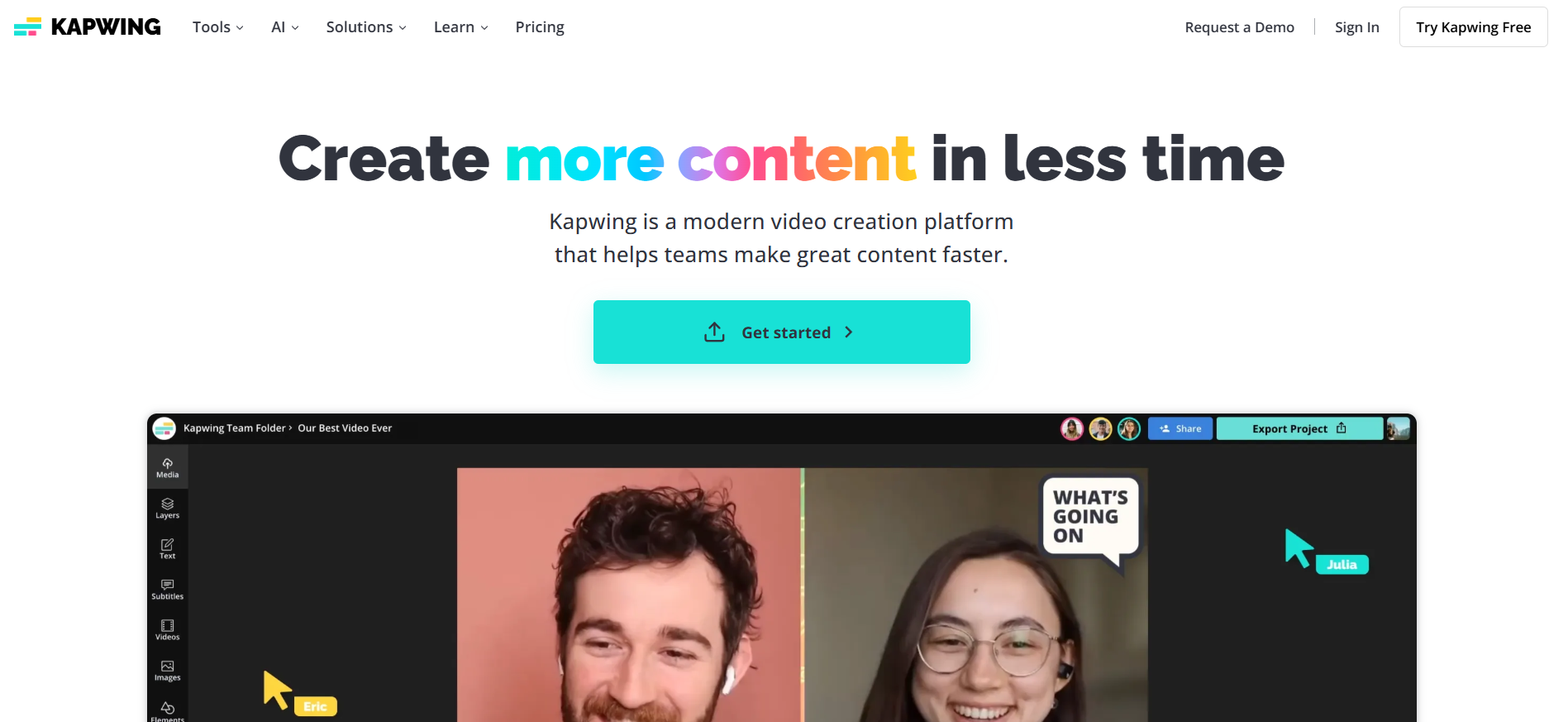
Image Credits: Screenshot from the Kapwing website accessed December 2025 for illustrative purposes only.
Kapwing makes video content creation faster and easier, helping you be more productive and save time with its tools and features. It is perfect for teams who want to create videos together and see the project’s progress in real-time.
Key Features:
Video and AI Tools. It offers various tools, such as video editing, subtitling & captioning, repurposing content, and localizing content. The AI tools it provides are AI Video Editor, Subtitle Generator, Smart Cut, Translate Video, and more.
Video Translation. One of its tools is Video Translator, which supports more than 100 languages. It also offers advanced translation tools, such as timing adjustments, custom spellings, translation rules, and more.
Templates. Kapwing offers multiple templates to choose from, which you can customize and edit to your preferred style.
Pictory

Image Credits: Screenshot from the Pictory website accessed December 2025 for illustrative purposes only.
Pictory is an AI video generator that helps create videos from text, audio, presentations, and more. It provides tools and features that make it easier to turn your project ideas into creative outputs.
Key Features:
Features. Pictory’s features include Text-to-Video, PPT-to-Video, URL-to-Video, Smart Record, AI Video Editor, and Image-to-Video.
Tools. Its tools include AI Voice Generator, ChatGPT Video Generator, Text-to-Video Generator, Presentation Video Maker, and Script-to-Video.
Subtitle Translation. It is an easy-to-use tool that translates subtitles into different languages. Its subtitle translation steps can be completed by uploading the subtitle, selecting the preferred language, generating voiceovers, and customizing settings.
Synthesia
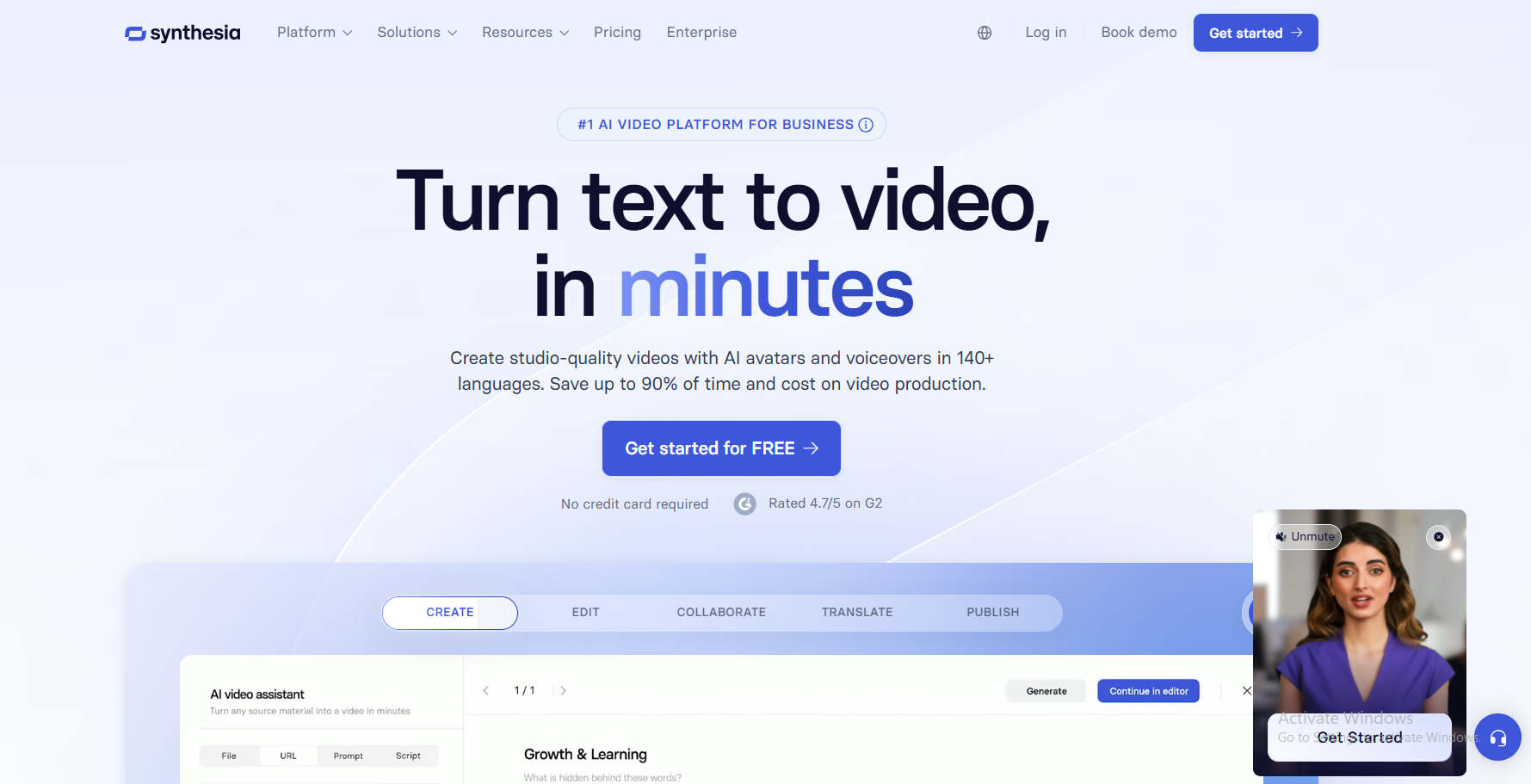
Image Credits: Screenshot from the Synthesia website accessed December 2025 for illustrative purposes only.
Synthesia is a platform for creating, localizing, and managing AI videos that can help turn ideas into life. This tool is perfect for businesses and individuals looking to save time and cut costs.
Key Features:
Video Creation Tools. It offers more than 240 AI Avatars, support for more than 140 languages, Personal Avatars, an AI Video Generator, and an AI Screen Recorder.
Localization Tools. Synthesia’s localization consists of AI Dubbing, Video Translator, Captions, and Multilingual Player. Its AI Video Translator features voice preservation across more than 130 languages, automatic subtitles, flawless lip-sync, and secure editing.
Managing and Publishing Videos. Its management tools consist of live collaboration, brand kit, and organization, while its publishing tools include version control, public video page, analytics, and SSO video page.
Why Look for an InVideo Alternative?
There are various reasons why people might be looking for InVideo Alternatives, such as features, pricing, and interface. Here are some reasons that might drive users to explore other options:
Pricing
One factor that makes people look for alternatives is price. Some people look for a lower price or a free plan with more features.
Features
There might be features on other platforms that are better or not yet available on invideo.
Interface
invideo’s interface may be easy to use, but not for others. So, those who want a more convenient or easier-to-use platform may look for alternatives.
Watermark
Watermarks on a free plan can disrupt the overall project's design. Users might look for a free plan that does not include a watermark or allows them to remove it.
Limitations for Video Translation
Invideo supports more than 50 languages, so some of the languages that users might need may not be available, and this will influence them to look for a platform that supports more languages. Also, invideo currently supports only videos generated by invideo AI for translation into other languages, so if the video is made on another platform, it will not be translated.
Trends
In today's fast-paced world, it is important to stay on trend, so people might look for a specific feature to stay updated.
Who Should Consider Using an InVideo Alternative?
Are you considering using an invideo alternative? Individuals and businesses have different goals and needs when creating video content, so considering whether you should use using imvideo alternative depends on your content type, its purpose, and other factors.
Content creators
Some content creators may look for more features and workflows that suit their projects and preferences. Those starting as content creators may look for a tool that offers more features in its free plan.
Businesses requiring multilingual/localized content
Multilingual/localized content helps businesses build brand awareness and reach more audiences. To do this, they might look for a tool that supports more languages.
Educators making explainer or training videos and multi-language video support.
Education is now beyond borders. Explainer and training multilingual videos will help in reaching a global audience.
Beginners want simpler workflows and interfaces.
Some beginners might want to look for an easy-to-use tool that helps them learn quickly and streamline their workflow. They might also look for a tool that allows them to create videos without signing up.
Advanced users who are looking for more features.
Advanced users might look for an alternative that offers more features, support, tools, and other benefits to maintain quality.
Social media managers.
Social media managers need a tool that can help them streamline their workflow, such as scheduling posts and automatically uploading them to social media accounts.
How InVideo, Its Alternatives, and Modern AI Tools Handle Multilingual Video Creation
One of the AI Features of invideo is the AI Video Translator. It supports more than 150 languages, allowing users to translate their videos into French, Spanish, and more. It offers an app and a web, making video content creation more convenient.
Currently, the only videos created with invideo AI can be translated into different languages. So, if the video is made on another platform, it can’t be translated into other languages, as this feature isn't supported.
How Popular Alternatives and Modern AI Tools Approach Multilingual Videos
The popular invideo alternatives handle video creation and translation differently depending on their features and tools. Some offer template-based video creation, basic translation, AI-generated videos, and voiceovers. Some platforms also provide tools and features to make videos more interactive and customized. The process and personalization features may vary, so it is best to try out several tools first.
Many modern AI tools streamline the workflow by offering features that make video creation easier and more convenient. One modern AI tool you need to try, especially for video translation, is VMEG AI. It offers various tools.
How to Choose the Right InVideo Alternatives
Choosing the right invideo alternatives can be overwhelming, especially with many online tools available. So, it is essential to have a checklist or criteria that meet your expectations.
Accuracy and Speed
Accuracy is an important factor to consider, so you’ll produce an output that looks professional and resonates well with the audience. Speed is another factor that helps create a smooth content workflow. Choose a tool that has a fast process from import to export.
Features and Tools
Choose a platform that offers multiple features, such as support for numerous languages, import and export options, collaboration, AI capabilities, and more. List the features you are looking for to choose a platform that meets all your needs.
Cost and Value
Various platforms offer a free plan, but the features may be limited. Try the available features first before upgrading to see if the cost matches the value. Before upgrading, read the terms and conditions first.
Skill Level
The platform you need to choose must match your skill level, as some tools have advanced features that require expertise. If you are a beginner, choose a platform that makes it easy to create content.
Conclusion
invideo is one of the tools used in various video creation projects. However, some people might still look for Invideo alternatives that will offer greater convenience and a more innovative process. Some of the best invideo alternatives are VMEG AI and other tools . The best choice still depends on the use case and your preferences.
One feature you should look for when creating video content is translation, particularly if you aim to reach a global audience. Try VMEG AI for translation and localization and get your content globally. With more than 7000 voices with lip-sync precision and more than 170 languages, video translation for global connection makes it easier.


The VMEG Team
Behind VMEG stands a passionate team of creatives, engineers, and language lovers. At the crossroads of AI and storytelling, they craft tools that bridge languages and cultures.