

'%3e%3cpath%20d='M21.0949%203.79395L13.9961%209.82854H21.0949V3.79395Z'%20stroke='black'%20stroke-width='1.38'%20stroke-miterlimit='10'/%3e%3cpath%20d='M13.998%209.82854L7.44531%203.79395V9.82854H13.998Z'%20stroke='black'%20stroke-width='1.38'%20stroke-miterlimit='10'/%3e%3cpath%20d='M13.9961%202.69922V25.1919'%20stroke='black'%20stroke-width='1.38'%20stroke-miterlimit='10'/%3e%3cpath%20d='M20.5488%2016.4113L13.9961%209.82812V18.2217L20.5488%2024.0918V16.4113Z'%20stroke='black'%20stroke-width='1.38'%20stroke-miterlimit='10'/%3e%3cpath%20d='M7.44531%2016.4113L13.998%209.82812V18.0526L7.44531%2024.0918V16.4113Z'%20stroke='black'%20stroke-width='1.38'%20stroke-miterlimit='10'/%3e%3cpath%20d='M4.71094%209.82812V18.6057H7.44125V16.4113L13.9941%209.82812H4.71094Z'%20stroke='black'%20stroke-width='1.38'%20stroke-miterlimit='10'/%3e%3cpath%20d='M13.9961%209.82812L20.5488%2016.4113V18.6057H23.2792V9.82812H13.9961Z'%20stroke='black'%20stroke-width='1.38'%20stroke-miterlimit='10'/%3e%3c/g%3e%3c/svg%3e)

'%3e%3cmask%20id='mask0_21456_29260'%20style='mask-type:luminance'%20maskUnits='userSpaceOnUse'%20x='0'%20y='0'%20width='28'%20height='28'%3e%3cpath%20d='M27.5%200.5H0.5V27.5H27.5V0.5Z'%20fill='white'/%3e%3c/mask%3e%3cg%20mask='url(%23mask0_21456_29260)'%3e%3cpath%20d='M14%2027.5C13.4854%2024.1035%2011.8974%2020.9608%209.46828%2018.5317C7.03922%2016.1026%203.89651%2014.5146%200.5%2014C3.89651%2013.4854%207.03922%2011.8974%209.46828%209.46828C11.8974%207.03922%2013.4854%203.89651%2014%200.5C14.5147%203.89644%2016.1028%207.03905%2018.5318%209.46816C20.9609%2011.8972%2024.1035%2013.4853%2027.5%2014C24.1035%2014.5147%2020.9609%2016.1028%2018.5318%2018.5318C16.1028%2020.9609%2014.5147%2024.1035%2014%2027.5Z'%20fill='url(%23paint0_linear_21456_29260)'/%3e%3c/g%3e%3c/g%3e%3cdefs%3e%3clinearGradient%20id='paint0_linear_21456_29260'%20x1='9.5'%20y1='9.5'%20x2='20.75'%20y2='21.875'%20gradientUnits='userSpaceOnUse'%3e%3cstop%20stop-color='%23F0DCD6'/%3e%3cstop%20offset='0.914506'%20stop-color='%231D6DFF'/%3e%3c/linearGradient%3e%3cclipPath%20id='clip0_21456_29260'%3e%3crect%20width='28'%20height='28'%20fill='white'/%3e%3c/clipPath%3e%3c/defs%3e%3c/svg%3e)
'%3e%3cpath%20d='M22.8019%2011.2412L23.5234%2011.6807V12.0103L23.3172%2012.7796L14.5579%2014.9771L13.7344%2012.7951L22.8019%2011.2412Z'%20fill='%23D97757'/%3e%3cpath%20d='M19.5236%204.77832L20.5322%205.00396L20.8%205.35575L21.0552%206.19876L20.9494%206.73644L15.0712%2015.3068L13.1133%2013.2191L18.5338%205.63471L19.5236%204.77832Z'%20fill='%23D97757'/%3e%3cpath%20d='M14.4577%203.43951L15.0761%203L15.5912%203.21976L16.1065%203.9889L14.6949%2013.0345L13.7364%2012.3397L13.3242%2011.131L14.0456%204.31853L14.4577%203.43951Z'%20fill='%23D97757'/%3e%3cpath%20d='M7.84766%203.5851L8.48285%202.7199L8.89716%202.61914L9.71923%202.74717L10.125%203.08581L13.0815%2010.0748L14.1509%2013.3954L12.8997%2014.1372L8.13117%204.91019L7.84766%203.5851Z'%20fill='%23D97757'/%3e%3cpath%20d='M4.77232%208.38688L4.56641%207.50742L5.18478%206.73828L5.90613%206.84816H6.11223L10.4403%2010.2544L11.78%2011.3531L13.6349%2012.8914L12.6044%2014.7594L11.6769%2013.9903L11.0586%2013.331L5.08168%208.82593L4.77232%208.38688Z'%20fill='%23D97757'/%3e%3cpath%20d='M3.53288%2014.0982L3.06641%2013.5489L3.06647%2013.0601L3.53288%2012.8896L8.78833%2013.2193L13.9408%2013.6588L13.7736%2014.7528L3.94502%2014.2082L3.53288%2014.0982Z'%20fill='%23D97757'/%3e%3cpath%20d='M6.62378%2019.8178H5.59334L5.18359%2019.3146V18.7132L6.93299%2017.3946L14.045%2012.5674L14.7648%2013.8785L6.62378%2019.8178Z'%20fill='%23D97757'/%3e%3cpath%20d='M8.57739%2022.8884L8.16518%2022.9984L7.54688%2022.6687L7.64995%2022.1193L13.7299%2013.5488L14.5543%2014.7574L10.0201%2021.1305L8.57739%2022.8884Z'%20fill='%23D97757'/%3e%3cpath%20d='M13.7361%2023.9861L13.4271%2024.4257L12.8088%2024.6454L12.2935%2024.2058L11.9844%2023.5466L13.5301%2014.6465L14.4576%2014.7563L13.7361%2023.9861Z'%20fill='%23D97757'/%3e%3cpath%20d='M18.9869%2021.5713V22.4503L18.8838%2022.7799L18.4716%2022.9997L17.7503%2022.8974L12.7969%2015.0367L14.7617%2013.4404L16.4104%2016.6269L16.5652%2017.7805L18.9869%2021.5713Z'%20fill='%23D97757'/%3e%3cpath%20d='M21.3629%2020.2507L21.4659%2020.8L21.1568%2021.2396L20.8476%2021.1297L19.0958%2019.8112L16.4165%2017.284L14.3555%2015.7457L14.9736%2013.6582L16.0041%2014.3175L16.6226%2015.5259L21.3629%2020.2507Z'%20fill='%23D97757'/%3e%3cpath%20d='M20.0232%2014.6482L22.5995%2014.8679L23.2178%2015.3074L23.6299%2015.9667V16.441L22.4964%2016.9556L16.7256%2015.4173L14.3555%2015.3074L14.9737%2013L16.6226%2014.3185L20.0232%2014.6482Z'%20fill='%23D97757'/%3e%3c/g%3e%3c/svg%3e)
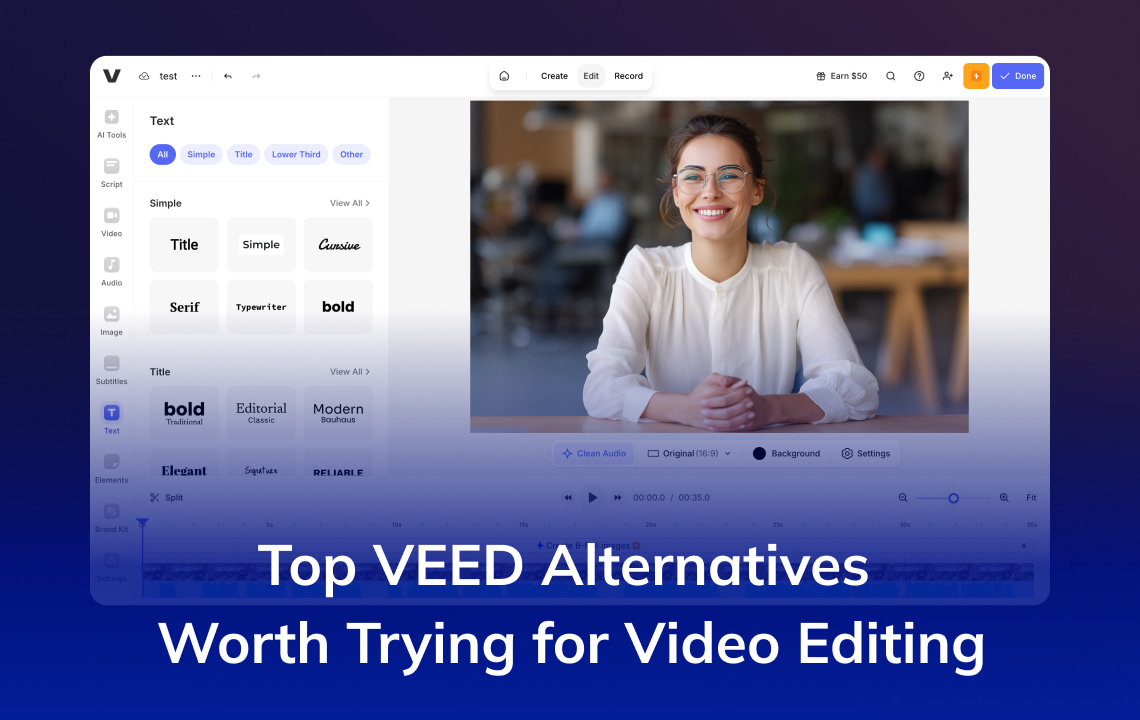
VEED is a popular tool for video creation platform that can be used in a wide variety of content types. However, some people still look for VEED alternativesfor several reasons, such as specific features, free plan limitations, more advanced editing tools, and more. In this blog post, we will discuss some of the best VEED alternatives you can try.
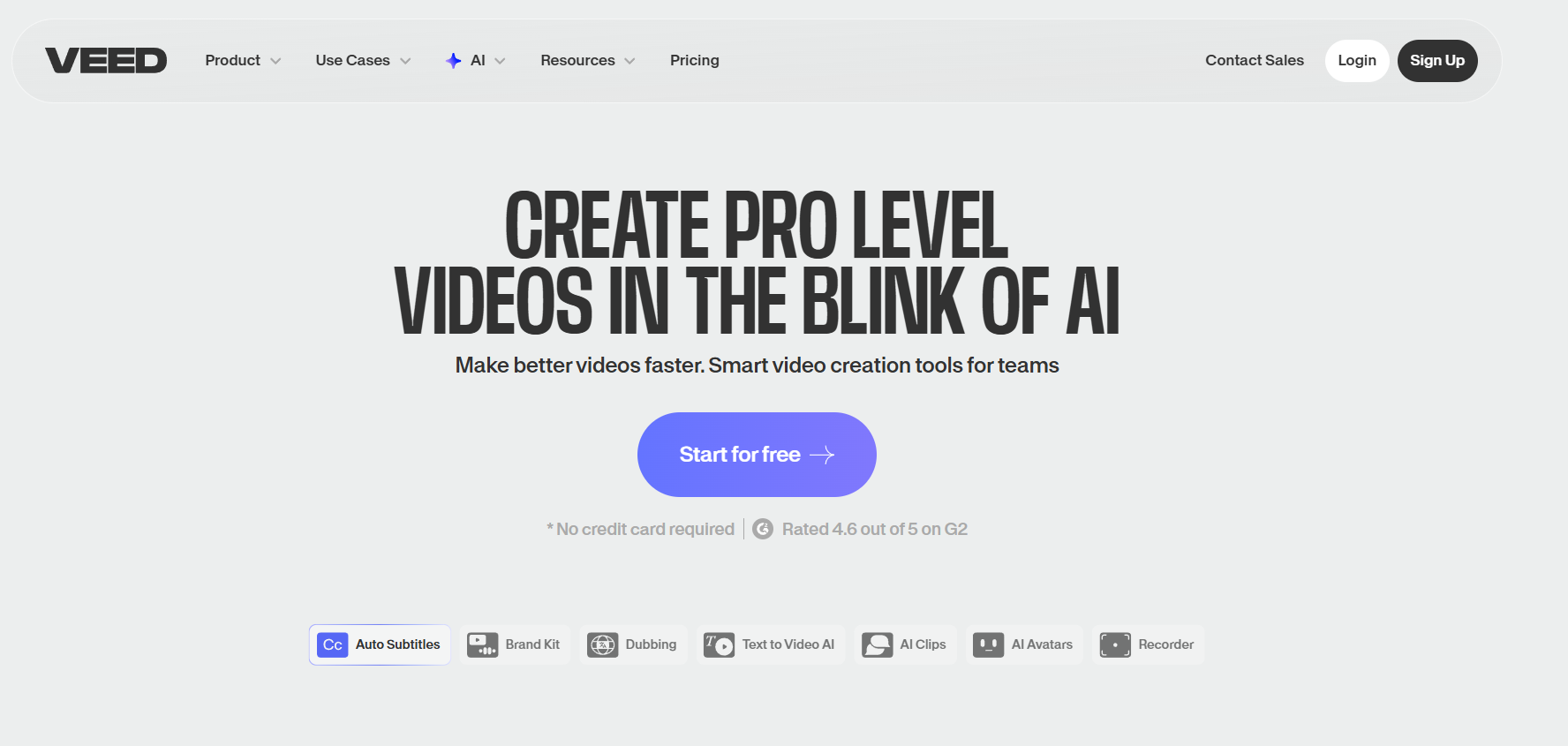
Image Credits: Screenshot from the Veed website accessed December 2025 for illustrative purposes only.
What are the best VEED Alternatives?
AI tools make content creation a lot easier and faster, especially for beginners. While VEED remains a good choice, many new and modern platforms are emerging. Some people may look for VEED alternatives that align with their goals and preferences in creating video content. Here are some of the top VEED alternatives you can try.
VMEG AI

One of the best VEED alternatives is VMEG AI, especially when it comes to video localization. VMEG AI helps individuals and businesses expand worldwide and reach a wider audience with just a few clicks. This is also perfect for a wide variety of projects, such as commercials, shows, documentaries, and more.
Key Features:
Multilingual translation & dubbing. VMEG AI lets you translate videos in more than 170 languages, such as Spanish, French, German, and more.
Wide range of realistic voices. With VMEG AI, you can explore different voices, as it supports more than 7,000 natural-sounding AI voices, making it easier to explore and choose a voice that fits your brand or personality.
Handles all your localization needs. Different kinds of workflows, such as upload, translation, dubbing, subtitle creation, editing, and export, happen inside one platform. It also takes only a few steps to generate your desired content, making users more productive by creating more video content in less time and effort.
Synthesia

Image Credits: Screenshot from the Synthesia website accessed December 2025 for illustrative purposes only.
Synthesia is an AI video platform that lets you create quality videos for different kinds of projects. Its tools and features help users save more time and cost on creating video-type content. This platform supports voiceovers in more than 140 languages, making it perfect for localizing your content.
Key Features:
Create Avatars. With Synthesia, you can create your own avatar that matches your desired online identity. You can also make your avatar speak in different languages with expressions and high fluency.
Collaboration. This is perfect for teams, as every member can collaborate on a project in real-time by creating, commenting, and reviewing videos. In this way, everyone can see the project's progress at the same time.
Beginner-friendly. This platform does not require expertise in video editing, as it is easy to use. Most users of this platform can create and publish videos without relying on tutorials, and there are also resources for those who want to go deeper.
HeyGen
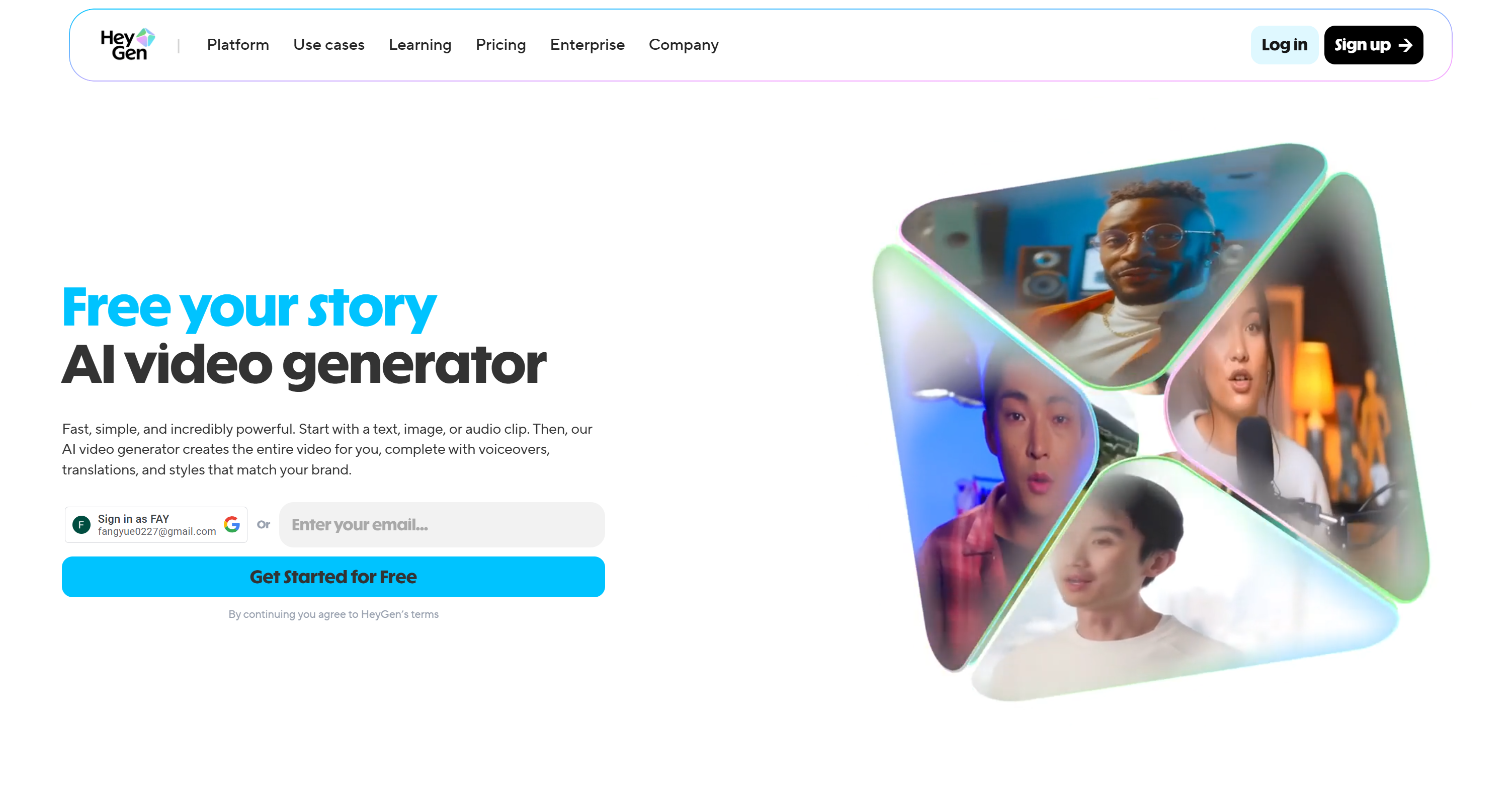
Image Credits: Screenshot from the HeyGen website accessed December 2025 for illustrative purposes only.
HeyGen is another well-known video creation tool that lets users share their stories and messages through creative video content. This AI Video generator makes the workflow easier as it handles the process of creating an entire video. It also has various features, such as translations, voiceovers, and styles to match your brand style, tone, and other preferences.
Key Features:
Lip-Sync. Its lip-sync tool enhances the video, as the lip moves naturally and synchronizes well with the audio. It also takes a few simple steps to create a realistic and expressive lip sync video.
Localization. This platform also offers localization feature to help users reach a global audience. It supports a wide range of languages and dialects, making it easier to connect with their audience and share their message.
Offers different tools. HeyGen provides multiple tools to make video creation easier and more convenient. Some of the tools it offers are Audio Speed Changer, AI Dubbing, Avatar Looks Generation, Video Translator, and more.
Kapwing
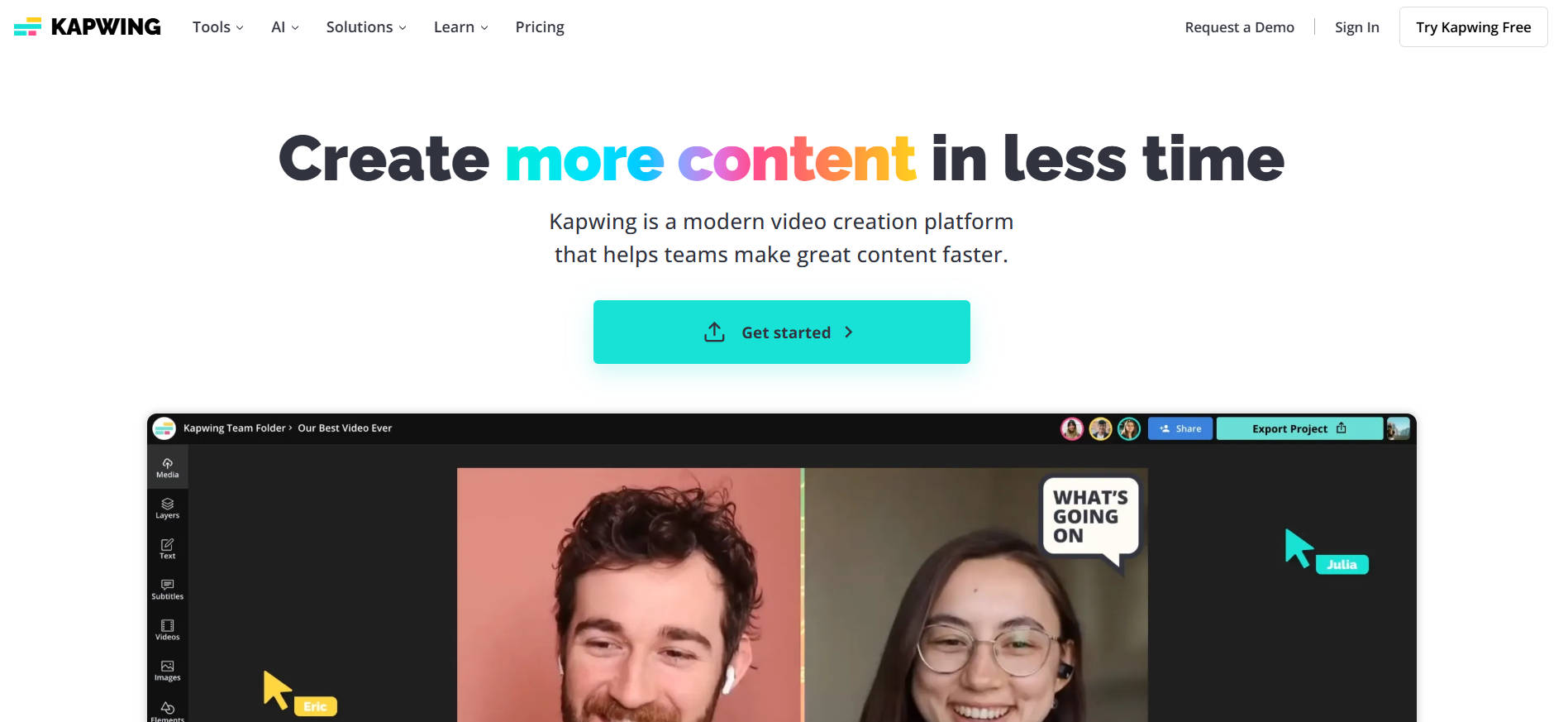
Image Credits: Screenshot from the Kapwing website accessed December 2025 for illustrative purposes only.
Kapwing is a video creation platform that helps users create content faster and more efficiently. It offers various tools, AI-powered features, templates, and more to support creators from different industries and simplify the workflow. The tools and features it offers make it easier to produce videos for various purposes, such as training, promotions, and more. It is also good for video translation, as it supports more than 100 languages to help users reach a global audience.
Key Features:
Faster workflow. Videos can be created in less time as its tools streamline the process from creating a draft to a final video output.
Collaboration. With its collaboration feature, every team member can easily see the project's real-time progress and provide feedback. It also helps in engaging everyone in the process and sharing their thoughts, feedback, or suggestions about the project and implementing them immediately.
Staying on-brand. Being consistent with brand styles is easier as it provides a shared space for brand assets. In addition, there are also custom templates to ensure consistency in the visuals and design.
Clipchamp
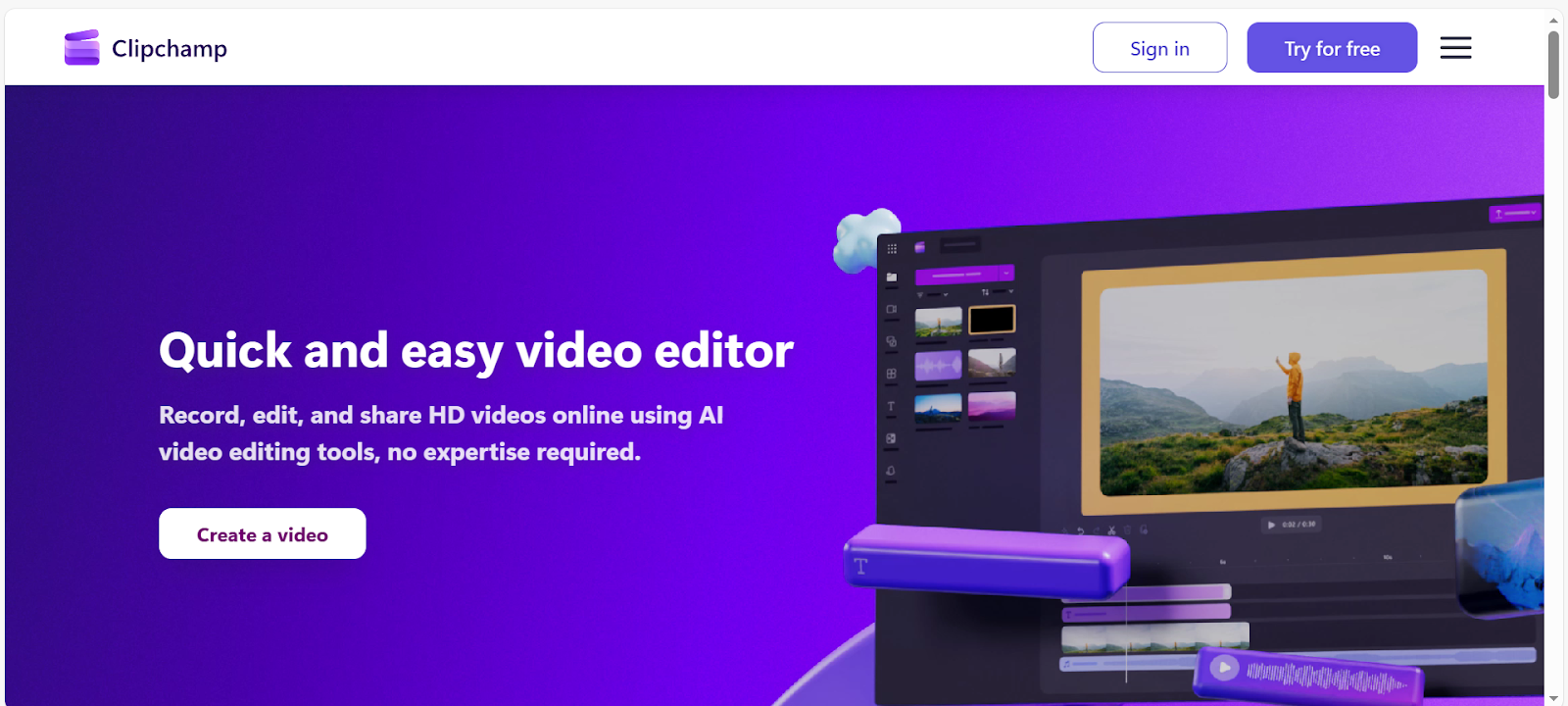
Image Credits: Screenshot from the Clipchamp website accessed December 2025 for illustrative purposes only.
Another video editor to try is Clipchamp by Microsoft. It doesn’t require any design or technical expertise, making it ideal for those looking for a simple platform. Its AI editing tools also make video creation easier and faster, helping users save time and be more productive.
Key Features:
Supports various devices. Clipchamp has an in-browser app, a desktop app, and an iOS app, making video creation accessible to different devices.
Intuitive AI audio editing tools. It enhances voice quality by removing filler words, background noise, pauses, and silences, helping create a clean and clear audio so the message can easily be understood by the audience.
AI subtitle generator. This feature makes video more accessible to a wider audience. The subtitles can be edited by selecting the font, color, and style that match the overall video design. It can also generate AI captions in more than 80 languages, so the audience from different parts of the world can easily resonate with it.
Why Look for Veed Alternatives?
Here are some reasons people look for VEED Alternatives and why they find that switching or trying other video-editing tools makes sense.
Cost consideration
Some people prefer the free plan as budget is an important factor. When it comes to the free plan, they may look for a tool that provides more features and accessibility. Some may also look for a cheaper option that provides greater value according to their specific needs.
More advanced editing features
Some projects need advanced editing features, and some creators may look for a tool that gives them more control. They might also be looking for a tool with a specific feature they need.
Offline editing
Online or cloud-based platforms require a stable internet connection, and the project’s progress can be affected when there are internet issues. Other creators prefer offline editing, especially for those who want a more focused work and are more comfortable using offline or traditional tools.
Workflow
Workflow is one of the factors that makes people look for alternatives. They might be looking for a platform with a workflow that matches their work style and preferences to be more productive.
Who Should Consider Veed Alternatives?
Are you wondering about considering using VEED alternatives, and if it is the right decision for you? Here are those who should consider VEED alternatives.
Content creators and social media managers
Content creators and social media managers should consider alternatives if they are looking for other features that may not be available on VEED. It also depends on their goals, preferred workflow, and desired output.
Businesses looking for more affordable pricing or other features.
Businesses may look for other platforms that provide more value at a lower price, especially those that are operating as small or medium enterprises. Some businesses may look for a tool that gives them more control to meet their standard output and be consistent with their brand styles.
Educators and trainers
Educators and trainers who produce video content may need additional features and tools to achieve their learning objectives, as content is one of the most important elements in teaching and learning.
How Veed and Its Alternatives Can Improve Your Workflow
Veed and its alternatives can make or break your workflow depending on the tool's features and your needs and preferences. Whether you are producing a short clip, promotional video, educational content, or any kind of project, VEED and its alternative can streamline the process.
Simplifying the editing process
Many people are looking for tools that are easy to use, something they can use immediately without watching or reading long tutorials. This gives them more time to create content and less time figuring out how the tools work.
Automating Repetitive Tasks
Automations help in speeding up the video creation process and keep the content style consistent. Many online editing platforms are powered by AI and include features like subtitles, transcription, and templates.
Improving Collaboration
These tools make communication faster, especially for those who want real-time feedback. It makes it easier to review, comment, and edit from anywhere. This makes the team collaboration workflow more productive.
How to Choose the Right VEED Alternatives or Video Translation Tool
Various factors need to be considered when choosing the right VEED alternatives or video translation tool. This will help you save time and effort in choosing the perfect tool that suits your needs.
Supported languages
The number of supported languages is important, especially if you want to localize your content and get a wider audience. Choose a tool, such as VMEG AI, that supports multiple languages.
AI accuracy and subtitle quality
Accuracy and subtitles are other important factors to create a video output that looks professional. The content with an accurate translation keeps the audience engaged.
Cost vs. features
It is important to balance the cost and features. The cost must be within your budget, and check your preferred plan to see if the features you need are available or limited.
Ease of use and interface
Saving time and effort helps people to be more productive, so choose a platform that is easy to use and has a simple and intuitive interface to make your workflow smoother.
Conclusion
Veed is one of the good platforms to use when it comes to creating video content. However, every individual and businesses have different needs and requirements that may not be available on VEED or are looking for a better platform that suits their preferences. And this is the reason why some are looking for VEED alternatives. Some of the VEED alternatives you can try are VMEG AI, Synthesia, HeyGen, Kapwing, and Clipchamp. These VEED alternatives can improve workflow and give results that are aligned with your goals and expectations.


The VMEG Team
Behind VMEG stands a passionate team of creatives, engineers, and language lovers. At the crossroads of AI and storytelling, they craft tools that bridge languages and cultures.