


'%3e%3cpath%20d='M21.0949%203.79395L13.9961%209.82854H21.0949V3.79395Z'%20stroke='black'%20stroke-width='1.38'%20stroke-miterlimit='10'/%3e%3cpath%20d='M13.998%209.82854L7.44531%203.79395V9.82854H13.998Z'%20stroke='black'%20stroke-width='1.38'%20stroke-miterlimit='10'/%3e%3cpath%20d='M13.9961%202.69922V25.1919'%20stroke='black'%20stroke-width='1.38'%20stroke-miterlimit='10'/%3e%3cpath%20d='M20.5488%2016.4113L13.9961%209.82812V18.2217L20.5488%2024.0918V16.4113Z'%20stroke='black'%20stroke-width='1.38'%20stroke-miterlimit='10'/%3e%3cpath%20d='M7.44531%2016.4113L13.998%209.82812V18.0526L7.44531%2024.0918V16.4113Z'%20stroke='black'%20stroke-width='1.38'%20stroke-miterlimit='10'/%3e%3cpath%20d='M4.71094%209.82812V18.6057H7.44125V16.4113L13.9941%209.82812H4.71094Z'%20stroke='black'%20stroke-width='1.38'%20stroke-miterlimit='10'/%3e%3cpath%20d='M13.9961%209.82812L20.5488%2016.4113V18.6057H23.2792V9.82812H13.9961Z'%20stroke='black'%20stroke-width='1.38'%20stroke-miterlimit='10'/%3e%3c/g%3e%3c/svg%3e)

'%3e%3cmask%20id='mask0_21456_29260'%20style='mask-type:luminance'%20maskUnits='userSpaceOnUse'%20x='0'%20y='0'%20width='28'%20height='28'%3e%3cpath%20d='M27.5%200.5H0.5V27.5H27.5V0.5Z'%20fill='white'/%3e%3c/mask%3e%3cg%20mask='url(%23mask0_21456_29260)'%3e%3cpath%20d='M14%2027.5C13.4854%2024.1035%2011.8974%2020.9608%209.46828%2018.5317C7.03922%2016.1026%203.89651%2014.5146%200.5%2014C3.89651%2013.4854%207.03922%2011.8974%209.46828%209.46828C11.8974%207.03922%2013.4854%203.89651%2014%200.5C14.5147%203.89644%2016.1028%207.03905%2018.5318%209.46816C20.9609%2011.8972%2024.1035%2013.4853%2027.5%2014C24.1035%2014.5147%2020.9609%2016.1028%2018.5318%2018.5318C16.1028%2020.9609%2014.5147%2024.1035%2014%2027.5Z'%20fill='url(%23paint0_linear_21456_29260)'/%3e%3c/g%3e%3c/g%3e%3cdefs%3e%3clinearGradient%20id='paint0_linear_21456_29260'%20x1='9.5'%20y1='9.5'%20x2='20.75'%20y2='21.875'%20gradientUnits='userSpaceOnUse'%3e%3cstop%20stop-color='%23F0DCD6'/%3e%3cstop%20offset='0.914506'%20stop-color='%231D6DFF'/%3e%3c/linearGradient%3e%3cclipPath%20id='clip0_21456_29260'%3e%3crect%20width='28'%20height='28'%20fill='white'/%3e%3c/clipPath%3e%3c/defs%3e%3c/svg%3e)
'%3e%3cpath%20d='M22.8019%2011.2412L23.5234%2011.6807V12.0103L23.3172%2012.7796L14.5579%2014.9771L13.7344%2012.7951L22.8019%2011.2412Z'%20fill='%23D97757'/%3e%3cpath%20d='M19.5236%204.77832L20.5322%205.00396L20.8%205.35575L21.0552%206.19876L20.9494%206.73644L15.0712%2015.3068L13.1133%2013.2191L18.5338%205.63471L19.5236%204.77832Z'%20fill='%23D97757'/%3e%3cpath%20d='M14.4577%203.43951L15.0761%203L15.5912%203.21976L16.1065%203.9889L14.6949%2013.0345L13.7364%2012.3397L13.3242%2011.131L14.0456%204.31853L14.4577%203.43951Z'%20fill='%23D97757'/%3e%3cpath%20d='M7.84766%203.5851L8.48285%202.7199L8.89716%202.61914L9.71923%202.74717L10.125%203.08581L13.0815%2010.0748L14.1509%2013.3954L12.8997%2014.1372L8.13117%204.91019L7.84766%203.5851Z'%20fill='%23D97757'/%3e%3cpath%20d='M4.77232%208.38688L4.56641%207.50742L5.18478%206.73828L5.90613%206.84816H6.11223L10.4403%2010.2544L11.78%2011.3531L13.6349%2012.8914L12.6044%2014.7594L11.6769%2013.9903L11.0586%2013.331L5.08168%208.82593L4.77232%208.38688Z'%20fill='%23D97757'/%3e%3cpath%20d='M3.53288%2014.0982L3.06641%2013.5489L3.06647%2013.0601L3.53288%2012.8896L8.78833%2013.2193L13.9408%2013.6588L13.7736%2014.7528L3.94502%2014.2082L3.53288%2014.0982Z'%20fill='%23D97757'/%3e%3cpath%20d='M6.62378%2019.8178H5.59334L5.18359%2019.3146V18.7132L6.93299%2017.3946L14.045%2012.5674L14.7648%2013.8785L6.62378%2019.8178Z'%20fill='%23D97757'/%3e%3cpath%20d='M8.57739%2022.8884L8.16518%2022.9984L7.54688%2022.6687L7.64995%2022.1193L13.7299%2013.5488L14.5543%2014.7574L10.0201%2021.1305L8.57739%2022.8884Z'%20fill='%23D97757'/%3e%3cpath%20d='M13.7361%2023.9861L13.4271%2024.4257L12.8088%2024.6454L12.2935%2024.2058L11.9844%2023.5466L13.5301%2014.6465L14.4576%2014.7563L13.7361%2023.9861Z'%20fill='%23D97757'/%3e%3cpath%20d='M18.9869%2021.5713V22.4503L18.8838%2022.7799L18.4716%2022.9997L17.7503%2022.8974L12.7969%2015.0367L14.7617%2013.4404L16.4104%2016.6269L16.5652%2017.7805L18.9869%2021.5713Z'%20fill='%23D97757'/%3e%3cpath%20d='M21.3629%2020.2507L21.4659%2020.8L21.1568%2021.2396L20.8476%2021.1297L19.0958%2019.8112L16.4165%2017.284L14.3555%2015.7457L14.9736%2013.6582L16.0041%2014.3175L16.6226%2015.5259L21.3629%2020.2507Z'%20fill='%23D97757'/%3e%3cpath%20d='M20.0232%2014.6482L22.5995%2014.8679L23.2178%2015.3074L23.6299%2015.9667V16.441L22.4964%2016.9556L16.7256%2015.4173L14.3555%2015.3074L14.9737%2013L16.6226%2014.3185L20.0232%2014.6482Z'%20fill='%23D97757'/%3e%3c/g%3e%3c/svg%3e)

SRT is a universal subtitle file format that controls when and what text appears in a video. An SRT (SubRip Text) file is a simple plain-text format containing subtitle numbers, start/end timecodes, and dialogue text, making it compatible with nearly all video platforms and players.
SRT files are essential for accessibility, SEO, and global reach. They improve watch time, support silent viewing, boost video SEO, enhance accessibility compliance, and enable easy multilingual distribution across platforms like YouTube, Netflix, and social media.
SRT files can be created manually or automatically, with AI now the preferred method. Manual creation offers control but is slow, while AI tools like VMEG AI generate accurate, time-synced, and multilingual SRT files at scale—making subtitle creation faster, easier, and future-proof in 2025 and beyond.
What Is an SRT Format File?
- Subtitle number
- Timecodes (start and end)
- Subtitle text
- Simple to create
- Supported by almost all the platforms.
- It can be easily edited using a text editor.
- Light and small file size.
Why SRT Files Are Essential
- Increase watch time by up to 80%
- Improve accessibility for deaf and hard-of-hearing viewers
- Boost video SEO
- Reach more international audiences
- Support quiet-environment viewing
- Improve retention in e-learning
Structure of an SRT File (With Example)
Breakdown of Elements
| Element | Description | Example |
| Subtitle Index | The sequential number of the subtitle. | 1 |
| Timecode (Start $\rightarrow$ End) | The precise start and end time for the subtitle to appear on screen. Format: HH:MM:SS,MMM (Hours:Minutes:Seconds,Milliseconds). | 00:00:01,000 --> 00:00:05,000 |
| Text | The actual subtitle text that appears during the defined time interval. | This is the first subtitle line. |
| Blank Line | A mandatory empty line separating the blocks. | (A line break) |
How to Create an SRT File (Step-by-Step)
- Manually (traditional method)
- Automatically using AI tools like VMEG AI
Method 1: How to Create SRT File Manually
Step 1: Open a simple text editor
- Notepad (Windows)
- TextEdit (Mac)
- Notepad++
- Sublime Text
Step 2: Add your first subtitle number
Step 3: Add the timecode
- Hours, minutes, seconds
- Comma before milliseconds
- Space before and after the arrow
- Arrow must be -->
Step 4: Add your text
Step 5: Leave a blank line
Step 6: Save the file
Pros of Manual SRT Creation
- Complete control
- Perfect for correcting AI-generated files
- No cost
Cons
- Time-consuming
- Difficult for long videos
- Hard for multilingual subtitles
- Easy to make timecode errors
Method 2: How to Create an SRT File Automatically with VMEG AI
- Generate Subtitles: Creates the text content.
- Sync Timecodes with Speech: Automatically matches text to audio.
- Translate Subtitles: Translates into 170+ languages.
- Maintain Correct Lip-Sync: Ensures synchronization for quality viewing.
- Export Subtitles Directly as SRT: Provides the universally compatible format.
How to Create SRT File Using VMEG AI (Step-by-Step)
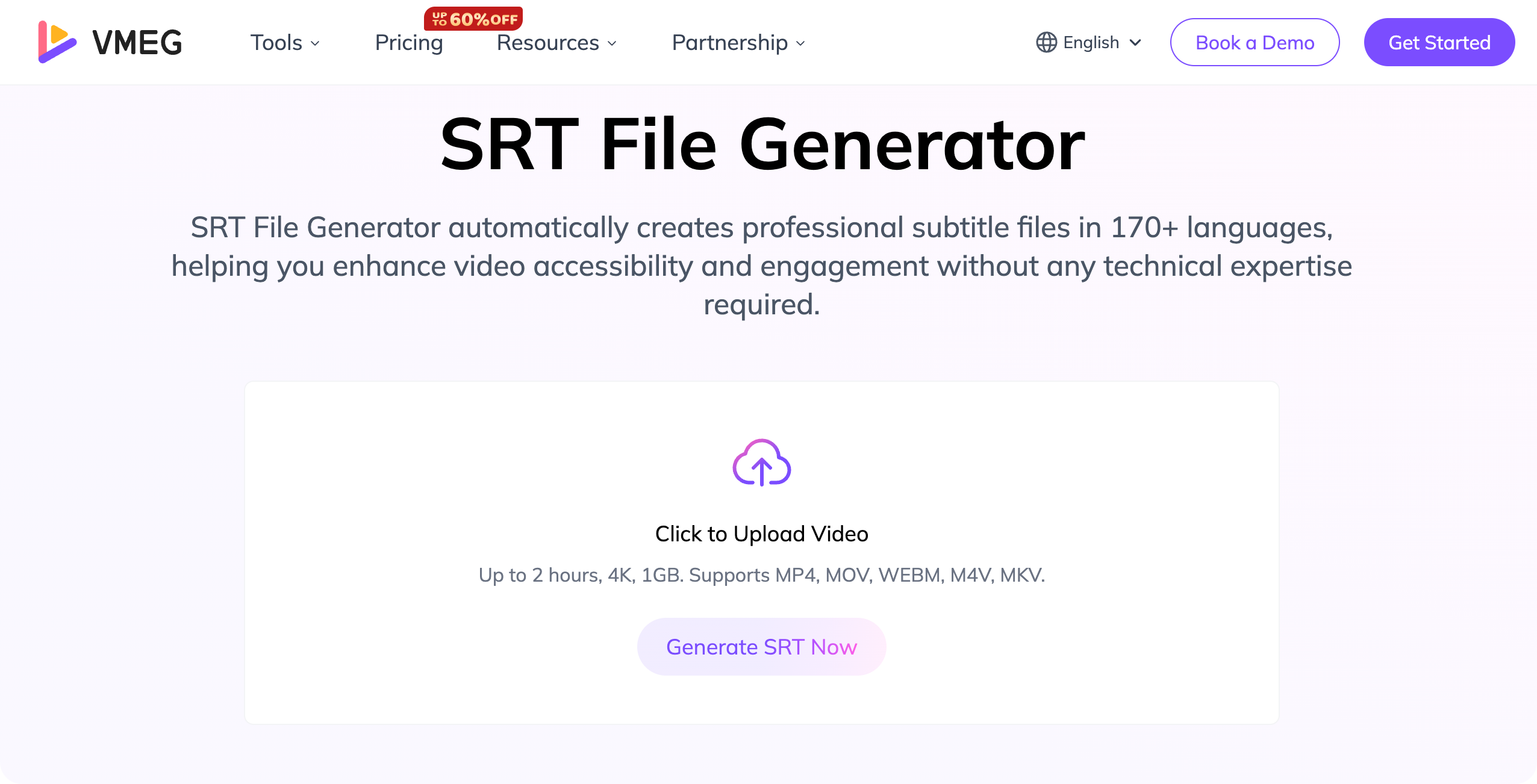
Step 1: Upload your video
Step 2: Select subtitle generation
Step 3: Pick your language
Step 4: Edit or approve subtitles
Step 5: Export as SRT
Step 6: (Optional) Generate multilingual subtitles
Other Tools for Creating SRT Files (But Not as Powerful as VMEG AI)
- YouTube Auto-Captions (basic, often inaccurate)
- Subtitle Edit (manual editing)
- Amara
- HandBrake (basic subtitle integration, not creation)
- Rev.com (expensive human transcription)
- Lip-sync
- AI voice replication
- 170+ languages
- Multilingual SRT generation
- Fast AI editing
Tips for Creating Perfect SRT Files
1. Keep lines short
- 32–42 characters
- 1–2 lines only
2. Match reading speed
3. Avoid clutter
4. Translate culturally, not literally
5. Always test your SRT
- YouTube
- VLC
- Final Cut / Premiere Pro
- Social media platforms
Where You Can Use SRT Files
Social Media
- YouTube
- TikTok
- Facebook
- Instagram
- LinkedIn
Video Players
- VLC
- Windows Media Player
- QuickTime
Editing Software
- Adobe Premiere
- Final Cut Pro
- DaVinci Resolve
OTT & Streaming
- Netflix
- Amazon Prime
- Local streaming platforms
Why SRT Matters More Now Than Ever (2026 Trends)
Trend 1: Trend-following
Trend 2: Localized videos are desired by global audiences
Trend 3: AI translation is being made the norm
Trend 4: The accessibility requirements are increasing
Trend 5: The use of SEO gains popularity.
What Is SRT Format? FAQs
1. What is the SRT format used for?
2. What information does an SRT file contain?
3. Why is the SRT format so popular for video platforms?
4. Can an SRT file be used to translate a video into different languages?
5. What is the difference between an SRT file and an ASS/SSA file?
Final Thoughts: The Competitive Edge

