


Key Takeaways for Subtitle Translation
- Workflow fit matters: Some tools translate an existing SRT or VTT file, while others start with video and export a finished captioned project.
- Editing is essential: Review names, terminology, line breaks, reading speed, and timecodes before publishing a translated subtitle track.
- VMEG AI: VMEG can generate, translate, edit, and export subtitles, then continue into dubbing and broader video localization when needed.
- Choose by deliverable: A browser editor suits styled social video, while specialist subtitle tools suit file, review, and timing workflows.
With the continued growth of video content, subtitle translation has become an important bridge between video creators and audiences who speak different languages. Subtitles also improve accessibility for viewers who are deaf or hard of hearing, support language learning, and help creators reach global markets.
This guide reviews eight translation tools and compares their language support, editing options, subtitle formats, pricing models, and best-fit use cases, helping you choose a tool that matches your workflow and budget.
Why Subtitle Translation Matters in 2026
In 2026, video remains a primary medium for global information exchange. As creators and platforms reach audiences across borders, subtitle translation can determine whether content is understandable outside a single language group.
Breaking the "Monolingual Ceiling"
Publishing in one language limits who can follow a video. Translated subtitles make tutorials, product videos, courses, interviews, and entertainment accessible in additional markets without replacing the original soundtrack. They also let viewers choose the language that best supports comprehension.
Silent Viewing as the Default Behavior
Many viewers encounter video in places where they cannot or prefer not to use audio. Subtitles keep the message available in those situations and support viewers who are deaf or hard of hearing. For multilingual audiences, translated subtitles add another layer of access while preserving the speaker's original voice.
Powering AI-Based Search and Discovery
Subtitle files turn spoken dialogue into structured text that video platforms, search systems, and production teams can process and reuse. Creators can use that text for translated captions, transcripts, summaries, articles, and localized versions of the same video. Discovery benefits depend on the platform and implementation, so subtitles should be treated first as a viewer and localization asset rather than a guaranteed ranking shortcut.
Comparison Table of Best Subtitle Translators
| Tool | Best for | Editing and review | Highlighted features |
| VMEG AI | End-to-end subtitle translation and video localization | Edit source and translated text, timing, layout, and style |
|
| Maestra | Multi-language subtitle file workflows | Browser review and multi-language track edits |
|
| Kapwing | Creators editing and styling translated video in a browser | Timeline editing, caption styling, and team review |
|
| Notta | Meeting, interview, and transcription-led workflows | Transcript review; limited cue-level subtitle editing |
|
| HeyGen | Creators using subtitles alongside AI video creation | Caption edits and visual styling inside the video workflow |
|
| Rask AI | Translated subtitles combined with dubbing | Review captions before dubbed or localized export |
|
| VEED | Creator-friendly caption styling and browser editing | Timeline review, caption styling, and video editing |
|
| Amara | Professional subtitle translation and human review | Assigned review, approval, and post-delivery editing |
|
Top 8 Subtitle Translators List
This list considers language support, file and video inputs, subtitle editing, timing control, ease of use, pricing model, and overall workflow fit.
#1 VMEG AI
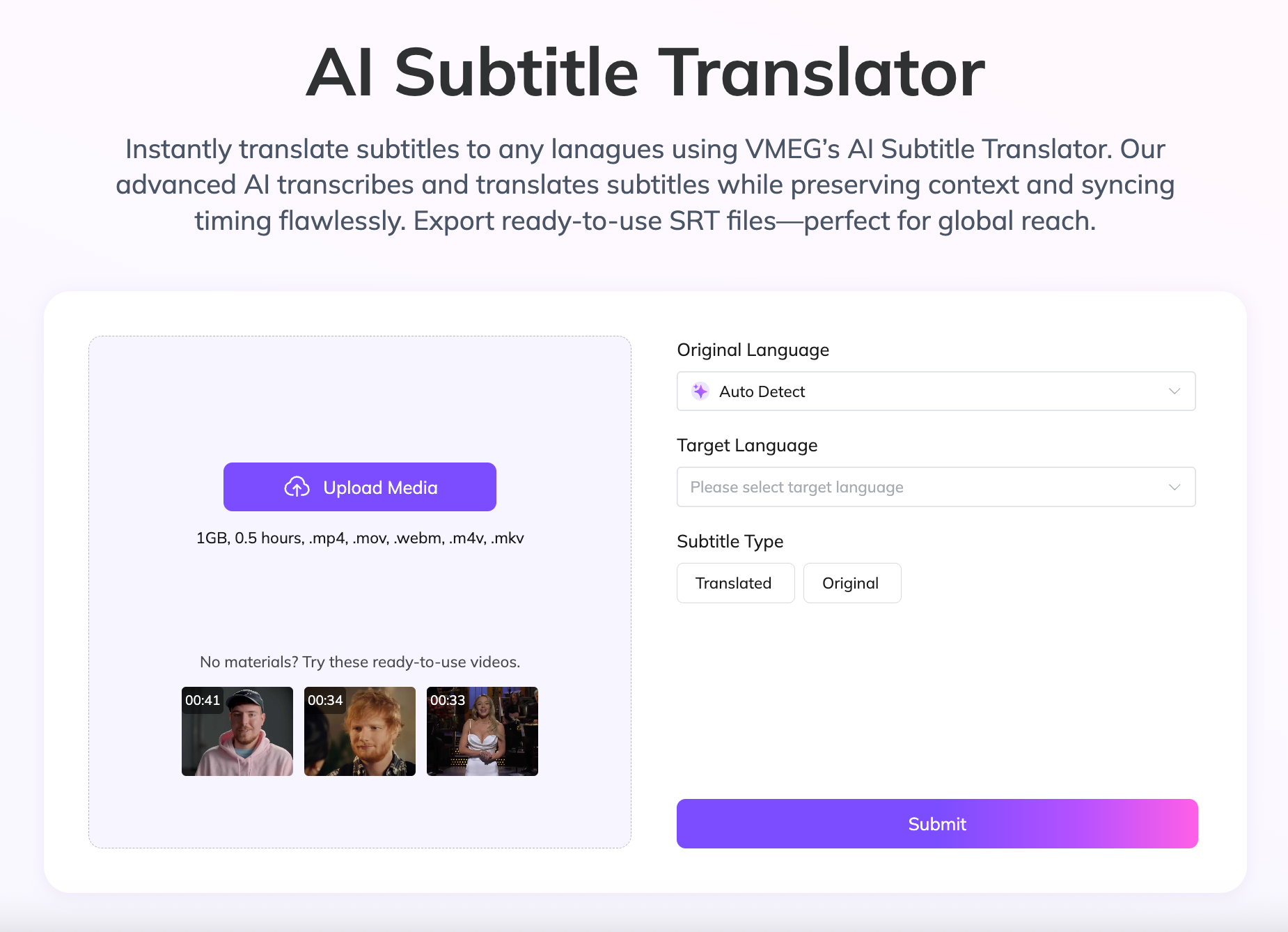
- Generate source-language, translated, or bilingual subtitles for videos in 170+ languages and dialects.
- Upload a video through the VMEG Subtitle dashboard or start with an existing SRT file when accurate source captions are already available.
- Edit source and translated scripts, timing, position, and visual style before export.
- Download original or translated subtitle files, or export a video with subtitles applied.
- Continue into AI dubbing, voice selection, speaker editing, and broader video localization.
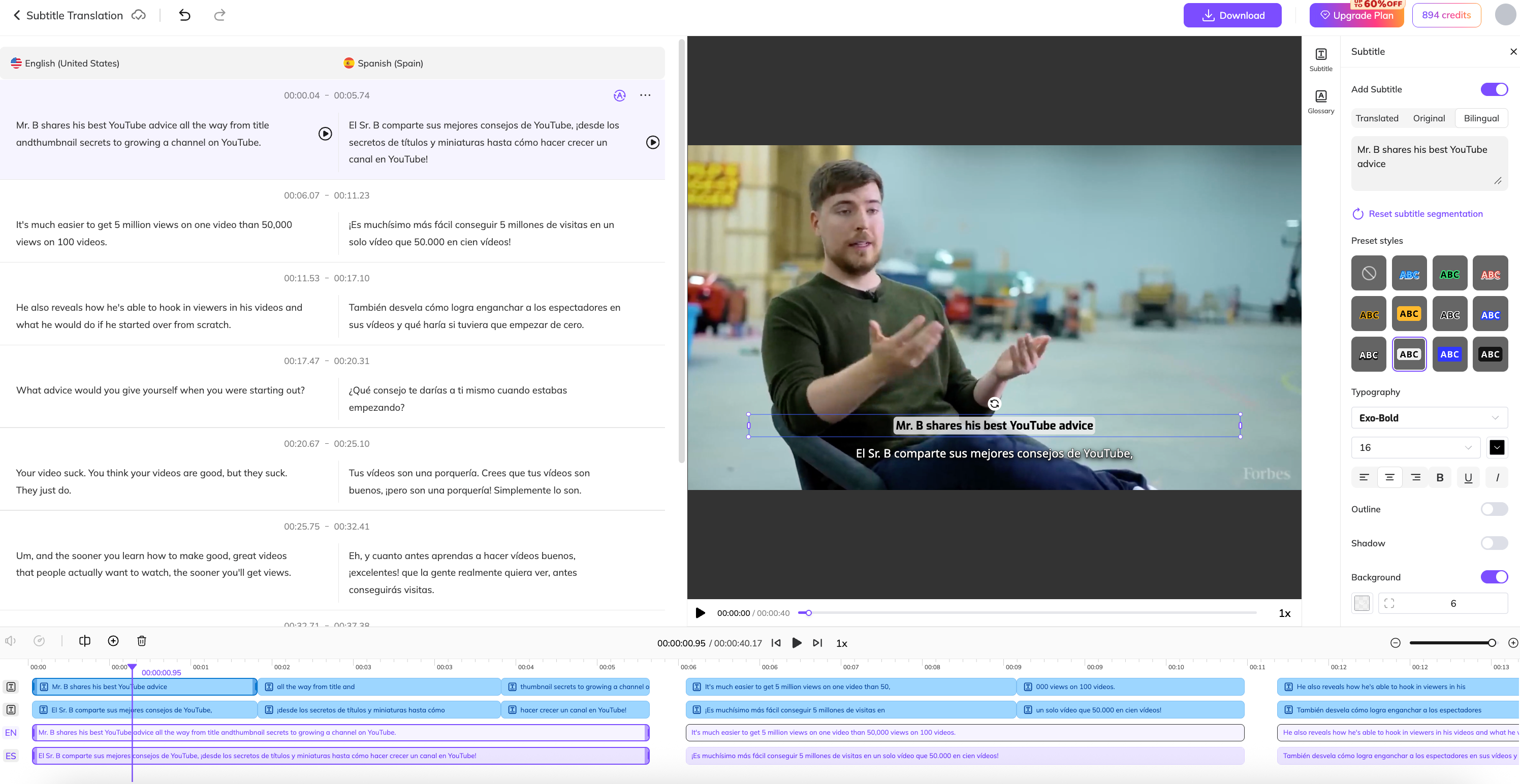
- Pros: A connected workflow reduces the need to move scripts, subtitles, and localized video assets between separate tools.
- Cons: Names, terminology, segmentation, and timing still need review. Inputs, export formats, and limits vary by workflow and account.
#2 Maestra
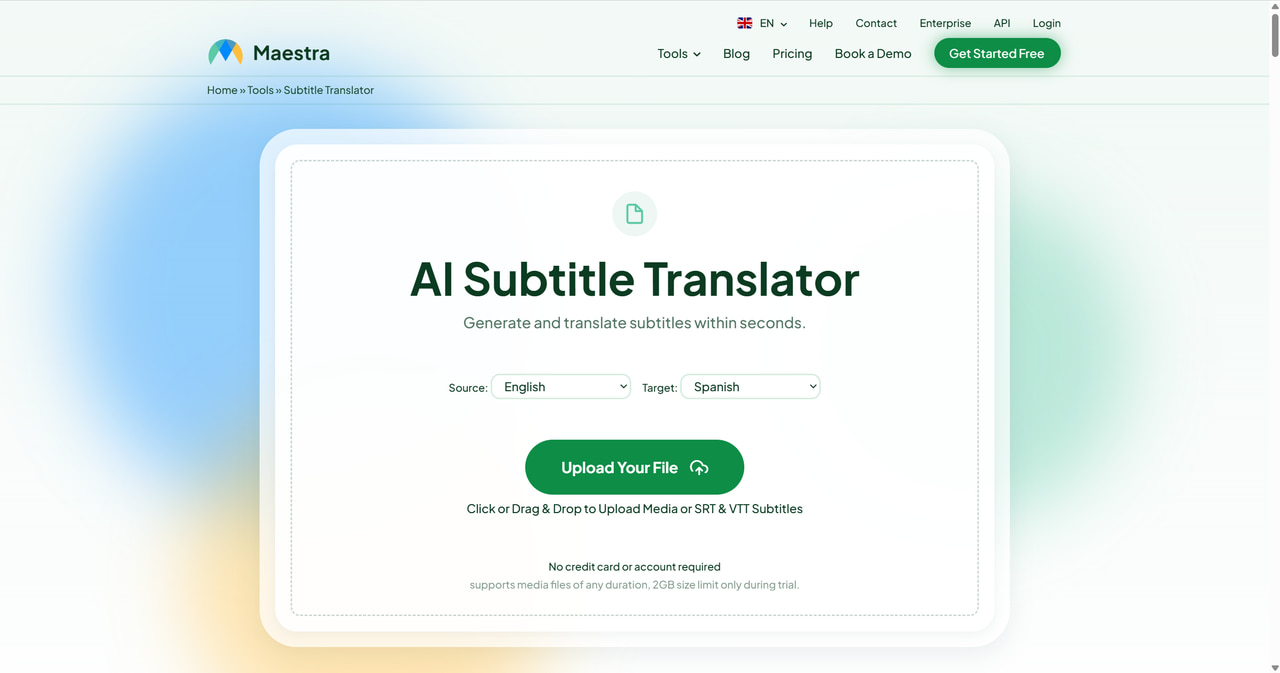
- Translate uploaded subtitle files or generate a subtitle track from video and audio.
- Support 125+ languages and export common formats such as SRT, VTT, and TXT.
- Keep original cue timing while allowing users to edit translated lines before export.
- Manage multiple language tracks in one workspace.
- Pros: File upload, timing preservation, editing, and multi-language management fit recurring subtitle production.
- Cons: Export and longer-file processing may require an account or paid usage; quality still depends on the source audio and language pair.
#3 Kapwing
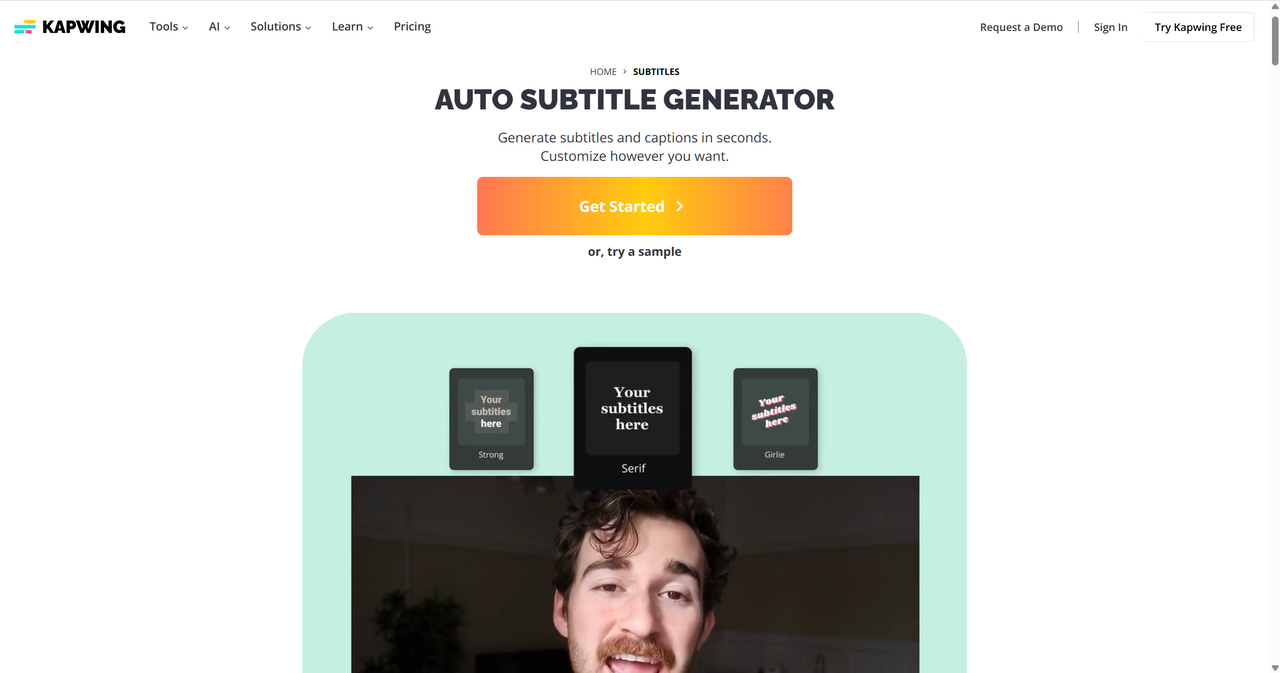
- Translate subtitles from video, audio, SRT, VTT, or TXT inputs into 100+ languages.
- Review and edit wording, punctuation, tone, and context while subtitles remain connected to the video timeline.
- Download subtitle files or export a video with translated captions.
- Apply subtitle styles and use browser-based collaboration for teams reviewing the same project.
- Pros: The combined editor is useful for teams that need to translate, style, resize, and publish a video in one workspace.
- Cons: Translation, watermark removal, export resolution, and usage limits vary by plan. It can be more tool than needed for a finished SRT file.
#4 Notta
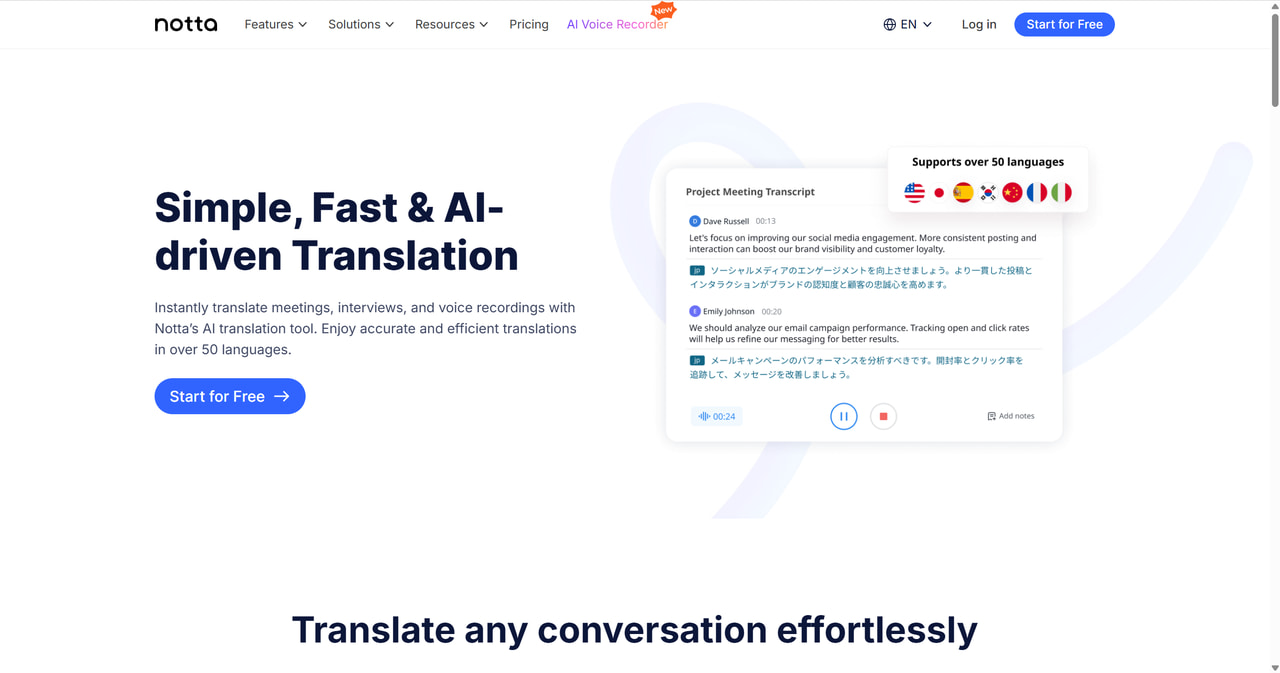
- Transcribe video and audio, then translate the resulting text in the same workspace.
- Identify speakers in supported workflows and organize notes by conversation.
- Export transcripts and supported subtitle or text formats for downstream editing.
- Support browser and mobile workflows for meetings, interviews, and recorded conversations.
- Pros: A useful option when subtitle translation starts with transcription, meeting notes, or interviews rather than a finished subtitle file.
- Cons: It is not a specialist subtitle editor, so teams may need a separate tool for detailed cue timing, styling, or video export.
#5 HeyGen
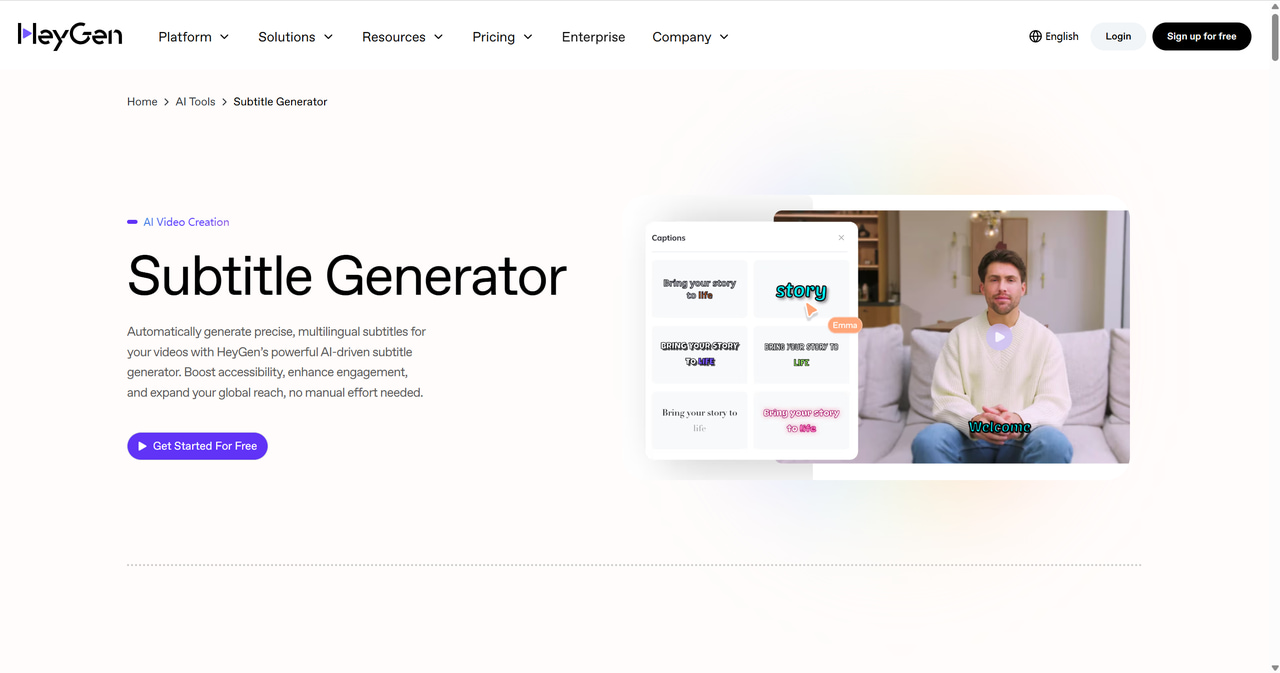
- Generate and edit subtitles for video projects inside an AI video workspace.
- Adjust font, color, background, and positioning for readability across devices.
- Use subtitles alongside avatar, voiceover, and multilingual video creation workflows.
- Export a finished video with captions applied.
- Pros: Useful for creators who already use an AI video creation ecosystem and need subtitle styling in the same project.
- Cons: It is broader than a subtitle-only editor, and advanced features or export options depend on the plan.
#6 Rask AI
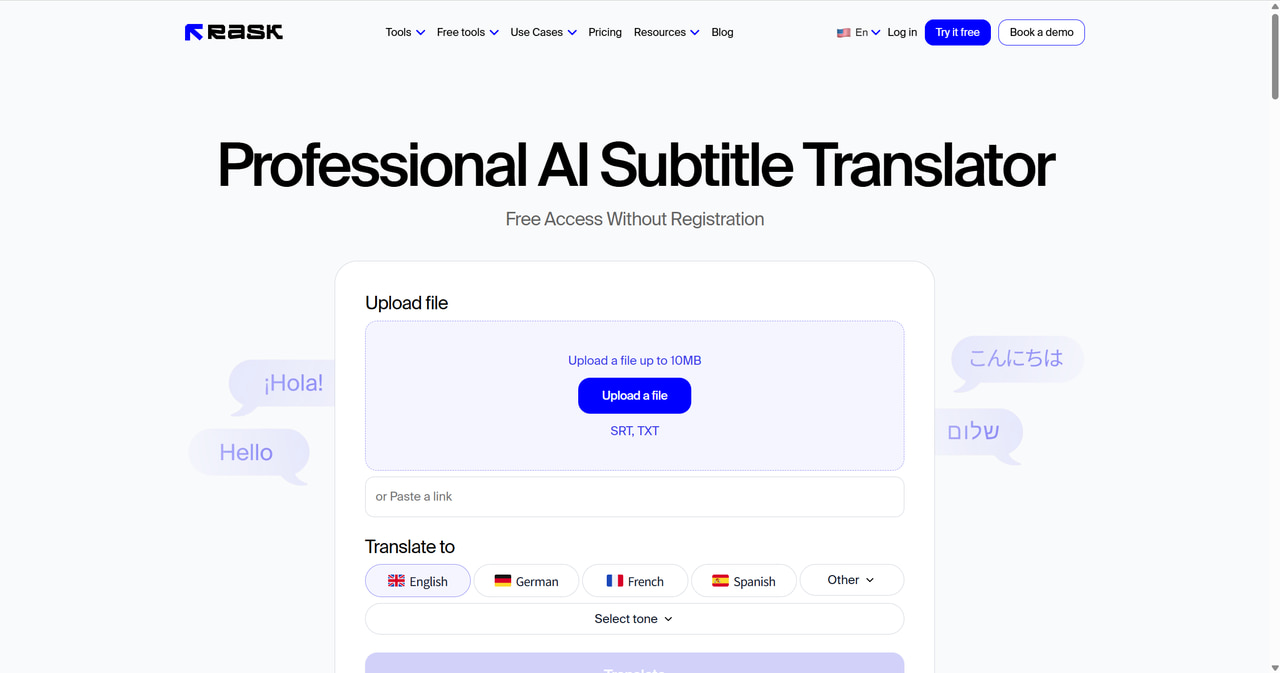
- Generate a translated video with subtitles or download translated subtitles as an SRT file.
- Export original and translated timestamps with speaker information.
- Combine subtitles with AI dubbing and optional lip sync in the same project.
- Preview captions in the video player before final video generation.
- Pros: Rask connects subtitle output with a broader multilingual dubbing workflow and preserves speaker-related timing information in its SRT exports.
- Cons: It is a broader localization product than a dedicated subtitle translator. SRT and subtitle-video options can depend on the selected plan or add-on.
#7 VEED
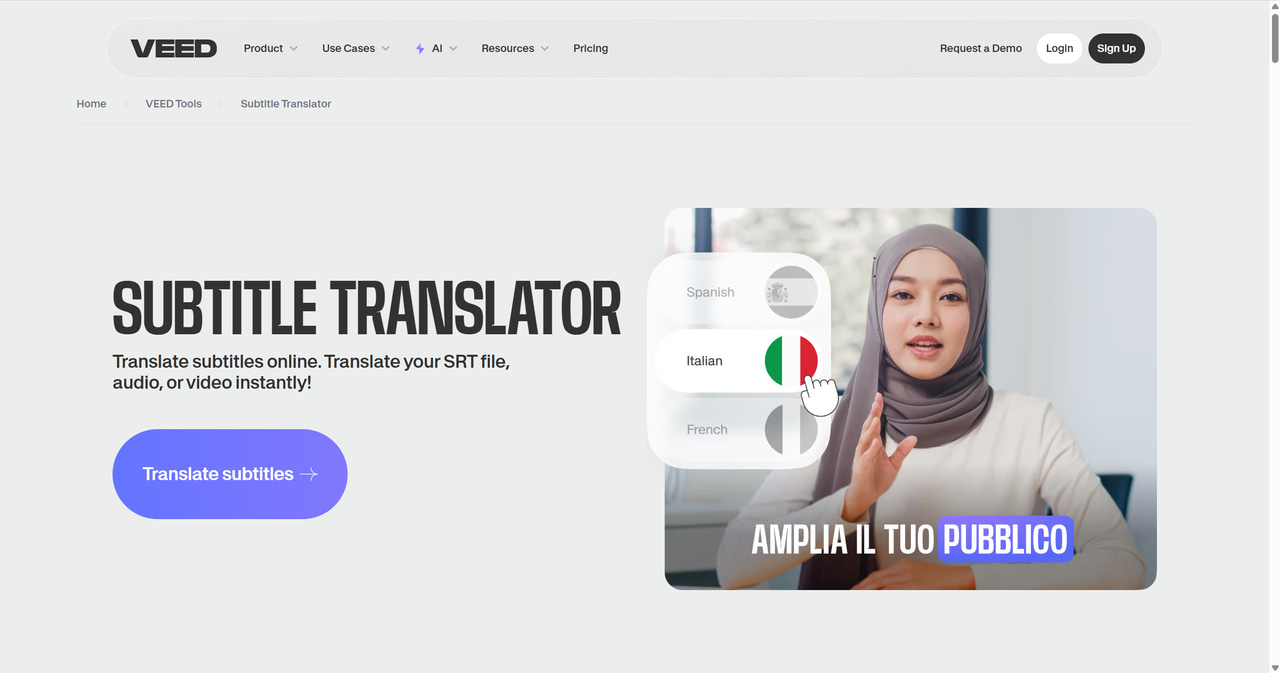
- Generate subtitles from uploaded audio or video and translate them inside the editor.
- Review subtitle text and timing against the video before export.
- Apply fonts, colors, positioning, and animated caption styles for social video.
- Download supported subtitle files or export a captioned video, depending on the plan.
- Pros: Its browser interface works well for creators who already need video editing and subtitle styling.
- Cons: Translation, subtitle downloads, watermark removal, export quality, and usage limits vary by plan. Dedicated subtitle professionals may need deeper timing and format controls.
#8 Amara

- Order professional translated subtitles, captions, AI captions with review, transcription, or text translation services.
- Use the Amara workspace to view, edit, and download final subtitle files in multiple formats.
- Apply a professional creation-and-review workflow for projects where accuracy and consistency are priorities.
- Use the subtitle editor for post-delivery changes and review.
- Share terminology, style, and other project requirements with the service team.
- Pros: A strong fit for teams that need professional human subtitle translation and a clear review path, rather than only self-serve machine output.
- Cons: It is a managed-service workflow, so it may not suit users who need instant self-service localization or a full browser video editor.
FAQs about Subtitle Translation Software
What is the difference between a subtitle generator and a subtitle translator?
A subtitle generator converts speech into same-language captions. A subtitle translator converts those captions into another language. Some tools can perform both steps in one project.
Can I translate an SRT or VTT file without changing its timestamps?
Yes, if the tool treats the file as timed subtitles and changes only the cue text. Check the exported file before publishing because longer translated sentences may still need different line breaks or shorter wording.
Can AI subtitle tools create bilingual subtitles?
Some tools can show the source and translated languages together or export a bilingual subtitle track. VMEG documents a bilingual subtitle workflow. Preview the layout because two languages require more screen space.
Do AI-translated subtitles still need human review?
Yes. Review names, numbers, idioms, technical terms, punctuation, speaker labels, reading speed, line breaks, and timing. Human review is especially important for legal, medical, training, paid advertising, or customer-facing material.
Subtitles vs. dubbing: what is the difference?
Subtitles display translated text on screen, while dubbing replaces the original audio track with a new spoken-language version. Choose subtitles when viewers need the original voice and a lower-complexity localization path; choose dubbing when spoken-language accessibility is the priority.