VMEG AI vs VEED
While VEED.io is a fantastic all-in-one video editor for creators, VMEG AI offers a more specialized, professional approach to video localization. If your goal is to translate videos with high accuracy and authentic lip-sync without hitting restrictive usage limits, VMEG is the superior VEED alternative.


Key Features Comparison
| Feature |  |  |
|---|---|---|
| Core Focus | Specialized Video Localization | General Video Editing |
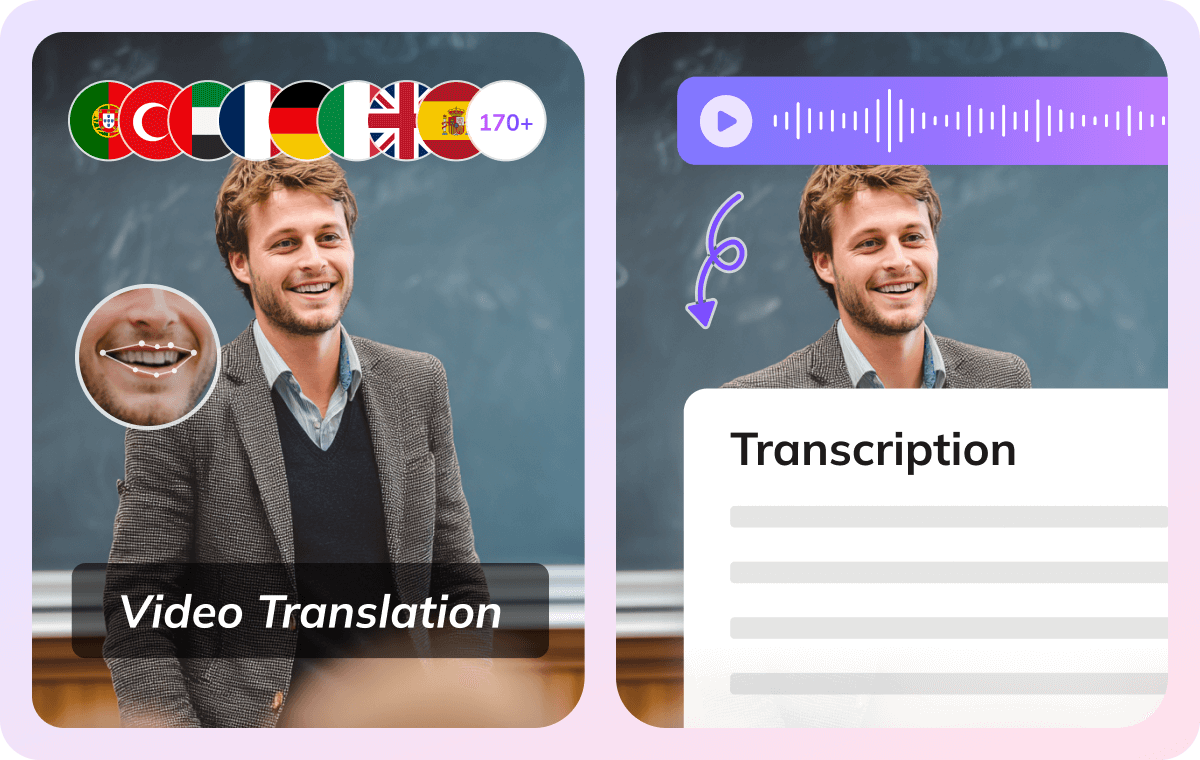
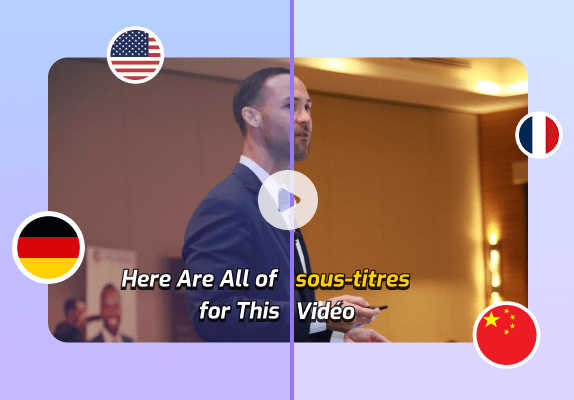
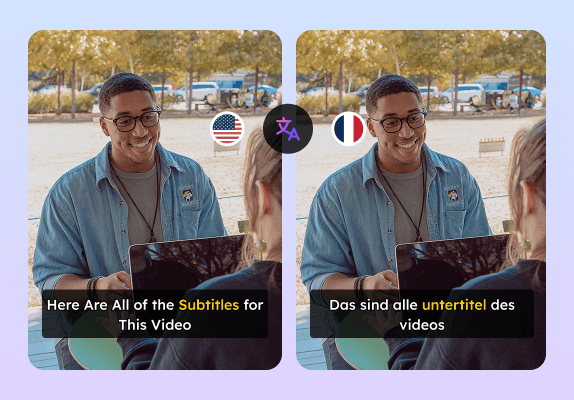
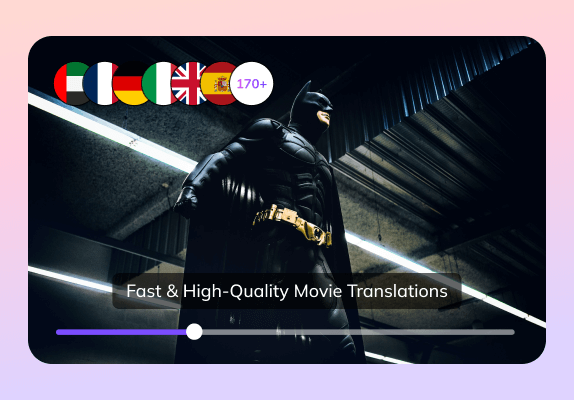
| Video Translator | 170+ languages | 125+ languages |
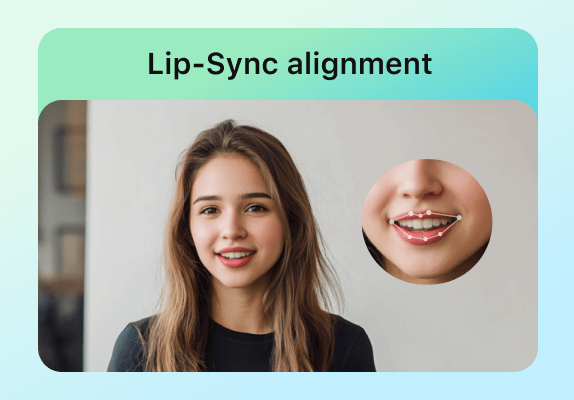
| Lip-Sync | Authentic Sync | Beta |
| Multi-language Detection | ||
| Text to Speech | ||
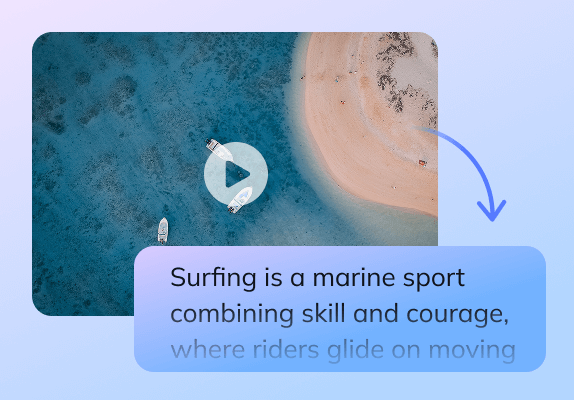
| Transcription | ||
| Use Case |
Why Choose VMEG AI Over VEED
Purpose-Built Translation Workspace vs. General Timeline
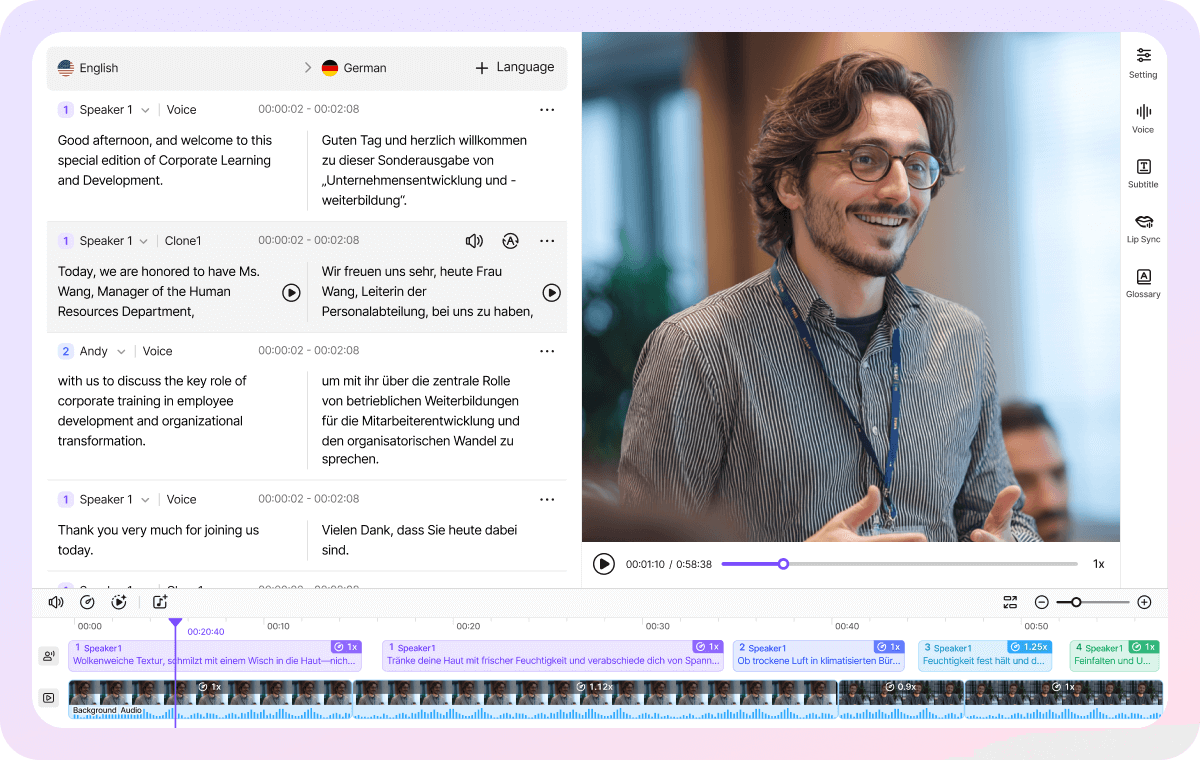
For users focused on localization, VEED's interface can feel cluttered with unnecessary editing tools (like stickers and filters), whereas VMEG provides a clean, distraction-free environment dedicated to getting your message across borders.
Intuitive UI and Seamless Feature Integration
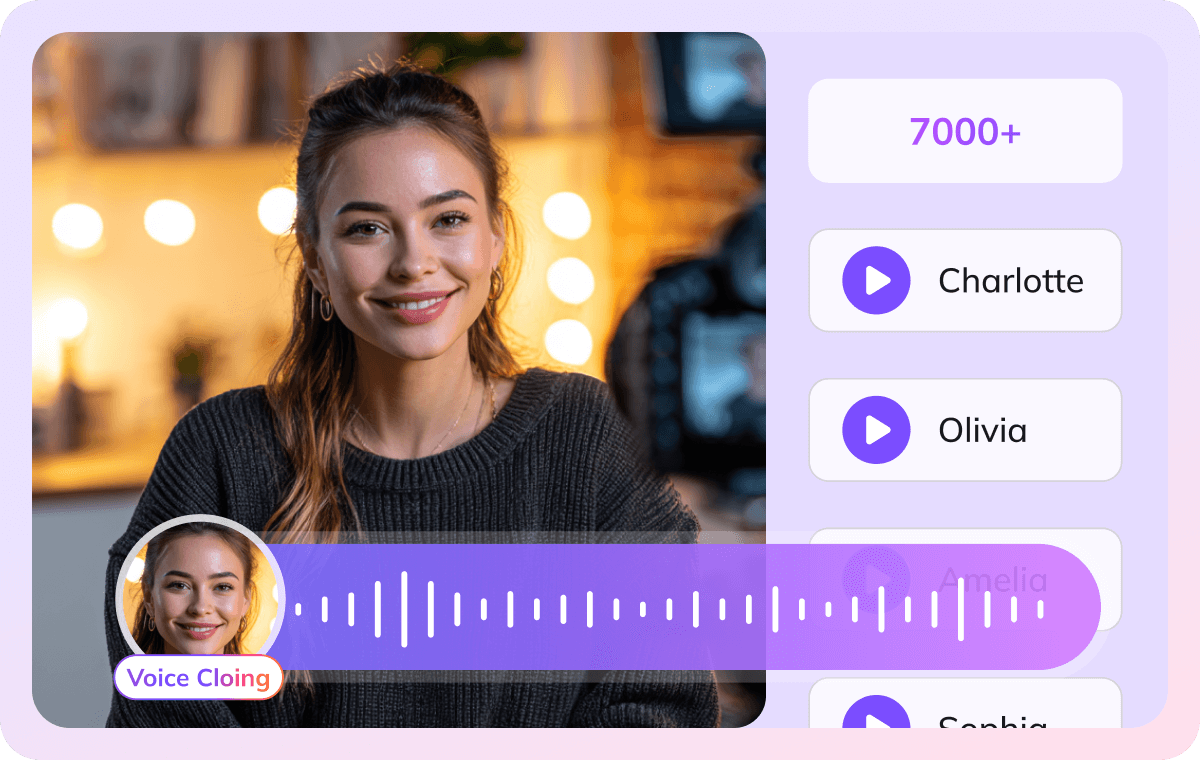
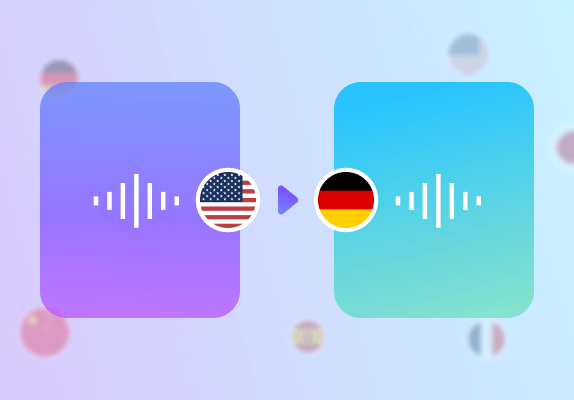
VMEG, however, adopts a more intuitive and user-centric design philosophy. We have deeply integrated the voice cloning feature into three core functional areas: TTS, audio translation, and video translation. This ensures users can quickly access it in any localization scenario, significantly boosting workflow efficiency.
What people say about VMEG AI

"Human support that actually cares"
Support is fast and effective, but also human. The team really listens and keeps improving the platform.



"Surprisingly good Thai dubbing"
The program is easy to use. If you don't understand something, there are staff members who are willing to help quickly and willingly. In addition, the Thai voice dubbing is high quality and accurate

"Easy to use, even on day one"
I love VMEG.AI for its clean UI, which made my learning curve very comfortable and allowed my friends, who never worked with similar tools, to easily create a very solid video on their first try.

"Scale global creatives without freelancers"
VMEG helps this user translate ad creatives for a global audience without needing to hire freelancers. It keeps the same consistent, natural voice across languages, so their ads don't sound robotic or like a generic voice pack, and the setup was easy enough to start using it right away.

"Voices that sound like real people"
The most natural AI voice I've ever used. It doesn't just translate words, it delivers the nuance.

"Made for perfectionists and pros"
My go-to-tool for natural English–Italian video dubbing. Love the editing tool! As a perfectionist, I tweak until it's exactly what I envisioned and no credits are used in the process!

"Best video translator for Italian to Spanish"
The VMEG.AI video translator is the BEST I've ever tried for translating videos from Italian to Spanish. It even changed the voice in the two-way sections. And if the scene changes, it adjusted the length of the scenes as needed. Awesome! Impressive Voice Changes and Scene Timing

"Saves me hours on every video I localize"
It handles translation, subtitles, lip‑sync, voice cloning, and multi‑language output in one place, which makes video localization much more efficient and saves users significant editing time.

"Impressive dubbing for YouTube channels"
I have a YouTube channel with 127k subscribers. I needed to expand my audience to other areas. With VMEG, I achieved a fantastic result, and the dubbing is very natural. It's exactly what I was looking for.

"Best tools for dubbing videos"
Everything is great. Best tools to translate and dub videos. There is nothing I don't like about it. It's a very complete tool.

"A fast-acting team that takes feedback seriously"
When some features were missing at the beginning, the team moved fast to add what was needed and fix bugs, and they appreciate being able to regenerate multiple voice options until they find the one that fits best.

"Impressive Accuracy"
The accuracy of subtitles and timing is impressive, and voice cloning adds a professional touch that keeps the speaker's tone consistent. It saves me hours of manual editing and improves audience reach globally.

FAQs about VEED Alternatives
Does VMEG support lip-sync dubbing for talking-head videos better than VEED or CapCut plugins?
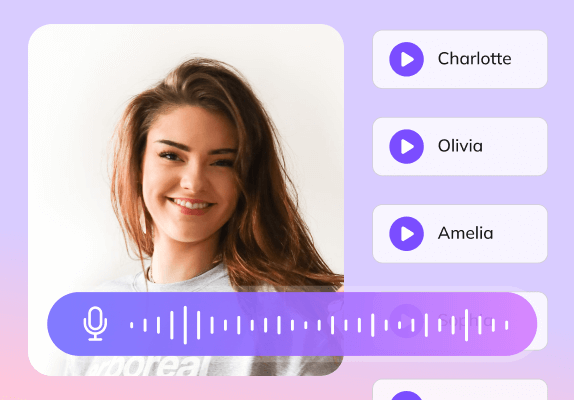
VMEG provides mature lip-sync technology and 7,000+ AI voices, whereas VEED’s lip-sync is still in beta. Unlike VEED’s fragmented layout, VMEG integrates high-fidelity voice cloning across all modules (TTS, Audio, and Video translation), ensuring a seamless and cinematic result.
Does VMEG integrate well with tools like CapCut, VEED, or Descript in a creator workflow?
VMEG is designed to work _alongside_ tools like CapCut, VEED, and Descript rather than inside them. Think of it as your localization specialist: use VMEG to handle the complex translation and lip-syncing, then export your video to VEED or other editors for final editing and effects. While there isn't a direct plugin yet, the "export-from-VMEG, import-to-editor" workflow is seamless and commonly used.
Can I export SRT subtitles from VMEG and edit them in other tools like Kapwing or VEED?
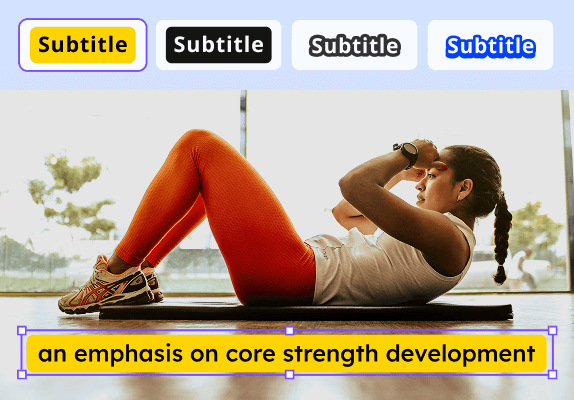
Absolutely. VMEG lets you export standard .SRT files. You can simply download your subtitles and drop them into VEED, Kapwing, or any other editor to tweak timing, style, or text. It's a standard, hassle-free handoff that gives you flexibility in your post-production workflow.
Why should I use VMEG instead of VEED's AI Dubbing?
Choose VMEG if you want more control and "authenticity." VEED's dubbing is great for quick social clips, but VMEG provides the granular control needed for professional content—including adjusting translation nuances, fine-tuning voice emotion, and managing multi-language projects in a dedicated workspace.

VMEG AI vs VEED
Scale your video translation without restrictive monthly minute limits. Experience unlimited high-volume dubbing with advanced multi-speaker handling.