How to Use MiniMx H3 on VMEG AI
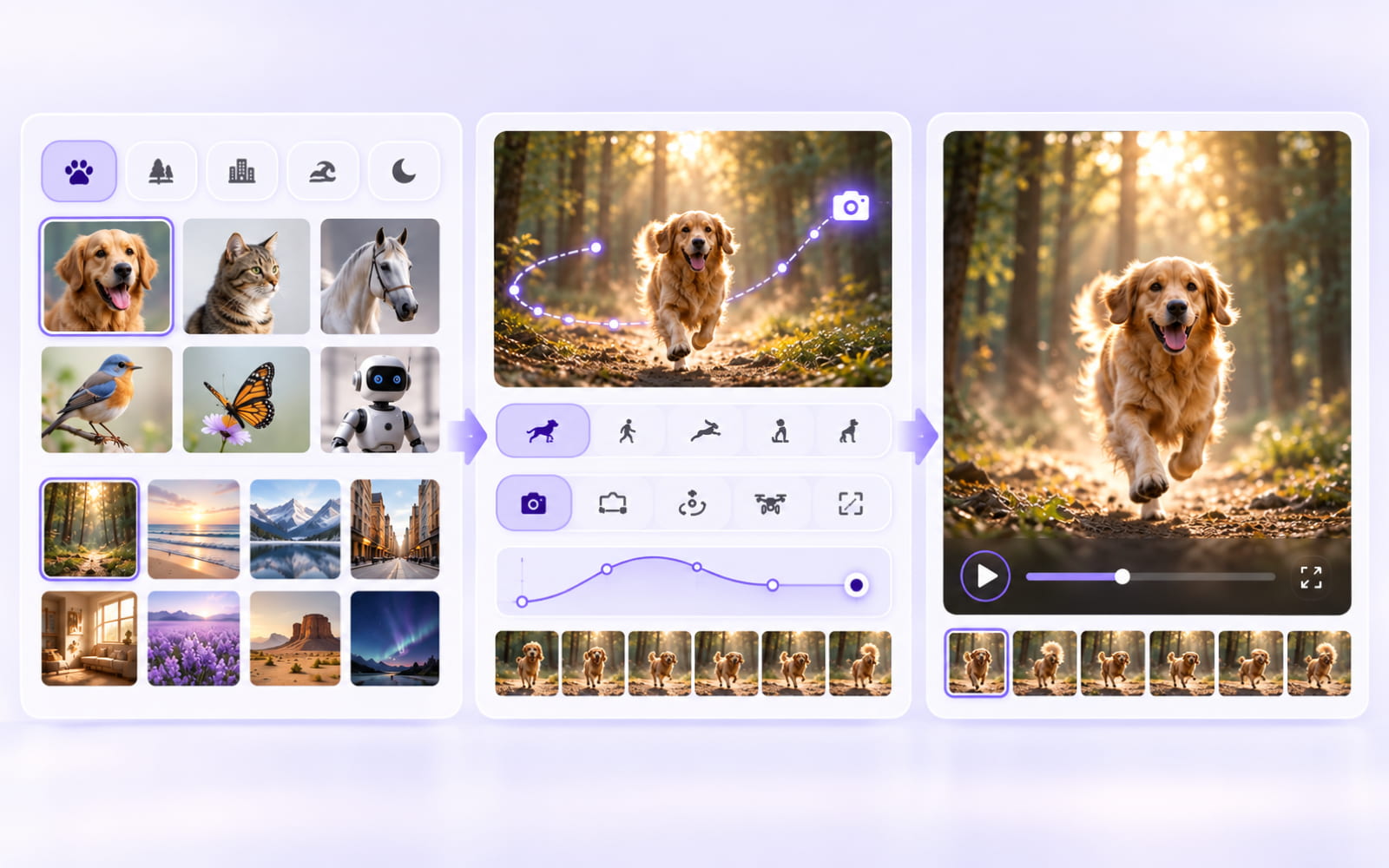
01 Add your references
Upload images, videos, or audio as references. You can combine different types of media to provide more context for your video.
02 Write the prompt
Describe how you want the references to work together. Include details such as characters, actions, camera movement, visual style, and audio.
03 Generate Your Video with Audio
Click Generate to create your video with MiniMax H3. Get up to 2K resolution with native stereo sound, then refine your prompt and references if needed.
MiniMax H3 Video Generator Highlights
Create high-quality videos from text and multimodal references with MiniMax H3. Built for commercial content, H3 combines video generation, audio, reference control, and editing in one model.
Generate Videos with Multimodal Context
Combine text, images, videos, and audio to describe the full creative intent. H3 understands how different references relate to the target video, making complex video generation easier to control.
Create 2K Videos with Native Stereo Sound
Generate videos up to 15 seconds at 2K resolution with native stereo sound. H3 jointly models video and audio for more complete audiovisual output.
Follow Detailed Creative Instructions
Describe camera movement, characters, actions, sound, visual style, and reference relationships in natural language. H3 is designed to follow complex instructions across multiple modalities.
Built for Commercial Content Creation
Create videos for advertising, e-commerce, branding, product websites, animated posters, gaming, and other commercial applications with accurate text and brand rendering.
MiniMax H3 Video Generator Features
Turn creative ideas and reference materials into controlled video content with multimodal generation and editing capabilities.
Text-to-Video Generation
Turn text prompts into detailed video scenes with controlled characters, actions, camera movements, environments, and visual details.
Multimodal Reference and Editing
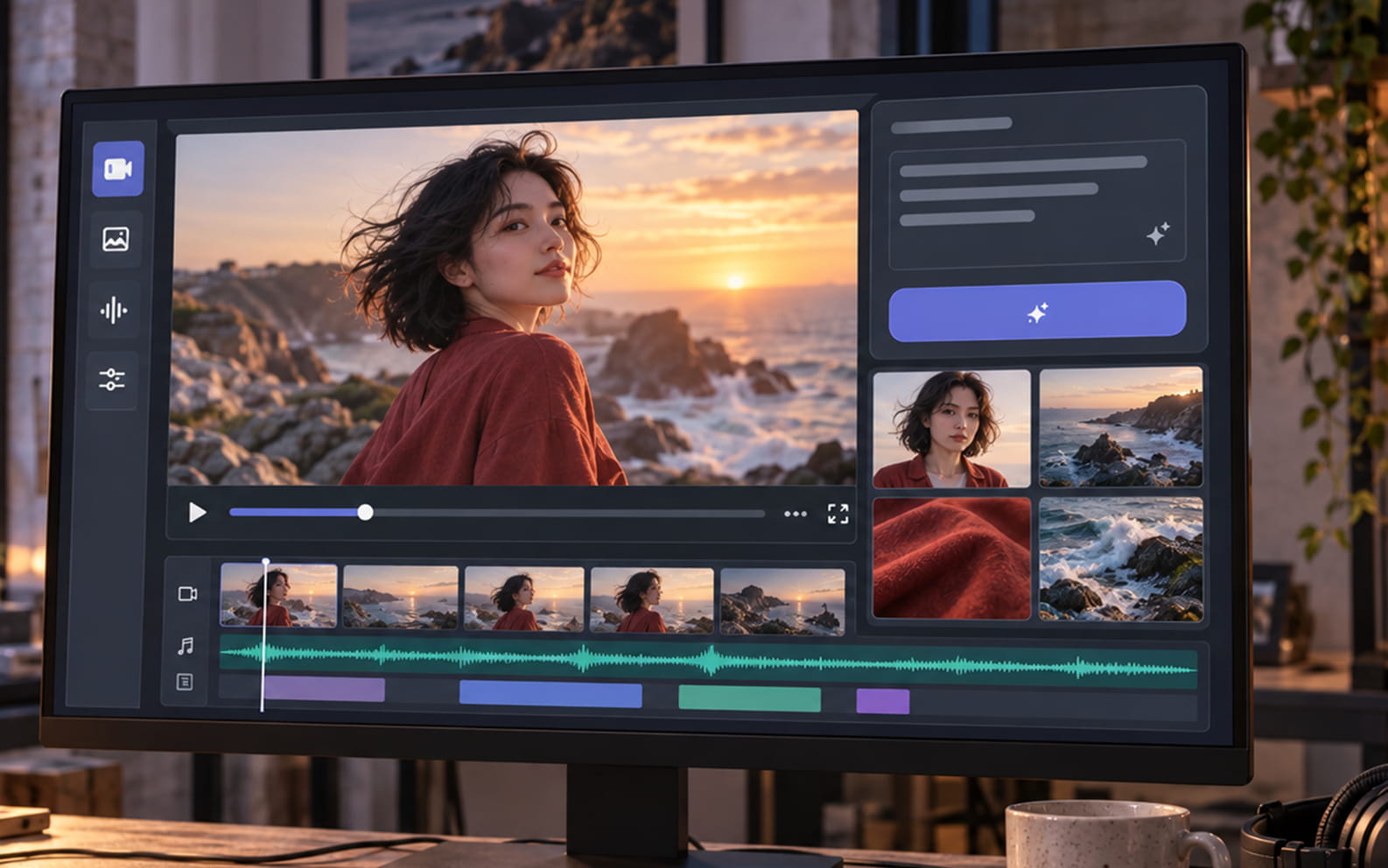
Use images, videos, audio, and text as references. H3 supports image-to-video, video-to-video, audio-to-audio, and audio-video reference and editing through natural-language instructions.

Native Audio Generation
Generate video with synchronized native stereo sound. Voice, sound effects, and music are jointly modeled instead of being handled as separate audio tasks.

Localize Every Layer of Your Generated Video
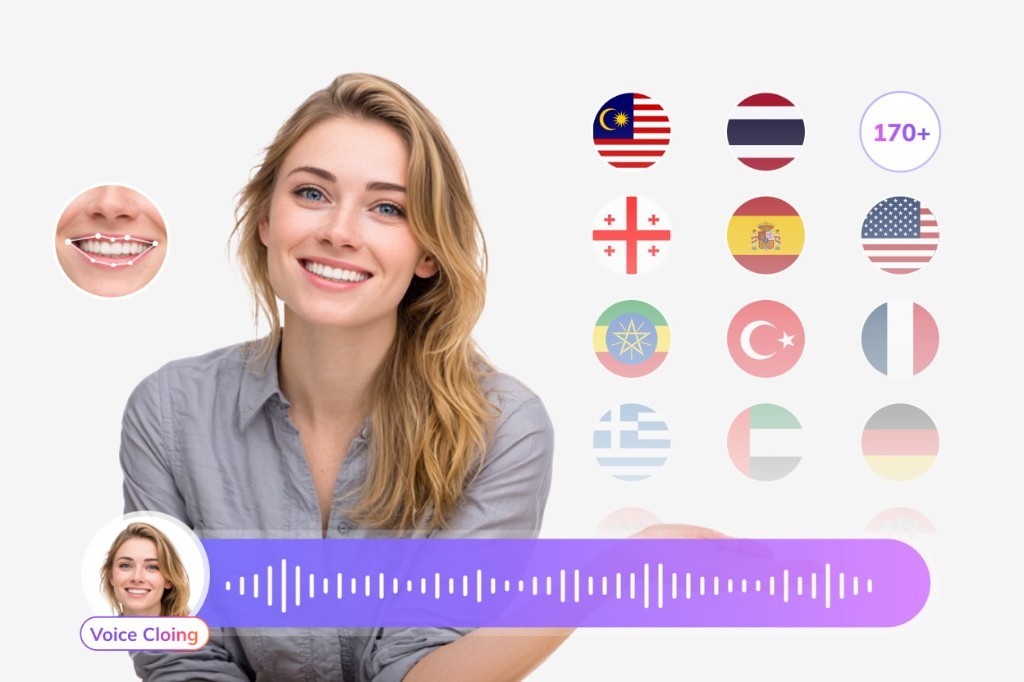
A Seedance clip starts in one language. Use VMEG to add dubbed audio, translated subtitles, lip sync, and on-screen text so the rest of the video matches the audience.
Subtitle Translation
Generate and translate subtitles for international audiences.
Try Subtitle Translator for free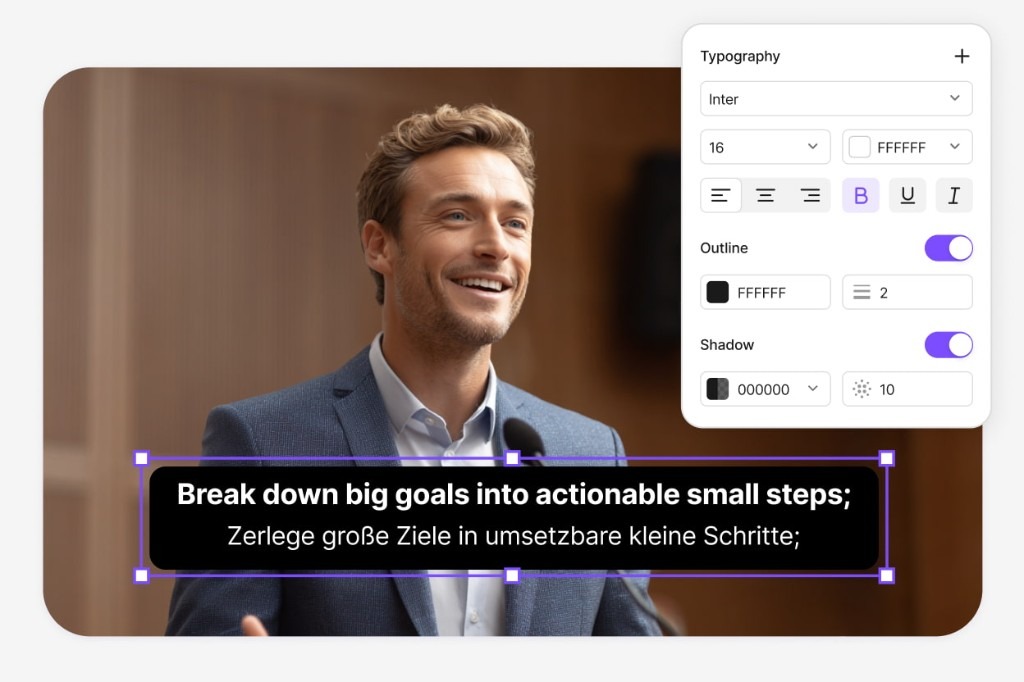
Lip-Sync Translation
Match translated speech more naturally to the speaker's lip movements.
Try Lip Sync for free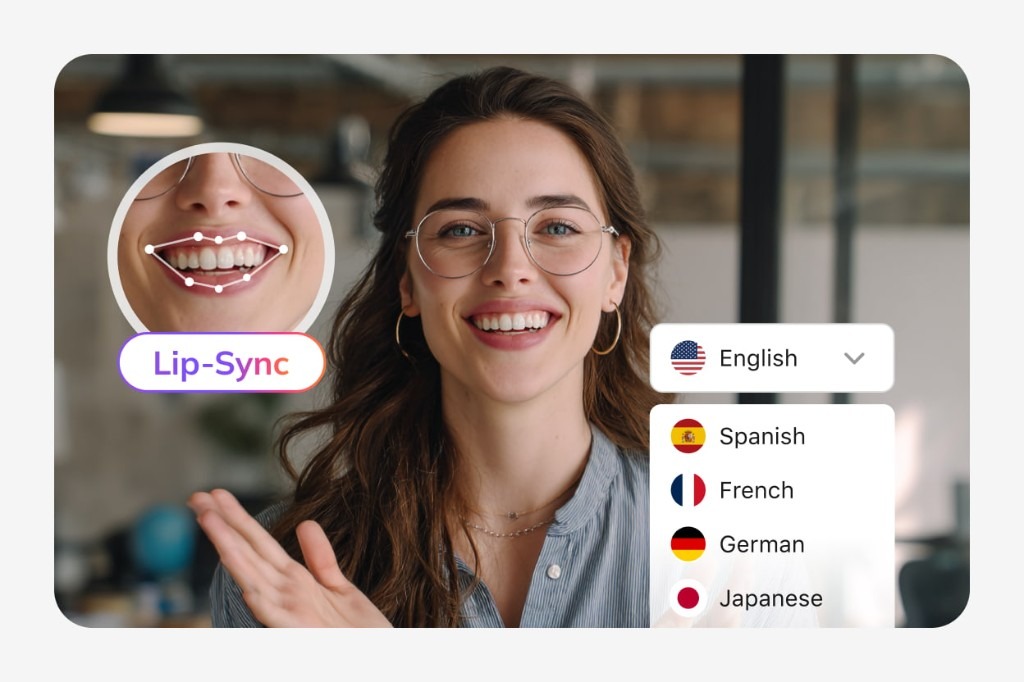
Visual Translation
Translate the titles, slides, labels, UI elements, graphics, and other text viewers see on screen.
Try Visual Translation for free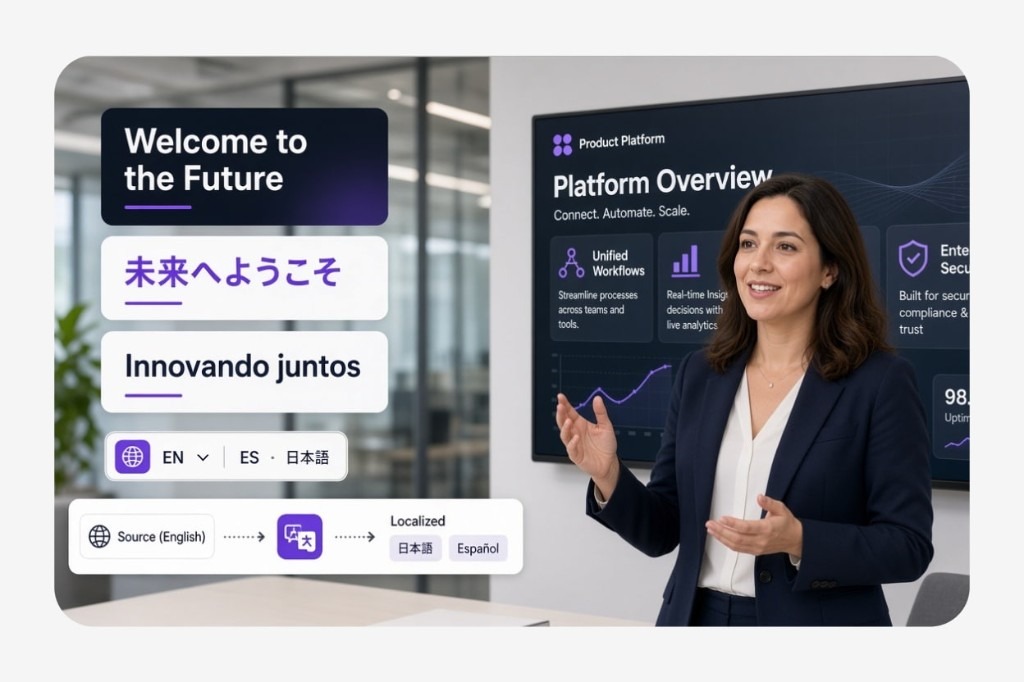
Bring voice, subtitles, lip movements, and on-screen text together after you generate the clip.
MiniMax H3 Video Generator FAQs
What is MiniMax H3?
MiniMax H3 is a general-purpose multimodal generation model from MiniMax. It understands text, images, video, and audio as a unified context and can generate video with native stereo sound.
What can I use MiniMax H3 to create?
MiniMax H3 can be used for advertising, e-commerce videos, branding content, product websites, animated posters, film opening titles, gaming content, and other creative projects.
Can MiniMax H3 generate 2K videos?
Yes. MiniMax H3 supports video generation at up to 2K resolution. It can generate videos up to 15 seconds long with native stereo sound.
What inputs can I use with MiniMax H3?
H3 can work with text, images, video, and audio as multimodal context. You can describe how different references should influence the target video using natural language.
Does MiniMax H3 support video-to-video generation?
Yes. H3 supports video-to-video reference and editing, allowing you to use an existing video as part of the context for generating or transforming video content.
Can MiniMax H3 generate audio with video?
Yes. H3 jointly generates video and audio, with native stereo sound included in the generated video.