English
EN

Claude Video Translator

Connect VMEG with Claude (web) to translate, dub, and localize videos in 170+ languages. Use VMEG through the Claude connector or the VMEG MCP server to add AI-powered video translation directly inside your Claude chat.

What Is a Claude Video Translator?

A Claude video translator is an AI workflow that pairs Anthropic's Claude with a video translation engine so you can translate a video's speech into another language with dubbed voice and (optionally) lip-synced mouth movement without leaving the Claude interface.

Claude is a text-first assistant. It cannot decode the audio track inside an MP4 on its own. To translate a video "with Claude," you connect Claude to a tool that handles the media. VMEG is that tool. Once connected through the Claude Connectors directory or the VMEG Remote MCP server, Claude can:

  • Receive a video file or link from you in chat
  • Hand it off to VMEG's translation engine
  • Wait for the translated, dubbed, and lip-synced output
  • Hand the finished file back to you in the same conversation

Claude handles the conversation and follow-up edits. VMEG does the actual video processing.
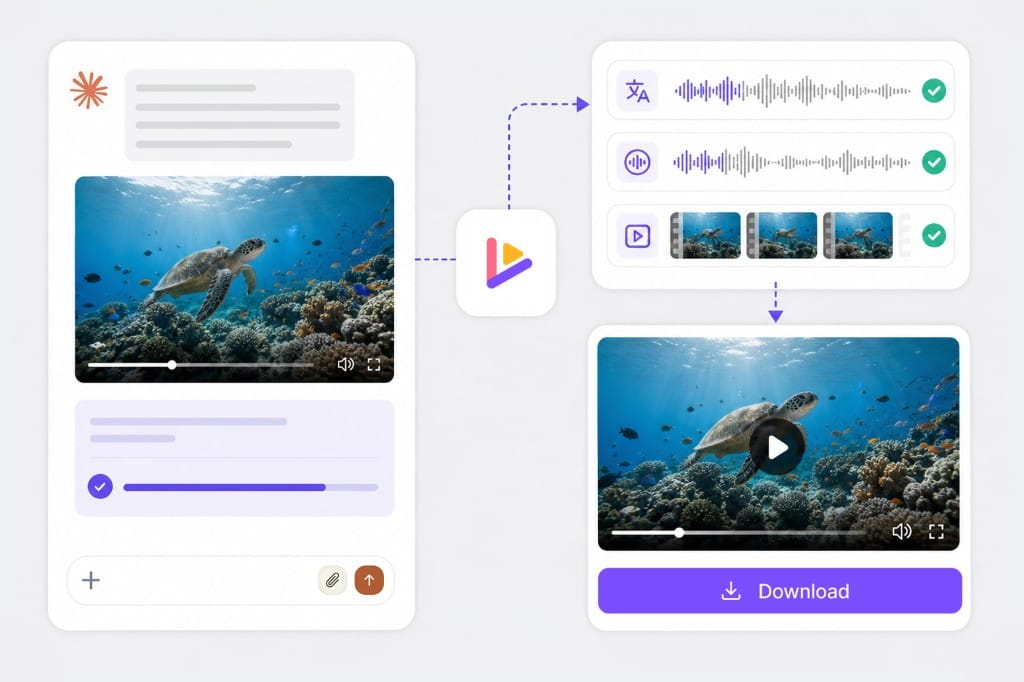
Claude connected to VMEG video translation workflow

How to Translate a Video with Claude (Step by Step)

You have two ways to get started.

Option 1

Option 1 — Add the VMEG connector in Claude (easiest)

Connectors

upload

Dubbing

1. Open Claude and go to Settings → Connectors.

2. Click Browse Connectors.

3. Search for VMEG. Select VMEG and click Connect.

4. Sign in to your VMEG account and authorize Claude to access it.

5. Once connected, the VMEG connector will appear in your Connectors list and is ready to use in Claude chats.

Open Claude → Connectors

Option 2

Option 2 — Manual MCP setup

API key

Enter link

Dubbing

1. In Claude, go to Settings → Connectors → Add Custom Connector.

2. Enter Name: VMEG and Remote MCP Server URL: https://www.vmeg.ai/api/mcp (leave OAuth Client ID and Secret blank).

3. Click Connect, complete the VMEG OAuth authorization, and select the project you want Claude to access.

4. (Optional) Set the connector permission to Always Allow to avoid repeated authorization prompts.

Full instructions

Why Use VMEG as Your Claude Video Translator

Connect VMEG to Claude and translate, dub, and localize videos in 170+ languages — all from the same chat where you already research, write, and analyze.

Real Video Translation, Not Just Transcripts

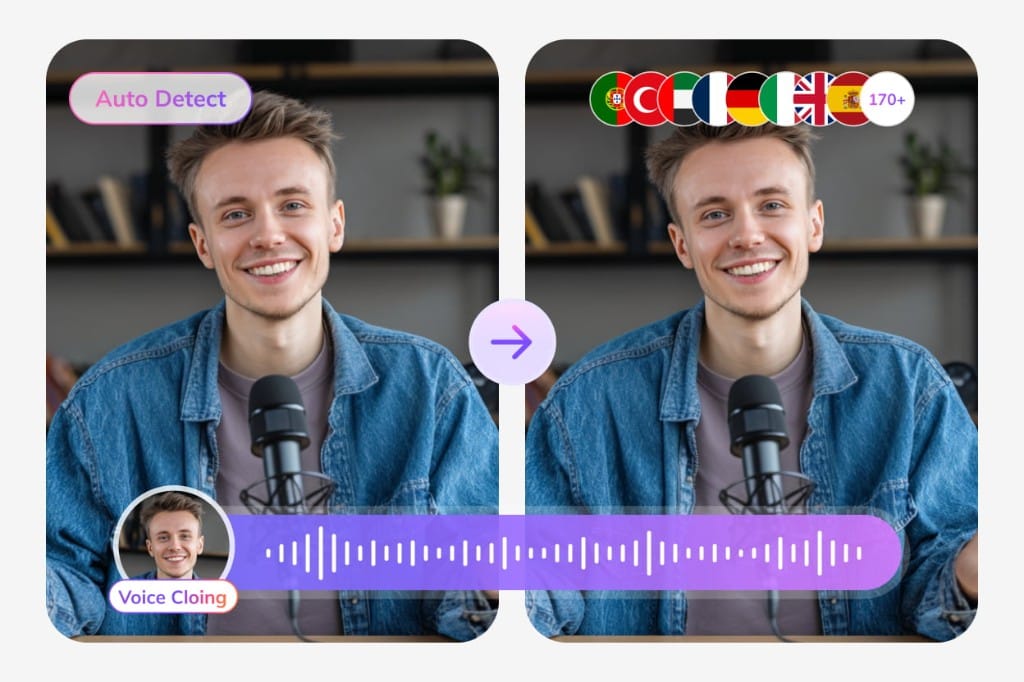
VMEG re-dubs audio, syncs lips, and clones the speaker's voice in 170+ languages. Claude gets back a production-ready localized video — not a plain SRT file or transcript you still have to turn into media yourself.

Dubbed video with lip-sync, voice cloning, and multi-language audio tracks

Translate Without Leaving Claude

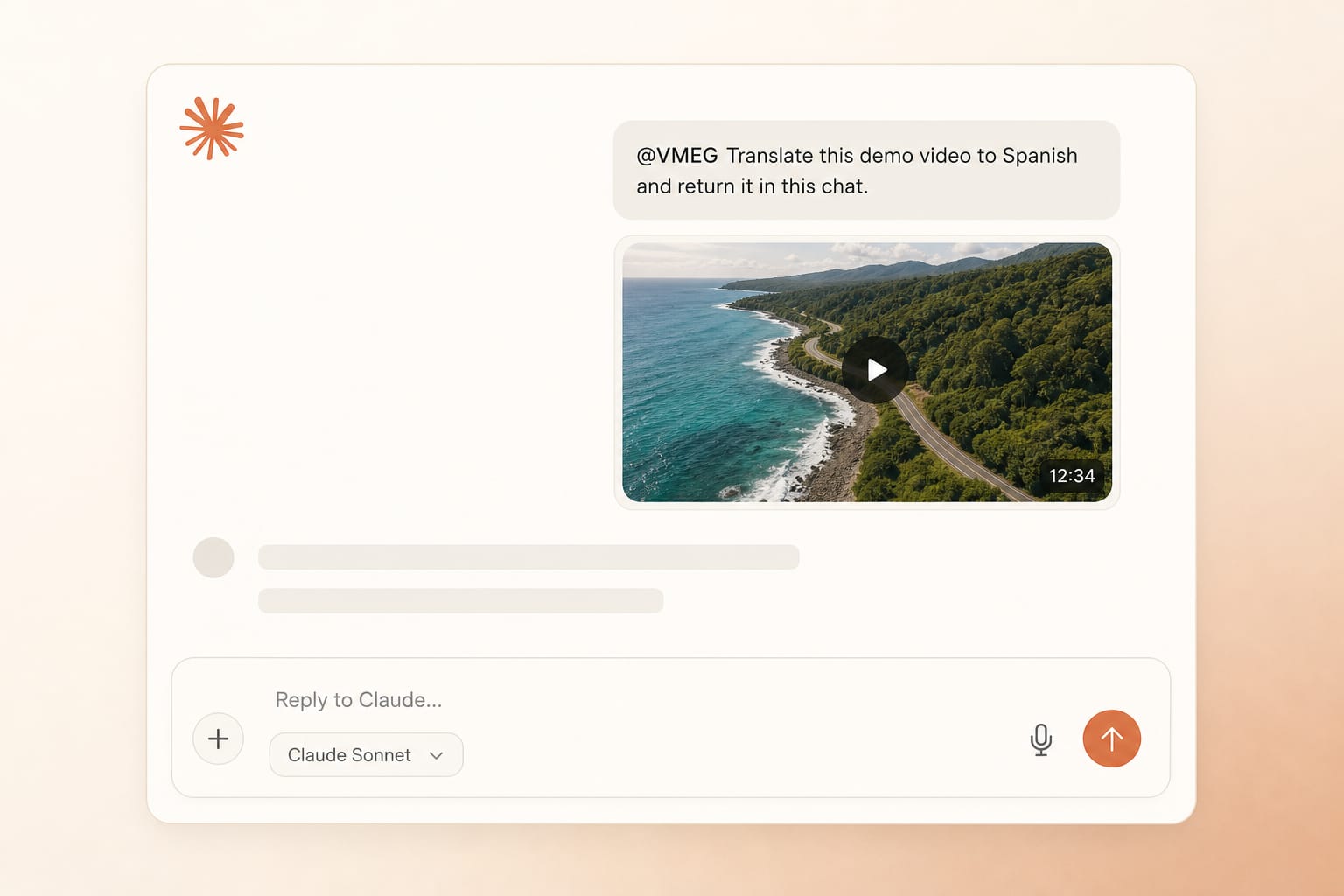
Paste a video file or YouTube link in any Claude chat, ask VMEG to translate it, and get the dubbed output back in the same thread. No new tab, no upload portal, no copy-pasting between tools — translation becomes one message in the conversation you already have open.

Claude chat session translating a video with VMEG without leaving the thread

One Platform, No Extra Cost

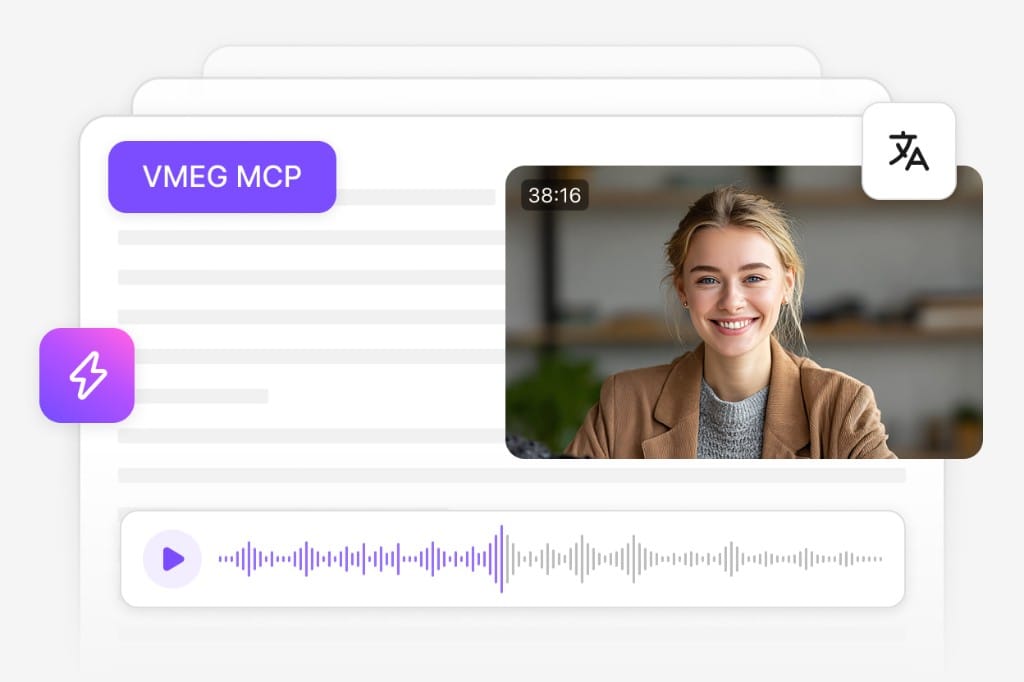
MCP usage draws from your existing VMEG plan — no separate connector fee. Every Claude request runs on the same production-grade dubbing, lip-sync, and voice-cloning engine that powers vmeg.ai.

Shared VMEG credits and production engine across Claude MCP and vmeg.ai

What You Can Translate with Claude + VMEG

One secure platform for professional AI dubbing pipeline

Media type
Video file
Audio file
YouTube link
Subtitle file
Supported inputs
MP4, MOV, WEBM, MKV
MP3, WAV, M4A
Any public YouTube URL
SRT, VTT
Output
Translated + dubbed video with optional lip-sync
Translated audio in target language
Translated + dubbed video
Translated subtitles in target language

170+ target languages

with native-quality voices

Voice cloning

to keep the original speaker's tone

Lip-sync

for translated mouth movement

Speaker detection

with auto-labeled multi-speaker output

Full instructions

Common Use Cases

Researchers & analysts

Translate an interview recording into English while keeping the speaker's voice.

Marketing teams

Turn a single English product demo into 10 localized versions in one afternoon.

Course sellers

Localize lecture recordings without re-recording.

Frequently

Asked

Questions

Can Claude translate a video by itself?

No. Claude is a text model. To translate the actual audio in a video file, connect Claude to a video translation engine. VMEG is that engine — it plugs into Claude through the Connectors directory or via MCP.

Do I need a paid Claude plan?

Connector and MCP features are available on paid Claude plans (Pro, Team, Enterprise). VMEG itself has a free tier; production usage draws on VMEG plan credits.

How long does a 5-minute video take?

Usually 5–15 minutes, depending on language pair and whether lip-sync is enabled. Longer videos scale roughly linearly.

Can I keep the original speaker's voice?

Yes. VMEG's voice cloning preserves the original speaker's tone, pacing, and timbre in the target language. You can also pick from 100+ stock voices.

Does the output come back with lip-sync?

Yes, lip-sync is on by default for video outputs. You can disable it in the task settings for faster rendering.

What languages are supported?

170+ languages including Spanish, French, German, Mandarin, Japanese, Korean, Arabic, Hindi, Portuguese, Russian, Italian, Dutch, and more. Full list at https://www.vmeg.ai/.

Is my video uploaded to Claude?

Files are processed by VMEG through an encrypted MCP channel. You retain ownership of your content. See VMEG's privacy policy for details.

Can I translate a YouTube link?

Yes. Paste the YouTube URL in the chat and ask Claude to translate it with VMEG. VMEG fetches the source, translates it, and returns the dubbed video.

What if I also use Claude Code?

The Claude Code (terminal) integration is a separate setup. See https://docs.vmeg.ai/mcp/claude-code. The web connector here is for claude.ai.