Free YouTube Transcript Generator
Convert YouTube videos into accurate, editable text in just a few steps. Paste a video URL or upload a file, then review your transcript with timestamps, export subtitles, or translate the content into over 170 languages.
How to Transcribe a YouTube Video for Free
01Import Your YouTube Video or Paste the URL
Upload a YouTube video from your device, choose a file from your VMEG media library, or simply paste a public YouTube link. If you use the URL, there's no need to download the video before starting.
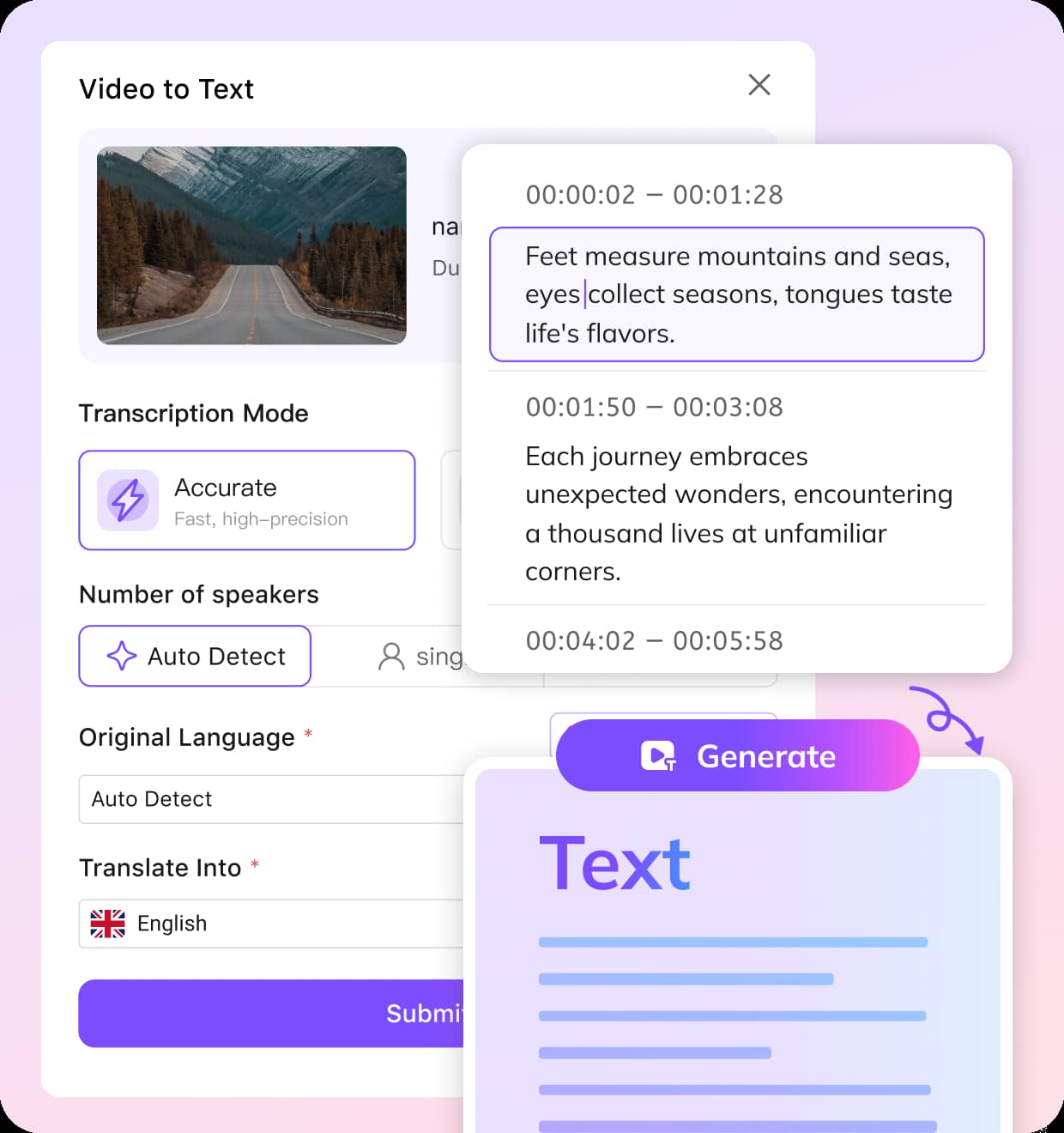
02Set Your YouTube Transcription Preferences
Then, choose your transcription mode: Accurate Mode delivers the fastest and most precise results, while Balanced Mode offers a steady speed with solid quality. Select the spoken language, or let VMEG detect it automatically. If you’d like to translate the transcript, simply choose the target language. Once everything is set, click "Submit."
03Edit and Export Your YouTube Transcript
VMEG generates time-stamped transcripts, supports 170+ languages, and can detect multiple speakers. Review and edit the original or translated text, then export it as TXT, SRT, VTT, TTML, SBV, or another supported format. Processing time varies by video.


Why Use VMEG's YouTube Transcript Generator?
Turn a YouTube Link into a Transcript Online
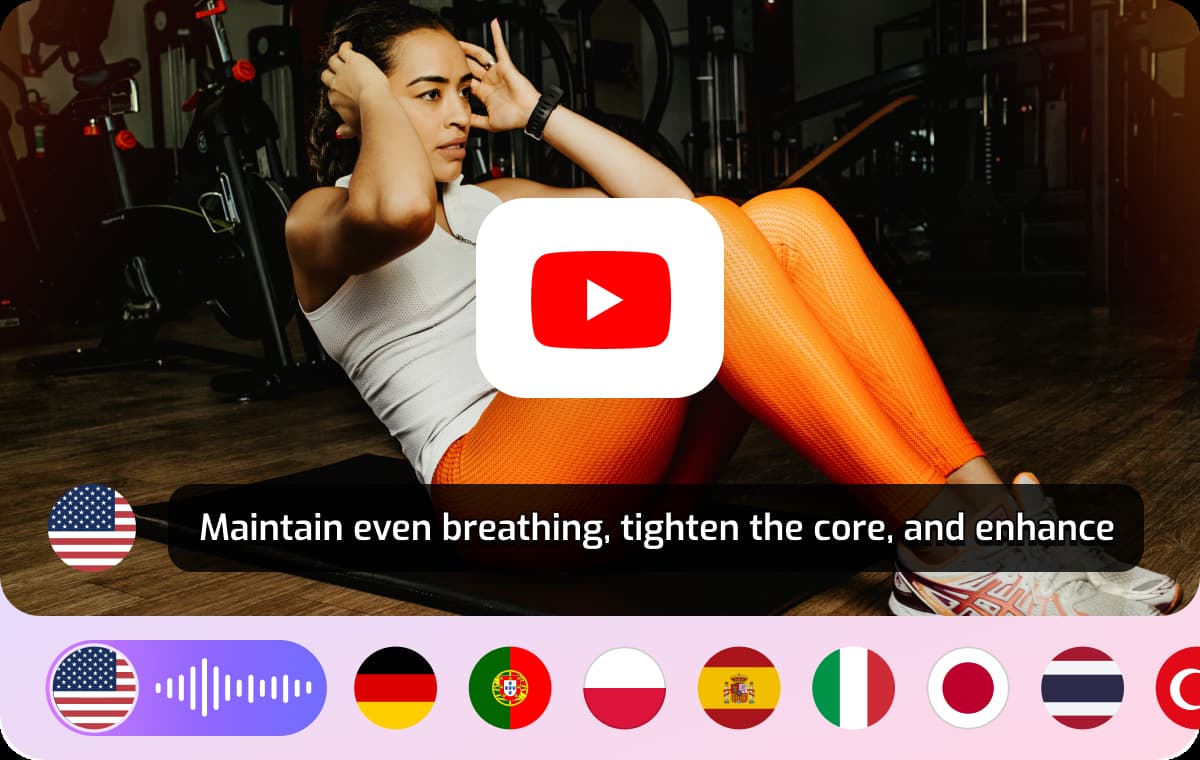
VMEG turns speech from YouTube videos into clear, editable transcripts, whether you're working with an interview, a tutorial, or a recorded presentation. Its AI recognizes speech in over 170 languages and automatically detects the language being spoken. You can also choose the language yourself, review the transcript online, and prepare it for your next project.
Generate Editable Transcripts with Timestamps
VMEG uses AI speech recognition to turn spoken content into readable text with timestamps and speaker labels. Rather than starting from scratch, you can review the transcription in the editor, correct names or technical terms, and adjust passages that are difficult to hear. Export your final text or subtitles when they're ready. If you need to translate speech between languages, explore our Spanish-to-English video translation tool for a related workflow.
Beyond Transcripts: Translate Your YouTube Videos
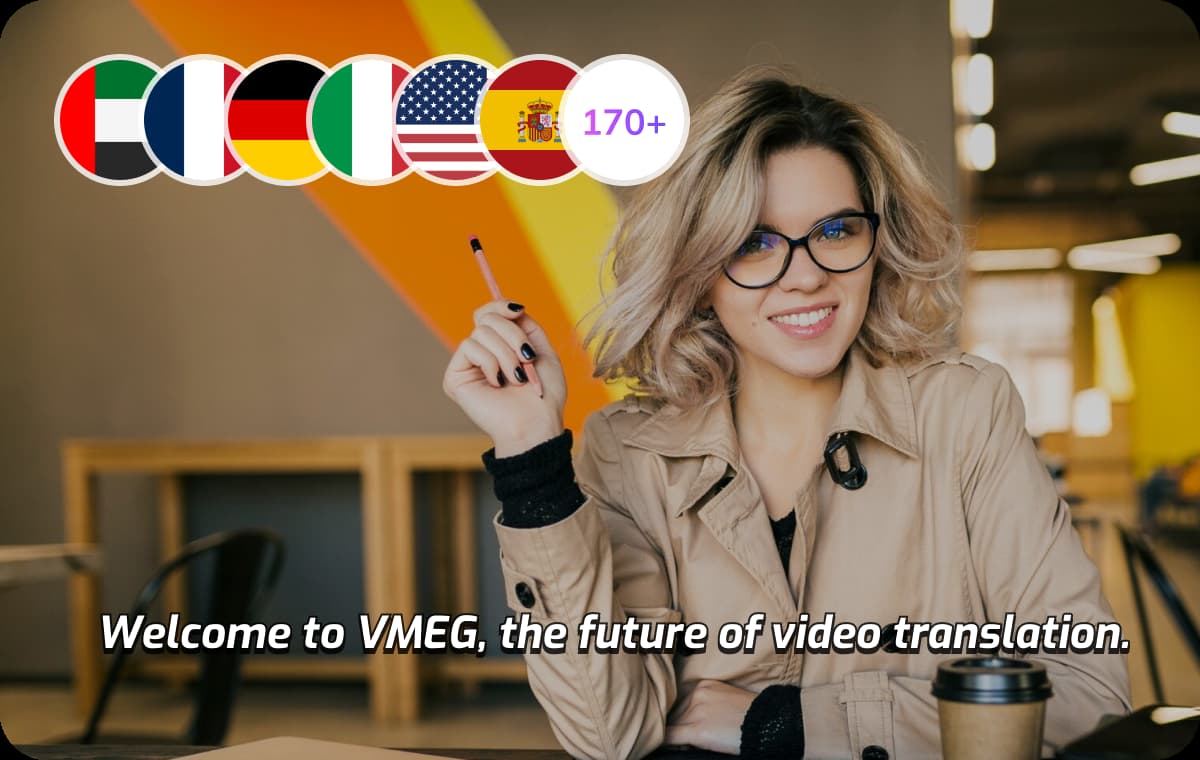
Transcription is only the first step in reaching more people with your YouTube videos. Translate the transcript, check the wording, and prepare captions for viewers. With our subtitle translator, you can adapt captions for different audiences; with the video translator, you can localize the full video with translated speech.

Who Can Use a YouTube Transcript Generator?
YouTubers & Content Creators
Effortlessly convert your YouTube videos into editable text to reuse across multiple formats and platforms. Whether you're producing tutorials, vlogs, Shorts, or promotional content, VMEG helps you extract scripts, captions, subtitles, or blog outlines instantly. Skip the manual typing, boost accessibility, and repurpose your content with minimal effort.
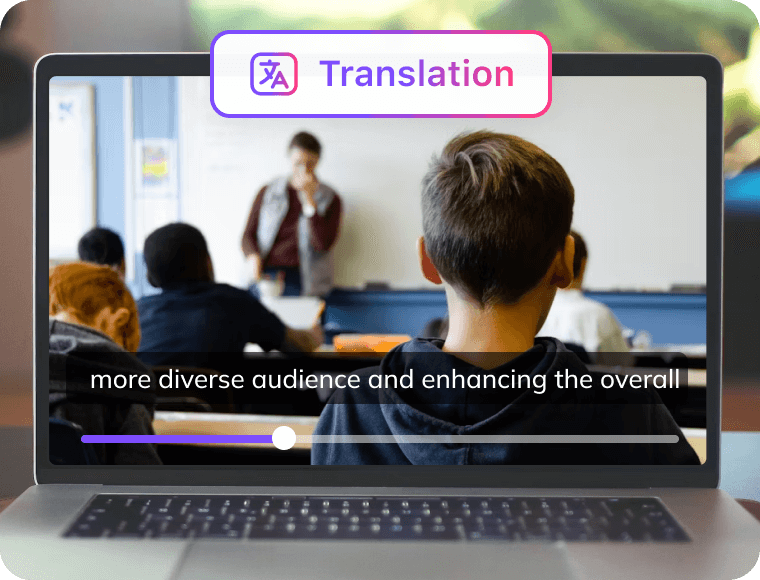
Educators & Students
Turn YouTube lectures, recorded classes, and educational talks into searchable, readable transcripts. Students can revisit explanations at their own pace, while educators and researchers can highlight key ideas, check quotations against the recording, and organize reliable notes. This makes lengthy video lessons easier to review and reference later.
Businesses & Marketers
Easily transcribe YouTube webinars, product walkthroughs, and corporate presentations into accurate text. VMEG helps teams document valuable content, localize it for global audiences, and reuse transcripts in articles, internal guides, newsletters, or training modules all while maintaining speed and precision.
YouTube Transcript Generator: FAQs
How do I generate a transcript from a YouTube video?
Paste a YouTube video URL or upload a file, choose the spoken language, and start transcription. Once processing is complete, review the text and timestamps in the editor.
How do I download a YouTube transcript?
After generating and reviewing your transcript, click "Download" and choose a format such as TXT, SRT, or VTT.
Can I try VMEG's YouTube transcript generator for free without signing up?
Yes. You can try VMEG's YouTube transcription tool for free without creating an account. Free usage is limited, and longer or additional tasks may require credits.
How long does it take to transcribe a 5-minute YouTube video?
Processing time depends on the video's length, audio quality, and current demand. A short video is typically ready within minutes.
Can I generate a transcript if a YouTube video has no captions?
Yes. VMEG uses AI speech recognition to transcribe spoken audio, so it does not rely on an existing YouTube caption track. Results depend on audio quality and language.
Can I transcribe a YouTube video without downloading it first?
Yes. Paste a supported public YouTube video URL into VMEG and choose your transcription settings. You can upload a file instead if you prefer.
Which languages are supported for YouTube transcription?
170+ languages, including English, Mandarin, Spanish, Arabic, and Japanese.