How to Use Seedance 2.5 on VMEG AI
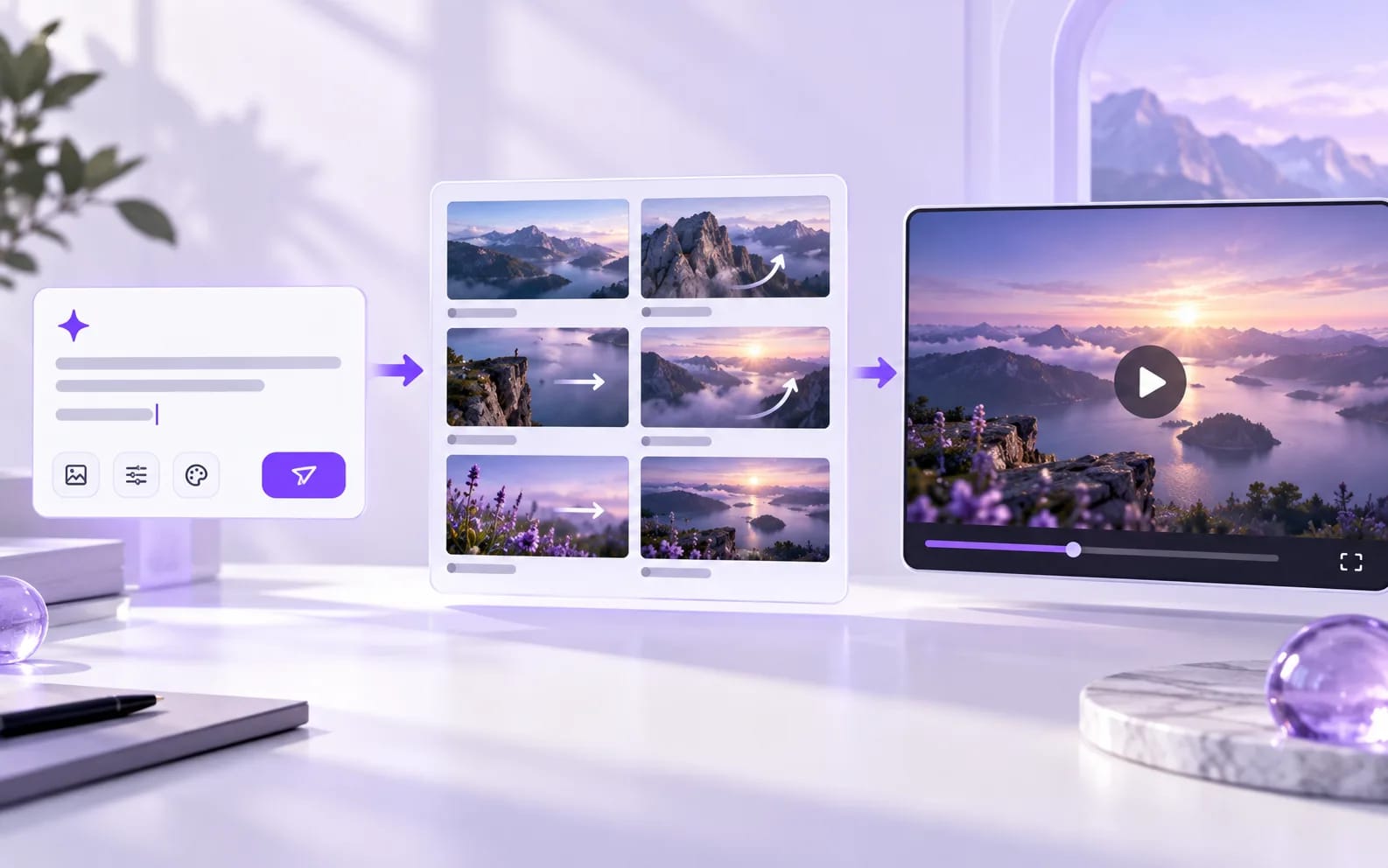
01 Write the scene in one prompt
Name the subject, the action, the place, and the camera move. Add lighting or style only when it changes the shot. If someone speaks, put the line in quotation marks so the model treats it as dialogue.
02 Set length and aspect ratio
Choose a duration in seconds. Use 16:9 for a widescreen scene, 9:16 for a vertical post, or 1:1 for a square frame. Use a shorter clip while you are still testing the prompt.
03 Generate the clip, then extend it
Run text to video and check subject consistency, motion, and whether the audio matches the action. When the story needs more than 30 seconds, add another extension pass on the same clip.
Tips for Best AI Video Results
Get better results from Seedance 2.5 with clear prompts, useful references, and well-planned scenes.
Write Detailed Prompts
Describe the subject, action, camera movement, setting, style, and timing. Clear instructions help Seedance 2.5 better understand your creative intent and generate more controlled results.
Use Visual References
Add images, videos, or other reference materials to guide characters, scenes, styles, and compositions. Multiple references can help keep important visual elements consistent throughout the video.
Plan the Story in One Take
Break longer ideas into connected actions and scenes. Seedance 2.5 can generate up to 30 seconds in one pass and supports extensions for building longer, more coherent videos.
Control Motion and Camera Work
Specify camera angles, movements, shot transitions, and subject actions in your prompt. More precise direction helps create smoother motion and more intentional visual storytelling.
Key Features of Seedance 2.5 Generation
Create longer, more consistent AI videos with advanced generation, reference, and editing capabilities.
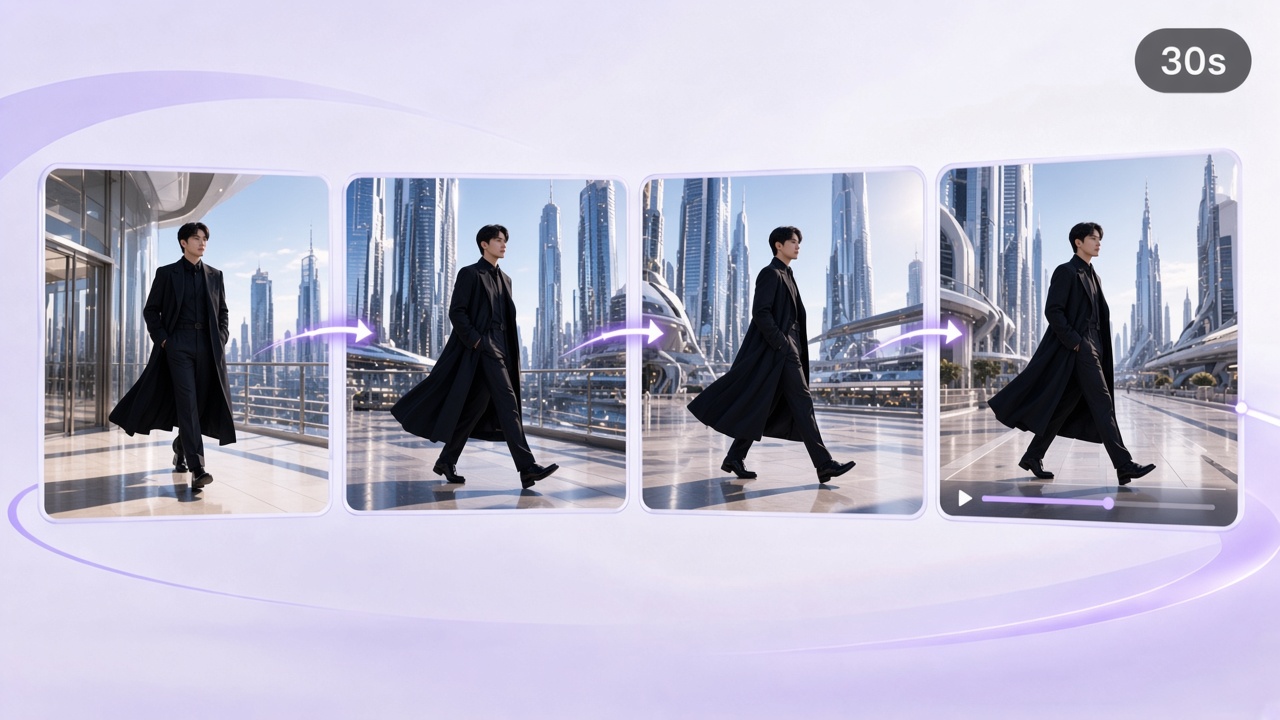
30-Second Video Generation
Generate up to 30 seconds of video in a single pass, with connected shots, smoother transitions, synchronized audio and visuals, and support for multiple rounds of extension.
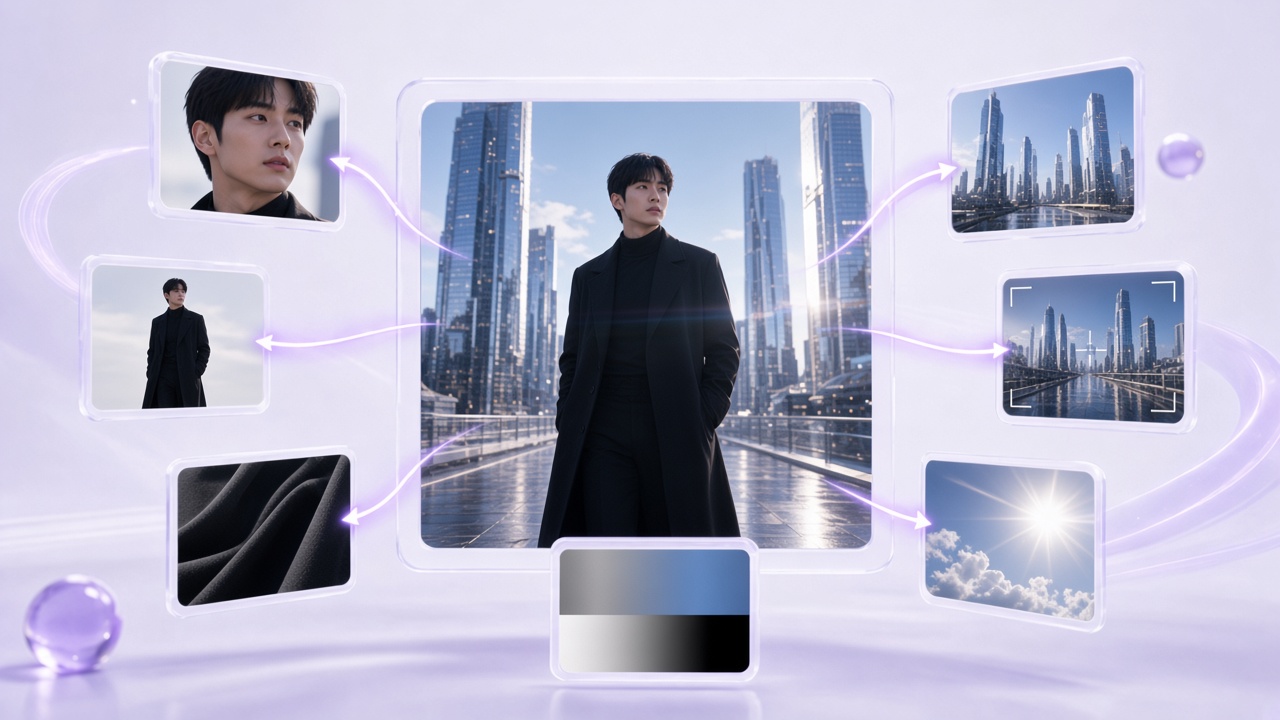
Multimodal Reference Generation
Use up to 30 images, 10 video clips, and 10 audio clips as references. Seedance 2.5 can use these materials to guide characters, scenes, styles, objects, motion, and composition.
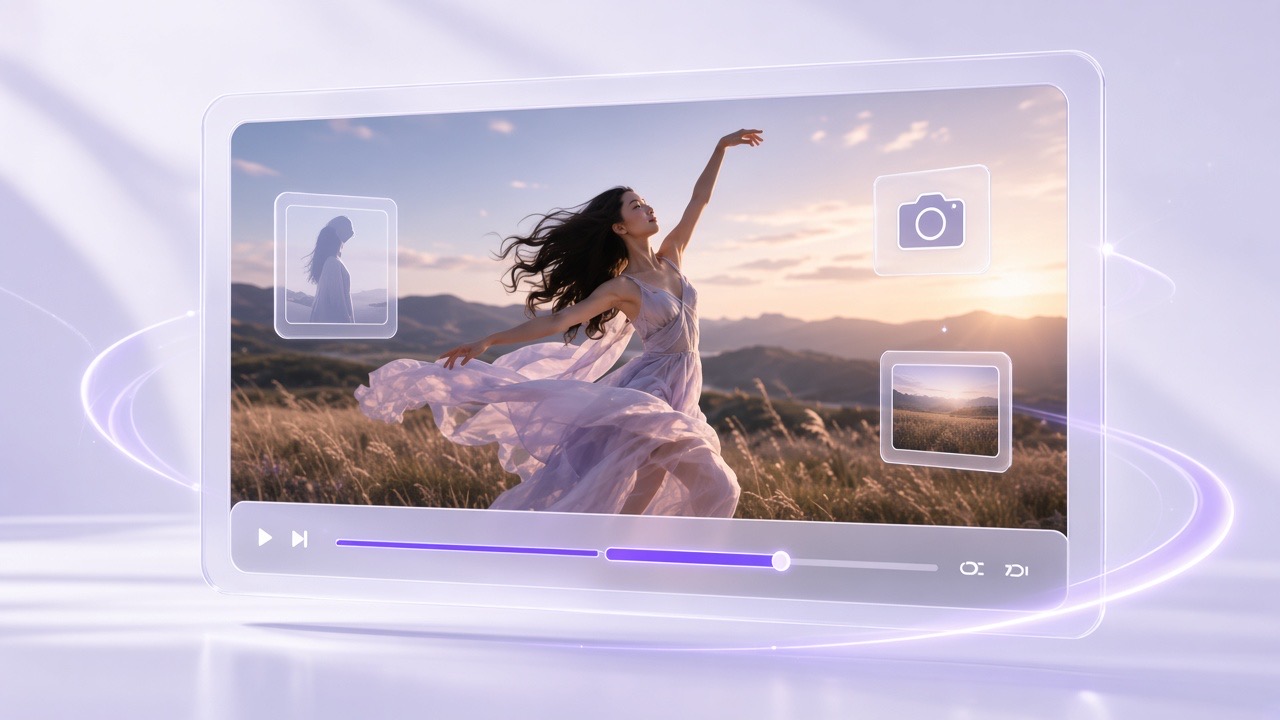
Precise Video Editing
Make targeted changes with timestamp-level control. Adjust characters, actions, camera movement, backgrounds, and other elements while maintaining continuity across the video.
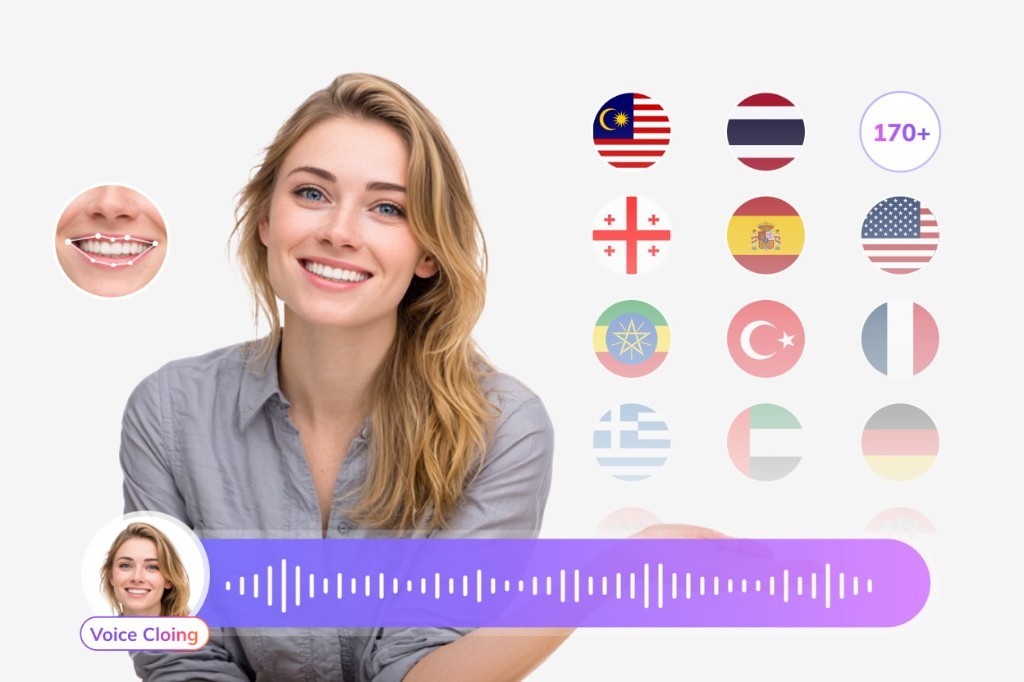
Localize Every Layer of Your Generated Video
A Seedance clip starts in one language. Use VMEG to add dubbed audio, translated subtitles, lip sync, and on-screen text so the rest of the video matches the audience.
Subtitle Translation
Generate and translate subtitles for international audiences.
Try Subtitle Translator for free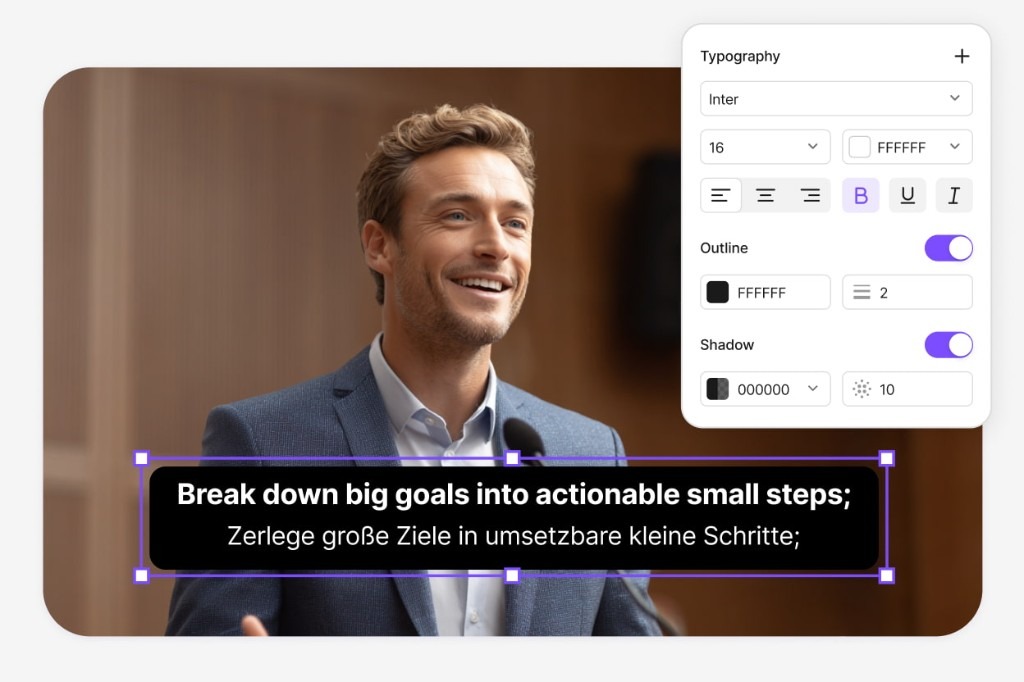
Lip-Sync Translation
Match translated speech more naturally to the speaker's lip movements.
Try Lip Sync for free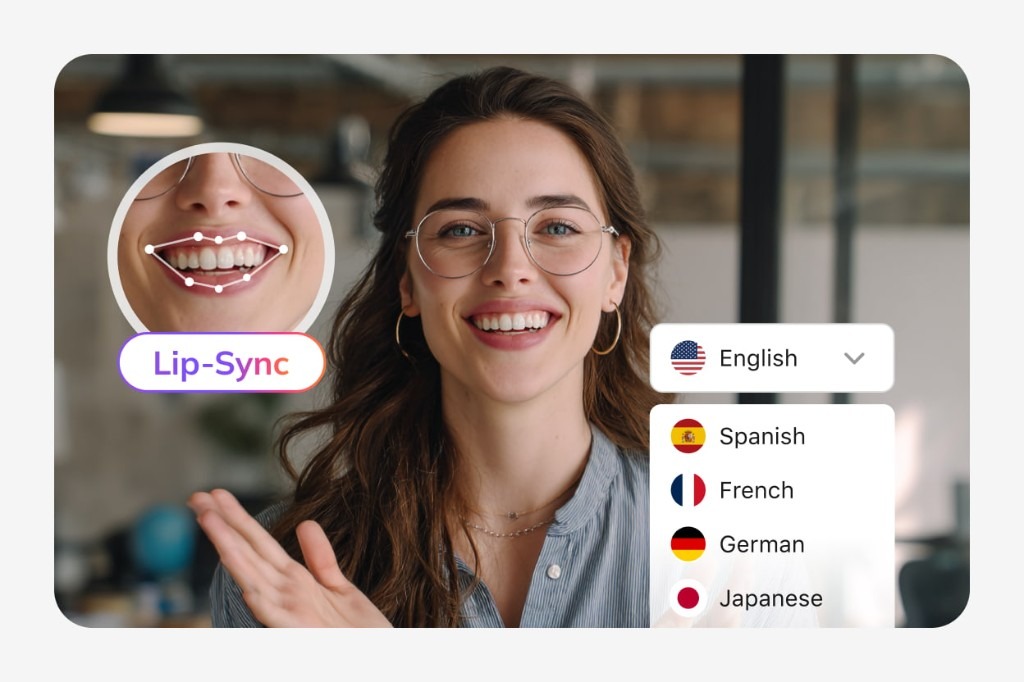
Visual Translation
Translate the titles, slides, labels, UI elements, graphics, and other text viewers see on screen.
Try Visual Translation for free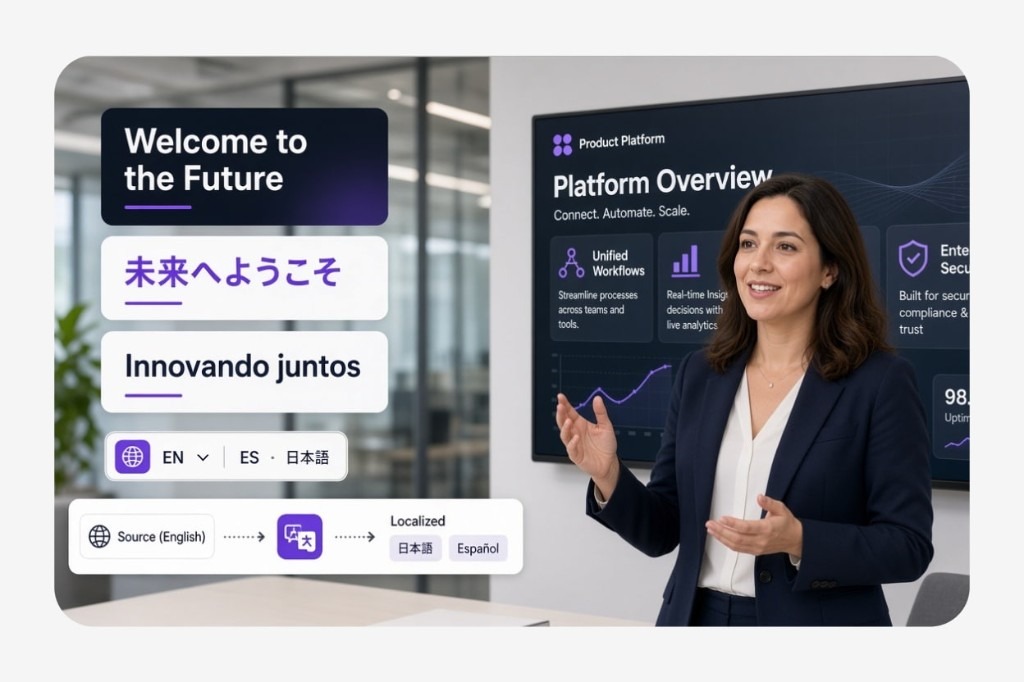
Bring voice, subtitles, lip movements, and on-screen text together after you generate the clip.
FAQs about Seedance 2.5 Video Model
What is Seedance 2.5?
Seedance 2.5 is an AI video generation model designed to create videos from text prompts and reference materials. It supports longer video generation, multimodal references, synchronized audio and visuals, and precise video editing.
How long can Seedance 2.5 generate videos?
Seedance 2.5 can generate videos up to 30 seconds in a single generation and supports multiple rounds of video extension for creating longer content.
Can Seedance 2.5 generate videos from text?
Yes. Seedance 2.5 supports text-to-video generation. You can describe the subject, action, environment, camera movement, style, and other details in your prompt.
Can I use images as references for Seedance 2.5?
Yes. You can use images to guide characters, scenes, objects, visual styles, composition, and other elements in your generated video.
Can Seedance 2.5 generate audio with video?
Yes. Seedance 2.5 uses an audio-video joint generation approach, allowing generated videos to include synchronized audio and visual content.
Can Seedance 2.5 keep characters consistent?
Seedance 2.5 is designed to maintain the appearance and characteristics of referenced subjects across complex scenes and multiple shots, especially when clear reference materials are provided.