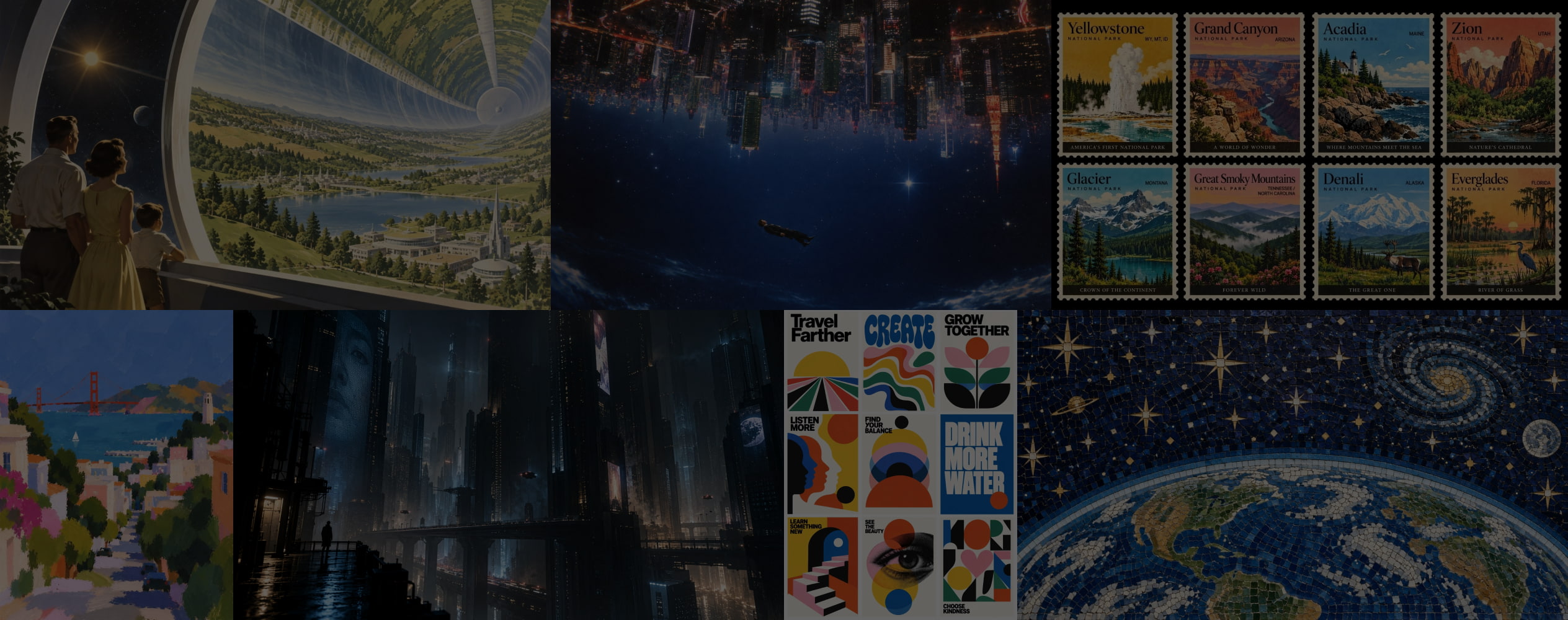
How to Generate Images with GPT Image 2.5
01 Enter Your Image Prompt
Describe the image you want to create, including the subject, setting, visual style, composition, lighting, and other important details. The more specific your prompt is, the more control you have over the final result.
02 Refine Your Description
Add or adjust details to make your idea more specific. You can describe the desired layout, colors, perspective, mood, text, or visual style to guide GPT Image 2.5 toward the result you have in mind.
03 Generate Your Image
Submit your prompt and let GPT Image 2.5 turn your description into an image. Review the result and refine your prompt to create another version that better matches your creative direction.
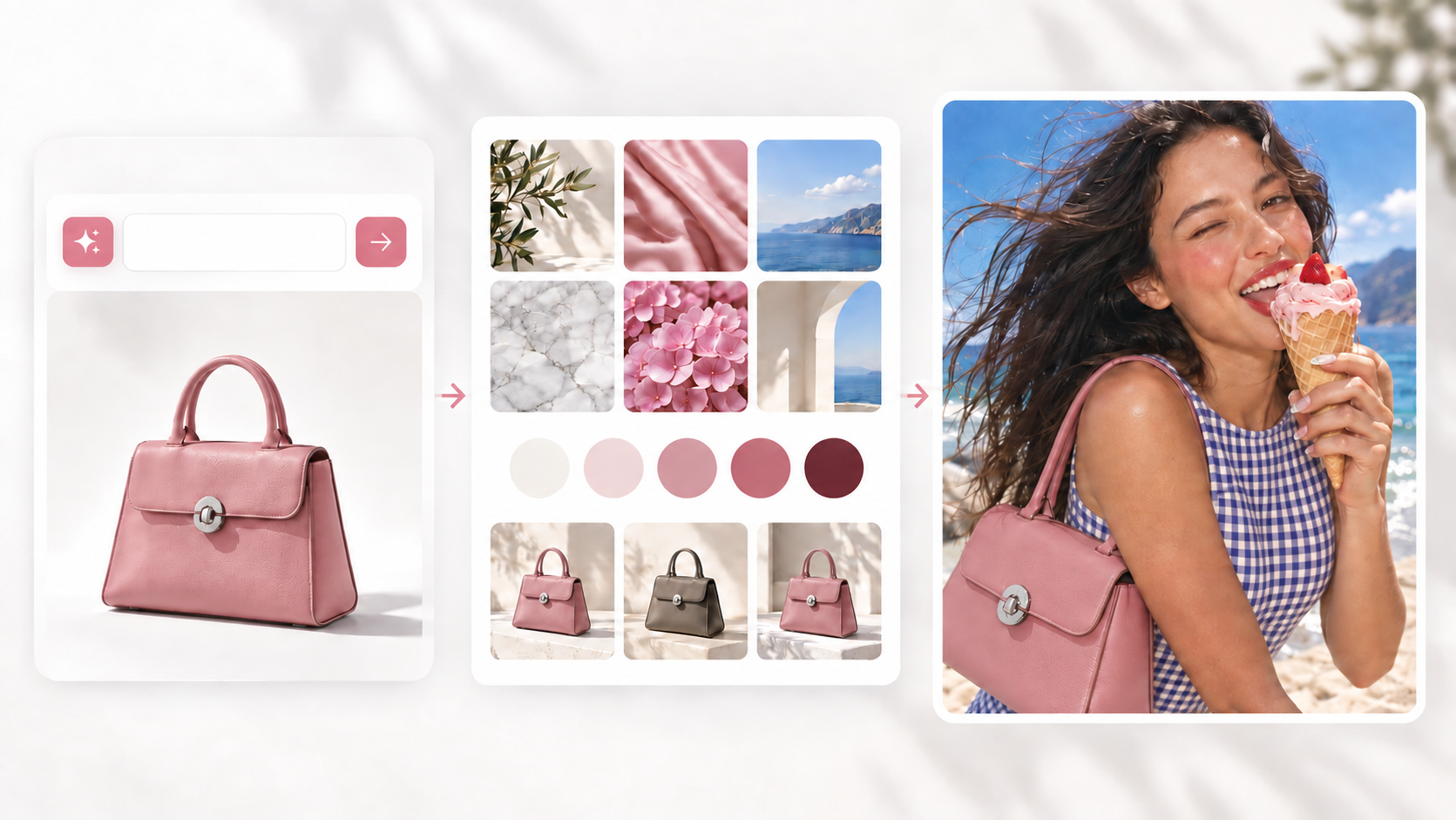
Better Quality. Faster Results.
Get more realistic details, stronger prompt understanding, better style control, and faster image generation.
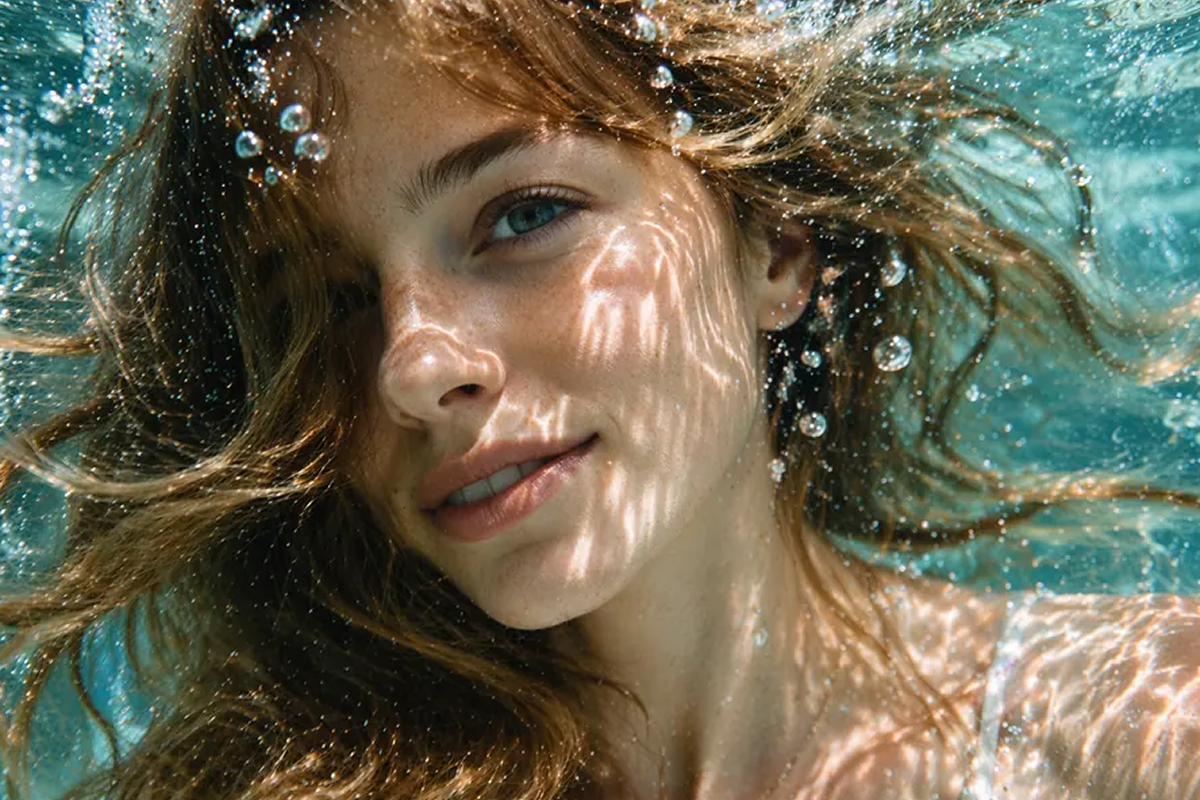
More Realistic Details
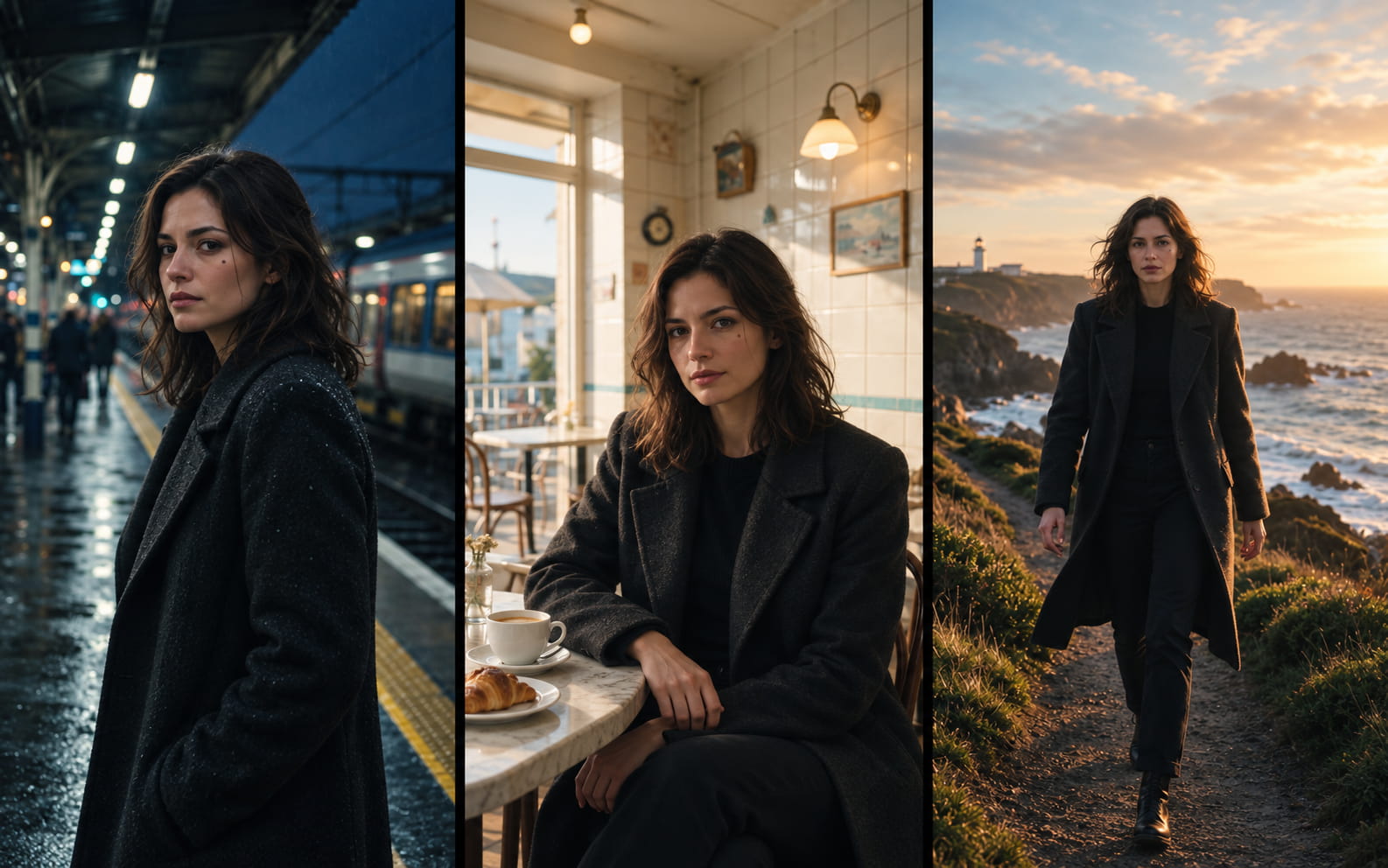
Generate images with more natural lighting, richer textures, and more accurate real-world details.
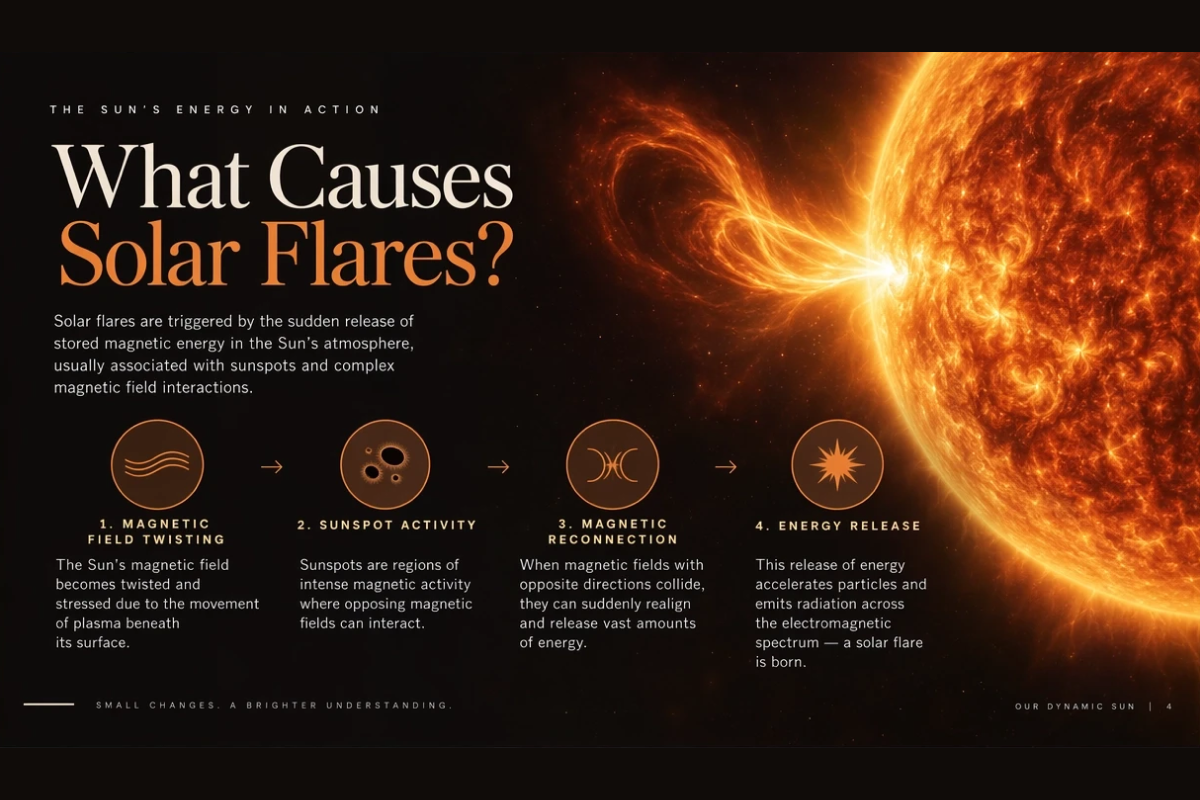
Better Prompt Understanding
Follow complex visual instructions more accurately, including detailed compositions, layouts, styles, and transparent backgrounds.
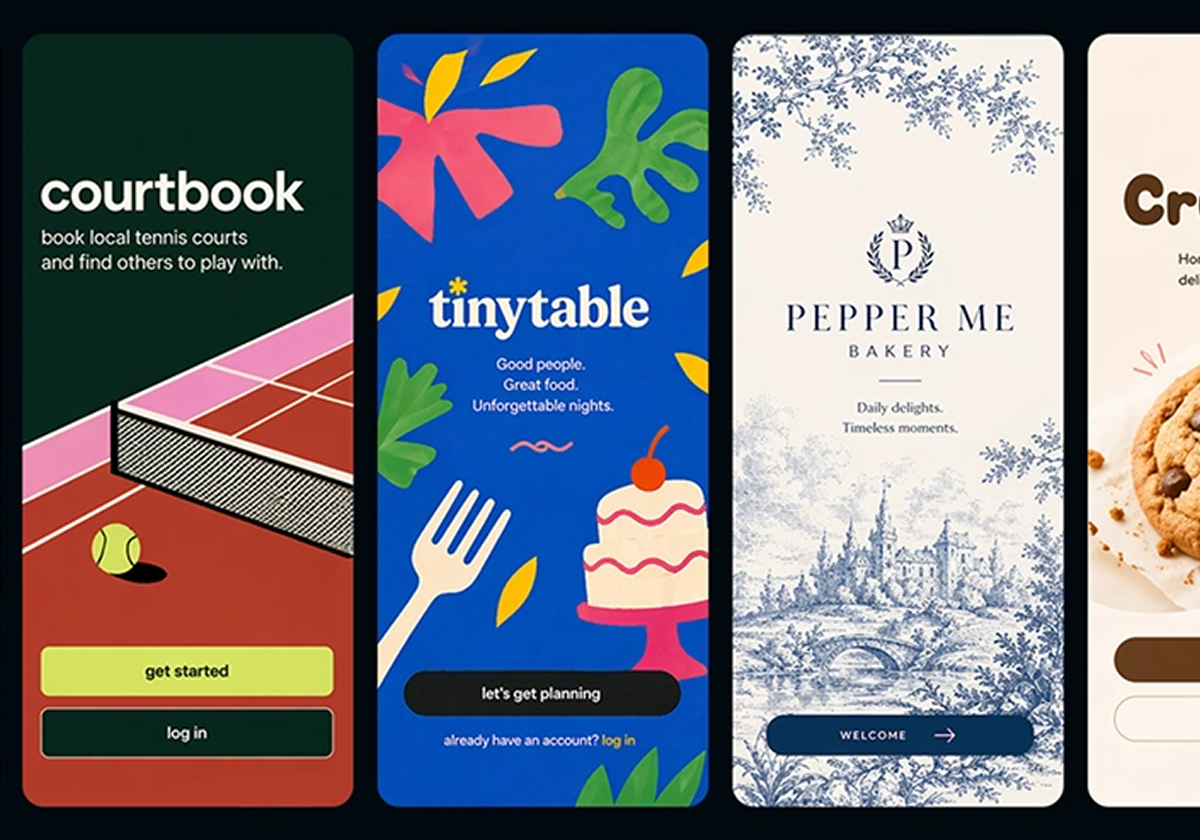
Up to 50% Faster Generation
Generate and refine images faster with up to 50% lower latency compared with Images 2.0.
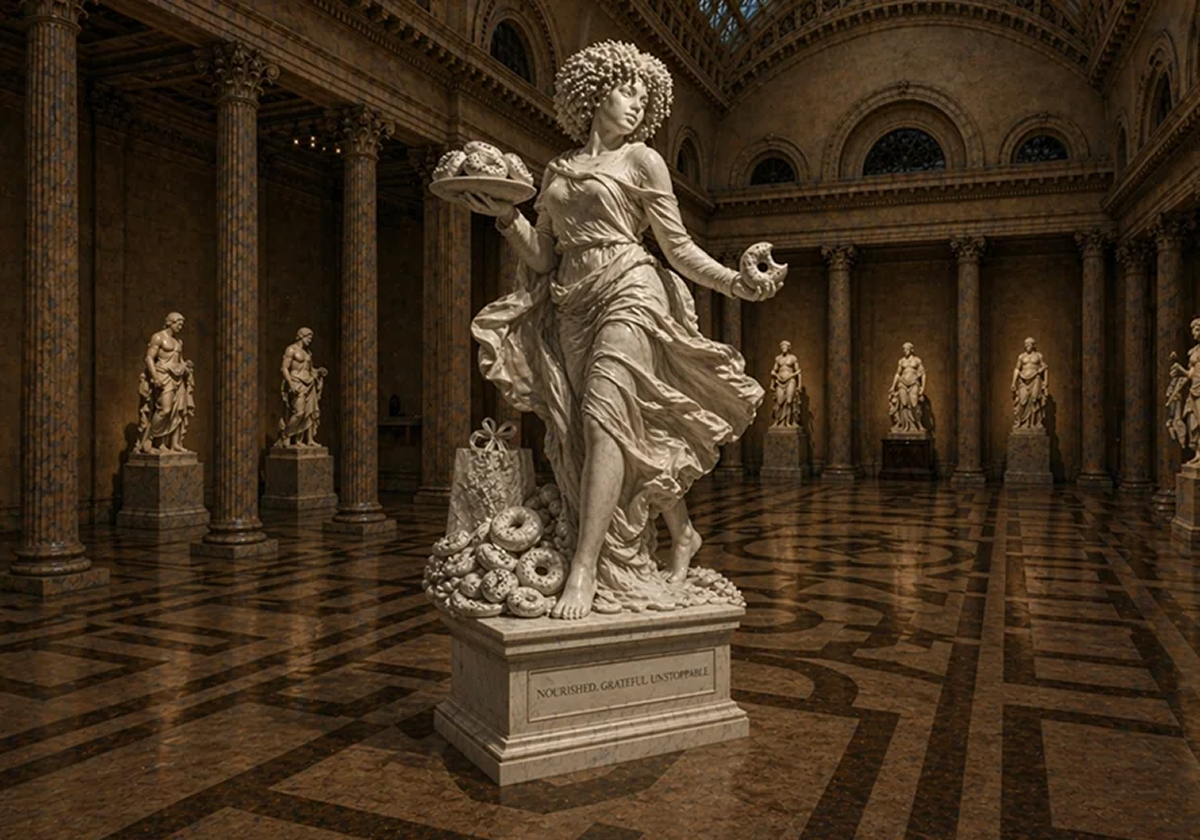
Stronger Style Control
Translate specific artistic directions into more coherent visuals while maintaining the requested composition and details.
How GPT Image 2.5 Improves AI Image Creation?
Generate and edit images with better visual fidelity, instruction following, and consistency across creative workflows.
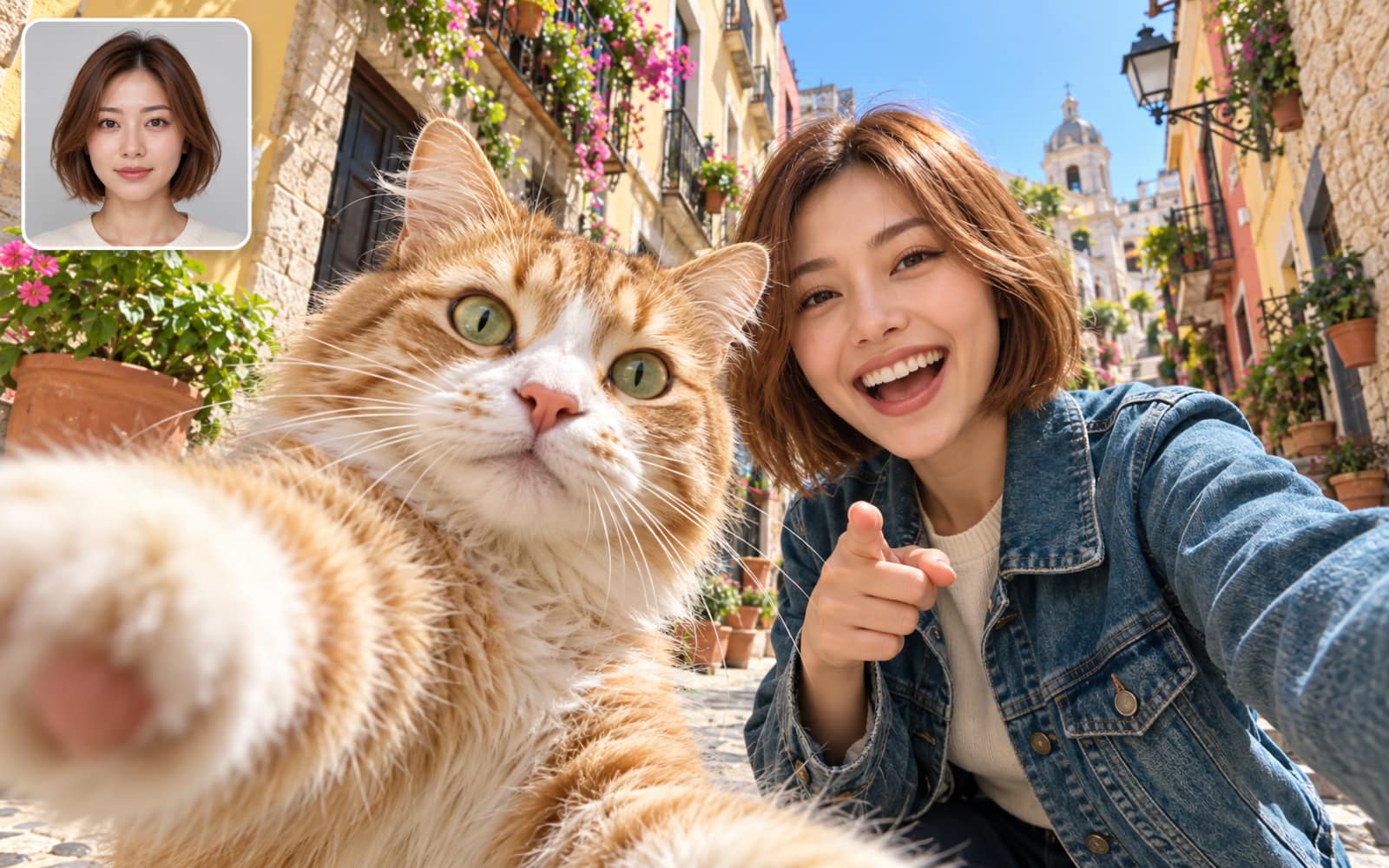
Reference-Preserving Generation
Turn reference photos into new scenes, styles, and compositions while keeping the original subject recognizable. GPT Image 2.5 better preserves distinctive facial features, appearance, textures, and other visual details, making it easier to create variations without losing the identity of the original image.
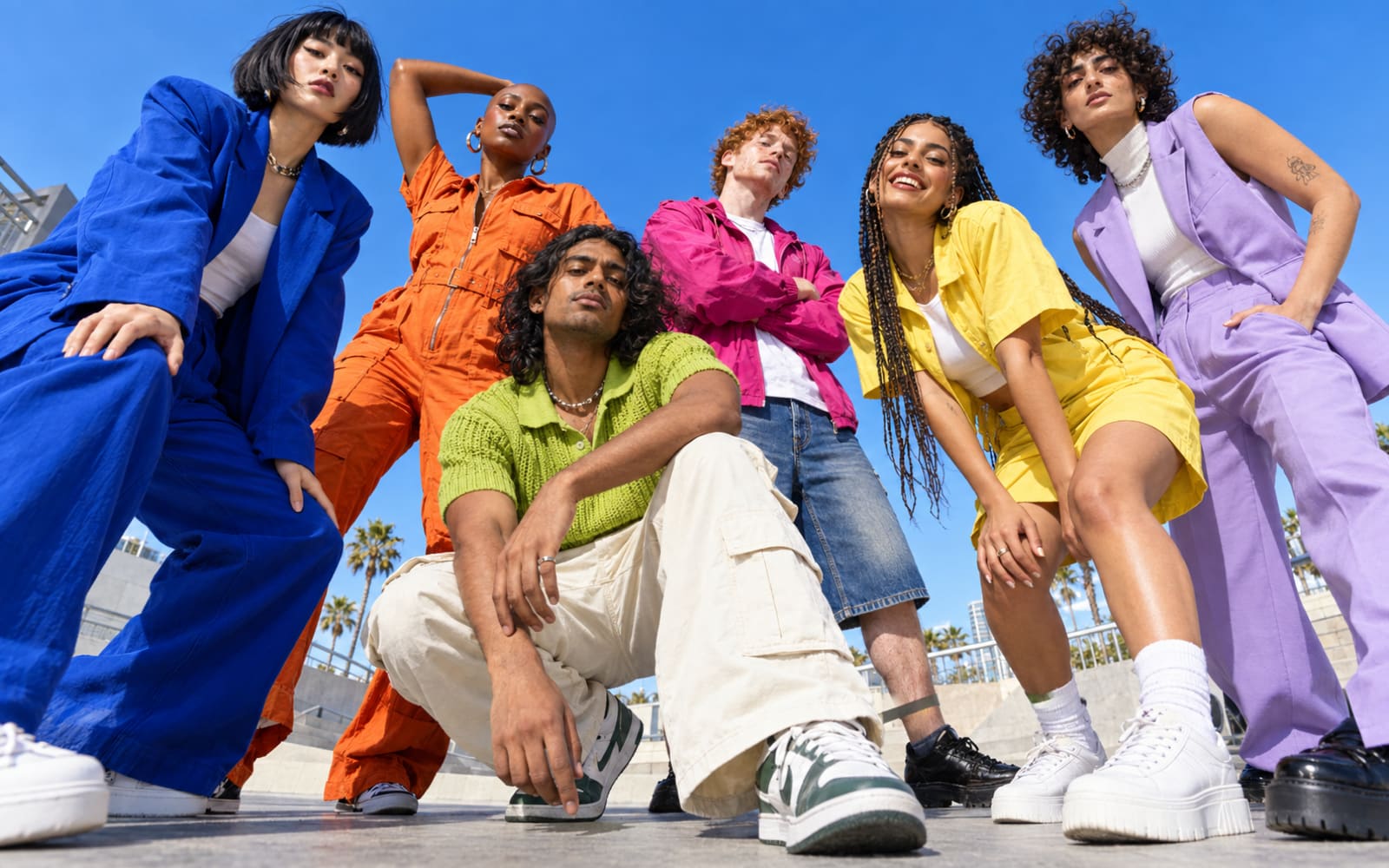
Precision Image Editing
Make targeted changes without having to recreate the entire image. Replace a product, update text, change the background, or modify a specific part of the composition while keeping the surrounding elements intact. GPT Image 2.5 is better at following precise editing instructions, even with complex subjects and backgrounds.
Consistent Multi-Turn Editing
Refine an image through multiple rounds of edits while keeping earlier changes intact. GPT Image 2.5 better maintains the subject, composition, visual details, and image quality from one edit to the next, so you can gradually refine a concept without the image drifting or degrading over time.
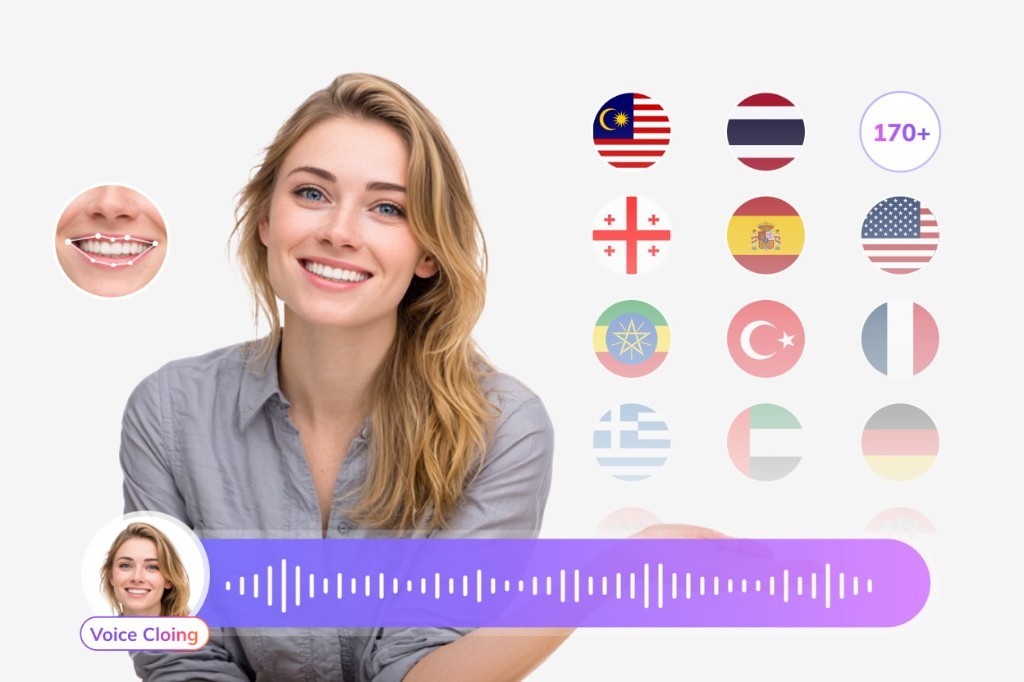
Localize Every Layer of Your Generated Video
A Seedance clip starts in one language. Use VMEG to add dubbed audio, translated subtitles, lip sync, and on-screen text so the rest of the video matches the audience.
Subtitle Translation
Generate and translate subtitles for international audiences.
Try Subtitle Translator for free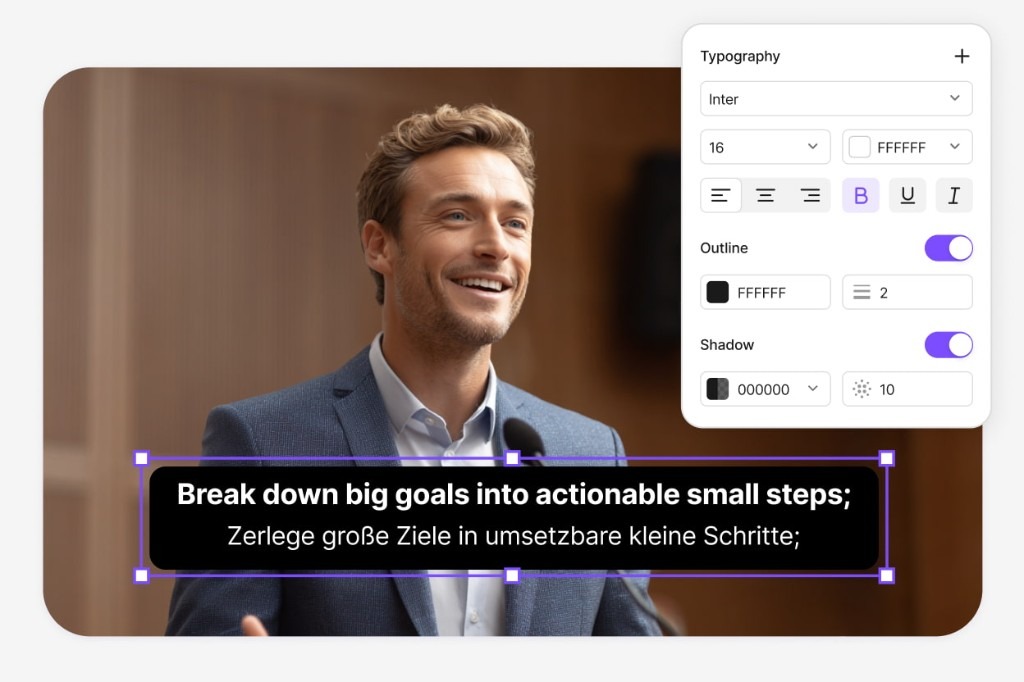
Lip-Sync Translation
Match translated speech more naturally to the speaker's lip movements.
Try Lip Sync for free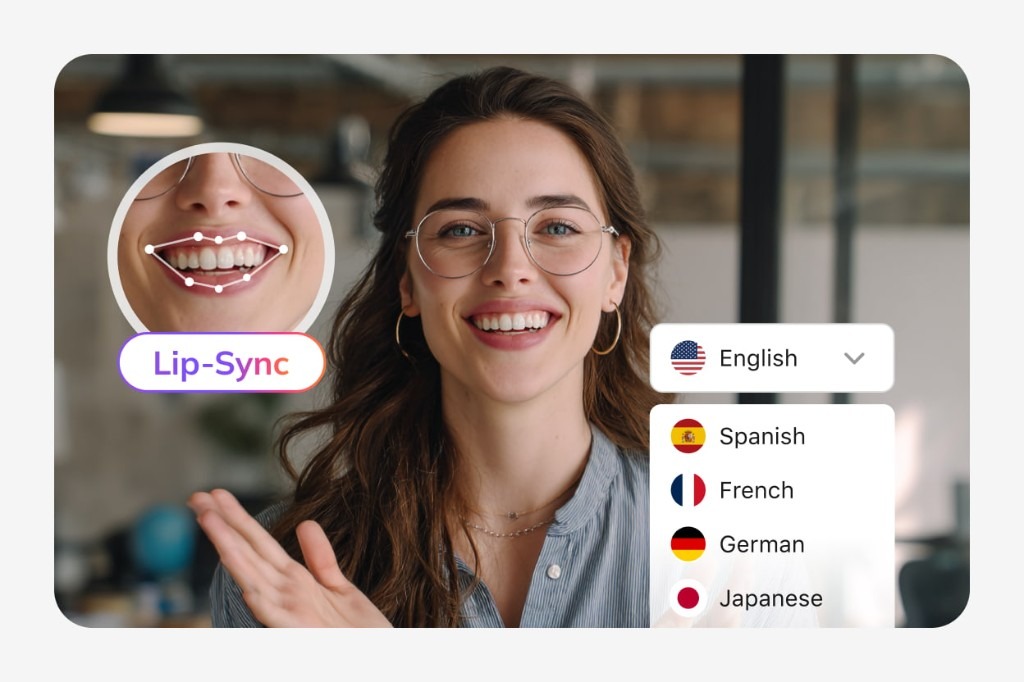
Visual Translation
Translate the titles, slides, labels, UI elements, graphics, and other text viewers see on screen.
Try Visual Translation for free
Bring voice, subtitles, lip movements, and on-screen text together after you generate the clip.
FAQs about GPT Image 2.5
What is GPT Image 2.5?
GPT Image 2.5 is an advanced image generation and editing model designed to create detailed visuals, follow complex instructions, and make precise edits while maintaining image consistency.
What can I create with GPT Image 2.5?
You can create a wide range of visuals, including portraits, product images, marketing creatives, illustrations, presentation visuals, and other custom images based on text prompts or reference images.
Can GPT Image 2.5 edit existing images?
Yes. GPT Image 2.5 can make targeted edits to existing images, such as changing a product, background, text, or other specific elements while preserving the rest of the composition.
Can GPT Image 2.5 keep images consistent across multiple edits?
Yes. GPT Image 2.5 is designed to maintain important visual details and previous changes across multiple editing rounds, making it easier to refine an image without repeatedly starting from scratch.