Free Image Translator Online

VMEG AI is an advanced online tool designed to translate text within graphics, photos, and scanned documents without disrupting their original layout.

Loading image translator…

How to Use VMEG AI Image Translator

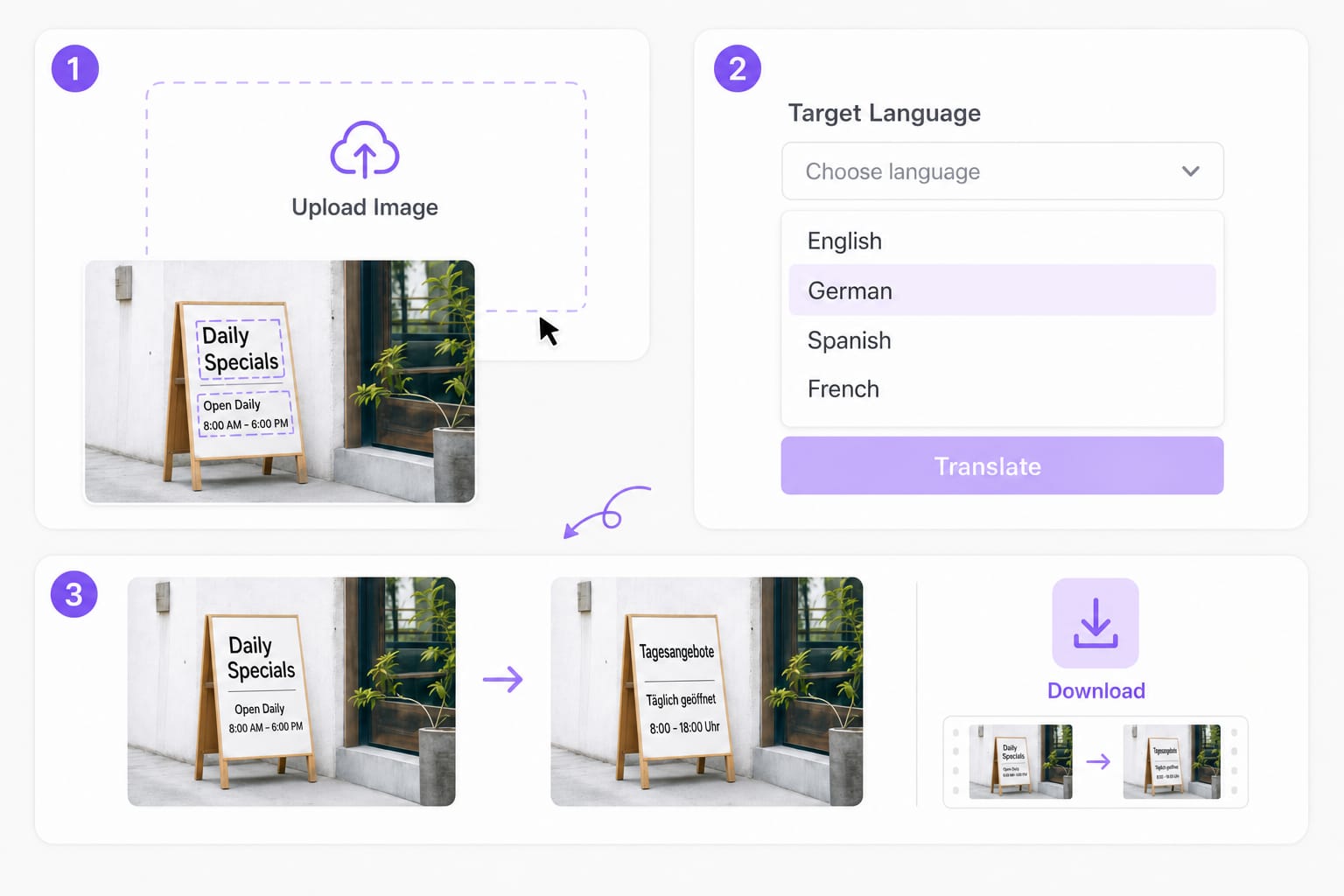
  1. 01Upload your image

    Drop a PNG, JPG, or WebP up to 10 MB — screenshots, photos, signs, packaging, or slide exports with readable printed text.

  2. 02Choose Your Target Language

    Select your desired language and let the platform handle the heavy lifting. The AI image translator scans the document, extracts the original text, and generates a context-aware translation that aligns with the visual structure

  3. 03Download the translated image

    The AI image translator OCRs each line, translates it, redraws text on the photo, and lets you save a PNG for reviews or handoffs.

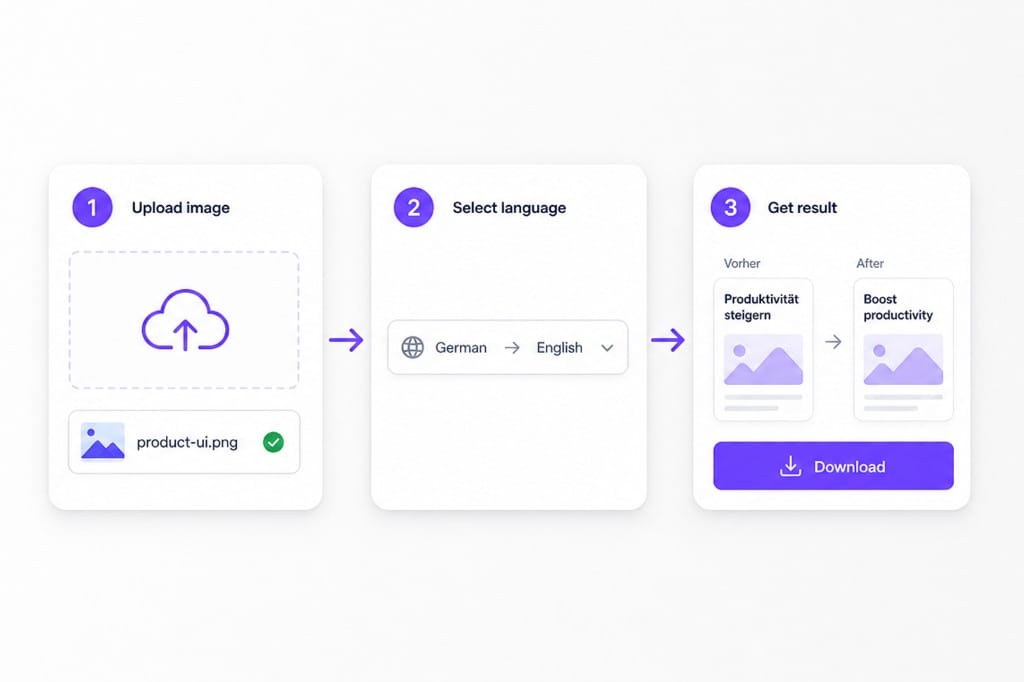
Image translator and AI image translator workflow: upload, choose language, download

Language-Focused Image Translators

Jump to Japanese source text or English output workflows — both use the same free online image translator engine with OCR overlays.

Why Choose VMEG AI as Your Go-To Image Translator?

When you need a free online image translator with AI OCR plus translation in one pass — not a separate scan, retype, and paste workflow. Upload a screenshot, comic panel, or photo with text, choose a target language, preview overlays in place, then sign in to download from this free online Image Translator workspace.

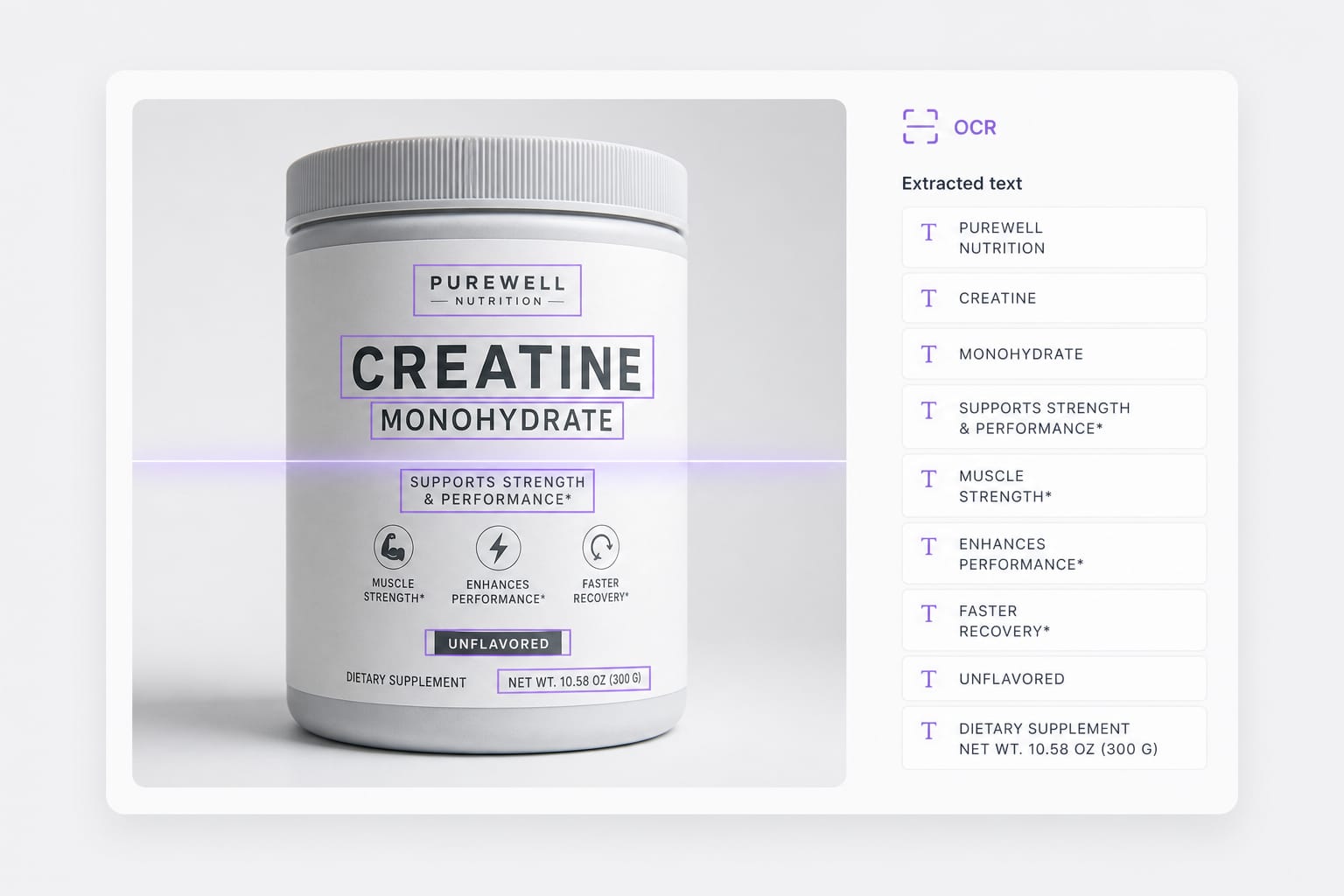
AI OCR before translation

This AI image translator detects readable text in photos and screenshots first — menus, labels, UI strings, and signage — so you do not retype copy from an image manually. Auto detect mixed scripts or lock the source language, then translate into your target language.

Upload an image

Seamless Layout Preservation

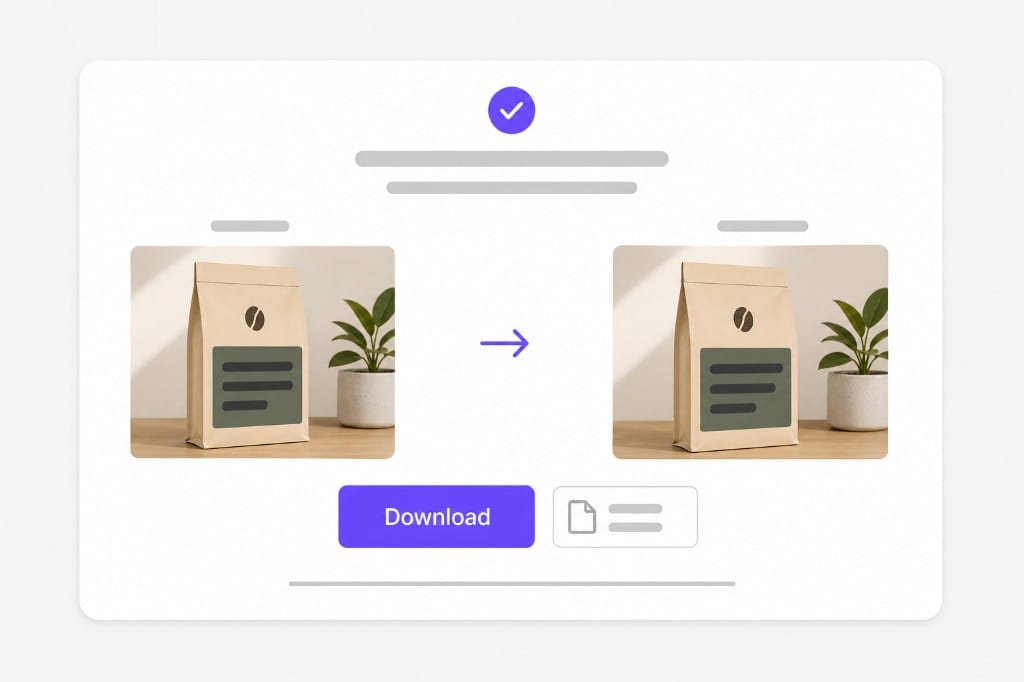
Traditional translation tools often cover graphics with ugly text boxes or misaligned layers. VMEG AI uses intelligent background inpainting to erase original characters and fit the new text precisely where it belongs, keeping your design pristine.

Try it free

Browser-based AI workflow

Run this free image translator in any modern browser — OCR and preview stay in your session, translation calls go through VMEG API, and no desktop OCR software install is required. Preview stays free in your browser; sign in only when you download the finished Image Translator output so exports stay reliable.

Start translating

FAQs about Image Translator

What is an AI image translator?

An AI image translator combines OCR and machine translation in one online tool — upload a photo or screenshot, detect text regions, translate each line, and redraw the target language on the image. This free image translator runs in your browser without a desktop app.

Which image formats does this image translator support?

PNG, JPG, and WebP up to 10 MB per file. Transparent PNGs are supported; downloads export as PNG. Check the upload chip on this page for the full list of supported containers; matching those formats avoids failed imports.

Does this AI image translator work on handwriting?

Handwriting and stylized lettering are hit or miss. Clear printed text, UI screenshots, and slide exports work best. Upload your image, choose target language, preview translated text in place, then sign in to download the Image Translator result.

Will the layout stay pixel-perfect?

Translated lines are drawn inside detected boxes. Long translations may wrap or shrink to fit the original region. Dense slides or narrow columns may wrap after translation; open the download and adjust styling locally if a label overflows.

Is this image translator free to try?

You can upload, translate, and preview for free. Sign in when you download the translated image. Preview and core processing are free in your browser; sign in when you download the finished Image Translator output so exports stay reliable.

Translate podcasts and interviews in minutes

Upload MP3 or WAV and get accurate speech translation across 170+ languages — built for long-form audio.