Free Translate Text From Image Online

VMEG AI helps you translate text from images by extracting written content from JPG files, screenshots, and other image formats. With OCR recognition and AI translation technology, you can convert image-based text into readable translations without manual typing.

Loading image translator…

How to Translate Text From an Image

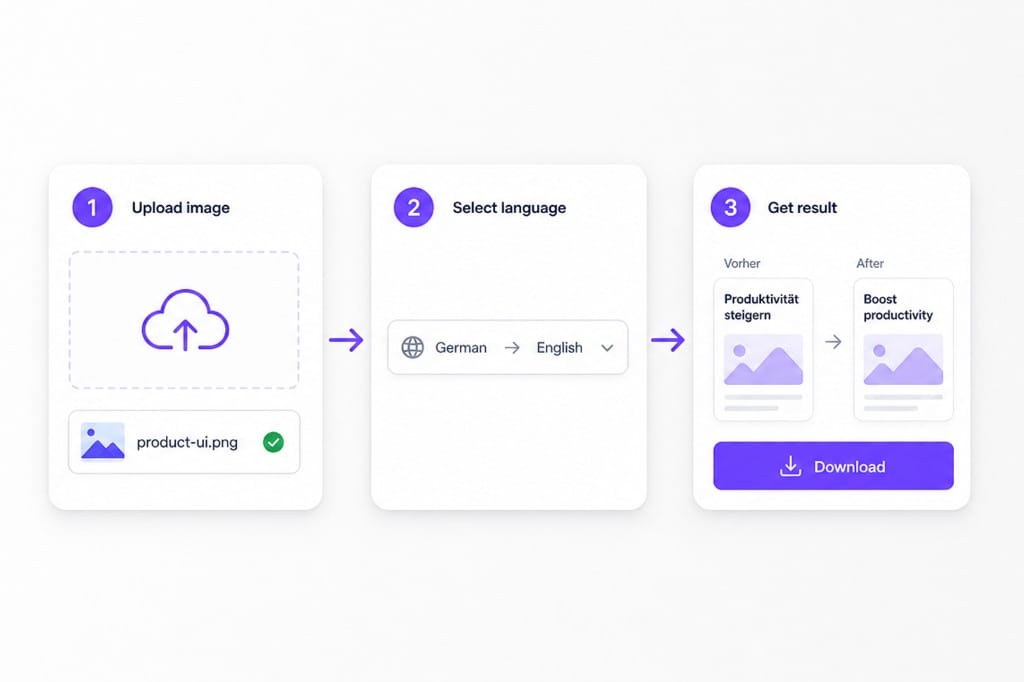
  1. Upload your image

    Upload your image, JPG file, or screenshot to VMEG AI. The tool automatically detects text areas inside the image and prepares the content for translation. You do not need to copy text manually, even when the information is stored only as an image.

  2. Choose languages

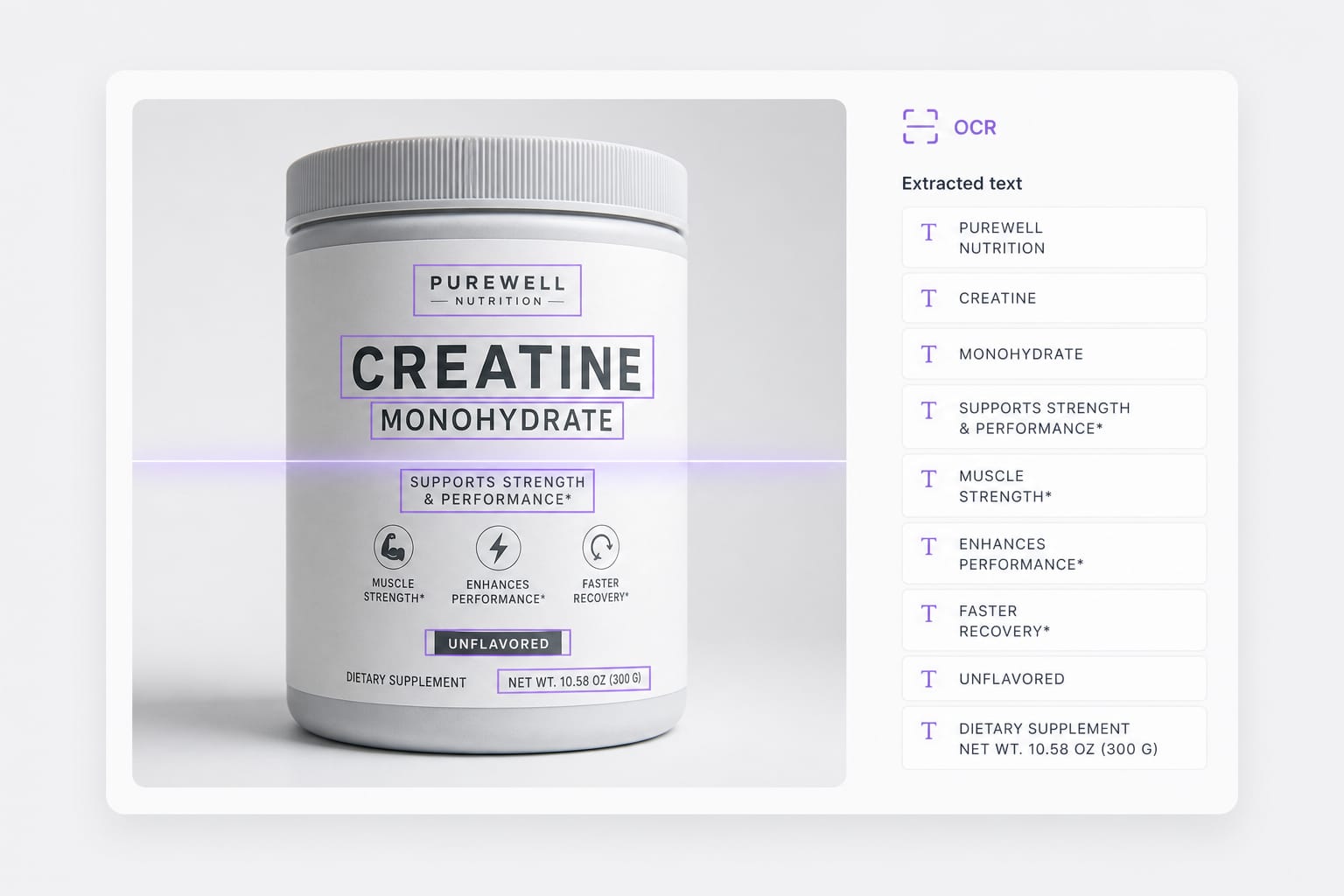
    VMEG AI uses OCR technology to recognize text from images before translation. The system identifies characters, words, and sentence structures to create a translated version. This process helps users avoid mistakes caused by manual transcription.

  3. Review and Use Your Translated Text

    After translation, review the extracted text and use the result for communication, learning, research, or business tasks. The translated content can be copied and reused without retyping the original image text.

Why Use VMEG AI JPG Image Translator?

When text is trapped inside a photo or screenshot — not in a copy-pasteable document — you need OCR plus translation in one browser tab.

Improve Translation Quality with Context Understanding

Traditional translation tools may focus only on individual words, which can create unnatural sentences. This becomes a problem when translating instructions, conversations, or professional content. VMEG AI analyzes the overall meaning of extracted text to provide translations that are easier to understand.

Upload an image
OCR detection before translate text from image

Translate JPG Files with a Smart JPG Translator

JPG files are widely used for screenshots, scanned documents, product images, and online content. However, most image viewers cannot recognize or translate the text inside them. VMEG AI works as a JPG translator that detects text from JPG images and converts the content into another language while keeping the meaning clear.

Try it free
JPG translator workflow to translate text from image

Process Image Text in Multiple Languages

Users often work with images from different countries and platforms. Switching between multiple translation tools can slow down the workflow. VMEG AI supports multilingual image text translation, allowing users to handle different languages in one place.

Start translating
Online translate text from image without install

FAQs about Translate Text From Image

How do I translate text from image files online?

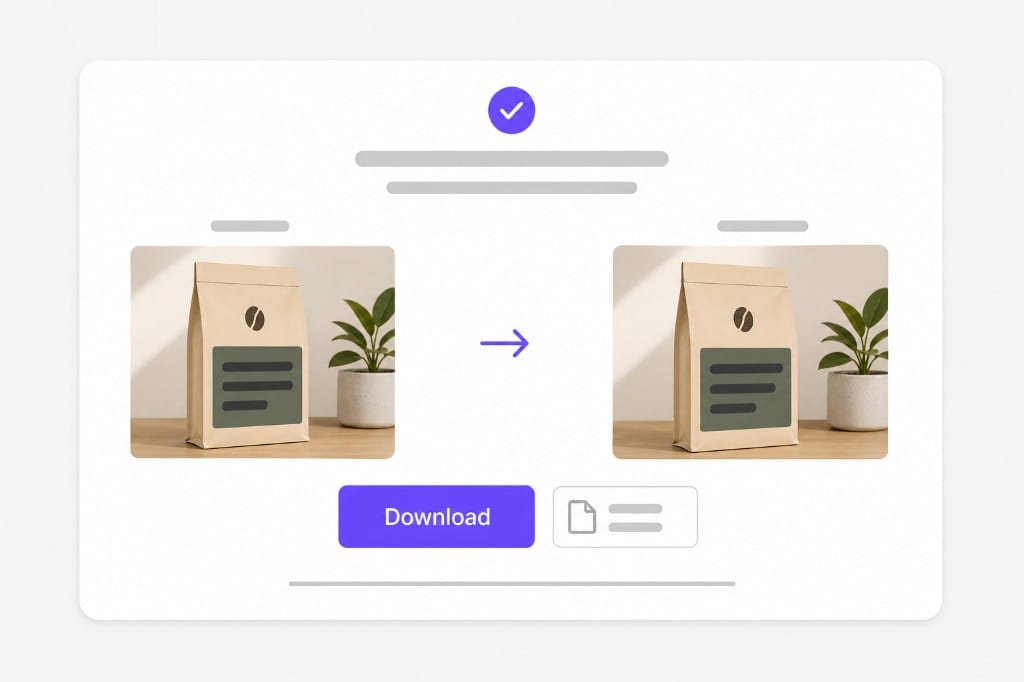
Upload a PNG, JPG, or WebP picture with readable text, pick a target language, then preview translated overlays in your browser. OCR detects each text region, translates the line, and redraws the target language on the image.

Can this work as a jpg translator?

Yes. JPG and JPEG photos use the same OCR plus translation pipeline as PNG uploads. Clear printed text works best when you translate text from image shots from your phone or camera.

Which image formats are supported?

PNG, JPG, and WebP up to 10 MB per file. Transparent PNGs are supported; downloads export as PNG.

Does this work on handwriting?

Handwriting and stylized lettering are hit or miss. Clear printed text, UI screenshots, and slide exports work best.

Is translate text from image free to try?

You can upload, translate, and preview for free. Sign in when you download the translated image.
Translate videos into 170+ languages online

Upload MP4 or MOV, or paste a link — VMEG handles AI dubbing, lip sync, and subtitles in one browser workflow.