YouTube download video subtitles without extensions
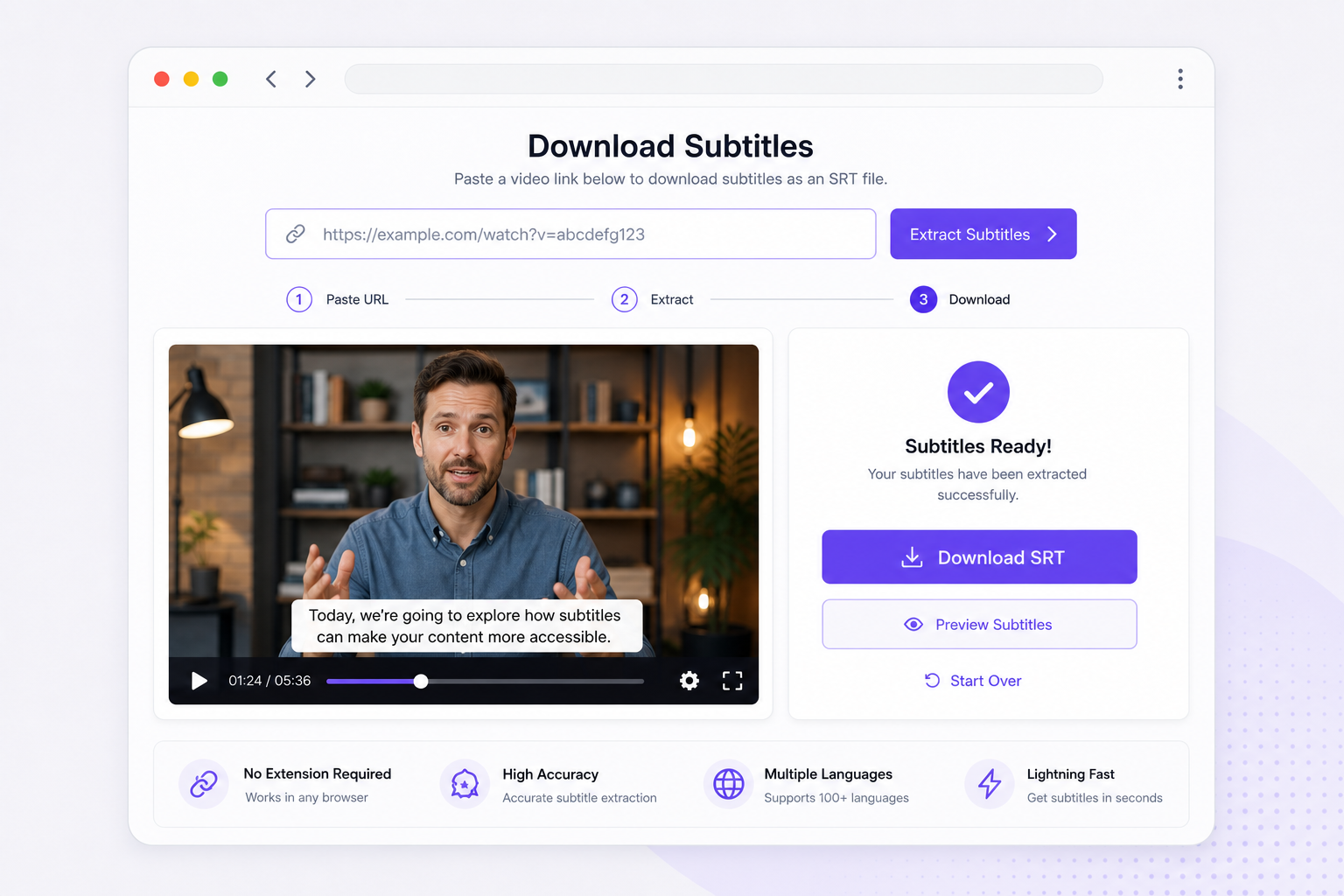
Paste a watch URL, generate SRT in-tab, and skip plugins that break every Chrome update. A youtube download video subtitles workflow for quick tutorial clips and podcast excerpt pulls.
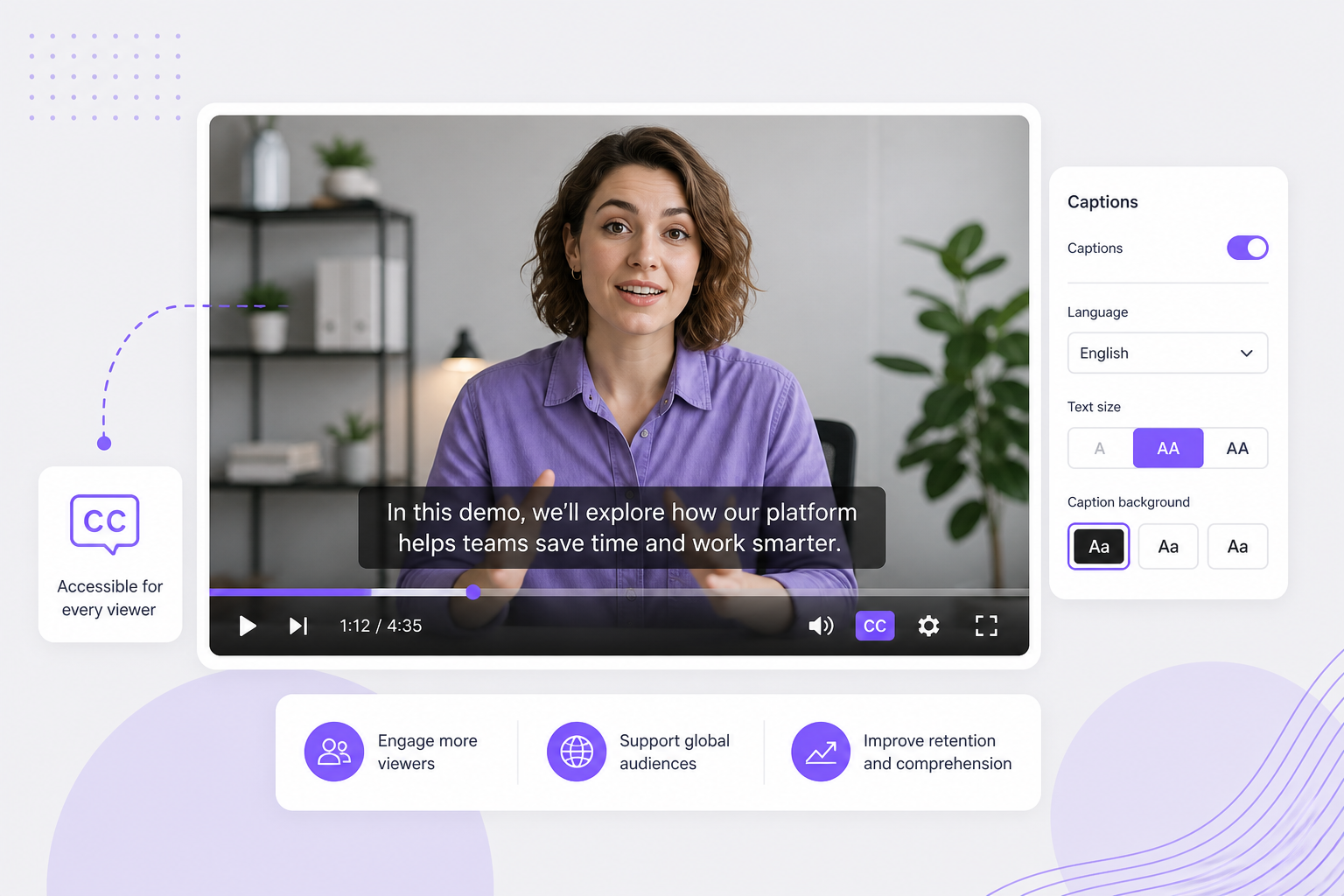
Download subtitle YouTube workflows start with a paste — import a public watch or Shorts link, turn spoken content into timed SRT, and attach captions to edits, translations, or accessibility uploads without desktop rip tools.
01Paste your public YouTube watch link
Copy a youtube.com/watch, youtu.be, or Shorts URL into the importer above. Public watch pages and many Shorts links work — private or age-restricted videos need a local upload.
02AI transcribes speech into timed cues
AI pulls audio from the stream and builds numbered SRT blocks with HH:MM:SS timestamps — useful when creator CC is missing or not editable offline.
03Download SRT for edit or upload
Preview captions free in your browser, then download SRT for Premiere or DaVinci, re-upload as a YouTube sidecar, or export TXT for notes and translation.
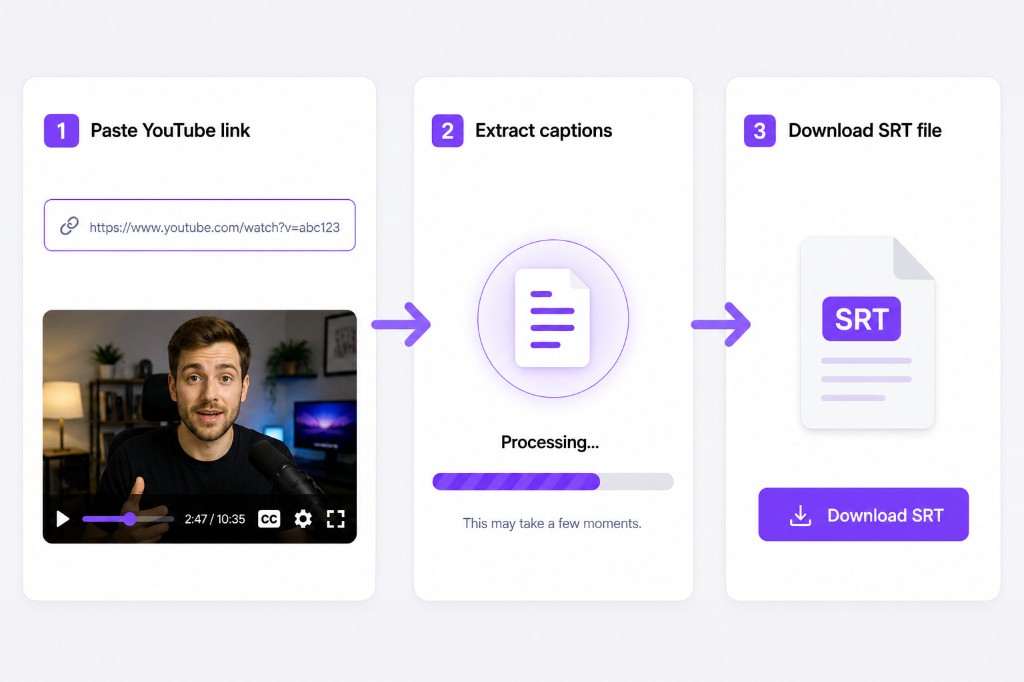
When auto-CC is missing, wrong, or locked in the player, this download subtitle youtube path rebuilds editable SRT from audio — no browser extension farm or command-line caption rip.
Paste a watch URL, generate SRT in-tab, and skip plugins that break every Chrome update. A youtube download video subtitles workflow for quick tutorial clips and podcast excerpt pulls.
Not every upload ships creator captions, and auto-CC can drop jargon. Speech recognition builds new timed blocks from audio — useful when regional CC is disabled or incomplete.
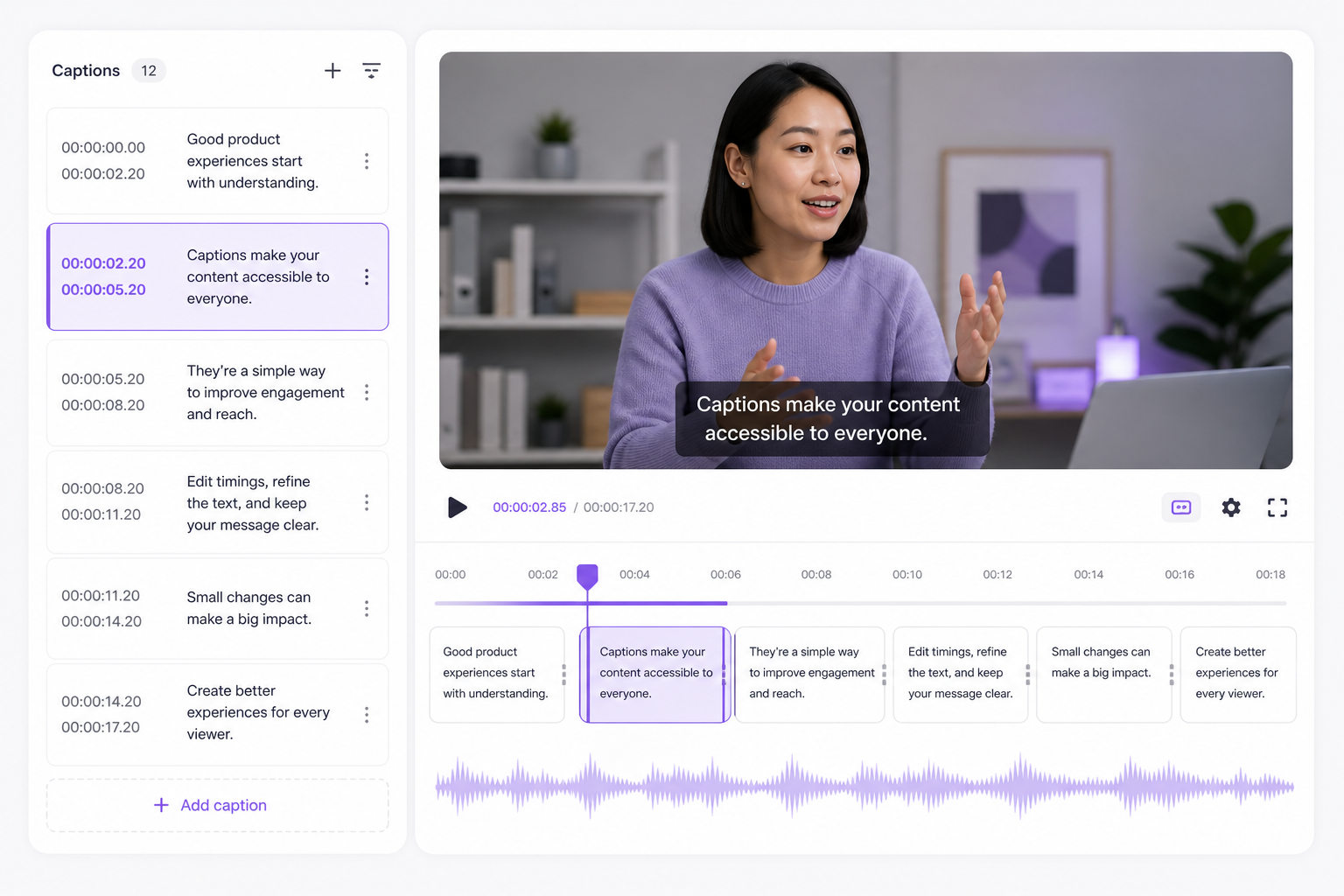
Exports use numbered blocks with HH:MM:SS timestamps. Import into Premiere, DaVinci, or re-upload as a sidecar when your channel requires a downloadable caption file.
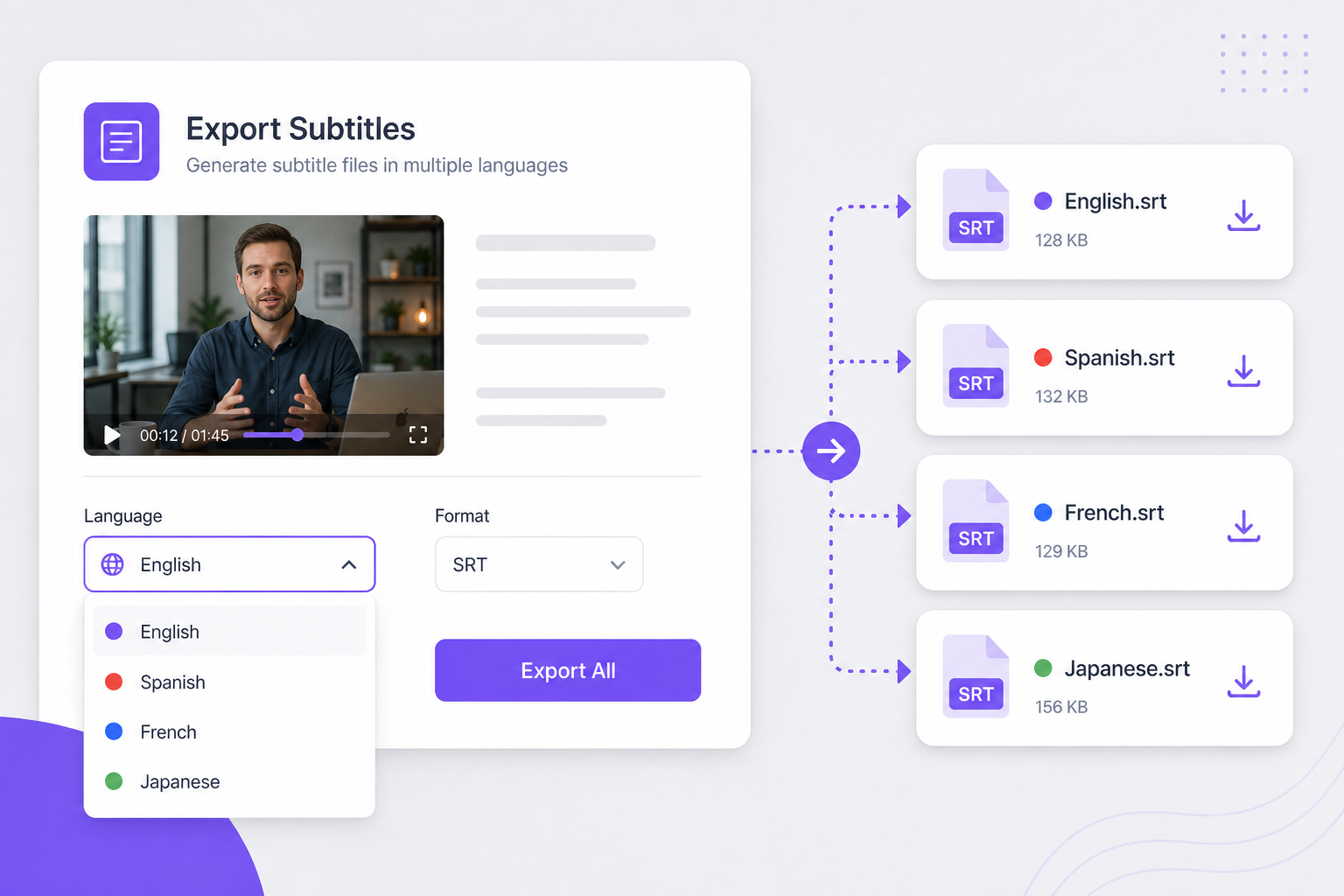
Generate SRT here, open Subtitle Translator for Spanish or Hindi, and keep cue timing intact — no spreadsheet columns or manual re-alignment per language.
After you download subtitles from YouTube video, translate captions, run AI dubbing, and reach viewers in 170+ languages without rebuilding timing.
Tutorial and podcast clips rarely stop at SRT — load the YouTube-derived file and captions into Video Translator, swap English subs for localized on-screen text, generate AI dubbing matched to the speaker, and export MP4 for multilingual channels without re-editing the master timeline.
Try Video Translator for free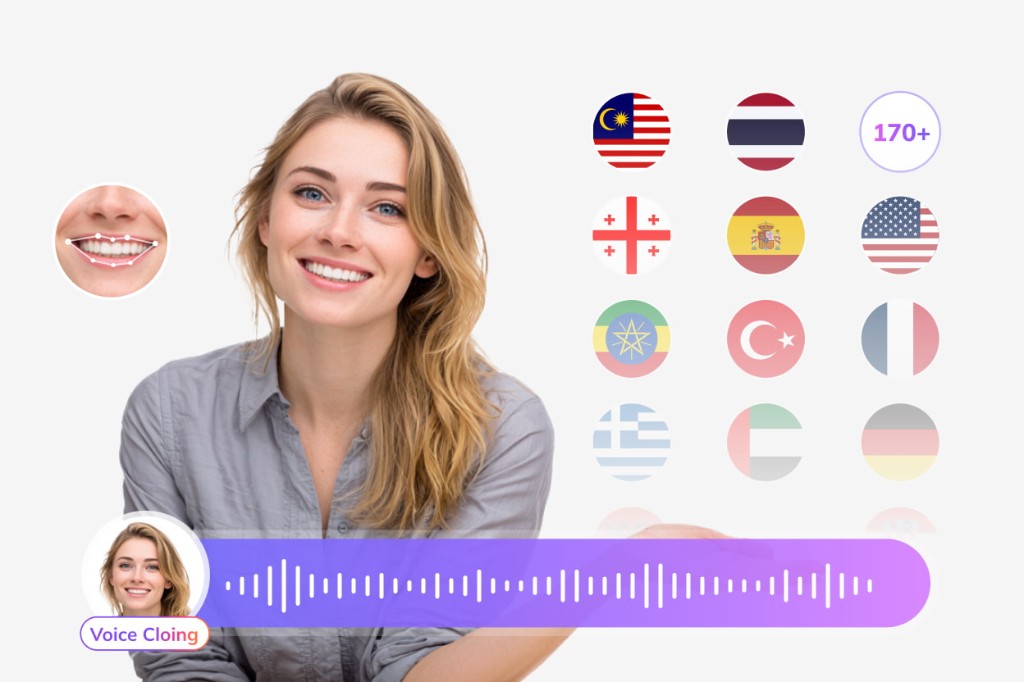
Download SRT here, then open Subtitle Translator to localize into Spanish, Hindi, Japanese, or 170+ languages — each translated block keeps the YouTube-aligned timestamps, so sidecar re-uploads and NLE imports skip a spreadsheet re-timing step.
Try Subtitle Translator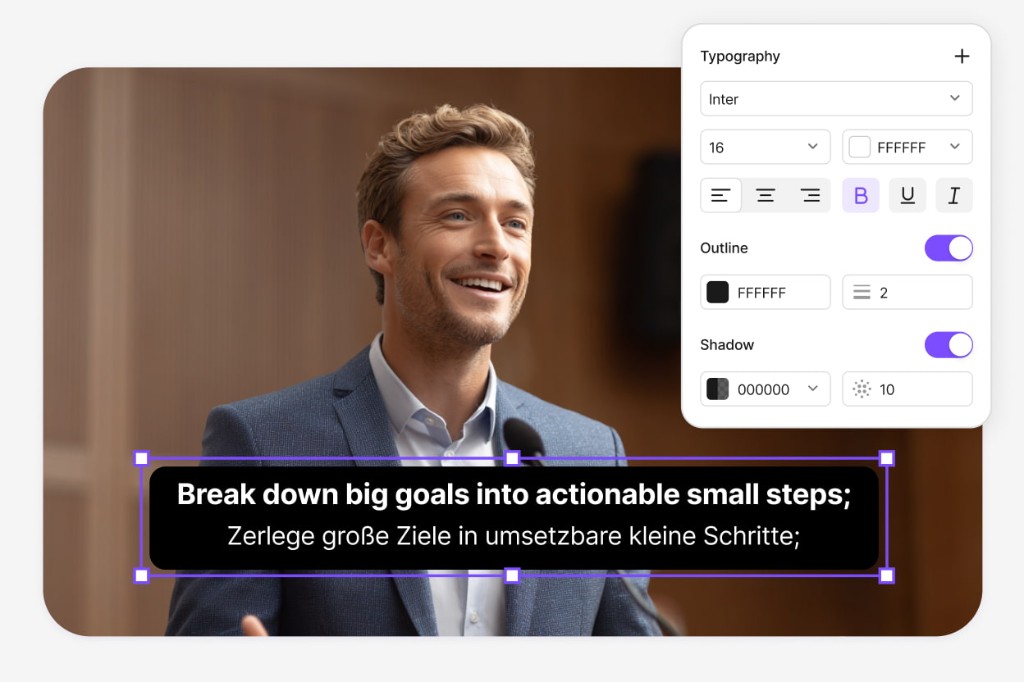
When viewers need spoken translation—not just CC text—push the same SRT into Dubbing Workflow, edit narration for length, assign AI voice tracks, preview lip-friendly pacing, and ship dubbed MP4 or refreshed SRT for Shorts and long-form uploads alike.
Open Dubbing Workflow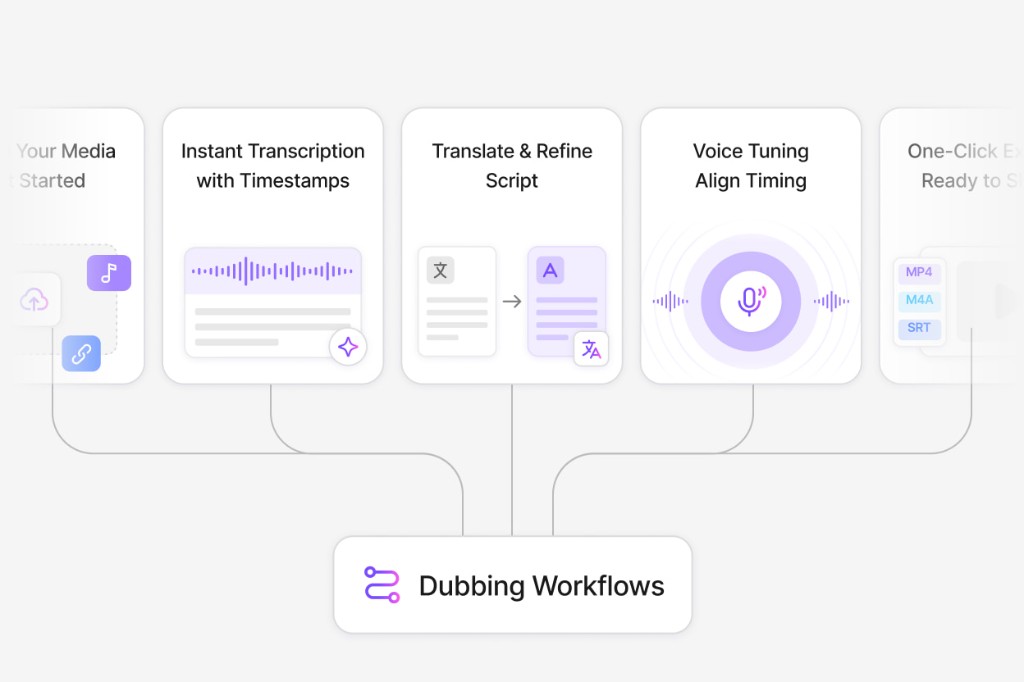
Paste a public YouTube or youtu.be URL on this page, wait for AI transcription, preview captions, then download SRT after signing in.
It transcribes spoken audio into new SRT cues. Built-in YouTube caption tracks are not ripped directly — you get editable timestamps generated from the audio stream.
Yes for many public Shorts URLs. Paste the share link — if import succeeds, the same subtitle pipeline runs as for standard watch videos.
It generates SRT caption files from imported audio, not a video file rip. Pair the SRT with your own footage or use Video Translator for localized MP4 export.
Import, generate, and preview are free. Download requires a free VMEG sign-in.
Upload MP4 or MOV, or paste a link — VMEG handles AI dubbing, lip sync, and subtitles in one browser workflow.