How do I make an MP3 louder online?
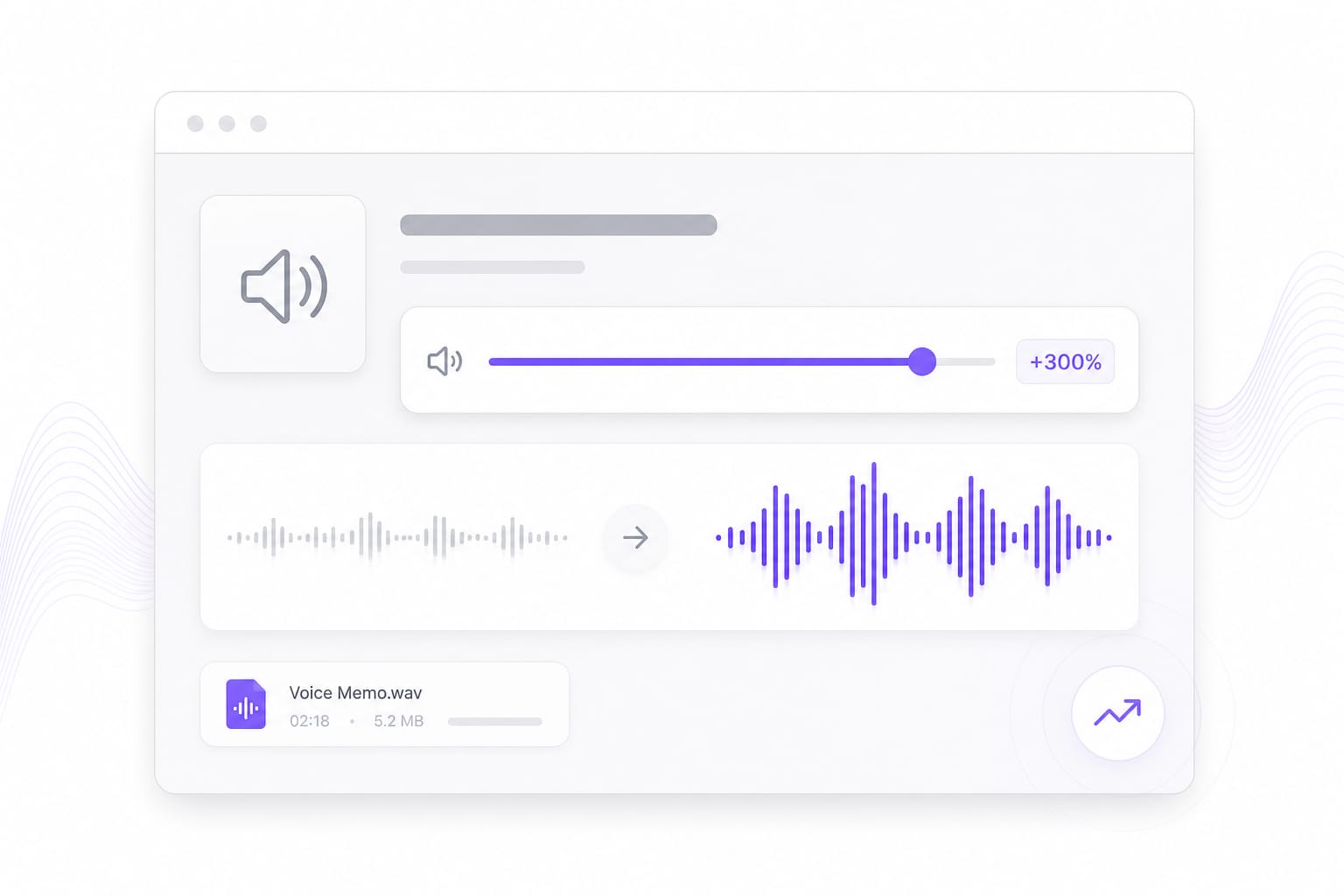
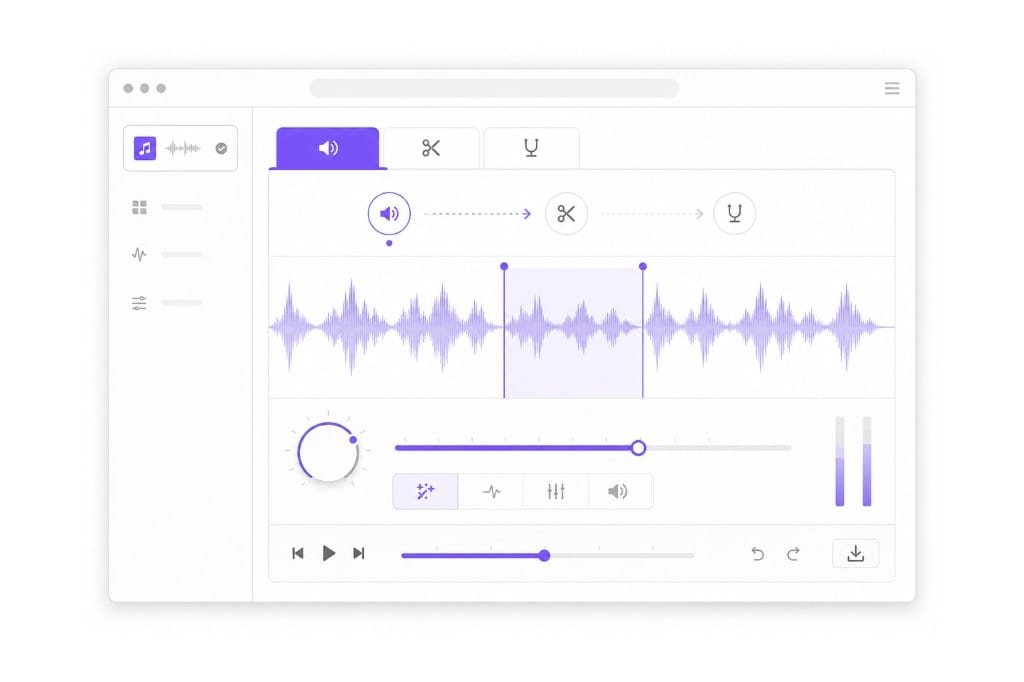
Upload the MP3, move the volume booster slider up, preview, and export. This page opens on the Volume tab by default. You can also upload video — the browser extracts the audio track before you boost quiet dialogue or music.
What is the difference between volume booster and volume changer?
Both use the same slider. Volume booster pages emphasize making quiet files louder; volume changer covers increase and decrease equally. Choose booster when SEO and defaults target loudness fixes for memos, podcasts, and low-level recordings.
Can boosting damage audio quality?
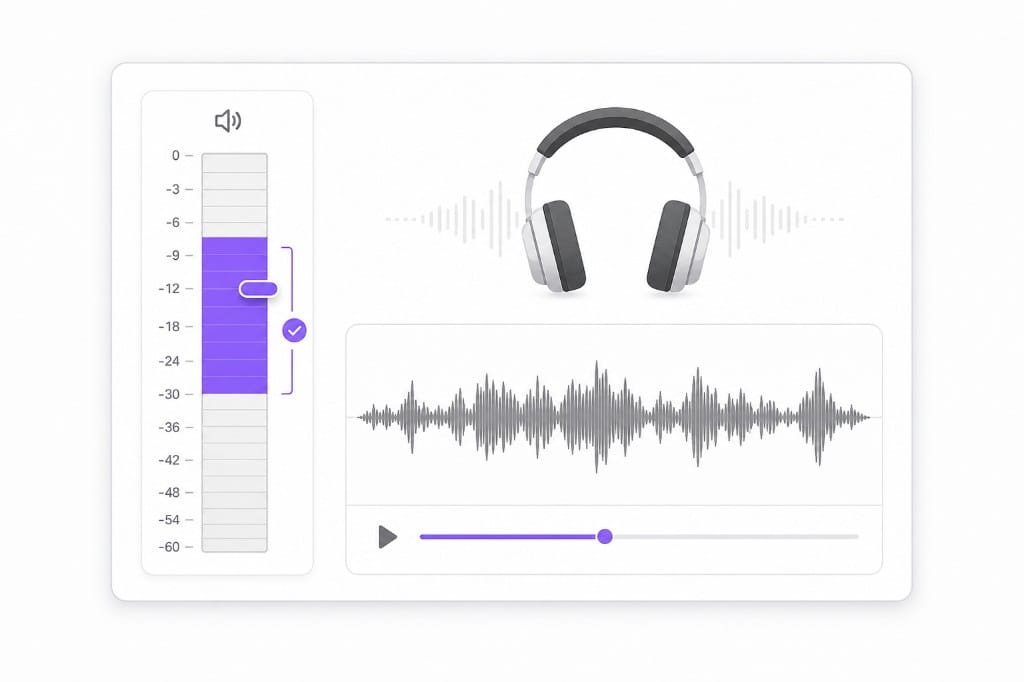
Too much boost causes clipping. Raise gradually and use preview — lower the slider if you hear distortion. Trimming silence first often lets you boost speech more cleanly because the meter is not fighting long quiet sections.
Is the audio volume booster free?
Edit free in your browser; download after sign-in. Preview as many slider positions as you need, switch to Trim or Pitch tabs in the same session, then export MP3, WAV, M4A, or AAC.