Free Subtitle Extractor Online

Subtitle extractor for footage without a sidecar file — upload MP4, MOV, MKV, or WebM, let AI transcribe speech into timed SRT cues, and download caption text for editors, translators, or accessibility uploads.

How to Extract Subtitles from Video Uploads

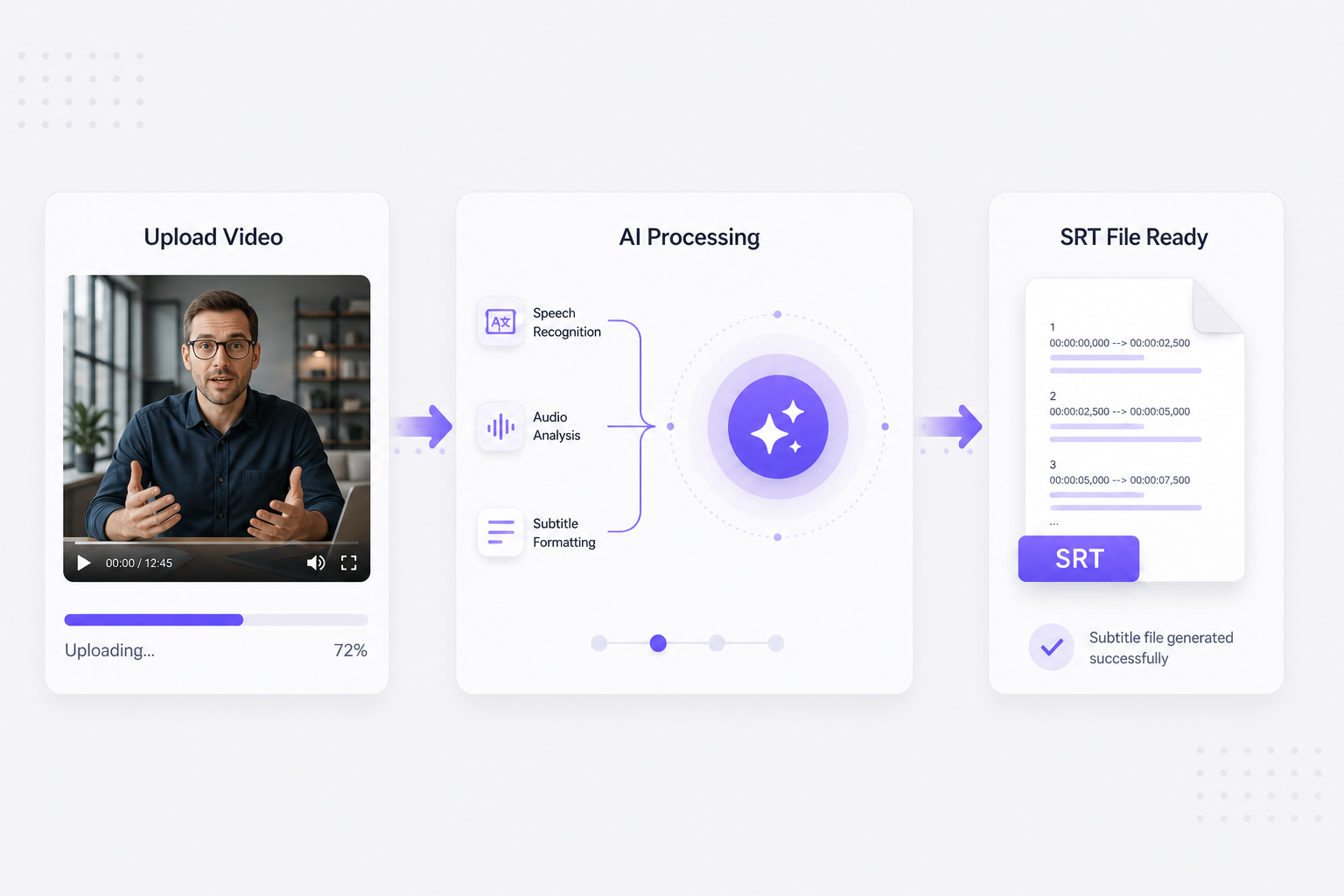
  1. Upload your video file to start

    Drag MP4, MOV, MKV, WebM, or AVI up to 300 MB into the upload zone — interview footage, course recordings, screen captures, and NLE exports all work for video subtitle extractor workflows without converting containers or demuxing audio first.

  2. AI segments speech into timed cues

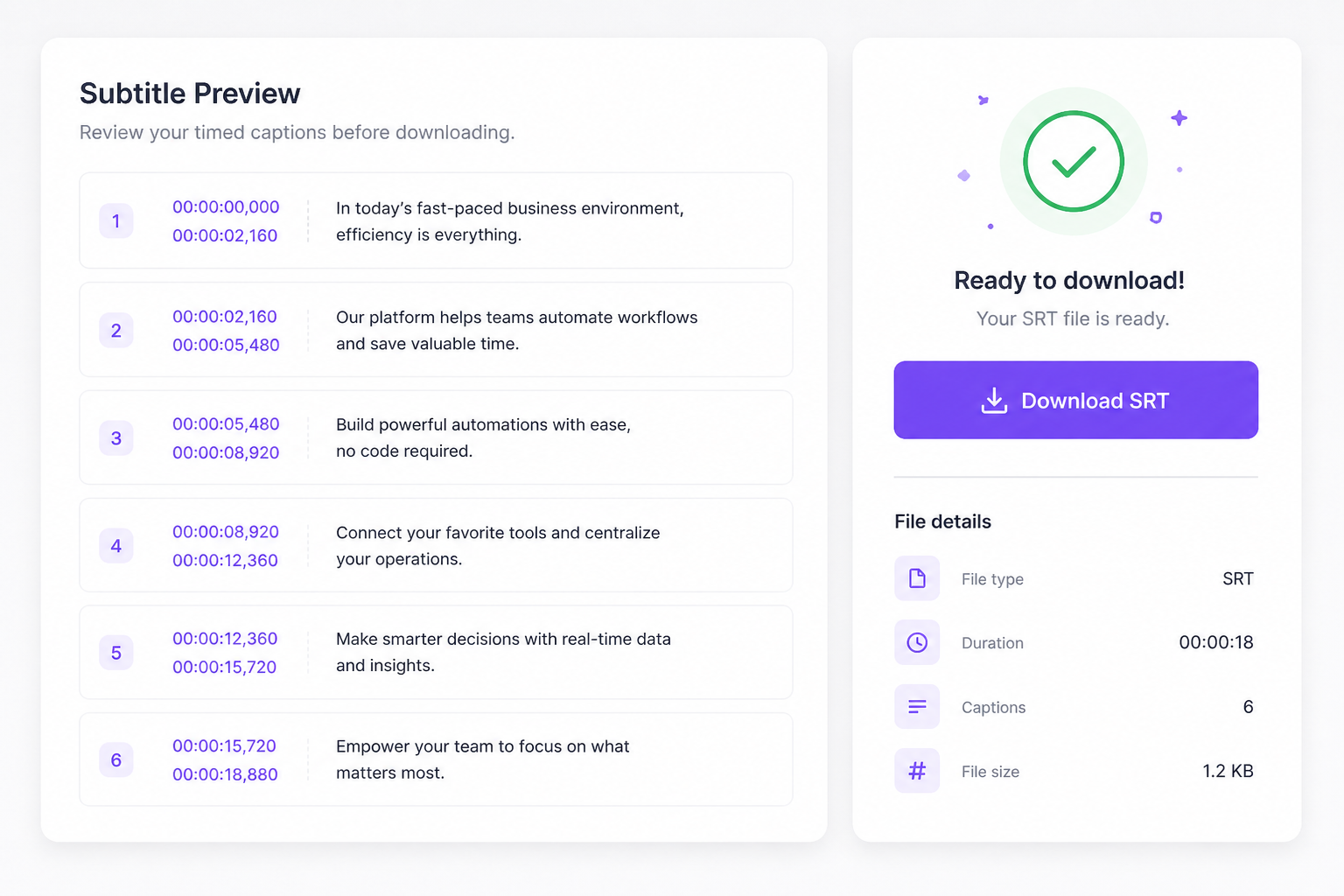
    The subtitle extractor isolates the audio track, runs automatic speech recognition on spoken dialogue, and splits every line into numbered SRT blocks with HH:MM:SS start and end timestamps aligned to your media timeline.

  3. Download your extracted SRT or TXT

    Preview caption lines free in your browser, then export SRT for Premiere, DaVinci, or YouTube sidecar upload. Need searchable text only? Grab TXT for notes, quotes, or Subtitle Translator without timing the copy.

Why Use a Video Subtitle Extractor Online?

Client deliverables and archive footage rarely include a separate SRT — this subtitle extractor rebuilds timed captions from spoken audio so you stop hunting embedded tracks in a media player.

Video subtitle extractor from local uploads

Phone exports, screen recordings, and NLE renders land as MP4 or MOV without caption files. Upload once, transcribe speech, and download extracted SRT without demuxing embedded tracks manually.

Upload video
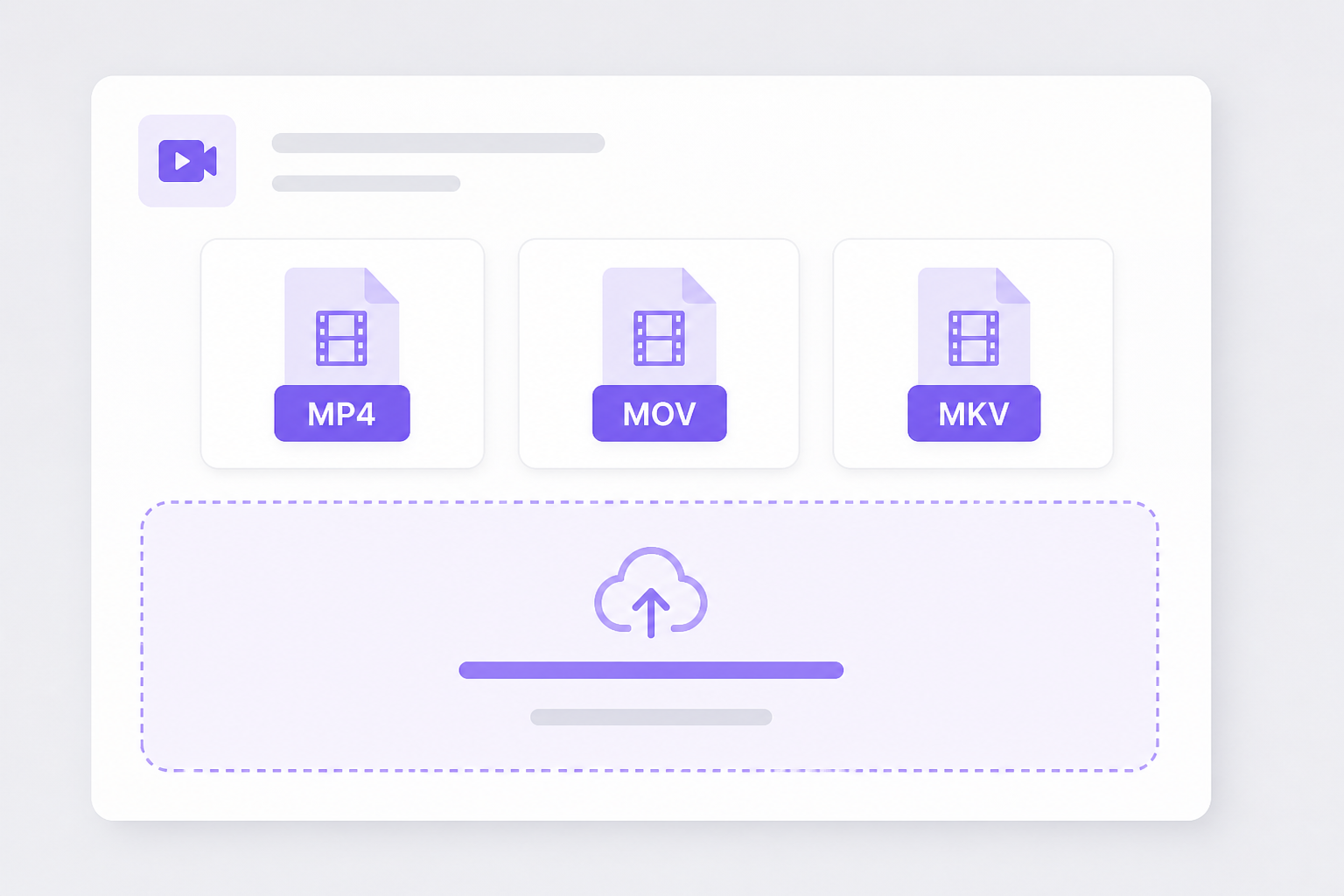
Video subtitle extractor from MP4 MOV file upload

Common containers, one extraction path

MKV, WebM, and AVI from OBS or DaVinci still carry audio inside the wrapper. The subtitle extractor processes that track directly — no separate ffmpeg step for basic interview workflows.

Extract subtitles
Subtitle extractor for MKV WebM AVI uploads

Catch bad sync before a long re-edit

Hour-long recordings make timing fixes expensive. Preview extracted blocks free in-browser, then download SRT once speech and timestamps look right — sign in only at export.

Try it free
Preview video subtitle extractor timing before download

Go Beyond SRT Files

After you extract subtitles from video, translate captions, run AI dubbing, and publish multilingual content from the same VMEG platform.

Video Translator

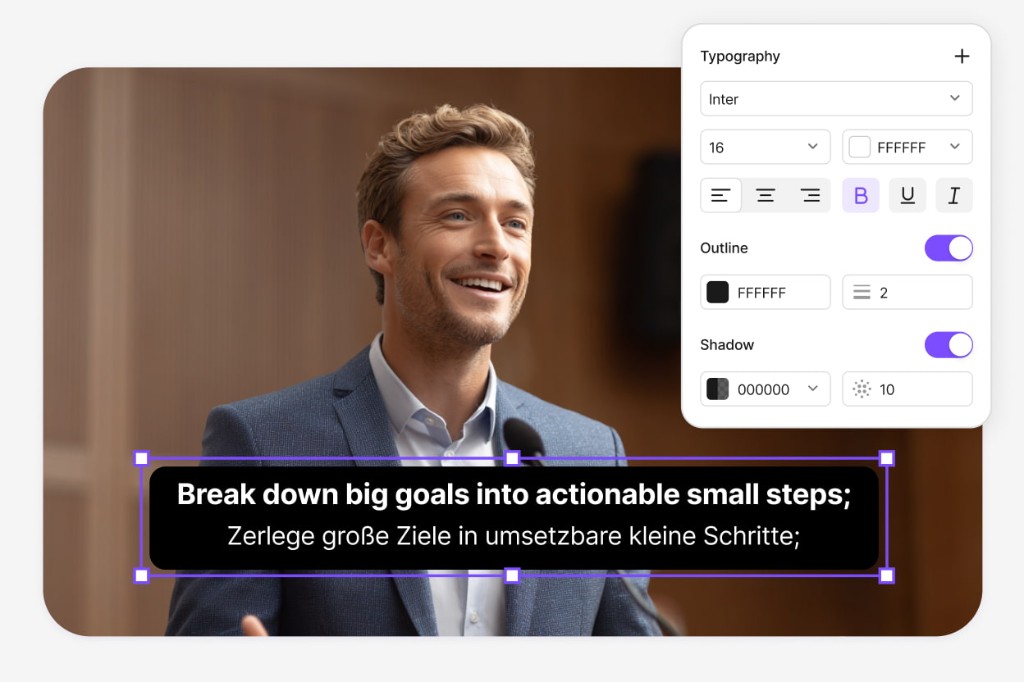
Client MP4s with fresh SRT sidecars can go straight to Video Translator — swap extracted captions for localized on-screen subs, generate AI dubbing aligned to interview pacing, and deliver MP4 for global stakeholders without asking for a re-export from the original NLE project.

Try Video Translator for free
Video translator after subtitle extraction from video

Subtitle Translator

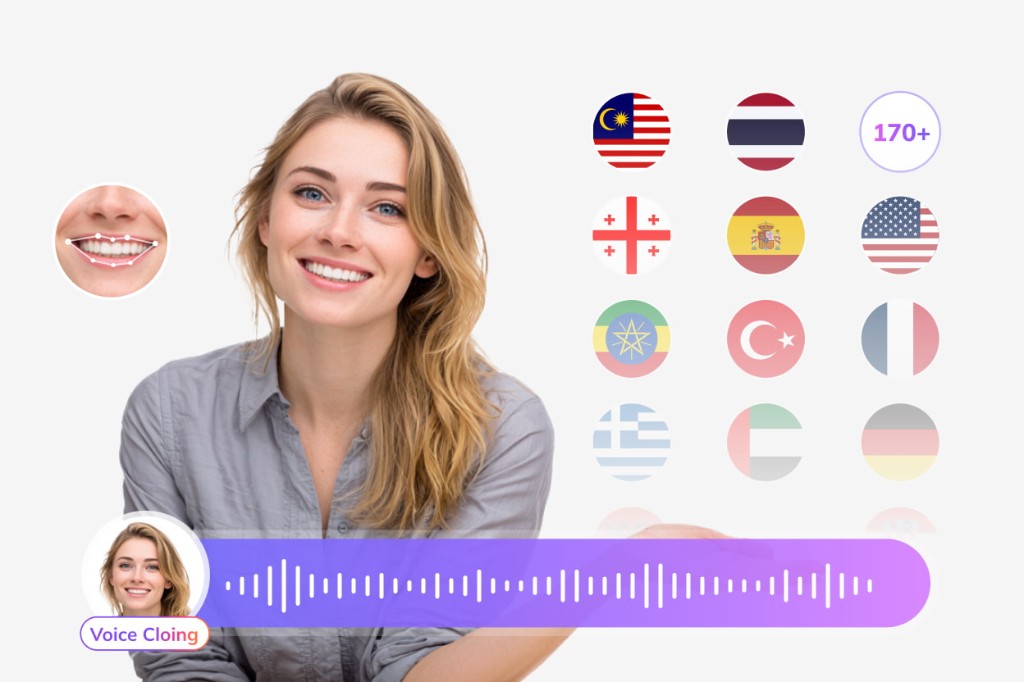
Course recordings and interview exports upload here after extraction — Subtitle Translator localizes SRT into 170+ languages while every cue keeps its timeline position, so training teams publish multilingual subs without re-transcribing the source MP4.

Try Subtitle Translator
Translate SRT subtitles extracted from video file

Dubbing Workflow

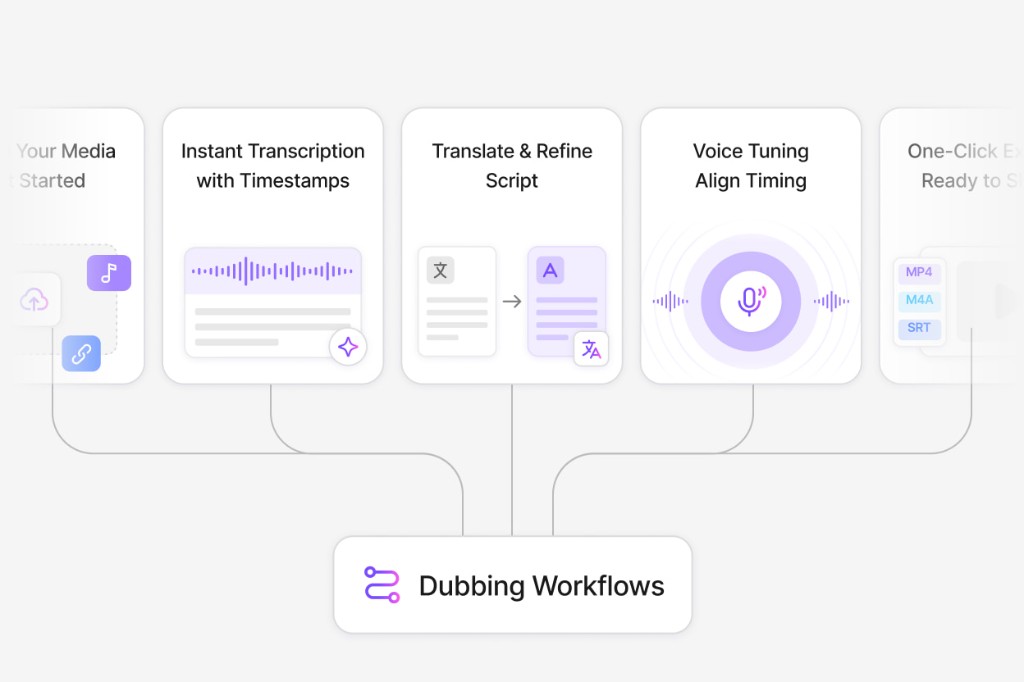
Archive footage often needs a spoken track, not just text — send extracted SRT to Dubbing Workflow, edit lines for narration length, assign AI voices, preview sync in-browser, and ship dubbed MP4 or refreshed SRT for compliance archives and internal knowledge bases.

Open Dubbing Workflow
Dubbing workflow after subtitle extractor export

Subtitle Extractor FAQ

How does a video subtitle extractor work on an uploaded file?

Upload your video on this page (under 300 MB), wait for AI transcription, preview extracted captions, then download SRT after signing in.

Does the subtitle extractor rip embedded subtitle tracks?

It generates new SRT from spoken audio via AI transcription. Existing embedded tracks are not extracted directly — speech is re-transcribed with fresh editable timestamps.

Can I paste a video link instead of uploading?

Yes for public YouTube or TikTok URLs. This page is upload-first — use platform-specific downloaders when you want link-first import.

Which formats does the video subtitle extractor accept?

MP4, MOV, MKV, WebM, and AVI up to 300 MB per upload.

Is this subtitle extractor free?

Upload, extract, and preview are free. Download requires a free VMEG sign-in.

Translate podcasts and interviews in minutes

Upload MP3 or WAV and get accurate speech translation across 170+ languages — built for long-form audio.