Free Anime Voice Changer Online

This anime voice changer online free lets you upload or record a clip, pick Soft, Standard, or Hero, and download a voice changer anime result as MP3 or WAV.

How to Use a Voice Changer Anime for Fan Edits and Dubs

Drop a dialogue line or record in-character, choose Soft, Standard, or Hero, and export a take that reads bright instead of chipmunk-pitched.

  1. 01

    Import dialogue from your AMV project

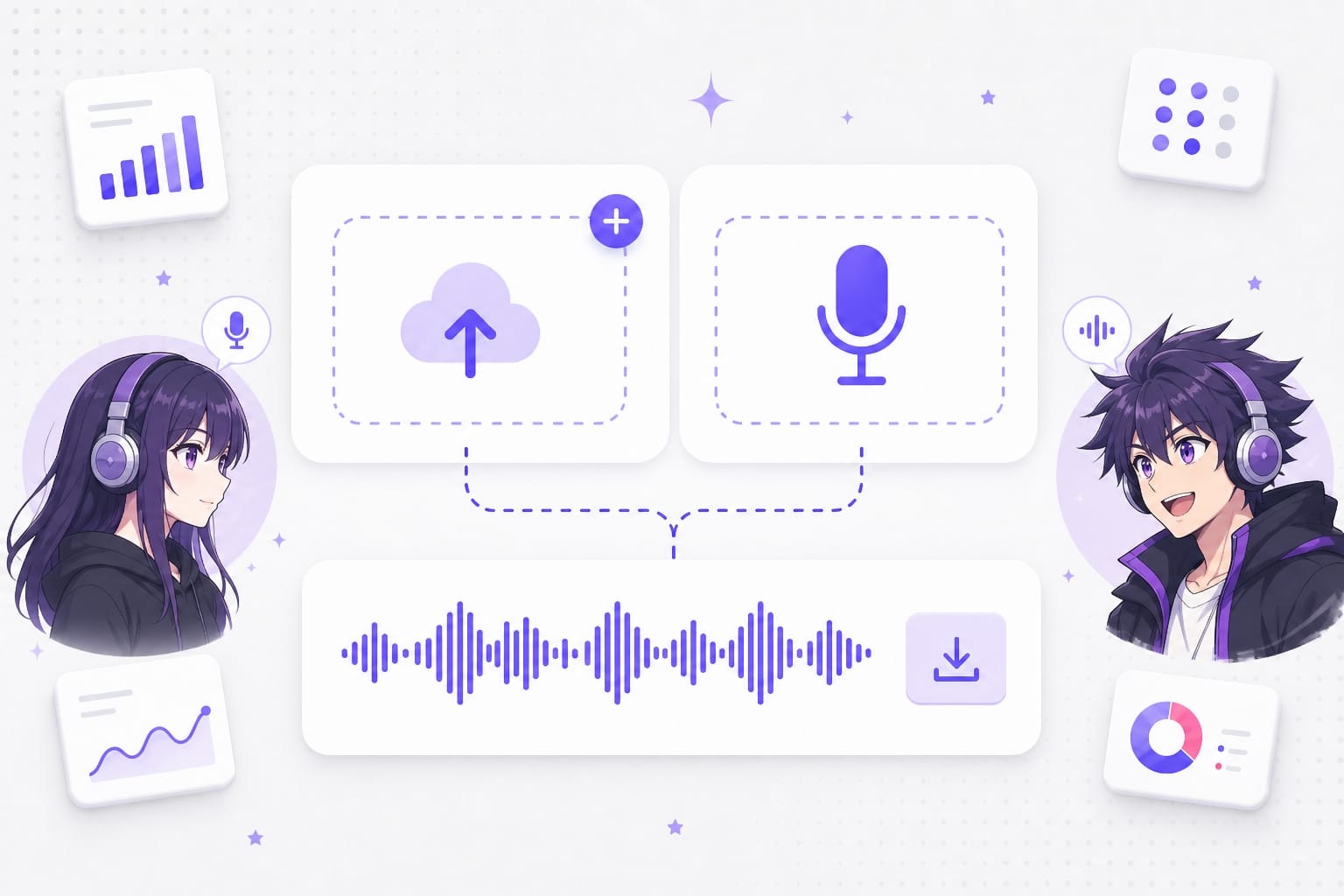
    Export a scratch VO track from Premiere or drop a voice memo from your phone. Clean dialogue without music under it gives the anime preset less to fight.

    Import dialogue file for anime voice changer workflow
  2. 02

    Cast the scene with Soft, Standard, or Hero

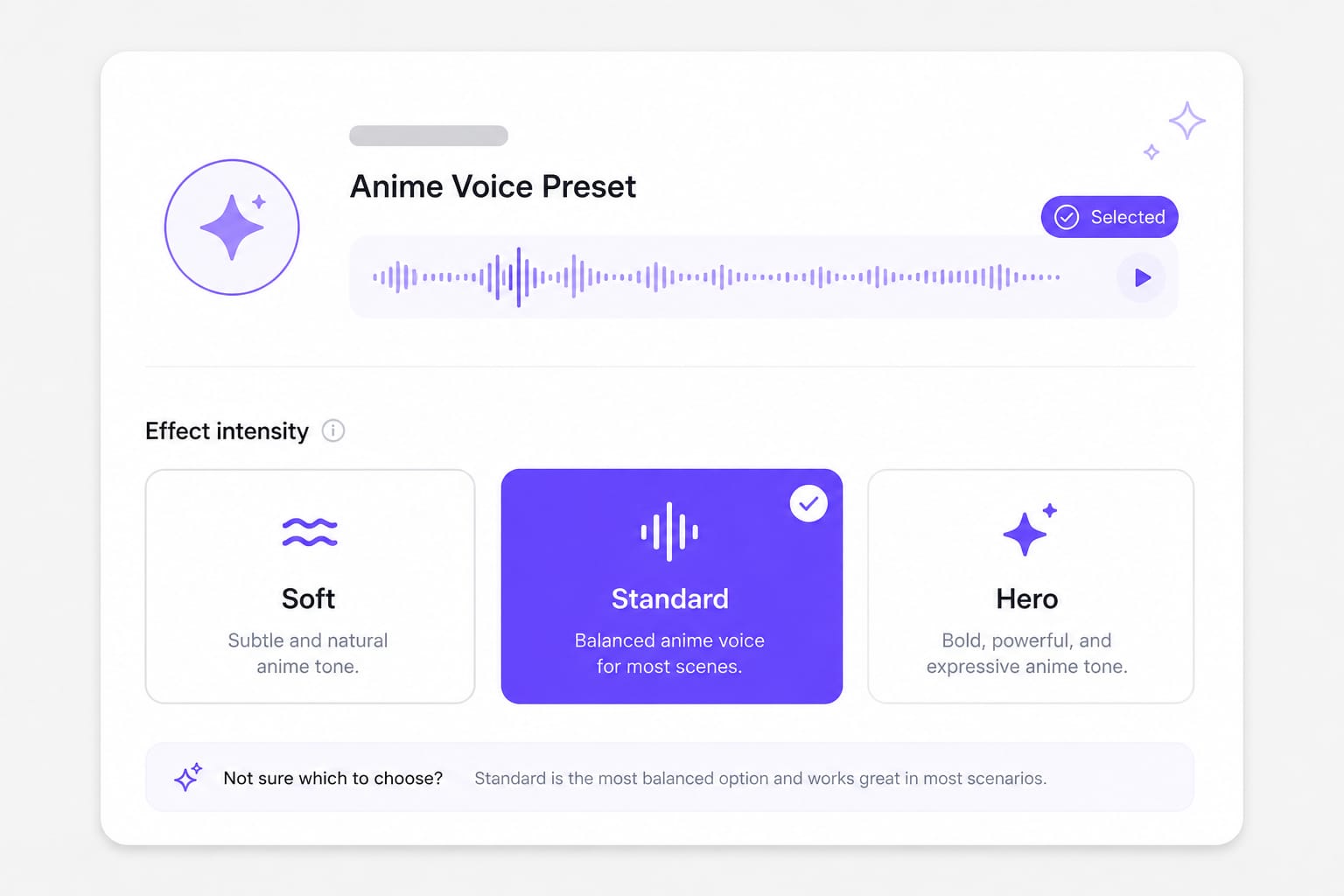
    Soft for exposition, Standard for most character lines, Hero when the shot is a shout or power-up moment. Dubbing two roles? Run two passes with different intensities.

    Voice changer anime Soft Standard Hero presets
  3. 03

    Drop the track back on your picture lock

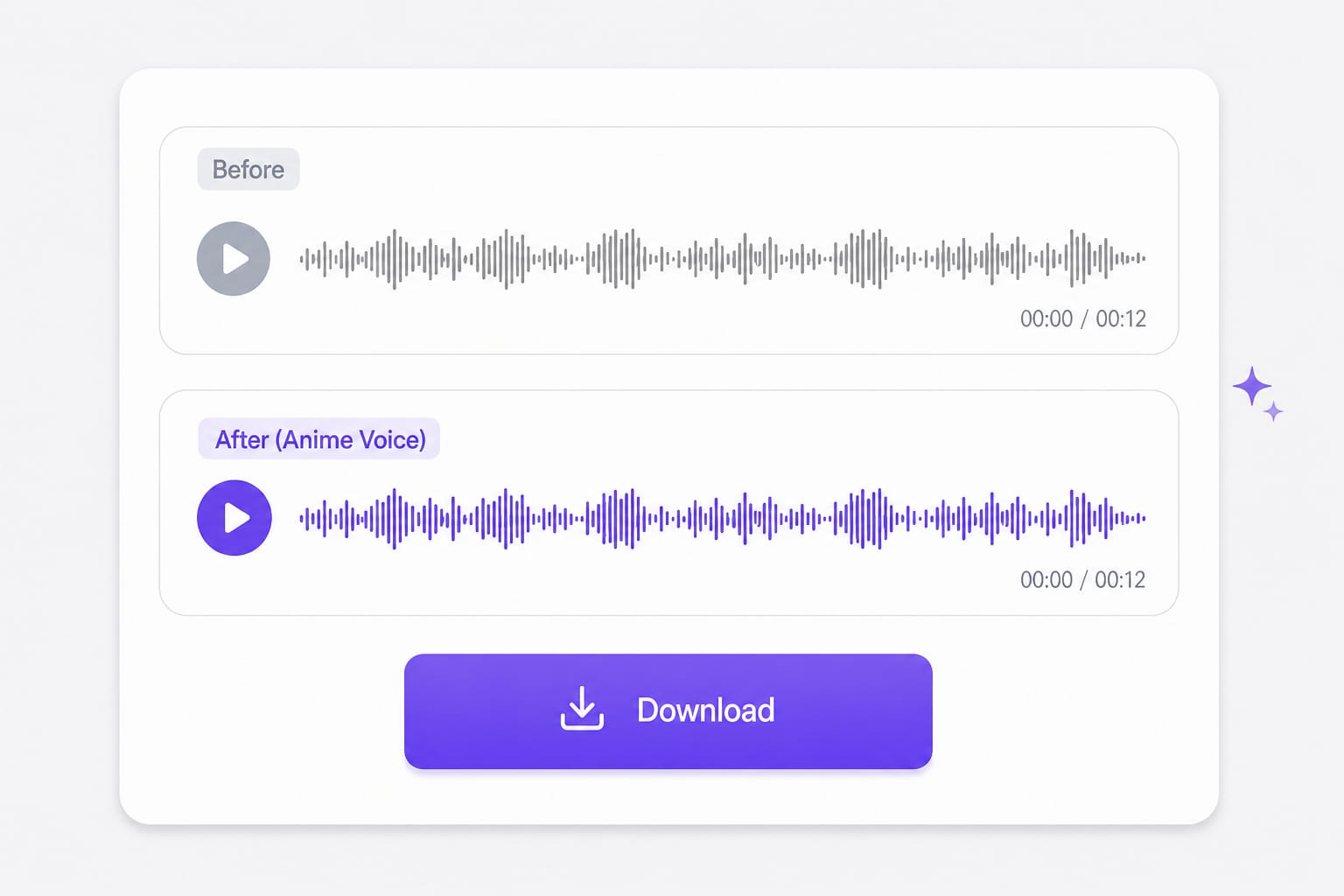
    Generate, preview on laptop speakers (where most fans watch), then export. If lip flap looks off, nudge the clip in your NLE — the pitch change does not auto-sync mouths.

    Anime voice changer online free export to editor

Why Use an Anime Voice Changer Online Free

Most free filters exaggerate pitch and kill emotion. These presets aim for expressive character energy you can sync to footage.

Fix dubs that sound like Western cartoon parody

Fan edits fall apart when every line is clearly a generic pitch-up — viewers bounce before the AMV hook lands. Soft keeps exposition readable; Hero pushes shonen energy without turning dialogue into a squeak. Run separate passes if you dub two characters in the same scene.

Add audio
Anime voice changer online free presets Soft Standard Hero

Record multiple character takes in one session

Bouncing between apps for each line breaks performance flow — you lose the emotional read while exporting stems. Upload a scratch track or use Record, flip Soft, Standard, or Hero, and iterate on the same page. Handy for 30-second cutdowns where timing matters more than studio polish.

Pick intensity
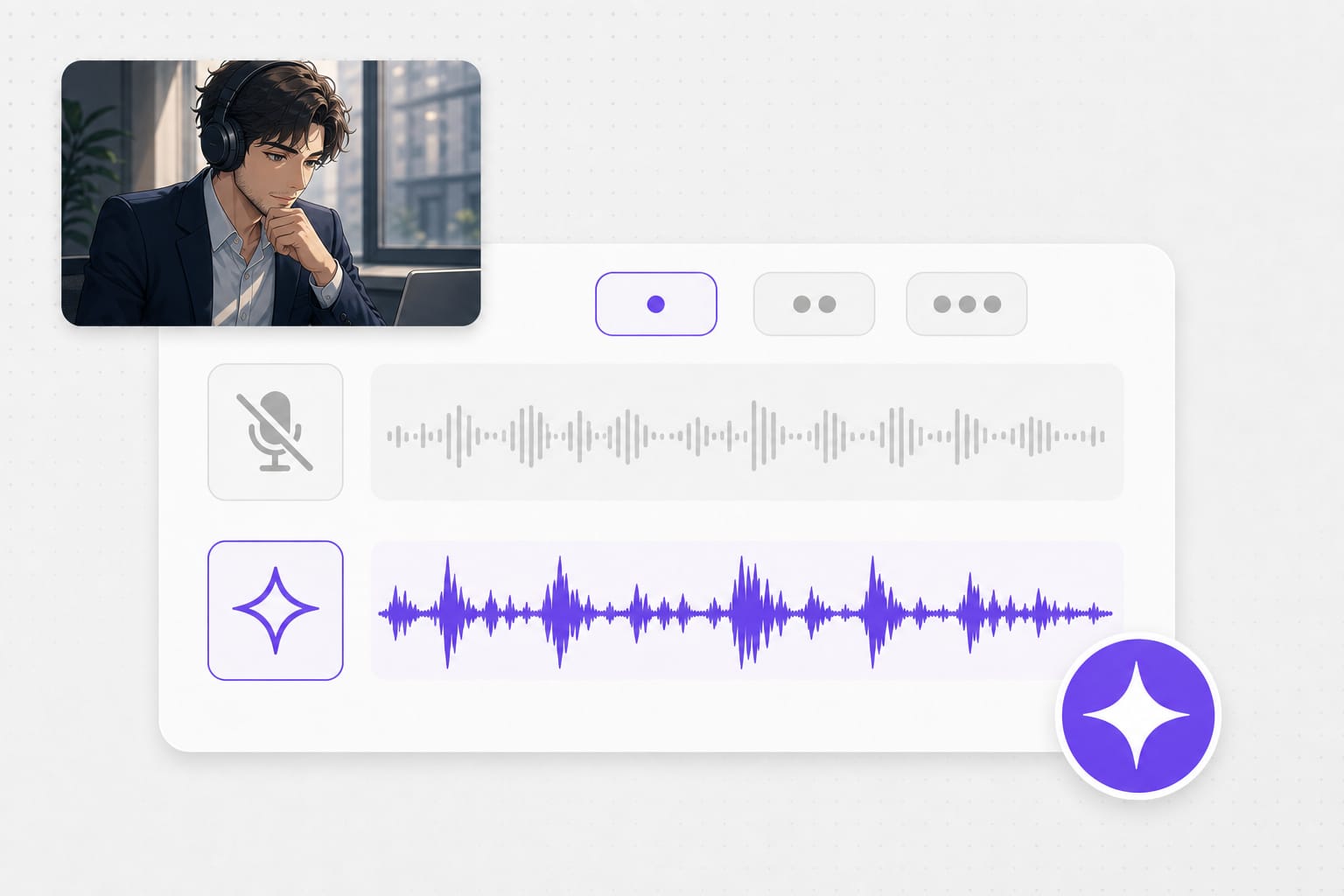
Voice changer anime character dub workflow

Ship MP3 or WAV to your editor

Some online tools trap you in proprietary formats you cannot drop on a timeline. Export MP3 for CapCut or WAV for Premiere and DaVinci without a watermark baked into the audio. Preview on laptop speakers first — that is where most fan edits get watched.

Generate now
AI voice changer anime export MP3 WAV

AI Voice Changer Anime FAQ

What makes this anime voice changer different from Discord bots?

Discord bots process live chat. This page is built for finished lines — upload, pick an anime-style preset, download, and sync to video.

Is this a voice changer anime tool for commercial projects?

Check your license needs for commercial anime fan work. Technically you can export MP3 or WAV for personal edits, streams, and portfolio pieces.

Does the anime voice changer online free tier cap daily clips?

Preview and processing are free in-browser. Sign in when you download; there is no hard three-clip wall on generation itself.

Which preset for VTuber-style reads?

Standard is the balanced starting point. Hero adds brightness if your mic already sounds flat; Soft if you are close to the mic and picking up plosives.

Can I use AI voice changer anime presets on singing lines?

Short sung phrases can work, but the model is tuned for spoken dialogue. Spoken word and narration tend to sound cleaner.

Supported upload formats?

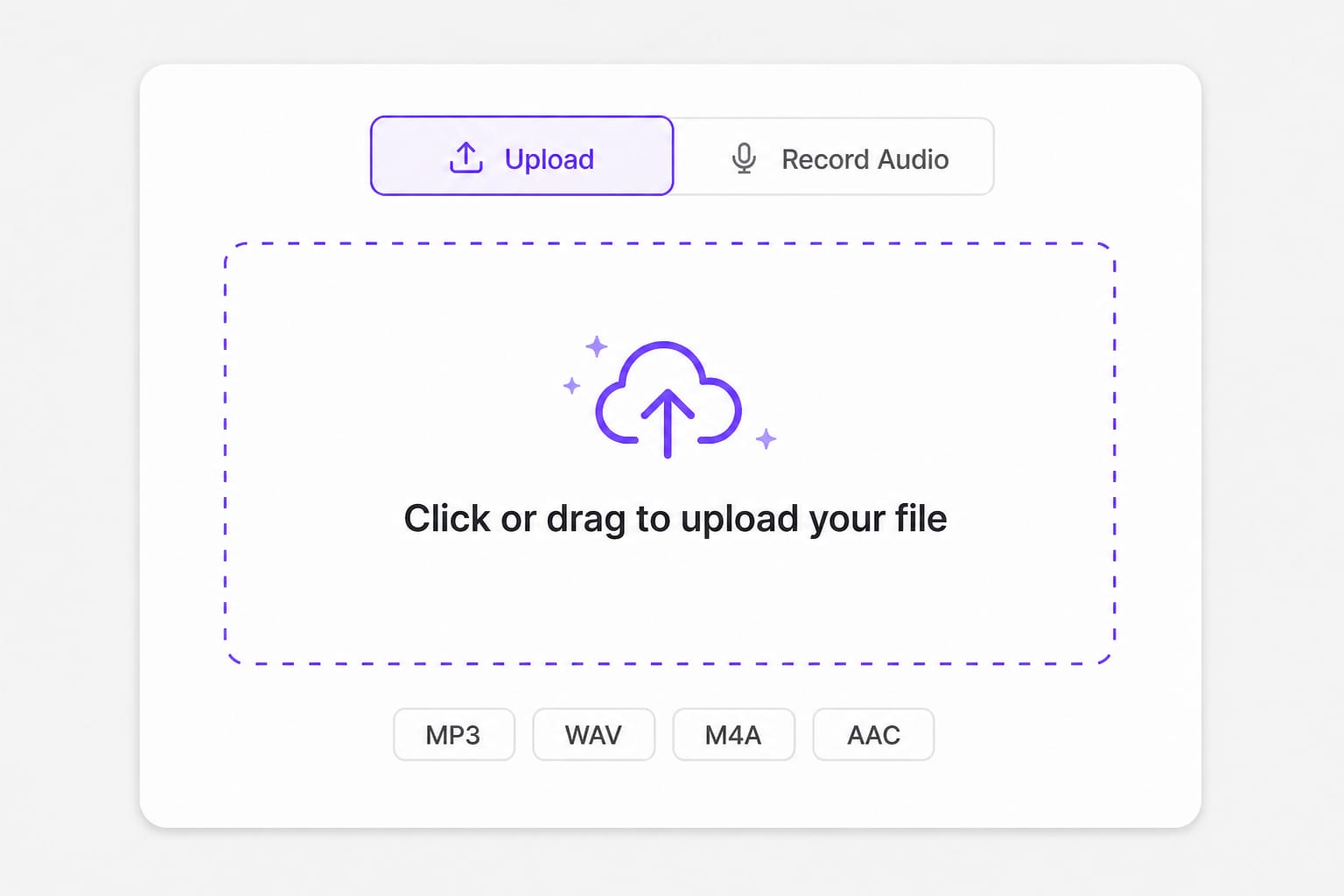
MP3, WAV, M4A, AAC, FLAC, OGG — max 30 MB per file.
Translate YouTube videos without re-editing

Paste a YouTube URL and dub or subtitle the full video online — keep pacing and speaker tone intact.