Free YouTube Subtitle Extractor Online

YouTube subtitle extractor for researchers and editors — paste a public watch or Shorts link, pull spoken dialogue into timed SRT cues, and export quote-ready caption text without desktop ripping scripts.

How to Extract YouTube Subtitles from a Link

Need pull quotes, lecture notes, or edit-ready cues from a public upload? This youtube subtitle extractor transcribes speech from the stream and formats numbered SRT blocks you can search, edit, or translate.

  1. 01

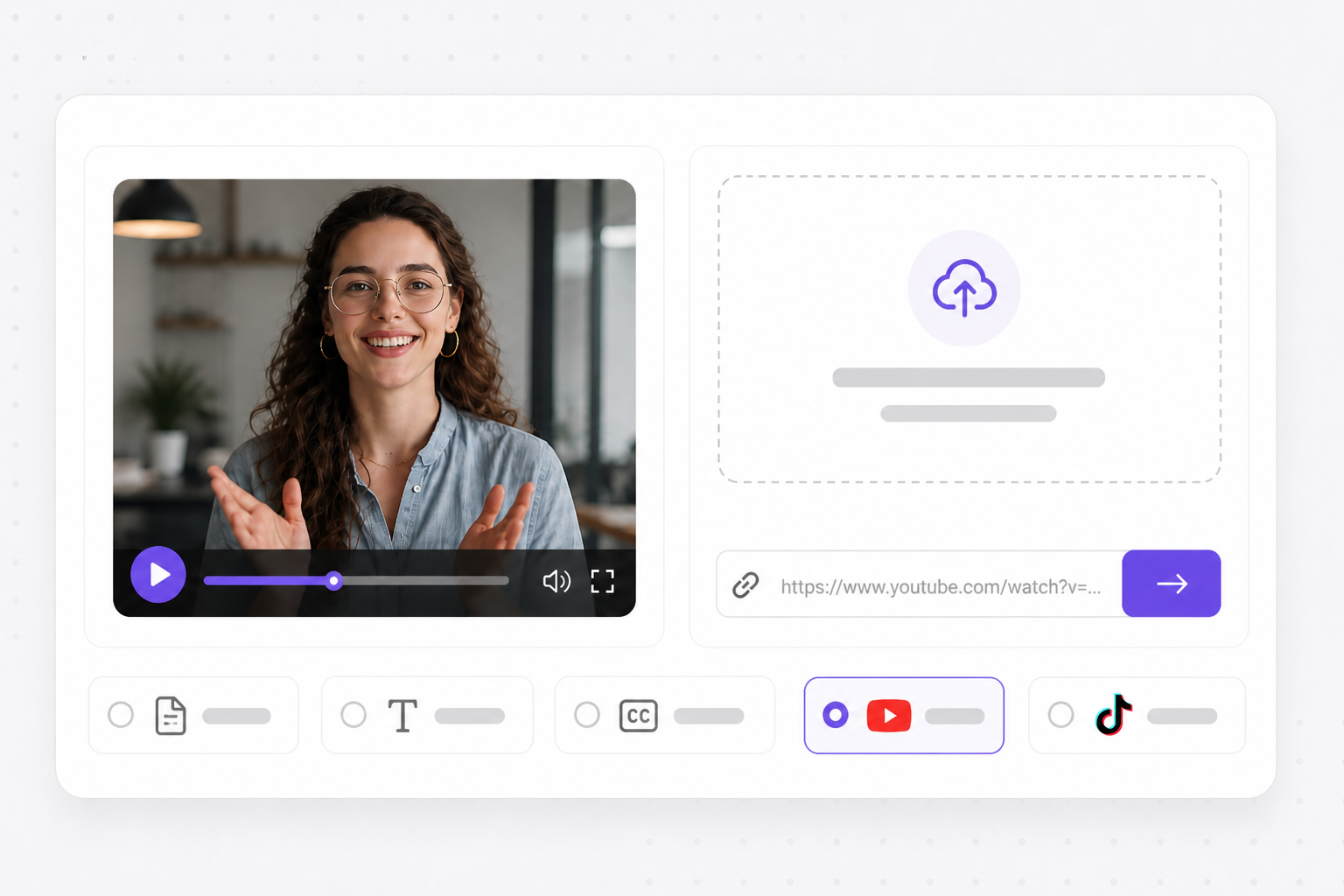
    Paste your public YouTube watch link

    Copy a youtube.com/watch, youtu.be, or Shorts URL into the youtube subtitle extractor above. VMEG validates the link and imports metadata when the upload is public — no yt-dlp install, caption-rip extension, or command-line setup on your machine.

    Paste YouTube URL into youtube subtitle extractor online
  2. 02

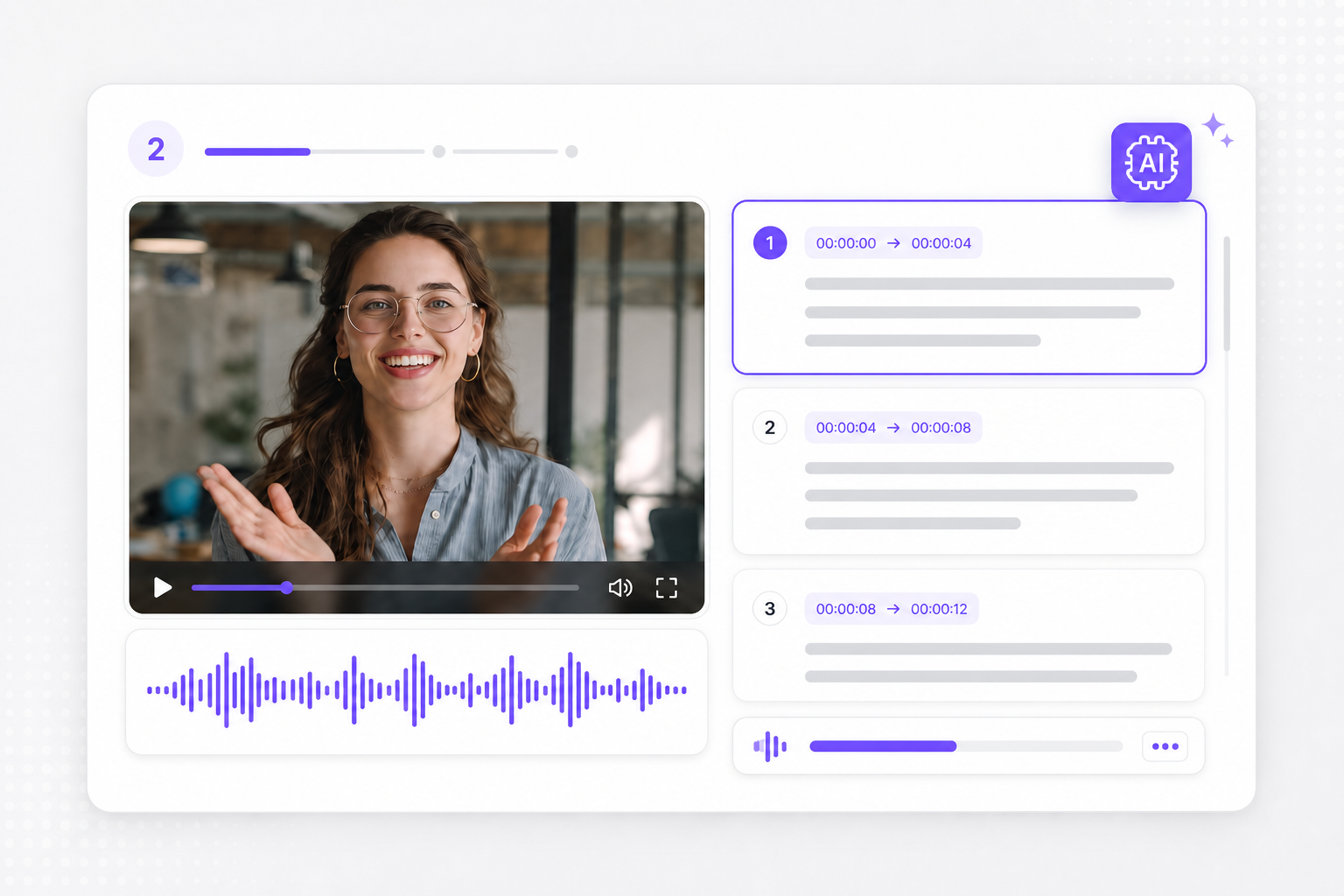
    AI pulls speech into numbered SRT

    Automatic recognition reads YouTube audio, segments dialogue into readable lines, and assigns HH:MM:SS timestamps per block — a youtube subtitles extractor workflow when auto-CC in the player is incomplete, out of sync, or not editable offline.

    Youtube subtitles extractor building timed SRT from speech
  3. 03

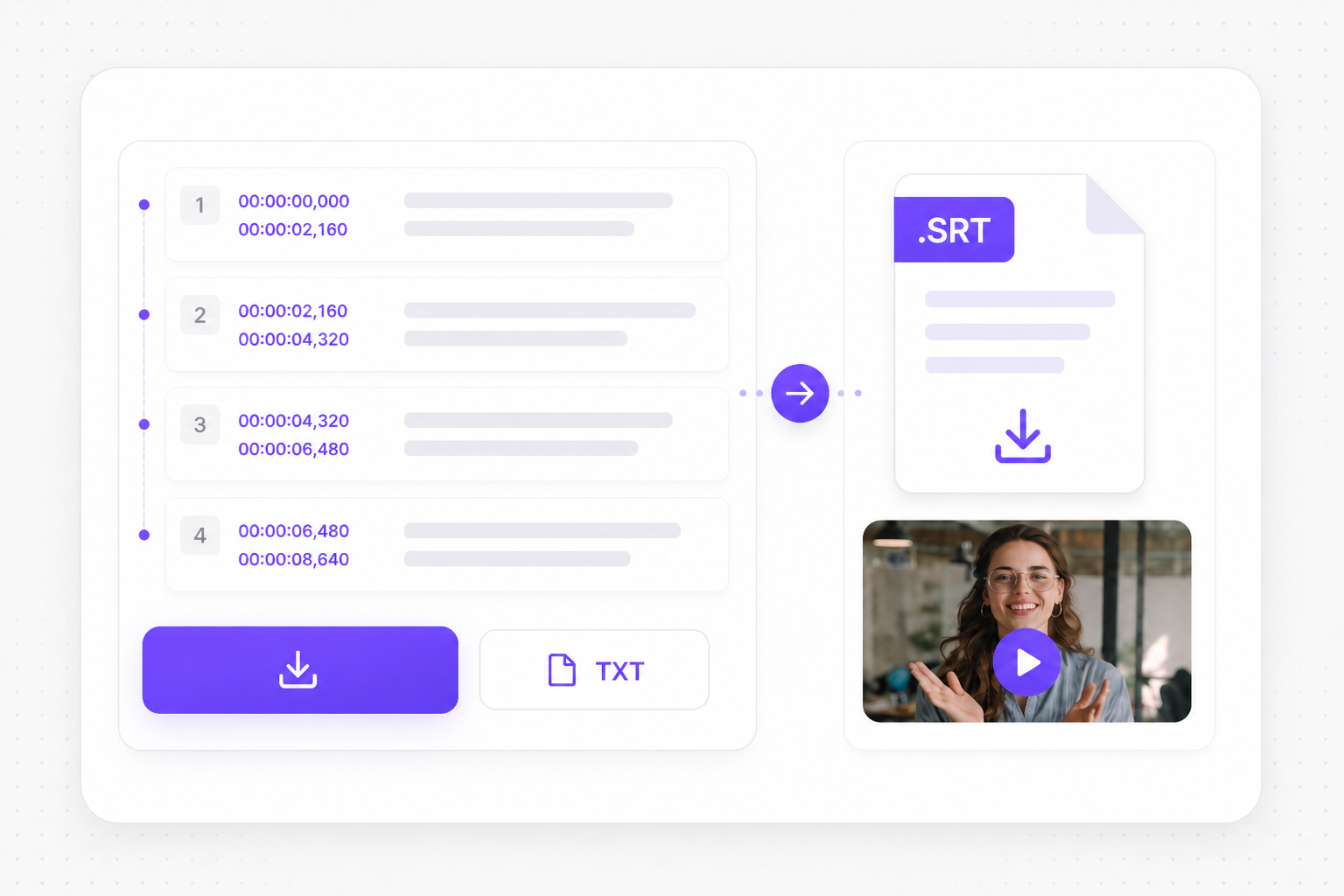
    Export SRT captions or plain TXT

    Review extracted lines and timing free in your browser, download SRT for NLE subtitle tracks, or export TXT for searchable lecture notes, pull quotes, blog drafts, and research citations from the same extraction run.

    Download SRT from subtitle extractor from youtube video

Why Use a YouTube Subtitle Extractor from Video?

Editors and researchers need quote-ready text, not a frozen CC panel — this youtube subtitle extractor turns public links into editable SRT without maintaining a local rip toolchain.

  • Subtitle extractor youtube runs entirely in-browser

    Paste a link, preview extracted lines, download SRT after sign-in — no command-line setup or caption-rip scripts that break when YouTube changes player behavior.

  • Rebuild cues when auto-CC misses jargon

    Technical tutorials and accented speech often get partial auto-captions. Speech recognition pulls fresh timed blocks from audio instead of trusting incomplete CC in the player.

  • Standard SRT for Premiere and research tools

    Extracted output follows numbered cue format NLEs and Notion importers expect — not raw VTT fragments you still need to reformat by hand.

  • TXT export for notes without timestamp noise

    Pull plain transcript text from the same run when you need searchable lecture notes, pull quotes, or SEO drafts without HH:MM:SS columns cluttering the copy.

  • YouTube Shorts subtitle extractor uses the same flow

    Paste a Shorts share link or a two-hour webinar URL. If import succeeds, the extractor applies the same transcription pipeline regardless of duration or aspect ratio.

  • Free preview before you commit to export

    Review extracted caption timing before download. Generate and preview for free; sign in only when you export the finished SRT file.

Go Beyond SRT Files

After you extract subtitles from YouTube video, translate captions, generate AI dubbing, and republish content for international audiences.

Video Translator

Research notes become publishable video faster — pair extracted YouTube SRT with the source clip in Video Translator, localize on-screen captions for international audiences, add AI dubbing that mirrors the lecturer's cadence, and export MP4 without rebuilding cues by hand.

Try Video Translator for free
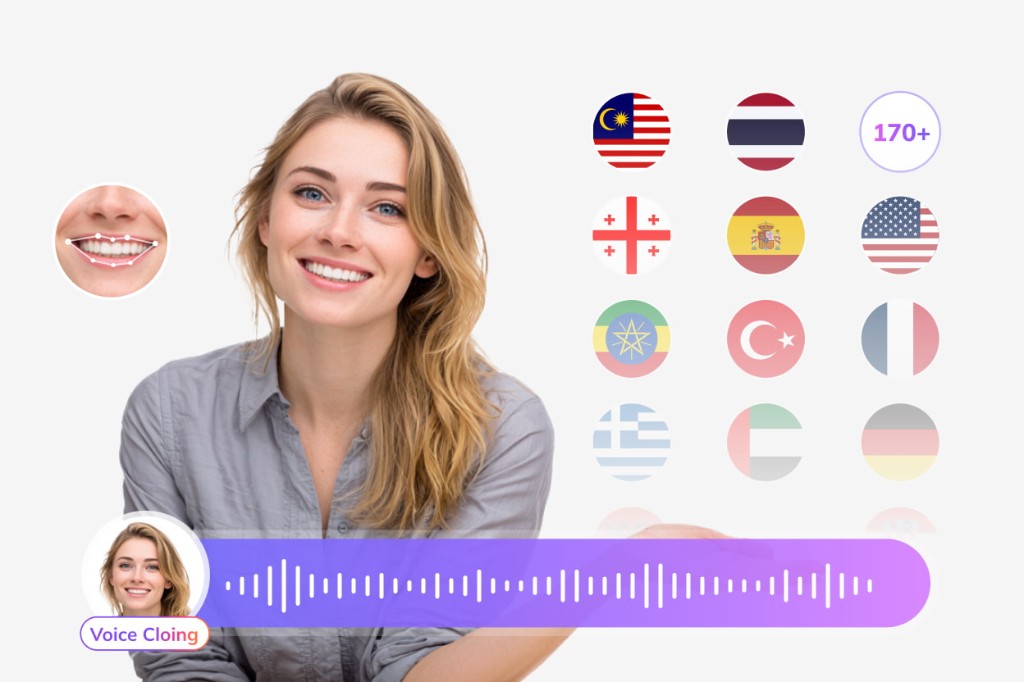
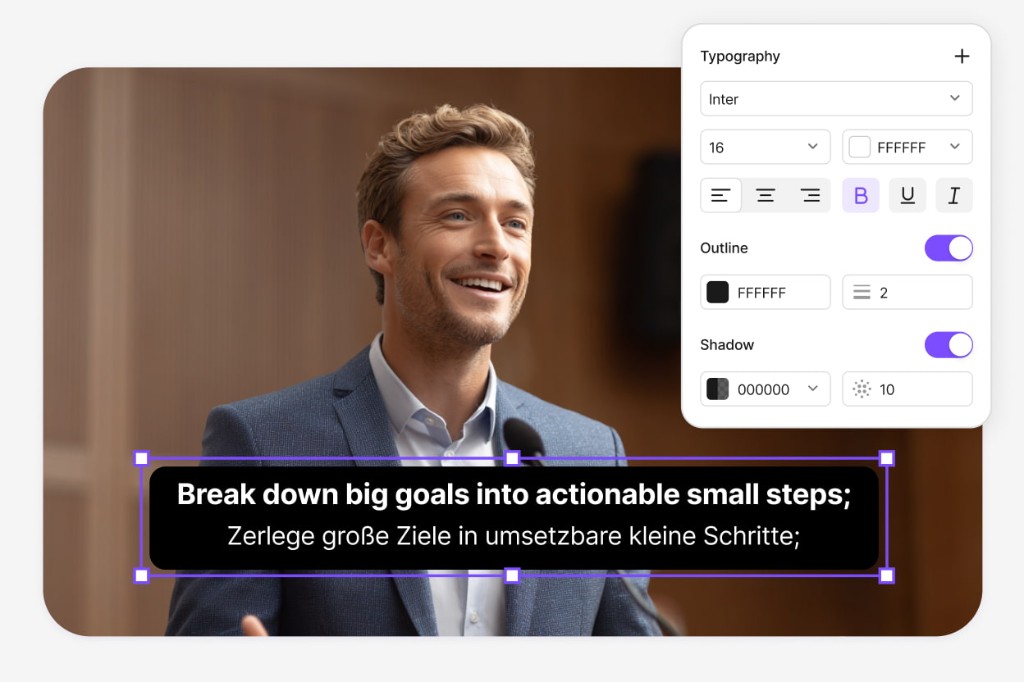
Video translator after youtube subtitle extraction

Subtitle Translator

Quote-ready SRT from a lecture or webinar uploads straight into Subtitle Translator — convert pull quotes and full transcripts into Spanish, Mandarin, French, or 170+ languages while HH:MM:SS blocks stay unchanged for citation and editor handoff.

Try Subtitle Translator
Translate SRT subtitles extracted from YouTube video

Dubbing Workflow

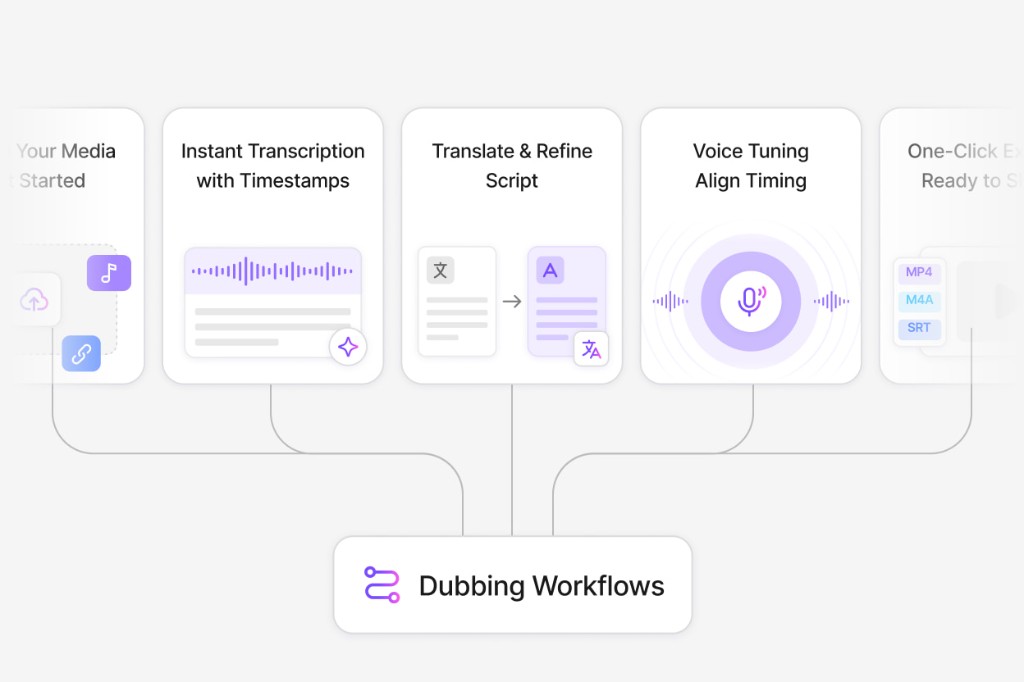
Academic and training teams often need spoken versions of extracted scripts — move YouTube SRT into Dubbing Workflow, tighten lines for narration, preview AI voices against the slide deck cut, and export dubbed MP4 or updated SRT for LMS and internal wiki publishing.

Open Dubbing Workflow
Dubbing workflow after youtube subtitle extractor export

YouTube Shorts Subtitle Extractor FAQ

How does a subtitle extractor youtube pull captions from a link?

Paste a public YouTube or youtu.be URL, wait for AI transcription, preview extracted captions, then download SRT after signing in.

What is the difference between extractor and downloader pages?

Both produce SRT from YouTube links via AI transcription. Extractor emphasizes pulling caption text for editing and research; output format and workflow are the same.

Does the youtube subtitle extractor rip official YouTube CC?

It transcribes spoken audio into new SRT cues. Existing YouTube caption tracks are not ripped directly — you get editable timestamps generated from the audio stream.

Can a youtube shorts subtitle extractor handle age-restricted videos?

No. Only public URLs VMEG can import are supported. Download the video locally and upload it on subtitle-extractor if the link is private or restricted.

Is the youtube subtitle extractor free?

Import, extract, and preview are free. Download requires a free VMEG sign-in.

Translate podcasts and interviews in minutes

Upload MP3 or WAV and get accurate speech translation across 170+ languages — built for long-form audio.