How do I change the speed of YouTube audio?
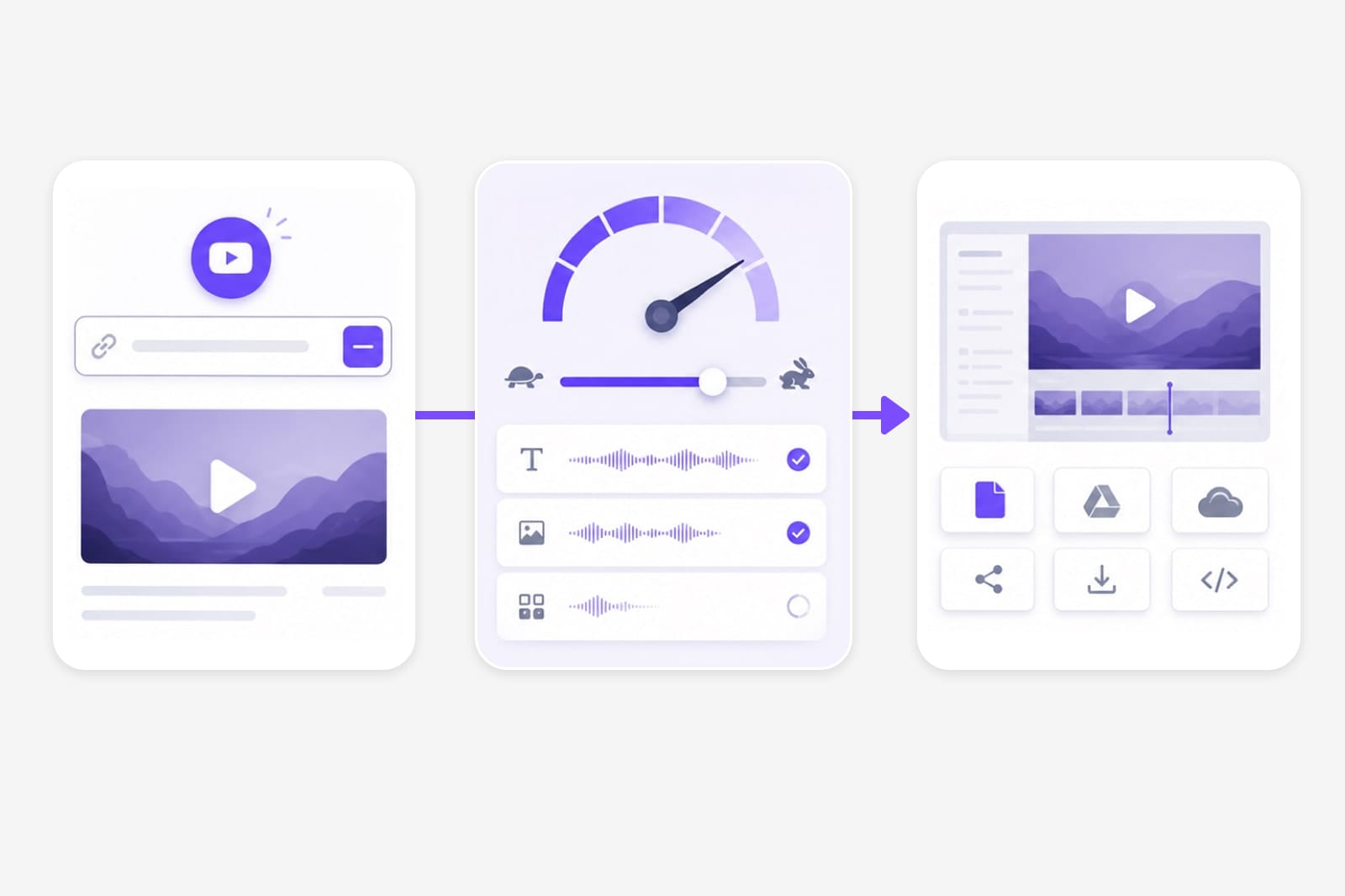
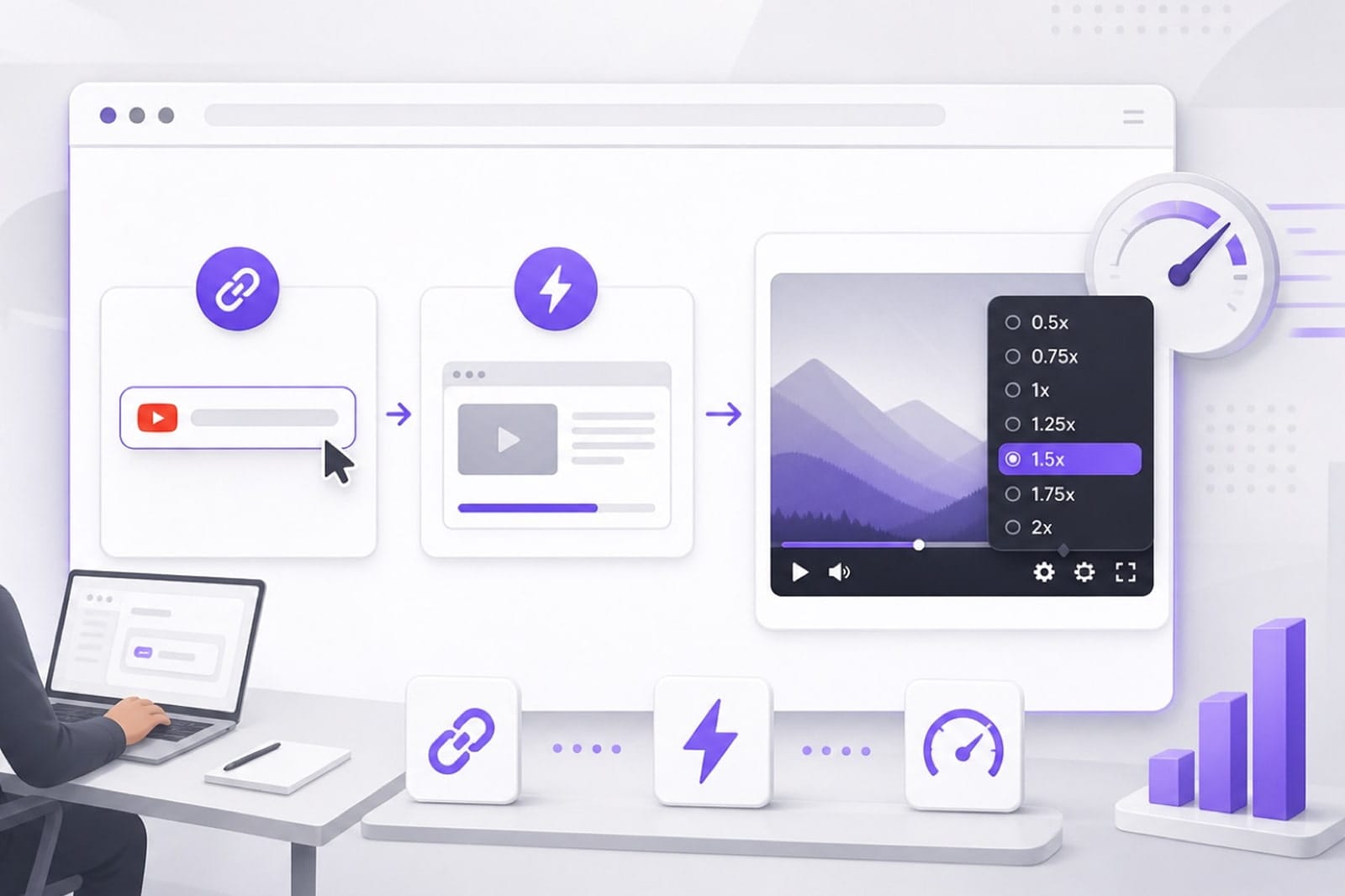
Paste the YouTube URL in From URL, wait for the audio to load, open the Speed tab, move the slider, preview, and export. Upload a saved file if the link cannot be fetched.
Can I speed up YouTube without chipmunk voice?
The Speed tab is designed for tempo changes while keeping pitch stable for speech-friendly playback. Extreme settings may still sound unnatural — preview before export.
Why did my YouTube link not work?
Some YouTube URLs cannot be loaded in the browser. Download the audio locally, upload it here, and use the same speed controls. Public links from major platforms work best; if a private or region-locked URL fails, download the media locally and upload it to YouTube Speed Changer instead.
Can I slow down a YouTube lecture?
Yes. Move the slider below 1x, preview clarity, then export MP3 or WAV for offline study. Public links from major platforms work best; if a private or region-locked URL fails, download the media locally and upload it to YouTube Speed Changer instead.
Do I need an account?
Free to use 3 times a day, shared across all VMEG online tools. Upgrade to Online Tools Unlimited for unlimited daily use. Sign in when you download your exported file. You can usually upload and preview without an account; sign in unlocks download and helps prevent automated abuse of YouTube Speed Changer.