Free YouTube Audio Trimmer Online

Trim audio from YouTube online. Paste a link, set in and out points on the waveform, and export MP3, WAV, M4A, or AAC — YouTube audio trimmer.

Loading audio editor…

How to Trim Audio from YouTube with VMEG

Paste a link, set trim handles on the waveform, and export — all in your browser.

  1. 01

    Paste the YouTube or media URL

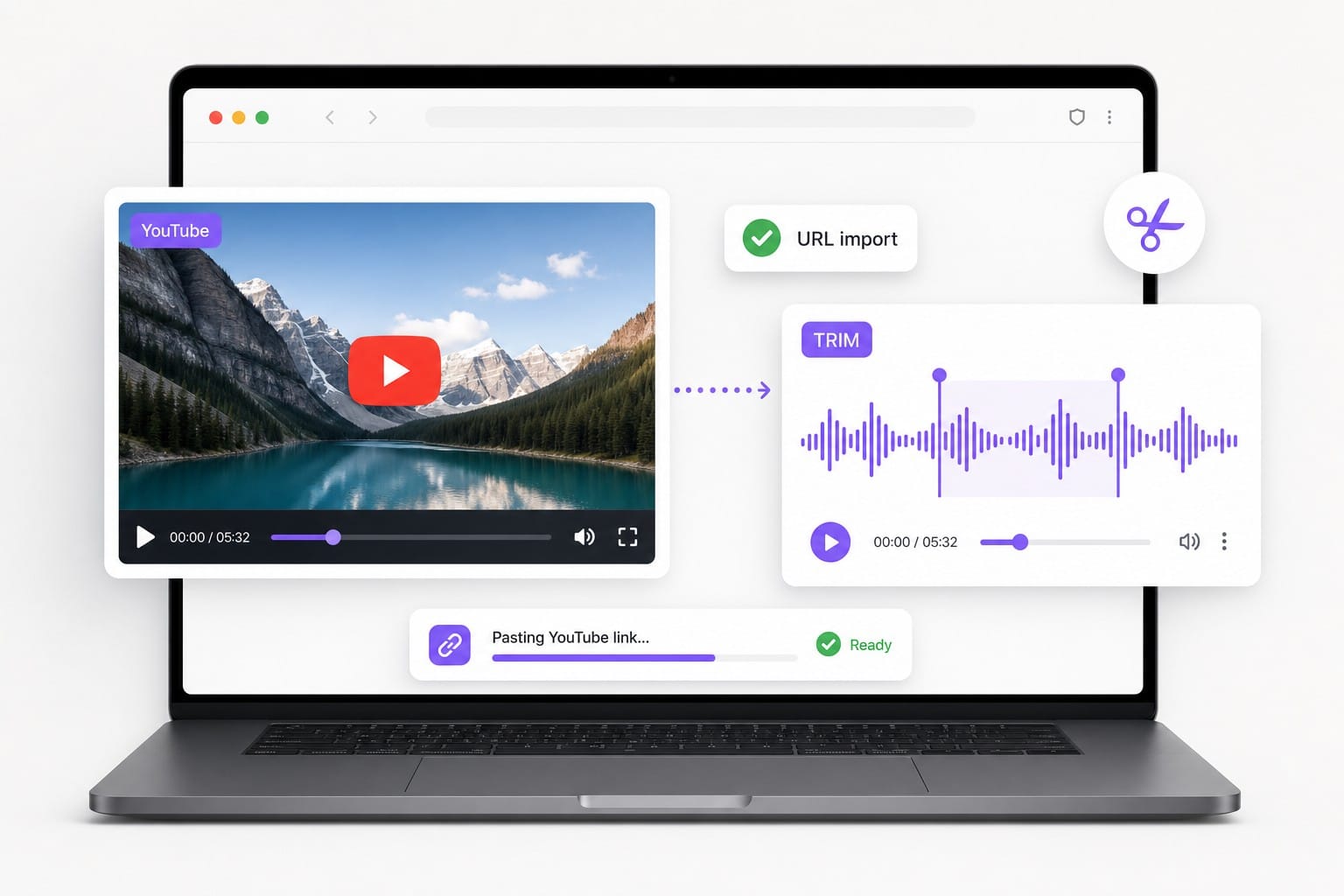
    Paste YouTube URL to load audio for trimming illustration

    Use From URL to load audio from a supported link. If the link cannot be fetched, download the audio locally and upload the file instead.

  2. 02

    Trim to the section you need

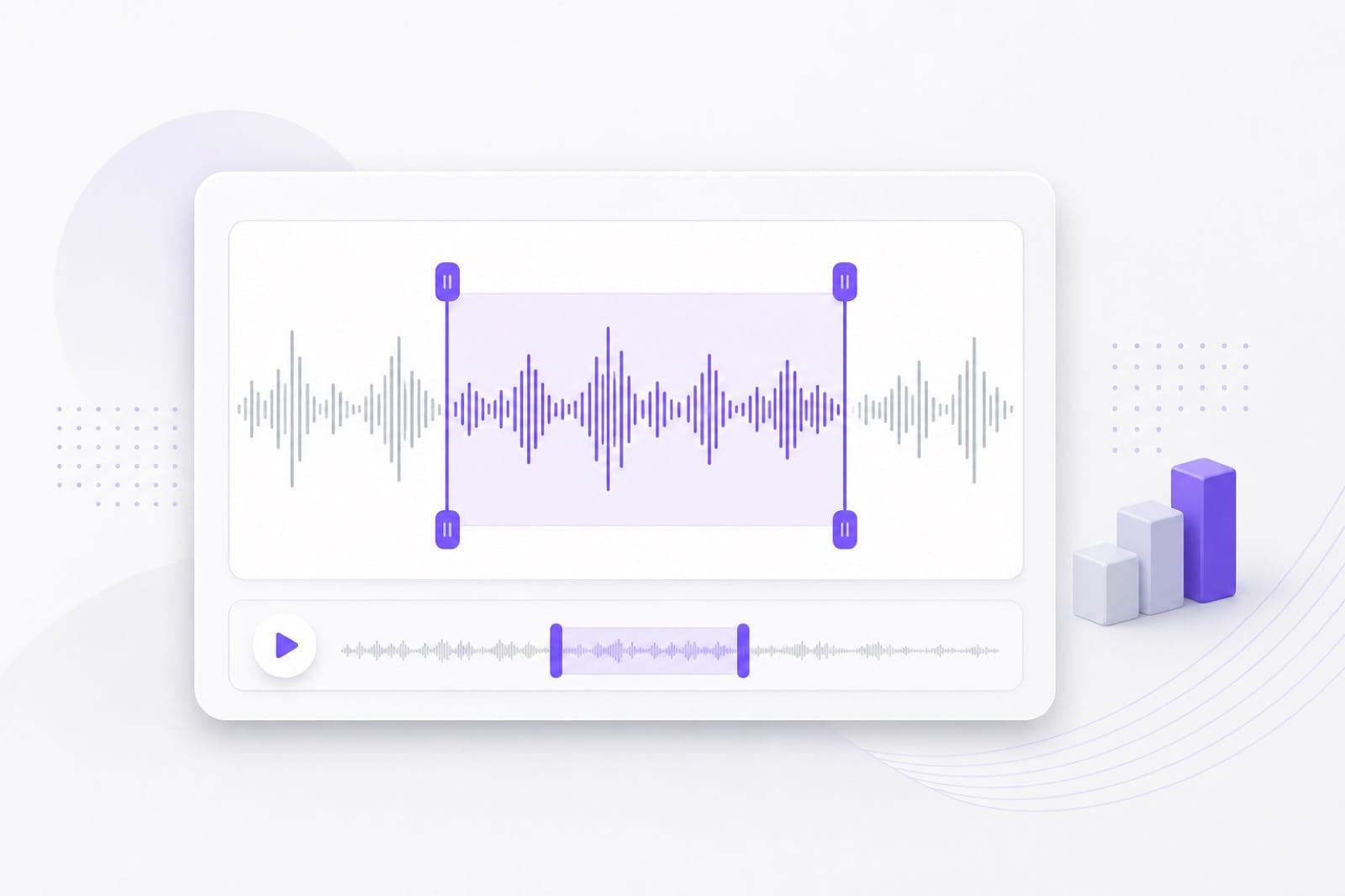
    Trim YouTube audio on waveform with selection handles illustration

    Drag waveform handles to set start and end. Keep or remove the selection and add fade for clean edit points.

  3. 03

    Export the trimmed clip

    Export trimmed YouTube audio clip illustration

    Choose MP3, M4A, AAC, or WAV and save after sign-in.

Why Use VMEG YouTube Audio Trimmer

Paste a link, trim to exact seconds, and export — with upload fallback when URL import is not available.

Built for YouTube links

Paste a YouTube URL first — the trimmer loads the soundtrack so you can shorten intros, isolate quotes, or pull study clips without a separate downloader tab.

YouTube link import for browser audio trimming

Precise waveform trims

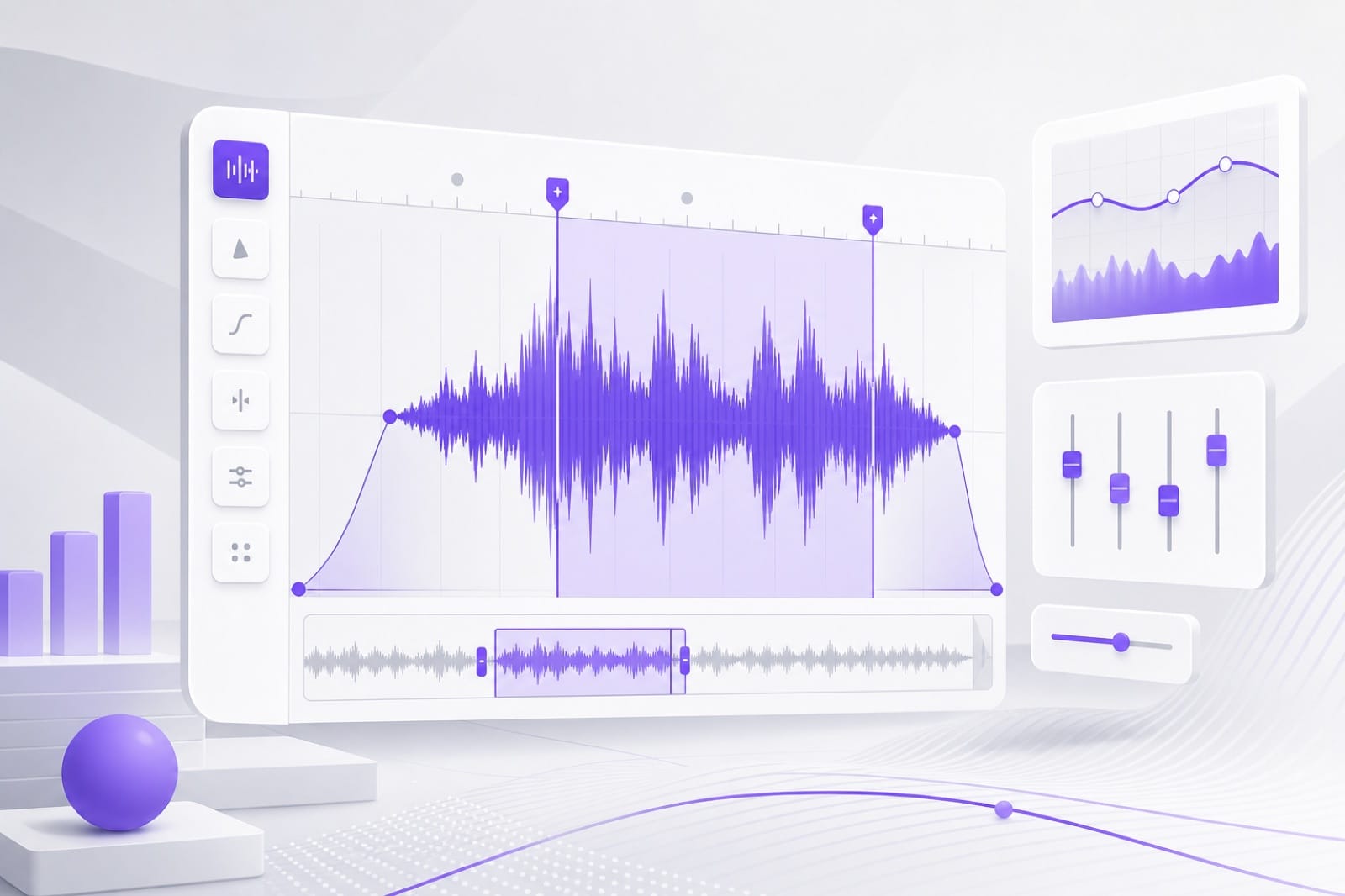
Set in and out points on the waveform instead of guessing timestamps. Add fade in and fade out when you need smooth ringtone or podcast edit points.

Waveform trim handles for precise YouTube audio clips

Upload when URL fails

If YouTube blocks browser fetch, upload the file you saved locally. The same trim tab, fades, and export formats work either way.

Upload saved audio when YouTube URL import is unavailable

FAQs about YouTube Audio Trimmer

How do I trim audio from a YouTube video?

Paste the video URL in From URL, wait for the audio to load, set trim points on the waveform, and export. You can also upload a video or audio file you saved locally if the link cannot be fetched in the browser.

What is the difference between trim and cut?

On this page both mean selecting a start and end on the waveform. Keep the selection to export only that section, or remove it to drop a middle segment. Fades are optional for cleaner edit points.

Why did my YouTube link not work?

Some YouTube URLs cannot be loaded in the browser due to platform restrictions. Download the audio with a method you trust, then upload it here to trim. The editor tools are identical after the track loads.

Can I trim YouTube audio for ringtones?

Yes. Trim to the length you need, add fade in and fade out, then export MP3 or M4A. Short clips export quickly after you sign in to download.

Do I need an account?

Preview and edit are free in your browser. Sign in to download. Test multiple trim points before saving your exported clip.

Trim YouTube audio online in your browser

Paste a media URL or upload a saved file, trim to the clip you need, and export MP3, WAV, M4A, or AAC — no desktop software.