English
EN

Extract Audio from Video Online

Pull audio from MP4, MOV, MKV, AVI, or WebM in seconds. Export WAV for editing or sharing. Free online — no install needed.

Loading extract audio from video…

How to Extract Audio from Video

Pull audio from any video in three simple steps. Upload a file or paste a link — no install needed.

  1. 01

    Upload a video or paste a video URL

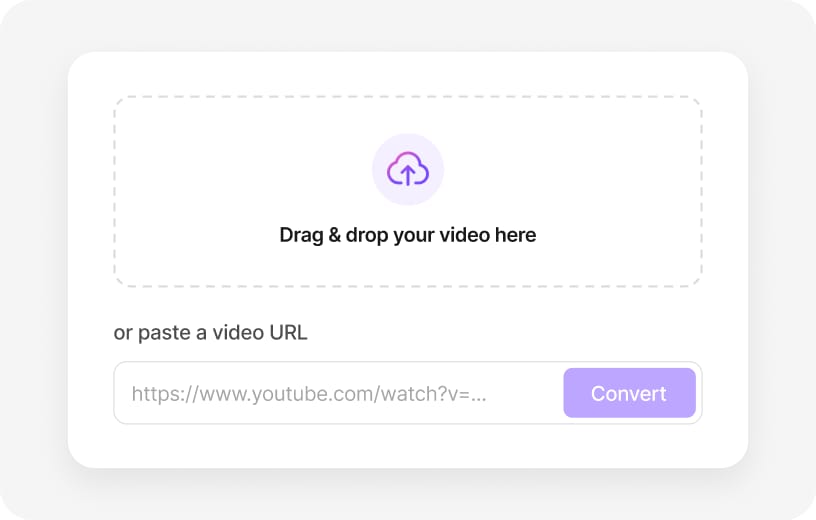
    Drag and drop a video file, or paste a public link from YouTube, TikTok, Vimeo, Facebook, Instagram, or X.

    Drag and drop video or paste URL to extract audio
  2. 02

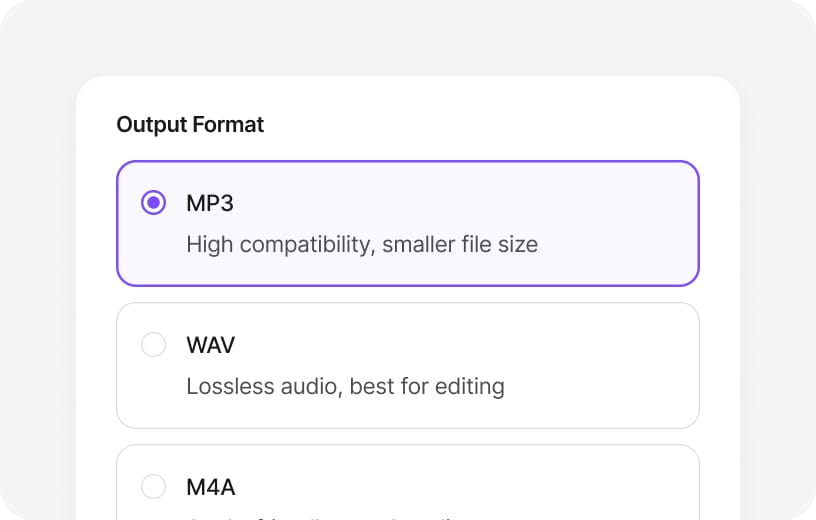
    Choose MP3 or WAV as the output format

    Pick the audio format that fits your workflow — compressed MP3 for sharing or lossless WAV for editing.

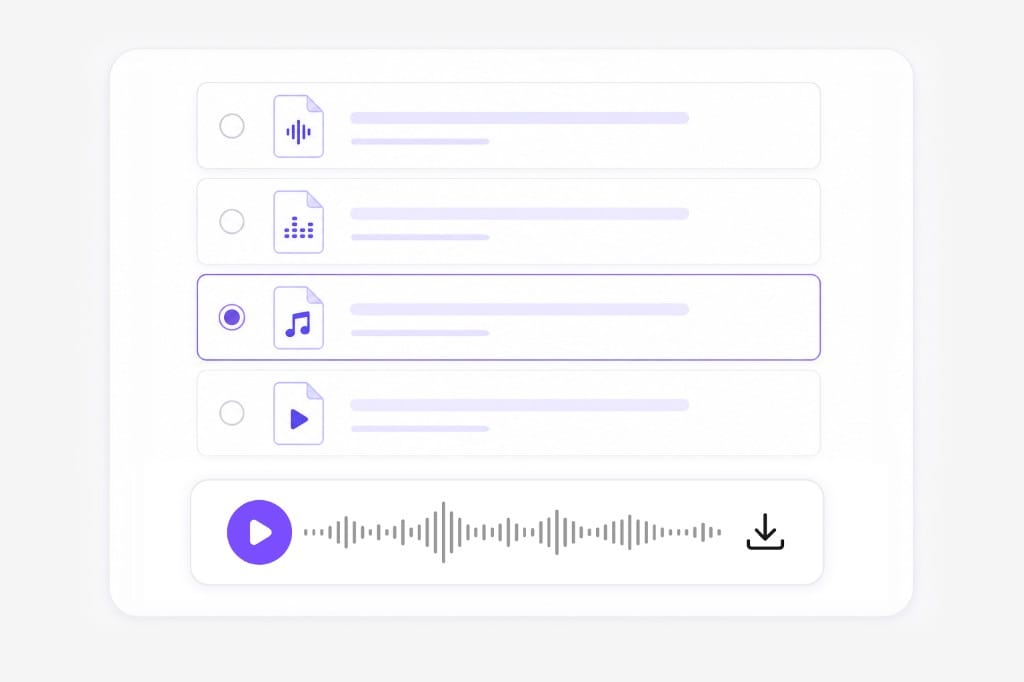
    Choose MP3 WAV or M4A output format
  3. 03

    Download the extracted audio instantly

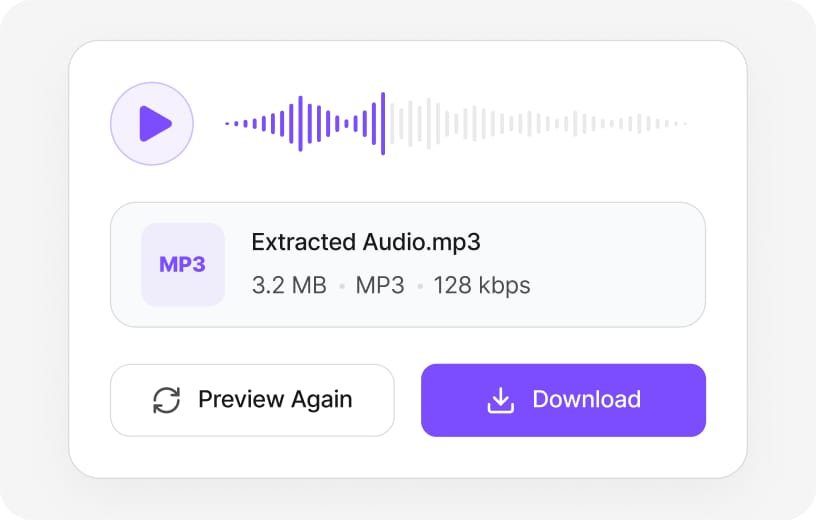
    Preview the result, then download after signing in.

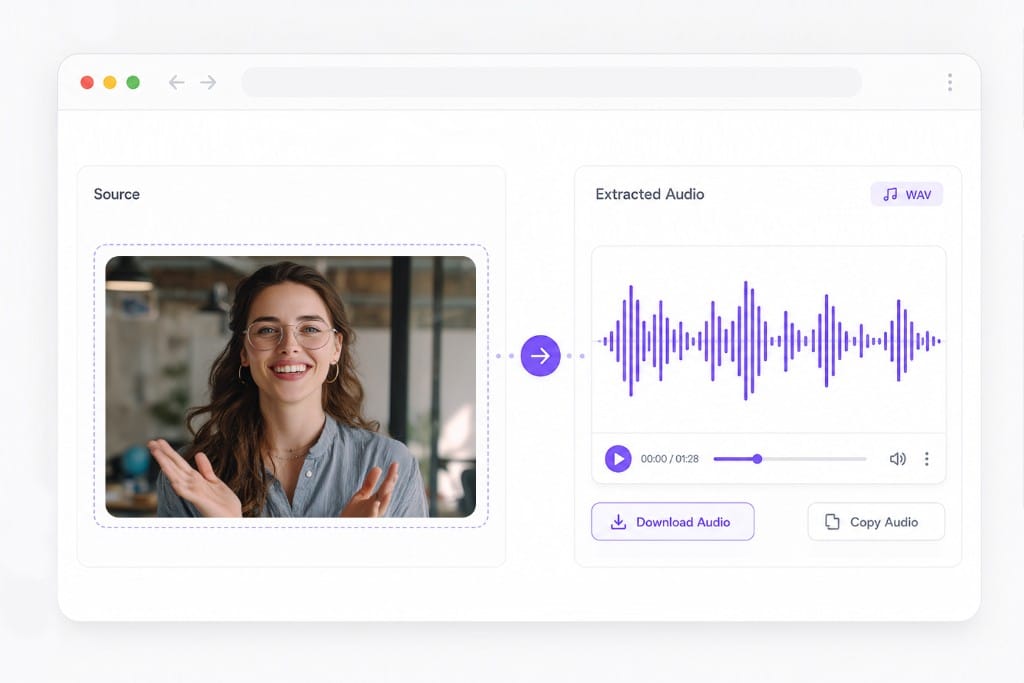
    Preview and download extracted MP3 audio

Why Extract Audio from Video Online for Free

Pull soundtracks out of MP4, MOV, MKV, and WebM — from a local file or a pasted public link — and export WAV or route to MP3 when you need a smaller share file.

Pull audio from MP4, MOV, MKV, and WebM

Drag in a local clip or paste a public URL — the extract step is the same either way. WAV downloads on this page; MP3, M4A, and FLAC are handled through VMEG online tools when you need those formats.

Audio format selection pills for MP3 WAV M4A FLAC export

YouTube, TikTok, and Vimeo links supported

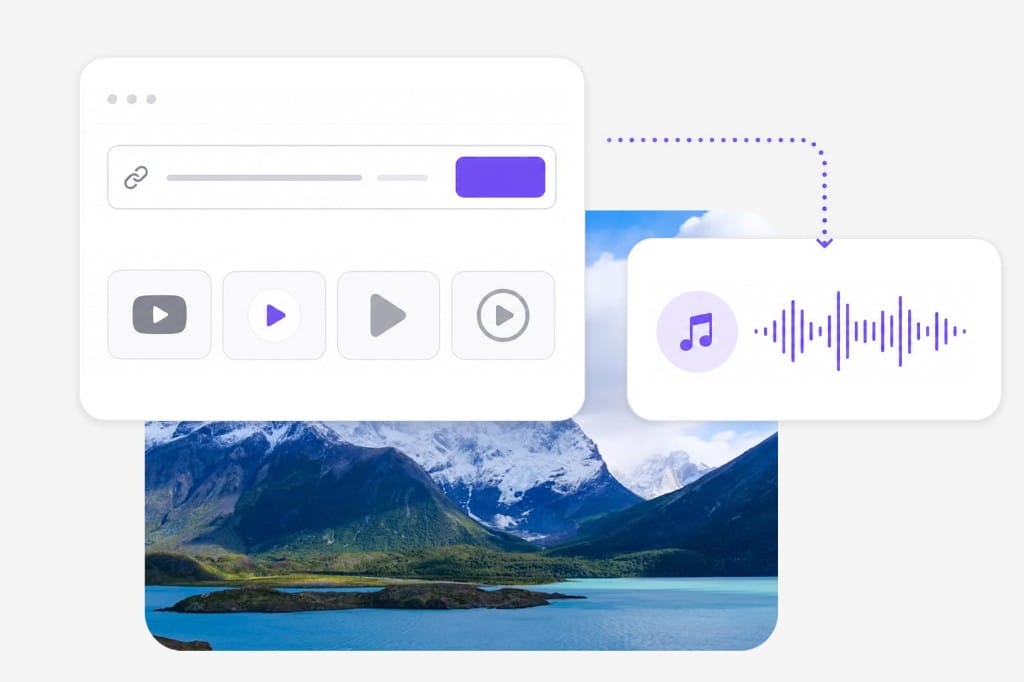
Paste a public link from YouTube, TikTok, Vimeo, Facebook, Instagram, or X instead of hunting for a separate downloader. Uploaded files and fetched links share one extract workflow.

Paste video URL from social platforms and convert to audio illustration

WAV for edits, MP3 for quick handoffs

Keep dialogue and music intact in WAV when you are cutting into Premiere or Audacity. Route to MP3 through VMEG online tools when the goal is a podcast clip or a message attachment.

Audio extraction workflow with waveform preview

Frequently Asked Questions

Yes. You can upload a video, extract audio, and preview the result for free. Download requires a free VMEG sign-in to reduce abuse.

Supported video formats include MP4, MOV, MKV, AVI, WebM, M4V, and other common video formats up to 100 MB per file.

WAV is ready to download right away. MP3 is available through VMEG online tools on the main site.

Paste a YouTube URL to start. YouTube links are handled by VMEG online tools on the main site.

Yes, via pasted TikTok URLs. You can also download a TikTok video and upload it here.

Preview is free without an account. Sign in to download your file.

Yes, up to 100 MB per file. For larger files or batch jobs, use VMEG online tools on the main site.

WAV export preserves full quality from the captured track. MP3 applies compression and is best for sharing rather than mastering.

Yes, on modern mobile browsers. Very large files or long videos may be slower on phones — desktop Chrome or Edge is recommended.

No installation required. Open the page, upload or paste a link, and extract audio.

Discover More Tools on VMEG

Translate videos, dub with AI voices, generate subtitles, and transcribe audio — all in one workflow on VMEG.

Audio ExtractorMP4 to MP3 ConverterVideo to Audio ConverterVideo to MP3 ConverterMKV to MP3 ConverterMOV to MP3 ConverterWebM to MP3 Converter

Ready to Extract Audio from Any Video?

Turn videos into MP3 or WAV in seconds with fast, secure online processing.