Automatic Speech Recognition
Convert spoken dialogue into readable caption lines automatically. The free online video to SRT converter turns interviews, tutorials, and vlogs into subtitle blocks you can preview before download.
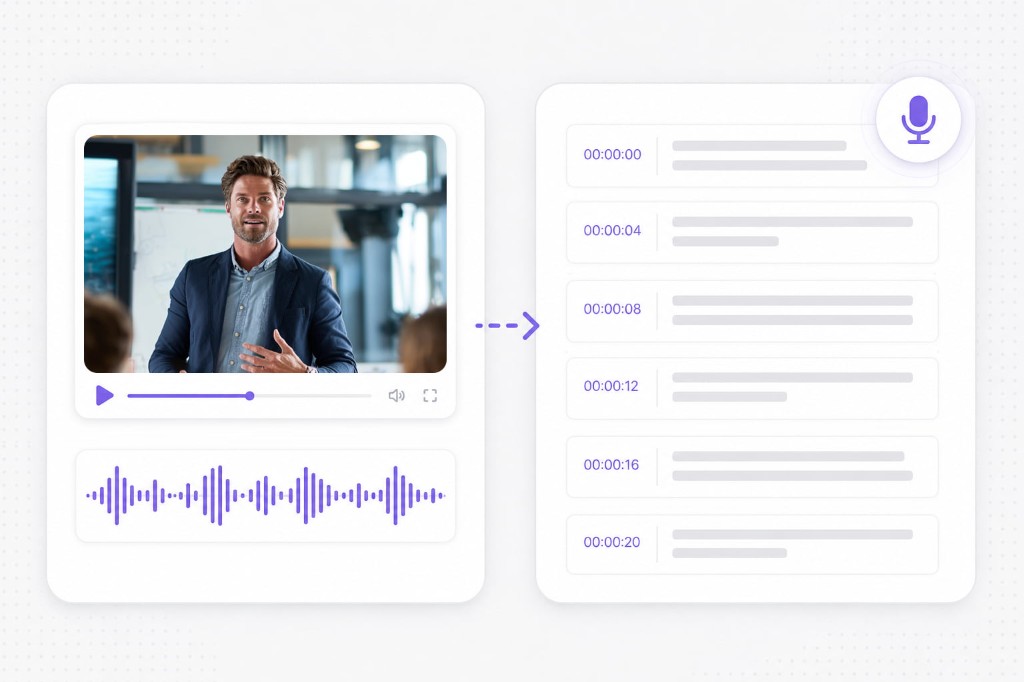
VMEG AI converts videos into accurate SRT subtitle files by transcribing spoken content and matching each line with the correct timing.
Upload a local file or paste a video link. VMEG extracts speech, builds timed cues, and lets you download an SRT file in your browser.
Upload your video to VMEG AI. The system detects the spoken content and identifies different speakers when multiple people appear in the recording.
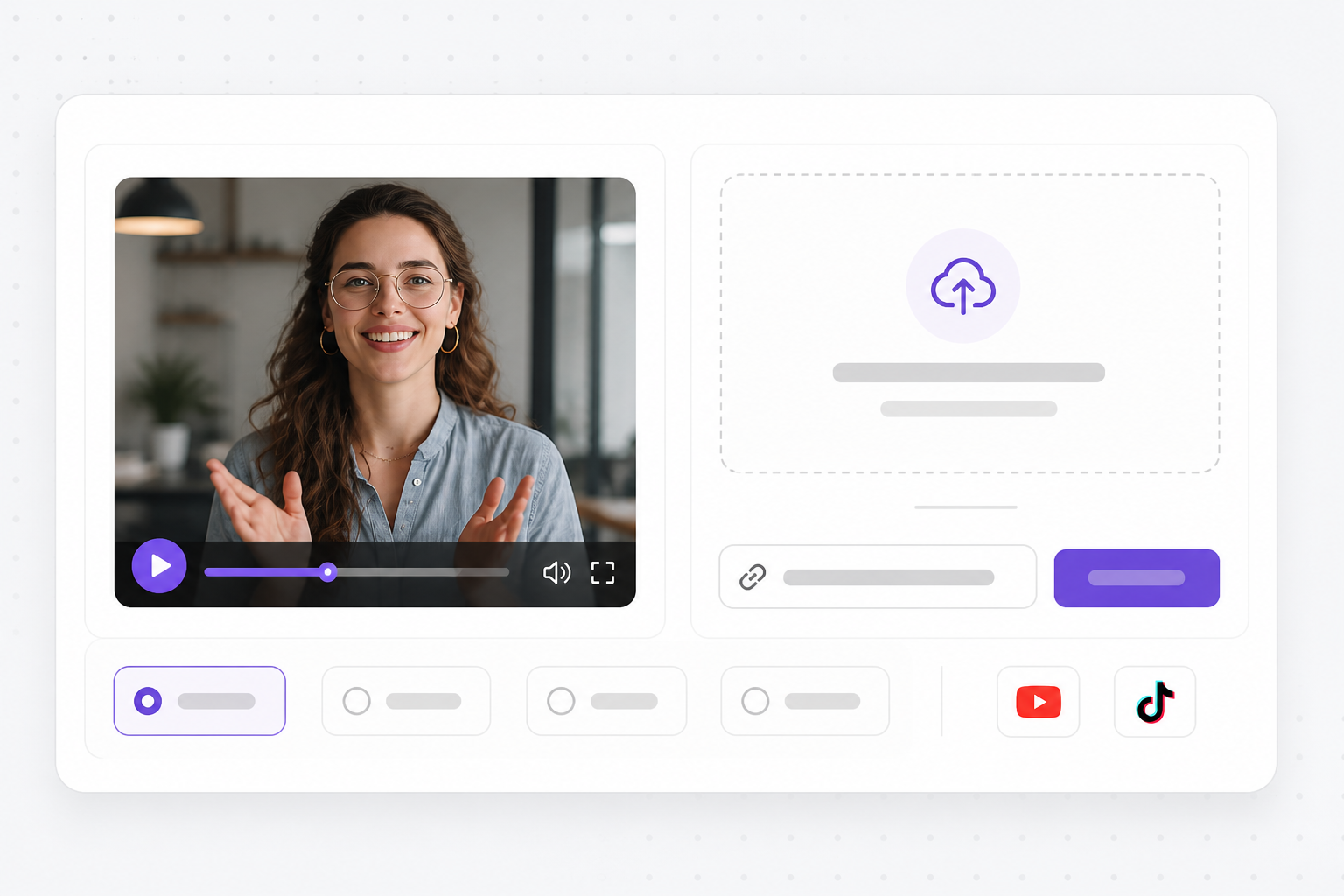
VMEG extracts audio, runs automatic speech recognition, and aligns each line with start and end timestamps so your SRT cues stay in sync with the video.
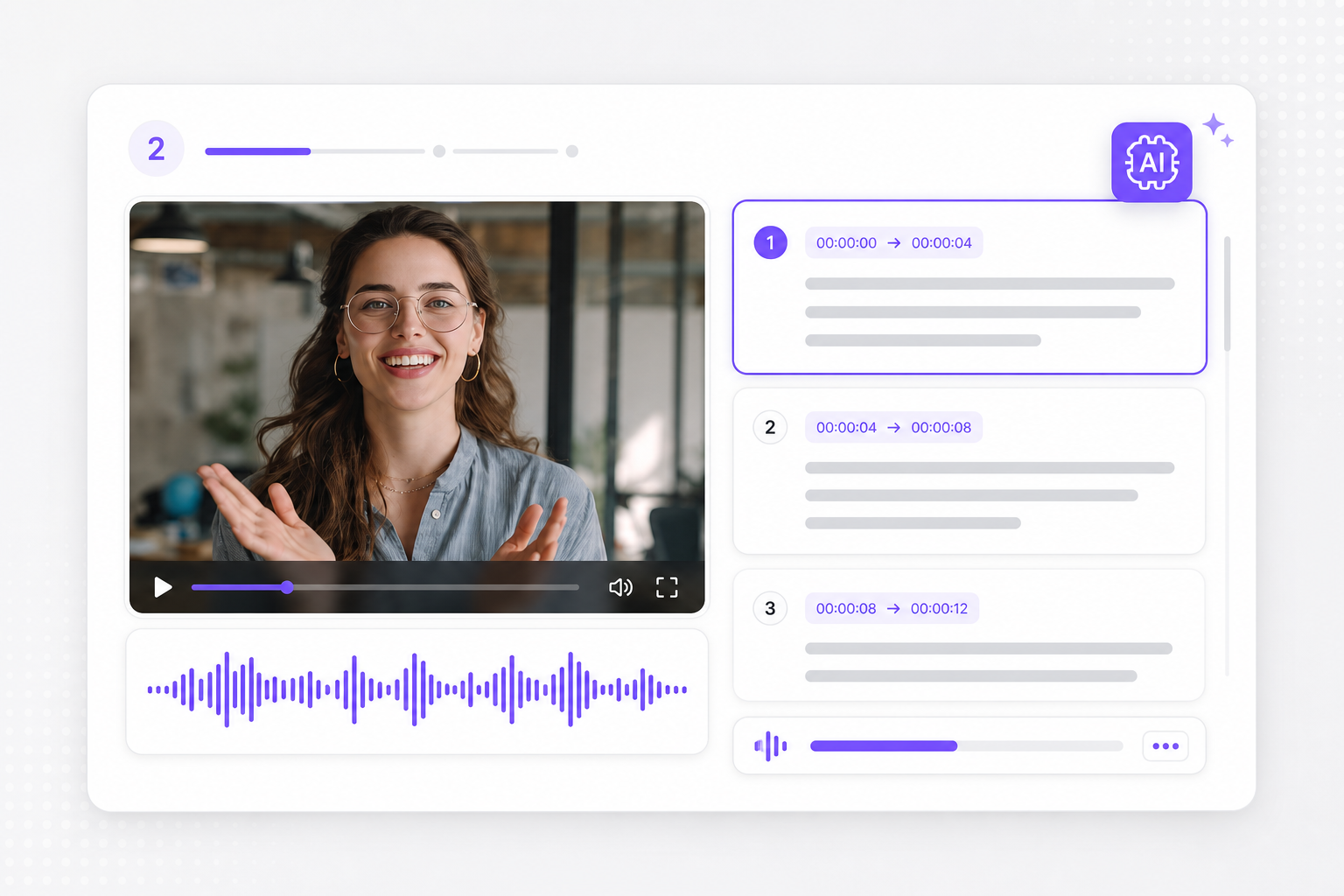
Preview caption lines, download SRT or TXT, then open the SRT translator if you need localized subtitles for another language.
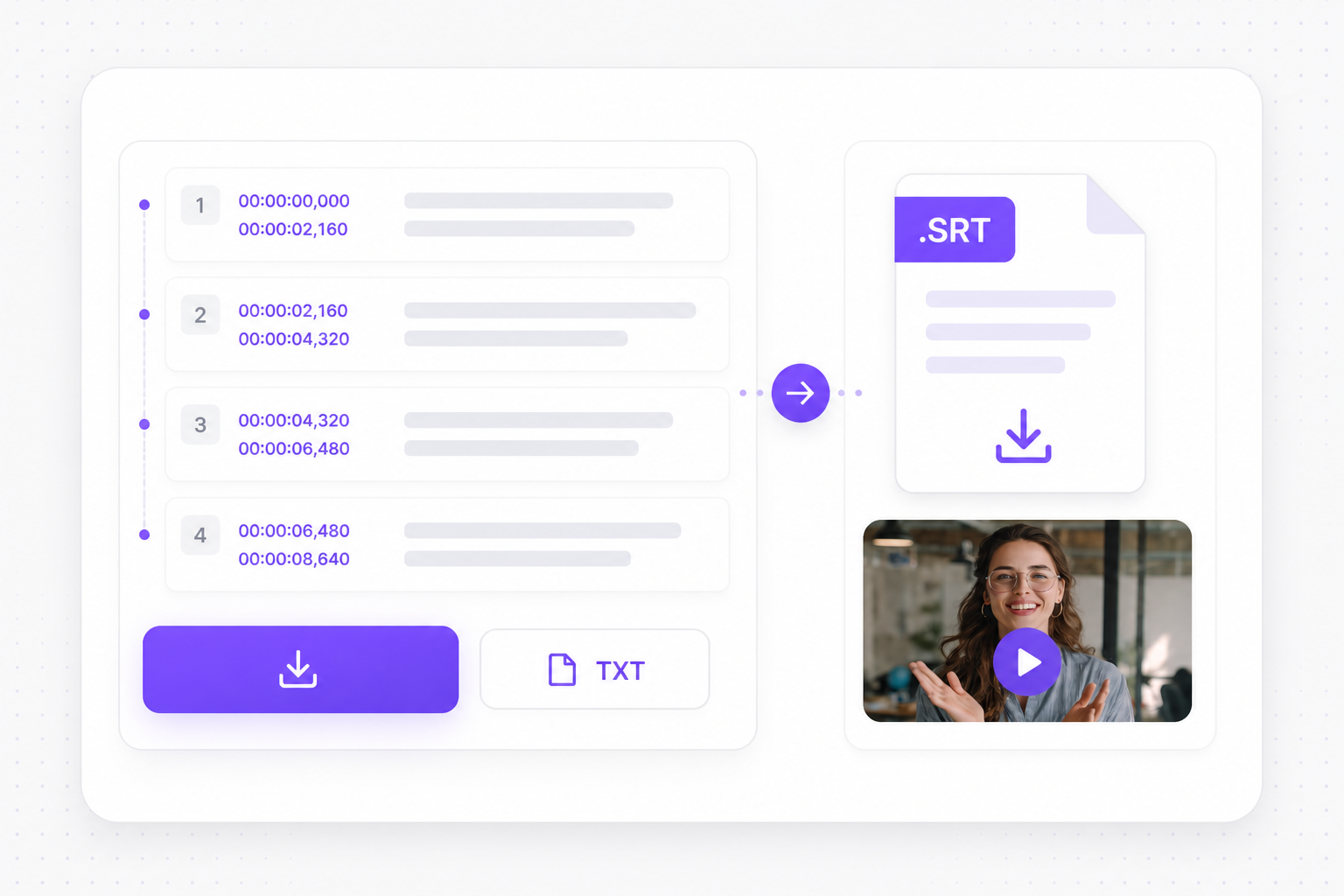
Automatic subtitle generation for creators, educators, and teams who need accurate captions without desktop editing software.
Convert spoken dialogue into readable caption lines automatically. The free online video to SRT converter turns interviews, tutorials, and vlogs into subtitle blocks you can preview before download.
Each subtitle cue gets precise start and end times so players, editors, and platforms can align captions with speech — essential when you export mov to SRT or MP4 to SRT for YouTube and social feeds.
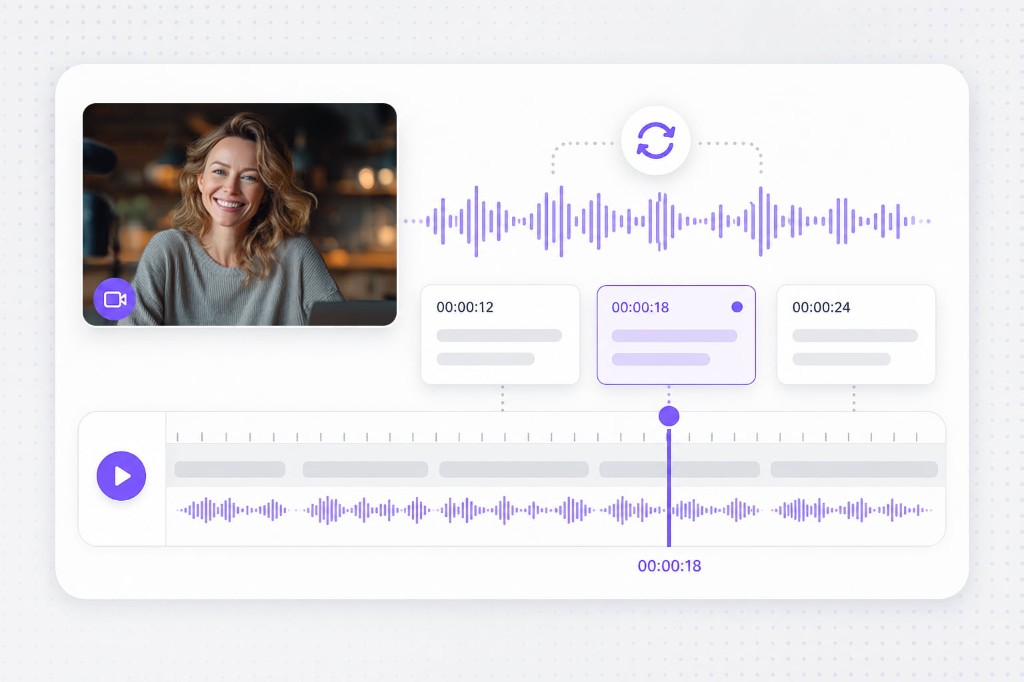
Interviews, meetings, podcasts, and training videos often include several speakers. Manual subtitle creation can make it difficult to keep track of who said what. VMEG AI can recognize different speakers and organize the transcription accordingly. This makes multi-speaker videos easier to review and subtitle.
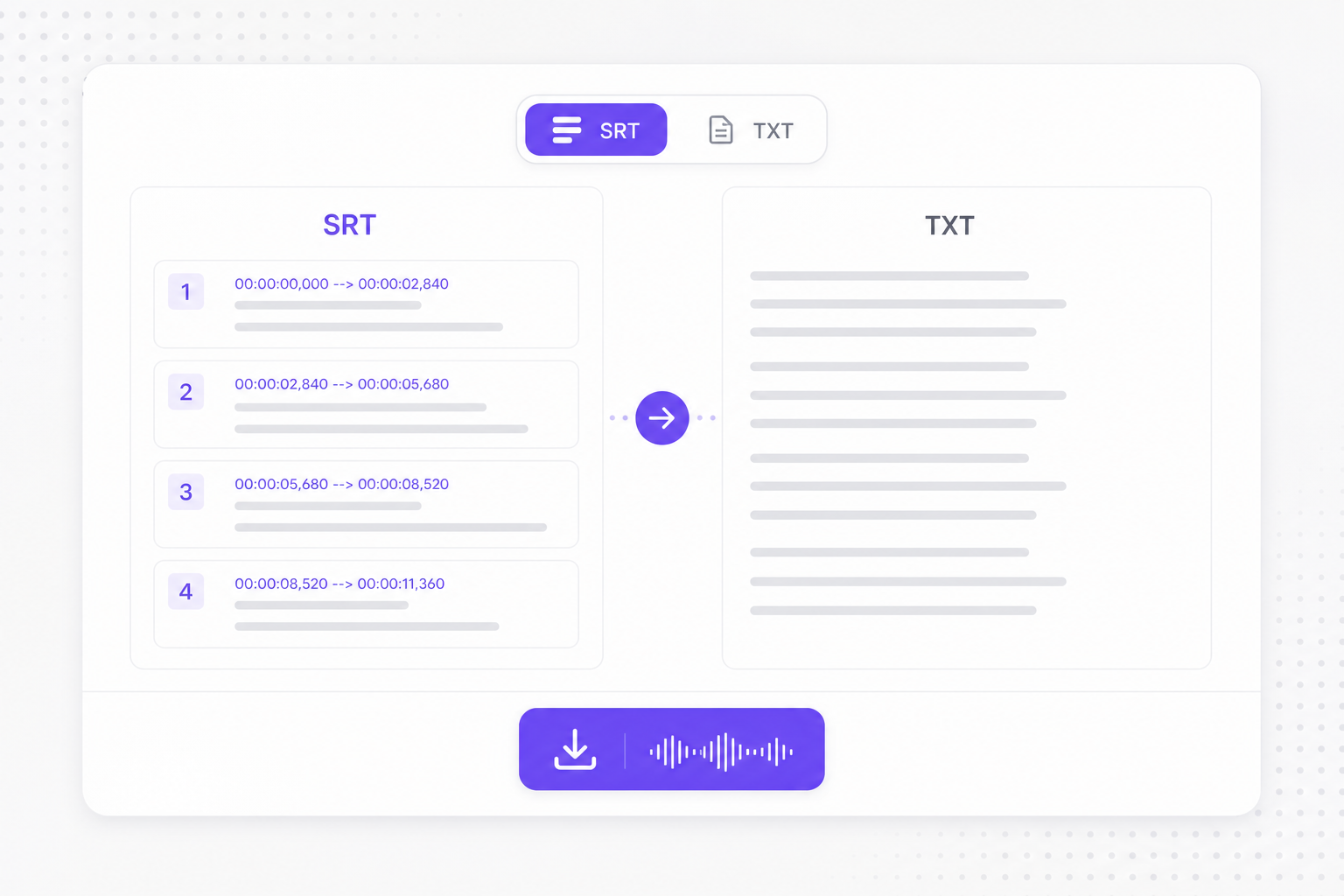
Long recordings can contain hundreds or thousands of spoken sentences. Keeping subtitle timing consistent across an entire video is difficult when working manually. VMEG AI processes the full recording and creates synchronized subtitle timestamps. This gives you a practical starting point for editing long-form content.
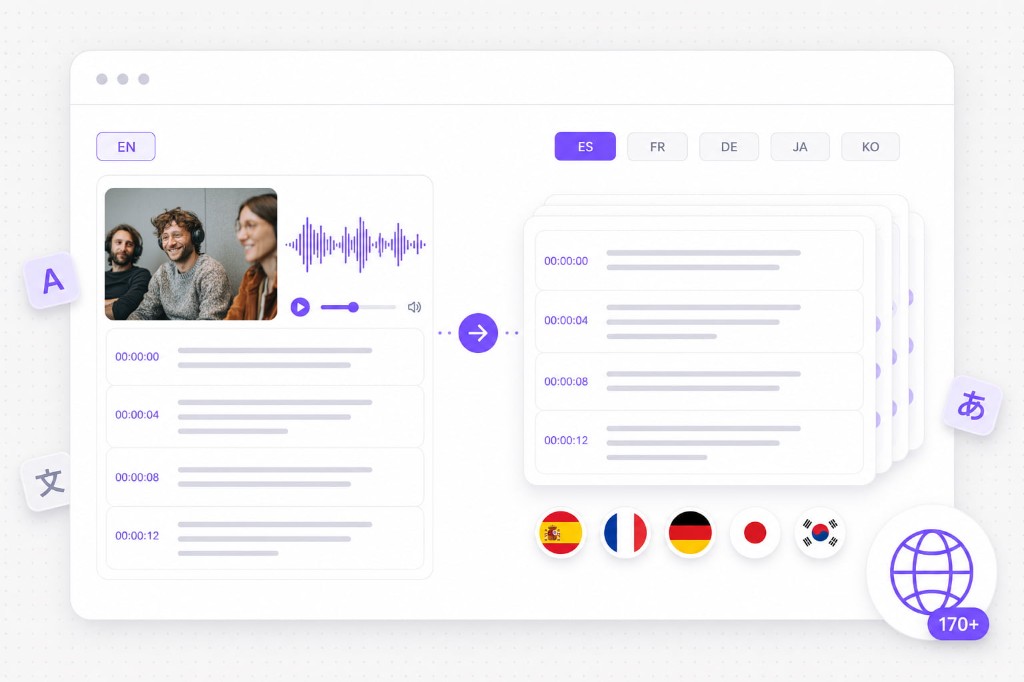
After you create SRT from video, VMEG helps you translate captions, run Dubbing Workflow, and publish in 170+ languages without rebuilding timing from scratch.
Turn a finished SRT track into a full localized video. VMEG translates on-screen captions, generates AI dubbing, and can sync lip movement so global viewers hear and read the same story.
Try Video Translator for free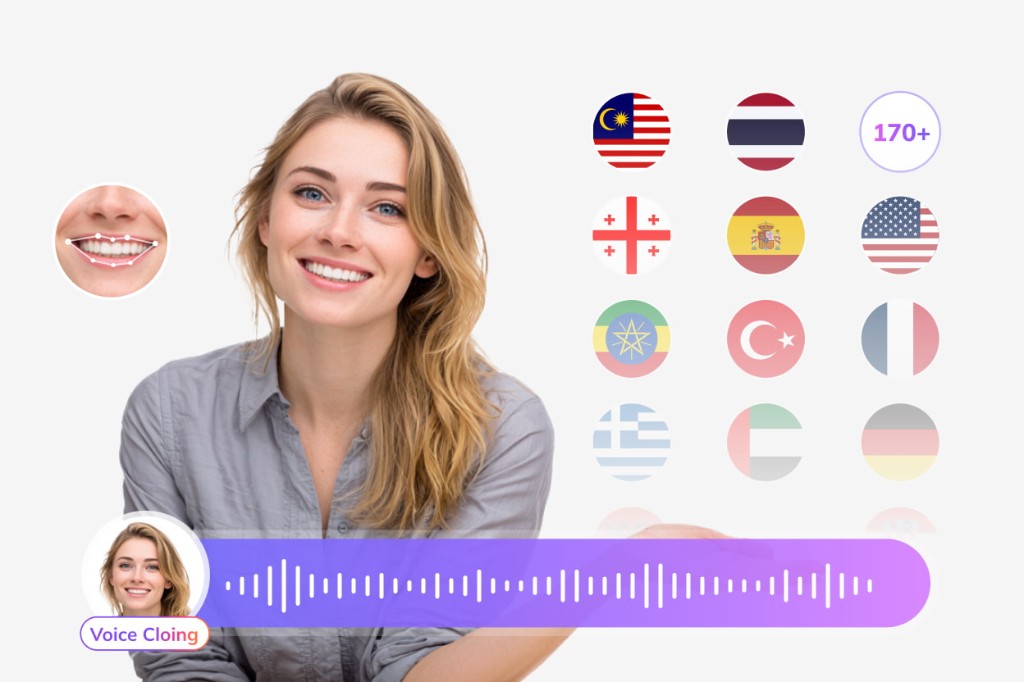
Already have an SRT file from this converter? Upload it to the SRT translator and localize captions into Spanish, Japanese, French, and 170+ other languages while keeping cue timing intact.
Try Subtitle Translator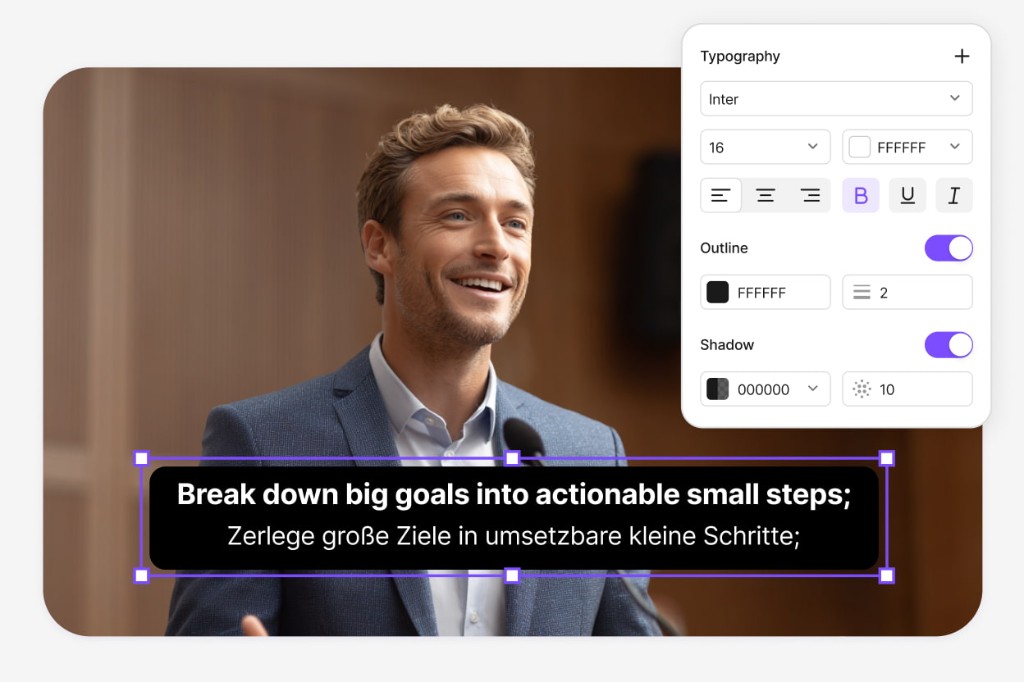
After SRT export, continue in VMEG Dubbing Workflow — an online pipeline to transcribe speech, translate and refine scripts, tune AI voice tracks, and export MP4, M4A, or SRT without rebuilding cue timing from scratch.
Open Dubbing Workflow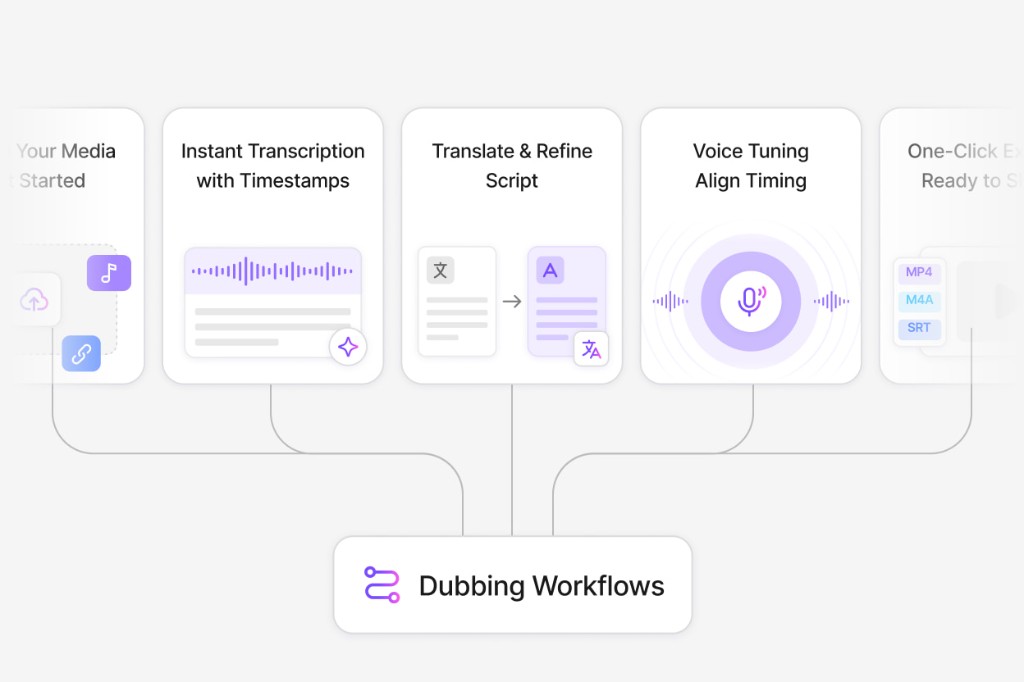
An SRT file stores subtitle cues as numbered blocks with start/end timestamps and text lines. Most players and editors accept SRT for closed captions and localization workflows.
Upload your video or paste a supported link on this free Video to SRT Converter page, wait for AI processing, preview the captions, then download the SRT file after signing in.
Upload a QuickTime MOV or iPhone export to this page (under 300 MB), or paste a public video link. VMEG extracts audio, generates timed cues, and exports an SRT file you can open in any subtitle editor.
Yes. MP4 is fully supported along with MOV, MKV, WebM, and AVI. Upload your MP4, generate subtitles, and export a timed SRT track.
Yes. MOV from QuickTime, Final Cut, and iPhone camera rolls works the same as MP4. Keep files under the size limit shown in the upload area for the fastest mov to SRT results.
Yes. Paste a public link from YouTube, TikTok, Facebook, Instagram, or X. When the link is supported, VMEG imports the video and runs the same subtitle pipeline as a local upload.
Accuracy depends on audio clarity, accents, and background noise. Clean speech in a quiet recording produces the best automatic subtitle generation results. Always preview before publishing.
Yes. Download SRT, or use Translate Subtitle to open the SRT translator and localize captions into another language while preserving timing.
You can upload, import links, generate, and preview subtitles for free in your browser. Download requires a free VMEG sign-in to reduce abuse. Full video translation and dubbing are available on the main VMEG product pages.
Turn marketing clips and training videos into another language with studio-style voices — no recording booth required.