Remove Background Noise from Audio

Remove background noise from audio recordings online. Separate voice from noisy beds, hum, and room tone using AI stem separation — upload and download.

Popular Uses

Compare noisy recordings with a vocal stem that is easier to repair in your editor.

  • Fan Noise & AC Hum

    Isolate voice from fan hum and AC rumble in home recordings.

    Original audio
    Cleaner vocal
  • Street & Crowd Noise

    Export speech from interviews captured outdoors or in busy public spaces.

    Original audio
    Cleaner vocal

How to Remove Background Noise from Audio

  1. Upload the noisy recording

    Upload MP3, WAV, M4A, or video files. Paste a public link if the clip is online. Use podcasts, memos, or noisy field takes. Supports uploads up to 100 MB per file.

  2. Select the Vocals stem

    Select Vocals before you start processing. Keep hum, hiss, and beds in other stems. Get a speech-first lane for cleanup. Preview other stems for context if needed.

  3. Export and fine-tune

    Preview the vocal stem in your browser. Sign in to download when it sounds right. Polish with EQ or denoise in your DAW. Export MP3, WAV, or M4A for your edit.

Why Remove Background Noise with VMEG

Stem separation gives you a voice lane to work with when destructive noise reduction is not enough. Upload a song or video soundtrack, preview separated stems on the page, and export the vocal or instrumental track after sign-in when download is required.

Split voice from the bed

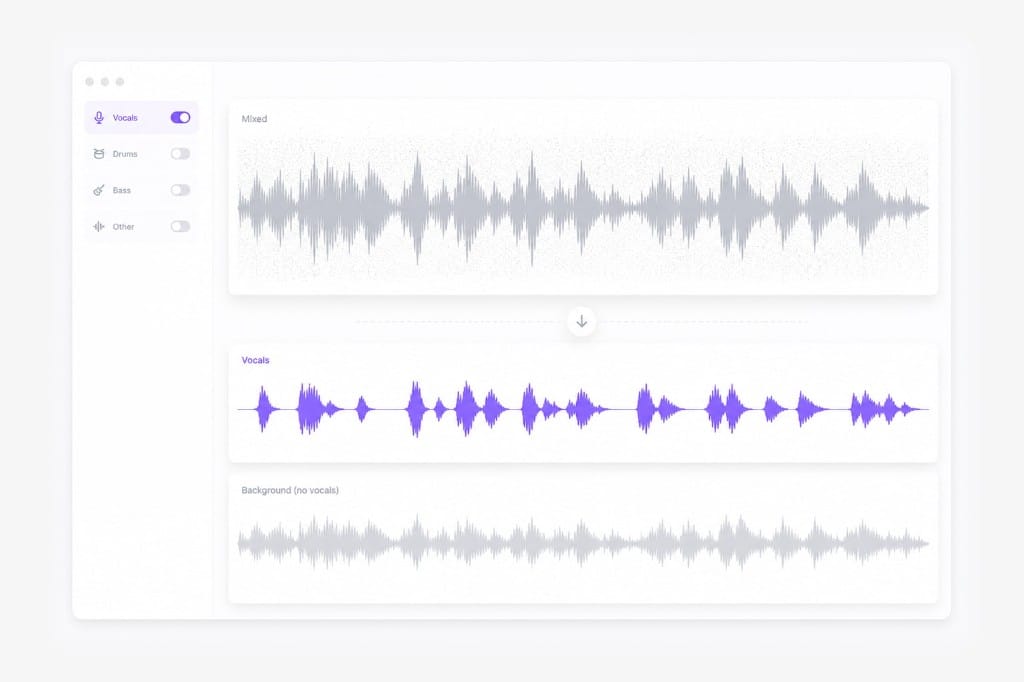
When noise sits in the same frequency range as speech, isolating vocals can be faster than aggressive spectral repair. Listen beside the untreated take so you can judge vocal presence, room tone, or noise reduction before processing the full recording on Remove Background Noise from Audio.

Separate voice from noisy background illustration

Field recordings and Zoom calls

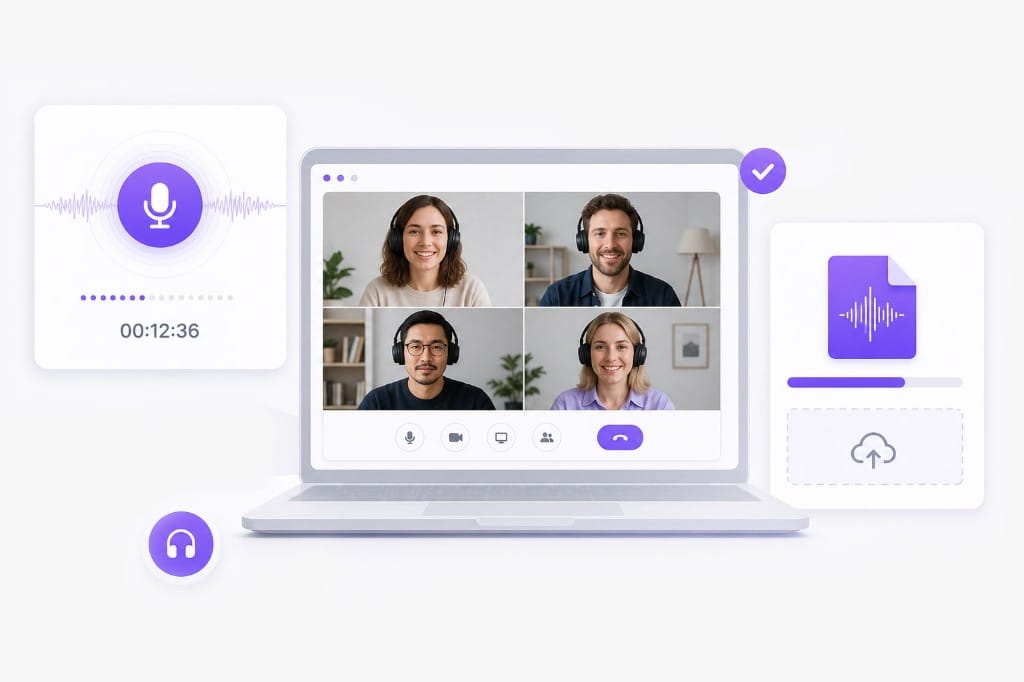
Upload interviews, meetings, and outdoor takes — separation helps before you compress or normalize. Add your source file or link on this Remove Background Noise from Audio page, preview the output in the browser, then sign in only when you download the finished export.

Upload podcast or field recording illustration

Combine with your DAW tools

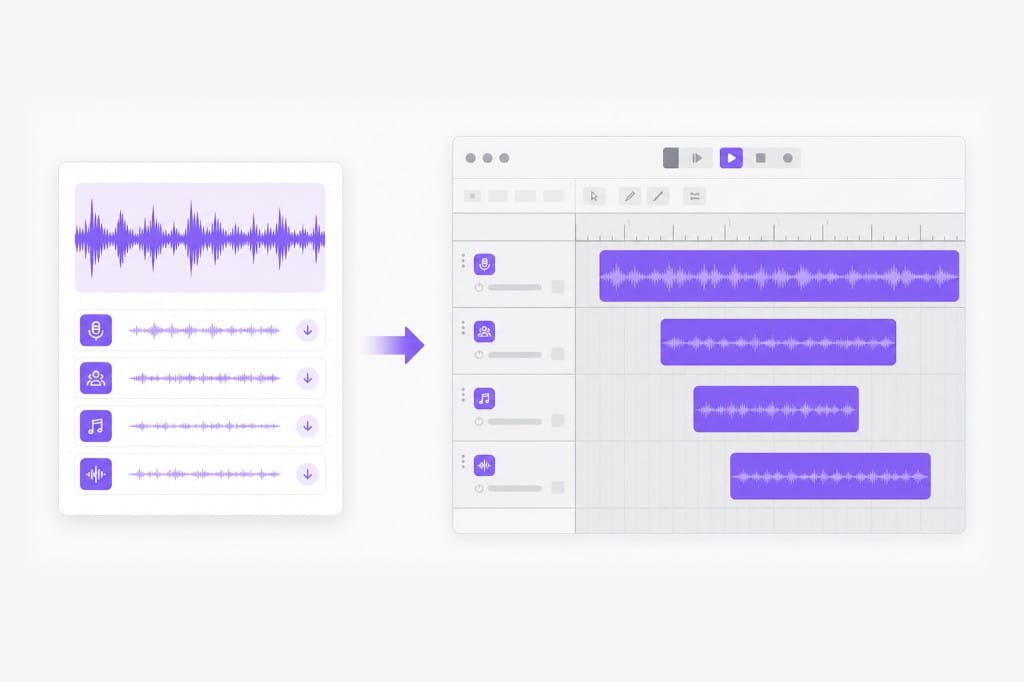
Export a vocal stem, then add your own denoise and EQ on a cleaner starting point. Choose the export format shown in the picker, preview the result on the page, then sign in when you are ready to download from Remove Background Noise from Audio.

Preview cleaner vocal stem illustration

No install on guest machines

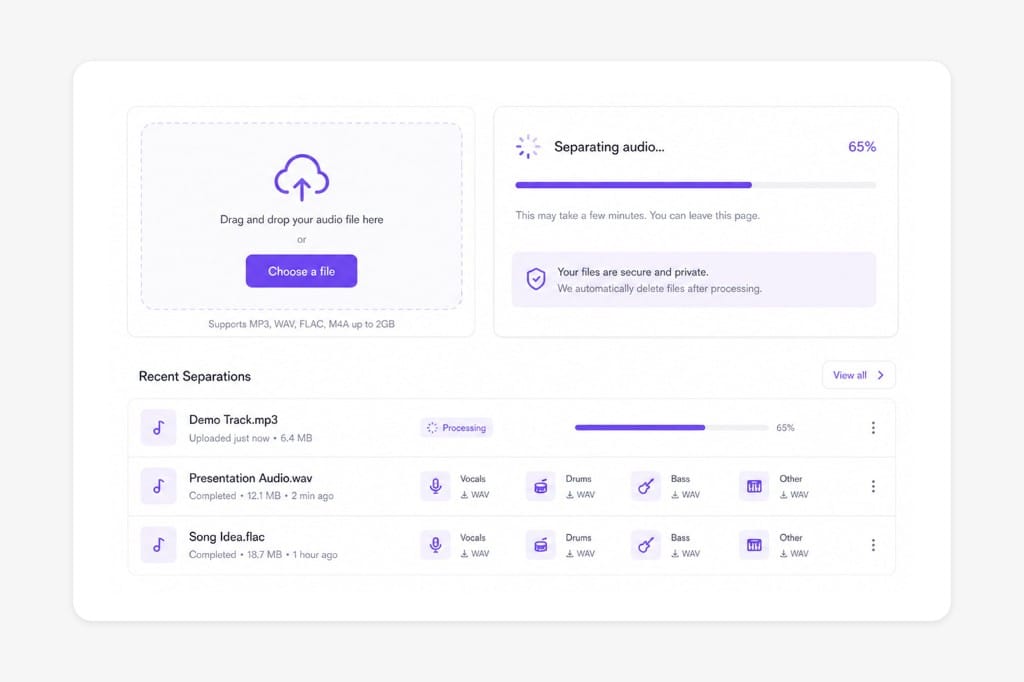
Producers and podcasters can run the workflow from any modern browser. No desktop software to configure — open Remove Background Noise from Audio in a modern browser, adjust settings in the same tab, and export when the preview looks right.

Browser-based noise cleanup workflow illustration

FAQs about Removing Background Noise from Audio

What is a removing background noise from audio?

It uses AI to split a mixed recording into stems such as vocals, drums, or instrumentals so you can export the lane you need for cleanup, karaoke, or remixing.

Which file formats can I upload?

MP3, WAV, M4A, AAC, FLAC, MP4, MOV, MKV, and WebM up to 100 MB per file. Video uploads use the audio track for separation. Check the upload chip on this page for the full list of supported containers; matching those formats avoids failed imports.

Can I paste a YouTube or TikTok link?

Yes. Paste a public link from YouTube, TikTok, Vimeo, Facebook, Instagram, or X when supported. Public links from major platforms work best; if a private or region-locked URL fails, download the media locally and upload it to Remove Background Noise from Audio instead.

Which stem should I choose?

Pick Vocals for speech or singing, Instrumental for karaoke-style beds, or Drums, Bass, Piano, and Guitar when you need a specific part. Upload audio or video on this Remove Background Noise from Audio page, pick the stem you need, preview, then export after a free sign-in if download is required.

Do I need to install software?

No. Processing runs in your browser on VMEG — upload, choose a stem, preview, and download after sign-in. No encoder install is required — open Remove Background Noise from Audio in a modern browser, add your file or link, and export from the same tab.

Is download free?

You can upload, select a stem, and preview for free. Sign in when you download your separated files. Preview and core processing are free in your browser; sign in when you download the finished Remove Background Noise from Audio output so exports stay reliable.

Translate podcasts and interviews in minutes

Upload MP3 or WAV and get accurate speech translation across 170+ languages — built for long-form audio.