Stop pausing Reels to copy on-screen text
Freelancers and Page admins repurpose Facebook clips daily. A facebook video captions downloader rebuilds timed lines from audio — faster than manual transcription from a scrubbing timeline.

Facebook video subtitle downloader — paste a public fb.watch or Page link, generate timed SRT from speech, and export captions for Reels reposts, translation, or NLE workflows.
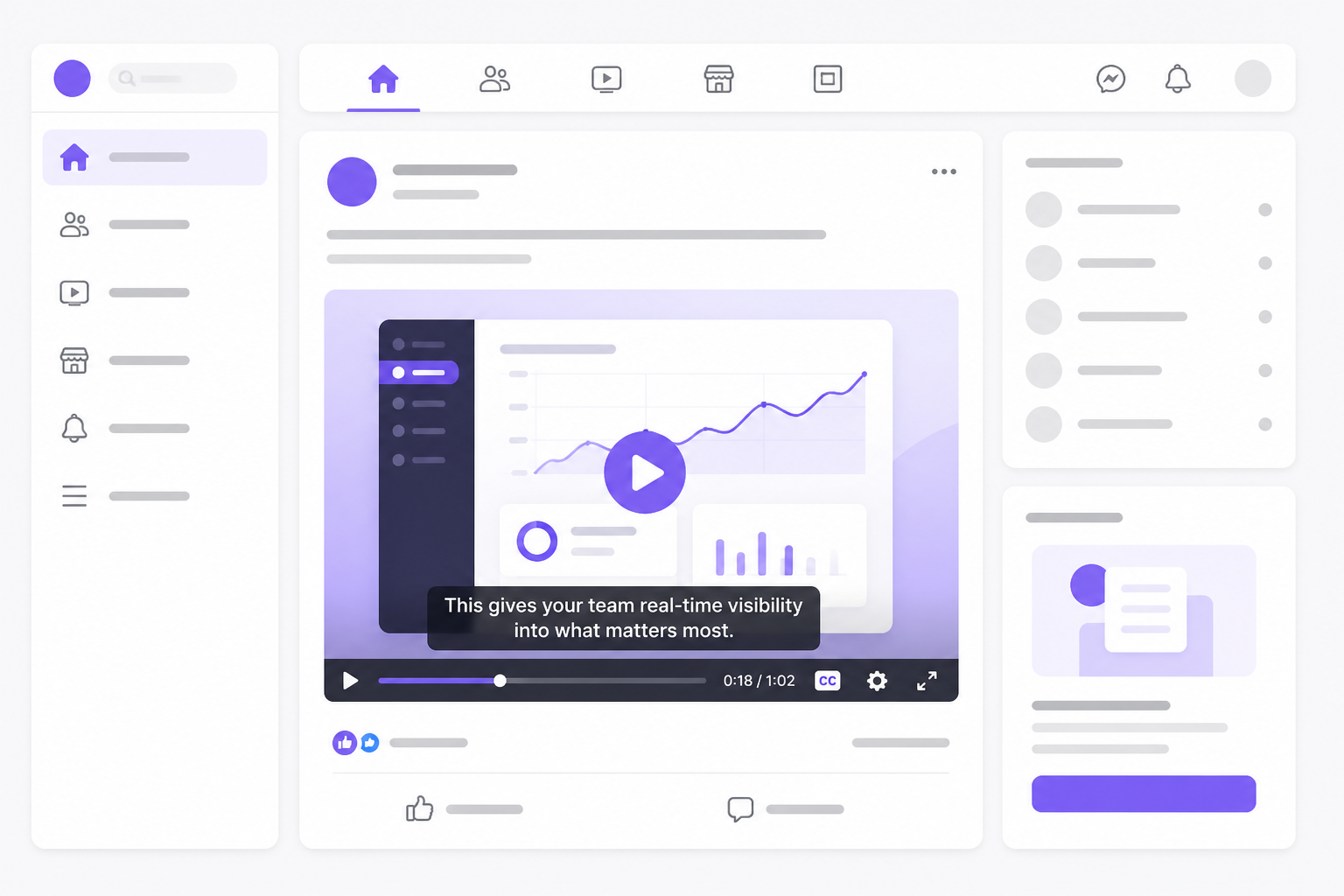
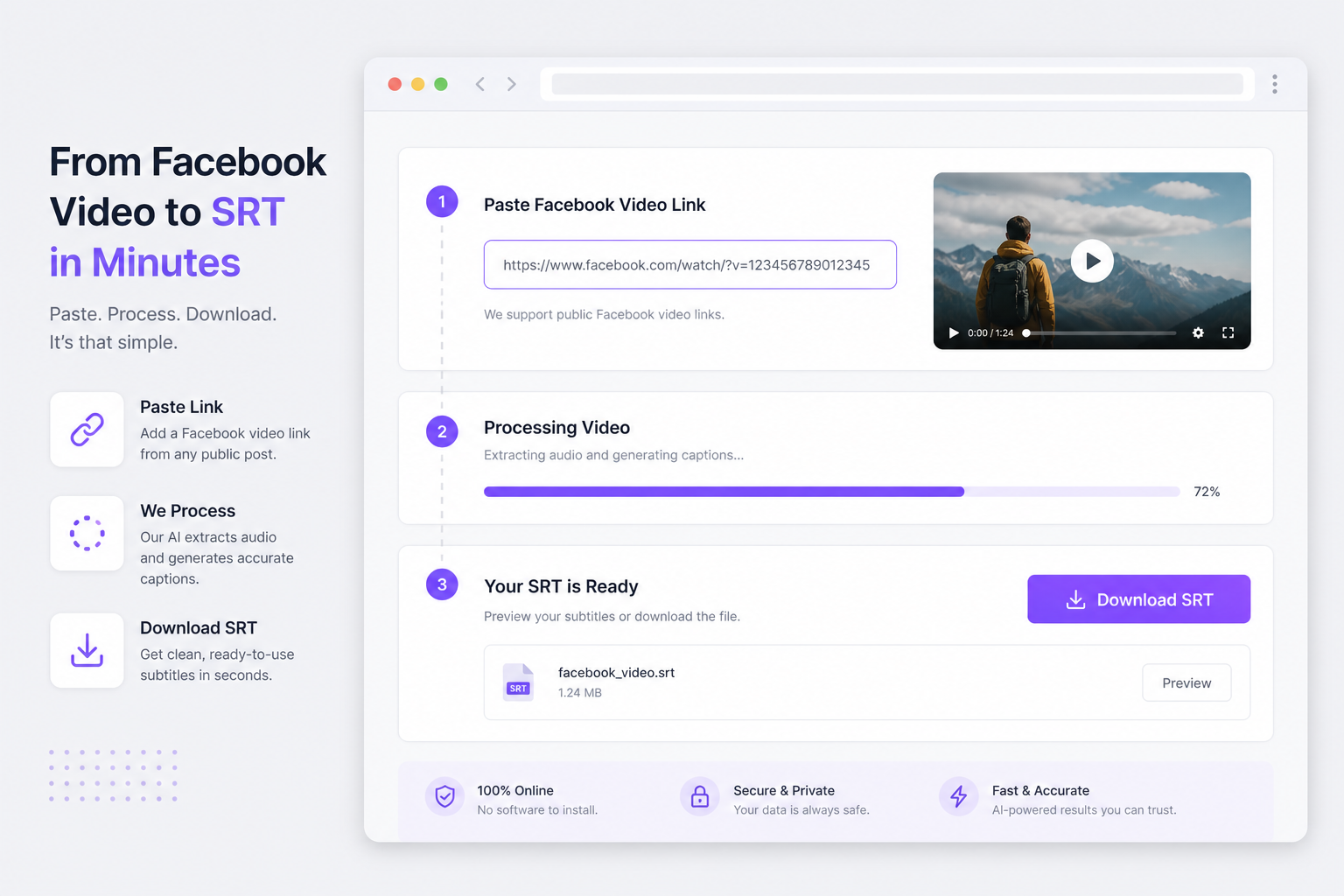
Meta does not ship a one-click SRT export on every post — paste a public watch link, let VMEG transcribe speech, and download facebook subtitles without screen-recording the player.
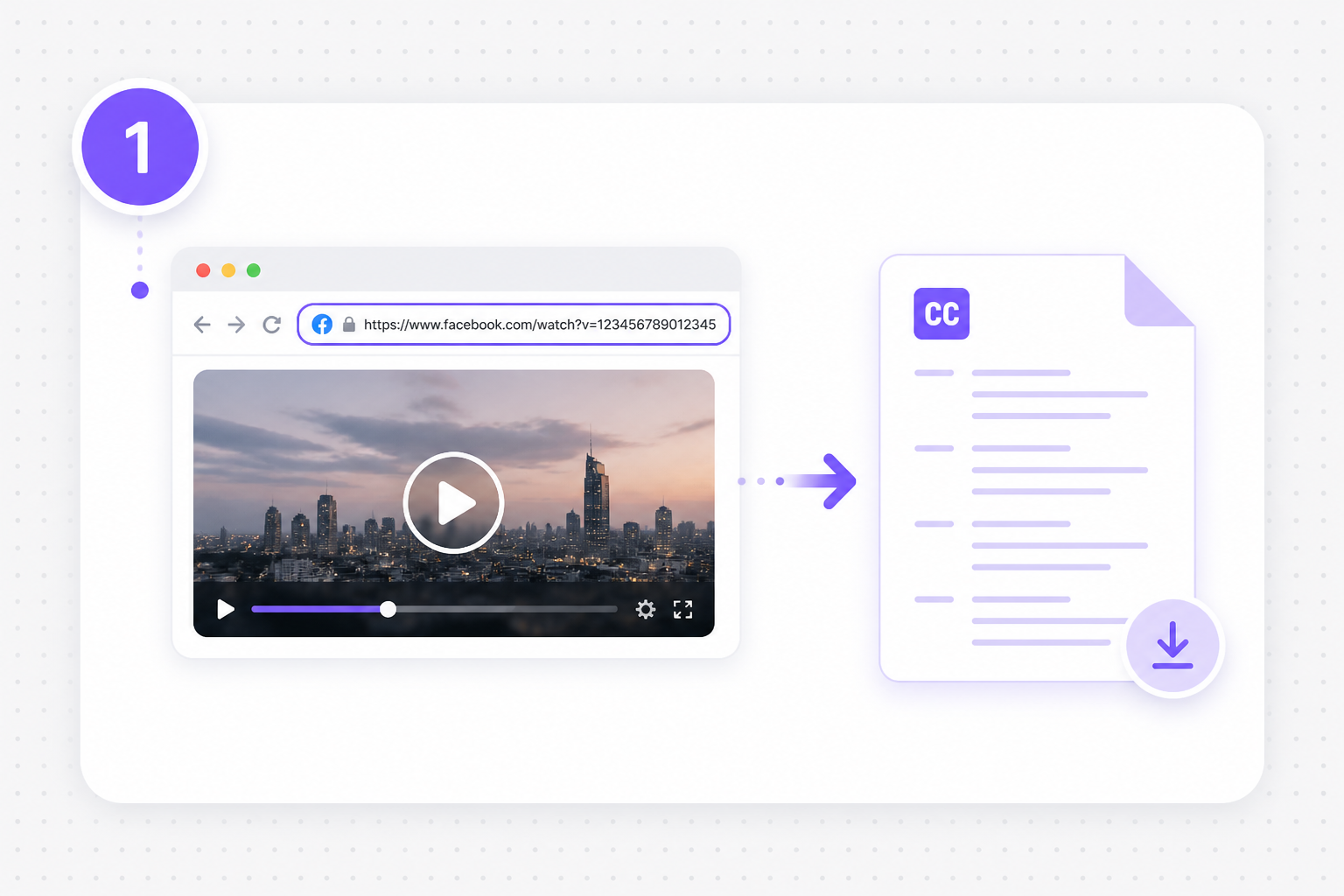
Copy a facebook.com/watch, fb.watch, or Page post URL from Share or the address bar into the importer above. The facebook video subtitle downloader imports public clips only — no browser extension, Meta API token, or desktop rip tool required.

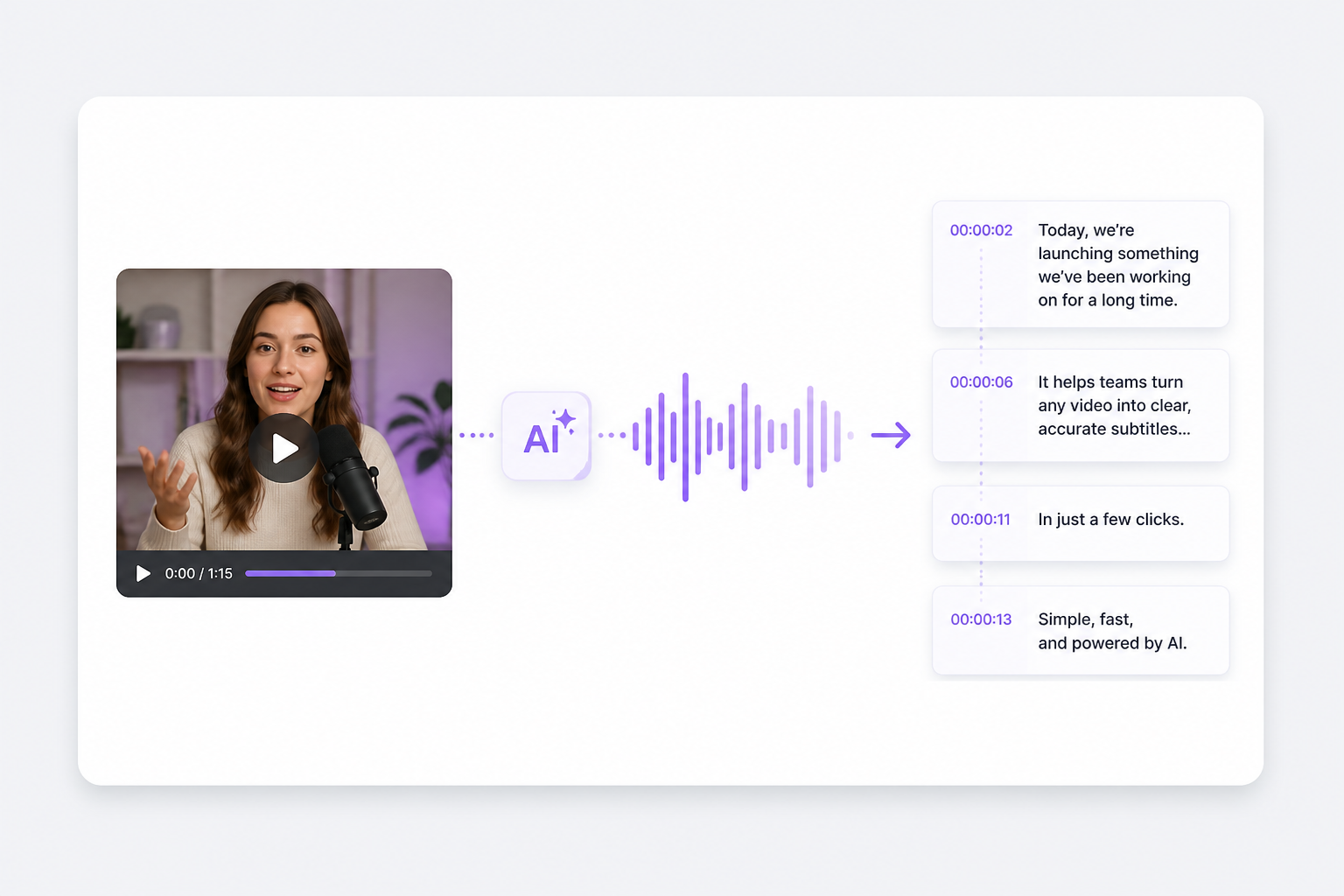
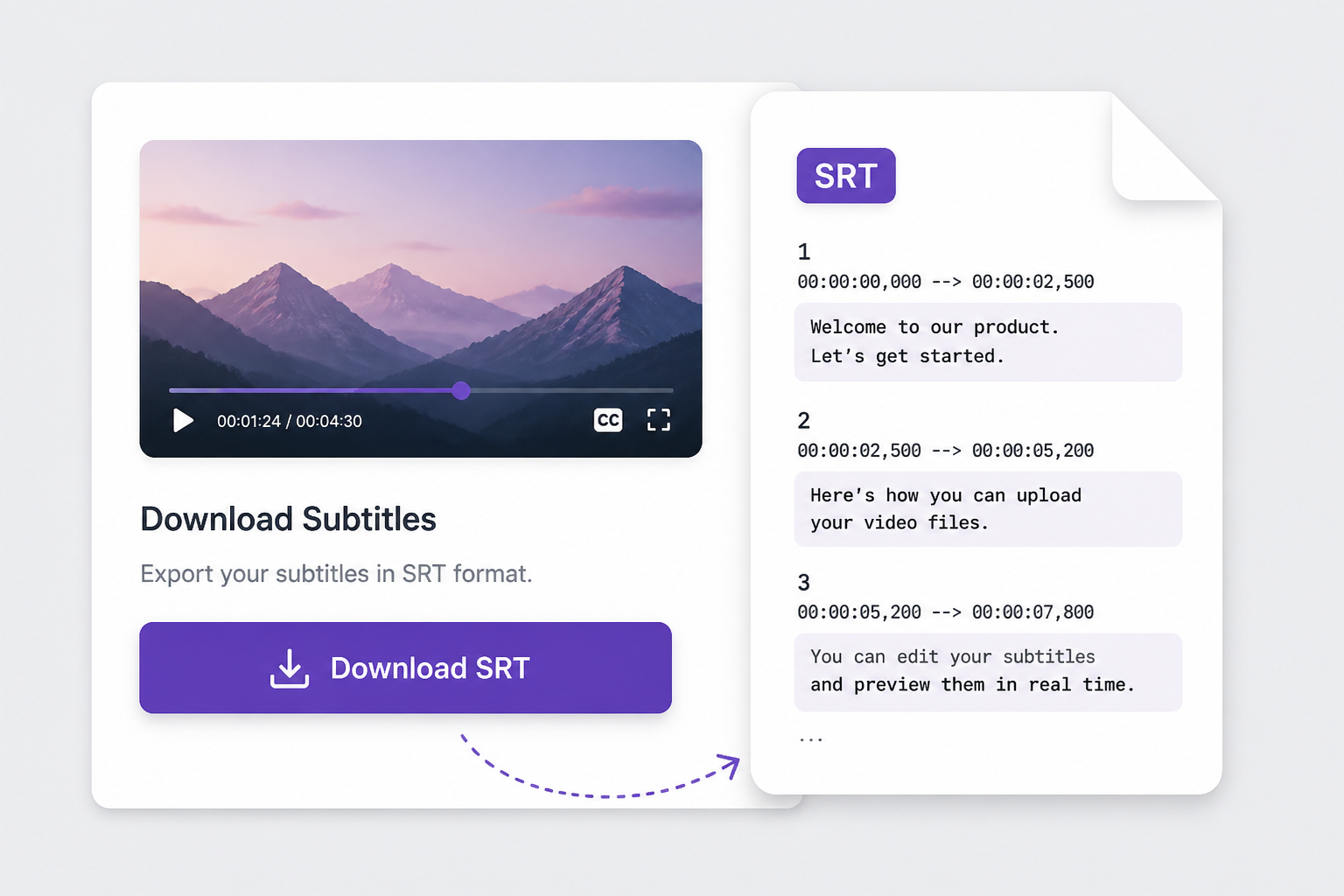
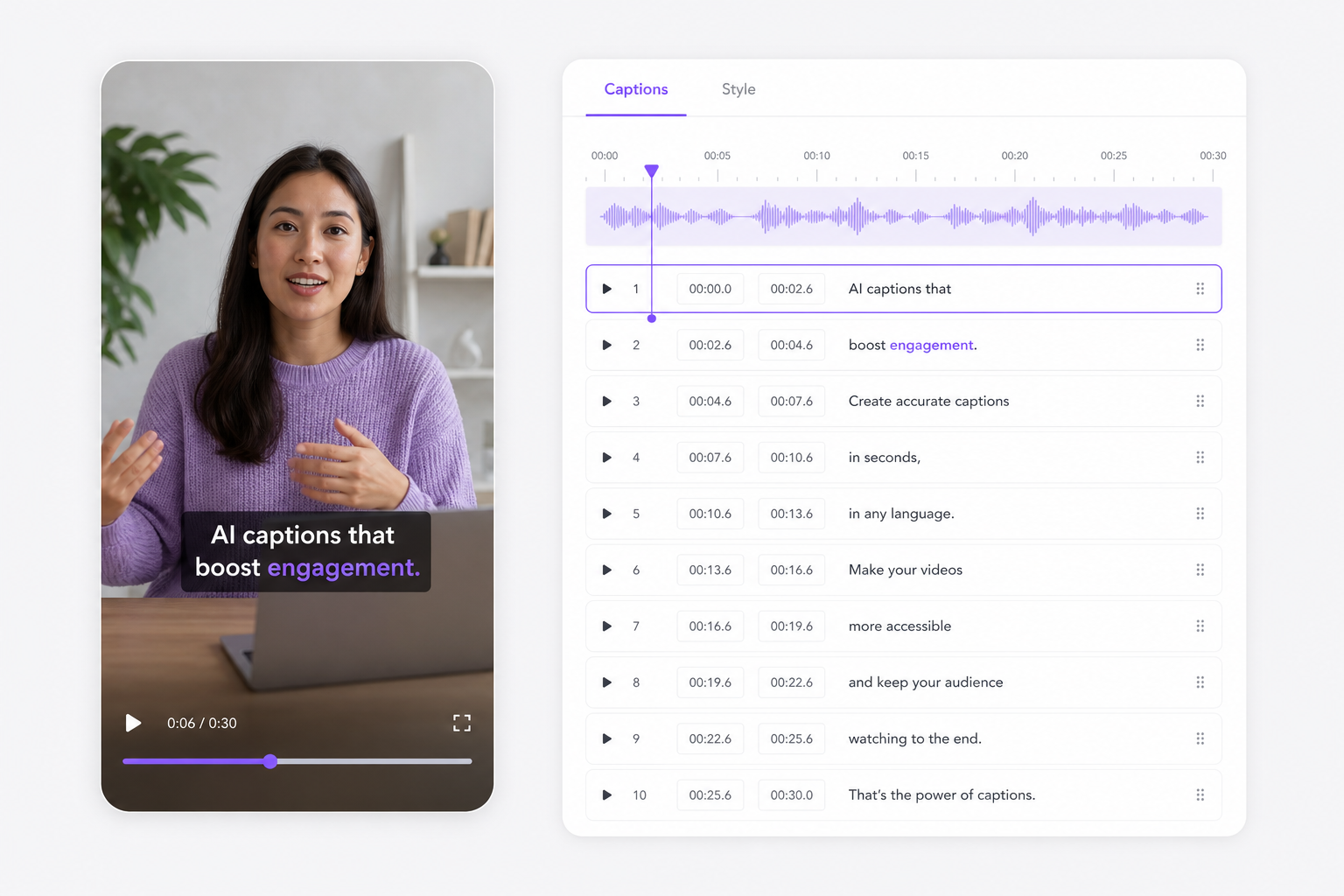
VMEG transcribes voice-over, interviews, and on-camera dialogue from the clip into numbered SRT blocks with HH:MM:SS timestamps. A facebook video captions downloader path when burned-in Reels text is not editable offline or exportable from Meta.

Preview caption lines and sync free in your browser, then download facebook subtitles as SRT or TXT. Import into Premiere, CapCut, or Subtitle Translator when you need localized Page content without retyping from a paused Reel timeline.

Social teams get watch links, not caption files — this facebook video subtitle downloader turns public Facebook speech into standard SRT so you stop retyping Reels for YouTube Shorts.
Freelancers and Page admins repurpose Facebook clips daily. A facebook video captions downloader rebuilds timed lines from audio — faster than manual transcription from a scrubbing timeline.

Clients often share fb.watch URLs in Slack, not MP4 files. Paste the link, download facebook subtitles as SRT, and attach sidecar tracks in your NLE without filling disk with duplicate video.

Cross-posting with wrong timing means rework in CapCut or Premiere. Review cue blocks free in-browser, then export once speech and timestamps align with your cut.

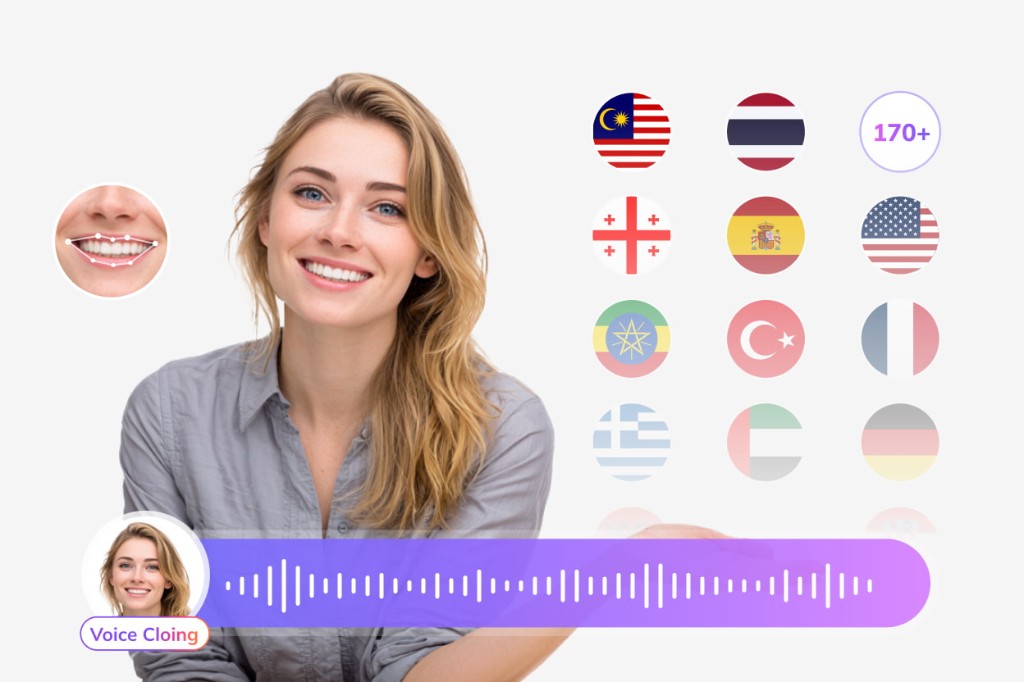
After you download subtitles from Facebook video, translate captions, run AI dubbing, and republish Page content for global viewers from the same VMEG suite.
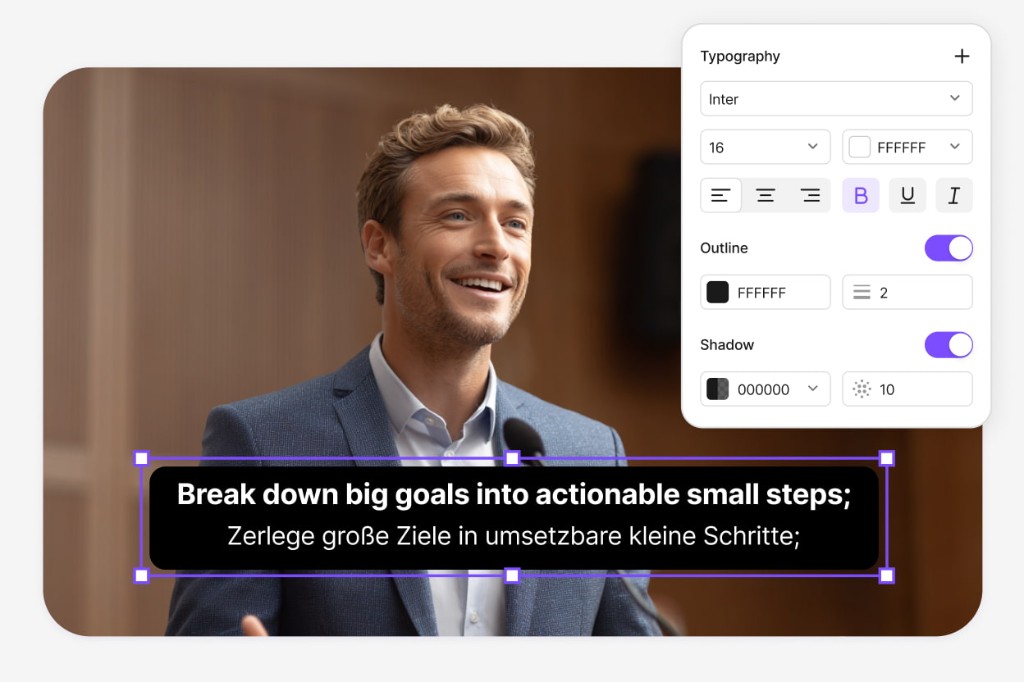
Paste the Facebook watch link or upload the MP4, then open Video Translator with your SRT — swap burned-in Reels captions for localized on-screen text, add AI dubbing in the speaker's tone, and export MP4 ready for international Page feeds without rebuilding the edit from scratch.
Try Video Translator for free
Hand the SRT from your Facebook clip to Subtitle Translator — localize into Spanish, Portuguese, Arabic, or 170+ languages while every cue keeps its original timing, so regional Page posts ship with readable subs instead of machine-translated comment threads.
Try Subtitle Translator
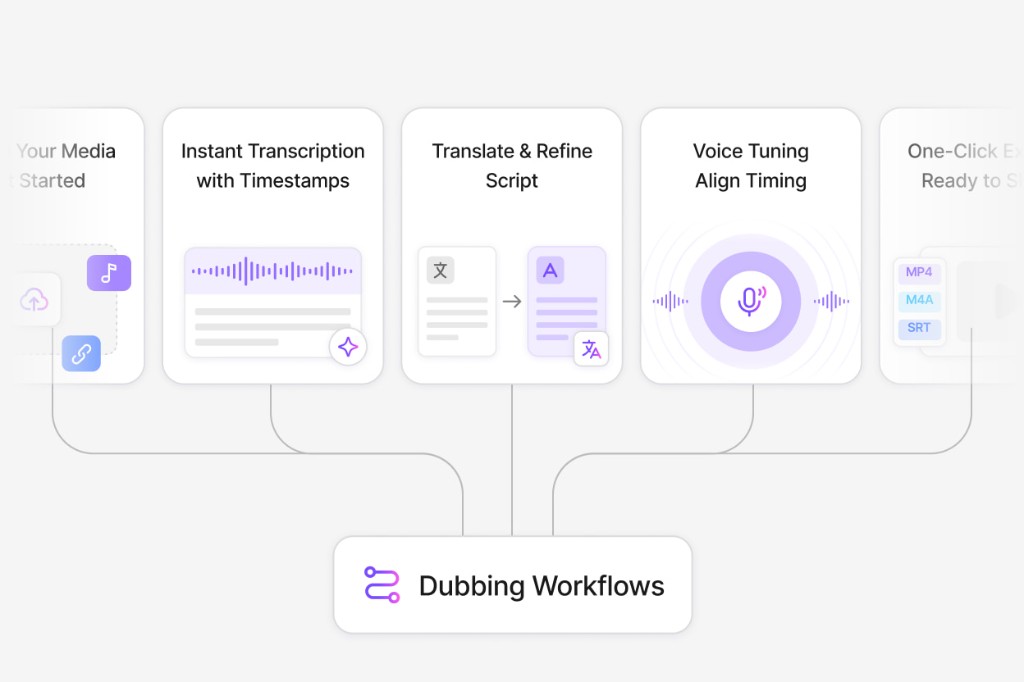
Jump from SRT export into Dubbing Workflow when voice matters more than captions alone — edit the script line by line, pick AI voice tracks, preview sync against your cut, and ship dubbed MP4 or refreshed SRT for client decks and cross-posted Reels.
Open Dubbing Workflow
Paste a public facebook.com/watch or fb.watch URL on this page, wait for AI transcription, preview captions, then download SRT after signing in.
It generates new SRT from spoken audio via AI — not a direct rip of Meta's burned-in captions. You get editable timestamps suitable for editors and translators.
No. Only public links VMEG can import work. For private clips, download the MP4 locally and upload it on this page or subtitle-extractor.
Many public Reel URLs shared as facebook.com or fb.watch links import successfully. If import fails, save the Reel and upload the file instead.
Import, generate, and preview are free. Download requires a free VMEG sign-in.
Paste a YouTube URL and dub or subtitle the full video online — keep pacing and speaker tone intact.