Instant audio language identifier
Upload a clip and get the detected language in seconds. No target language picker, no multi-step workflow — just upload and read the result.
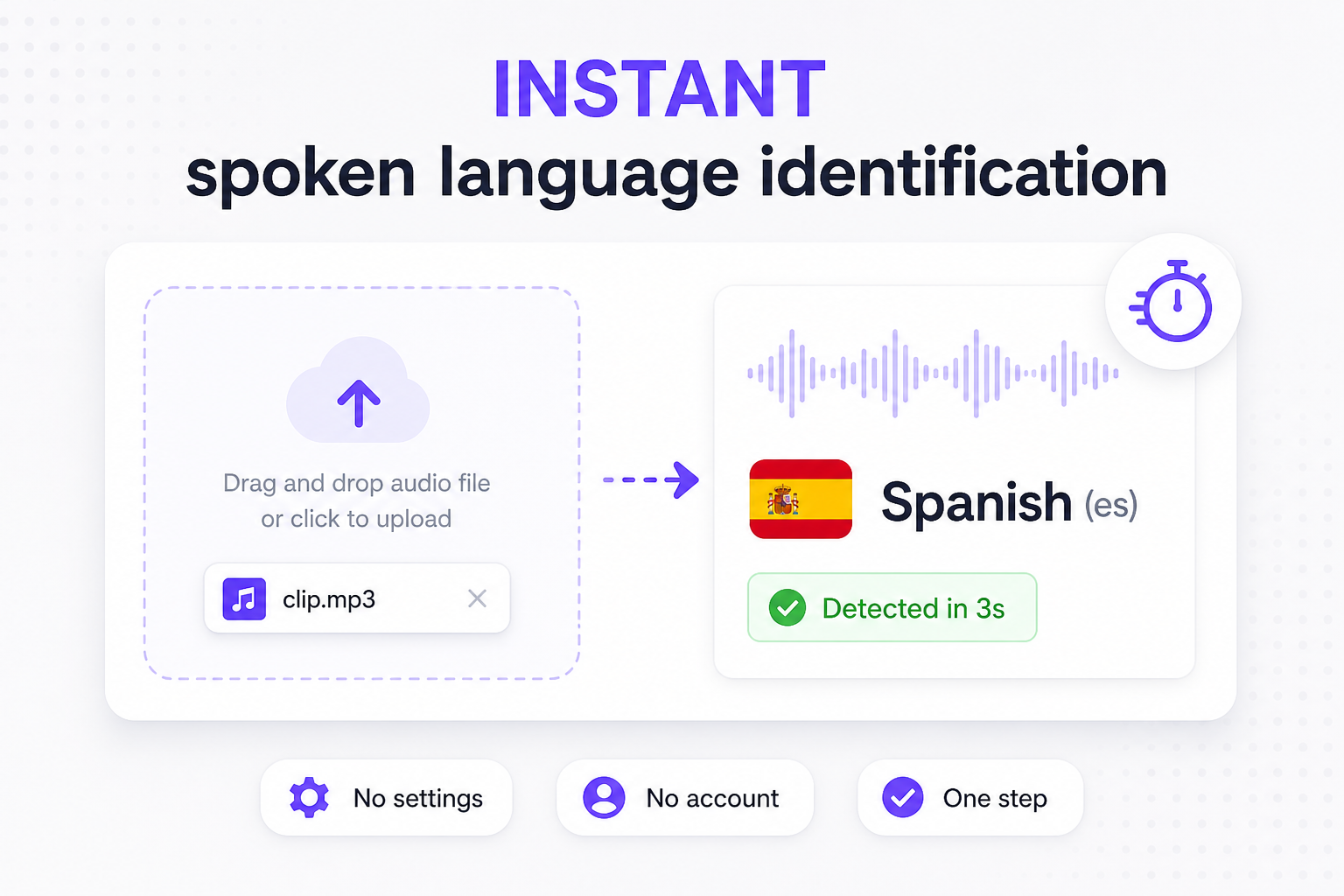
Upload an audio or video file and detect language from audio in seconds — free online audio language detector with speech preview.
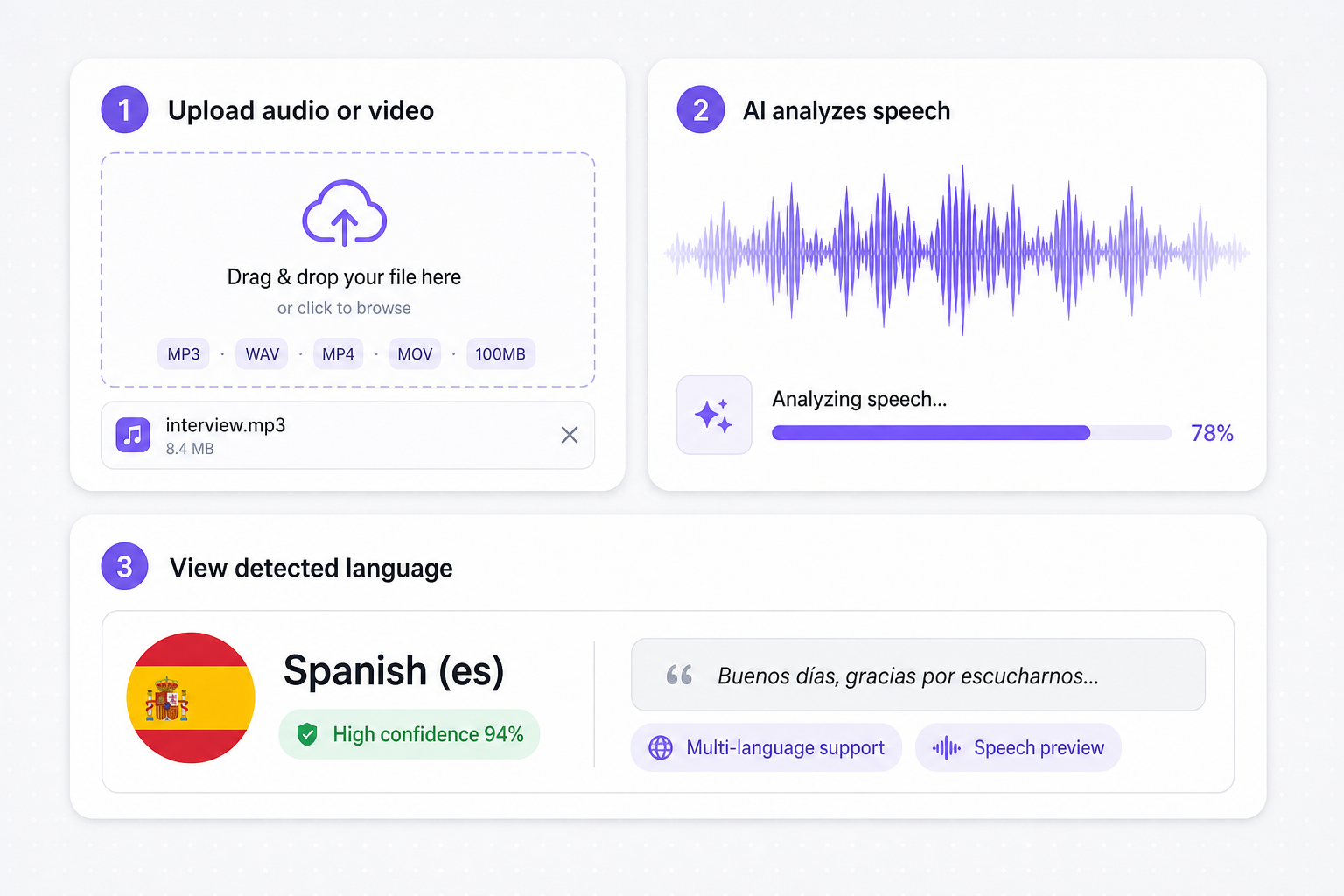
01Upload audio or video
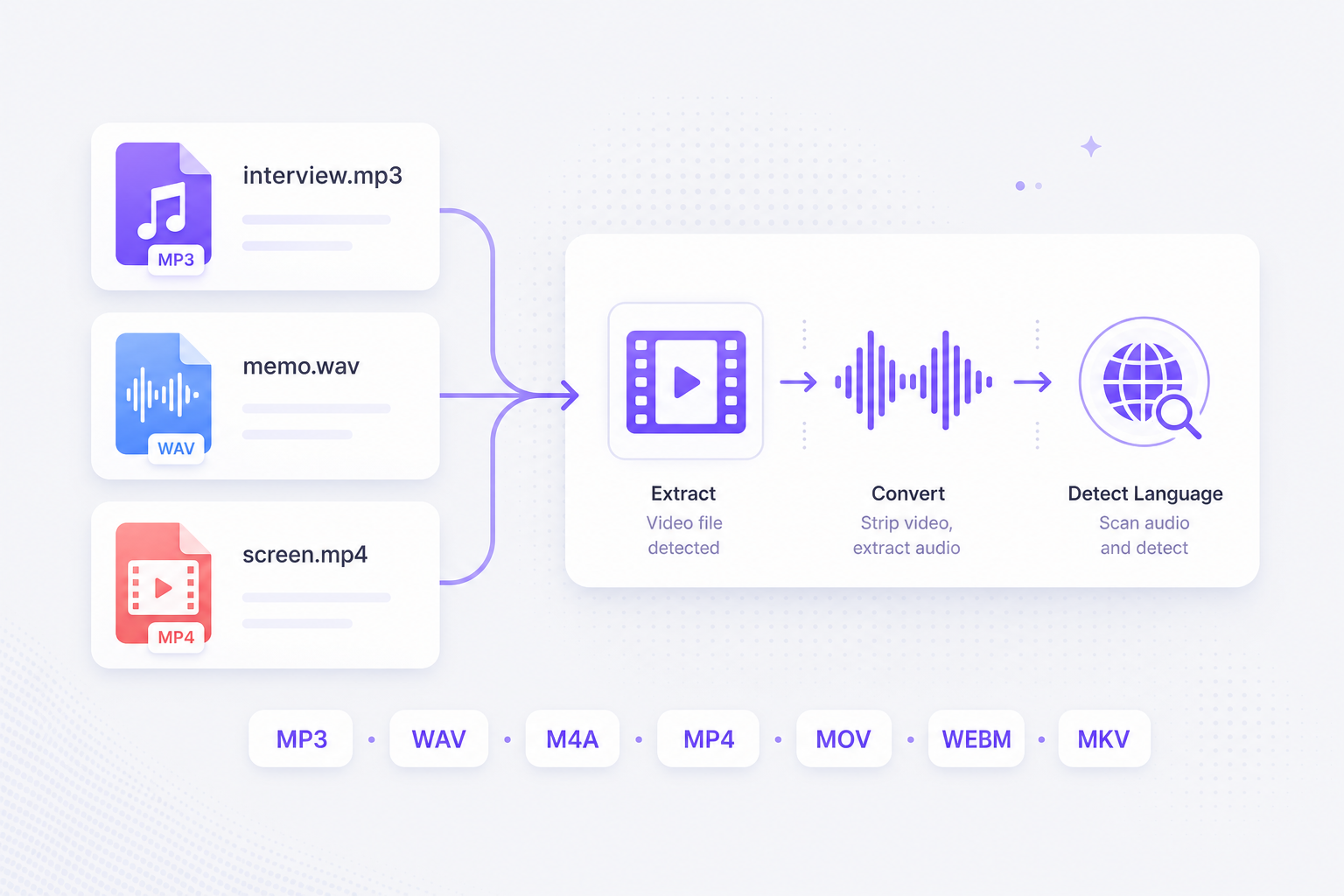
Drop MP3, WAV, M4A, MP4, MOV, WEBM, or MKV up to 100 MB. The audio language detector starts automatically — no extra button to press.
02AI analyzes the speech
Speech recognition scans your file for spoken content and identifies the primary language, with support for mixed-language recordings.
03View the detected language
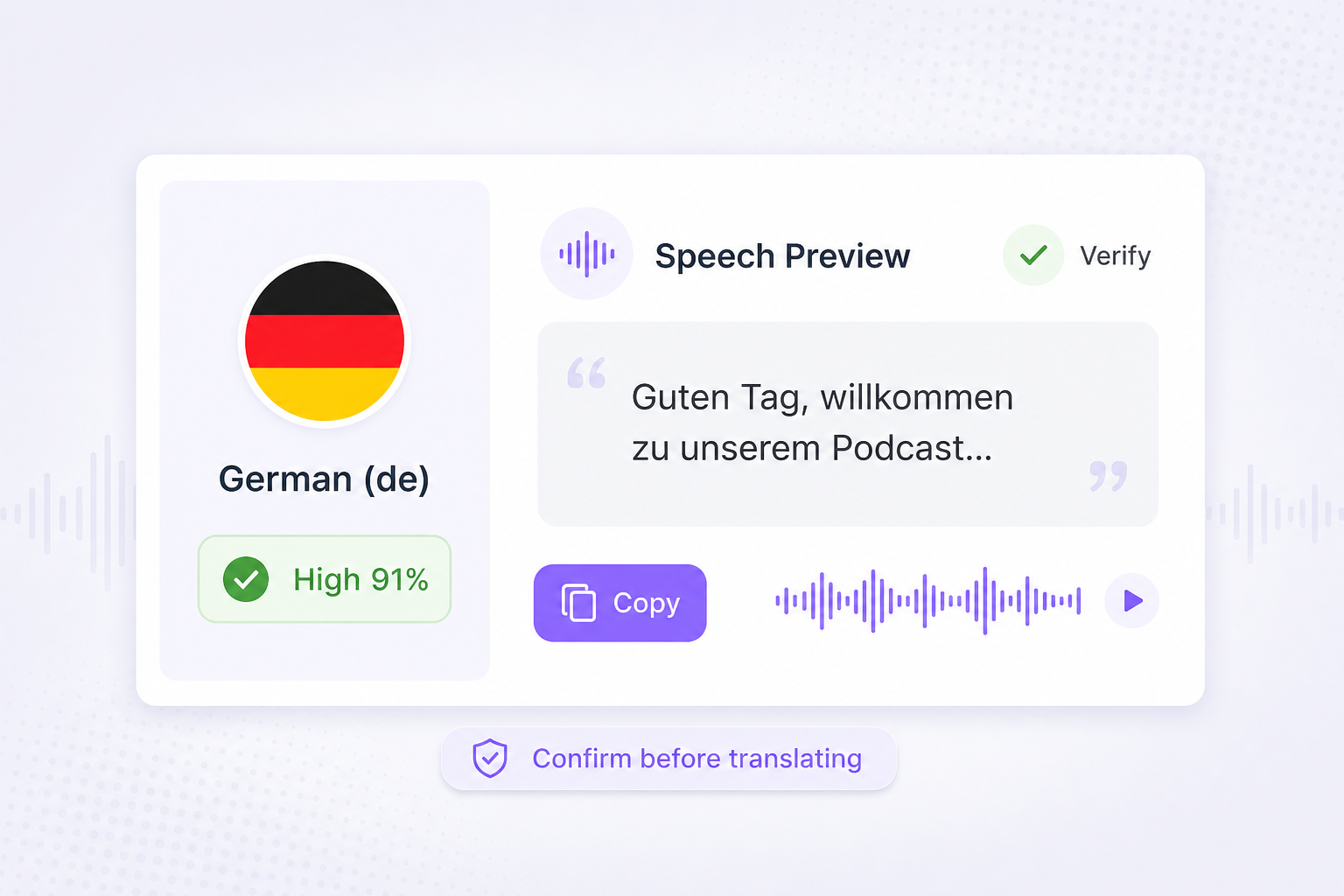
See the language name, code, confidence level, and a short speech preview so you can verify the result before translating or transcribing.
When you receive audio in an unknown language, guessing slows everything down — this free audio language identifier tells you what is being spoken before you translate or transcribe.
Upload a clip and get the detected language in seconds. No target language picker, no multi-step workflow — just upload and read the result.
MP3 interviews, WAV voice memos, and MP4 screen recordings all work the same way. The tool extracts speech from video automatically.
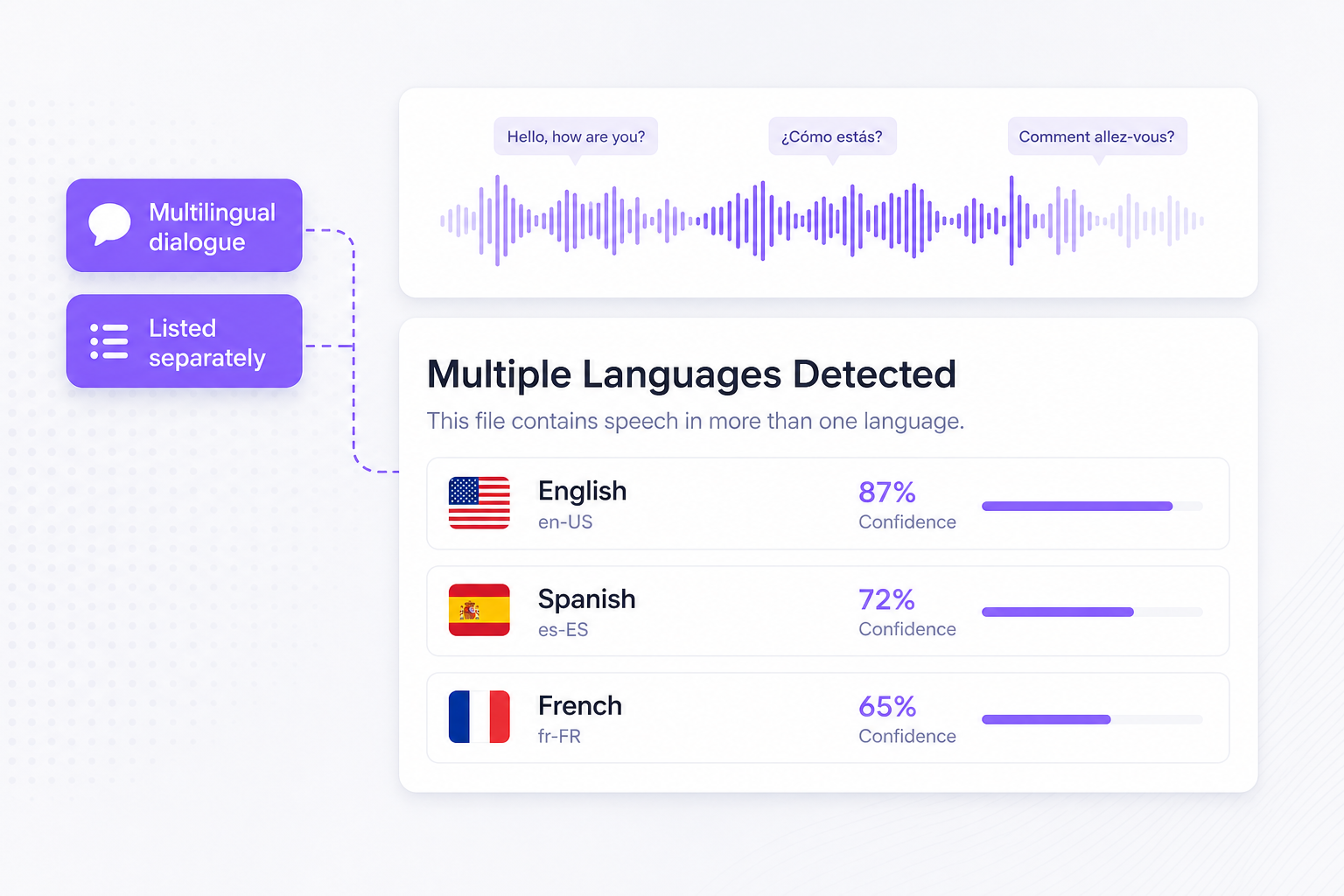
Recordings with more than one language are listed separately so you know when a file contains multilingual dialogue.
A short transcript snippet helps confirm the detector picked up the right language — especially useful when you are asking what language is this audio.
Once you know the spoken language, VMEG helps you translate captions, run Dubbing Workflow, and publish in 170+ languages without guessing the source language first.
Turn your audio or video into a full localized production. VMEG translates on-screen captions, generates AI dubbing, and can sync lip movement so global viewers hear and read the same story.
Try Video Translator for free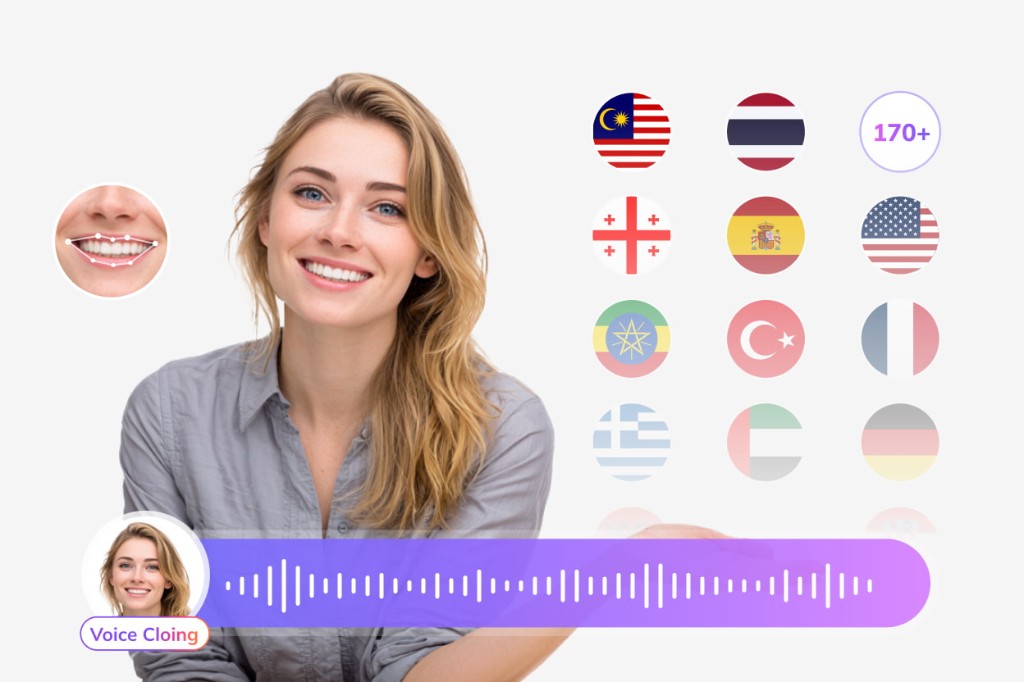
Already have an SRT file? Upload it to the subtitle translator and localize captions into Spanish, Japanese, French, and 170+ other languages while keeping cue timing intact.
Try Subtitle Translator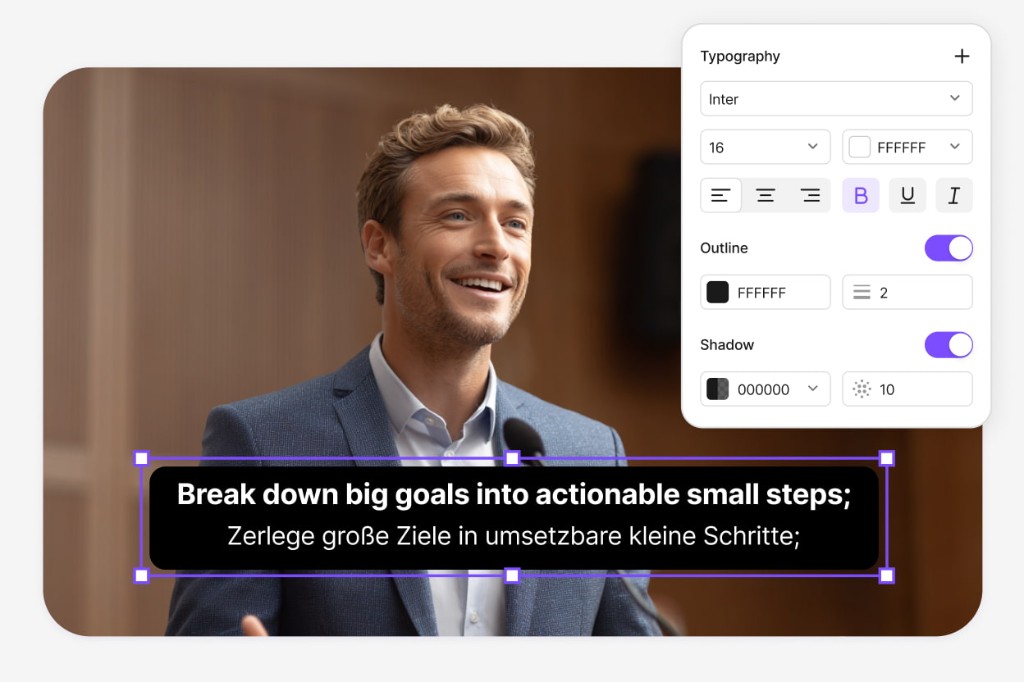
After language detection, continue in VMEG Dubbing Workflow — an online pipeline to transcribe speech, translate and refine scripts, tune AI voice tracks, and export MP4, M4A, or SRT without rebuilding cue timing from scratch.
Open Dubbing Workflow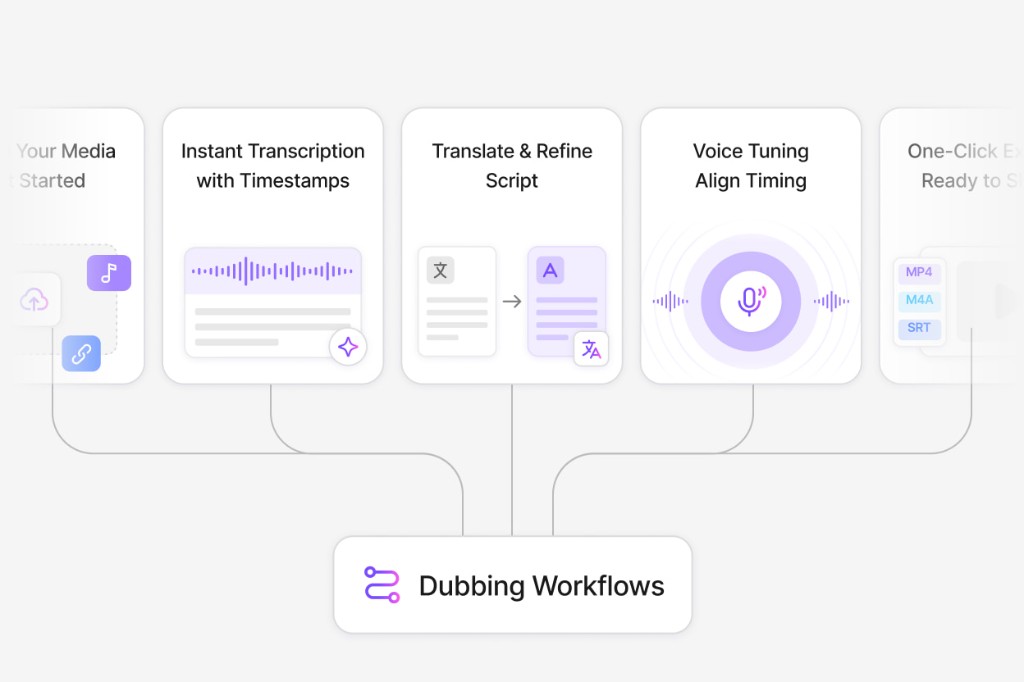
Upload the file to this free audio language detector and read the detected language in seconds. You will see the language name, ISO code, confidence score, and a short speech preview so you can confirm the result before translating or transcribing.
An audio language identifier analyzes spoken content in a recording and returns which language is being used. VMEG's tool works as both an audio language detector and identifier — upload MP3, WAV, M4A, or video and get the answer without choosing a target language first.
Open this page, upload your audio or video file up to 100 MB, and wait a few seconds. The tool runs speech recognition automatically and displays the detected language with a confidence level and speech preview.
MP3, WAV, M4A, MP4, MOV, WEBM, and MKV up to 100 MB per file. Video uploads are processed for their audio track automatically.
Yes. When the recording contains more than one spoken language, the tool lists each detected language instead of forcing a single result.
No account is required to upload a file and view the detected language. Detection runs automatically after you select a file.
Clear recordings with at least a few seconds of speech return the most reliable results. Very short, noisy, or music-heavy files may show lower confidence.
Use VMEG's Audio Translator to translate the recording, or try the SRT File Generator to turn speech into timed subtitles.
Upload MP3 or WAV and get accurate speech translation across 170+ languages — built for long-form audio.