


01
Upload the Subtitled Video
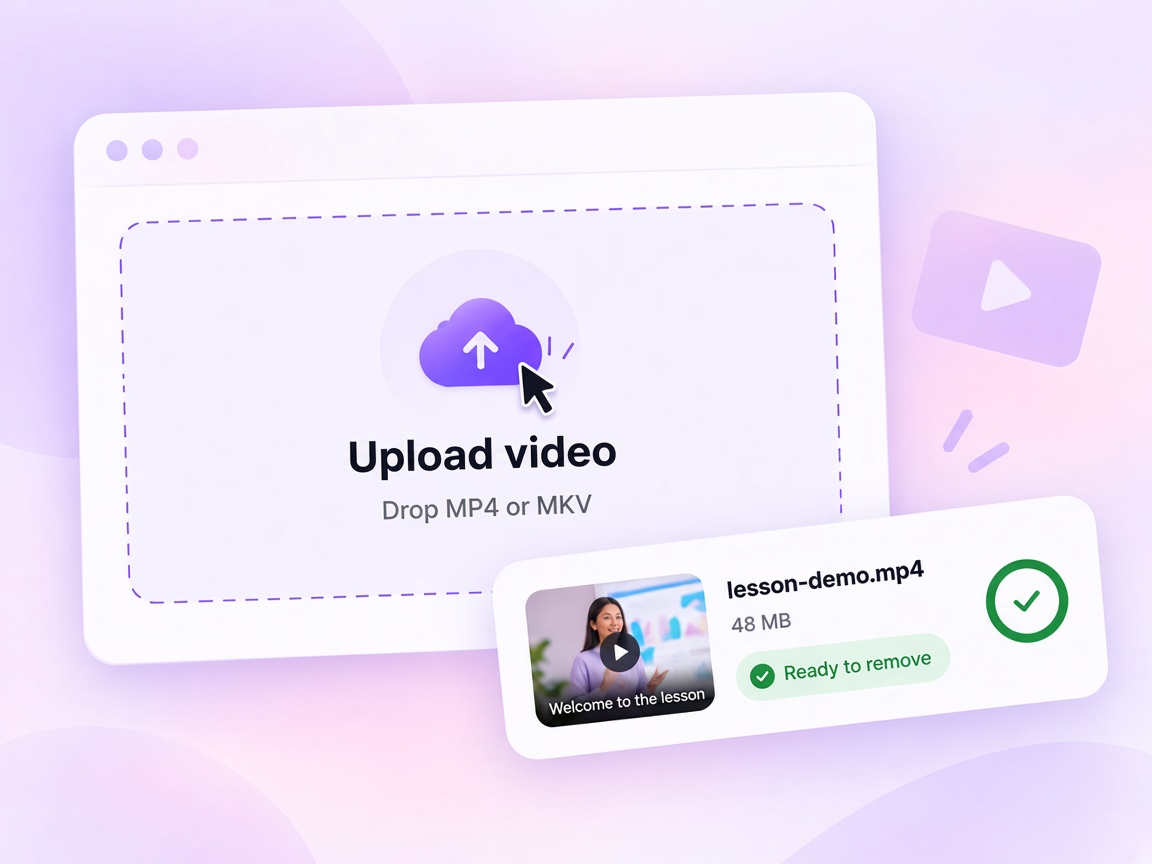
Upload the final video containing subtitles that can no longer be switched off—including MP4 or MKV files with burned-in text.



Need a clean version of a video with subtitles already burned into the picture? VMEG's video subtitle remover lets you mark the subtitle area, specify exactly when it appears, and remove hardcoded subtitles from video—or styled captions—without rebuilding the video from scratch.
Hardcoded subtitles cannot be disabled like an SRT track because the text is already part of every video frame. VMEG's subtitle remover from video removes the visible subtitle area and rebuilds the image underneath instead of simply covering it.


Prepare course footage for a fresh subtitle track after removing embedded dialogue.


Clean burned-in marketing copy so campaigns can be re-edited or re-localized.


Use a video caption remover when social captions are already part of the published file.


Clear training and safety videos of burned-in text while keeping the scene intact.


Remove hardcoded subtitles from film and animation frames without cropping the picture.
Use this online subtitle remover workflow to mark areas, match models to subtitle style, and refine the clean version before you export.
01
Upload the final video containing subtitles that can no longer be switched off—including MP4 or MKV files with burned-in text.
02
Draw around each subtitle position, set when it is visible on the timeline, and choose Basic, Enhanced, or Effects based on the subtitle style.

03
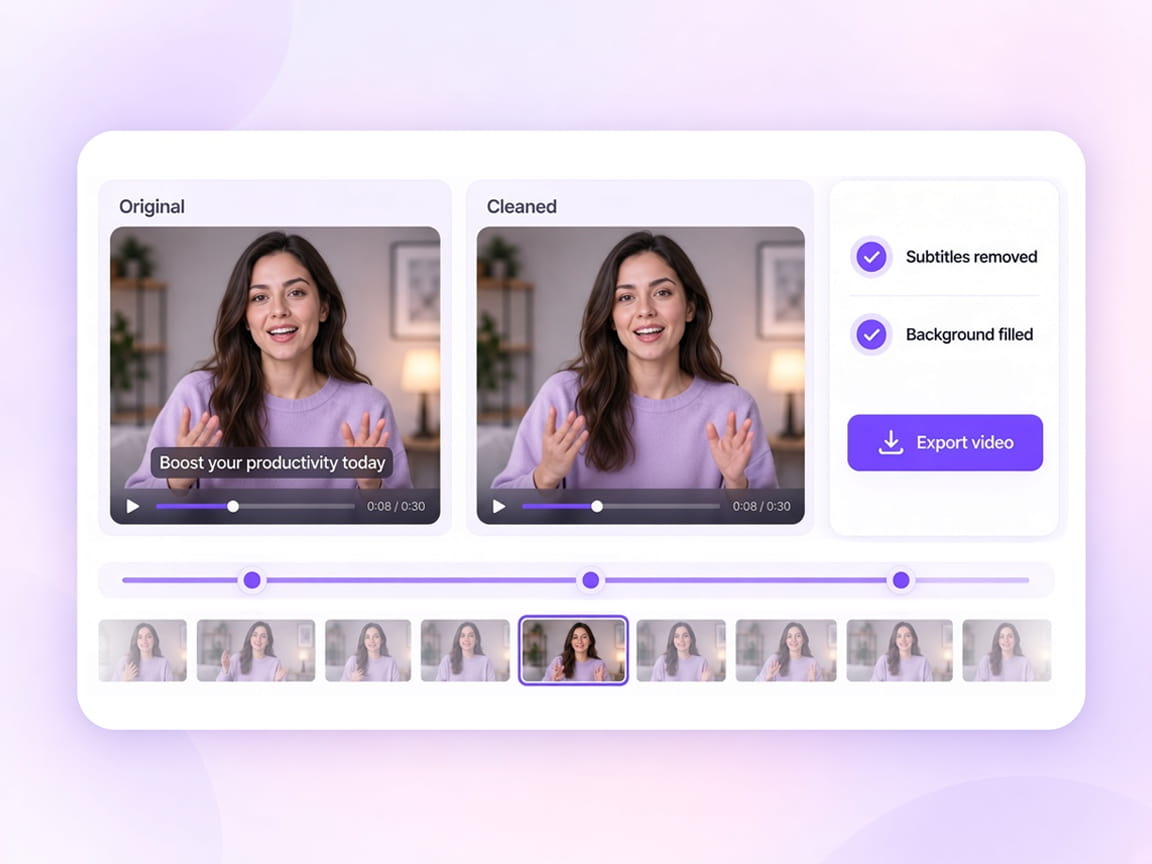
Compare the cleaned video with the original, restore any over-removed area, and run another pass where subtitle fragments remain.
A subtitle is not always fixed at the bottom of the screen. Dialogue, speaker labels, or translated lines can shift position throughout the video. Create separate regions and give each one its own active time range.
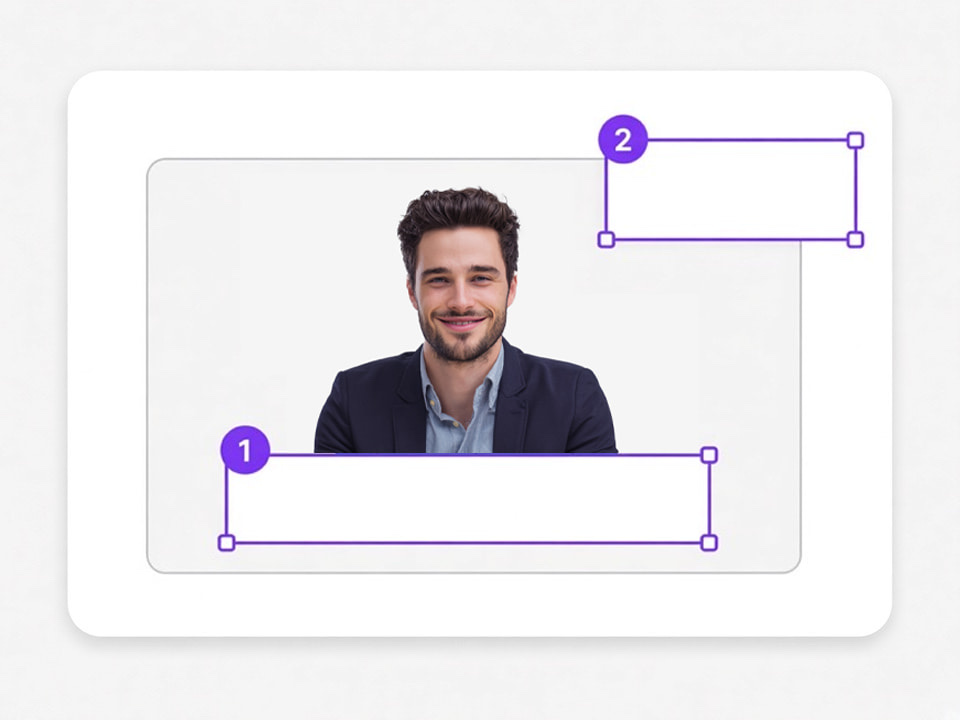
Create up to 5 regions for subtitle layouts that change during the video.
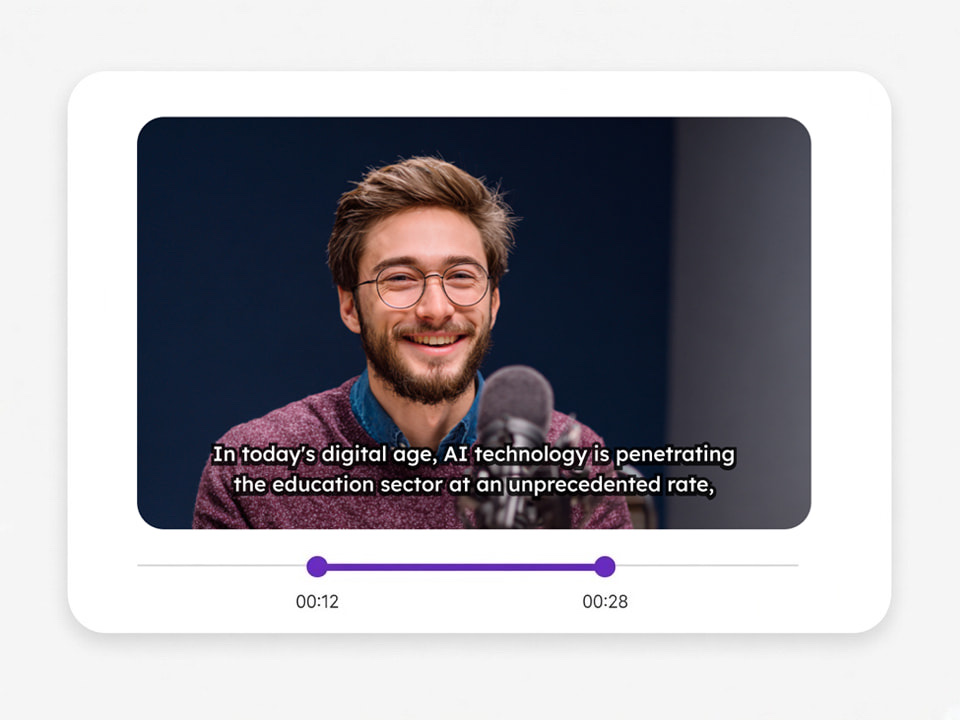
Apply a region to the entire video or only to the scenes where that subtitle position is used.
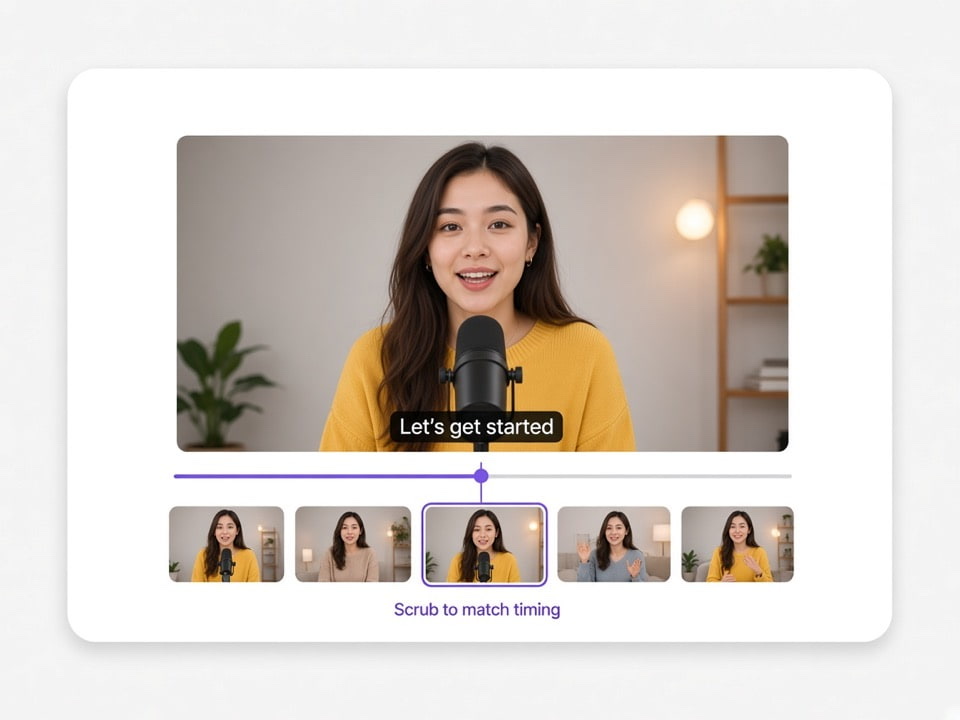
Move the timeline handles and preview the corresponding video frame so the removal range matches the subtitle appearance more closely.
Match processing power to the subtitle design—from a simple subtitle remover pass to Effects Removal for complex lettering.
Standard subtitles
Clean shapes, simple backgrounds
Best for plain dialogue on a relatively flat background. Fast, credit-efficient, and enough when the text has clean edges.
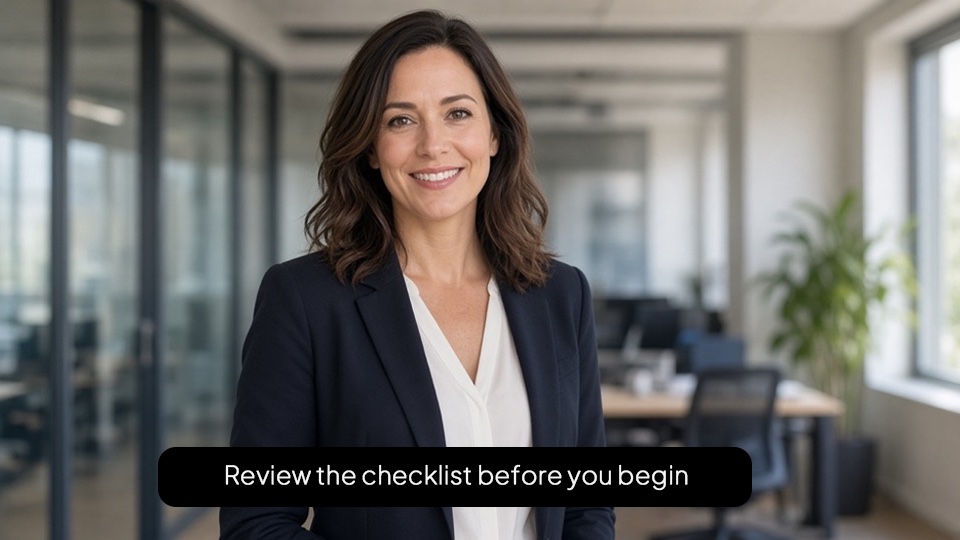
Outlined / boxed text
Outlines, shadows, opaque boxes
Handles thicker outlines, drop shadows, and solid subtitle boxes that a basic pass often leaves behind.
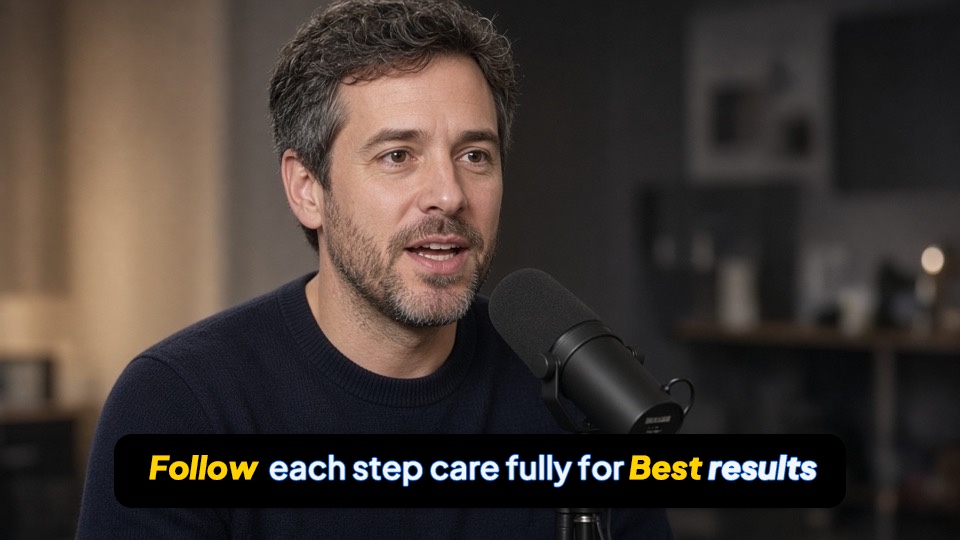
Decorative styles
Karaoke, gradients, complex lettering
Built for karaoke fills, gradients, and stylized lettering where standard cleanup usually leaves fragments.

The estimated credit cost is shown before the subtitle removal task is submitted. Processing uses credits—remove subtitles from video online free trials may still show usage before you start.
A hardcoded or burned-in subtitle is part of the actual picture. VMEG removes those visible subtitle pixels and reconstructs the covered area, so you do not have to crop away the bottom of the video or place a blur over the text.Use the subtitle remover for hardcoded subtitles, burned-in subtitles, open captions, and other subtitles permanently embedded into the frame.


Remove the old subtitles first, then continue with VMEG Video Translator, AI Dubbing, or Subtitle Translator to create the new localized version.
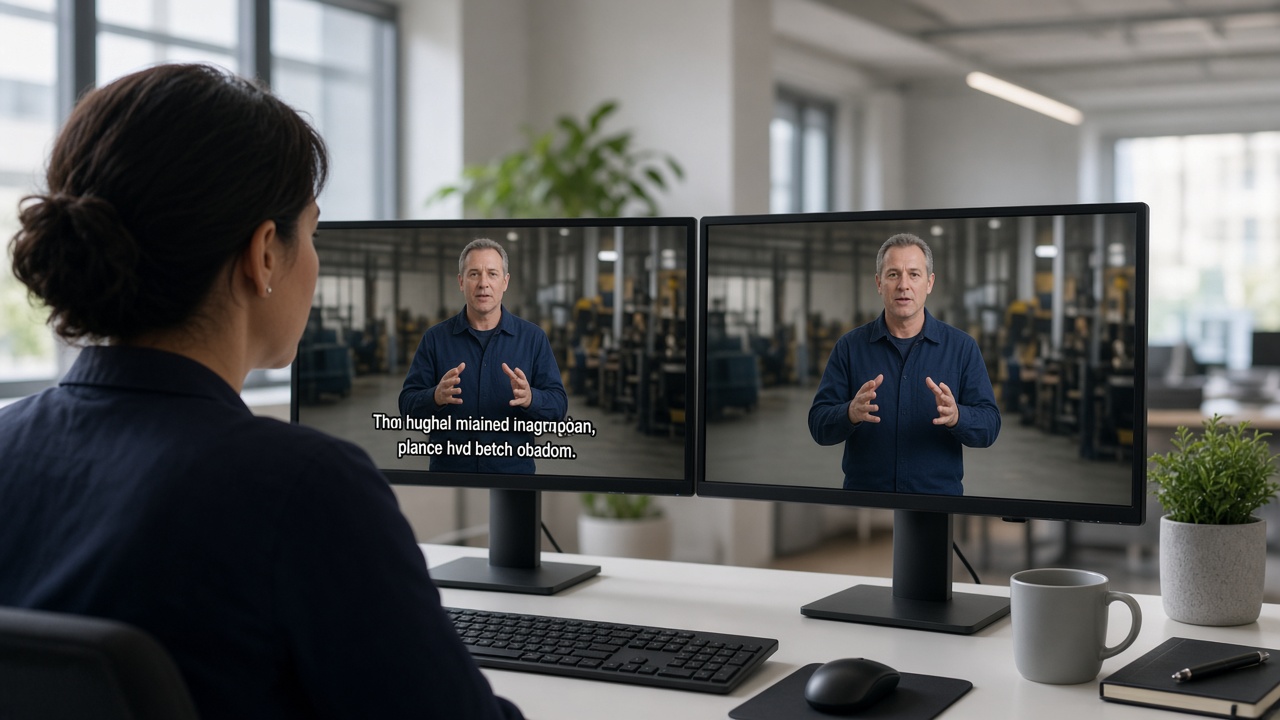
Remove the original burned-in language before generating subtitles for a different market.

Erase subtitles from an existing training asset before creating a localized version for a new team or region.

Turn a final export with permanent subtitles back into a more flexible video for editing, republishing, or adding a new subtitle track.

Reuse older localized videos even when the clean master file is no longer available.

Remove captions from video before uploading a clean master to another channel or restyling the caption look.

Clean finished client videos so teams can restyle or re-localize without rebuilding from a missing master.
Complex subtitles do not always disappear perfectly in one pass. VMEG keeps the original and processed videos side by side so you can see exactly what needs another adjustment.

Draw over an area that was removed too aggressively and recover it in a new result version.

Add another removal area for subtitles or decorative edges that remain visible after processing.

Corrections create a new version, so the previous successful subtitle removal result is not overwritten.
VMEG can remove standard hardcoded subtitles, burned-in translations, open captions, subtitles with outlines or shadows, boxed subtitles, and decorative subtitle styles.If the subtitle is a separate SRT, VTT, or selectable MKV subtitle track, deleting the track directly is usually a better solution than AI visual removal.

Continue from a clean master into caption cleanup, on-screen text removal, translation, or a fresh subtitle track.
Remove embedded captions from creator, social, and edited videos while keeping the original frame ready for reuse.
Try Caption Remover for free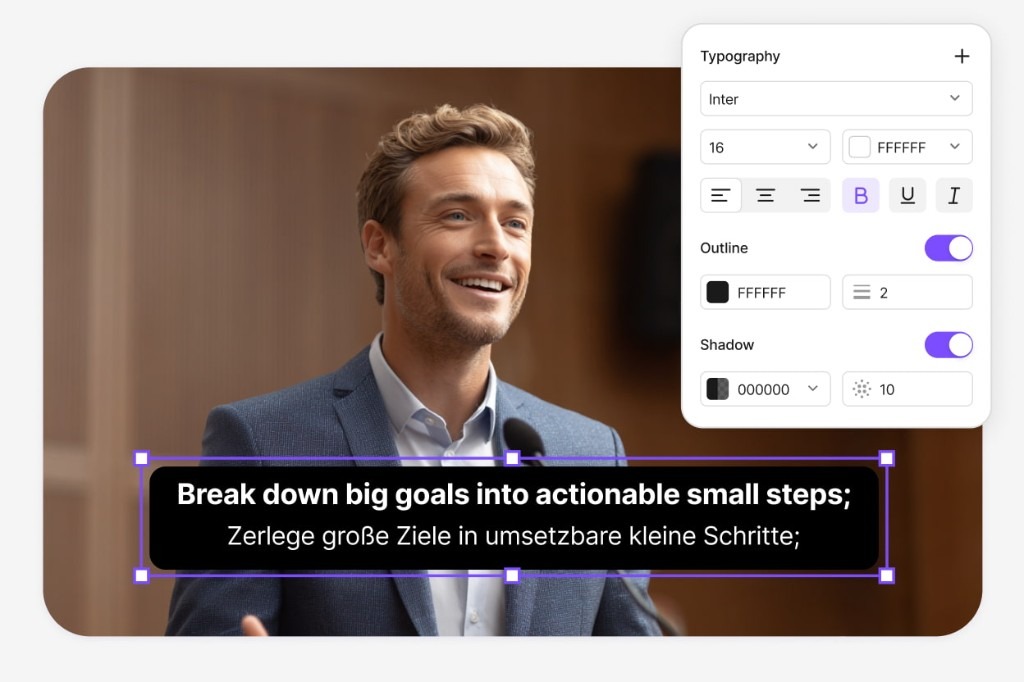
Erase titles, timestamps, labels, captions, and other on-screen text from selected areas while reconstructing the background.
Try Video Text Remover for free
After you remove captions from video, localize speech and export a finished multilingual MP4.
Try Video Translator for free
Generate and translate a fresh subtitle track once the burned-in text is gone.
Try Subtitle Translator for free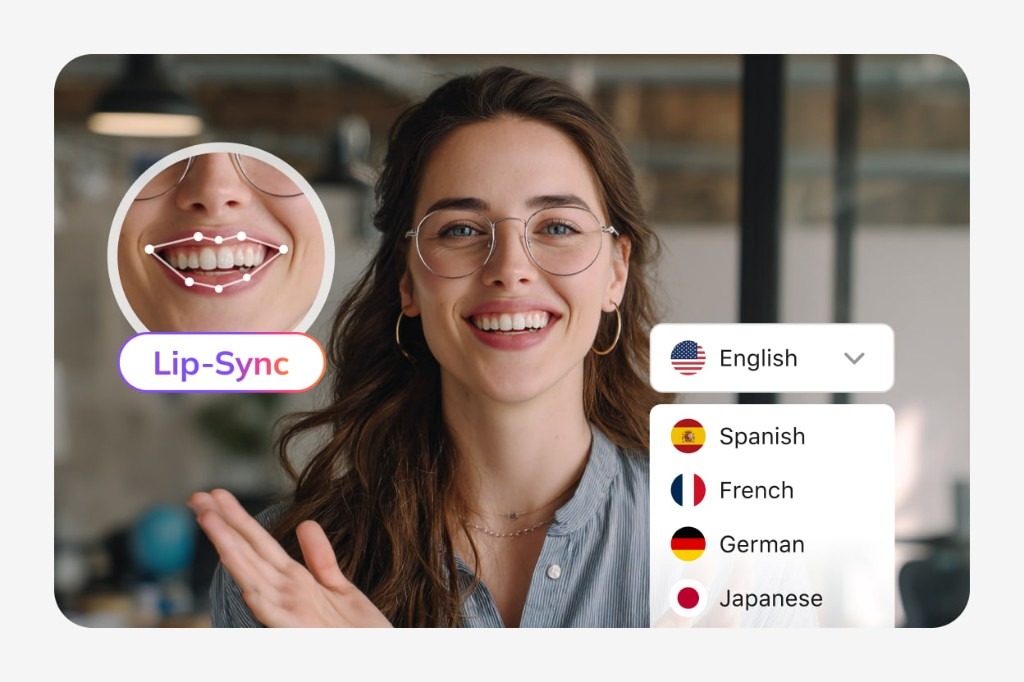
Yes. VMEG lets you upload a video and remove visible embedded subtitles online by selecting the subtitle position and the time ranges where it appears.
VMEG is an online video subtitle remover, but processing uses credits. The estimated usage is shown before submission based on the selected model, active regions, and processing time.
Yes. Hardcoded and burned-in subtitles are the main use case for VMEG because the text is permanently embedded into the video frames. Remove Hardcoded Subtitles from Video by marking the area and running AI reconstruction.
If MP4 is supported by the uploader, VMEG can visually remove hardcoded subtitles embedded into the video frames.
If the subtitles are burned into the MKV video image, VMEG can remove them visually when the file format is supported. If they are stored as a separate subtitle track, removing the track itself is normally easier than using an AI MKV subtitle remover on the picture.
A typical MKV subtitle remover deletes a selectable subtitle stream from the container. VMEG's video subtitle remover AI removes subtitles that are already visible inside the video image itself.
Yes. Every subtitle region can be applied to the full video or limited to one or more specific segments.
Caption removal uses credits, with the expected usage shown before you start processing. You can still try the video caption remover / caption remover from video workflow online once you have available credits.
Yes. VMEG's AI video text remover / video text remover can remove selected visible text from video frames and reconstruct the area behind it—useful when you need to remove text from video beyond classic bottom subtitles.