AI Text to Speech Generator
Turn any text into clear, lifelike speech in seconds. With VMEG, you can choose from over 7,000 natural-sounding AI voices across 170+ languages and accents, including support for voice cloning.
How to Text to Speech in 3 Simple Steps
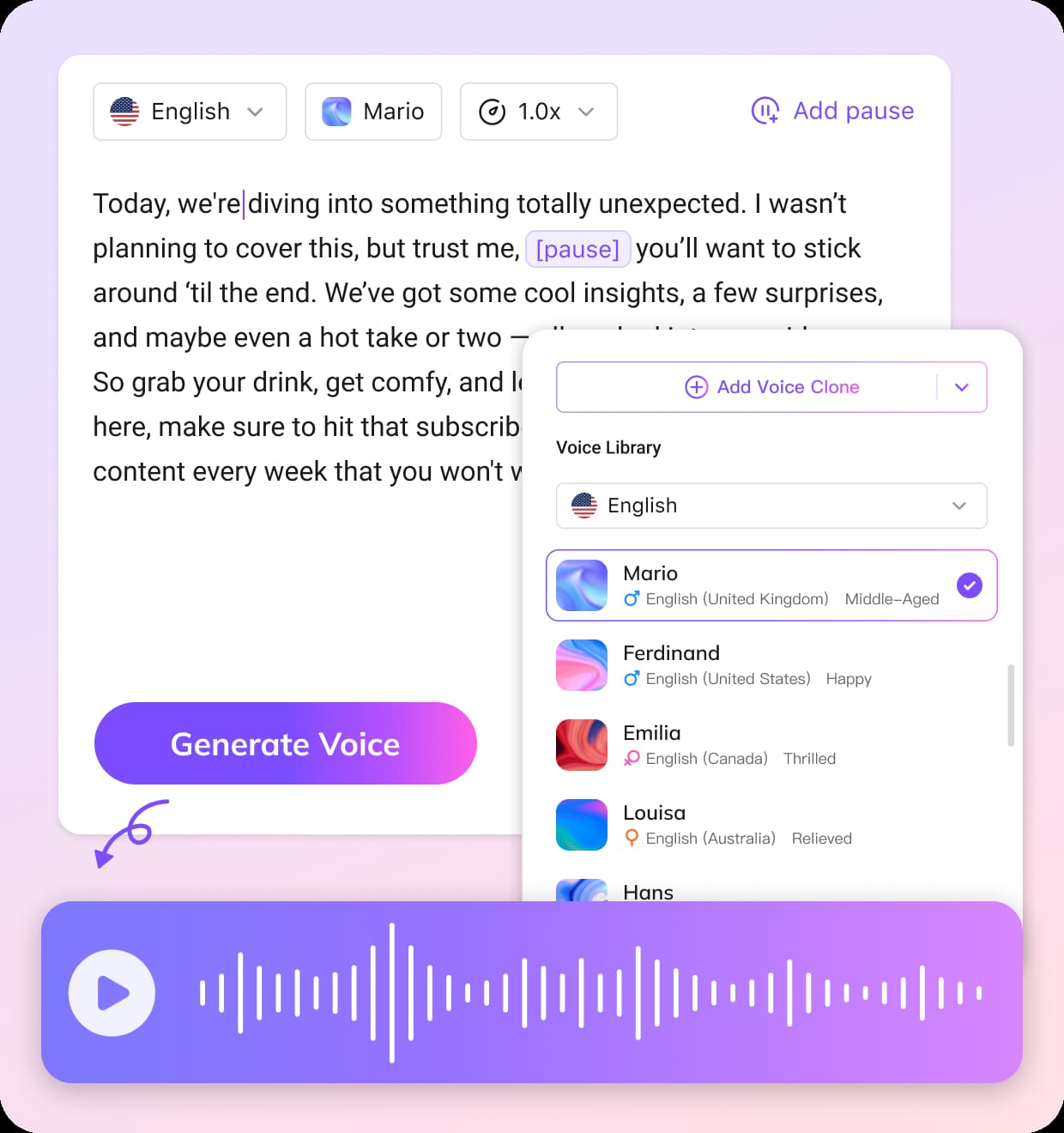
01Enter Your Text
Type or paste your text directly into the editor. Whether you're making a YouTube video, podcast, or business pitch, VMEG supports 170+ languages and variants to fit any project.
02Choose a Voice
Explore thousands of lifelike AI voices: male or female, young or mature, casual or formal. Preview voice samples and pick the one that best matches your message. Use your own cloned voice if you want something more personal.
03Customize & Export
After the audio is generated, you can adjust the speed, add natural pauses, or refine the accent. Once you're satisfied, download the final voiceover in high-quality MP3 format.


Why Choose VMEG AI Text to Voice Generator
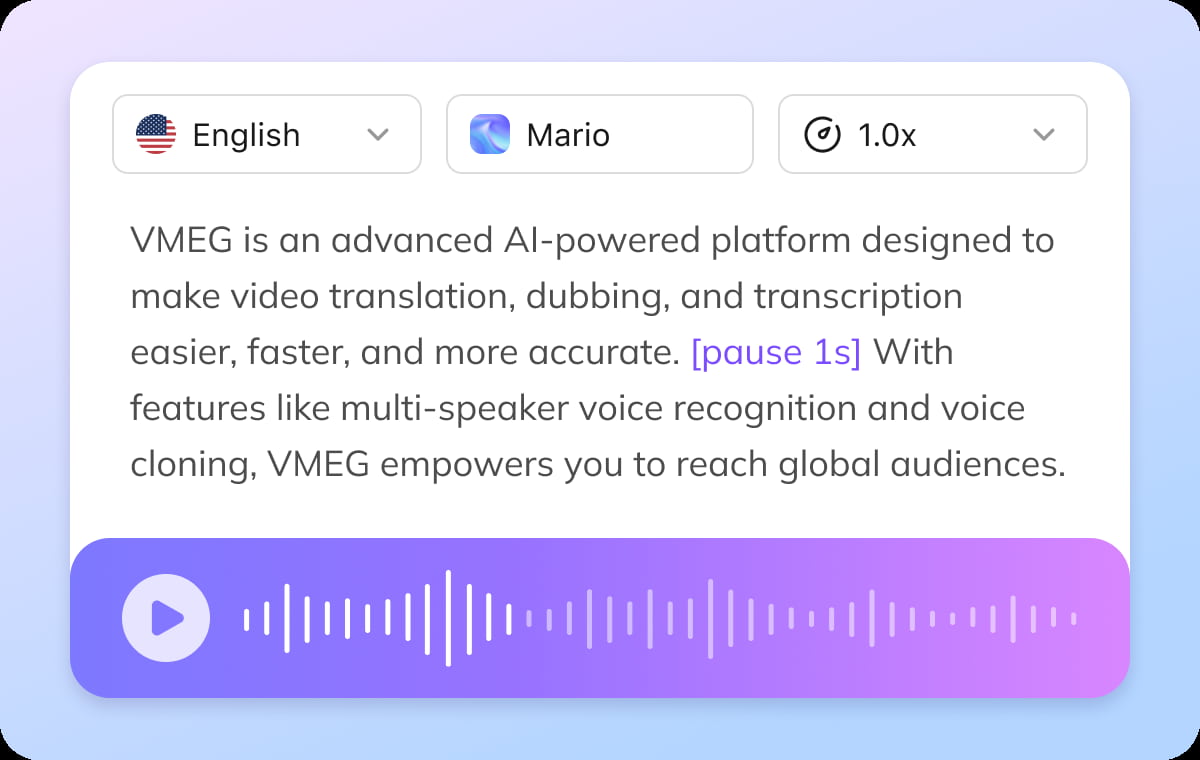
Precision Controls for Natural-Sounding Text to Speech Output
VMEG’s AI text-to-speech engine gives you complete control over every detail of the audio. You can adjust the speaking rate, insert natural pauses, optimize accents, and fine-tune the intonation to make the voiceover sound more human and emotionally natural. You can make unlimited edits and adjustments until you’re satisfied with the audio output. These precise controls help make your message sound more conversational rather than mechanical and stiff.
Global Voice Cloning in 170+ Languages
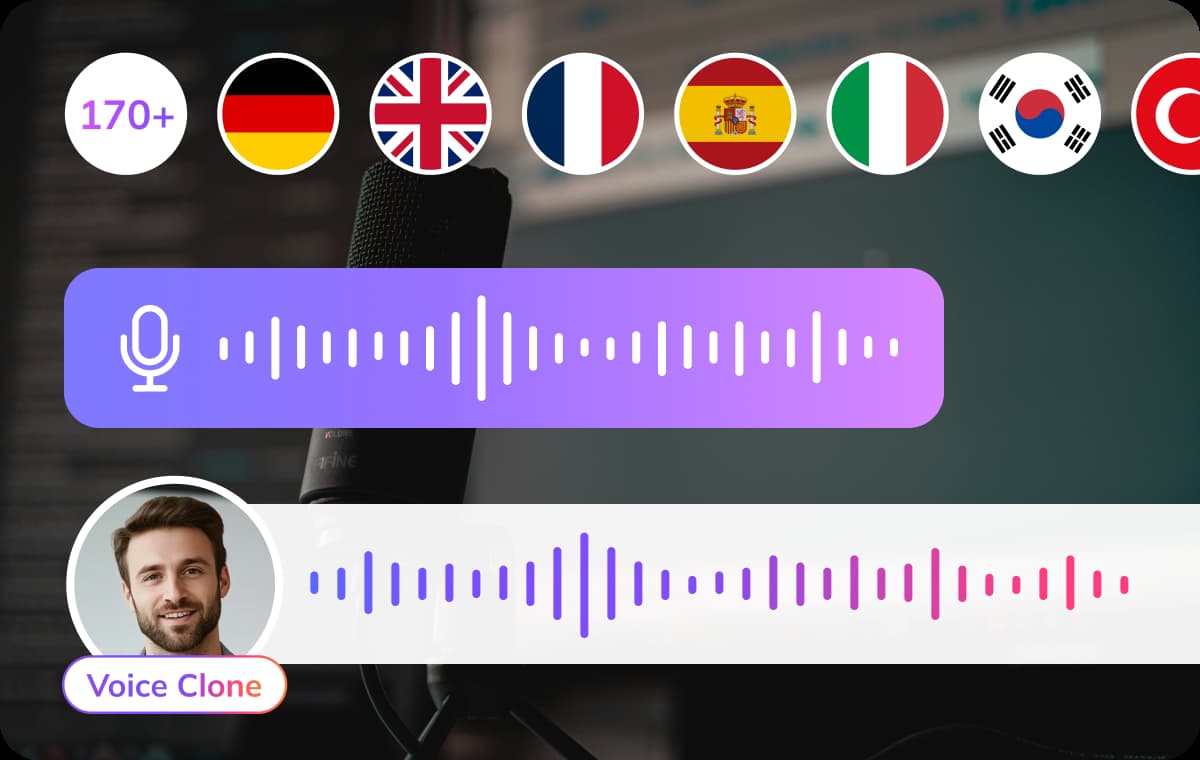
VMEG takes text-to-speech technology beyond simple TTS by offering a multilingual voice cloning service covering over 170 languages. The system generates fluent speech in your chosen target language while fully preserving intonation, style, and personal characteristics. Your content sounds as natural and fluent as a native speaker, rather than like a machine translation. This makes it an ideal choice for global marketing, creator IP, or entertainment and film production where authenticity is paramount.
7,000+ Emotionally Aware & Lifelike AI Voices
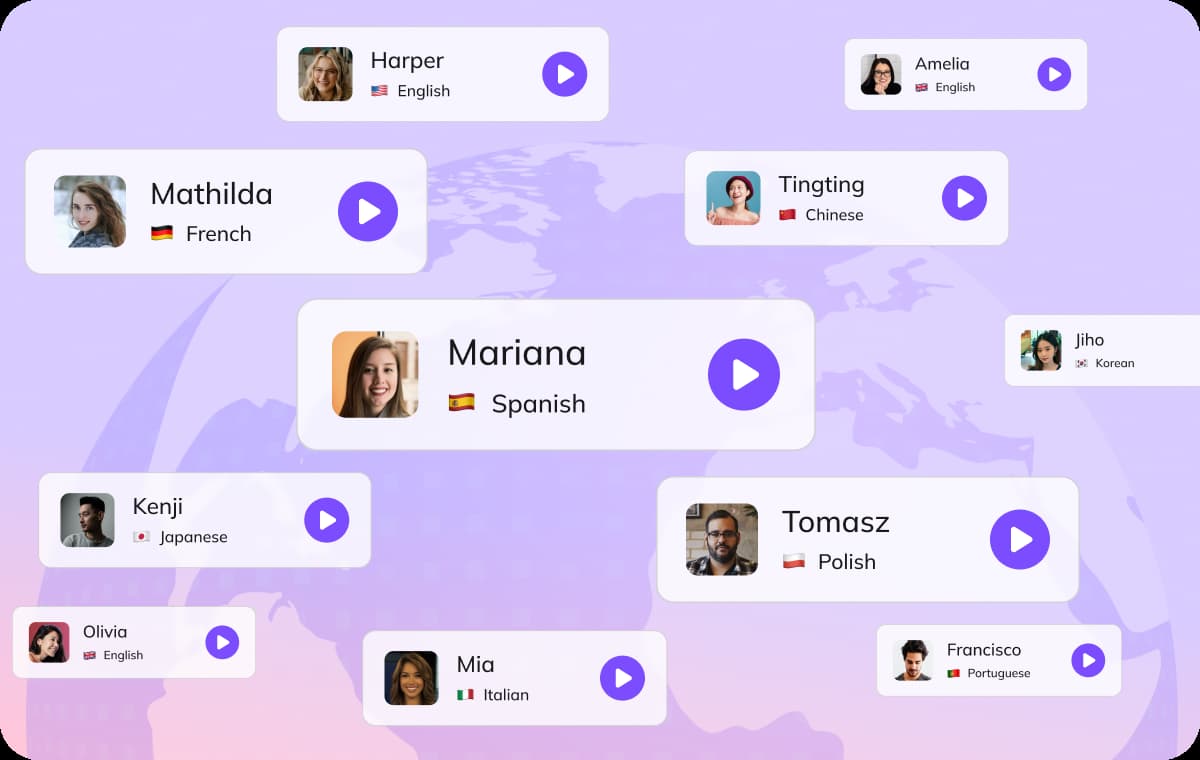
VMEG offers over 7,000 AI voices, allowing you to select the perfect vocal style for any project. Each voice accurately captures subtle emotional nuances, ensuring your text-to-speech content is both expressive and contextually appropriate. Whether you need a youthful and energetic voice, a mature and professional tone, or character-driven dialogue, there’s a voice that perfectly suits your needs. VMEG employs external native-speaking proofreaders to evaluate and review voice samples, ensuring the final output delivers high-quality, human-like voice results. Let VMEG TTS enhance your videos, podcasts, e-learning materials, and brand content.
Who Uses VMEG Text to Speech

Content Creators & Podcasters
YouTubers, podcasters, and short-form video creators rely on VMEG Text to Speech to add clear, natural voiceovers without needing a microphone or recording studio. Whether it’s narration, ad scripts, or entertaining stories, VMEG’s library of over 7,000 voices in 170+ languages helps creators reach wider, multilingual audiences while saving time on recording and editing.
Educators, Students & E-Learning Platforms
Teachers, course developers, and language learners use VMEG to convert lessons, presentations, and training materials into lifelike speech that enhances engagement and accessibility. Text to Speech is especially helpful for visually impaired students, making educational content more inclusive and easier to absorb across different languages.
Businesses & Marketing Teams
Companies and marketing professionals use VMEG to quickly produce multilingual voiceovers for training videos, product demos, and advertisements. With precise control over tone, speed, and emotion, VMEG enables fast localization to connect with global customers authentically, saving costs on voice talent and accelerating project timelines.
What people say about VMEG AI

"Human support that actually cares"
Support is fast and effective, but also human. The team really listens and keeps improving the platform.



"Surprisingly good Thai dubbing"
The program is easy to use. If you don't understand something, there are staff members who are willing to help quickly and willingly. In addition, the Thai voice dubbing is high quality and accurate

"Easy to use, even on day one"
I love VMEG.AI for its clean UI, which made my learning curve very comfortable and allowed my friends, who never worked with similar tools, to easily create a very solid video on their first try.

"Scale global creatives without freelancers"
VMEG helps this user translate ad creatives for a global audience without needing to hire freelancers. It keeps the same consistent, natural voice across languages, so their ads don't sound robotic or like a generic voice pack, and the setup was easy enough to start using it right away.

"Voices that sound like real people"
The most natural AI voice I've ever used. It doesn't just translate words, it delivers the nuance.

"Made for perfectionists and pros"
My go-to-tool for natural English–Italian video dubbing. Love the editing tool! As a perfectionist, I tweak until it's exactly what I envisioned and no credits are used in the process!

"Best video translator for Italian to Spanish"
The VMEG.AI video translator is the BEST I've ever tried for translating videos from Italian to Spanish. It even changed the voice in the two-way sections. And if the scene changes, it adjusted the length of the scenes as needed. Awesome! Impressive Voice Changes and Scene Timing

"Saves me hours on every video I localize"
It handles translation, subtitles, lip‑sync, voice cloning, and multi‑language output in one place, which makes video localization much more efficient and saves users significant editing time.

"Impressive dubbing for YouTube channels"
I have a YouTube channel with 127k subscribers. I needed to expand my audience to other areas. With VMEG, I achieved a fantastic result, and the dubbing is very natural. It's exactly what I was looking for.

"Best tools for dubbing videos"
Everything is great. Best tools to translate and dub videos. There is nothing I don't like about it. It's a very complete tool.

"A fast-acting team that takes feedback seriously"
When some features were missing at the beginning, the team moved fast to add what was needed and fix bugs, and they appreciate being able to regenerate multiple voice options until they find the one that fits best.

"Impressive Accuracy"
The accuracy of subtitles and timing is impressive, and voice cloning adds a professional touch that keeps the speaker's tone consistent. It saves me hours of manual editing and improves audience reach globally.

Natural voice cloning across all languages
Localize your reads, podcasts, audiobooks, and ads in your own voice.




Voice Clone
FAQs about VMEG Text to Speech Converter
What does TTS mean?
TTS stands for Text-to-Speech, a technology that converts written text into spoken audio. It is also referred to as speech synthesis technology. According to IBM, text-to-speech systems take digital text and produce natural-sounding audio, enabling machines to read text aloud. This technology was originally developed as assistive tech for people with visual impairments or reading difficulties, but today it’s used in many applications where reading isn’t practical or convenient.
What is text to speech?
From NVIDIA Glossary, Text to speech is the process and technology that transforms written text into audible speech. It works by analyzing the input text and generating corresponding spoken audio output.
What Languages does VMEG Support?
VMEG supports over 170 languages and accents like regional dialects and niche markets. It includes widely spoken languages such as English, Spanish, Mandarin Chinese, Cantonese, Japanese, Korean, French, German, Italian, Portuguese (both European and Brazilian), and Russian. We also cover important global languages like Arabic, Hindi, Bengali, Turkish, Vietnamese, Thai, and Indonesian. In addition, VMEG supports languages that cater to regional and niche audiences such as Polish, Dutch, Swedish, Ukrainian, Hebrew, Malay, and Filipino .
What formats can I download?
You can export your audio in high-quality MP3 or VLC-compatible formats, ready to embed in any content.
How can I add pauses in the text?
To add pauses in text for text-to-speech (TTS) systems, you can typically use special punctuation or tags depending on the platform or software. With VMEG, you can conveniently add pauses directly using the "Add Pause" feature in the dashboard.
Related Searches
Text to Speech Converter
VMEG AI convert text to speech in seconds with natural, realistic voices. Create voiceovers, audio content, and lifelike speech online with an easy text to speech generator.