
Key Takeaways: The 2026 Voice Cloning Landscape
- Choose by workflow: Some tools focus on video localization, while others prioritize voice generation, editing, enterprise deployment, or APIs.
- Quality depends on the source: Clear, varied recordings and a review of pronunciation, pacing, and emotion matter as much as the tool you choose.
- Consent is essential: Confirm you have the rights and documented permission to clone and publish a speaker's voice.
In 2026, voice cloning is used for voiceovers, accessible content, multilingual video localization, and production workflows. The most useful comparison is not a single realism ranking: it is whether a tool fits your source audio, target languages, editing process, and publication requirements.
Because a cloned voice can be used to create convincing new speech, responsible use matters. Obtain documented permission from the voice owner, check platform rules and commercial-use terms, and consider applicable privacy, publicity-right, and local-law requirements before publishing. The U.S. Copyright Office has also examined digital-replica policy issues.
VMEG voice cloning is designed for a video-localization workflow: create a custom voice, use it in text-to-speech or translated video audio, then review the final output before delivery.
Why AI Voice Cloning Matters
AI voice cloning in 2026 serves as a critical bridge for digital scaling and accessibility. By transforming a single audio sample into a reusable vocal asset, it addresses several key industry needs:
- Video Localization: It can reduce repeated recording when a speaker has authorized use of their voice across localized versions.
- Brand Consistency: Content creators can maintain their unique tone and personality across different languages, ensuring their "signature style" remains recognizable to a worldwide audience.
- Universal Accessibility: Lifelike narrations can be generated for visually impaired users. Voice quality and language support vary by tool, source recording, and target language, so test representative content before publishing.
- Media Production: Podcasters and authors can produce localized versions of their work in their own voice without additional studio time, while game developers can use cloned voices to create more immersive, multi-lingual character dialogue.
- Marketing Efficiency: Brands can deploy consistent voice identities across global campaigns, making it easier to maintain a consistent voice across approved localized assets.
As the market for these applications grows, the choice of technology depends on whether your priority is audio fidelity, visual synchronization, or language breadth. Below is a professional breakdown of the leading tools currently shaping this field.
Comparison Table of Top AI Voice Cloning Tools
| Tool | Primary workflow | Clone approach | Best for | Key consideration |
| VMEG AI | Video localization | Custom voice from an uploaded sample | Translated videos with subtitles and lip sync | Review translated audio and final visual sync |
| ElevenLabs | Voice generation and API | Instant and professional clone options | Voiceovers, media, and developer workflows | Professional cloning has verification and plan requirements |
| Descript | Audio and video editing | Regenerate within an editor workflow | Fixing or revising spoken sections | Voice authorization is required for word changes |
| Murf AI | Enterprise voice production | Enterprise custom voice service | Training, marketing, and managed brand voices | Not a typical self-serve cloning product |
| Resemble AI | API and enterprise deployment | Rapid and professional clone paths | Voice agents, products, and custom deployments | Check consent, model, watermarking, and deployment needs |
| Maestra AI | Media localization and live voiceover | Clone from an uploaded file or live workflow | Multilingual video and live translation | Check speaker assignment and plan access |
| HeyGen | Avatar and video creation | Verified custom voice cloning | Presenter-led videos and video localization | Feature access varies by product and plan |
| Vozo AI | Video voice editing and dubbing | Auto-clone speakers from uploaded media | Text-based speech edits in video projects | Review generated edits and speaker selection |
8 Best Voice Cloning Tools
1. VMEG AI: Voice Cloning for Video Localization
VMEG AI is a browser-based video-localization platform that lets users create a custom voice clone for text-to-speech and translated video audio. It supports workflows across 170+ languages and dialects, with tools for transcription, subtitles, dubbing, and lip sync.
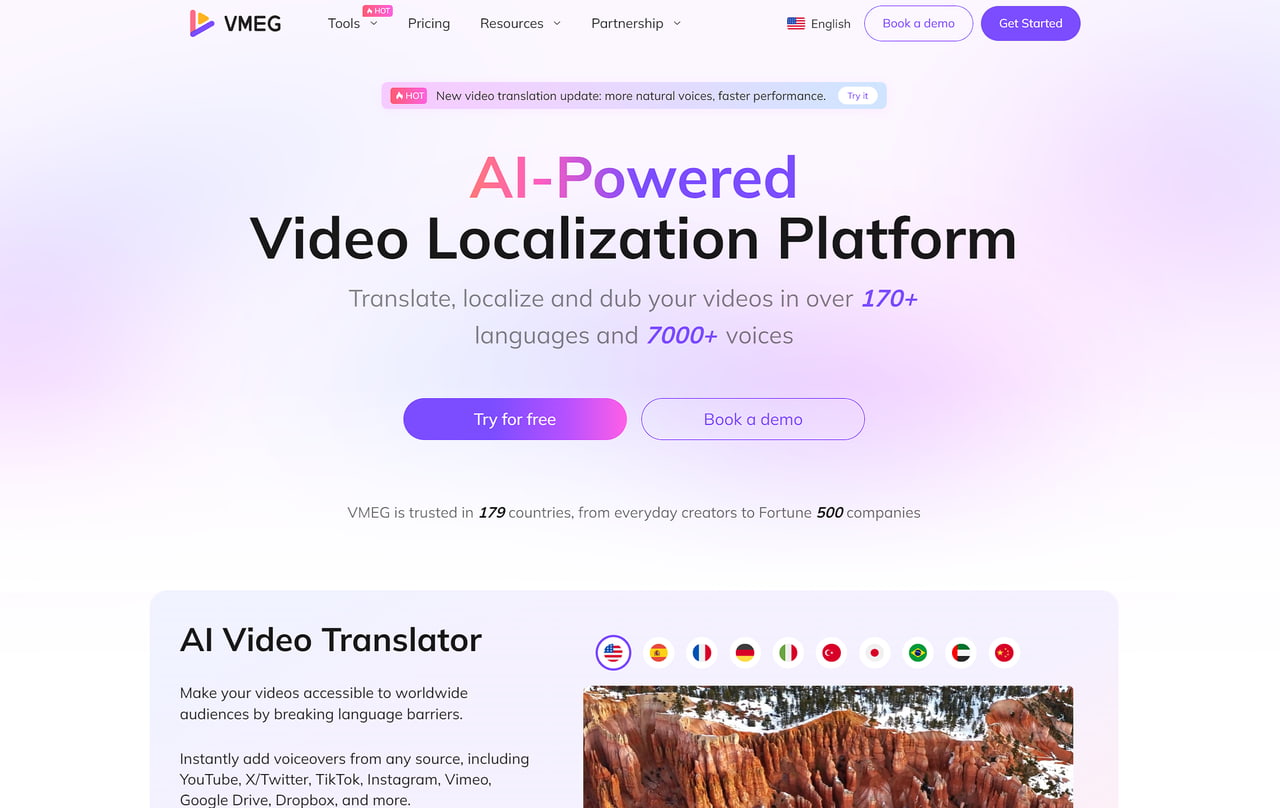
Core Capabilities of VMEG AI:
- Custom Voice Cloning: Upload one clear MP3 or WAV voice sample to create a custom voice; clearer and longer samples generally improve consistency.
- Multilingual Localization: Use the custom voice in video translation or text-to-speech workflows across 170+ languages and dialects.
- Lip Sync and Subtitles: Combine dubbed audio with lip sync and editable subtitles when the project requires a localized video rather than audio alone.
- Review Before Export: Check names, pronunciation, timing, subtitles, and visible lip alignment before publishing.
Best For: Creators, educators, and marketing teams that need a connected workflow for translated video, cloned voice, subtitles, and lip sync.
How to Dub Videos with VMEG AI (4 Clear Steps):
- Import Media: Paste a YouTube/TikTok URL or upload your MP4 file to the VMEG dashboard.
- Model Selection: Choose your target language. Choose the target language and the custom voice you want to use.
- Refine in Timeline: Review the translation script, voice, and subtitle timing before export.
- Export with Lip-Sync: Enable the "Lip-Sync" feature and export your fully localized, studio-quality video.
Pros:
- Connected workflow: Brings transcription, translation, custom voice, subtitles, and lip sync into one video-localization process.
- Broad language support: Supports 170+ languages and dialects for localization workflows.
- Editable output: Lets users review the generated content before export.
Cons:
- Online Only: Requires a stable internet connection for cloud-based AI rendering.
2. ElevenLabs
ElevenLabs is widely recognized for creating some of the most realistic AI voices available today. It’s particularly popular among podcasters, audiobook creators, and indie game developers. The platform offers near real-time voice generation with excellent fidelity.
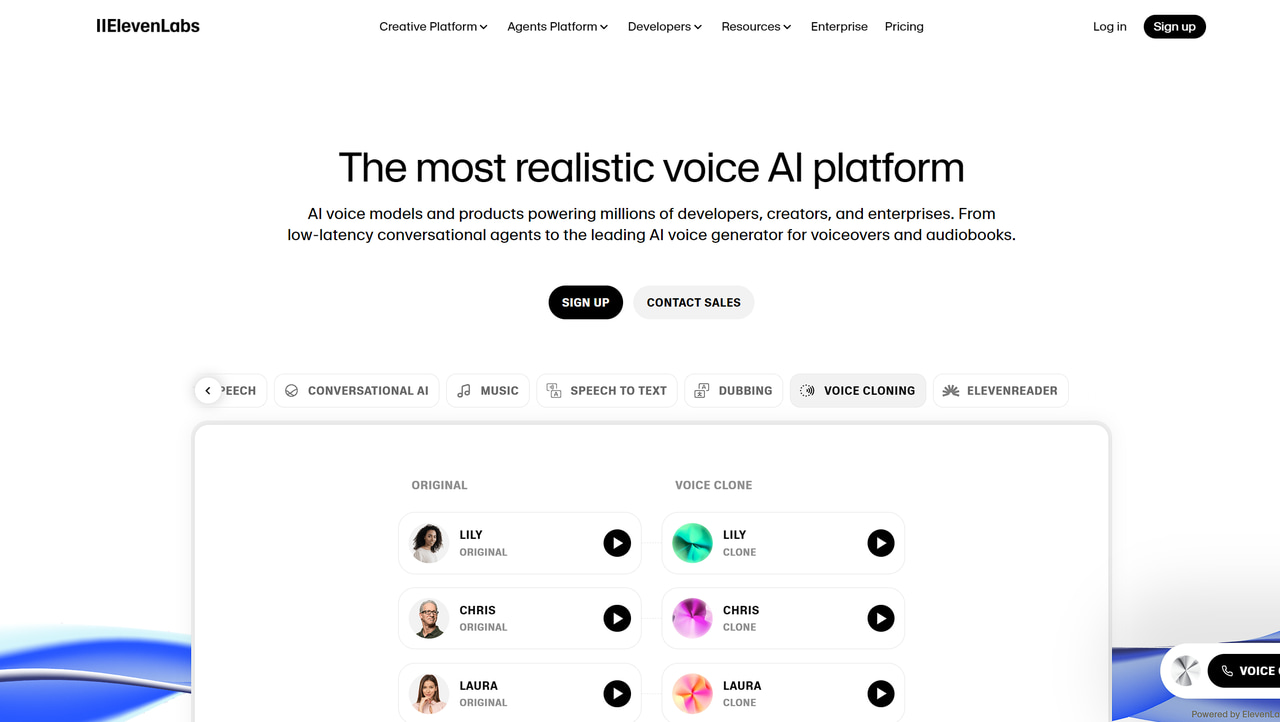
Key Features:
- Extremely lifelike voice synthesis.
- Real-time or low-latency voice generation.
- Flexible text-to-speech and voice cloning.
- Strong API for developer integrations.
- Supports multiple languages.
Pros:
- Industry-leading realism.
- Fast performance for streaming/real-time apps.
- Growing community and integrations.
Cons:
- The free plan has limits on characters.
- An internet connection is required.
Best For:
Creators who need hyper-realistic voices for audiobooks, games, or media projects.
3. Descript Regenerate
Descript is much more than a simple voice cloning tool — it’s a complete multimedia editor that combines audio, video, and text-based editing in one platform. Its Regenerate feature can replace or revise spoken sections in an editing workflow. Voice authorization is required when changing a speaker’s words.
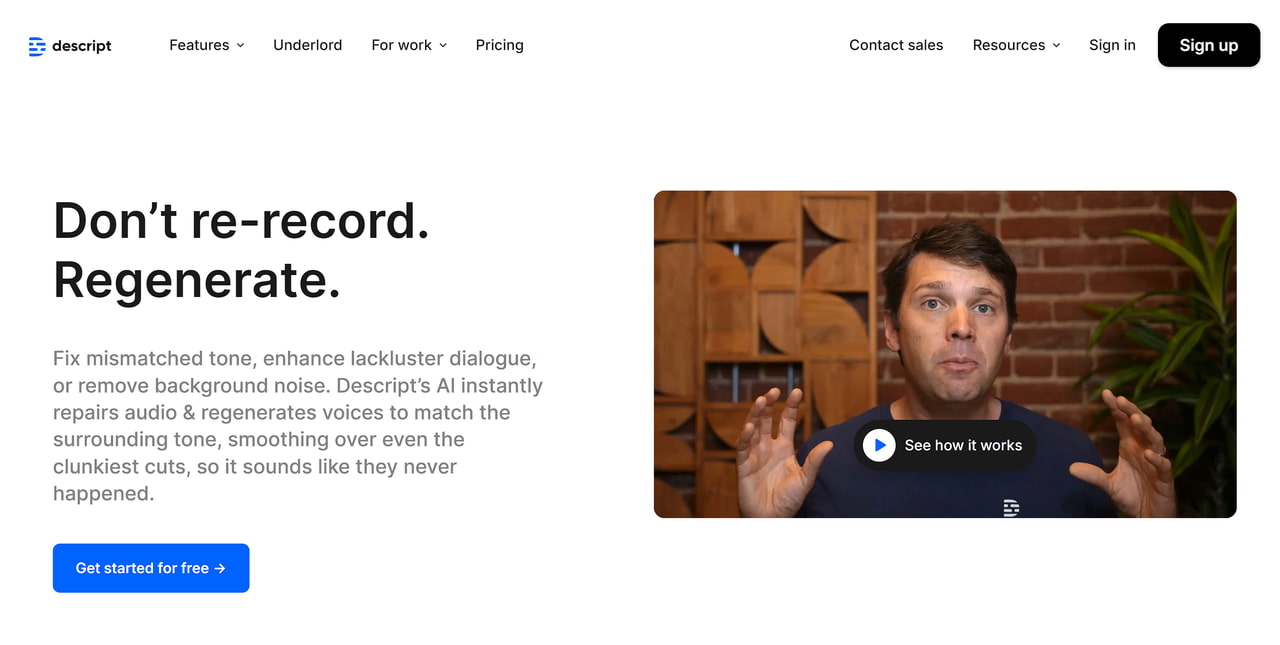
Key Features:
- Generate a realistic digital version of your voice with just a few minutes of sample audio.
- Edit your audio by simply modifying the transcript; Regenerate can revise spoken sections in an editing workflow, subject to voice authorization.
- Works for both audio and video projects, making it ideal for podcasters and content creators.
- Team members can work together on projects, leave comments, and track changes.
- Export your projects in multiple formats, including MP3, WAV, or video with synced audio.
Pros:
- Combines editing + voice cloning in one.
- Great for podcast and video creators.
- Easy text-based editing saves time.
Cons:
- Not ideal if you only want voice cloning.
- Requires training data to set up a custom voice.
Best For:
Podcasters, YouTubers, and content creators who want editing + cloning in one workspace.
4. Murf AI
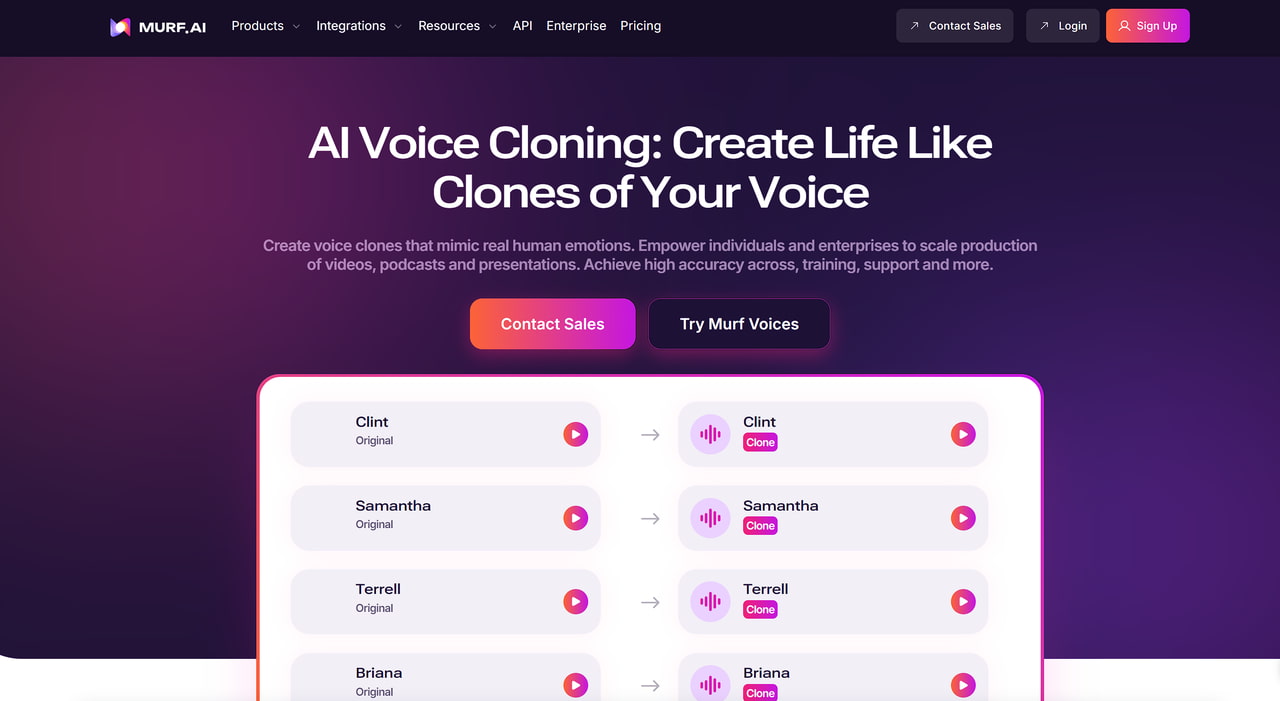
Murf AI is designed for teams that need polished voiceovers for training, marketing, or presentations. Its custom voice-cloning offering is enterprise-oriented, while Murf Studio supports broader voiceover production and editing.
Key Features:
- Voiceover production tools, with voice cloning available for enterprise workflows.
- Voice customization with pitch, tone, and emphasis.
- Pre-built templates for quick production.
- Team collaboration tools.
- Export options for video + audio projects.
Pros:
- Easy to use with templates.
- Good range of professional voices.
- Great for corporate and e-learning use.
Cons:
- Voice cloning is not a typical self-serve feature; enterprise access and onboarding may be required.
- Subscription can be pricey for individuals.
Best For:
Marketers, educators, and businesses needing professional voiceovers quickly.
5. Resemble AI
Resemble AI is a professional-grade voice cloning platform designed for businesses, developers, and content creators who need secure and scalable solutions. One of its standout features is real-time voice conversion, allowing you to speak and have your voice instantly transformed into a cloned voice. This makes it ideal for interactive applications, customer service, and dynamic content creation.
Key Features:
- Speak naturally, and the AI generates the cloned voice immediately.
- Create unique AI voices from short audio samples.
- Offers rapid and professional clone paths, plus API and enterprise deployment options.
- Add tone and emotion to make voices sound more natural.
- Developers can integrate Resemble AI into apps, games, or workflow pipelines.
Pros:
- Enterprise-ready with security features.
- Real-time conversion sets it apart.
- Supports emotional tones.
Cons:
- More expensive than casual tools.
- Setup complexity for beginners.
Best For:
Enterprises, game developers, and advanced users need real-time voice cloning.
6. Maestra AI
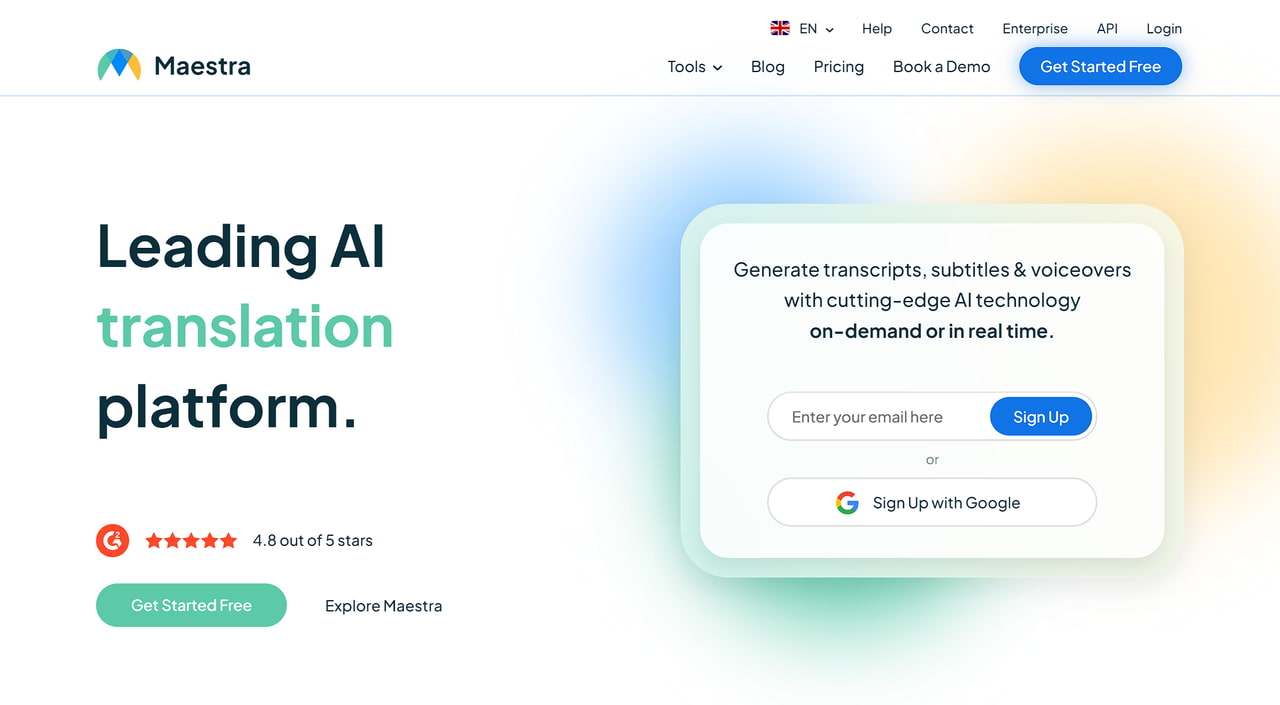
Maestra AI focuses on helping YouTubers and businesses localize videos with dubbing, captions, and subtitles. It has an intuitive workflow that makes it easy for beginners to translate and voiceover content.
Key Features:
- Voice cloning from a selected speaker in an uploaded file.
- AI-generated dubbing, subtitles, and real-time voiceover workflows.
- Built-in YouTube + workflow integrations.
- Collaboration for teams.
- Text-to-speech with different voices.
Pros:
- Great YouTube integration.
- Easy workflow for non-technical users.
- Combines subtitles + dubbing.
Cons:
- Review speaker assignment and translated delivery carefully, especially in multi-speaker files.
- Less control for professional audio engineers.
Best For:
YouTubers, educators, and businesses who need easy multilingual dubbing.
7. HeyGen
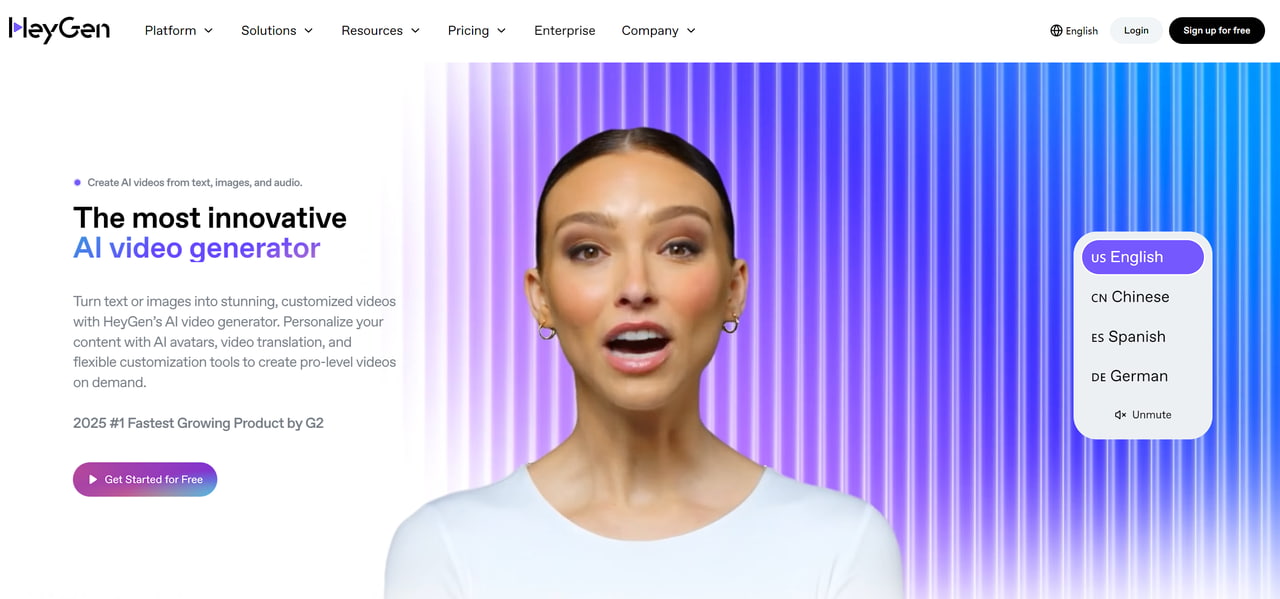
HeyGen is an AI platform that combines voice cloning with video avatars, making it ideal for marketers, sales teams, and content creators who want to produce engaging videos quickly. With HeyGen, you can generate a talking avatar that speaks in a cloned voice, producing professional-looking videos without the need for actors or recording studios.
Key Features:
- Bring your scripts to life with a talking digital character.
- Supports custom voice cloning and multilingual video workflows; feature access varies by product and plan.
- Create characters that reflect your brand identity.
- Turn text scripts directly into fully voiced video content.
- Prebuilt templates make video creation fast and easy.
Pros:
- Combines voice + video in one platform.
- Easy for marketing teams.
- Quick production with templates.
Cons:
- Limited use outside marketing.
- Voice-clone availability and use in video translation can depend on the plan and workflow.
Best For:
Marketers, sales teams, and startups creating explainer videos with voice + avatars.
8. Vozo AI
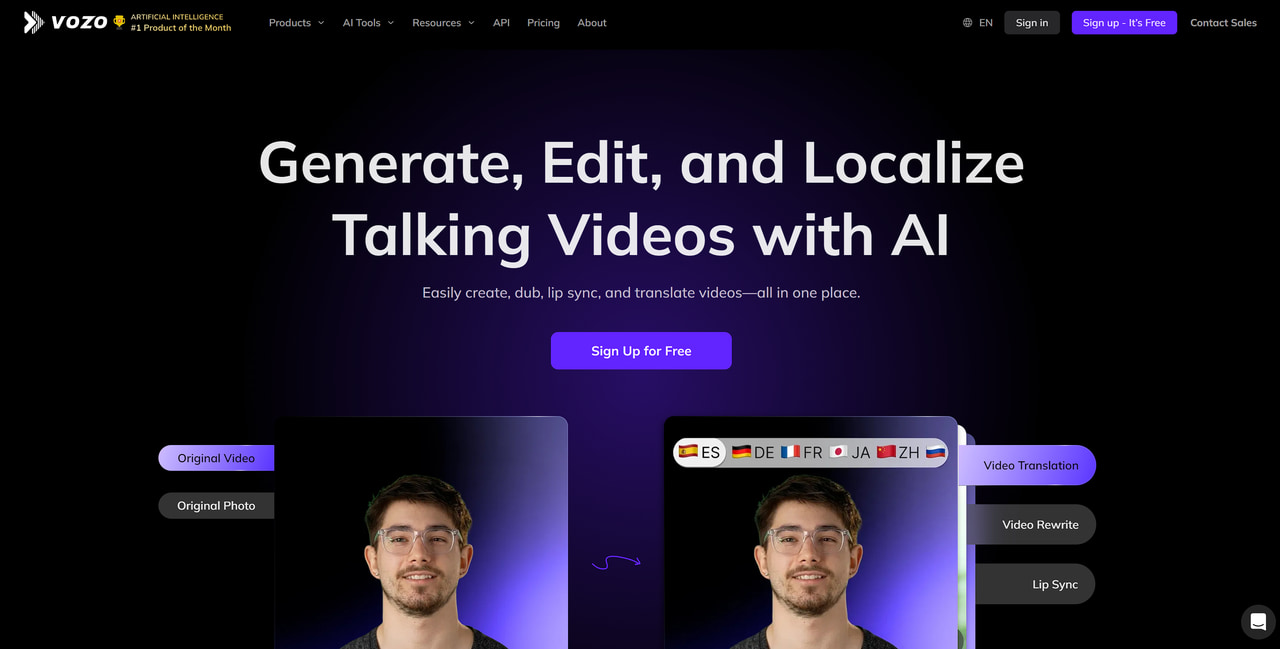
Vozo AI specializes in voice cloning with minimal input. Unlike some platforms that require hours of training data, Vozo can generate a cloned voice from short samples, making it ideal for quick turnaround projects.
Key Features:
- Short-sample voice cloning.
- Video localization toolkit included.
- Multilingual support.
- Simple workflow for fast dubbing.
- Integration with content platforms.
Pros:
- Quick and efficient cloning.
- Great for video translation/localization.
- Minimal training required.
Cons:
- Less advanced customization.
- Limited free tier.
Best For: Content creators who want fast, simple cloning for video projects.
Step-by-Step Guide: How to Voice Clone with VMEG
Now that you’ve seen how these tools stack up in the comparison table, you might be wondering, “Okay, but how do I actually use one?” Let’s walk through a simple, hands-on example with VMEG, so you can see exactly how easy it is to clone a voice step by step.
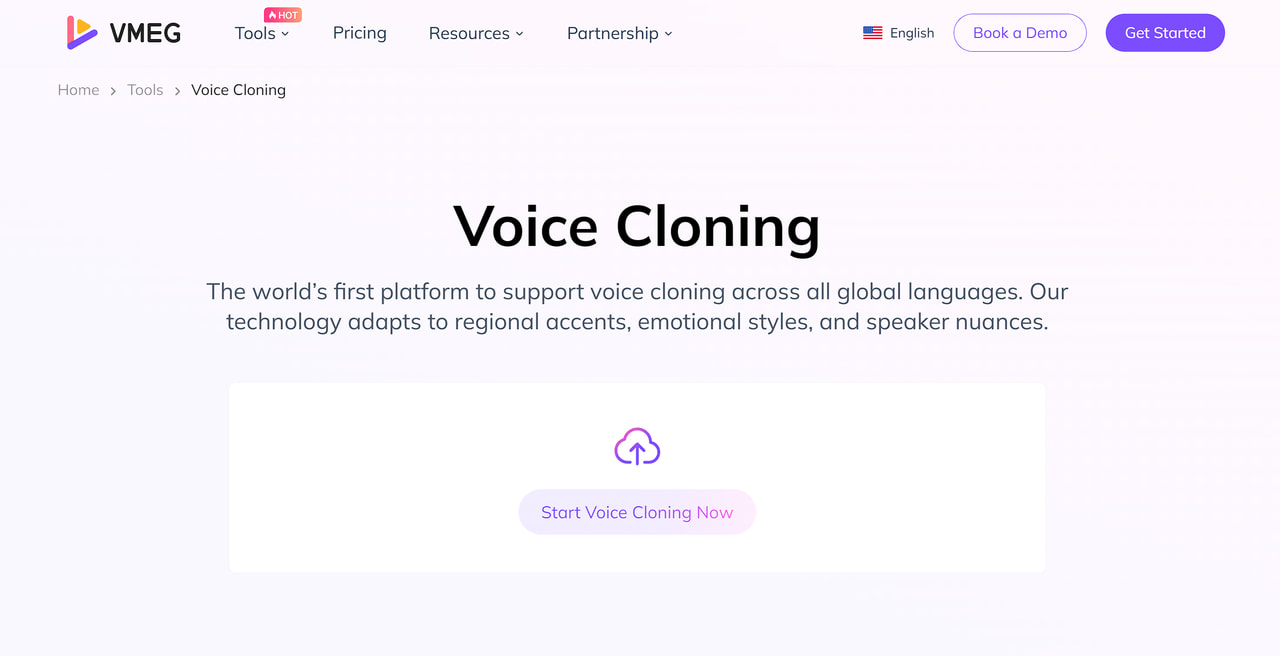
Step 1. Upload Your Voice Sample File
Click on “Add Voice Clone” and upload a short audio file (MP3 or WAV, under 20MB and at least 3 seconds long).
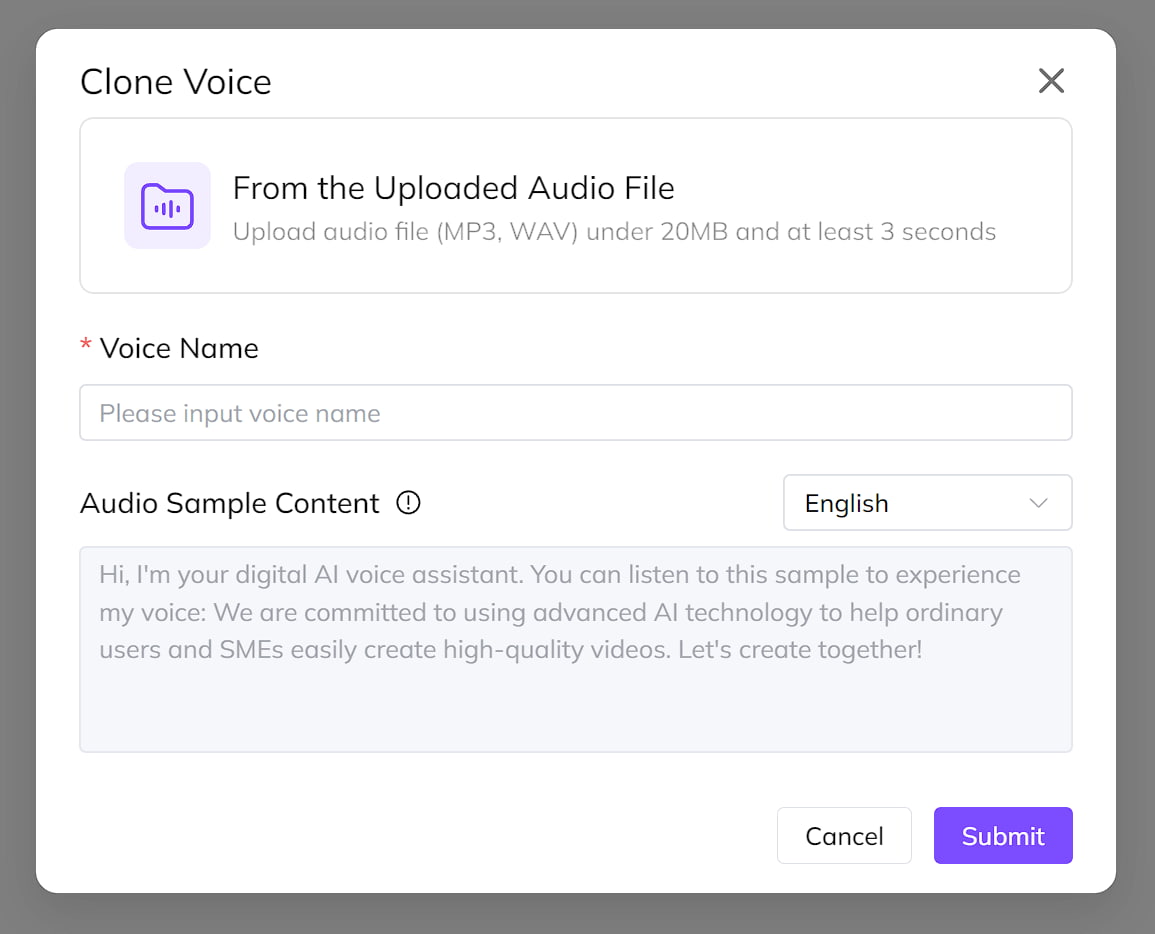
Step 2. Generate Your Cloned Voice
Give your voice a name and click “Submit.” VMEG will process your audio and create a cloned voice. Once it’s ready, you can preview it to make sure it sounds right.
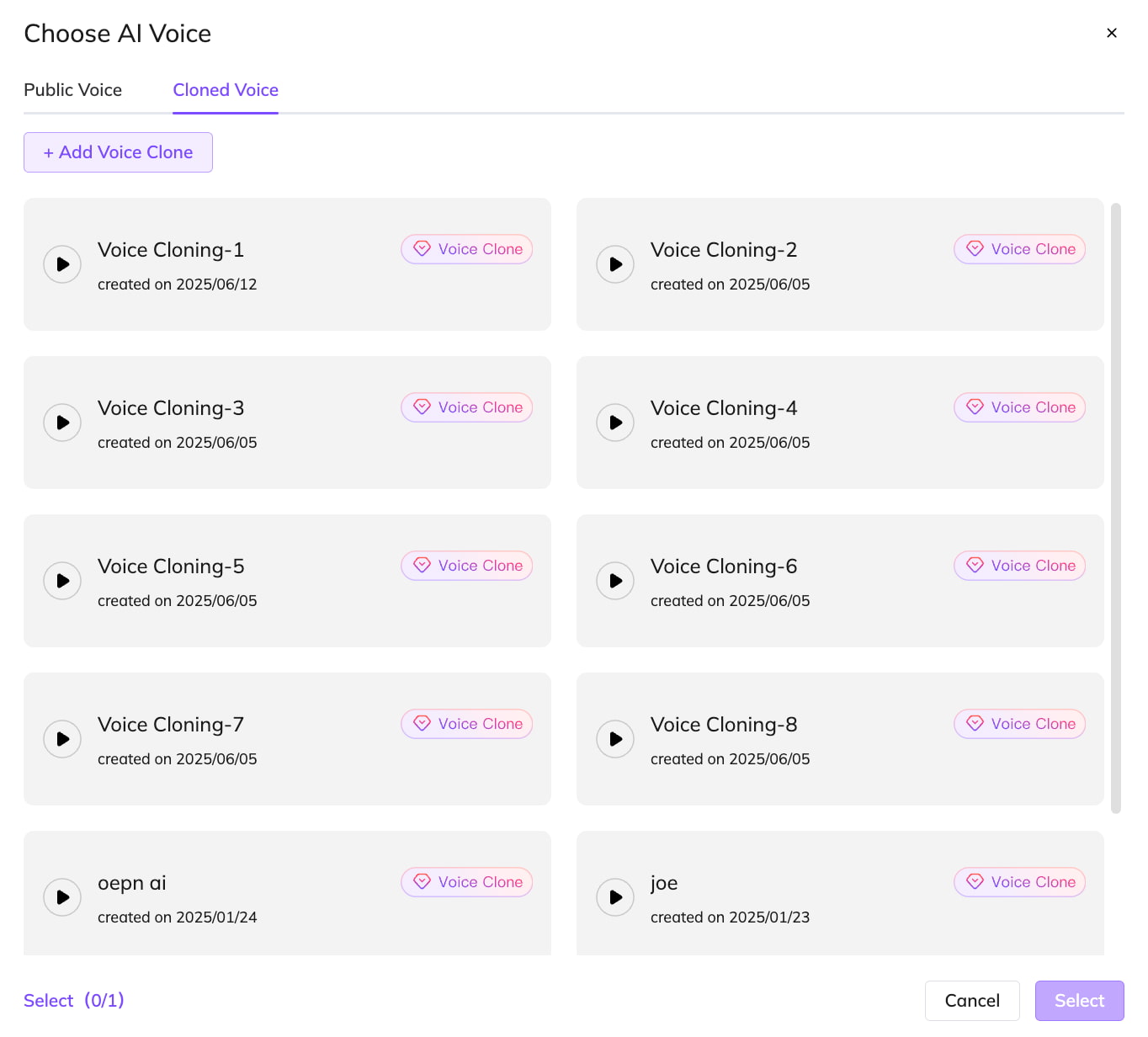
Step 3. Use Your Cloned Voice
Now you can apply your new voice wherever you need it. The cloned voice can be used in the following ways:
- Directly in VMEG’s Text-to-Speech feature to generate speech from any text.
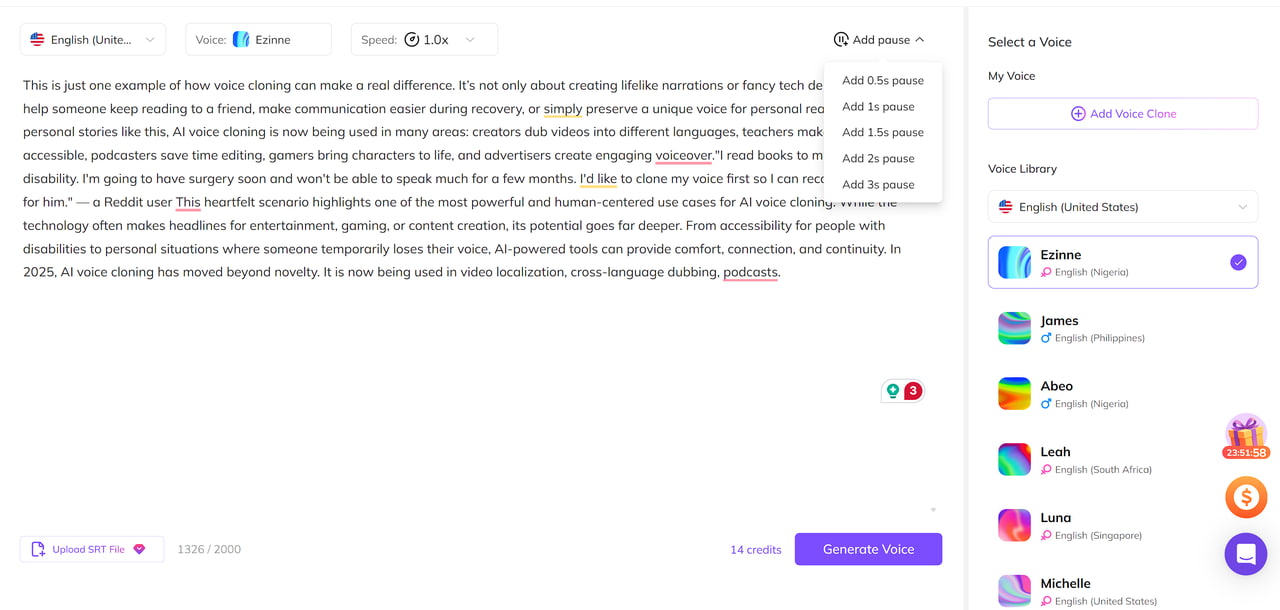
- In audio and video translation as the translated voice.
What to Evaluate Before Choosing a Voice Cloning Tool
| Principle | What It Means | Why It Matters |
| Naturalness | Does the voice sound like a real person instead of a robot? | A natural voice keeps listeners engaged and feels more trustworthy. |
| Prosody | Are tone, rhythm, and pauses natural? | Good flow makes the speech easier to follow and less tiring. |
| Timbre Similarity (for cloning) | Does it really capture the speaker’s unique voice? | Helps preserve identity and emotional connection. |
| Intelligibility | Can every word be clearly understood? | Clear speech avoids confusion, especially on different devices. |
| Video Sync (for dubbing) | Do lip movements match the audio timing? | Keeps dubbing realistic and less distracting. |
| Artifacts | Are there clicks, weird breaths, or noise? | Fewer glitches mean smoother, more professional output. |
FAQs of AI Voice Cloning
Which AI voice cloning tool is best for YouTube creators?
VMEG AI is designed for YouTube creators, offering one-click link imports, automatic subtitle generation, and lifelike voice cloning that keeps audiences engaged in any language.
Is it legal to clone someone's voice in 2026?
Obtain documented consent from the voice owner and confirm the applicable platform rules, commercial-use rights, privacy obligations, and local legal requirements before cloning or publishing a voice. This is not legal advice.
Which tool is the best ElevenLabs alternative for video localization?
VMEG AI is a useful option when your primary need is a connected video-localization workflow with translated audio, subtitles, and lip sync. ElevenLabs is often chosen for voice-generation and API-focused workflows. Compare current plans, consent requirements, and output controls for your project.
How many languages does VMEG AI support for voice cloning?
VMEG AI supports voice-cloning and localization workflows in 170+ languages and dialects. Check the current supported-language list and test a representative sample before publishing.
Which AI voice cloning tool is best for YouTube creators?
For YouTube creators, choose based on workflow: VMEG AI for multilingual video localization, HeyGen for avatar-led videos, and ElevenLabs for voice-generation and API-oriented projects. Test a representative video for pronunciation, timing, and publishing rights before scaling.
VMEG Voice Cloning
Unlock the Power of Voice Cloning in Every Language with VMEG! Experience the World's First Global Voice Cloning Platform Today.


The VMEG Team
Behind VMEG stands a passionate team of creatives, engineers, and language lovers. At the crossroads of AI and storytelling, they craft tools that bridge languages and cultures.