



 Before
 After
After
Titles and Headlines
Localize video titles, section headings, introductions, and other prominent text.

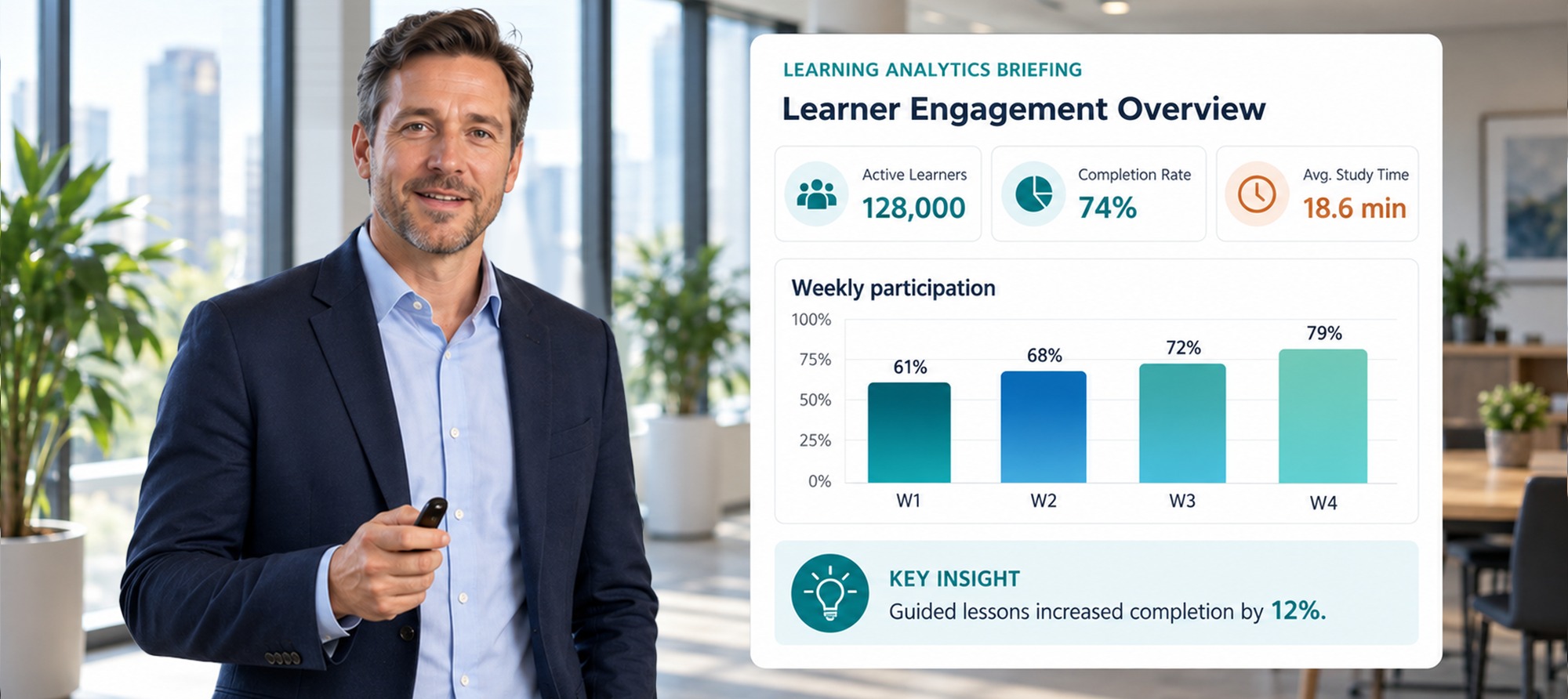


This advanced feature requires a technical assessment. Chat with our support team to discuss your needs and next steps.
VMEG Visual Translation automatically detects, translates, and rebuilds text embedded in your videos—from titles and slides to labels, UI elements, callouts, and graphics. Localize what viewers see and read, not just what they hear.
Turn videos with embedded text into localized versions without manually recreating every title, label, slide, or graphic.
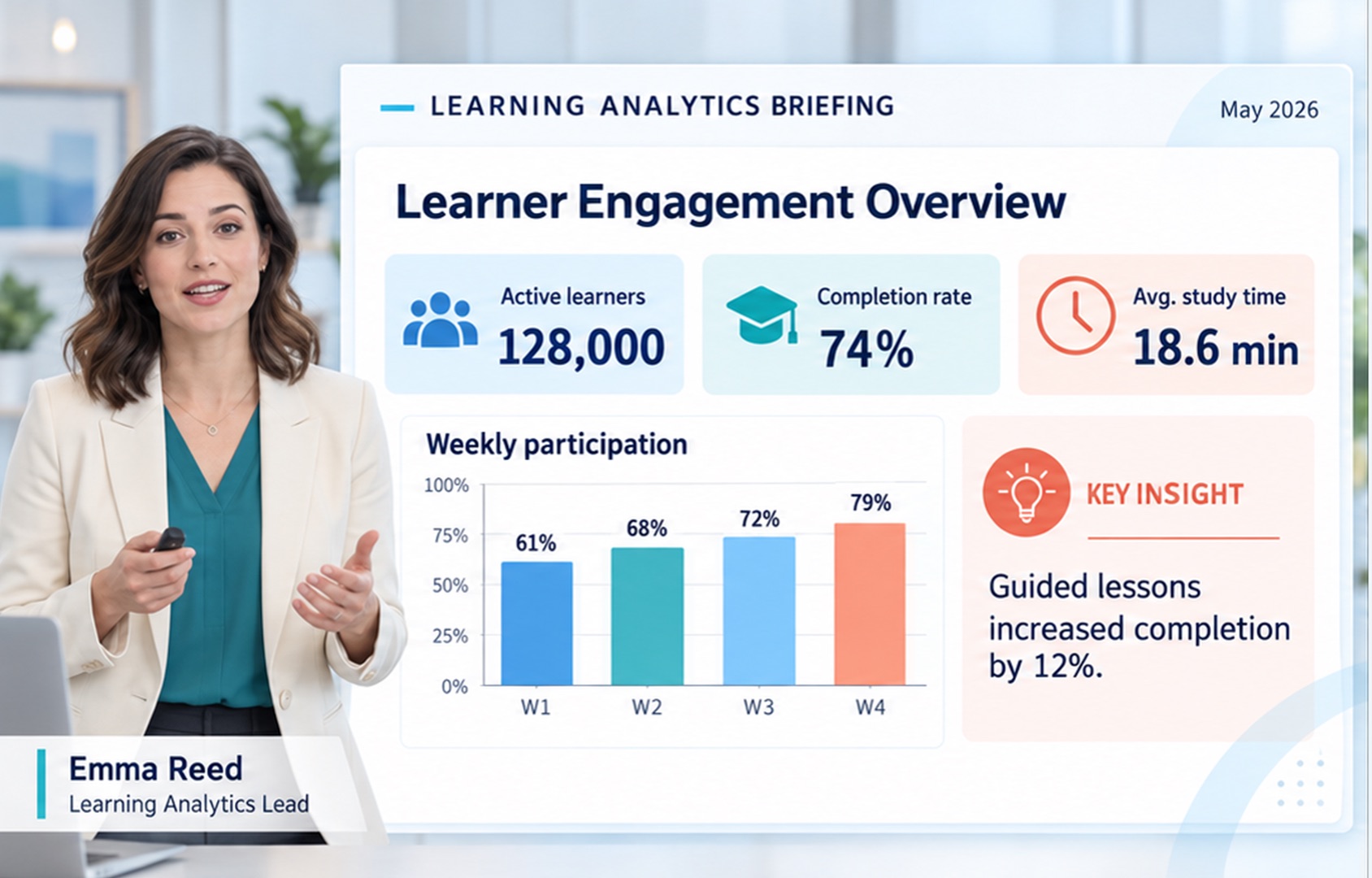
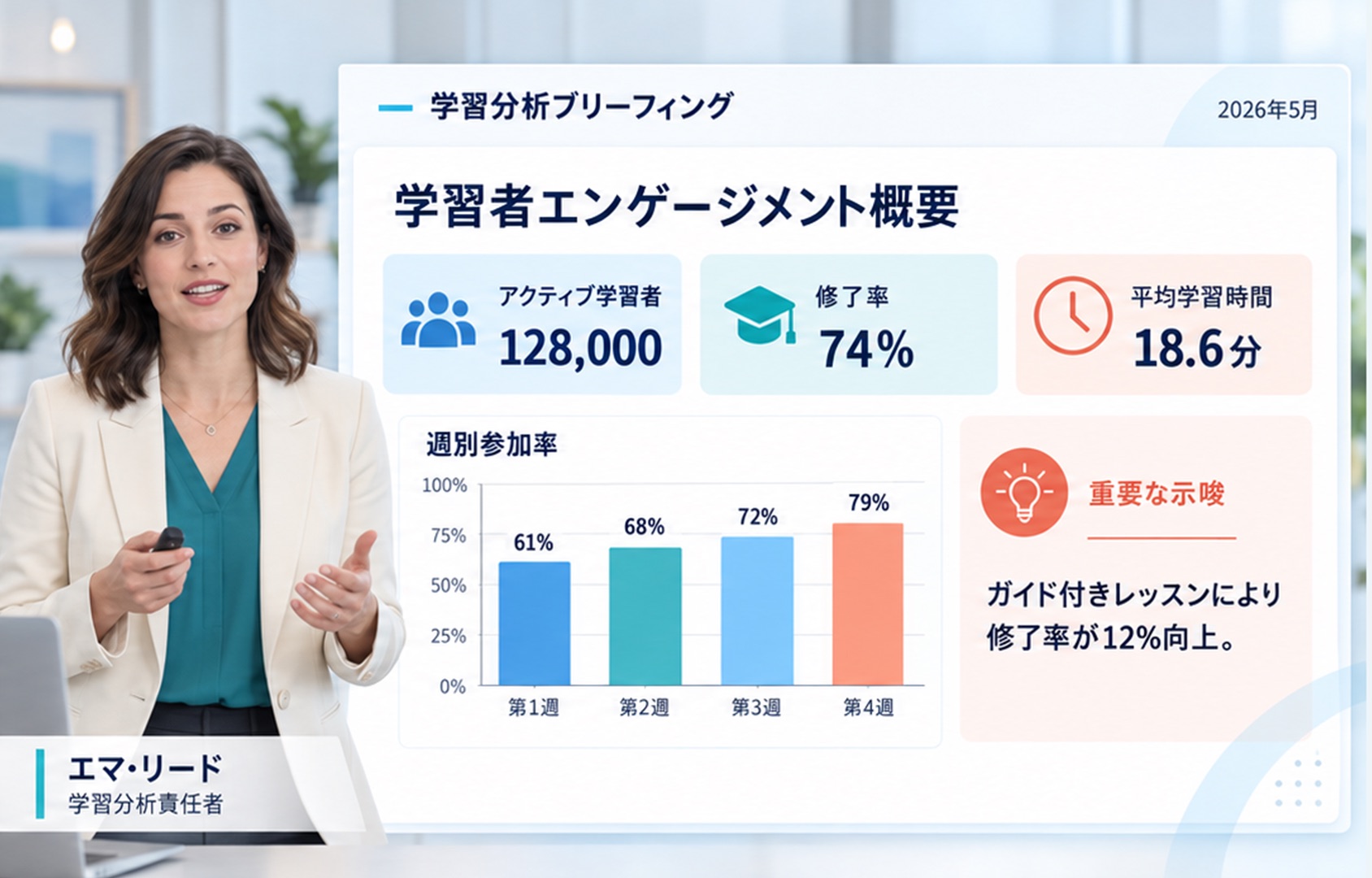
Titles and headlines localized inside the video frame.


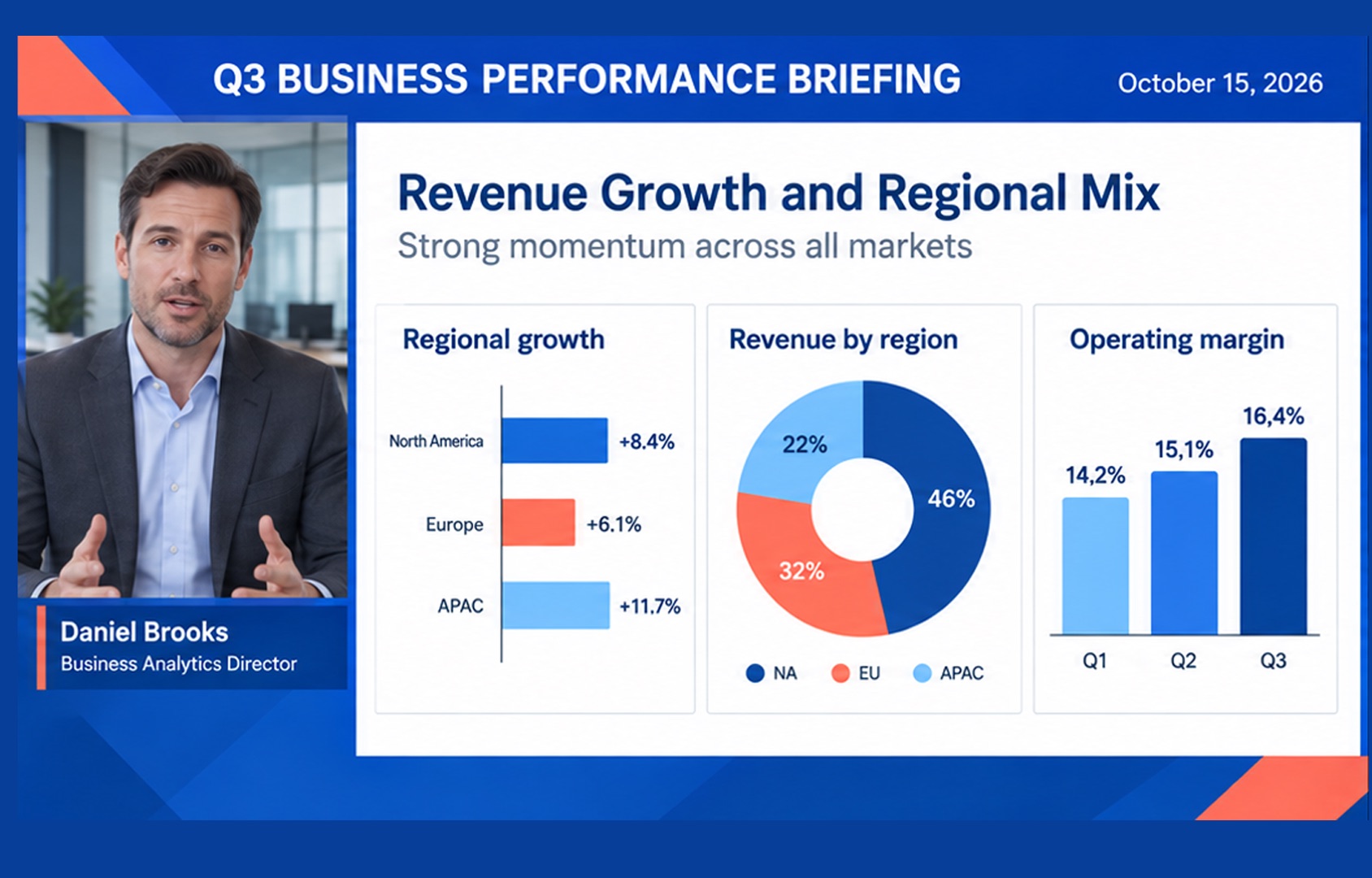
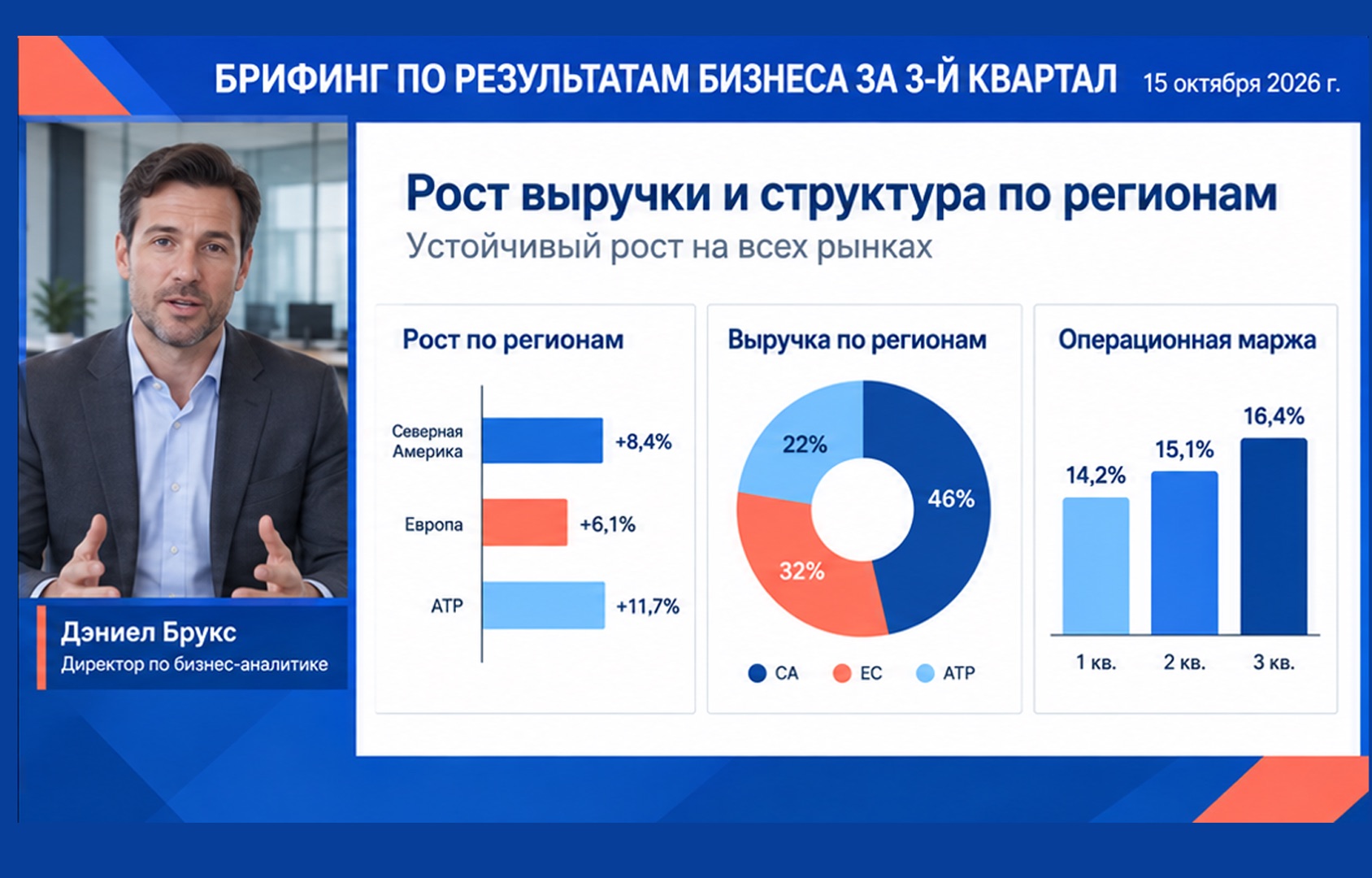
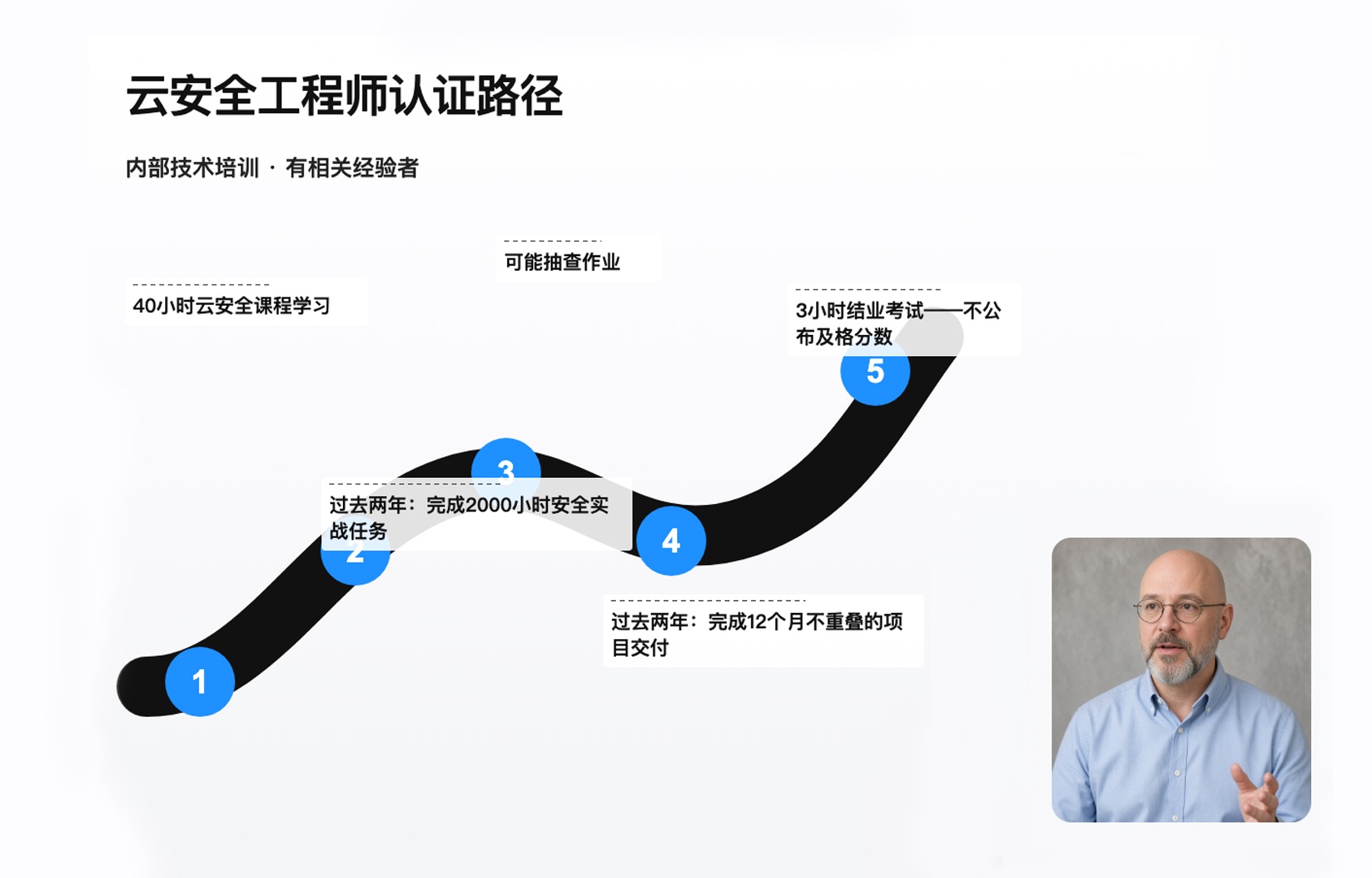
Presentation slides and charts translated without redesign.
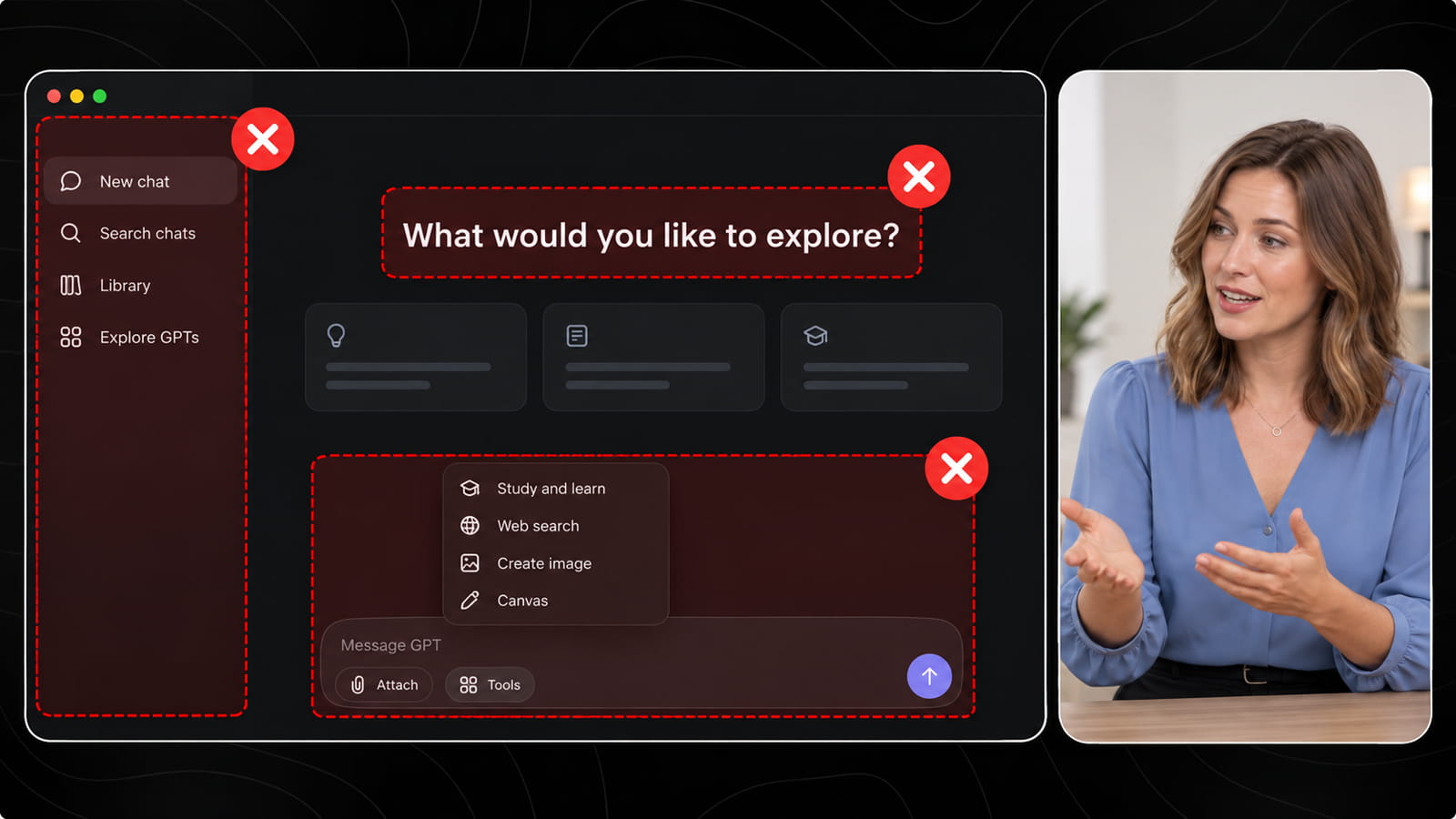
UI labels and dashboard text rebuilt in context.
Product labels and callouts kept in their original positions.


Graphics and text overlays localized for each market.
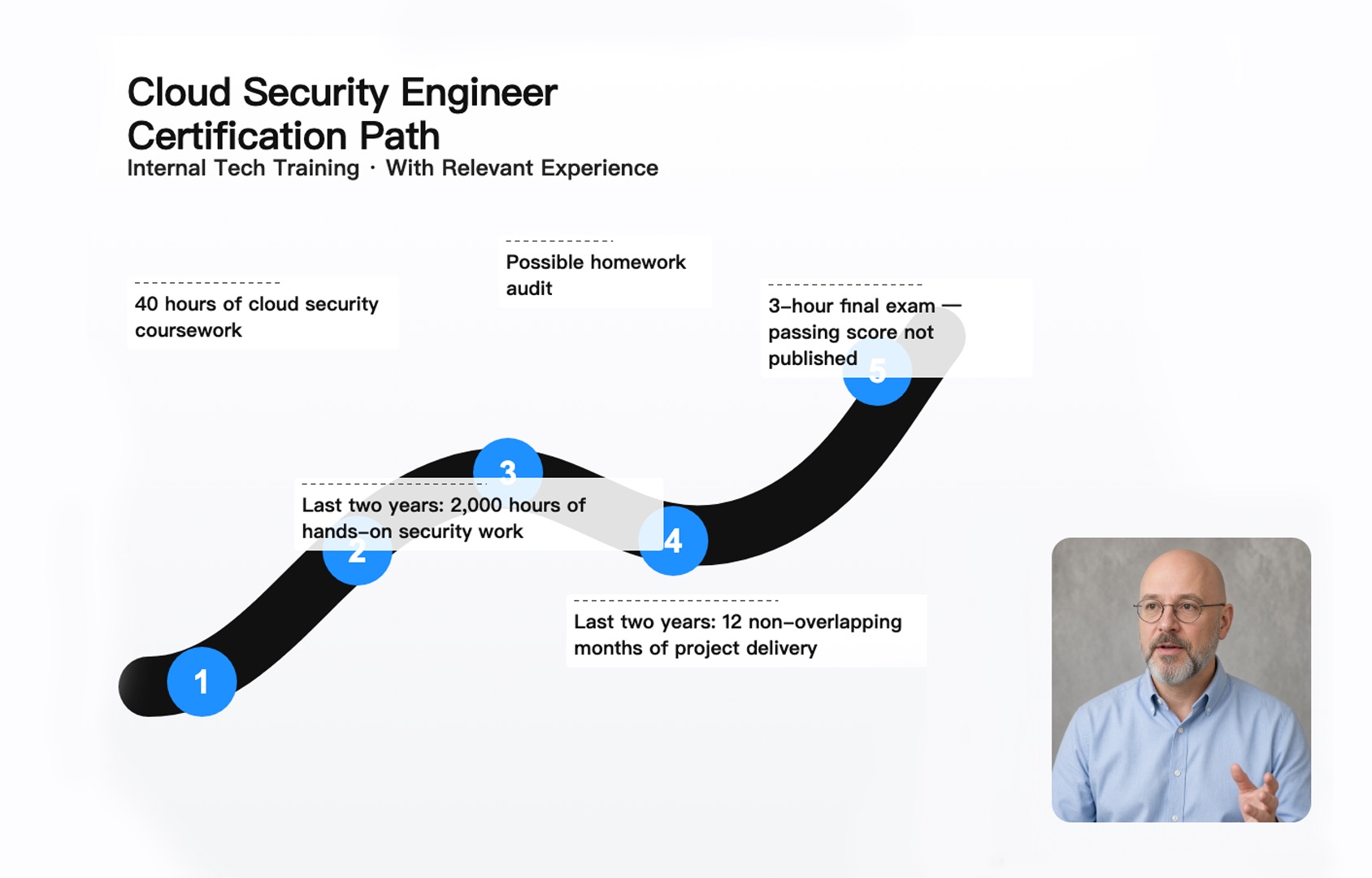
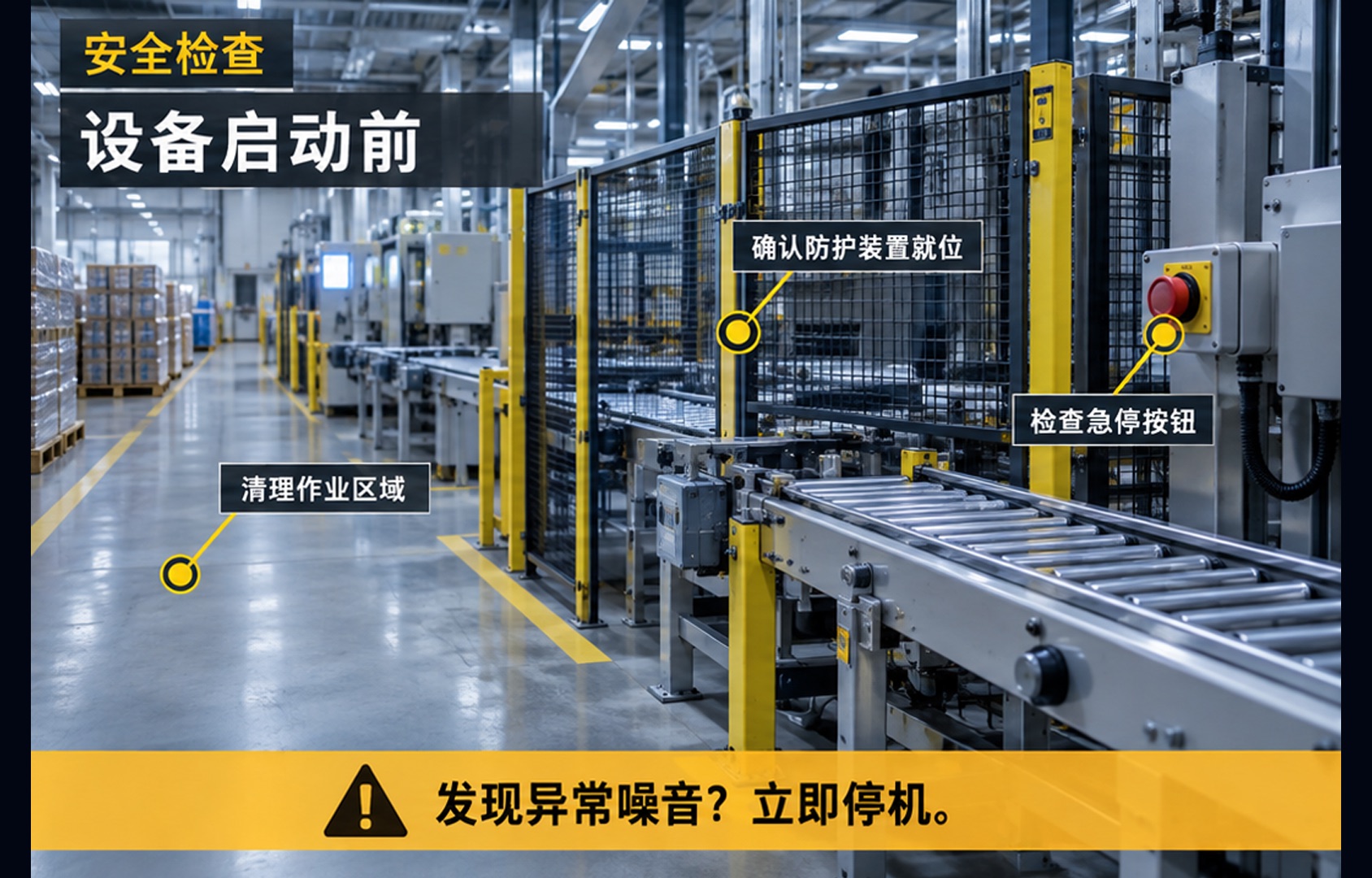
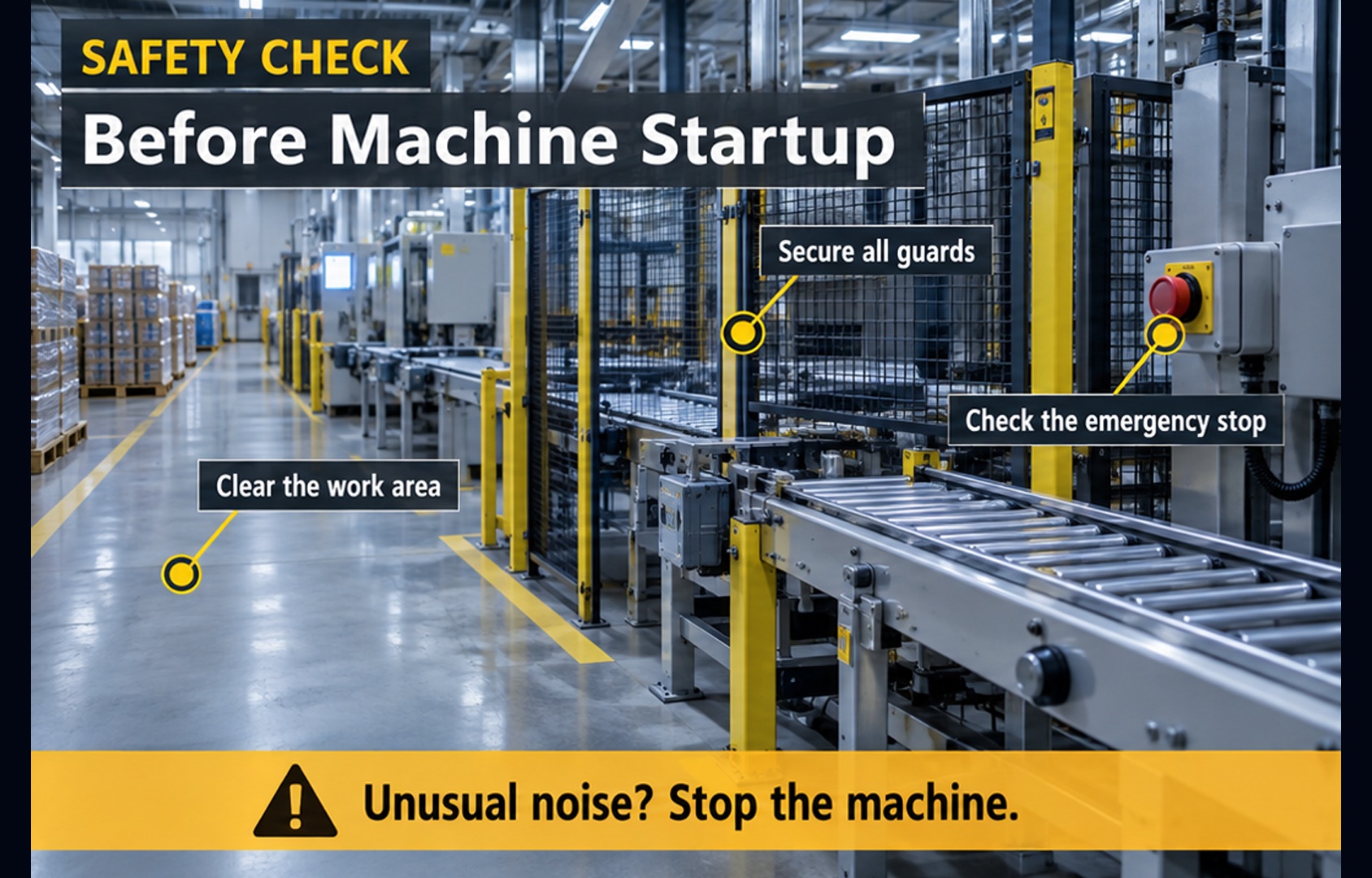
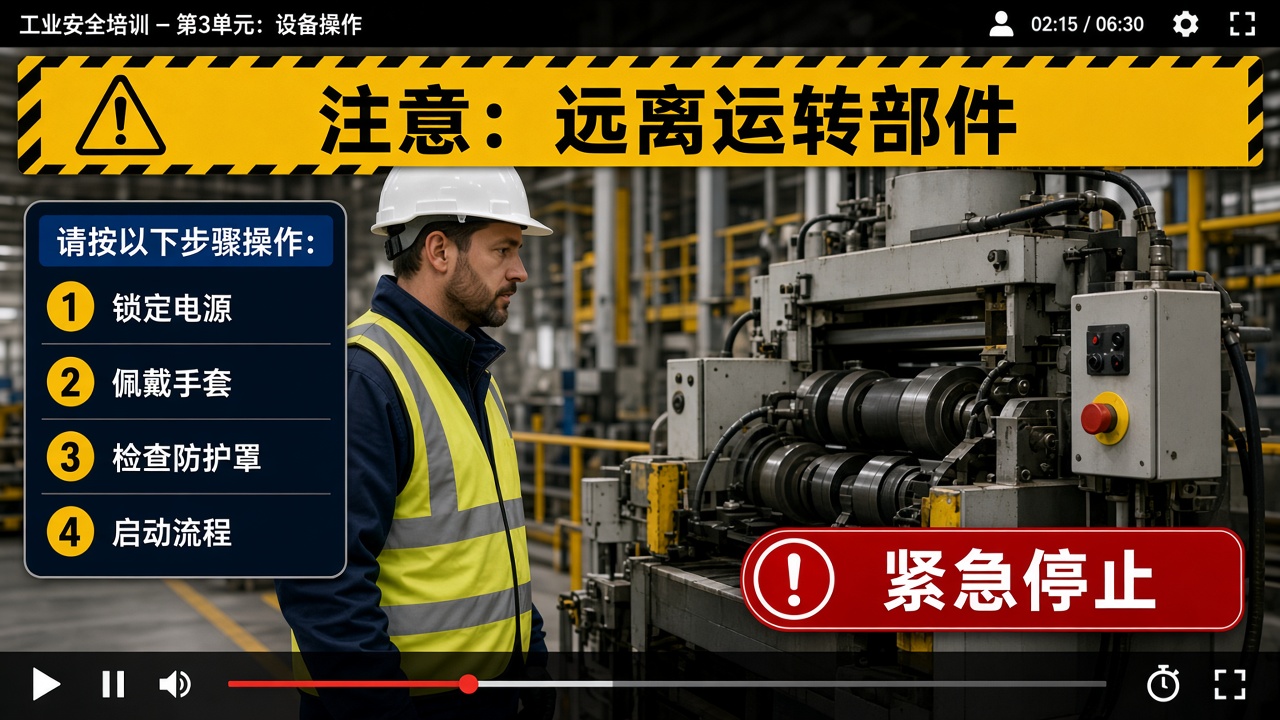
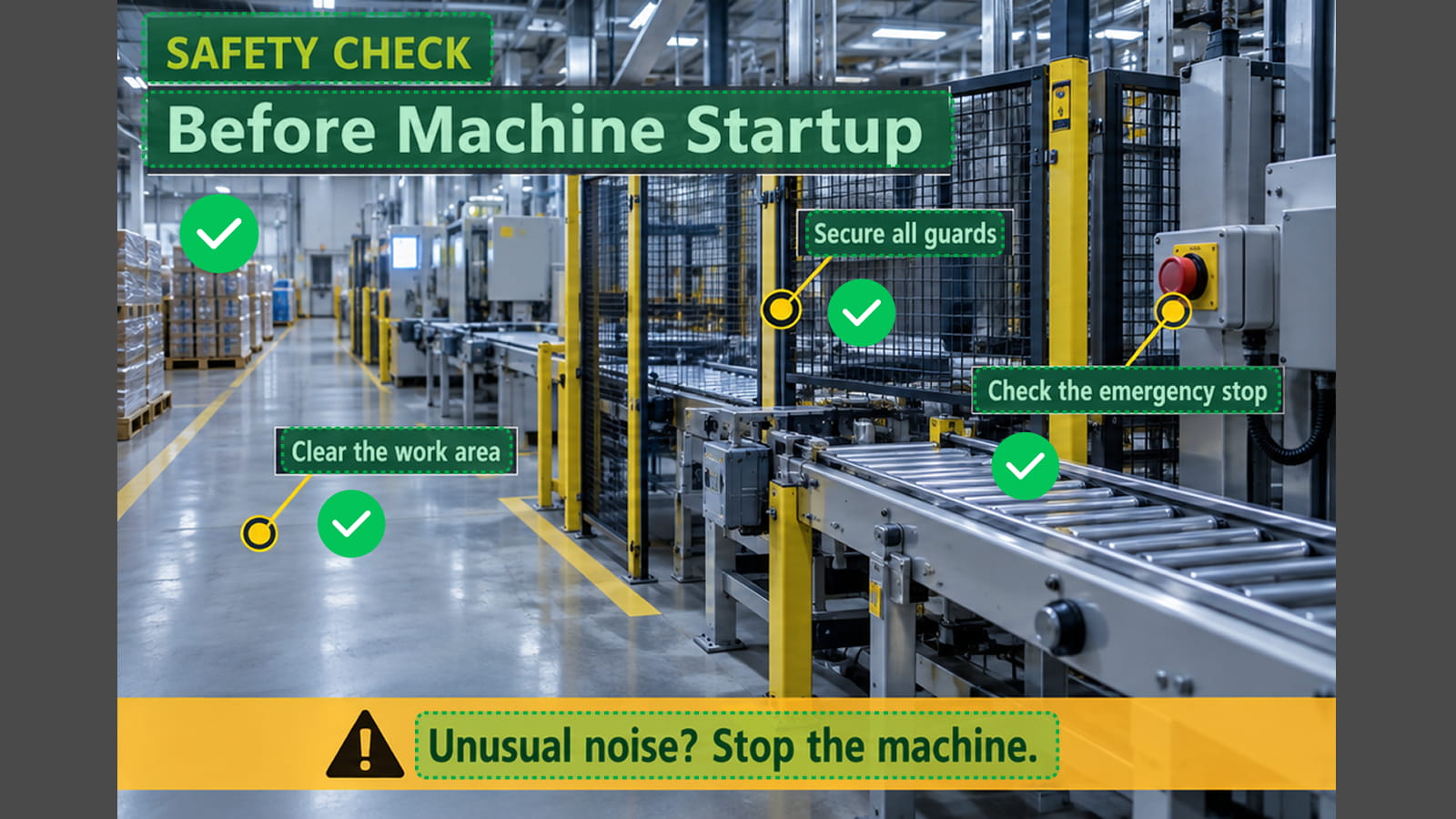
Safety instructions and warnings translated on screen.
Translate text that appears directly inside your video—not just subtitle tracks or spoken dialogue.
BeforeAfterLocalize video titles, section headings, introductions, and other prominent text.
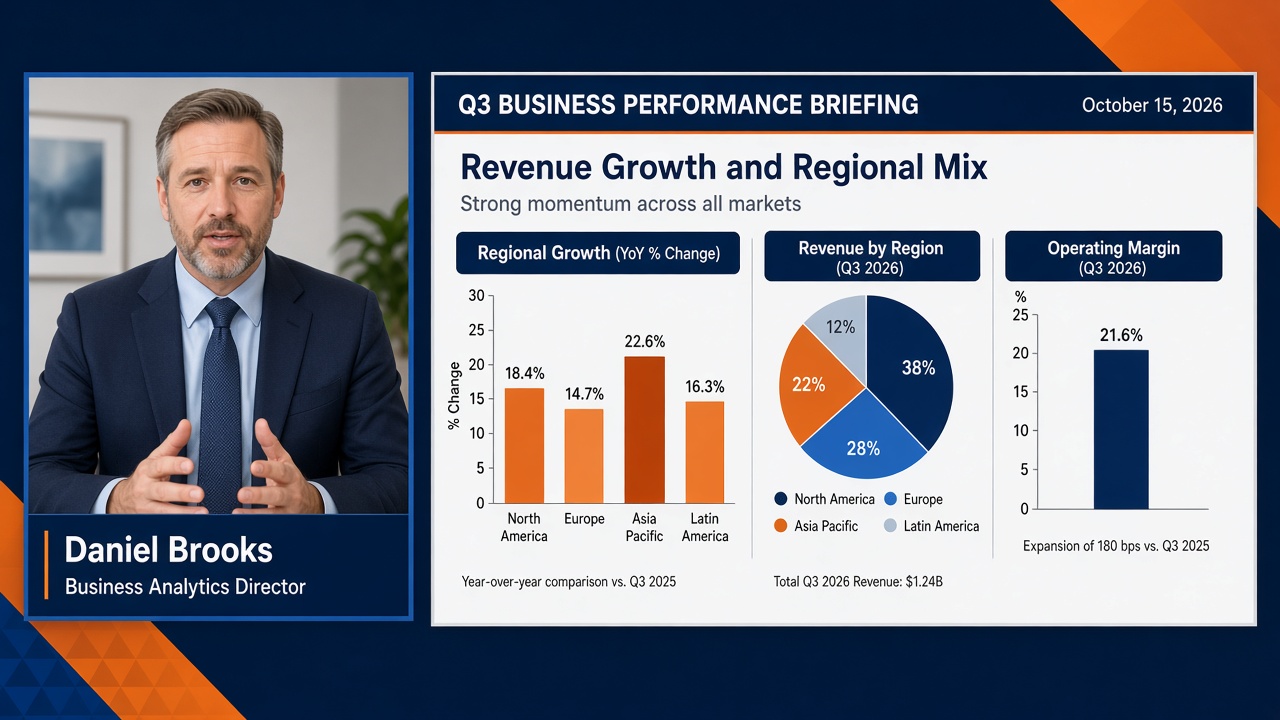
 BeforeAfter
Translate presentation slides, training materials, charts, and educational content shown inside videos.
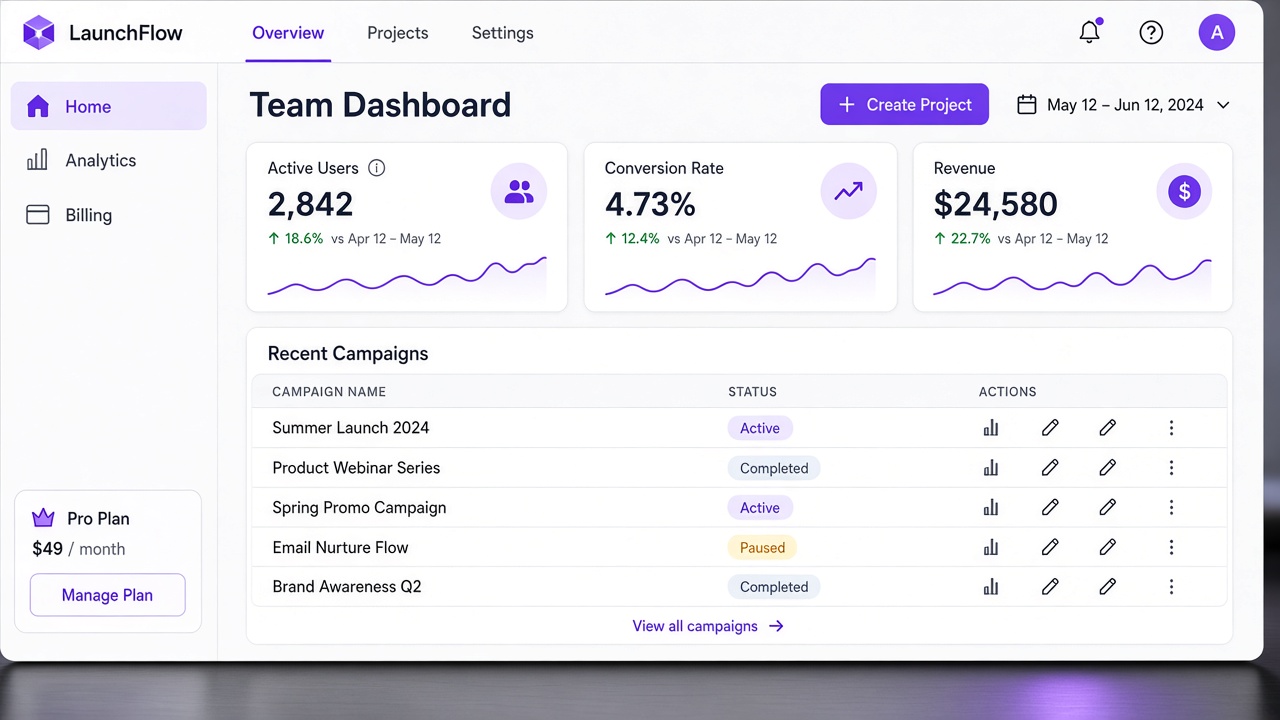
 BeforeAfter
Localize buttons, menus, dashboards, feature labels, and other interface elements in screen recordings and product demos.
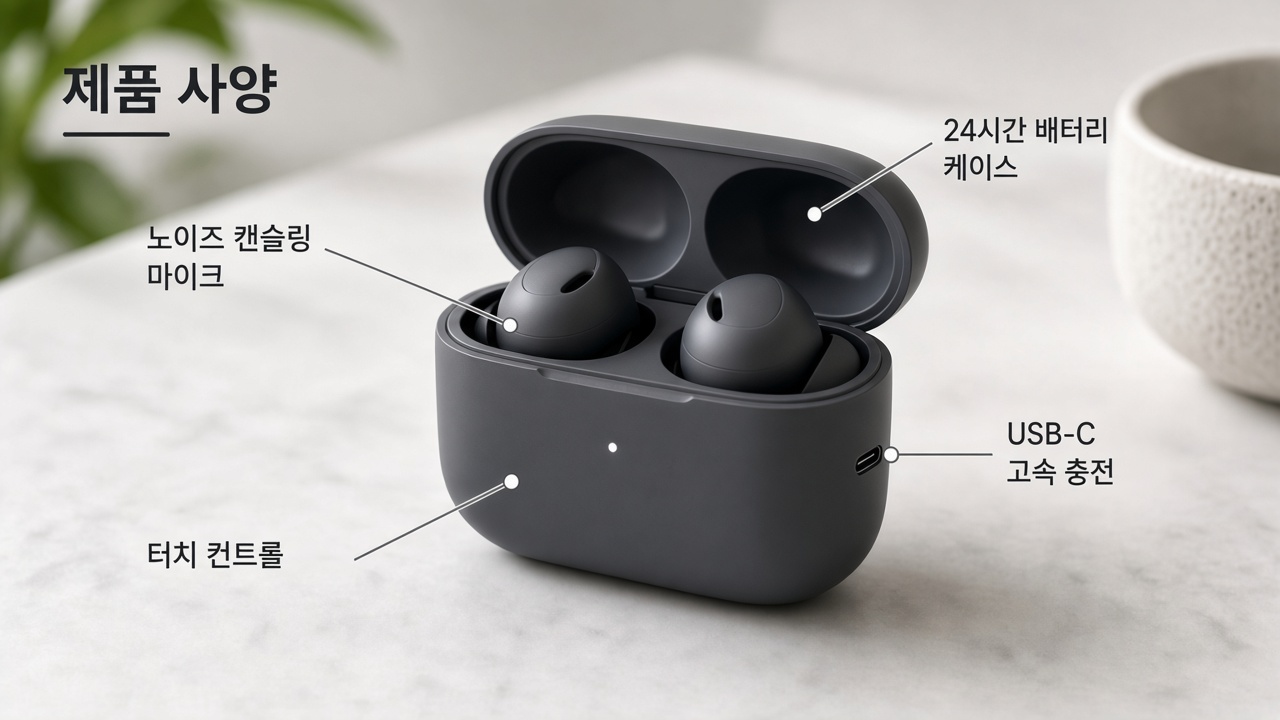
 Before
 After
AfterTranslate annotations, labels, pointers, captions inside graphics, and callout text.

 Before
 After
AfterLocalize promotional text, banners, lower thirds, product information, and other visual overlays.
 BeforeAfter
Translate steps, safety notices, operating instructions, warnings, and other important information embedded in videos.
VMEG combines text detection, AI translation, and visual reconstruction to help you translate on-screen text in videos.
01
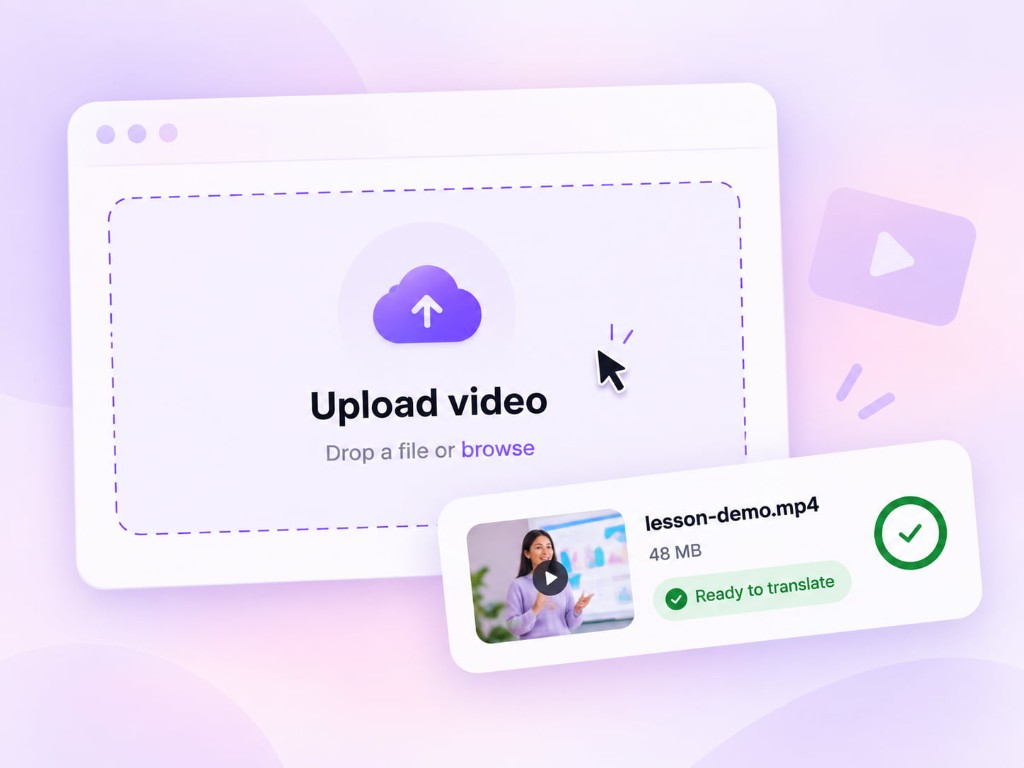
Upload a video containing titles, slides, labels, graphics, UI text, or other visual text. VMEG automatically identifies text that appears across video frames.
02
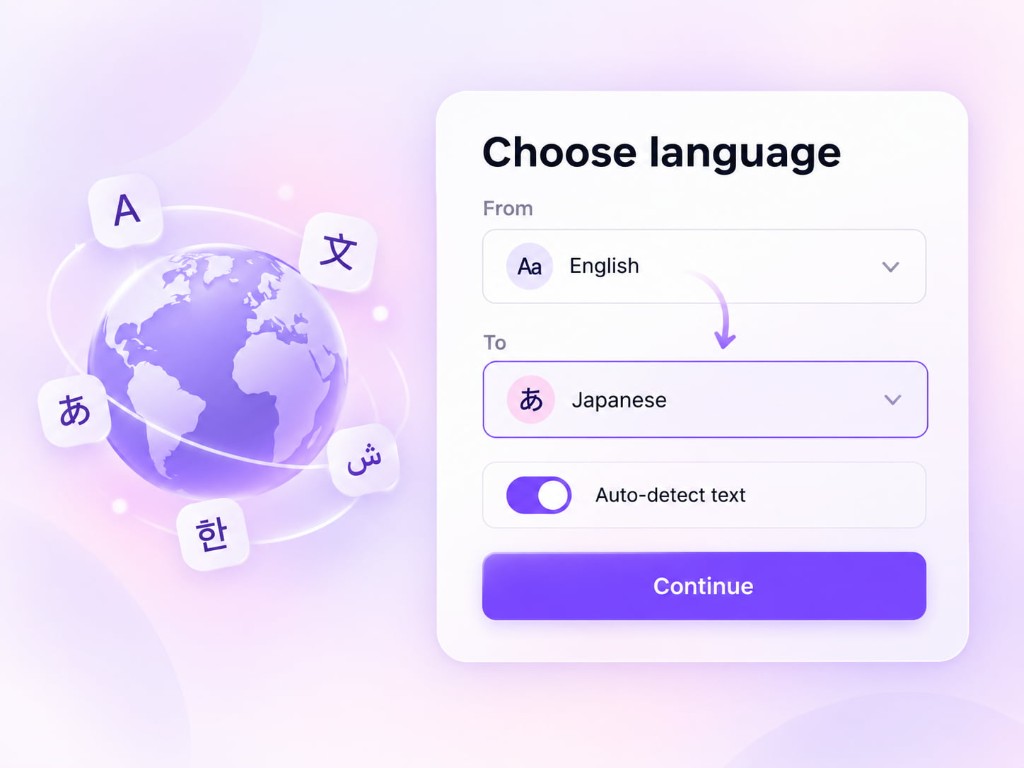
Select the language you want the visual content translated into. The detected text is translated and rebuilt in the video while maintaining its original visual context.
03
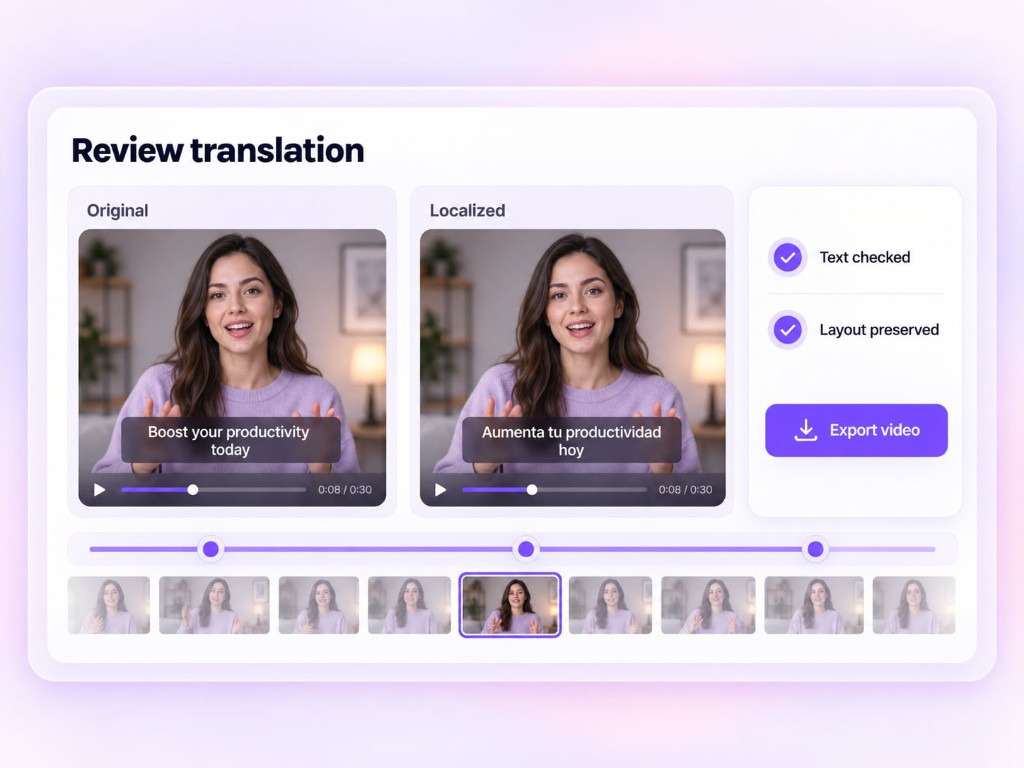
Preview the localized version, review the translated text, and export your video.
VMEG Visual Translation translates explanatory text added to your video, like slides, titles, and callouts, while UI text, packaging, and logos from the original footage stay unchanged.
Explanatory text added to a video to explain, guide, or annotate what viewers see.
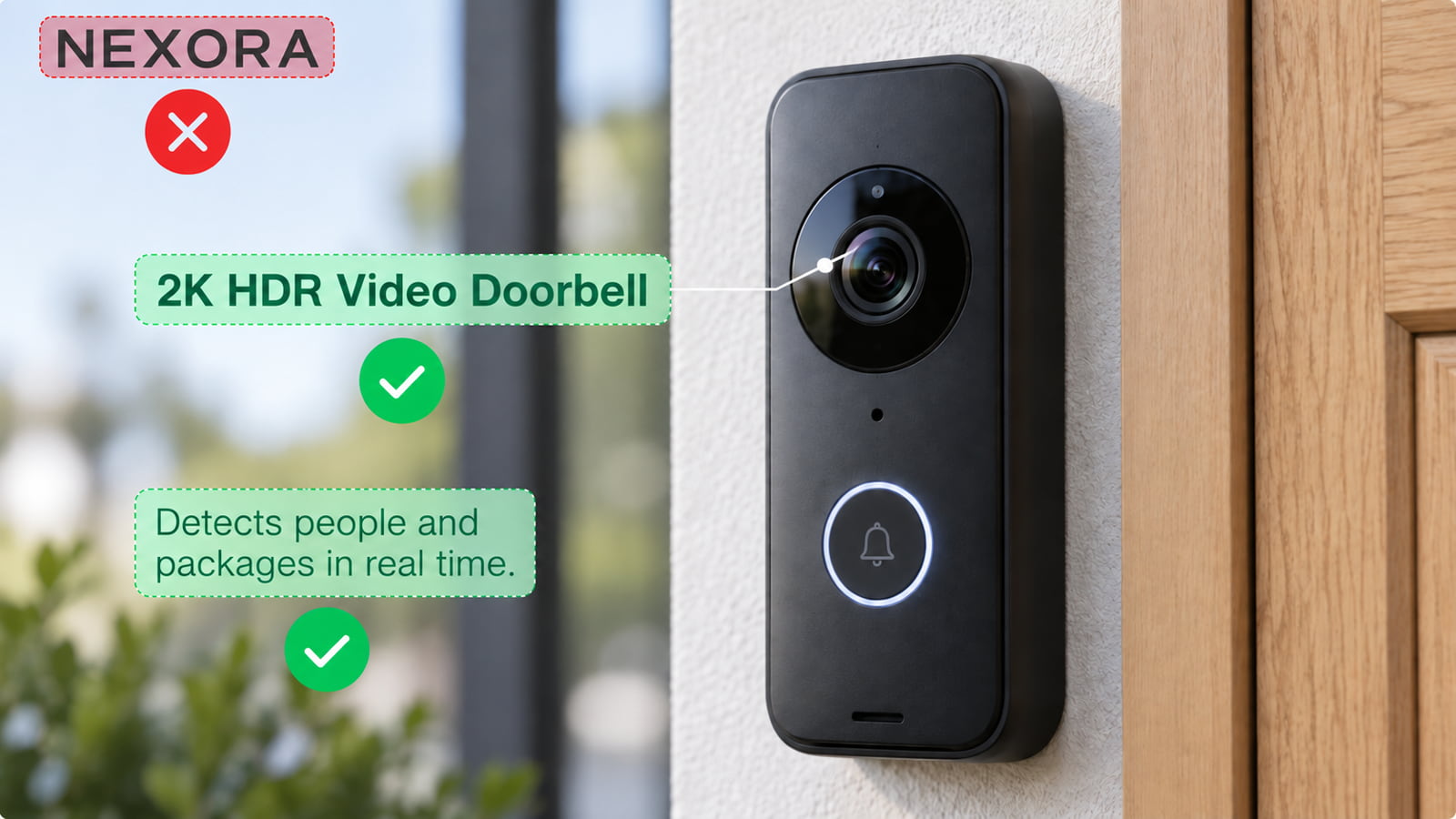
Text that is part of the original footage and isn't there to explain the content.

Visual translation is more than extracting text with OCR.VMEG places translated text back into the video so localized versions remain visually consistent with the original content.
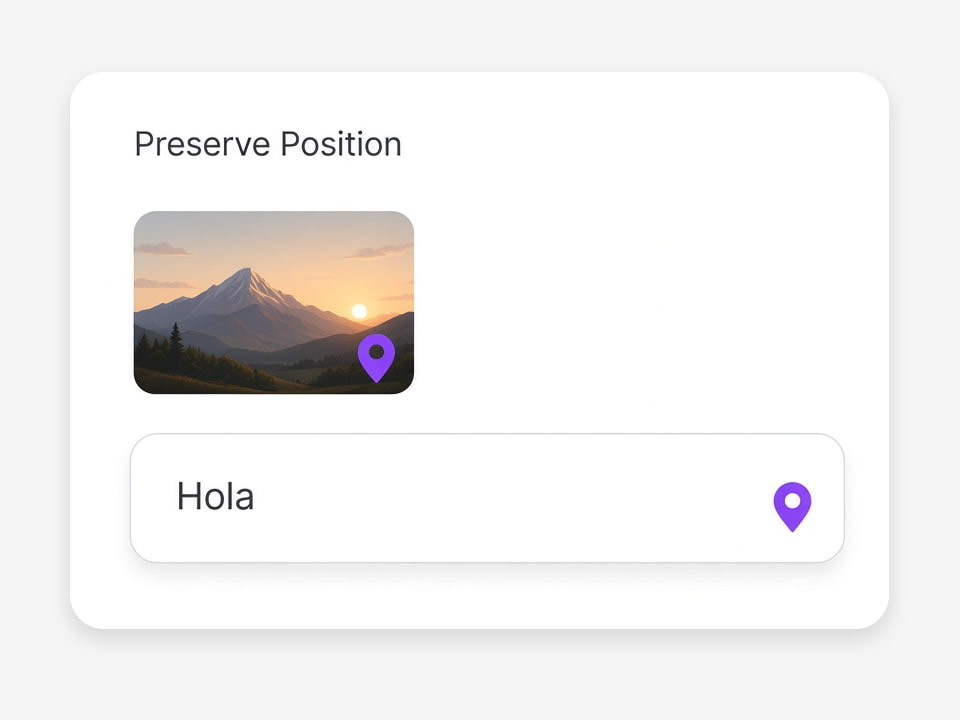
Keep translated text aligned with its original location in the video.
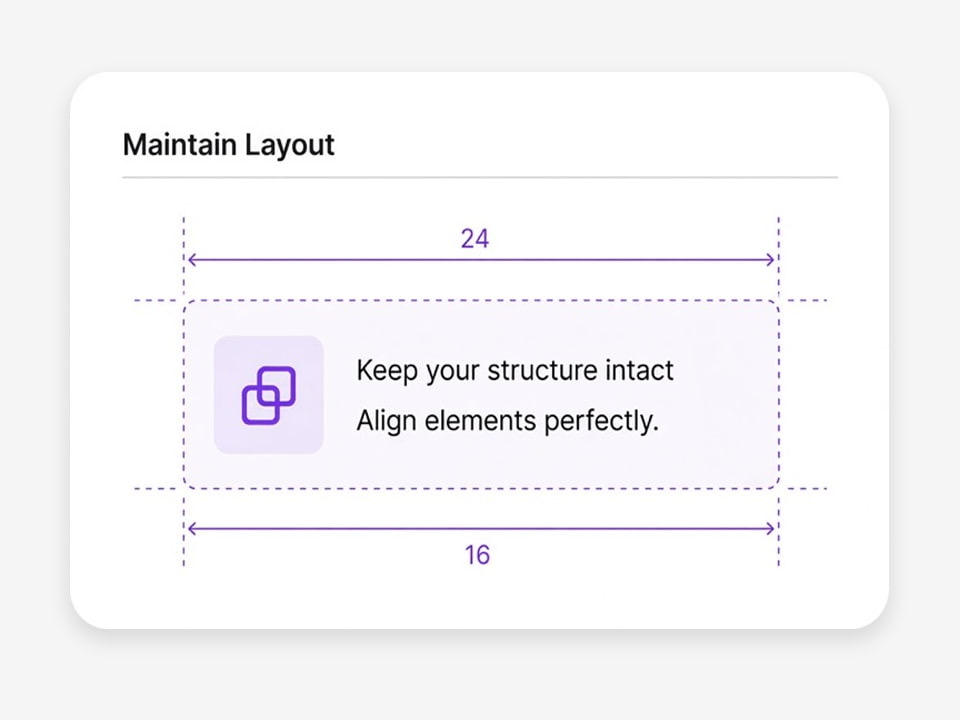
Retain the relationship between text, graphics, and surrounding visual elements.
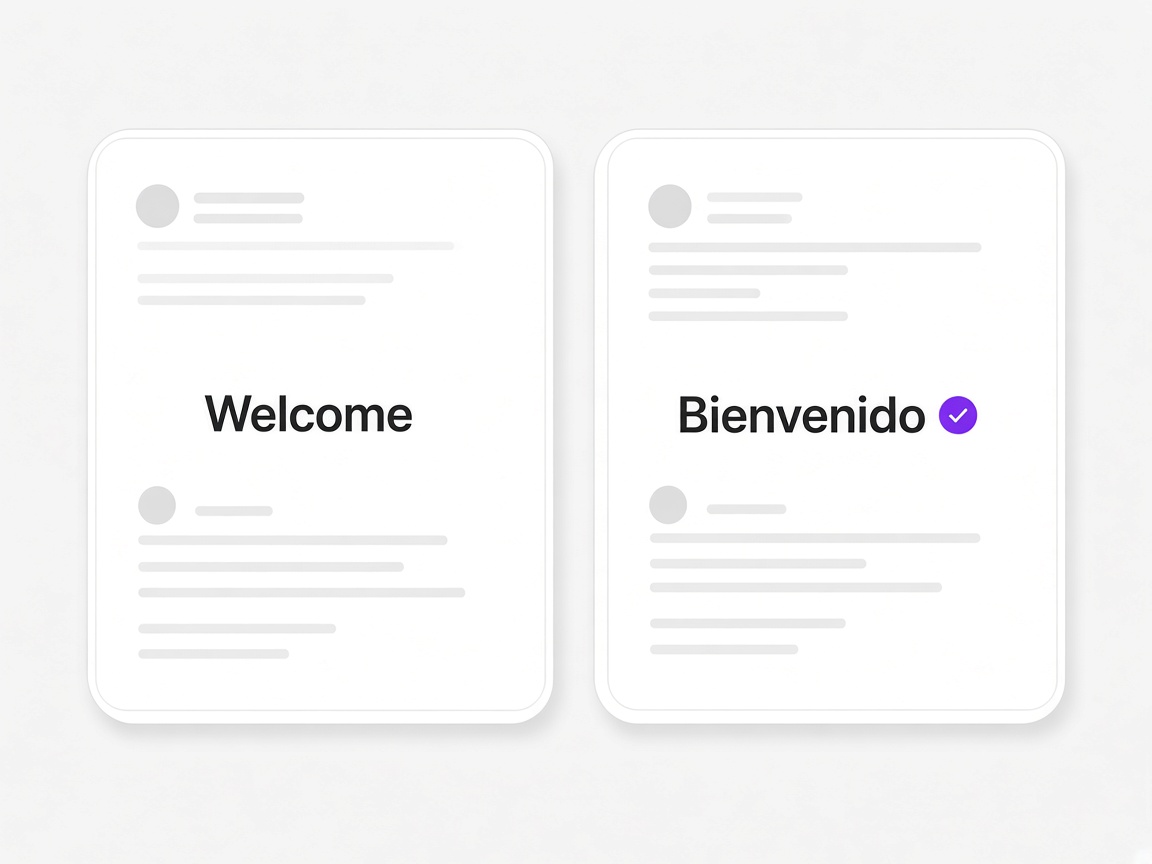
Create localized videos without manually rebuilding every text element from scratch.
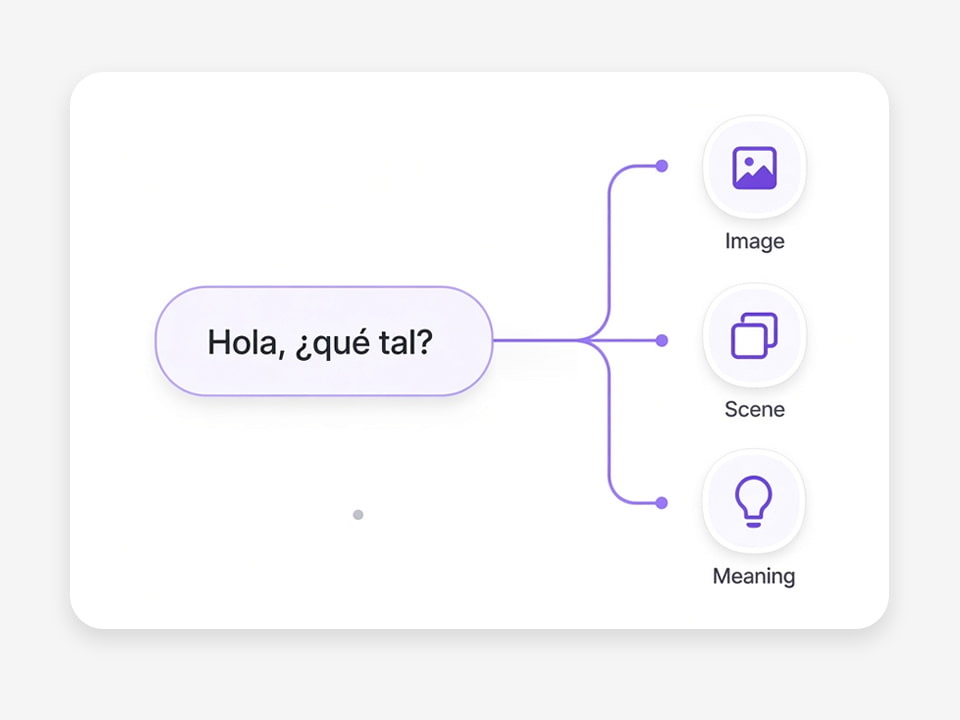
Translate on-screen text with the surrounding video content in mind instead of treating isolated words independently.
Traditional video translation mainly localizes what viewers hear.Visual translation localizes what viewers see and read.
| Video Element | Video Translation | Visual Translation |
|---|---|---|
| Spoken dialogue | — | |
| AI dubbing | — | |
| Subtitles | — | |
| Lip movements | — | |
| Titles inside video | — | |
| Presentation slides | — | |
| UI text | — | |
| Labels and callouts | — | |
| Graphics with text | — |
Combine visual translation with VMEG's AI dubbing, subtitle translation, and lip-sync capabilities to localize more of the video experience.
Manually localizing on-screen text can require editors to find every visual text element, translate it, remove the original, recreate the design, and repeat the process for every language.VMEG helps automate this workflow so teams can localize visually rich videos more efficiently.

Localize training and product videos across regions without rebuilding every slide and title.

Scale on-screen text translation alongside subtitles and dubbing in one workflow.

Deliver the same training experience in every language while keeping layouts intact.

Translate course videos, instructional graphics, and overlays at scale for every learner.

Offer visual translation as a faster service layer for client video projects.

Ship demo and walkthrough videos with UI text already localized for each market.

Adapt campaign and explainer videos for each market without redesigning creatives.

Help clients localize branded video content across languages with consistent design.
A fully localized video is more than translated subtitles.VMEG helps teams localize the different language layers viewers experience throughout a video.
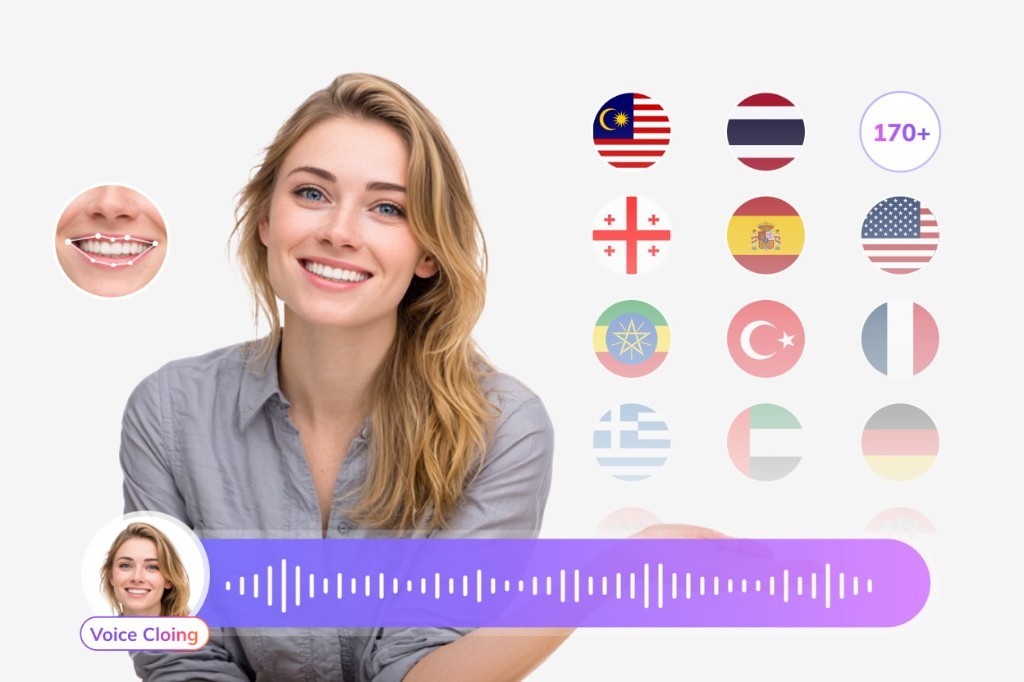
Generate and translate subtitles for international audiences.
Try Subtitle Translator for free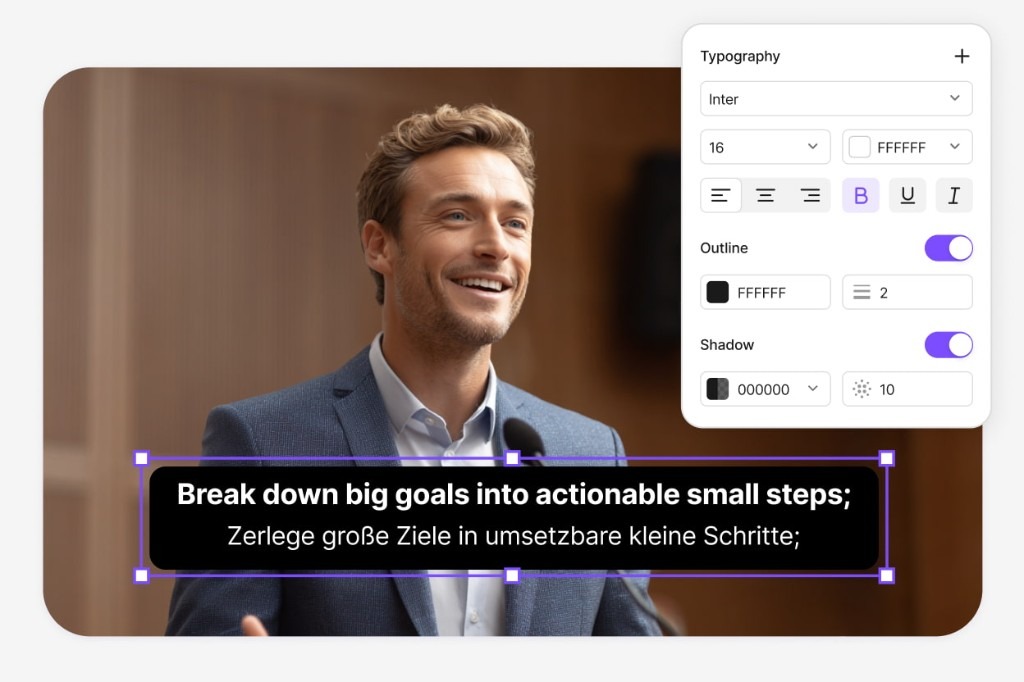
Match translated speech more naturally to the speaker's lip movements.
Try Lip Sync for free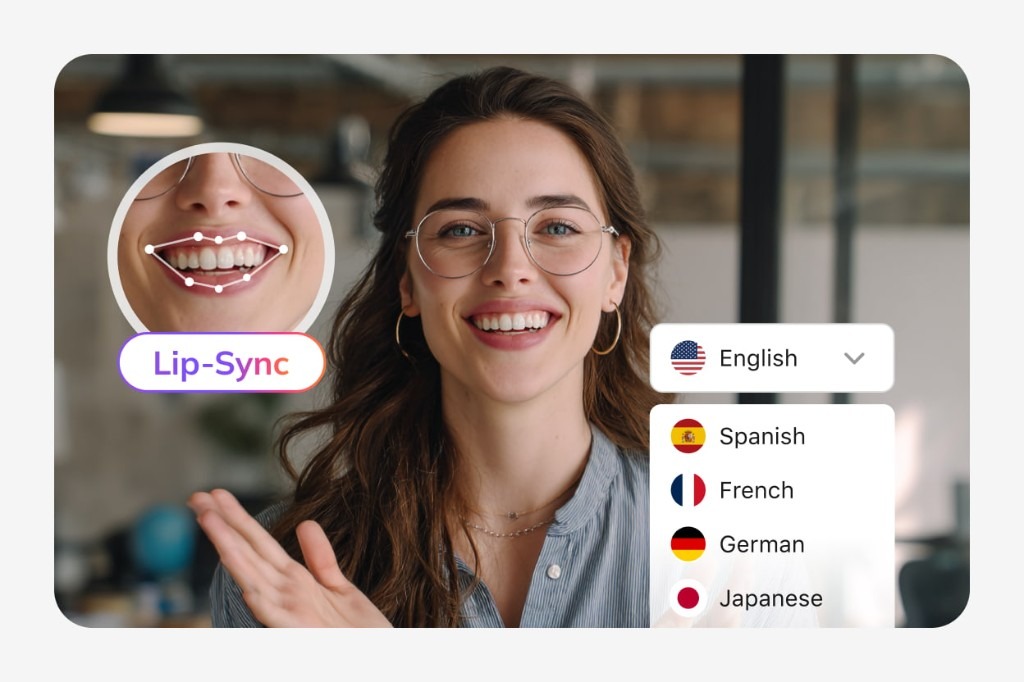
Translate the titles, slides, labels, UI elements, graphics, and other text viewers see on screen.
Try Visual Translation for free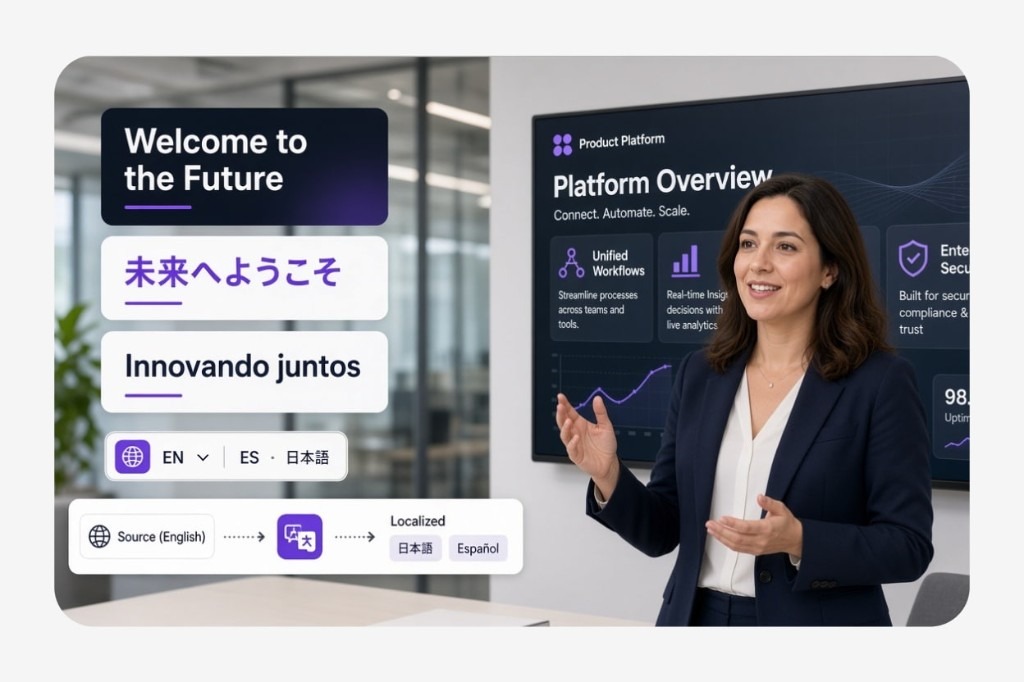
Bring voice, subtitles, lip movements, and on-screen text together for a more complete video localization workflow.
Visual translation is the process of translating text and other language-dependent visual elements that appear directly inside a video, such as titles, slides, labels, UI text, callouts, and graphics.
Upload your video to VMEG, detect the on-screen text, choose a target language, and generate a localized version with the translated text rebuilt inside the video.
On-screen text translation means translating visible text embedded directly in video frames rather than translating spoken dialogue or subtitle tracks.Examples include presentation slides, labels, titles, interface text, warnings, and graphics.
No.Subtitle translation translates captions or subtitle tracks, while visual translation translates text that is part of the actual video image, such as slides, titles, labels, UI elements, and text overlays.
A video text translator can refer to a tool that translates text associated with a video. VMEG Visual Translation specifically focuses on text that viewers see directly inside video frames.
VMEG Visual Translation can detect and translate visible slide text, making it useful for training videos, courses, webinars, presentations, and other educational content.
Yes. Visual translation can be used to localize interface elements shown in screen recordings, including menus, buttons, dashboards, labels, and other UI text.
VMEG supports a broader video localization workflow that can combine visual translation with AI dubbing, subtitle translation, and lip-sync translation.
Visual translation is especially useful for teams localizing corporate training, e-learning courses, software demos, product videos, marketing content, and technical videos that contain important text inside the visuals.