AI Audio Translator
VMEG translates spoken audio while keeping different speakers, names, and key terminology clear. Use the translated result as natural-sounding audio, an editable transcript, or timed subtitles for research, accessibility, publishing, and content reuse.
VMEG AI Dubbing & Video Localization Platform

Trusted by 1,000,000+ creative creators, marketers, and educators creators
1,213,708
Total Videos Translated
331,708
Total Audios Translated
131,352
Total Videos Subtitled









How to Translate an Audio File
01Smart Audio Import & Source Integration
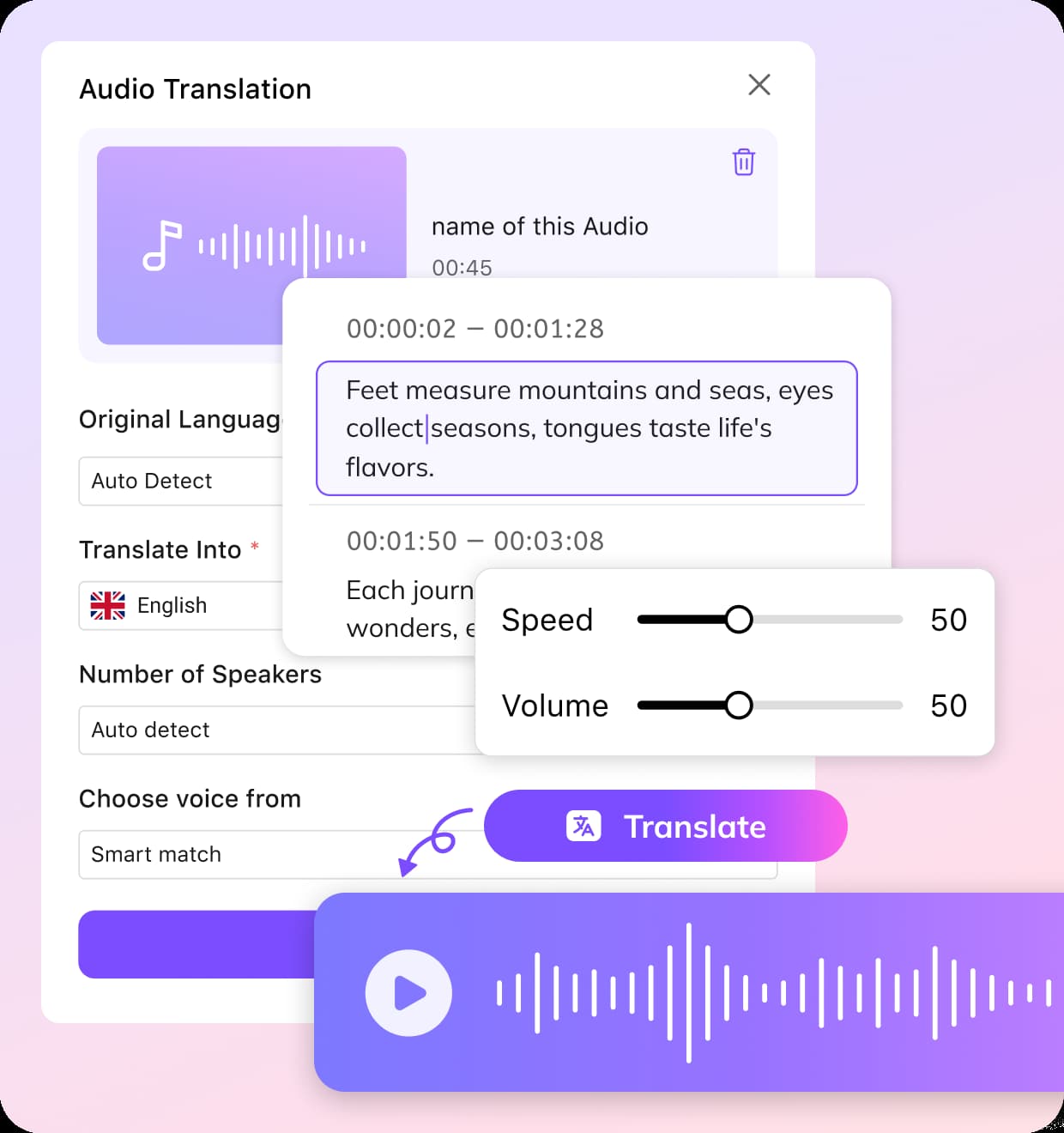
Upload an MP3, WAV, M4A, AAC, or another supported audio file. You can also import content from a supported public link or an existing workspace project.
02Choose the Language and Output
Select the source and target languages, review the detected speakers, and choose whether you need translated audio, a transcript, or subtitle files. Add a glossary or upload an existing transcript when terminology and names require extra control.
03Studio-Grade Editing & Global Export
Review the transcript and translation, correct speaker labels and terminology, and adjust the selected voice or timing when needed. Export the translated audio, transcript, or subtitle files in the available formats.


Why Choose VMEG for Audio Translation
Translate Audio Across Languages, Dialects, and Formats
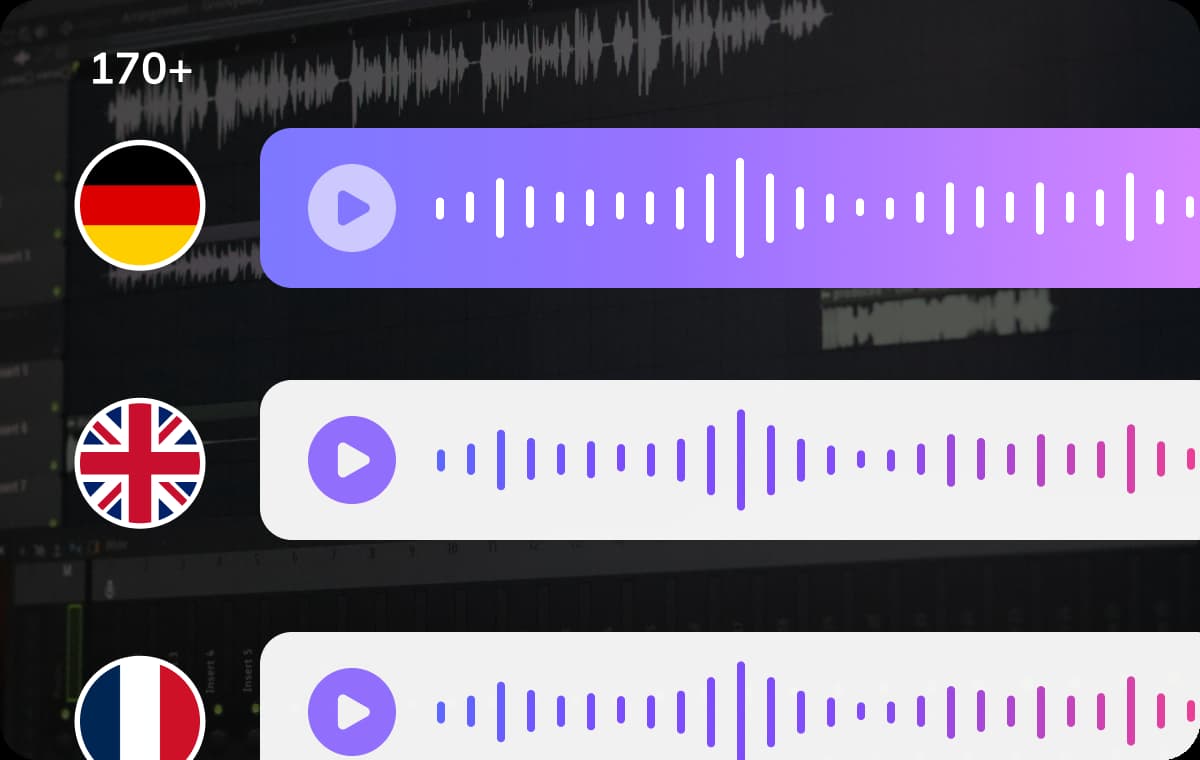
Use VMEG as an AI audio translator to translate audio into 170+ languages and regional accents. Choose translated audio, an editable transcript, or time-coded subtitles based on your workflow.VMEG supports regional language variations to make audio translation sound more natural and relevant to local audiences. Create multiple outputs from the same source file for publishing, review, accessibility, or content repurposing.
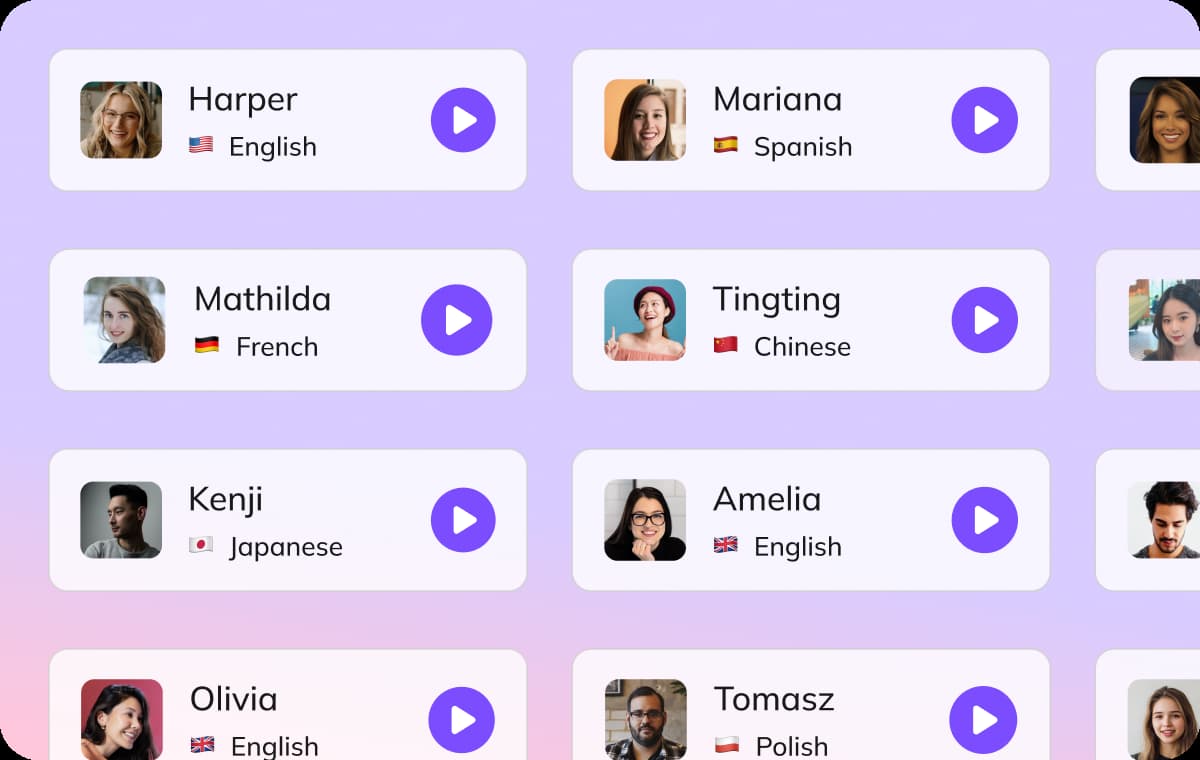
Hyper-Realistic Voice Library & Identity Persistence
Access VMEG’s massive voice library with over 17,000 AI voices across multiple languages, age ranges, and emotional tones.For unique brand needs, our AI voice translator also offers voice cloning to replicate your original vocal identity with precision.Such a refined approach enables creators to localize audio content for different audiences while preserving the unique linguistic nuances and slang of each region, so your message resonates deeply with listeners while staying true to its original intent.
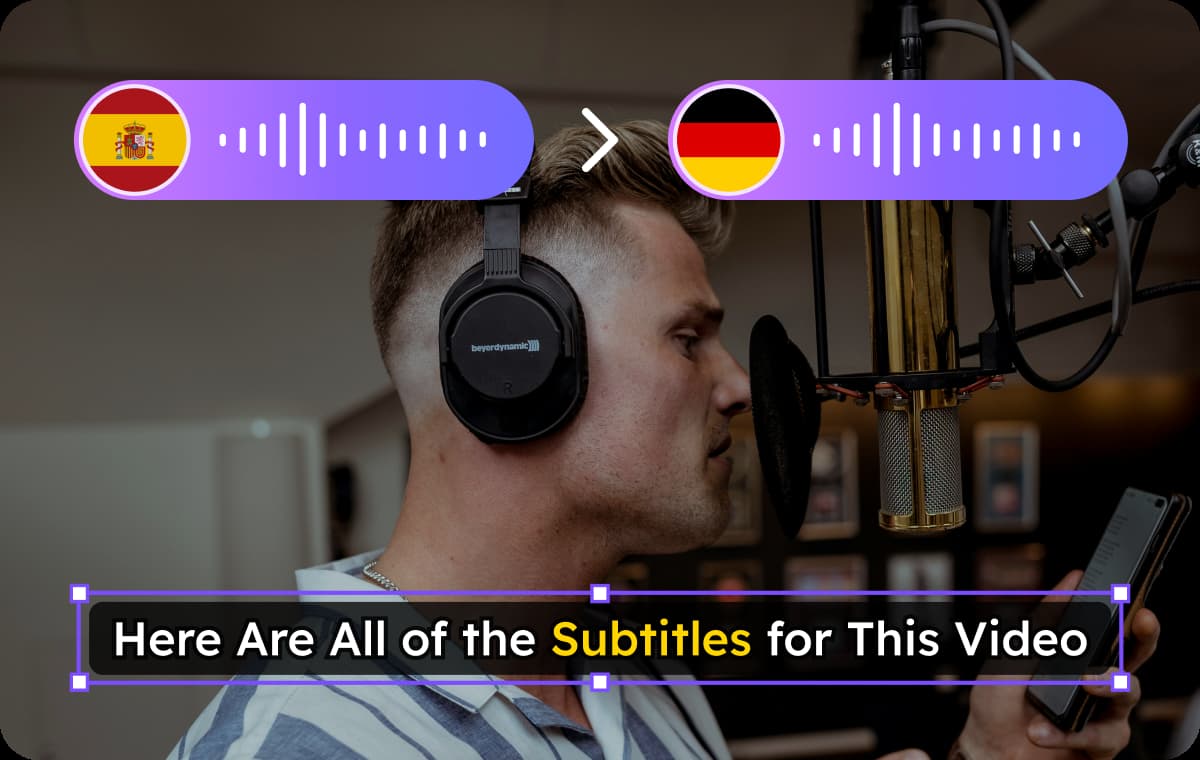
One Project & Professional Studio Control
Unlike tools that charge for every minor adjustment, VMEG operates as a complete post-production suite where one project unlocks infinite creative possibilities.Within our editing studio, you gain total control over the localization lifecycle: refine transcripts, trigger redubs for specific segments, and perfect subtitles without additional costs.It is an all-in-one solution that integrates dubbing, subtitling, and voiceover into a single workflow designed for global-ready media production.
Translate Audio for Different Workflows
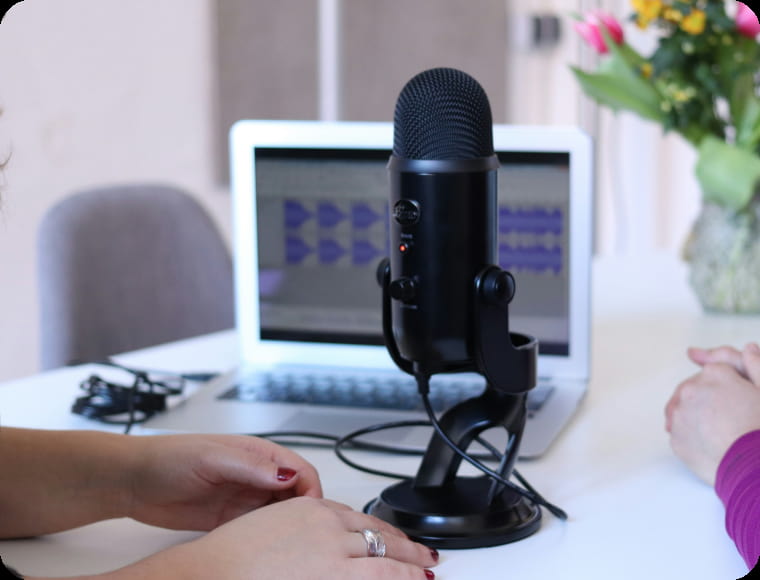
Podcasts and Audiobooks
Translate podcasts, audiobooks, interviews, and other long-form recordings for listeners in different languages. Export translated audio for publishing or use the transcript and subtitles for review and distribution.
Meetings, Interviews, and Research
Translate recorded meetings, customer interviews, research sessions, and webinars. Separate different speakers, review important terminology, and export searchable translated transcripts.
Training and Customer Support
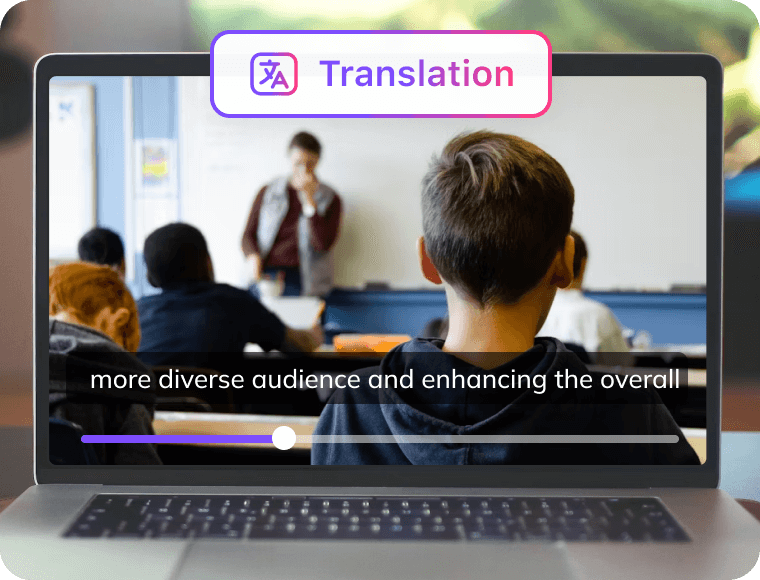
Localize recorded lectures, training sessions, onboarding materials, support recordings, and knowledge-base audio. Use glossaries to keep product names and specialist terms consistent across languages.
Common Questions About Audio Translation
What is an AI audio translator?
An AI audio translator converts spoken content in an audio file into another language. VMEG can generate translated audio, transcripts, or subtitle files.
What languages are supported by VMEG voice-to-voice translator?
VMEG supports voice translation in 170+ languages and accents, including English, Spanish, German, French, Arabic, Russian, Chinese and more. VMEG also supports multiple dialects.
How do I translate audio online?
Upload your audio, select the source and target languages, and choose the output format. Review the result before downloading it.
What is the difference between an audio translator and a voice translator?
An audio translator processes recorded files, while a voice translator may also refer to tools for live conversations.
What audio formats can I upload?
VMEG supports common formats including MP3, WAV, M4A, and AAC. Check the uploader for current file limits.
Can I export translated audio, text, or subtitles?
Yes. You can export translated audio, an editable transcript, or subtitle files.
Can I edit the transcript before translation?
Yes. You can correct names, technical terms, speaker labels, and other transcript details.
Can VMEG translate audio with multiple speakers?
Yes. VMEG can detect different speakers and organize their dialogue into separate segments.
Can I keep the original speaker’s voice?
Yes. You can use voice cloning or select a different AI voice for the translated audio.
Can I upload an existing transcript or SRT file?
Yes. An existing transcript or SRT file can improve timing, terminology, and translation accuracy.
How long does audio translation take?
Processing time depends on the audio length, number of speakers, selected languages, and output settings.
Does VMEG translate live conversations?
VMEG currently focuses on uploaded audio files and recorded content rather than live conversations.
What is the difference between Audio Translator and Audio Dubbing?
Audio Translator provides translated audio, text, and subtitle outputs. Audio Dubbing focuses on creating a finished replacement voice track.
Explore the VMEG Localization Ecosystem
Expert Insights
Translate Audio into the Format You Need
Upload an audio file, review the transcript and translation, and export translated audio, text, or subtitle files from one workflow.