


Translate Tamil Audio to English
Translate Tamil audio into natural English dubbing with VMEG. Upload a voice recording, interview, or podcast, choose an English voice or voice cloning, and refine the translation before exporting. English scripts and subtitles are also available.
How to Translate Tamil Audio to English
01Upload Your Tamil Audio File
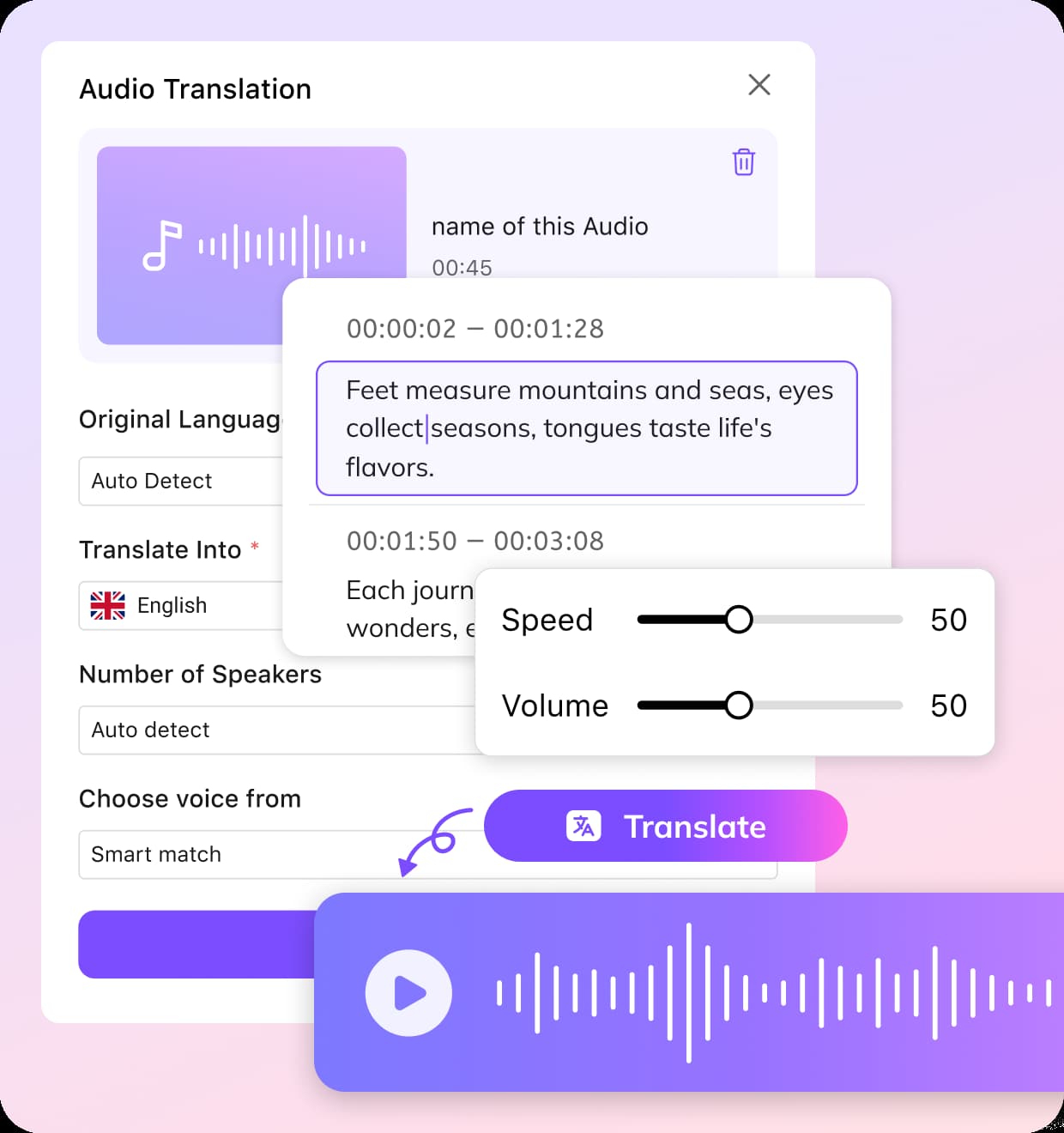
Start by uploading your Tamil audio file. MP3, M4A, AAC, and WAV formats are supported. VMEG works online, so there's no need to install software. Simply drag and drop your recording to begin.
02Translate Tamil Speech into English
Select Tamil as the source language and English as the target. Choose a natural English voice or clone the original speaker's voice, then let VMEG translate your recording into English speech.
03Edit and Export English-Dubbed Audio
Preview your English dubbing, correct translated lines, adjust timing, or change voiceover settings. Once satisfied, download the English audio file. You can also export the translated script or subtitles for further use.


Why Choose VMEG for Tamil to English Audio Translation
Translate Tamil Audio into Natural English Dubbing
Upload your Tamil voice recordings and turn them into natural-sounding English audio. Whether you're working with interviews, podcasts, or recorded conversations, VMEG translates spoken Tamil while maintaining the meaning and context of the original speech.Choose from a wide selection of English voices or use Voice Cloning to preserve the speaker's vocal identity. This makes it easier for creators, educators, and businesses to share Tamil content with English-speaking audiences without recording new voiceovers manually.
Accurate Tamil Speech Translation & Voice Editing
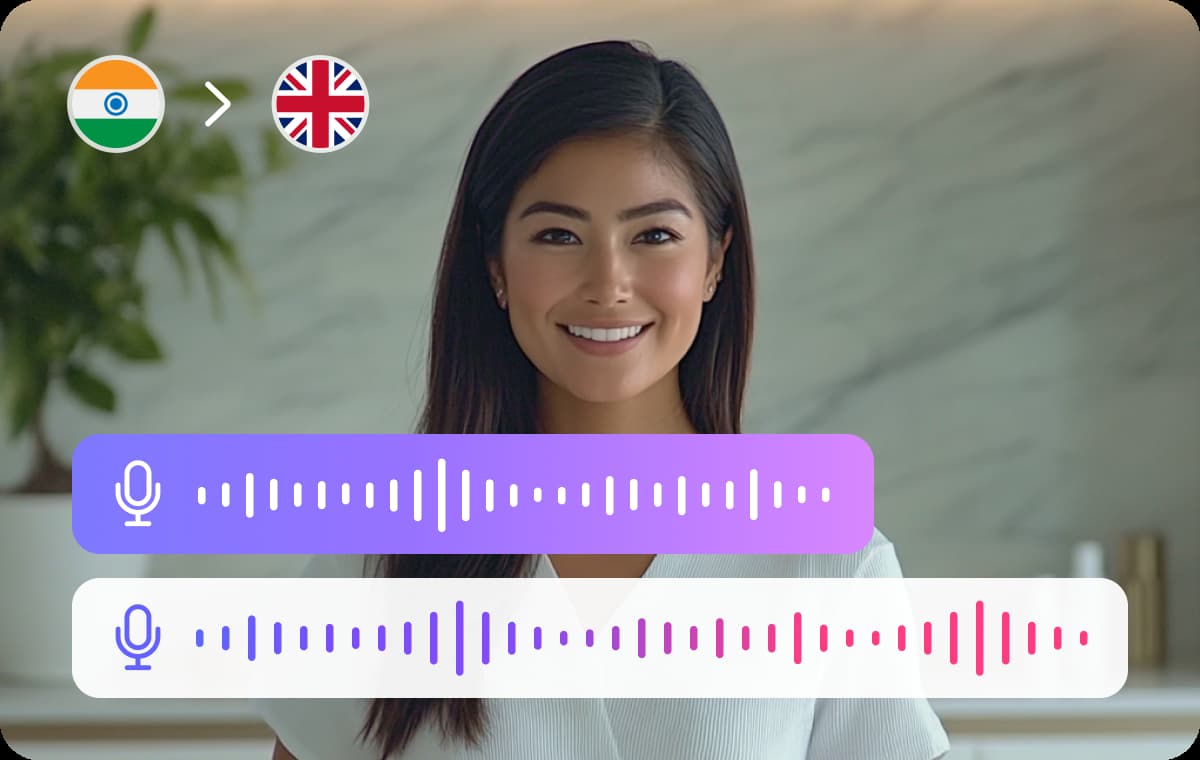
VMEG recognizes spoken Tamil, identifies different speakers, and translates dialogue into natural English. The system considers sentence structure, context, and speech patterns to help produce clear English voiceovers from recorded conversations.You can review individual translated lines, adjust timing, change voices, or regenerate specific segments in the editor. This flexibility is useful for podcasts, interviews, and educational recordings where accurate terminology and consistent delivery matter.
Export English Transcripts & Subtitles
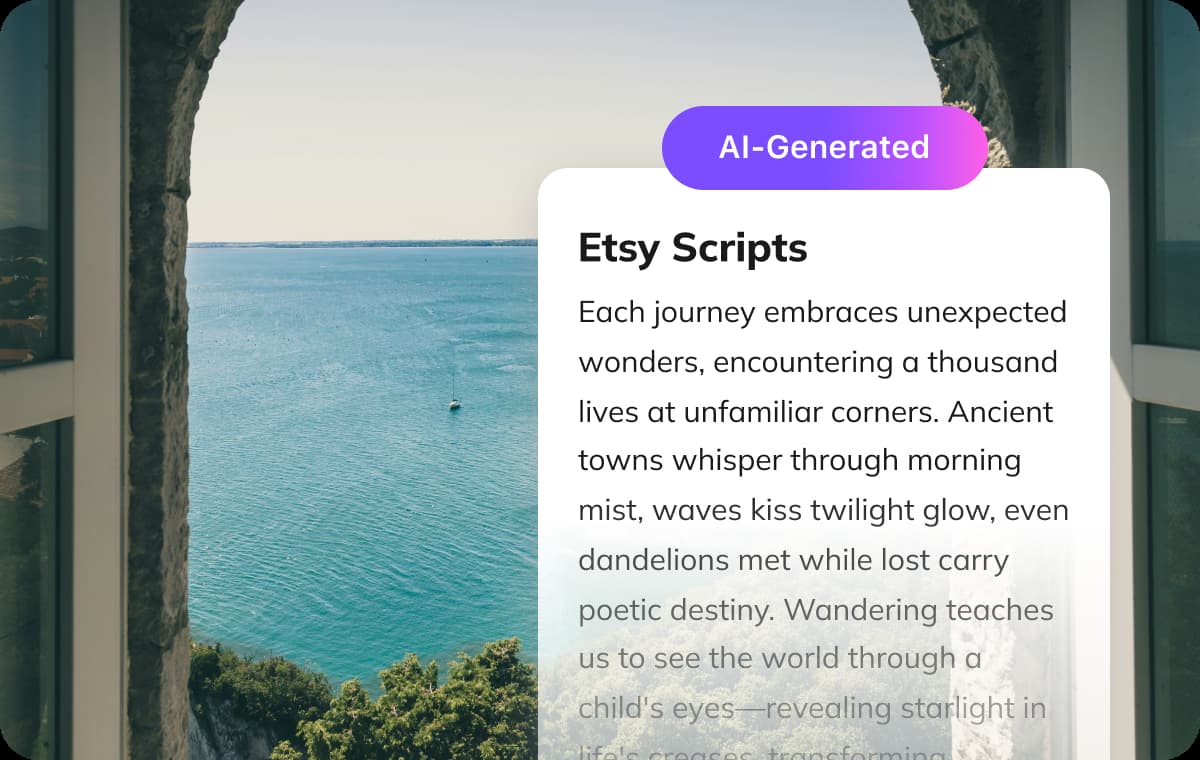
Along with English-dubbed audio, VMEG lets you download the translated script as text or export time-coded English subtitles in formats such as SRT and VTT. These files are useful for reviewing translations, creating captions, or repurposing recorded content.For text-focused workflows, explore our Audio to Text tool. You can also translate audio into other languages with VMEG's support for 170+ languages.

Who Benefits from Tamil to English Voice Translator
Community Organizations & Support Teams
Support teams and community organizations can translate recorded Tamil voice messages, training materials, and service updates into English. Natural English dubbing helps listeners understand the content, while downloadable scripts provide a reference for review and follow-up.
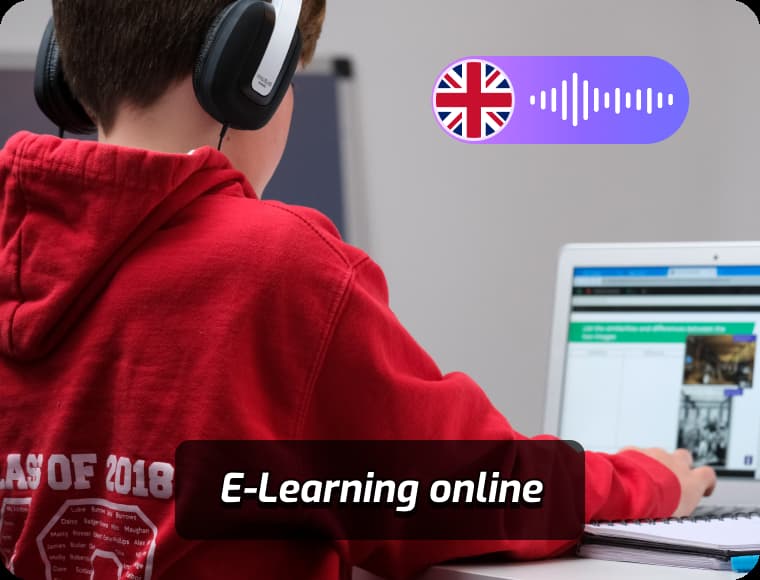
Educators, Students & Language Learners
Students often record lectures or conversations in Tamil and later need to review them in English. With Tamil to English voice translation online, learners can convert spoken audio into understandable content for better comprehension, study, and revision.
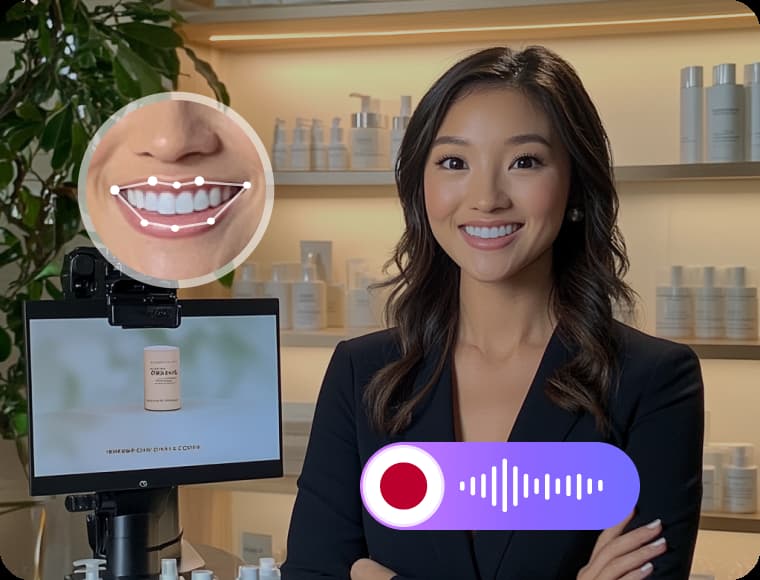
Media, Journalists & Documentary Creators
Journalists covering Tamil-speaking regions or content creators working with native speakers often need Tamil voice to English translation for interviews, reports, or subtitles. Fast, accurate audio conversion supports cross-cultural storytelling and wider audience reach.
FAQs About Tamil to English Audio Translation
How can I translate Tamil audio to English online?
Upload your Tamil audio file to VMEG, select English as the target language, and choose a dubbing voice. VMEG translates the recording into English speech. You can review the translation, adjust the voiceover, and download the English audio.
What audio formats are supported for Tamil to English translation?
VMEG supports common audio formats including MP3, WAV, M4A, and AAC. Upload your recorded Tamil audio, select English, and start the translation directly in your browser.
Can I download the English translation as text or subtitles?
Yes. In addition to English-dubbed audio, VMEG lets you export the translated script as text or download English subtitles in SRT or VTT format for editing, reviewing, or publishing.