Rask AI is a popular platform for translating and dubbing videos into multiple languages. It offers voice cloning, subtitle translation, and tools for reviewing translated content. However, its subscription plans and production workflow may not suit every creator or business.
If you're looking for Rask AI alternatives, the right choice depends on what you need most: natural-sounding dubbed speech, detailed editing controls, language coverage, video production tools, or predictable pricing.
Here are eight alternatives worth considering in 2026:
- ElevenLabs — For voice-focused AI dubbing
- VMEG — For multilingual dubbing and detailed editing
- HeyGen — For presenter-led video translation
- Kapwing — For online video translation and editing
- VEED — For editing, subtitles, and dubbing in one workspace
- Dubverse — For script-based dubbing and revisions
- Maestra — For transcription, subtitles, and voiceovers
- Wavel AI — For multilingual voiceovers and content creation
This guide compares their published capabilities, subscription models, and practical limitations to help you choose a suitable alternative.
Editorial disclosure: Product details and pricing were reviewed against publicly available vendor information on November 3, 2026. The recommendations are based on documented features and use cases, not standardized hands-on performance testing.
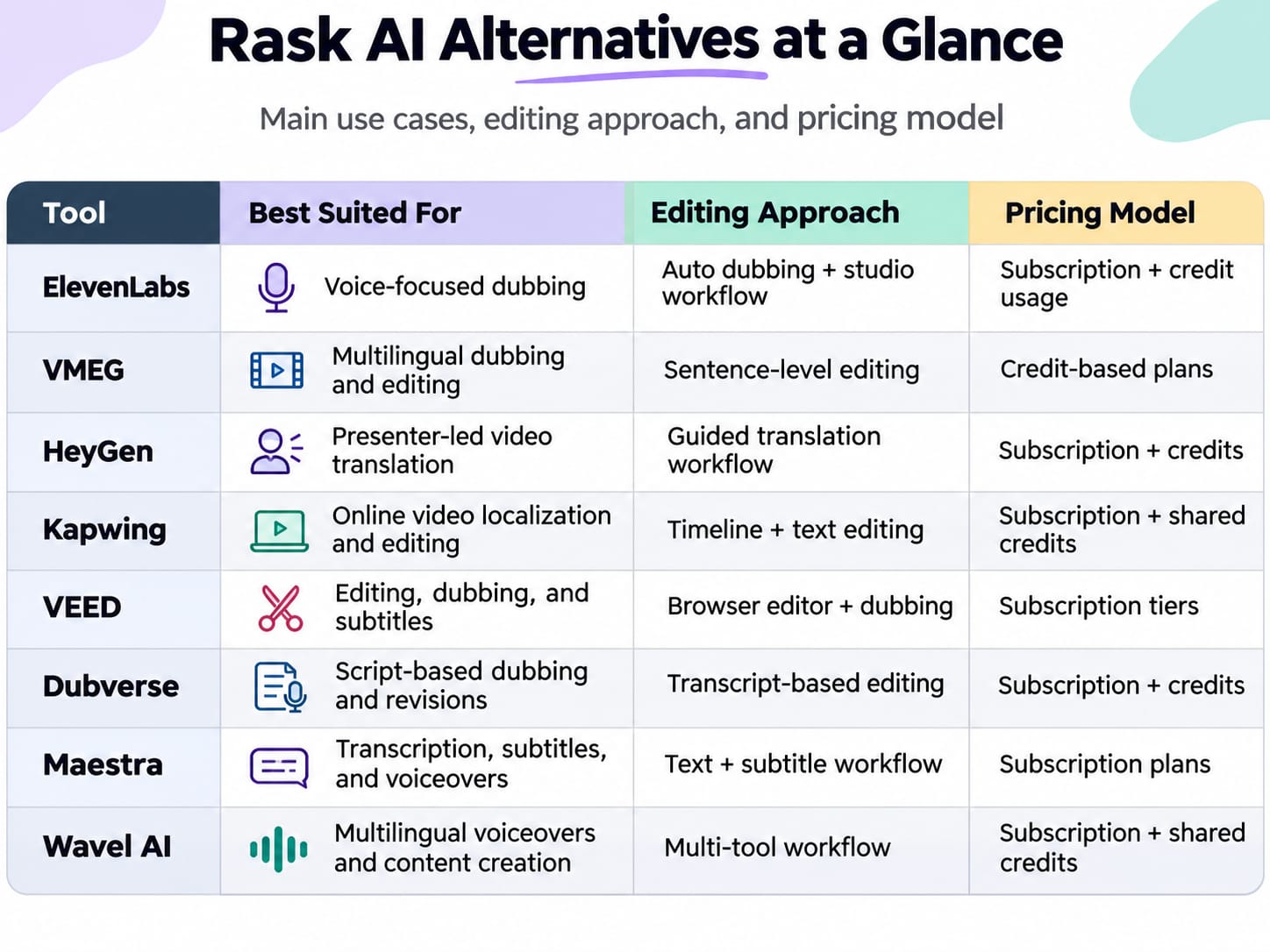
Best Rask AI Alternatives at a Glance
| Tool | Best Suited For | Starting Price | Main Consideration |
|---|---|---|---|
| ElevenLabs | Voice-focused dubbing | $6/month | New and legacy dubbing workflows differ |
| VMEG | Multilingual dubbing and editing | Credit-based plans | Costs depend on package and usage |
| HeyGen | Presenter-led video translation | $29/month | Different translation modes consume different credits |
| Kapwing | Online video localization and editing | $24/month | Pro has 1,000 shared credits/month |
| VEED | Editing, dubbing, and subtitles | Varies by plan | Dubbing allowances depend on subscription |
| Dubverse | Script-based dubbing | $18/month equivalent | Requires six-month billing at this rate |
| Maestra | Subtitles and voiceovers | $39/month equivalent | Annual billing; voiceover feature limits apply |
| Wavel AI | Multilingual voiceovers | $25/month | Shared credits across different tools |
All amounts are in USD. Starting prices are not equivalent per-minute dubbing costs. Pricing and included features may change.
What Does Rask AI Offer?
Before choosing a replacement, it helps to understand what Rask AI already provides.
Rask AI supports video and audio translation into 135+ languages, with voice cloning available through 32 base-language models that cover additional regional variants.
Its localization workflow includes automatic transcription, speech translation, AI dubbing, and tools for reviewing translated dialogue.
Users can edit transcripts, adjust timestamps, manage speakers, and modify voice settings. Higher-tier plans add capabilities for larger teams and recurring production.
Rask AI Pricing in 2026
According to the official Rask AI pricing page, the main monthly plans are:
| Plan | Monthly Price | Included Minutes |
|---|---|---|
| Free Trial | Free | 3 minutes |
| Creator | $39 | 25 minutes |
| Creator Pro | $99 | 100 minutes |
| Business | $249 | 250 minutes |
| Enterprise | Custom | Custom |
Annual subscriptions have different billing terms and allowances.
Rask charges translation minutes based on video duration and the number of target languages. For example, a five-minute video dubbed into Spanish and French consumes ten translation minutes.
Why Look for a Rask AI Alternative?
Rask AI already includes many features that creators need for video localization. However, alternatives may provide a better match for particular workflows.
For example, a podcaster might prioritize voice preservation and clean audio exports. An educational publisher may need to correct individual sentences and maintain consistent terminology across dozens of lessons. A social media creator may prefer editing and translating videos in the same browser workspace.
Pricing is another consideration. Some tools offer monthly minute allowances, while others use credits that can be shared among multiple features.
Rather than assuming one platform is universally better, compare the tasks you actually perform and the cost of producing your finished videos.
8 Best Rask AI Alternatives in 2026
ElevenLabs — For Voice-Focused AI Dubbing
ElevenLabs offers speech generation, voice cloning, and automatic dubbing for audio and video content.
Its dubbing technology focuses on preserving the speaker's recognizable voice characteristics, delivery, and emotional tone in another language.
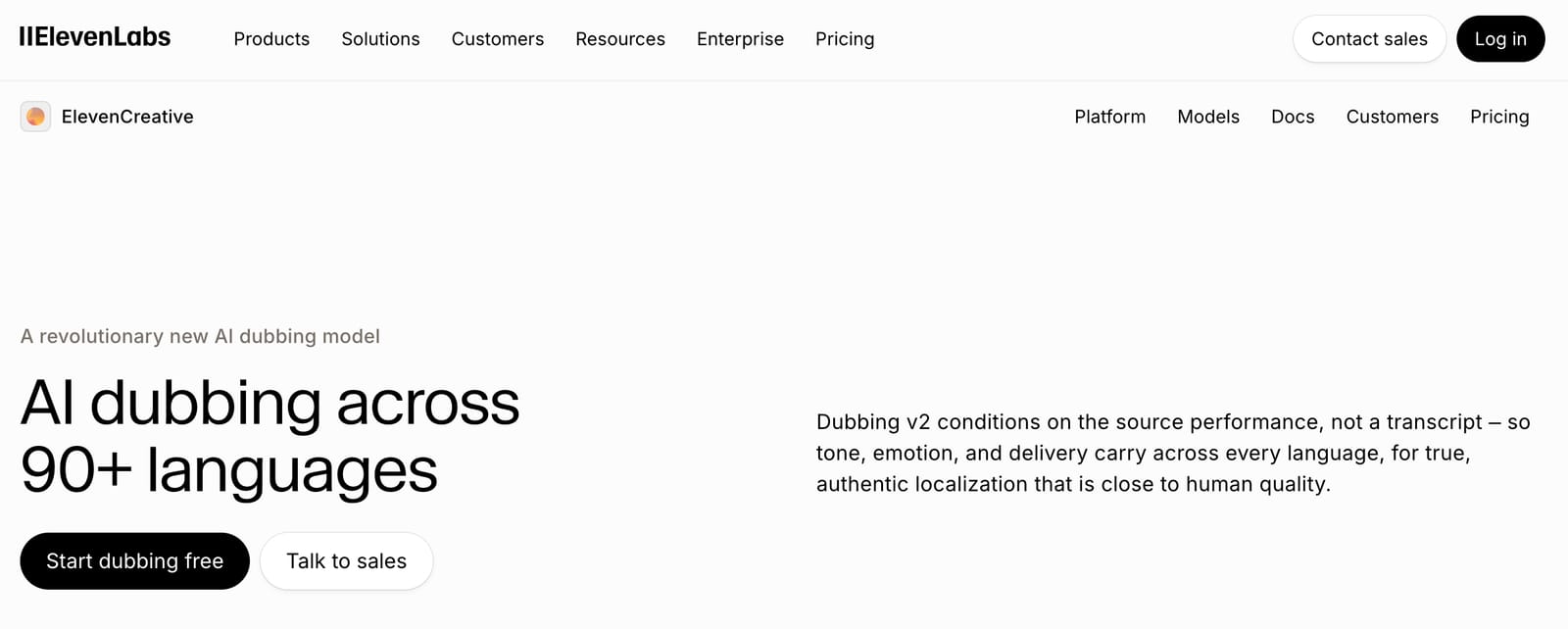
An important development is Dubbing v2, which supports 90+ languages and allows users to adjust speaker similarity. ElevenLabs also offers the legacy Dubbing Studio workflow, which provides more detailed control over individual clips.
However, these workflows are not identical. Dubbing Studio is based on the older v1 model and is now in maintenance mode, while Dubbing v2 is the newer automatic workflow with its own editing and billing options.
Key features
- Automatic multilingual dubbing
- Speaker detection and voice preservation
- Voice cloning
- Background-audio preservation
- Translation editing and regeneration options
- Audio and video input support
Pros
- Extensive speech and voice-generation capabilities
- Supports 90+ dubbing languages through the newer model
- Suitable for audio-focused production
- Offers both automatic and more detailed editing workflows
Cons
- Legacy Dubbing Studio and Dubbing v2 have different functionality
- Some API editing features require an Enterprise plan
- Dubbing usage costs vary by model and workflow
Pricing: The regular Starter plan costs $6/month and includes 30,000 monthly credits. Dubbing consumption varies, so the subscription price should not be treated as a fixed number of dubbing minutes.
Best for: Podcasts, interviews, documentaries, narrated videos, and other projects where the translated voice is the primary deliverable.
Official sources: ElevenLabs Dubbing Documentation · Pricing
VMEG — For Multilingual Dubbing and Detailed Editing
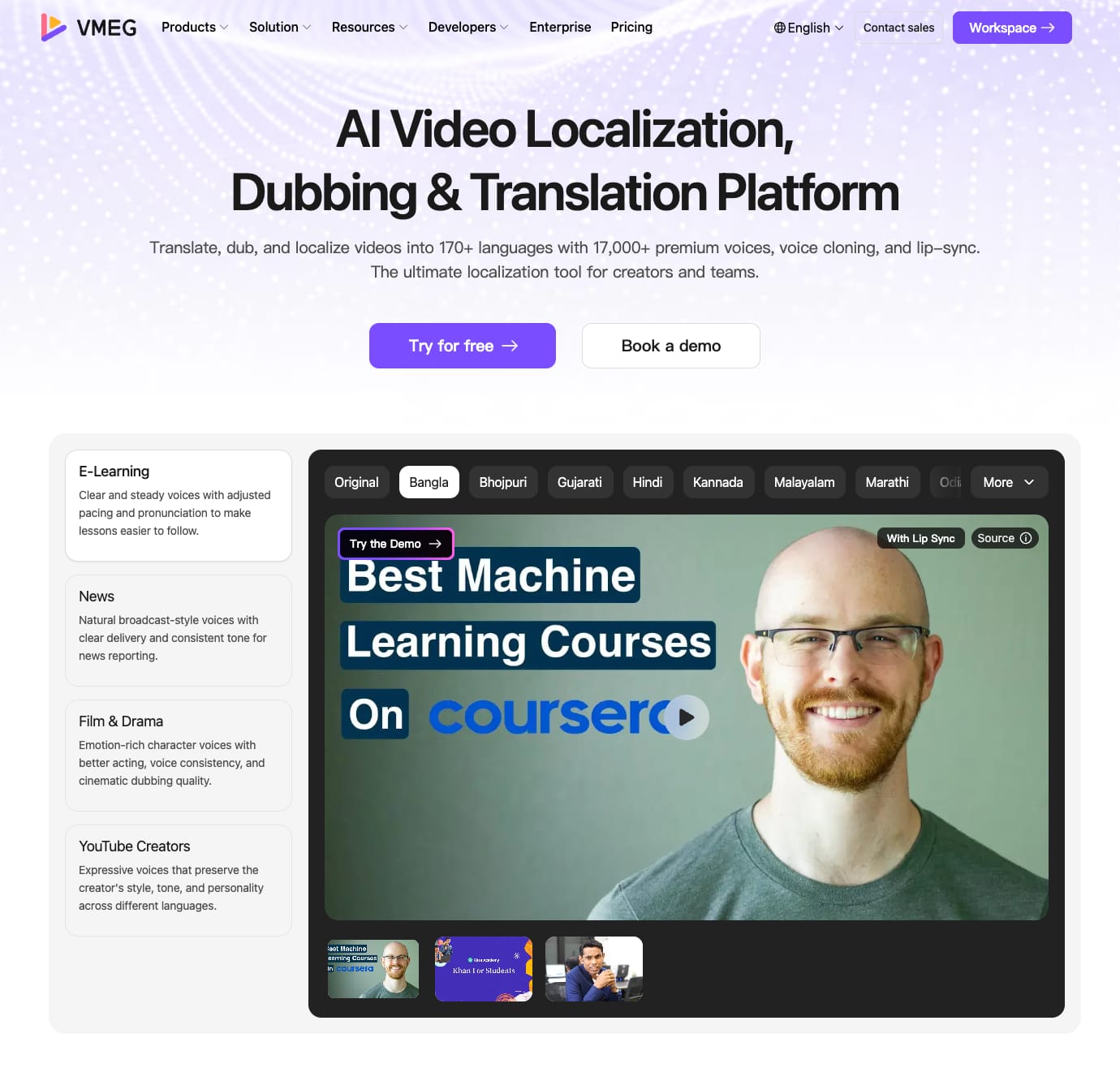
VMEG provides AI dubbing, audio translation, subtitles, and voice cloning within a video localization workflow.
It supports dubbing in 170+ languages and allows users to review and edit individual dialogue segments after the initial translation.
Users can modify translated wording, adjust pronunciation, change voices, or revise timing before regenerating selected sections.
Key features
- Video and audio dubbing in 170+ languages
- Multi-speaker detection
- AI voice selection and voice cloning
- Sentence-level translation editing
- Pronunciation dictionaries and glossaries
- Subtitle import and export
- Batch processing for multiple videos
Pros
- Broad language and regional accent coverage
- Supports detailed dialogue-level corrections
- Combines translation, dubbing, and subtitles
- Suitable for recurring multilingual content
Cons
- Some translation and timing adjustments may require manual review
- Complex audio or overlapping speakers can require additional corrections
Pricing: VMEG uses credit-based pricing. Standard dubbing is charged at 60 credits per billable minute, with actual monetary cost depending on the purchased package.
Best for: Educational content, YouTube videos, interviews, tutorials, and projects that require editing individual translated segments.
Official sources: VMEG AI Dubbing · Pricing
HeyGen — For Presenter-Led Video Translation
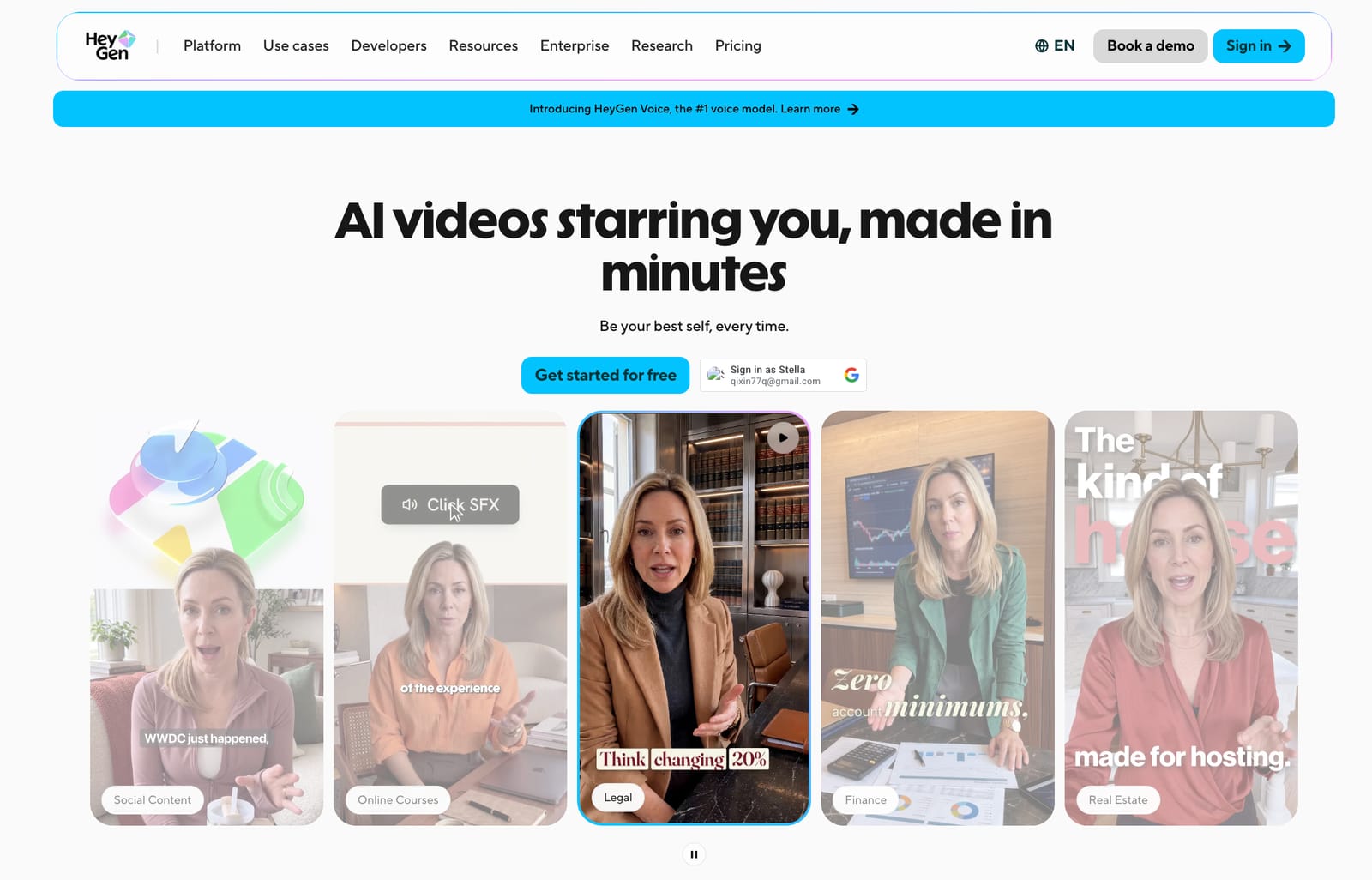
HeyGen combines AI video generation, digital avatars, and translation tools.
It is particularly useful for creators producing presentations, training videos, marketing campaigns, or instructional content featuring a visible presenter.
In addition to translating existing videos, users can create new content using digital avatars and AI-generated speech.
Key features
- AI video translation
- Voice preservation
- Translation review
- AI avatar creation
- Multilingual video generation
- Several translation processing modes
Pros
- Combines video creation and localization
- Suitable for presenter-led content
- Supports multiple translation approaches
- Useful for marketing and corporate training
Cons
- Video creation and translation share plan credits
- More advanced translation modes consume additional credits
- Some avatar features may be unnecessary for users who only need dubbing
Pricing: The Creator plan costs $29/month and includes 600 credits. HeyGen's published translation rates include 4 credits per minute for Audio Only, 6 for Speed, and 10 for Precision.
This means the amount of translated video available depends on the processing mode and how credits are used elsewhere.
Best for: Presenter videos, product demonstrations, marketing campaigns, and corporate training.
Official sources: HeyGen Pricing · Video Translation Guide
Kapwing — For Online Video Translation and Editing
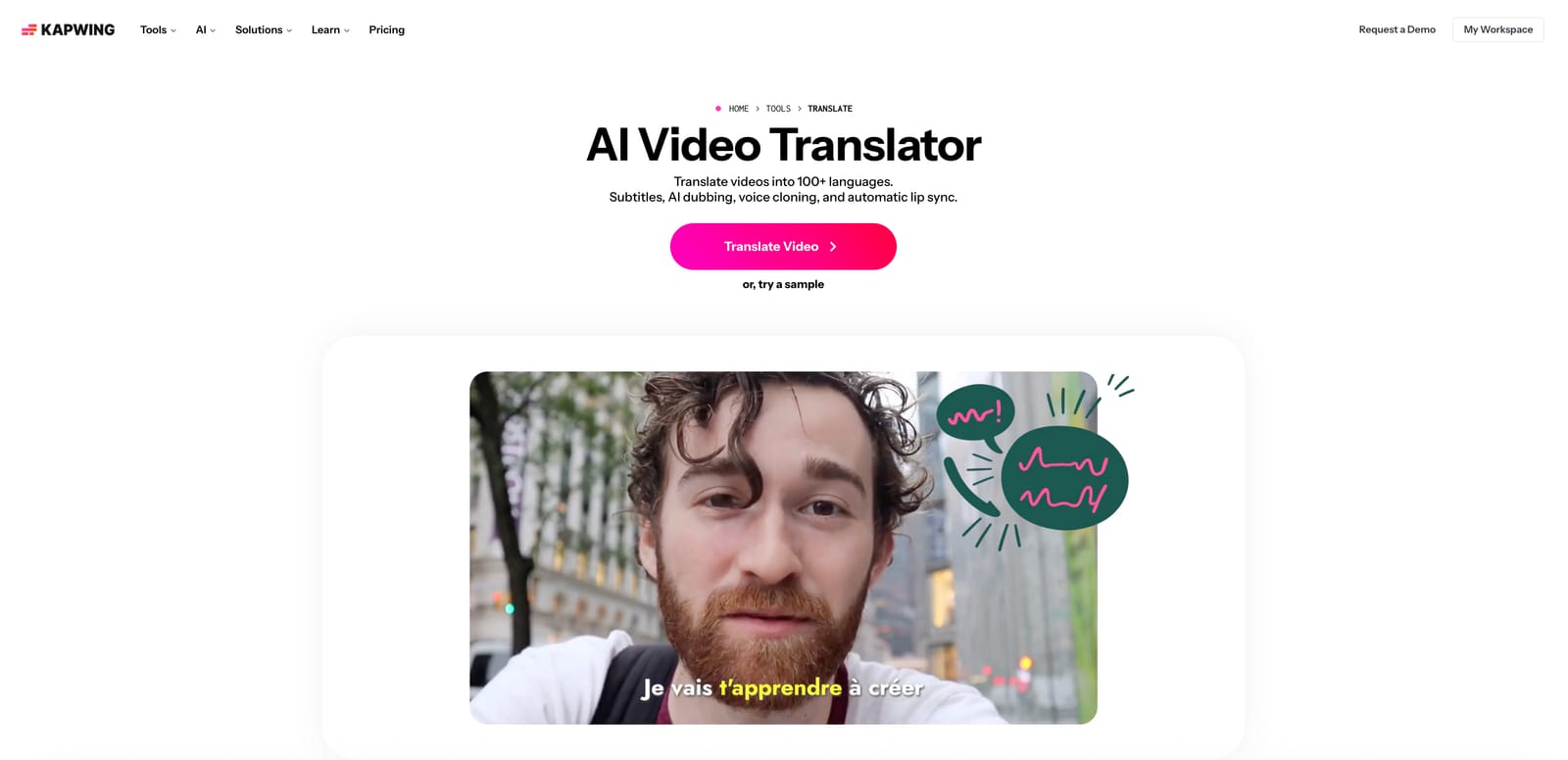
Kapwing is a browser-based video editing platform with AI dubbing and subtitle translation tools.
Its main appeal is combining translation with general video editing. Users can prepare clips, adjust captions, revise content, and export videos from the same workspace.
Kapwing currently lists dubbing support for 40+ languages.
Key features
- AI video dubbing
- Subtitle generation and translation
- Browser-based timeline editing
- Text-based video editing
- Video resizing and formatting
- Shared team workspaces
Pros
- Combines localization with general editing
- Useful for social media content production
- Offers collaborative editing tools
- Provides clear credit-consumption information
Cons
- Dubbing uses shared AI credits
- Some advanced localization features are reserved for higher plans
- Specialized dubbing teams may need additional workflow controls
Pricing: Kapwing Pro costs $24/month with monthly billing, or $16 per editor per month when billed annually. It includes 1,000 monthly credits.
According to Kapwing's published credit schedule, dubbing consumes 10 credits for every 30 seconds, equivalent to 20 credits per minute.
If the entire allowance is allocated to dubbing, the Pro plan provides up to 50 dubbing minutes.
Best for: Social media creators, marketing teams, and users who want editing and localization in one browser workspace.
Official sources: Kapwing Pricing · Credit Usage
VEED — For Video Editing, Dubbing, and Subtitles
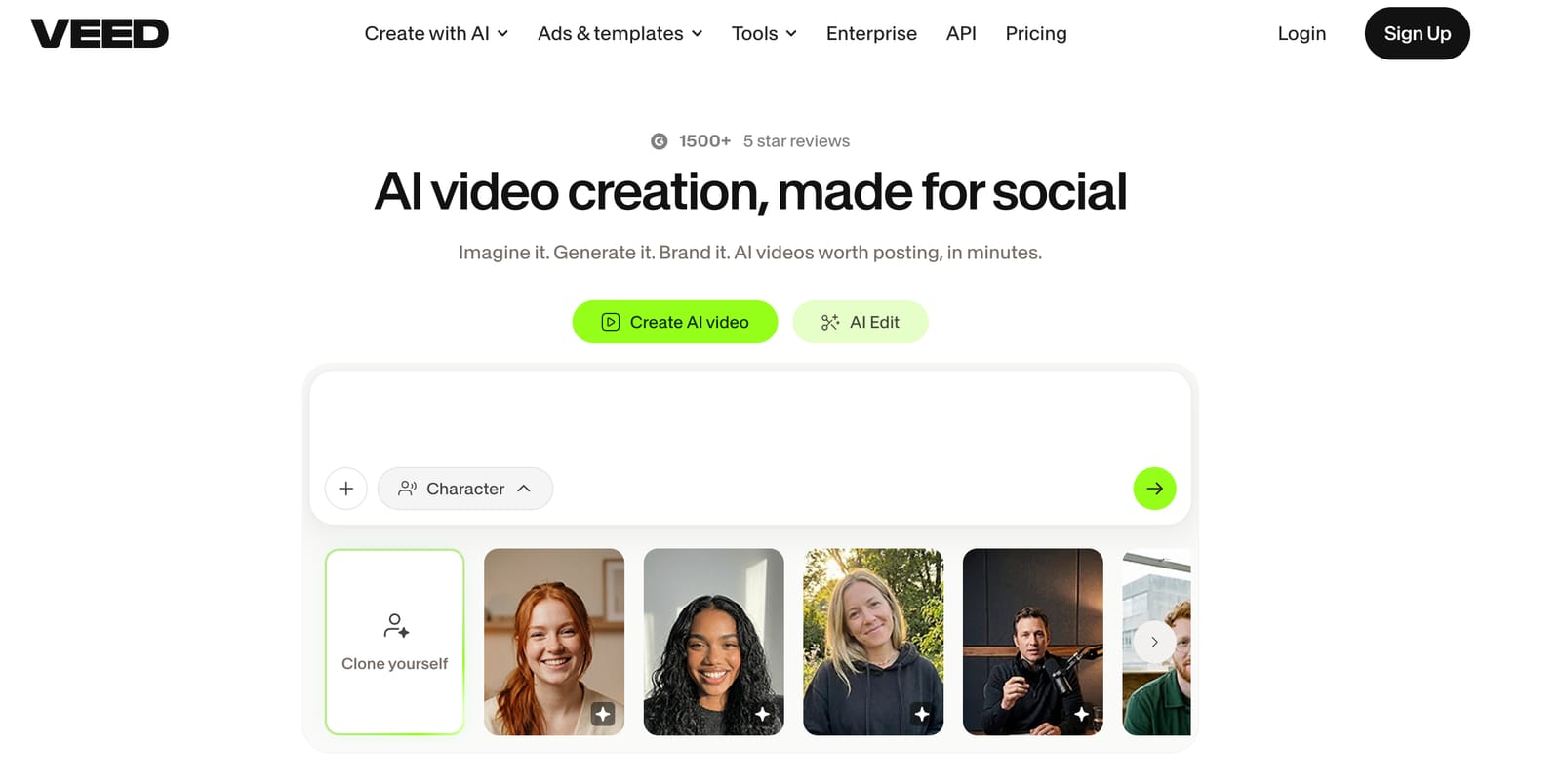
VEED is an online video editor with tools for dubbing, subtitling, transcription, and video translation.
Its video translator supports translated subtitles in 125+ languages, while its voice-preserving dubbing workflow supports a smaller language set.
This distinction is important because subtitle translation coverage is not the same as AI dubbing coverage.
Key features
- Automatic subtitles and transcription
- Subtitle translation
- AI dubbing and voice preservation
- Browser-based video editing
- Caption formatting and exports
- Team production tools
Pros
- Combines editing and translation
- Useful for subtitle-heavy content
- Accessible through a browser
- Supports several content production workflows
Cons
- Dubbing and subtitle translation have different language coverage
- Dubbing allowances depend on the subscription tier
- Certain transcript-review and import features require Enterprise access
Pricing: VEED's published help documentation lists limited one-time dubbing access for Free and Creator users, six hours per year for Pro, and twelve hours per year for Studio. Verify the current plan and billing details before subscribing.
VEED also introduced a Dubbing API in October 2026 for teams requiring automated localization workflows. Its API pricing and capabilities are separate from the browser editor's subscriptions.
Best for: Social media production, subtitle-heavy videos, and teams combining video editing with translation.
Official sources: VEED Video Translator · Dubbing Help
Dubverse — For Script-Based Dubbing and Revisions
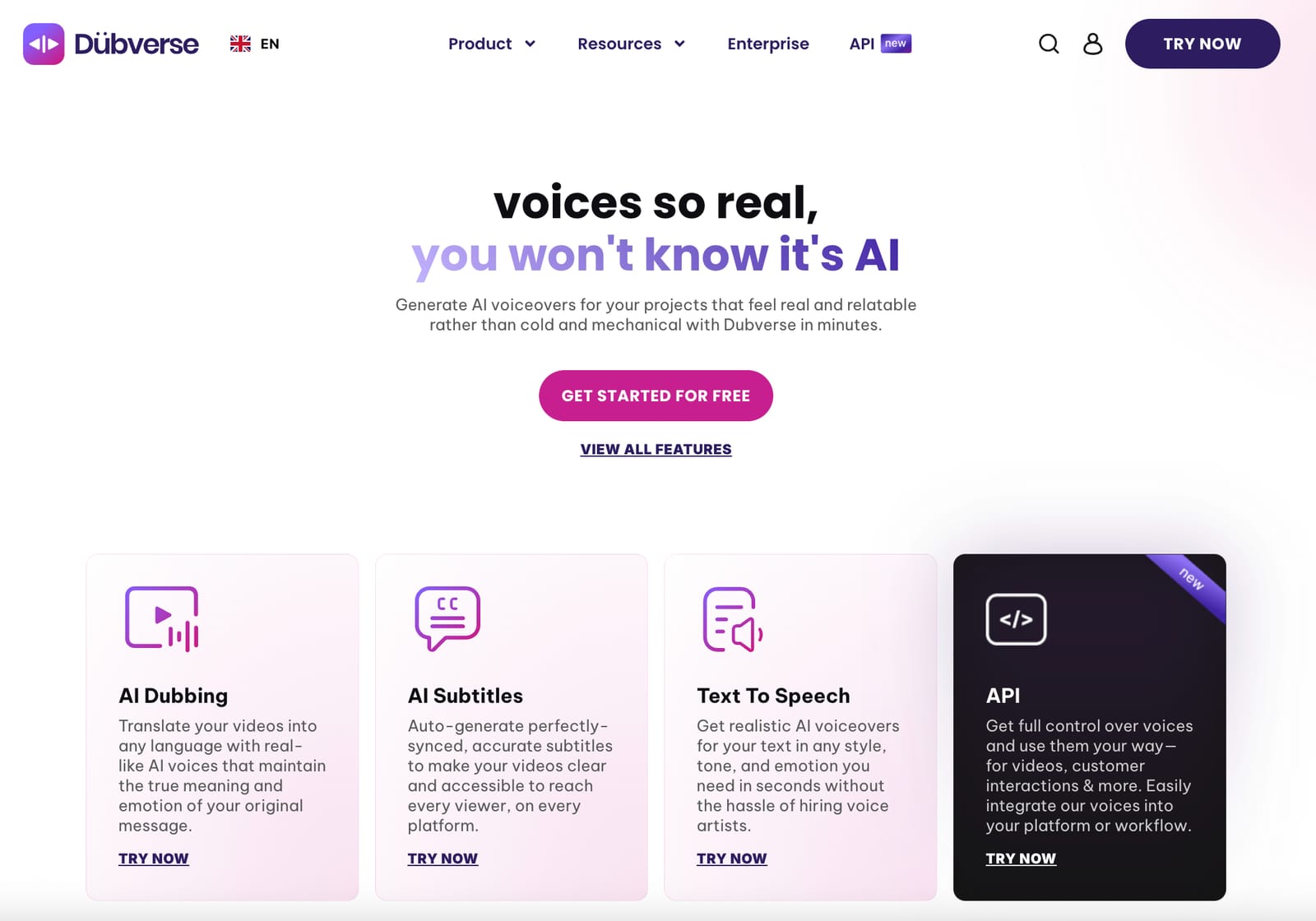
Dubverse focuses on AI dubbing, subtitles, and voice-based content production.
Its Advanced Studio includes transcript customization and tools for repeating or regenerating selected portions of a video.
This can be useful when a translated script needs corrections before publication.
Key features
- AI dubbing
- Transcript customization
- Segment-level regeneration
- AI voice selection
- Subtitle generation
- Voice cloning on eligible plans
Pros
- Dubbing-focused editing workflow
- Supports script corrections
- Clear credit usage by task
- Suitable for revising translated segments
Cons
- Some capabilities require higher-tier plans
- Dubbing consumes multiple credits per minute
- The lowest advertised price requires a longer billing commitment
Pricing: Dubverse lists Pro at $18/month equivalent and Supreme at $30/month equivalent when billed every six months.
The Pro plan includes 50 credits per month, and dubbing consumes four credits per minute. Therefore, the entire allowance corresponds to approximately 12.5 minutes of dubbing before accounting for other credit-based operations.
Best for: Explainer videos, scripted educational content, and projects involving frequent text corrections.
Official source: Dubverse Pricing
Maestra — For Transcription, Subtitles, and Voiceovers
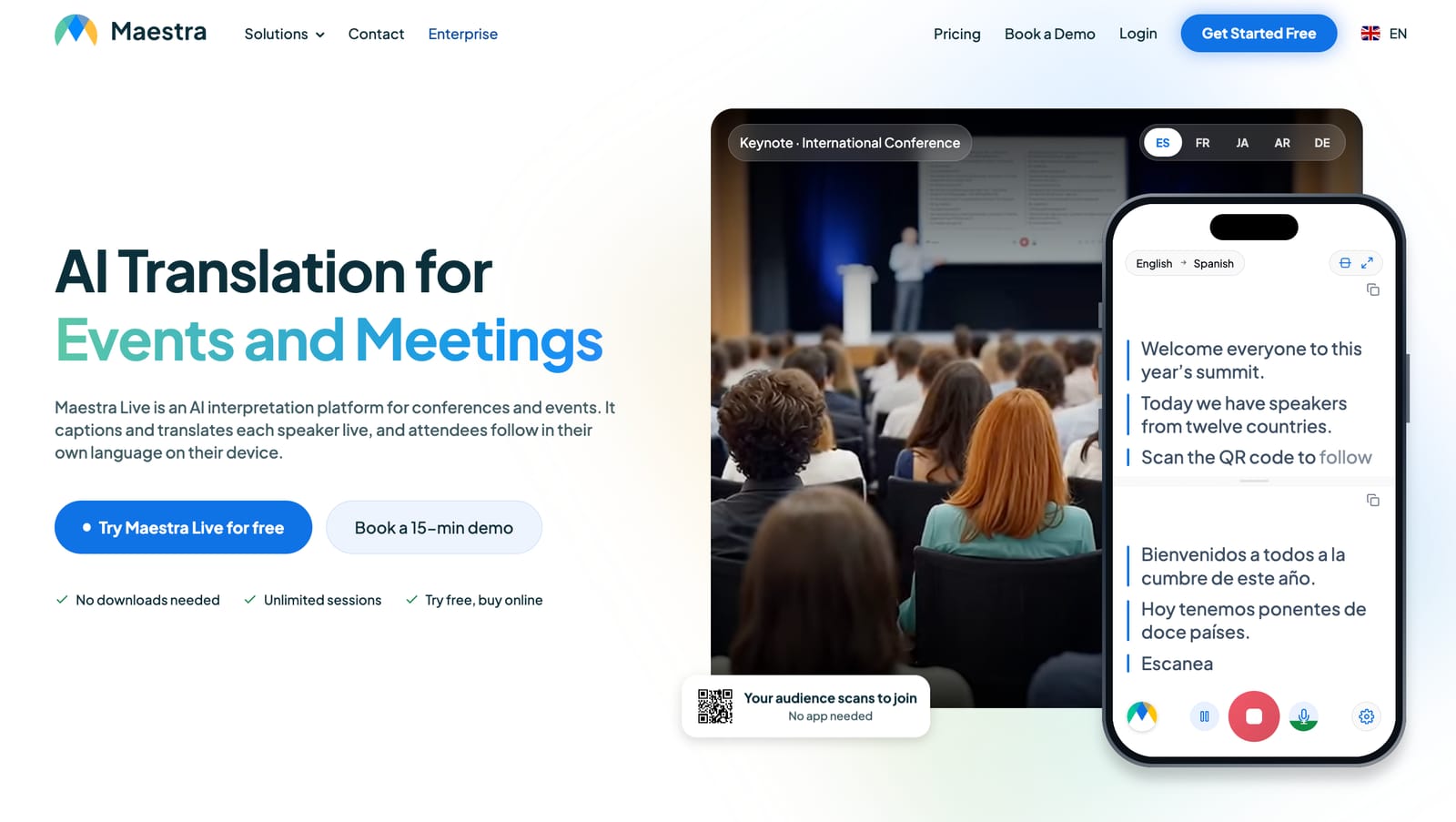
Maestra combines transcription, subtitle translation, voiceovers, and other language-related tools.
Its product offerings are especially relevant for teams that need both written transcripts and translated spoken content.
Maestra separates pricing for subtitles, voiceovers, and real-time services.
Key features
- Automatic transcription
- Subtitle generation and translation
- Multilingual AI voiceovers
- Subtitle import
- Custom dictionaries
- Team collaboration features
Pros
- Combines written and spoken localization workflows
- Suitable for managing multilingual subtitles
- Offers different plans for different content types
- Useful for educational and business content
Cons
- Subtitles and voiceovers have separate allowances
- Premium voices and voice cloning are not included at the same rate as basic voiceovers
- Users need to choose the correct product category when comparing costs
Pricing: Maestra's Voiceover Basic plan is listed at $39/month with annual billing, including 120 minutes per month of standard translated voiceover.
Voice cloning and premium voice allowances differ on higher plans.
Best for: Training material, lectures, transcription-heavy projects, and multilingual subtitles.
Official source: Maestra Pricing
Wavel AI — For Multilingual Voiceovers and Content Creation
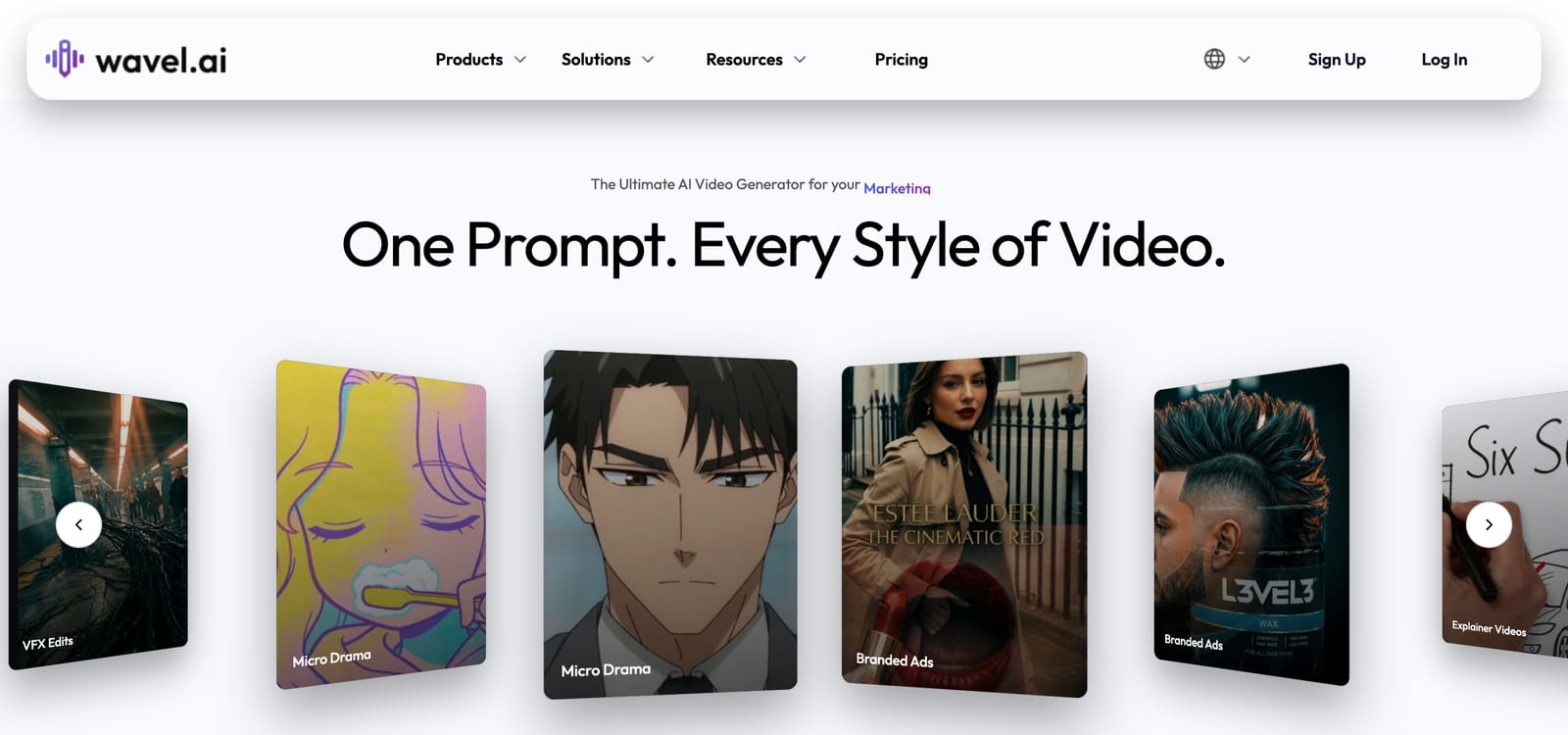
Wavel AI provides dubbing, AI voice generation, subtitles, and related video localization tools.
Its platform supports several content workflows, from translated videos to standalone voiceovers and generated speech.
Key features
- AI video dubbing
- Voice cloning
- Multilingual voiceovers
- Text-to-speech
- Subtitle generation and translation
- Additional video creation tools
Pros
- Supports several speech and video workflows
- Offers dubbing and voiceover options
- Provides flexible usage of shared credits
- Suitable for different types of content creation
Cons
- Credits are shared between products
- Voiceover minutes and dubbing minutes are not interchangeable
- Language coverage varies by feature
Pricing: Wavel Basic costs $25/month with monthly billing and includes 100 credits. Its published plan lists approximately 30 minutes of AI dubbing if the credits are allocated to that operation.
Best for: Independent creators and smaller teams combining dubbed videos, narration, and subtitles.
Official source: Wavel AI Pricing
How Do AI Dubbing Costs Compare?
Subscription prices are not always directly comparable.
Some services allocate a fixed number of video minutes, while others use credits that can be spent across several features.
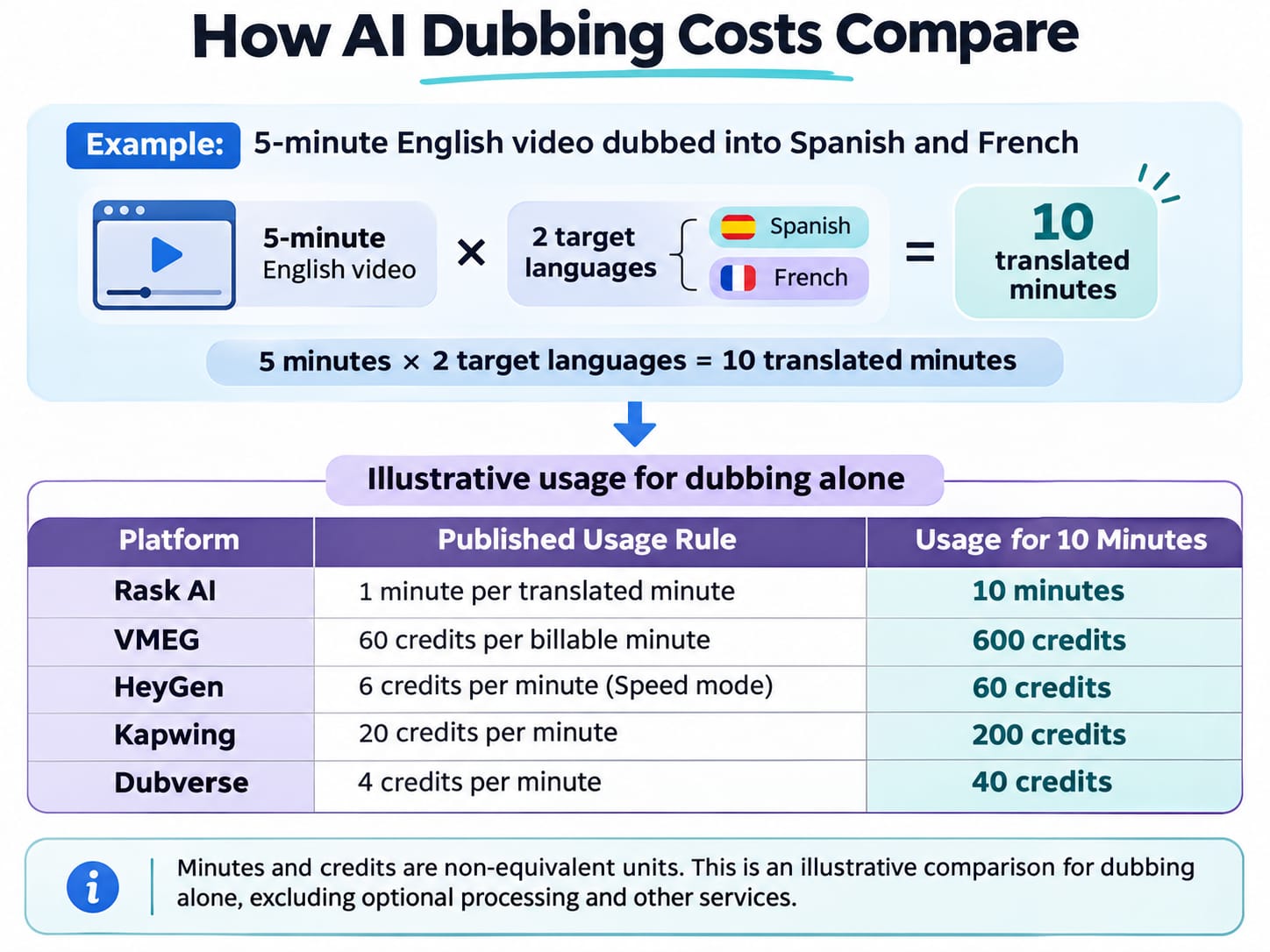
Consider an English video that is five minutes long and needs to be dubbed into Spanish and French.
Total dubbing workload = 5 minutes × 2 target languages = 10 translated minutes.
Using published billing rules, the following examples show how that workload can consume plan allowances.
| Platform | Published Usage Rule | Usage for 10 Minutes |
|---|---|---|
| Rask AI | 1 minute per translated minute | 10 minutes |
| VMEG | 60 credits per billable minute | 600 credits |
| HeyGen | 6 credits/minute in Speed mode | 60 credits |
| Kapwing | 20 credits/minute | 200 credits |
| Dubverse | 4 credits/minute | 40 credits |
For ElevenLabs, the cost depends on the selected dubbing model and workflow. Its newer Dubbing v2 and legacy Studio options should be evaluated using their respective pricing rules.
This example shows why comparing a $6 subscription with a $39 subscription does not reveal the cost of producing the same amount of localized content.
Before purchasing a plan, calculate your expected video duration, number of target languages, editing requirements, and actual monetary cost.
How to Choose the Right Rask AI Alternative
Different content types require different production workflows.
For Podcasts and Narration
Prioritize voice preservation, speech consistency, and clean audio exports. A voice-focused tool such as ElevenLabs may suit projects where the audio is the main finished product.
For Educational and Training Content
Consider translation editing, pronunciation controls, subtitle exports, and the ability to correct individual dialogue segments.
These features become more useful when your videos contain technical terms or require consistent language across a series.
For Social Media Videos
If you frequently trim, resize, caption, and translate short videos, an integrated editor such as Kapwing or VEED may reduce the need to switch between tools.
For Recurring Multilingual Production
Evaluate batch processing, language coverage, team collaboration, and the cost of producing several language versions of each video.
Platforms such as Rask AI, VMEG, and others with recurring localization workflows may be worth comparing for this use case.
For Script-Based Corrections
If you expect to revise translated wording frequently, prioritize transcript editing, speaker settings, and selective audio regeneration.
The time needed to correct an output can influence the total production cost as much as the initial translation price.
Frequently Asked Questions
What is the best Rask AI alternative in 2026?
There is no universally best alternative. ElevenLabs is suited to voice-focused dubbing, VMEG to multilingual dubbing with detailed editing, HeyGen to presenter-led videos, and Kapwing or VEED to workflows combining editing and translation. The best choice depends on your content and production requirements.
Are there free alternatives to Rask AI?
Several AI dubbing platforms offer free plans or trials, including ElevenLabs, HeyGen, Kapwing, and Wavel AI. Free usage often includes restrictions such as limited credits, output duration, or watermarks. Rask AI also offers a limited free trial.
Which Rask AI alternative is suitable for multilingual YouTube videos?
Look for a platform that supports your required language pairs, speaker detection, voice selection, subtitle export, and repeated editing. For a YouTube channel publishing in multiple languages, batch processing and per-language costs are also important.
How can I compare AI dubbing tools fairly?
Use the same short, authorized source video and target language for each tool.
Evaluate translation accuracy, pronunciation, voice consistency, dialogue timing, background-audio handling, correction effort, and export quality. Then calculate the cost of producing the finished version rather than comparing only the initial output.
Final Thoughts
Rask AI remains a capable platform for video translation and multilingual dubbing. Its alternatives are worth exploring when a project requires a different balance of voice generation, editing flexibility, language support, or pricing.
ElevenLabs focuses on speech and dubbing, while VMEG and Dubverse offer editing-oriented localization workflows. HeyGen combines translation with presenter-video creation, and Kapwing and VEED bring localization into broader video editing environments. Maestra and Wavel AI provide additional options for transcription, voiceovers, and multilingual content.
The most reliable way to choose is to test the same source video, review the editing experience, and compare the complete cost of producing publishable content.
Pricing and capabilities were reviewed on November 3, 2026 and may change. Refer to each provider's official documentation for current details. Use voice cloning only with appropriate authorization and consent.