

01
Describe Your Ideal Voice
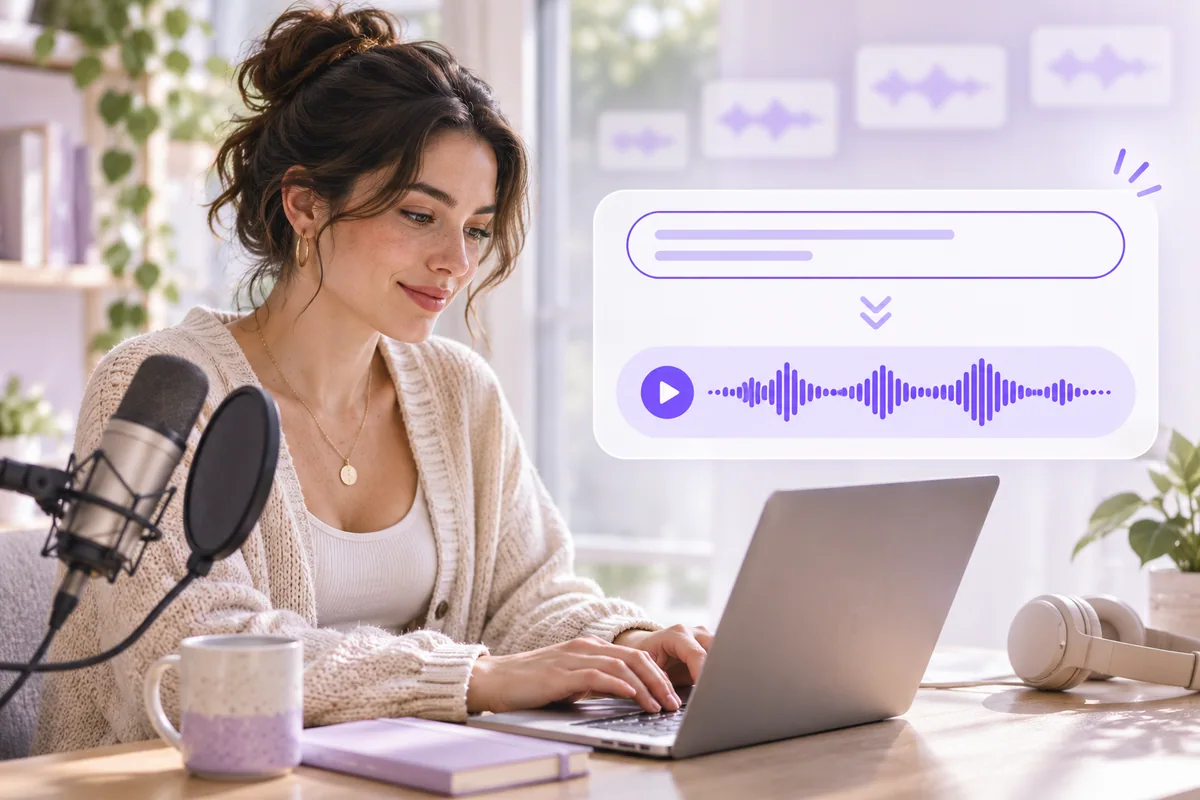
Enter a text prompt describing the voice you want. Specify details such as gender, age, accent, pitch, tone, or personality to guide the AI voice design.

Generate Unique Voices from Text Prompts: Describe the voice you have in mind, from its tone and personality to its speaking style, and create a custom AI voice for your content.
Not sure how to describe a voice? Explore these examples and use them as a starting point for your own AI voice design.

A warm, resonant male voice with a neutral American accent and a measured pace. Ideal for documentaries and cinematic narration.

A bright, upbeat American voice with a lively conversational rhythm. Fits tutorials, product demos, and creator videos.

A low, gravelly voice with a mysterious tone and deliberate pauses. Suits a wise mentor or gatekeeper in a fantasy game.
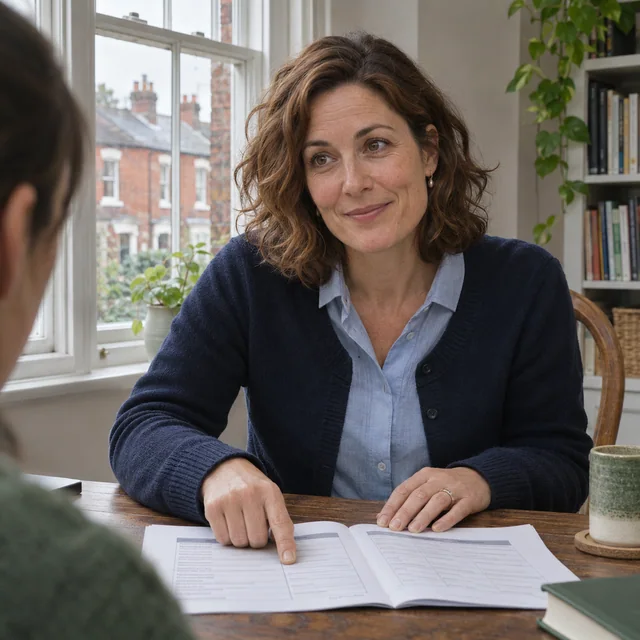
A clear, reassuring British voice with a steady pace and short pauses. Made for online courses and step-by-step tutorials.
01
Enter a text prompt describing the voice you want. Specify details such as gender, age, accent, pitch, tone, or personality to guide the AI voice design.
02
Let the AI voice designer turn your description into a voice. Listen to the result and check whether it matches the style you had in mind.
03
Once you're happy with the result, use your designed voice to bring scripts, characters, and other audio content to life.
Standard TTS often struggles with intense emotions like anger, fear, or excitement. With AI voice design, you can describe the emotional qualities you want, from an intimidating growl to a nervous, trembling voice, instead of settling for the same neutral delivery.
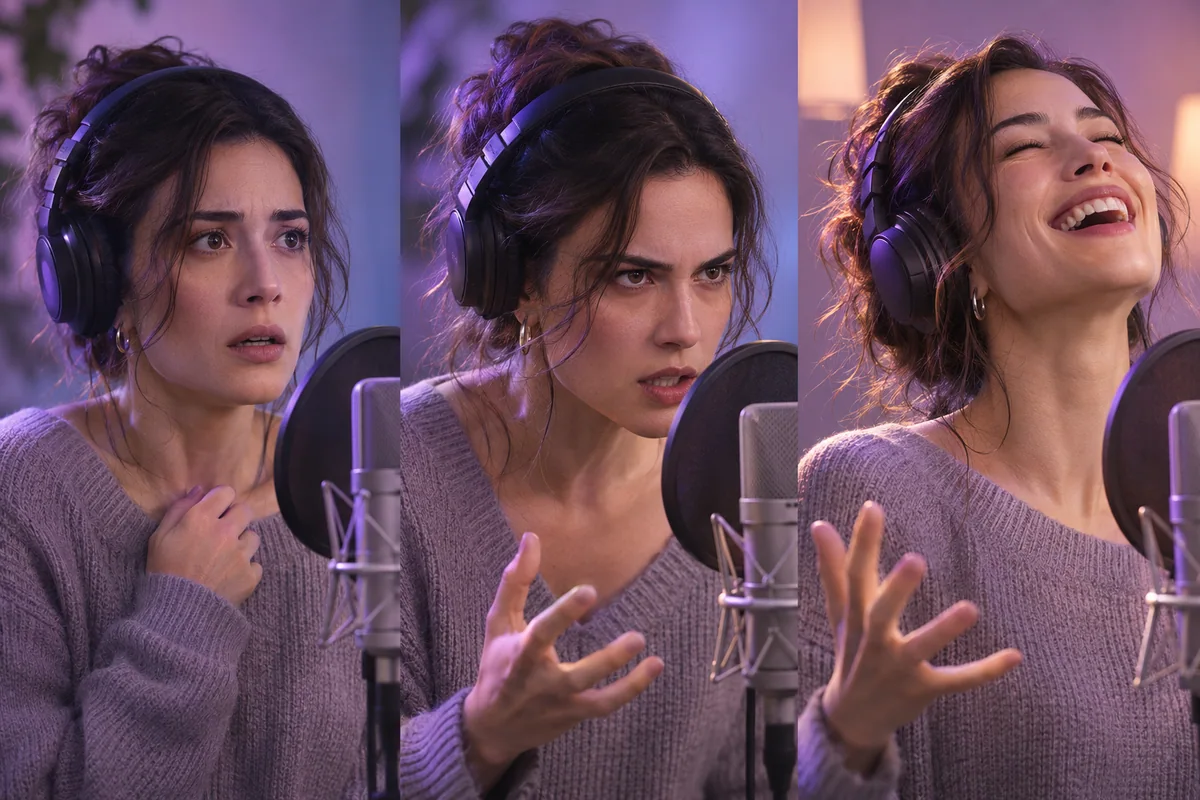
Need a raspy monster voice, a breathy whisper, or a deep, gravelly narrator? These distinctive sounds can be hard to find in traditional voice libraries. Describe the vocal texture, pitch, and other characteristics to create a voice with a more recognizable sound.
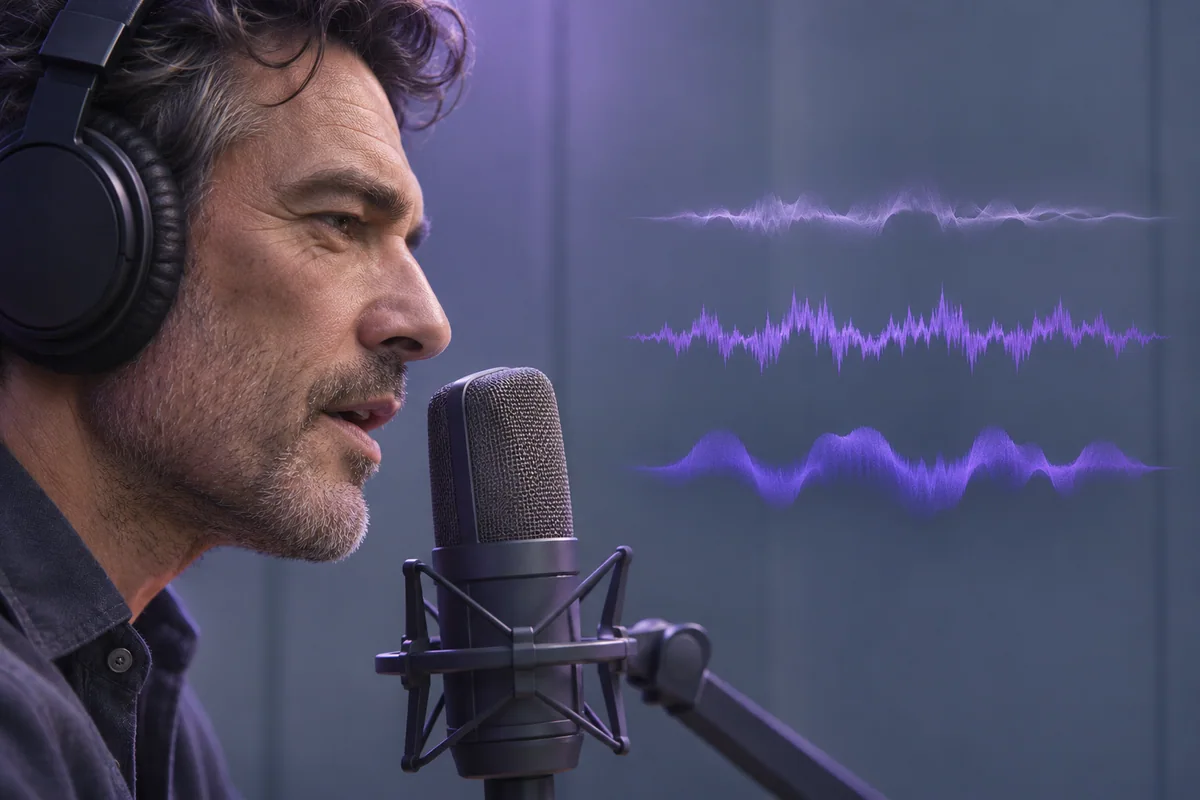
Finding the right voice shouldn't mean previewing dozens of similar-sounding options. Instead of choosing the closest match from a preset library, describe exactly what you have in mind. Combine age, accent, personality, and speaking style to design a voice for your specific project.
| Traditional TTS | AI Voice Design | |
|---|---|---|
| Voice Selection | Choose from preset voices | Create voices from descriptions |
| Vocal Texture | Limited to available voice styles | Explore raspy, breathy, gravelly, and other distinctive textures |
| Character Identity | Reuse existing voice profiles | Design voices around specific character traits |
| Emotional Style | Often optimized for neutral narration | Specify dramatic or expressive vocal characteristics |
| Creative Control | Adjust basic settings such as speed or pitch | Describe the voice's identity, texture, and intended delivery |
AI voice design is the process of creating a custom synthetic voice using artificial intelligence. Instead of selecting a preset voice, you can describe characteristics such as age, accent, pitch, tone, and speaking style to guide how the voice sounds.
An AI voice designer uses your text description to generate a synthetic voice with the requested vocal characteristics. You can describe the voice's personality, tone, and other details, then preview the generated result.
Voice design creates a new synthetic voice based on a description, while voice cloning aims to reproduce the characteristics of an existing speaker's voice using audio samples. Voice design is useful for creating fictional characters or new vocal identities, while voice cloning is better suited to reproducing an authorized speaker's voice.
Yes. AI-designed voices can be used for video narration, storytelling, educational content, podcasts, and other voiceover projects. You can create a voice that matches the tone and intended audience of your content.
Start with the voice's gender presentation, approximate age, and accent. Then describe its pitch, vocal texture, personality, and speaking style. For example, a prompt might describe a mature female voice with a warm tone, a soft British accent, and a relaxed, conversational delivery.
Design a unique AI voice with VMEG's AI Voice Designer. Customize voice style, tone, age, and personality to create voices for videos, characters, and more.

