How to Fine-Tune Your AI Dubbing
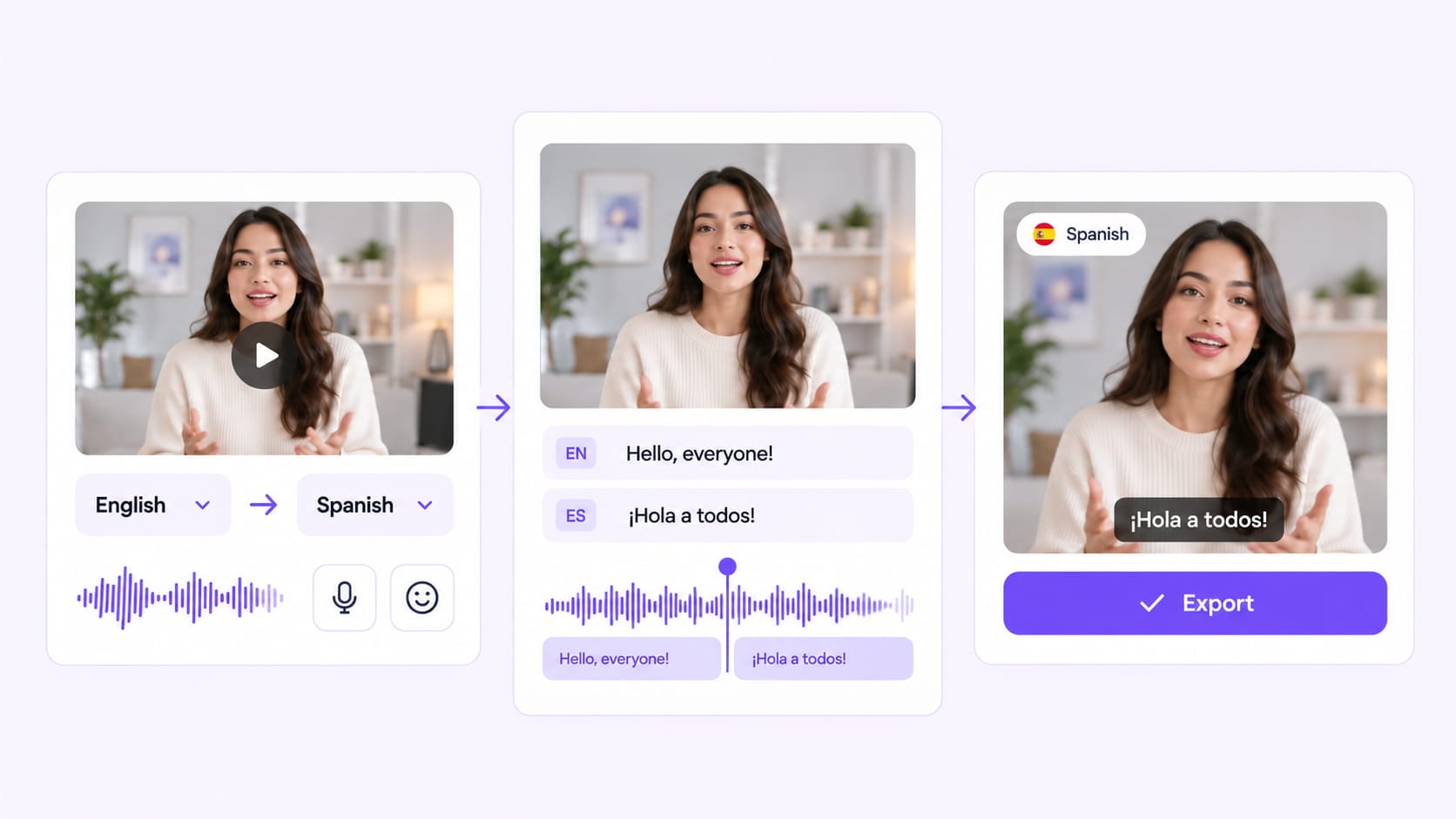
01 Generate Your Dub
Translate and dub your video with OpenDub V2, with control over voice, emotion, accent, and delivery.
02 Open in Editing Studio
Take the generated video into Editing Studio for a closer look and make adjustments where needed.
03 Refine Every Detail
Fine-tune voice lines, timing, subtitles, and other elements until the result matches your content. Review the finished version and export a polished localized video.
AI Dubbing That Sounds Human. Works Your Way.
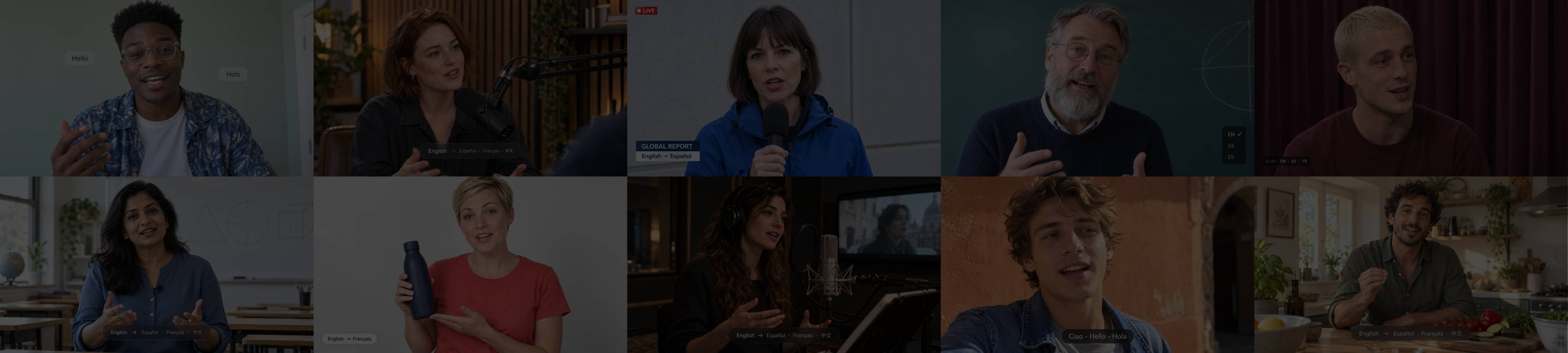
Go beyond basic AI voice translation with more natural expression, precise creative control, and consistent voices across languages, scenes, and videos.
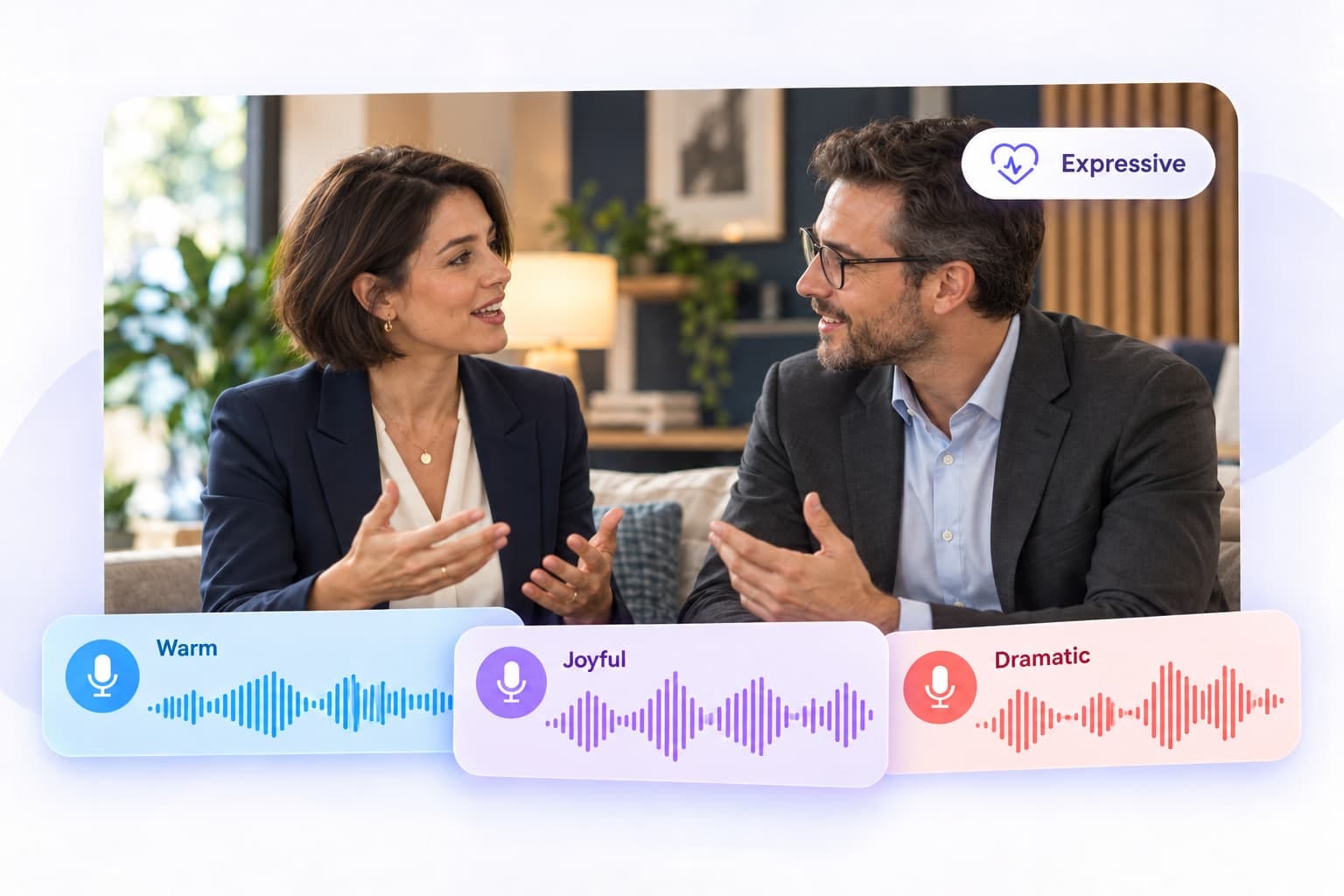
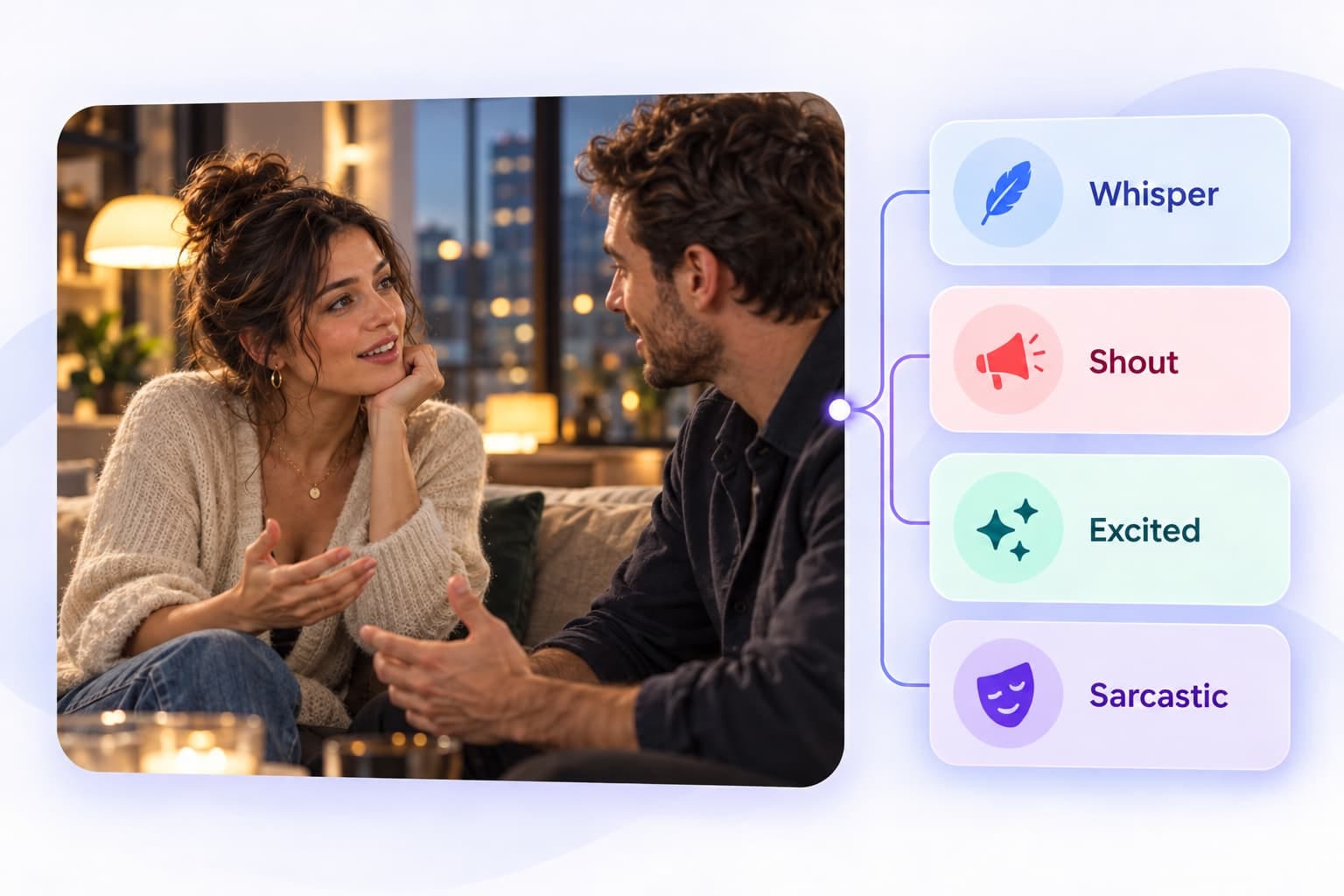
Bring Every Voice to Life
Create expressive, emotionally rich performances that sound natural across every scene.
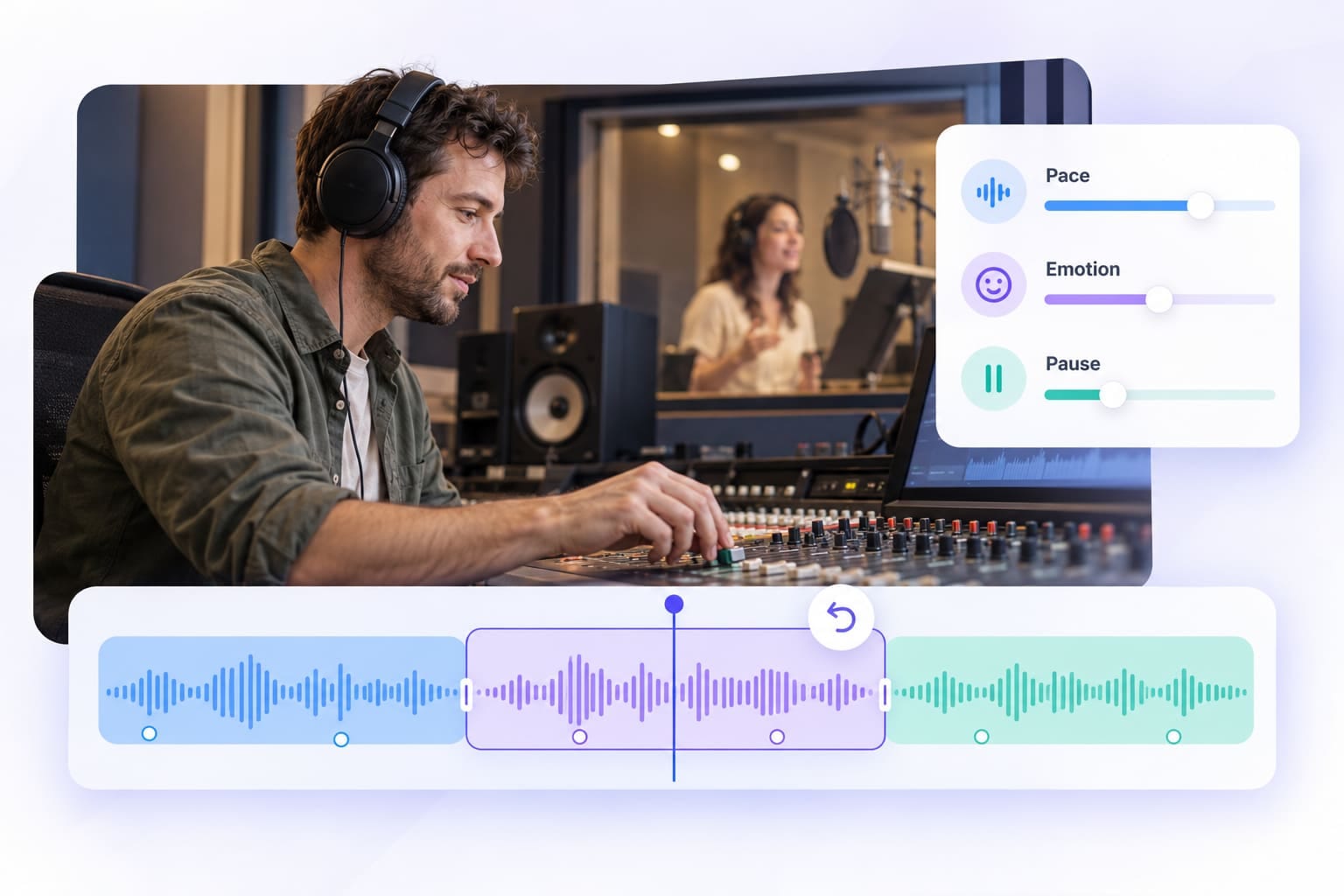
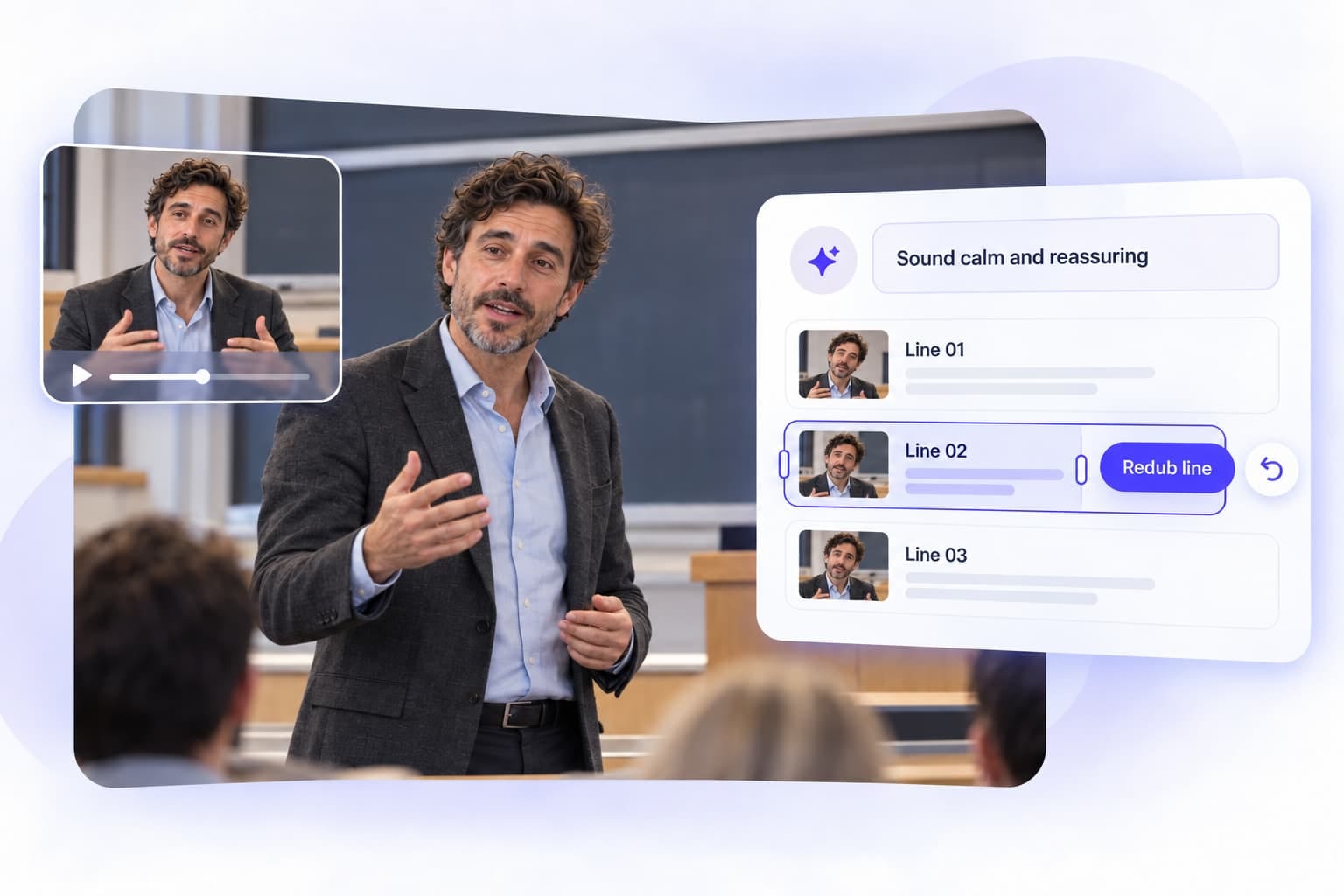
Put Every Detail in Your Hands
Guide the delivery, refine the performance, and make changes exactly where you need them.
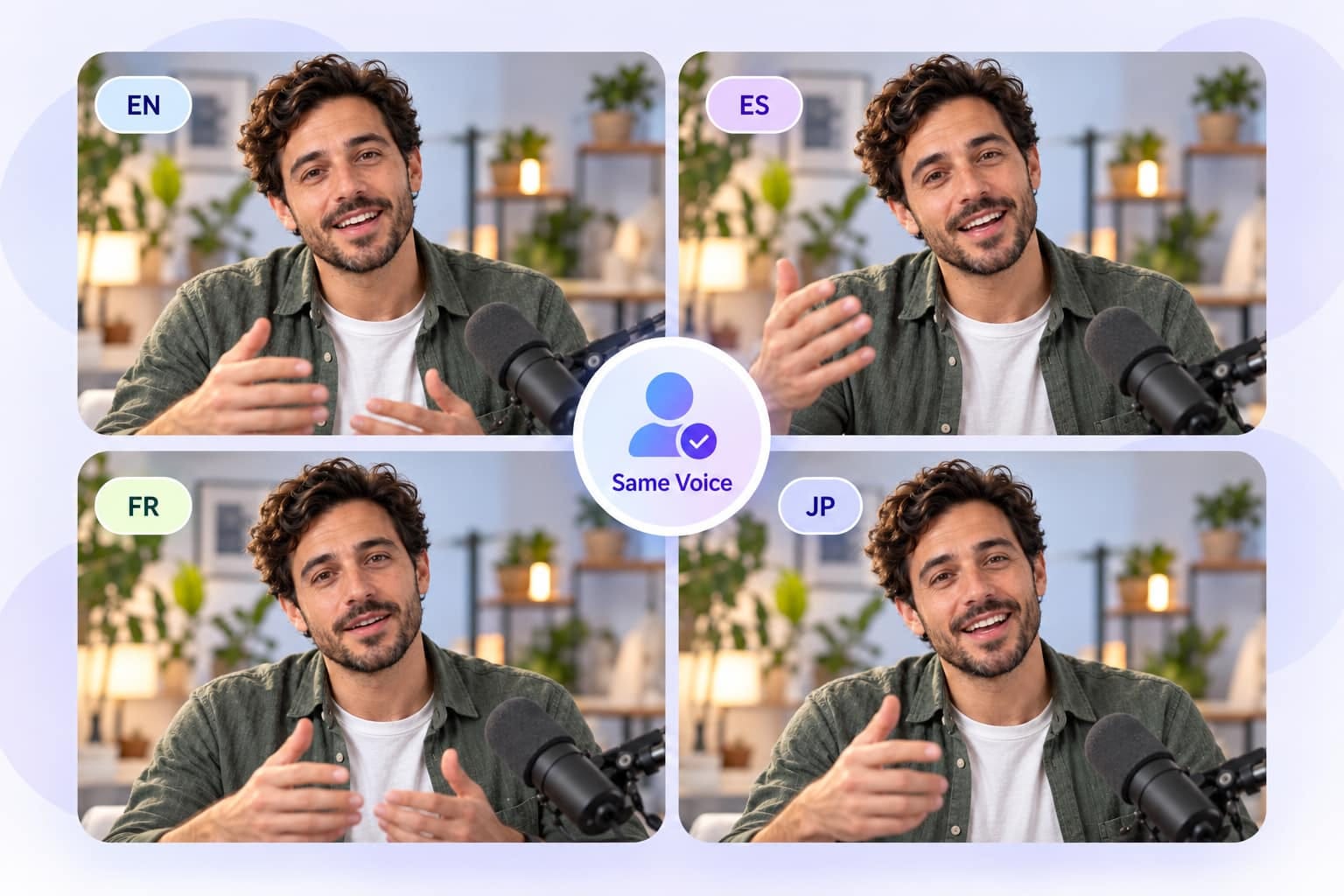
Speak Any Language, Stay Yourself
Preserve the speaker’s identity while adapting naturally to different languages and accents.
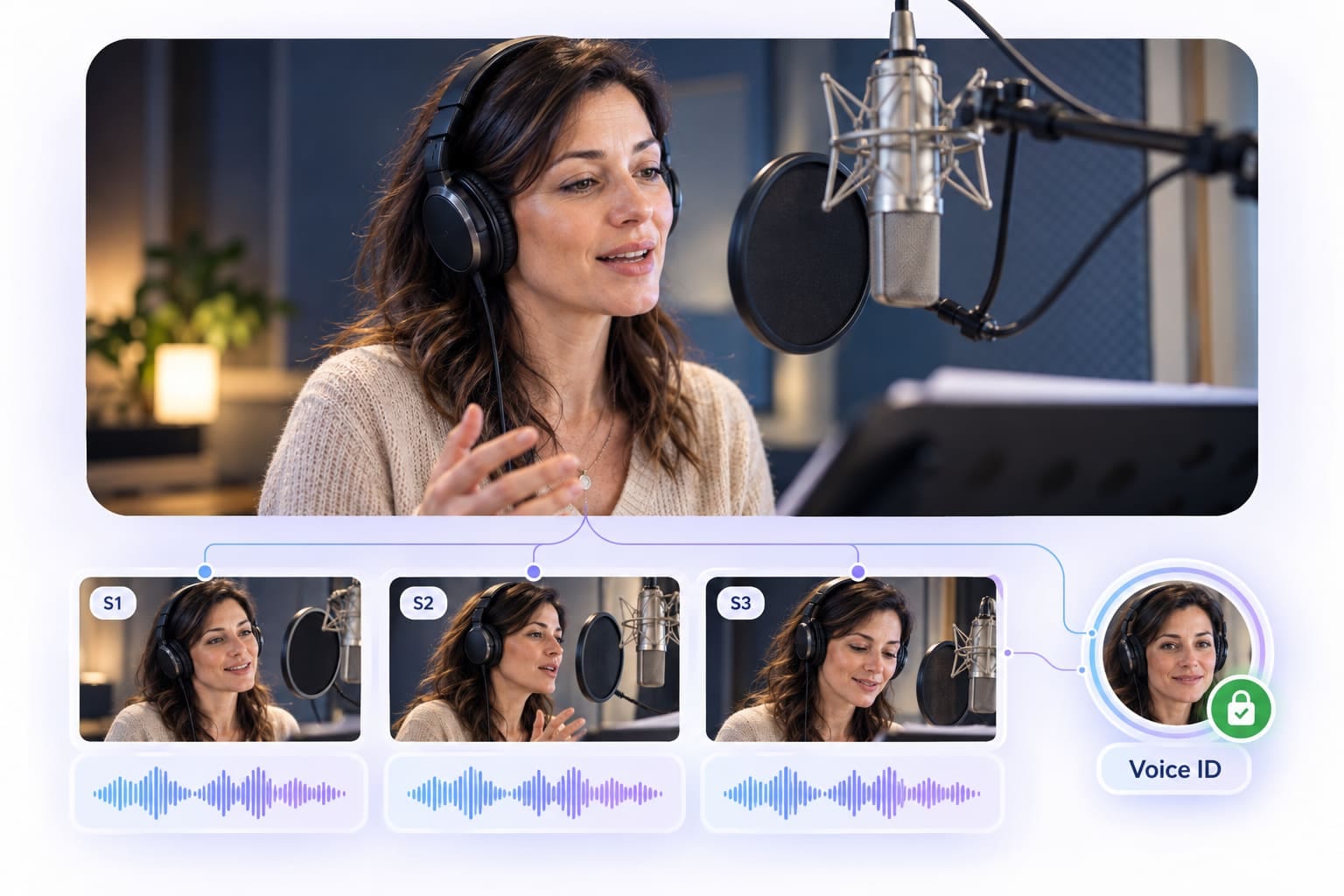
Built for Consistency
Keep the same voice and character identity consistent across scenes, episodes, and videos.
How VMEG OpenDub V2 Improves Dubbing & Translation
Built for professional localization, with expressive voice output, flexible controls, and consistent voices across languages and scenes.
More Human-Like Expressions
Make voices sound more natural and expressive across different scenes. VMEG Dubbing v2 supports emotional delivery such as whispering, shouting, excitement, sarcasm, and other nuanced expressions.
Full Control with Prompts & Redubbing
Tell the AI exactly how a line should sound with natural language prompts, then fine-tune the result when needed. You can also redub individual lines without changing the rest of the video.
Consistent Voices Across Languages
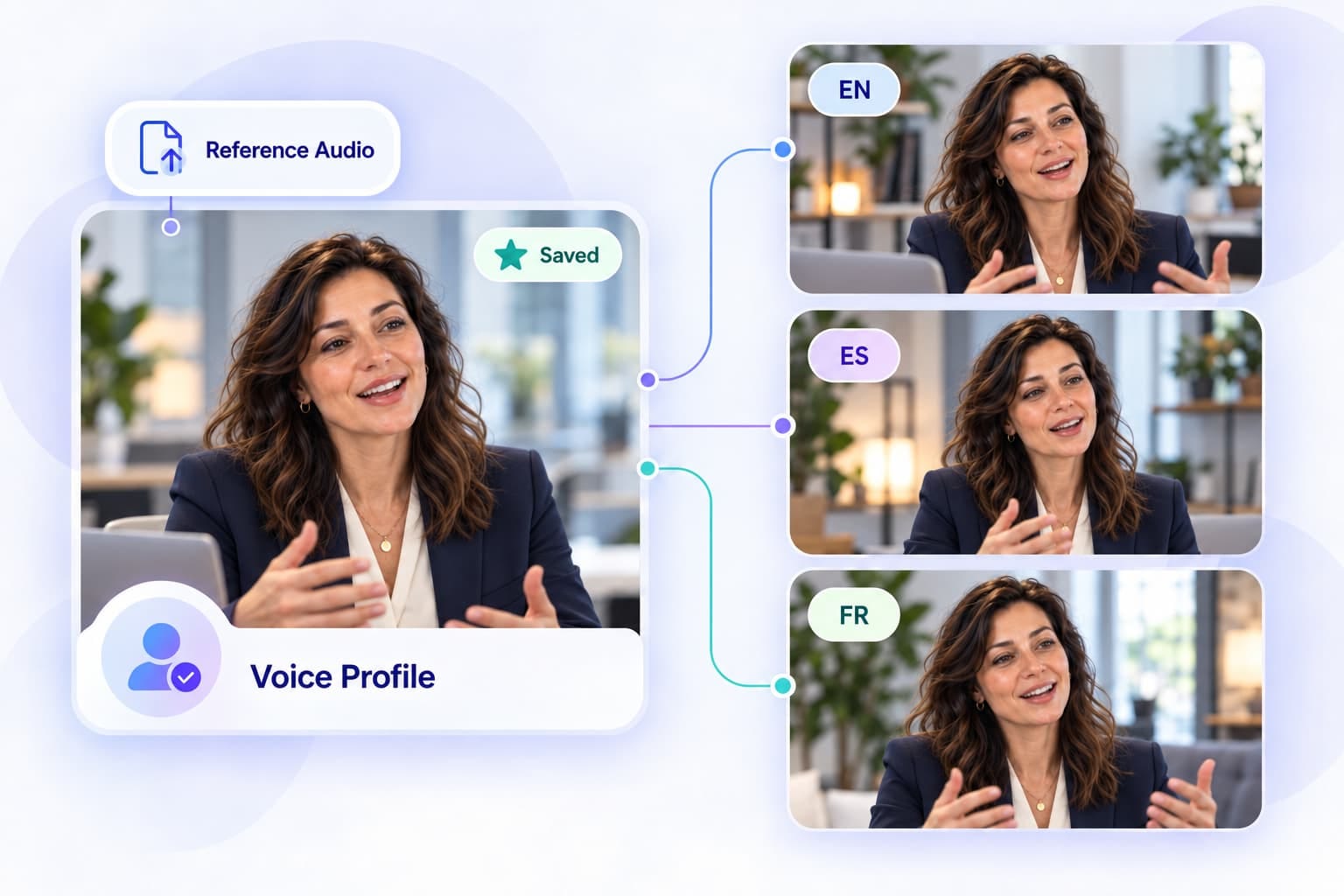
Keep the same speaker identity while dubbing into different languages and accents. Reclone voices, upload reference audio, save your favorite voices, or apply one voice across multiple lines.
Localize Every Layer of Your Generated Video
A Seedance clip starts in one language. Use VMEG to add dubbed audio, translated subtitles, lip sync, and on-screen text so the rest of the video matches the audience.
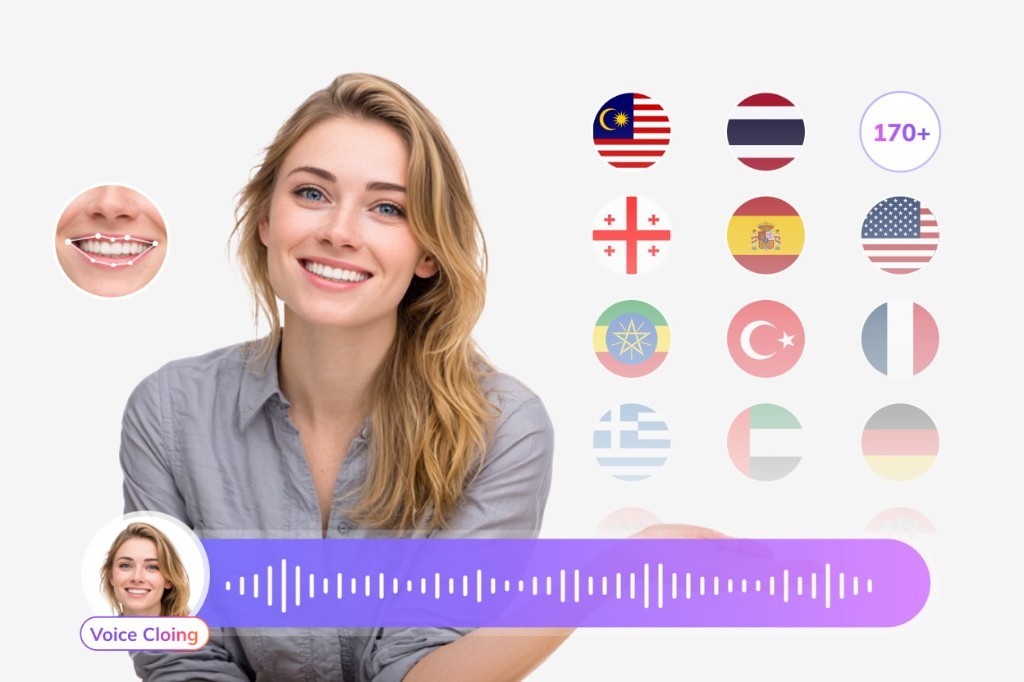
Subtitle Translation
Generate and translate subtitles for international audiences.
Try Subtitle Translator for free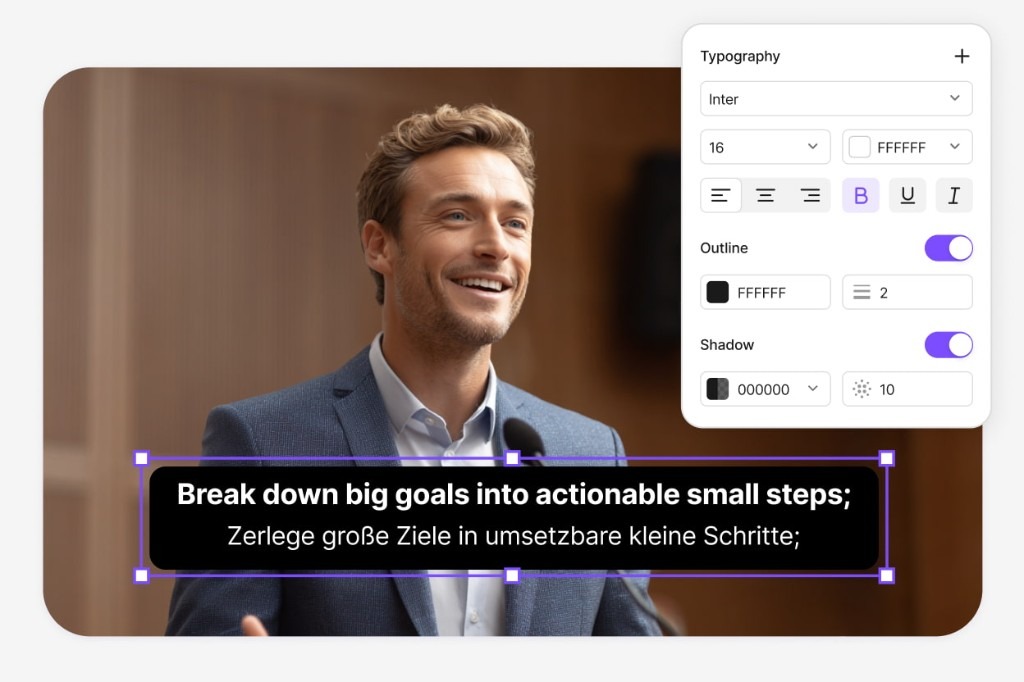
Lip-Sync Translation
Match translated speech more naturally to the speaker's lip movements.
Try Lip Sync for free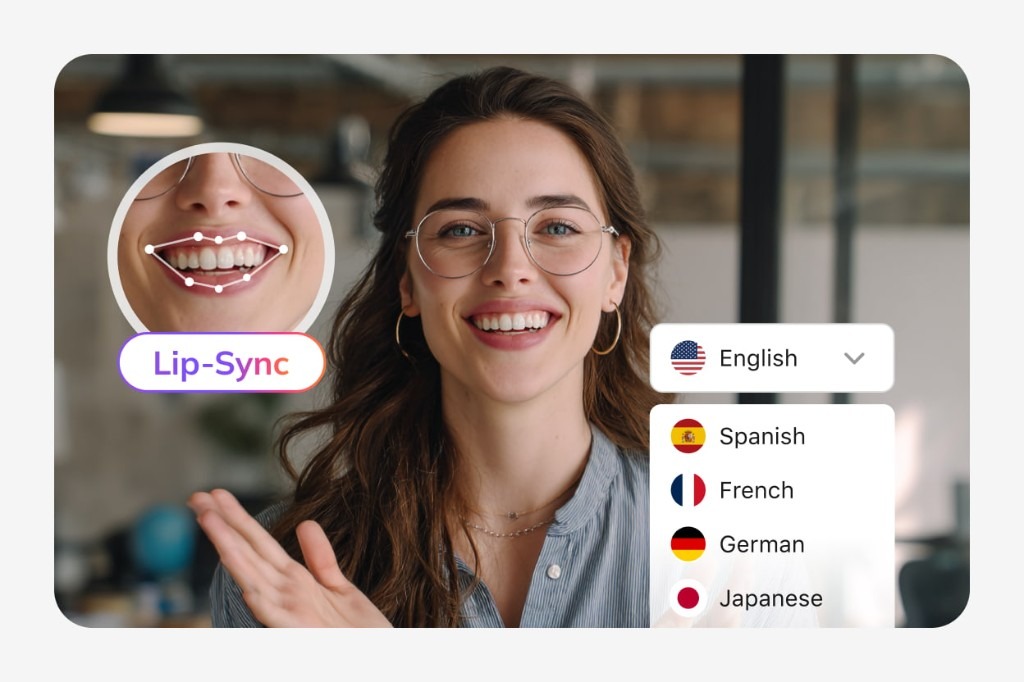
Visual Translation
Translate the titles, slides, labels, UI elements, graphics, and other text viewers see on screen.
Try Visual Translation for free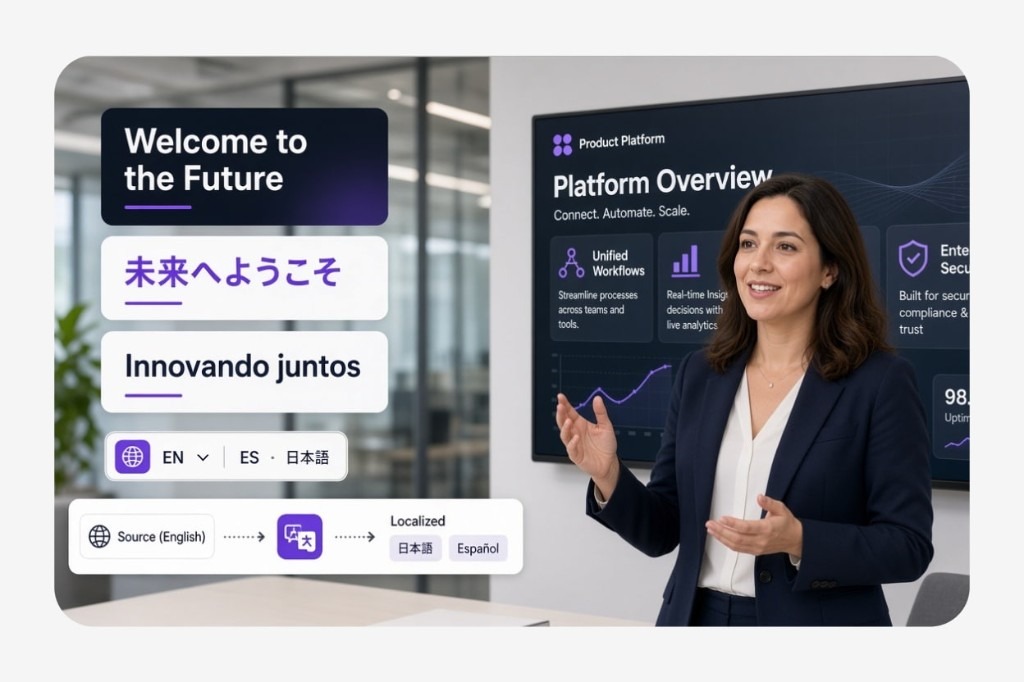
Bring voice, subtitles, lip movements, and on-screen text together after you generate the clip.
FAQs about VMEG OpenDub V2
What is VMEG Dubbing v2?
VMEG Dubbing v2 is an upgraded AI dubbing engine designed for more expressive voice generation, greater creative control, and consistent speaker identity across languages.
Can I control how the AI voice sounds?
Yes. You can use natural language prompts to guide delivery, such as asking the voice to whisper, speak faster, sound excited, or use a more emotional tone.
Can I redub only one line?
Yes. You can regenerate individual lines without affecting the rest of your video, making it easier to refine specific dialogue.
Can VMEG Dubbing v2 preserve the original speaker's voice across languages?
Yes. VMEG Dubbing v2 is designed to preserve the speaker's vocal identity while adapting pronunciation and accent to the target language.
Can I choose different English accents?
Yes. You can work with different English accents, including US English, UK English, and Indian English, depending on your dubbing needs.
Can I use my own audio for voice cloning?
Yes. You can upload audio as a reference for recloning and use the resulting voice across your dubbing project.