MP3 to SRT Converter
Effortlessly convert MP3 into SRT subtitles with AI – fast, accurate, and optimized for accessibility and international content.
How to Convert MP3 to SRT Online
01Upload the MP3 File You Want to Convert
Start by uploading your MP3 from your device or selecting one from your VMEG library. You can also paste a social media share link if your mp3 is hosted online.
02Automatically Generate Subtitles from MP3
Select either Accurate Mode for rapid and high-accuracy conversion, or Balanced Mode for a steady blend of speed and clarity. You can let VMEG auto-detect the language or pick it manually. Add a target language if translation is required.
03Convert & Download Your SRT File
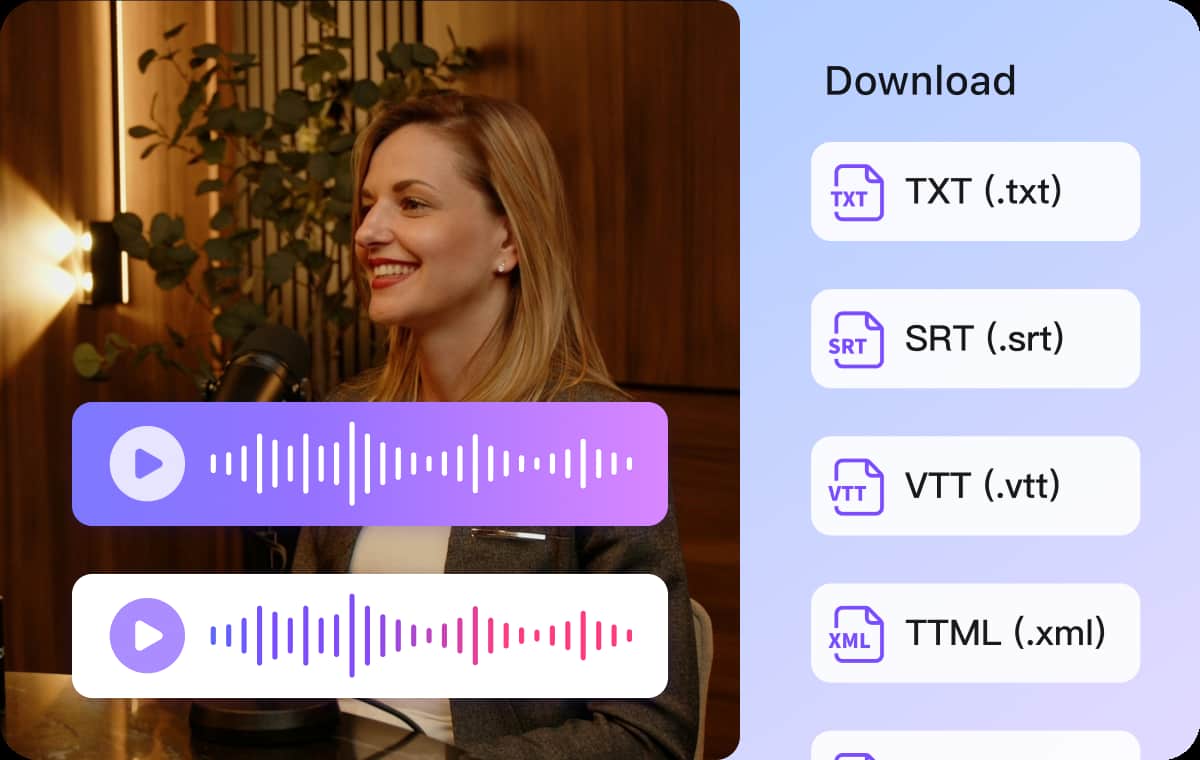
Your MP3 is instantly transcribed with clear timestamps and speaker labels. Use the built-in editor to tweak your transcript, then export it directly as an SRT file or choose other subtitle formats like VTT, TXT, or SBV as needed.



What Makes VMEG MP3 to SRT Converter Stand Out
MP3 to SRT Online with Accurate Conversion
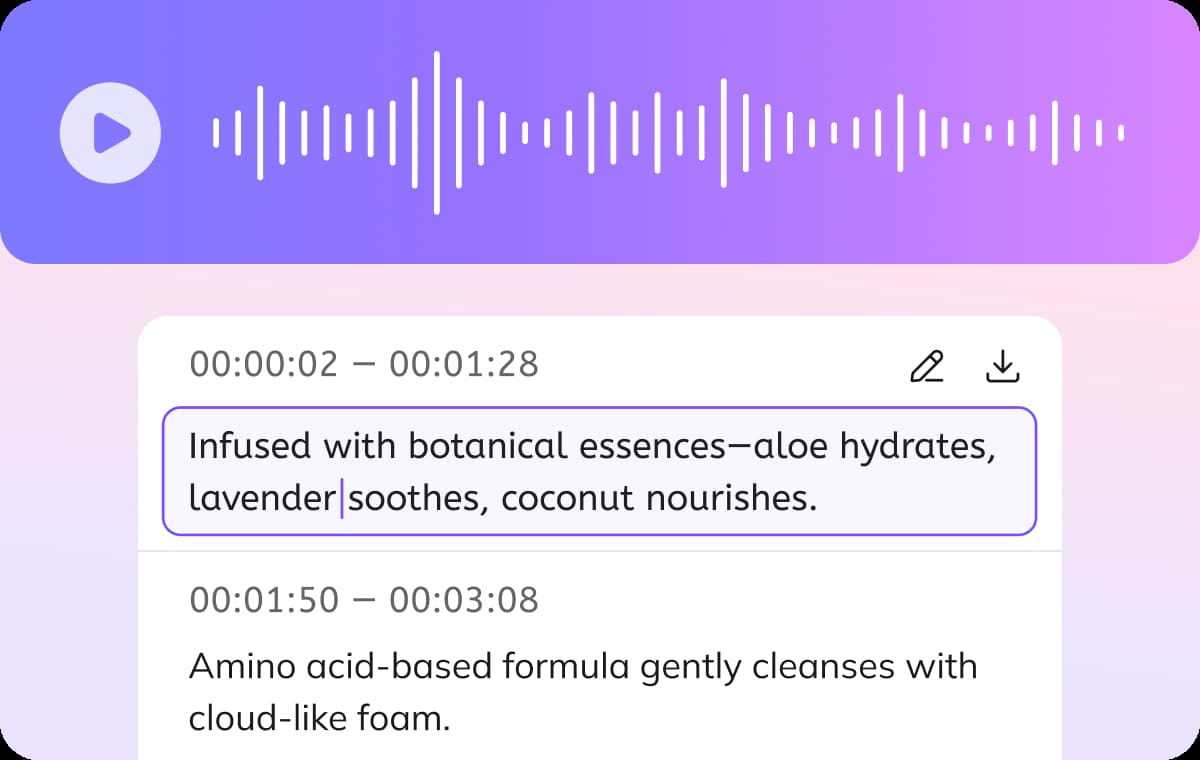
Accurate transcription is essential for accessibility and video indexing. Studies from W3C highlight that synchronized captions improve content accessibility for users with hearing impairments and non-native speakers.Turn your MP3 audio into accurate SRT subtitle files in seconds with VMEG AI. The system generates timestamps and supports speaker labeling for structured audio content. The output is ready for editing tools, video platforms, and accessibility requirements without extra formatting work.
Convert & Translate MP3 to SRT in 170+ Languages
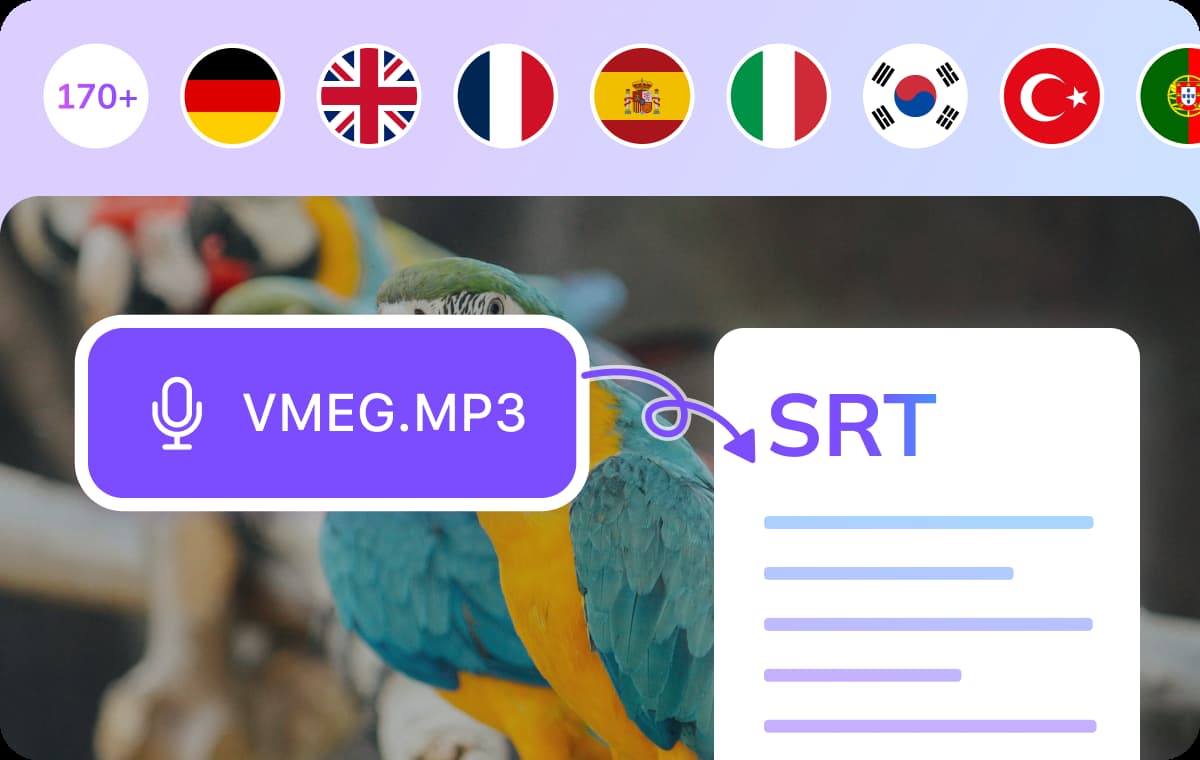
Global subtitle demand is increasing across platforms. Research from YouTube shows that multilingual captions improve content reach in international audiences.VMEG AI supports transcription and translation of MP3 files into SRT subtitles in over 170 languages, including Spanish, French, Arabic, and Chinese.Upload an MP3 file and generate multilingual subtitles in one workflow using the video translator. This helps creators and teams distribute content across different regions without rebuilding subtitle files manually.
Edit, Preview & Export Subtitles in Multiple Formats
Take full control of your subtitles before exporting. After converting your MP3 audio files to SRT, VMEG AI provides an intuitive built-in editor where you can review, adjust timings, fix text, or add custom speaker tags.When you're done, export the subtitles in your preferred format and use them across YouTube, social media, or video platforms. It’s more than just an MP3 to SRT tool. It’s your all-in-one subtitle workflow.
Who Benefits from an MP3 to SRT Converter

Content Creators
Turning MP3s into SRT subtitles makes your videos more accessible, searchable, and viewer-friendly. Adding subtitles helps boost engagement and reach global audiences even when the sound is off.

Educators & Online Course Instructors
Convert lectures, webinars, or training sessions from MP3 to SRT to provide learners with accurate, time-synced captions. This not only supports accessibility for students with hearing impairments but also helps all learners follow along, review, and retain information more effectively.
Translators & Localization Teams
MP3 to SRT lets you streamline your workflow by turning spoken audio into editable, time-coded text. With the transcript ready in SRT format, it's easier to create localized subtitles in multiple languages and sync them perfectly with the original audio.
FAQs about Free MP3 to SRT Converter
How do I convert MP3 to SRT subtitles online?
You can easily convert MP3 to SRT by uploading your audio file to VMEG AI. Our MP3 to SRT converter uses advanced AI transcription to generate accurate subtitles with timestamps. Once processed, you can edit the transcript and export it in SRT format or other subtitle types like VTT or TXT.
Can I translate MP3 subtitles into other languages?
Absolutely. Once you've converted your MP3 to SRT, you can instantly translate the subtitles into 170+ languages using our built-in AI translation engine. This is ideal for content creators, educators, and businesses targeting global audiences.
Does VMEG AI support other audio formats besides MP3?
Yes. In addition to MP3, our audio-to-SRT converter supports popular formats like WAV, M4A, AAC, and more. No matter the format, you can turn your audio into accurate, time-coded SRT subtitles with just a few clicks.
What’s the difference between audio to SRT and MP3 to SRT?
MP3 to SRT refers specifically to converting MP3 audio files into subtitle files. Audio to SRT is a broader term, covering the conversion of any supported audio format into SRT. VMEG AI handles both — just upload your file and let the AI do the work.