MKV to SRT Converter
VMEG's MKV to SRT Converter uses AI to turn your MKV video and MKS into clean, timestamped SRT subtitle files.
How to Convert MKV File to SRT Online
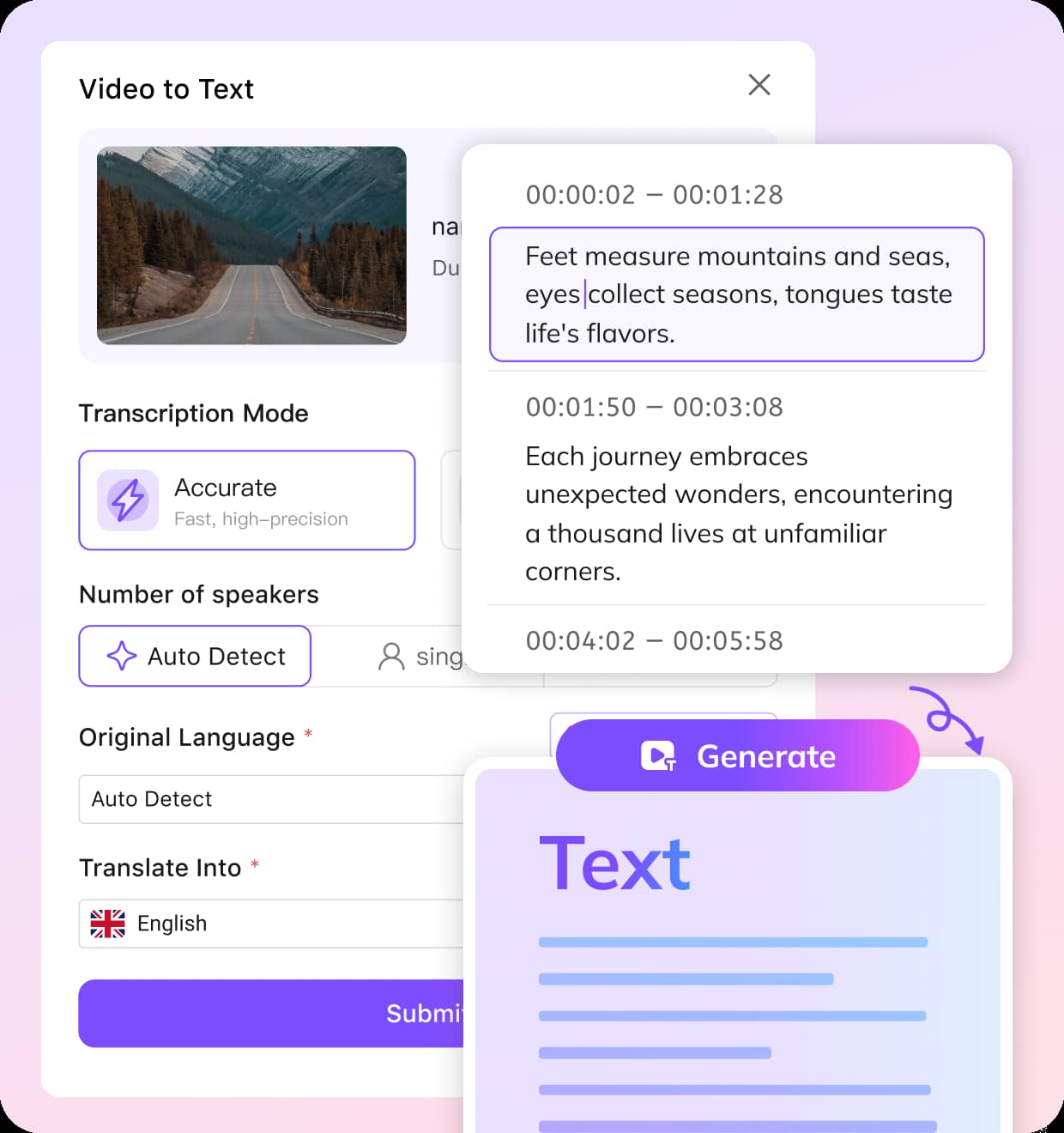
01Upload Your MKV File & Choose a Language
Drag and drop your MKV video into VMEG. Select a language or let our system detect it automatically.
02Proofread & Customize SRT to Perfect
Choose your transcription mode: Accurate for highest fidelity, or Balanced for speed without sacrificing quality. Translation is optional but available. VMEG instantly transcribes your MKV video. Tweak text, adjust timings, fix line breaks, and assign speaker names if needed all in our live subtitle editor.
03Review and Export SRT
Once polished, download your SRT file or translated file. Return anytime to make changes or download again.


Why Use VMEG AI’s MKV to SRT Converter
One-Click MKV to SRT Conversion
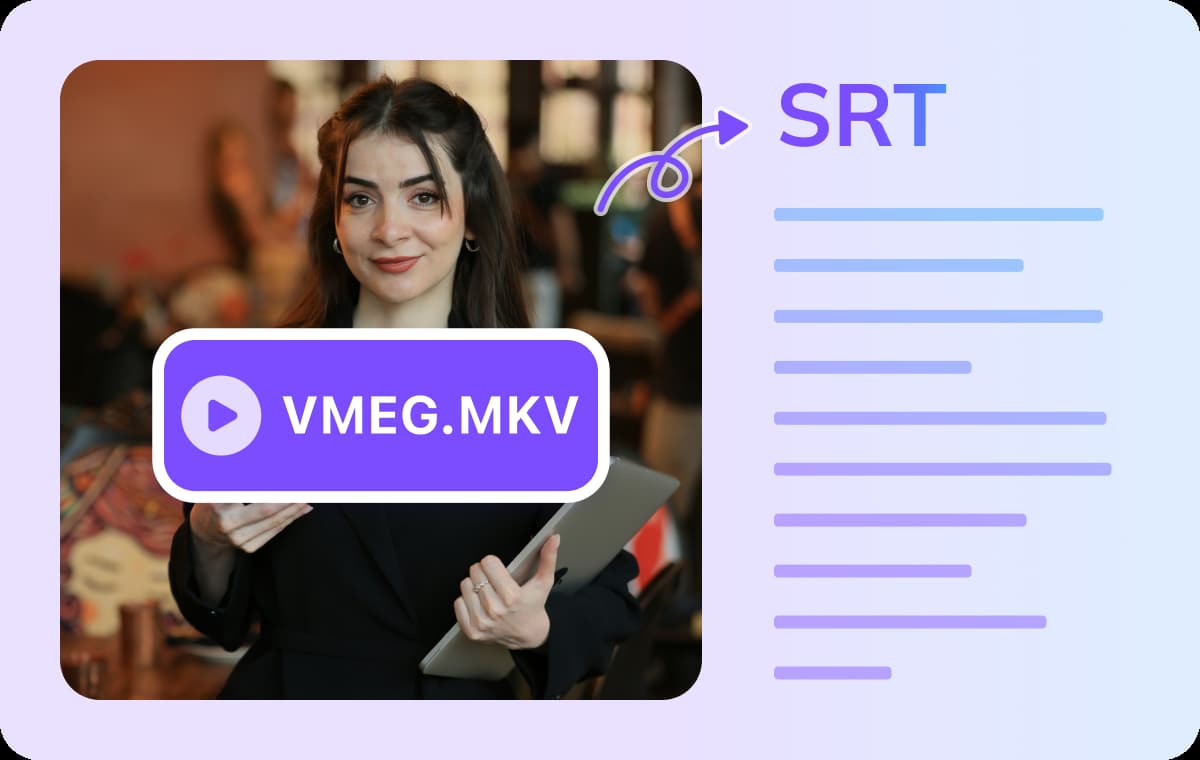
Converting MKV to SRT has never been easier. With VMEG, you don’t need complicated software or manual syncing — simply upload your MKV file, and VMEG handles everything automatically. It detects the spoken language, transcribes the audio, and generates a perfectly time-coded SRT subtitle file. There is no manual syncing or transcription needed. No downloads, no wasted time — just fast, accurate subtitle creation in a single click.
High Accuracy, Even with Noisy MKV Audio
Traditional subtitle tools often struggle when you extract subtitles from MKV files with background noise, overlapping voices, or fast dialogue. VMEG’s advanced AI engine is trained to handle real-world audio conditions without breaking accuracy. That means even if your MKV isn’t studio-quality, you’ll still get clean, readable subtitles.By using our platform, you save hours of manual transcription and editing. Whether you’re working with interviews, lectures, or movies, VMEG ensures your mkv to srt results are precise and professional.
Translate Subtitles of MKV Files into 170+ Languages
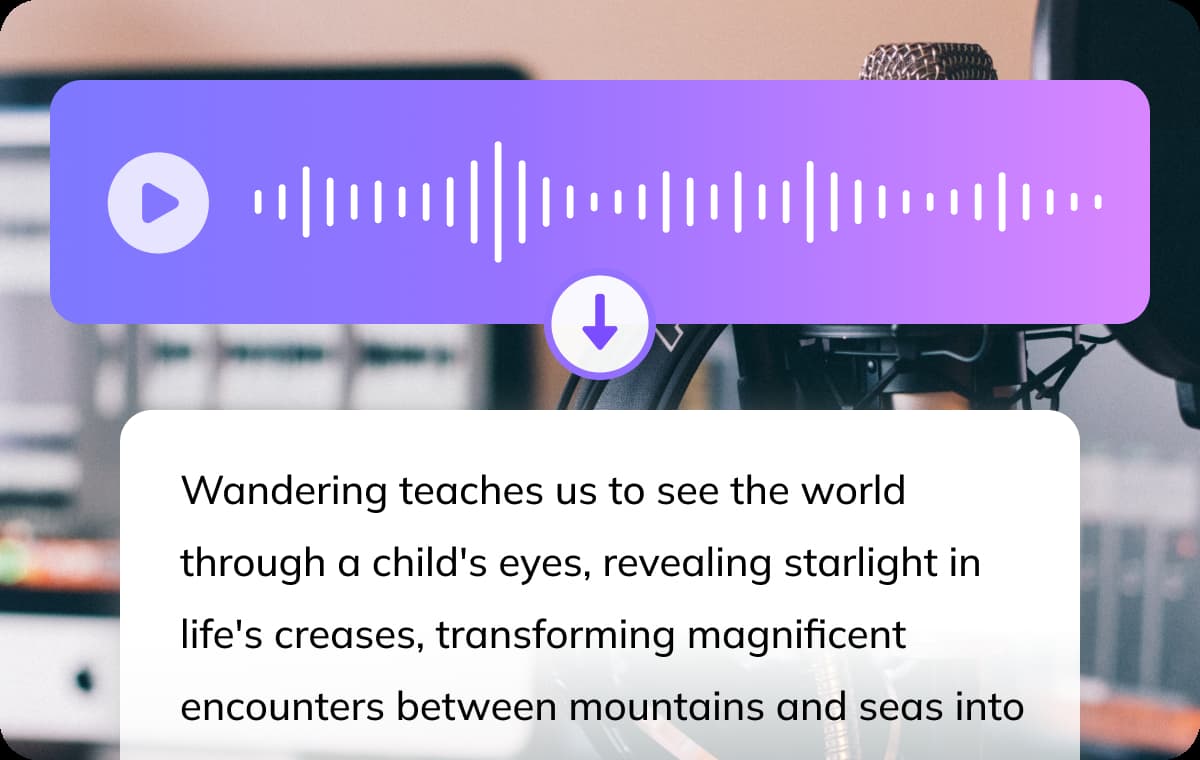
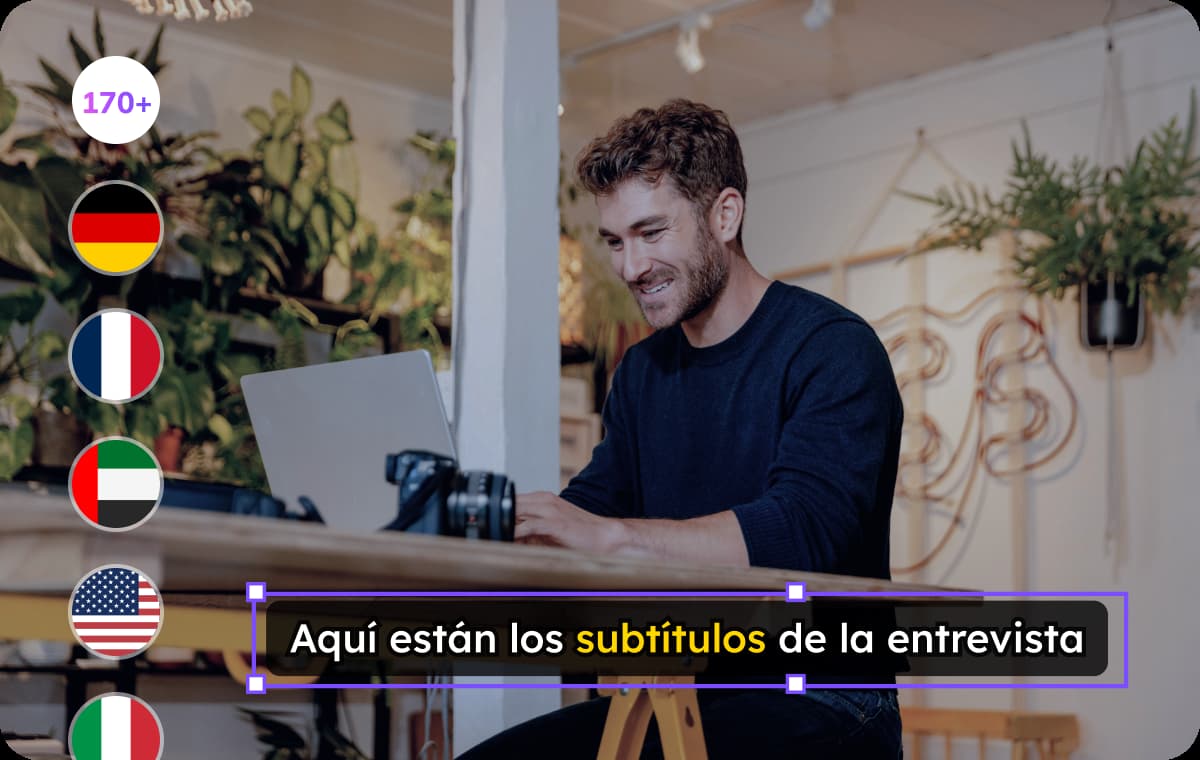
Once you’ve converted your MKV to SRT, you can instantly translate subtitles into more than 170 languages and dialects. This feature makes your content globally accessible, whether you’re creating videos for education, business, or entertainment. With just a few clicks, your message can reach audiences worldwide.Instead of juggling multiple tools for conversion and translation, VMEG does it all in one place. For creators looking for MKV to SRT conversion and multilingual localization, our platform offers the fastest, most efficient workflow.
Who Uses MKV to SRT Converter

Students, Researchers & Educators
Convert lectures, academic interviews, and classroom recordings into accurate SRT subtitle files. Perfect for improving comprehension, enabling multilingual access, and making educational content more inclusive.
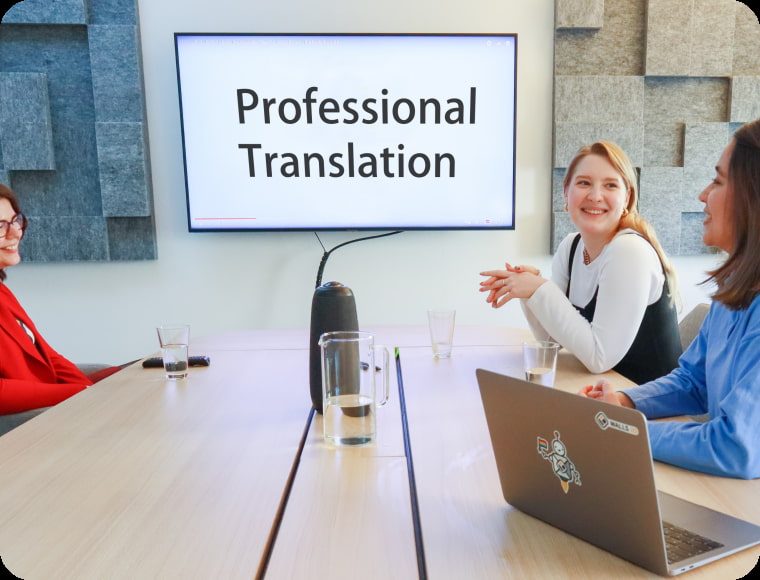
Translators & Localization Businesses
Quickly extract and translate subtitles from MKV files for corporate training videos, e-learning modules, or entertainment content. Ensure precise timing and consistency across multiple languages and platforms.

Journalists & Media Professionals
Transcribe press briefings, field interviews, and news footage into SRT format. Speed up your workflow, enhance accessibility, and prepare content for international syndication with ease.
FAQs about MKV to SRT Converter
Can I edit SRT subtitles after they're created?
Yes. VMEG built-in subtitle editor lets you modify timing, text, line length, speaker tags, and more.
Can I use this with large MKV files?
Yes, you can upload MKV files of any size. To convert full-length or larger videos, an upgrade is required.
Can I convert MKS to SRT online using VMEG?
Yes, simply upload your MKV file containing the MKS subtitles you want to convert, and VMEG will generate an SRT file for you to download.
What formats can I download after the conversion?
You can download subtitles in SRT, TXT, VTT, STL, TTML, and SBV formats with VMEG.