Video Translator
Pair your audio-derived SRT with footage in Video Translator — localize on-screen captions, add AI dubbing, and ship finished MP4 for global audiences.
Try Video Translator for free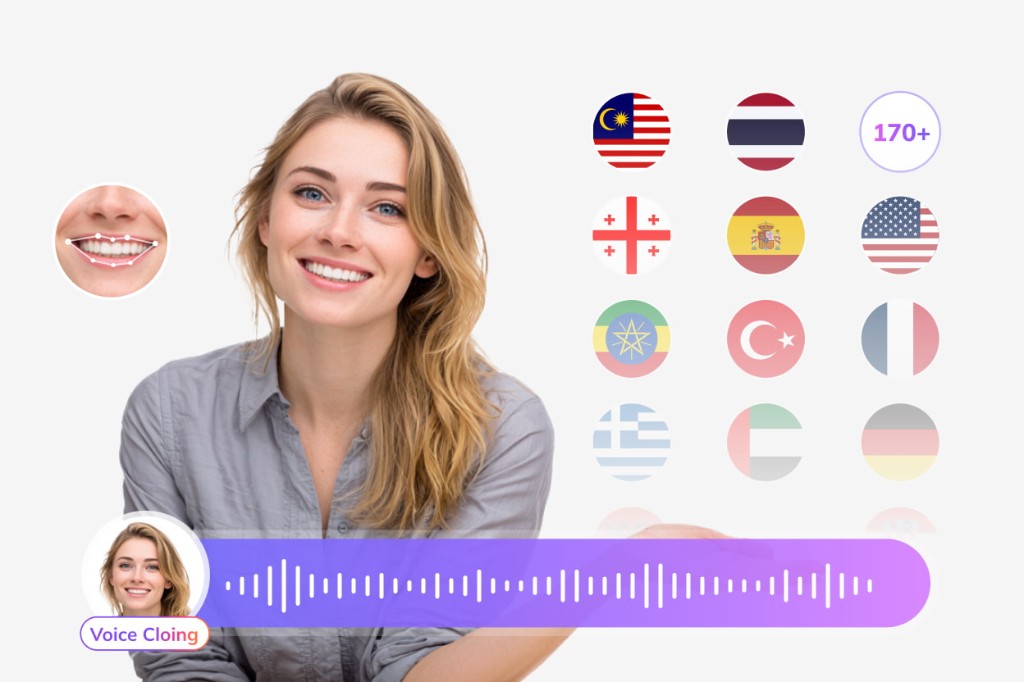
Turn podcasts, interviews, and voice recordings into timed SRT subtitles online. Upload MP3, WAV, M4A, or FLAC — free audio to srt file generator in your browser.
01Upload Your Audio File
Drop MP3, WAV, M4A, AAC, FLAC, or OGG up to 300 MB. Podcast episodes, lecture recordings, and interview WAVs work for audio to srt conversion without a video container.
02AI Transcribes with Timestamps
Speech recognition splits dialogue into caption lines and aligns each block with start and end times — the core of any audio to srt file generator workflow.
03Download SRT or TXT
Export SRT for players and editors, or plain TXT when you only need a transcript for notes, blogs, or scripts.
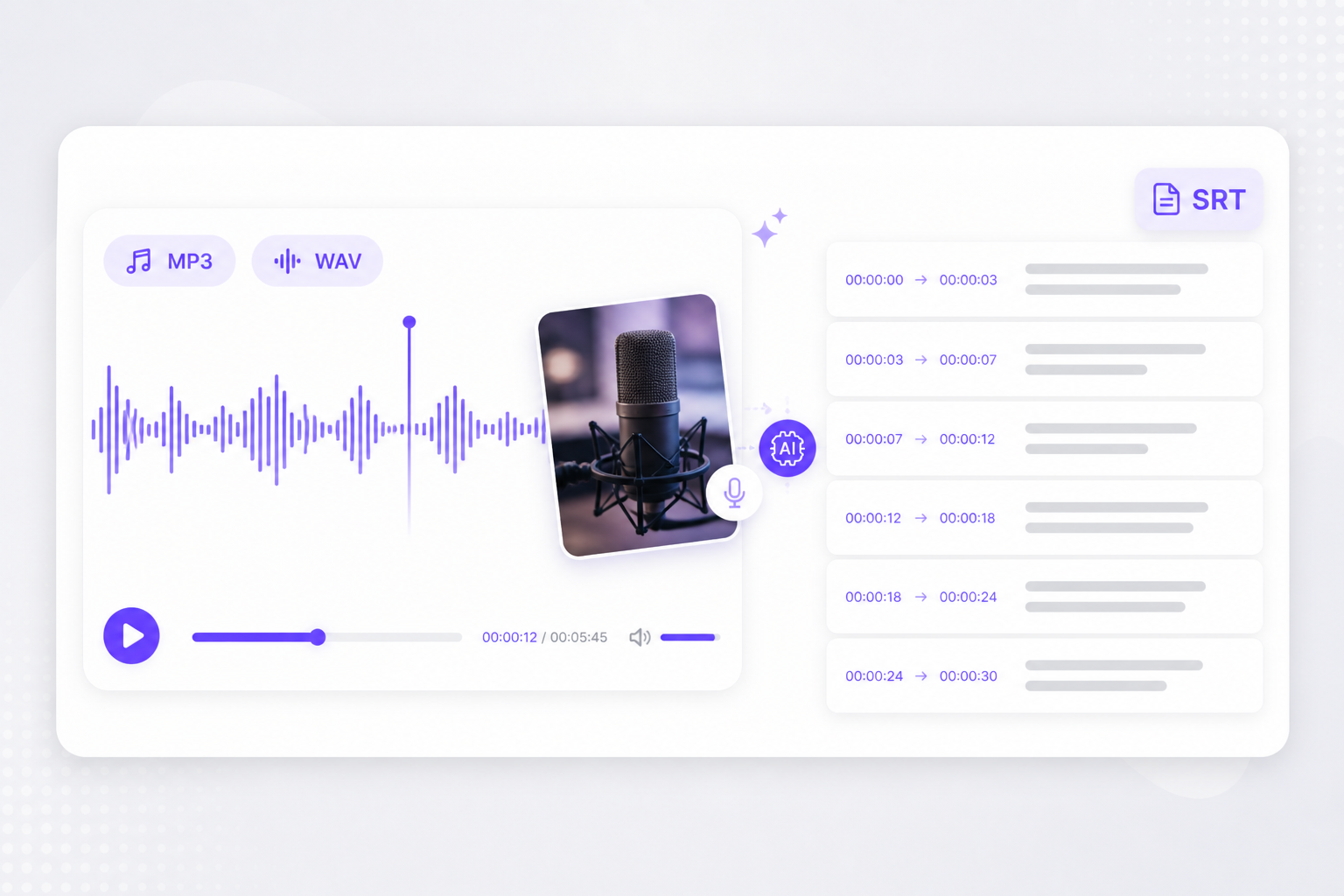
Podcasters and educators need captions from audio alone — this free audio to srt online tool turns recordings into timed files without manual typing.
No desktop transcription license for a one-off interview. Upload, preview captions, and download after sign-in — audio to srt free for drafts and internal review.
MP3, WAV, M4A, AAC, FLAC, and OGG cover most recorders and DAW exports. Convert audio file to srt without re-encoding to WAV first.
Unlike basic transcript tools, an audio to srt file generator outputs numbered blocks with timestamps ready for players, YouTube, and NLE subtitle tracks.
Generate SRT here, then open Subtitle Translator to localize — no copy-paste into spreadsheet timing columns.
Quiet rooms and single-speaker recordings transcribe most accurately. Preview before download when background music or crosstalk is present.
Process audio in the tab where you already review exports. Skip installing another speech-to-text app for short clips.
After audio to srt export, translate captions, generate dubbed video, and publish multilingual content from the same VMEG suite.
Pair your audio-derived SRT with footage in Video Translator — localize on-screen captions, add AI dubbing, and ship finished MP4 for global audiences.
Try Video Translator for freeUpload SRT from this audio to srt tool and localize into 170+ languages while cue timing stays intact.
Try Subtitle Translator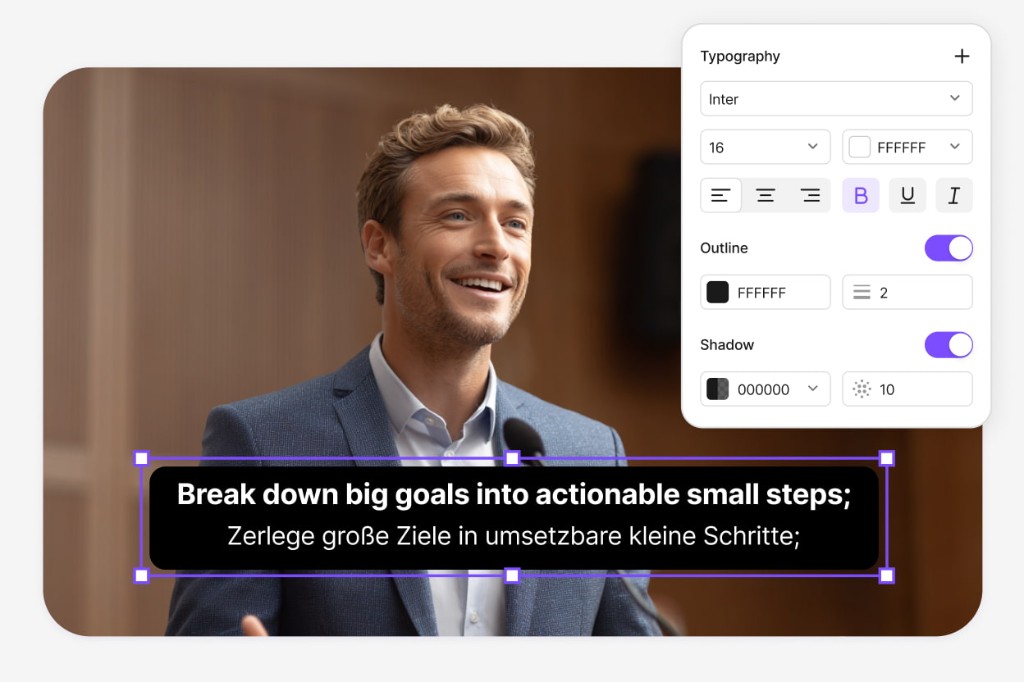
Continue from transcription into Dubbing Workflow — refine scripts, tune AI voices, and export MP4, M4A, or SRT without rebuilding timestamps.
Open Dubbing Workflow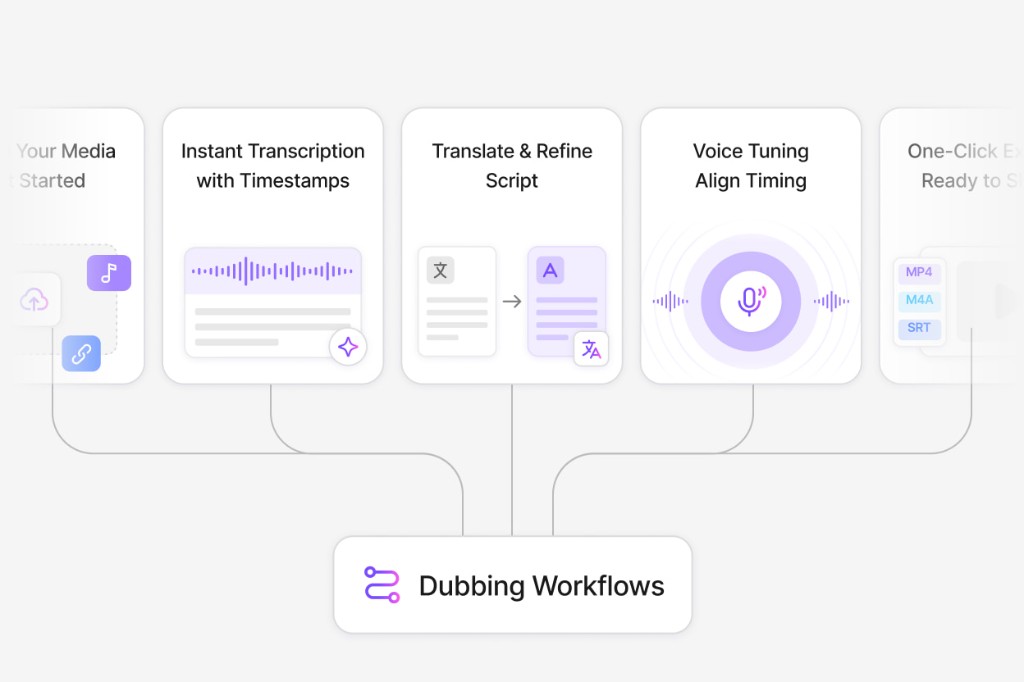
It transcribes spoken audio into SRT subtitle format — numbered cues with timestamps and text lines — so you can attach captions to video or translate them.
Upload, transcribe, and preview are free. Download requires a free VMEG sign-in.
Yes. Upload MP3, WAV, M4A, or other supported audio formats directly. No video container is required.
MP3, WAV, M4A, AAC, FLAC, and OGG up to 300 MB.
Yes for public YouTube or TikTok URLs. VMEG extracts audio from the hosted video and runs the same transcription pipeline.
Upload SRT or VTT files and localize every cue while keeping timestamps intact — ready for multi-market uploads.