How do I change YouTube pitch?
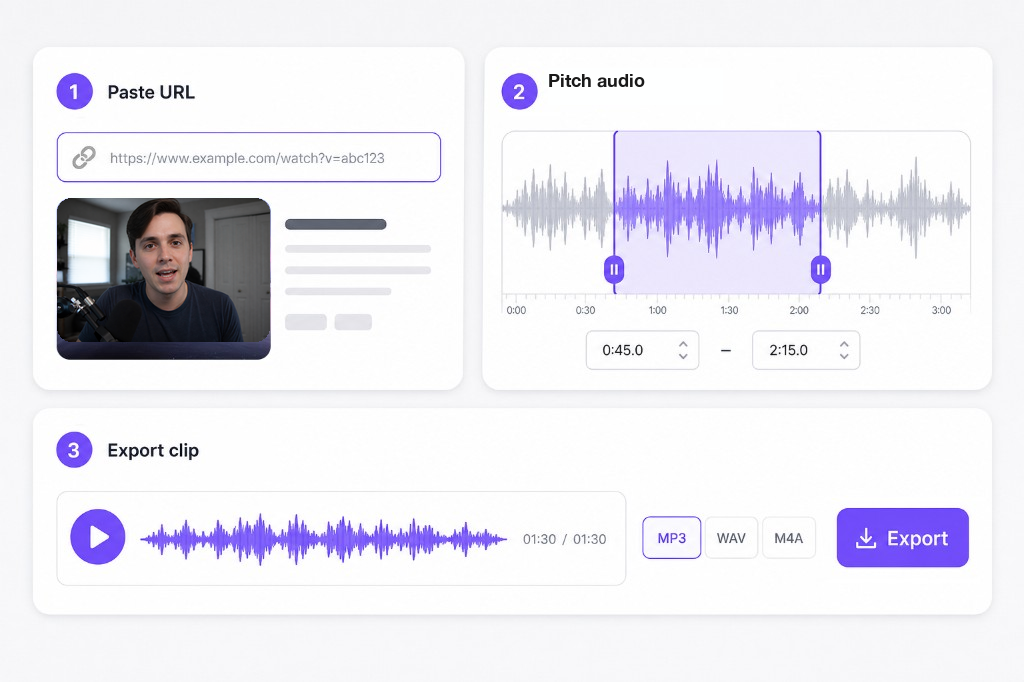
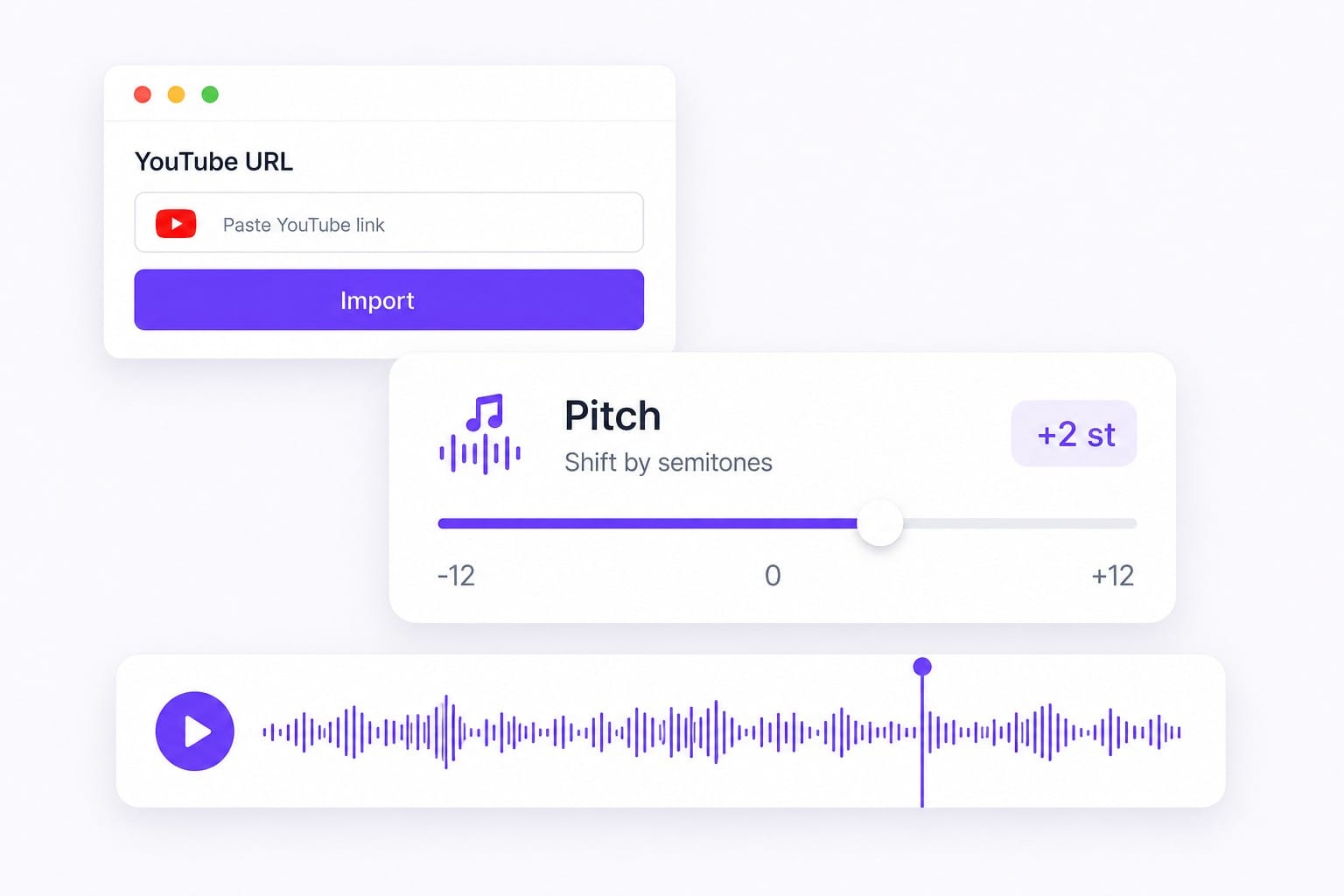
Paste the YouTube URL into From URL and wait until the audio appears. This page opens on the Pitch tab, so you can change YouTube pitch, preview, then export MP3, WAV, M4A, or AAC. If the link never loads, upload a saved file and use the same slider.
Can I change the pitch of a YouTube video?
Yes, for public YouTube videos whose audio this page can fetch. You change YouTube pitch on the soundtrack and preview in the browser. You export MP3, WAV, M4A, or AAC audio, not a new video with the picture attached.
Is this a YouTube key changer or pitch shifter?
Same slider, different names. One semitone is the next key up or down; twelve semitones is an octave. YouTube key changer and YouTube pitch shifter both mean YouTube pitch on this page.
Does changing YouTube pitch change the speed?
No. Pitch and Speed are separate tabs, so a YouTube pitch change does not have to speed up or slow down the clip. Open Speed only if it still feels too fast or too slow after the key change.
Why did my YouTube link not work?
The browser cannot load every YouTube URL. Private videos, age gates, and region locks often fail even when the watch page opens on YouTube. Upload a saved file and YouTube pitch works the same as after a successful paste.