How do I convert MP4 to MP3 online for free?
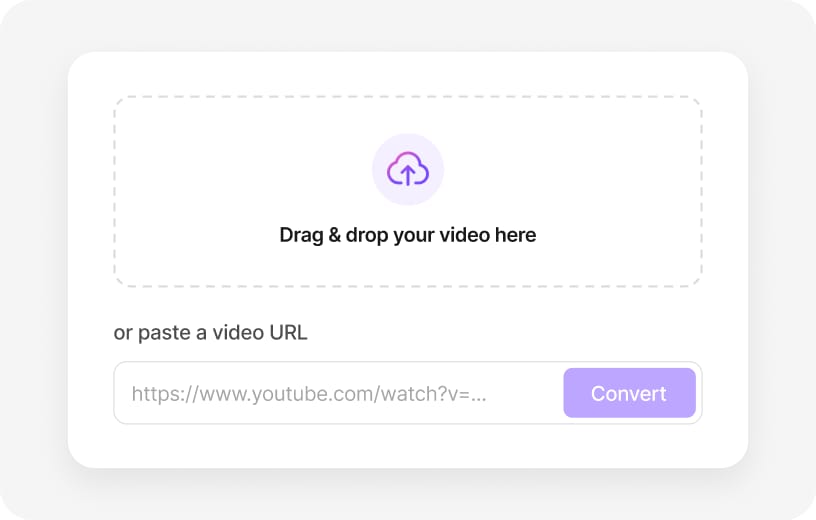
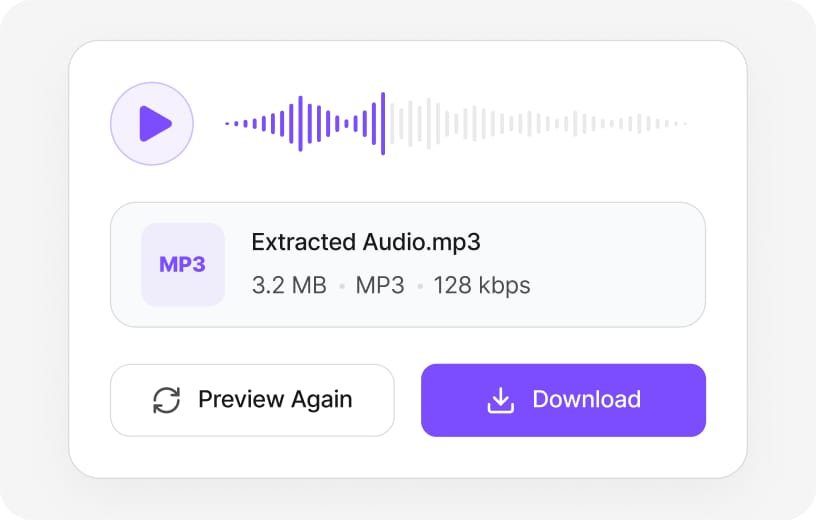
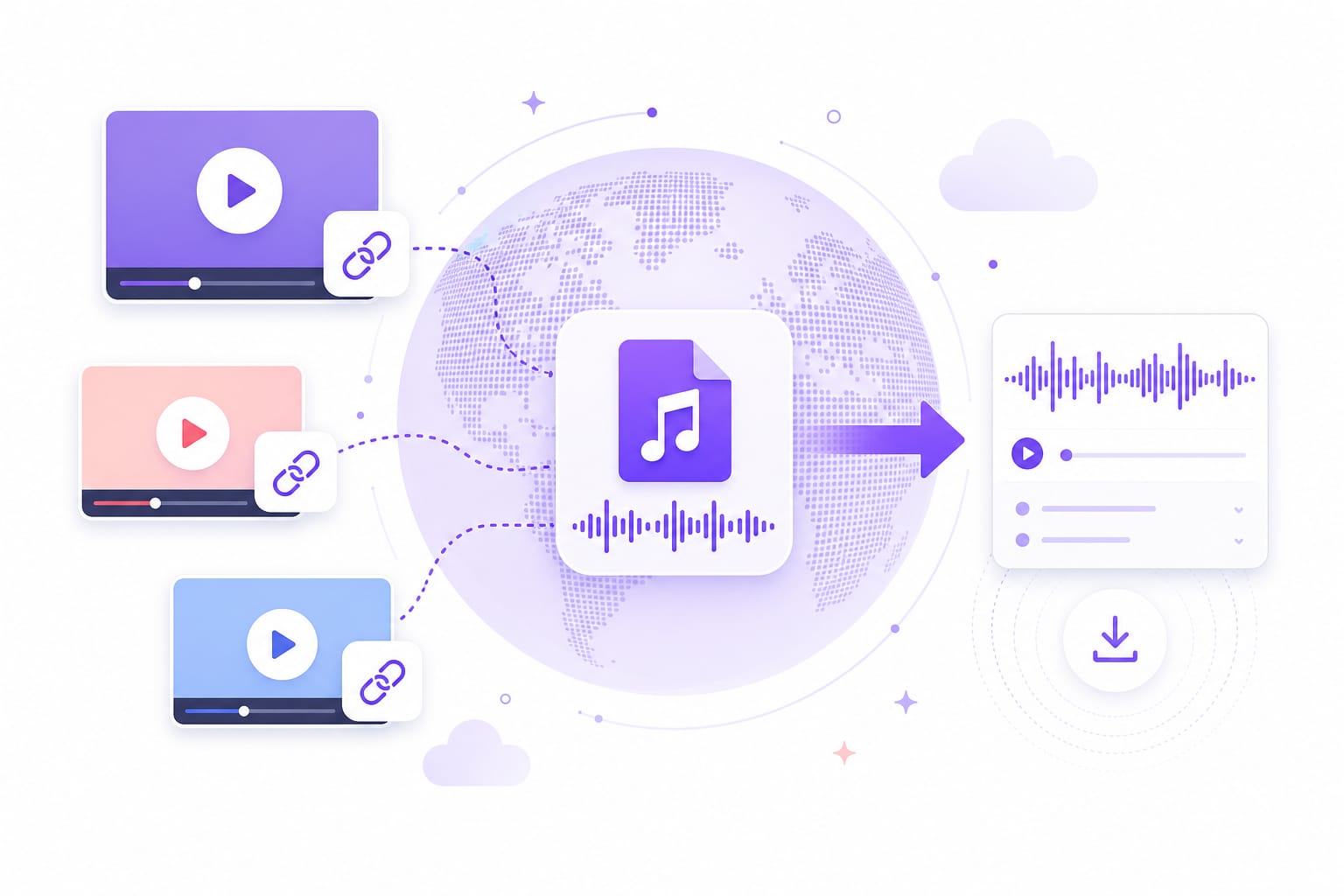
Open this page, drop your MP4 file or paste a video URL, select MP3, and hit Extract. The converted MP3 plays instantly in the browser. Sign in to download — the entire conversion is free, with no desktop software required.
Can I convert MP4 to MP3 from a YouTube link?
Yes. Switch to the URL tab, paste a public YouTube, TikTok, or Vimeo link, and the converter fetches the audio. Choose MP3 or WAV, preview, and download. Private or age-gated videos may not load — upload the saved MP4 instead.
Is this MP4 to MP3 converter free to use?
Yes. Upload an MP4 (or paste a public video link), pick MP3 or WAV, and preview the converted audio for free in your browser. You only sign in when you download the finished file — that keeps bots from hammering exports while still letting you test the full workflow.
Which video formats can I convert to MP3 besides MP4?
MP4 is what this page is built around, but the same converter accepts MOV, MKV, AVI, WebM, M4V, FLV, and MPEG containers when MP4 is not the source. Output is still MP3 or WAV — the tool strips the video track and keeps the soundtrack.
Can I convert YouTube or TikTok videos to MP3 without saving the MP4 first?
Yes. Paste a public URL instead of uploading a saved file. VMEG fetches the media, extracts the audio track, and lets you export MP3 or WAV from the same screen. Private, login-only, or geo-blocked links may fail — in that case download the clip locally and upload the MP4.
Should I choose MP3 or WAV when converting MP4 to audio?
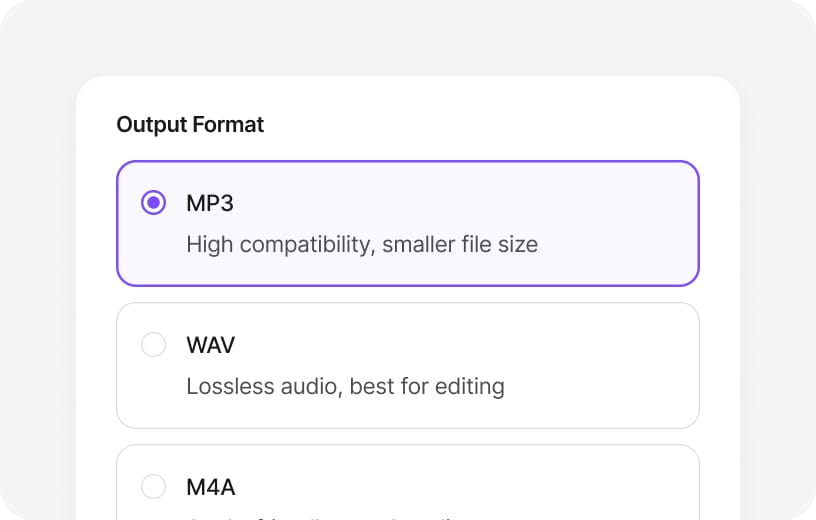
Pick MP3 when you want a small file for podcasts, playlists, ringtones, or messaging apps — compression trims size with minor quality loss. Choose WAV when you are handing audio to a DAW or video editor and need the full captured track without another lossy step. Both formats come from the same MP4 source on this page.
Will converting MP4 to MP3 lower audio quality?
MP3 always applies lossy compression, so very quiet details or extreme highs may soften compared with the original video soundtrack. WAV export keeps the extracted PCM data intact. For spoken word or background music in social clips, MP3 is usually enough; for mastering or stem work, start with WAV.
Is there a file size limit for MP4 uploads?
Yes — each uploaded video can be up to 100 MB on this free online converter. Longer 4K screen recordings or event footage may exceed that cap; trim the clip first or compress the MP4, then upload again. Pasted URLs can sometimes handle longer sources because processing runs on VMEG cloud infrastructure.
Is my MP4 video stored on VMEG servers?
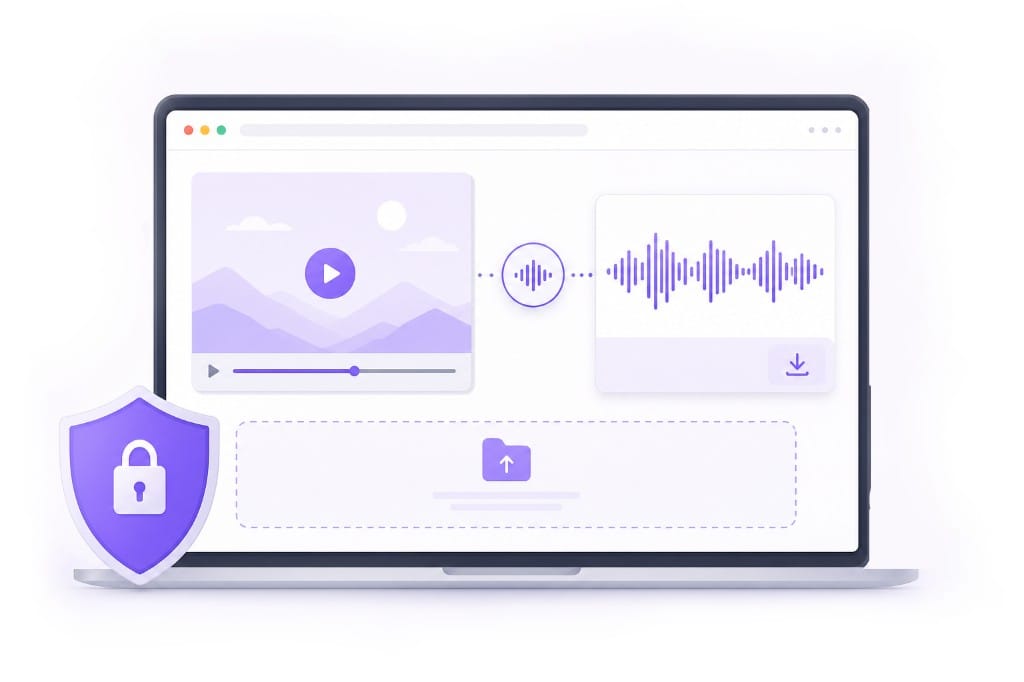
You can preview without an account. When you export — especially from a pasted link or a cloud-backed upload — the file is processed on VMEG servers so the MP3 or WAV can be generated reliably. Sign in to download; we do not use your content for model training.
Can I convert MP4 to MP3 on iPhone, iPad, or Android?
Modern mobile browsers work for short MP4 clips and pasted social links. Large camera-roll files or hour-long recordings run faster on desktop Chrome or Edge where memory limits are looser. Keep the tab open while uploading or exporting so the job is not interrupted.
Do I need FFmpeg, iTunes, or desktop software to convert MP4 to MP3?
No install required. The converter runs in the browser — open the page, add your MP4 or link, and export. That saves you from configuring command-line encoders or hunting for a safe desktop MP4-to-MP3 app.
Can I export M4A or FLAC instead of MP3 from an MP4?
This MP4-to-MP3 page focuses on MP3 and WAV for the fastest handoff. When you need Apple-friendly M4A (AAC) or lossless FLAC archives, use the format picker if those options are enabled for your file, or route through related VMEG online audio tools after you extract WAV.
Why does my MP4 fail to convert or show “no audio track”?
Some screen captures, muted exports, or broken downloads contain video with no soundtrack — there is nothing to rip into MP3. Corrupt MP4 files or unsupported codecs can also fail. Try re-exporting the video with audio enabled, test a shorter clip, or switch browsers if the file plays locally but not here.
How long does it take to convert MP4 to MP3?
Short phone clips often finish in seconds. Longer uploads depend on file size, your network, and whether the source is local or fetched from a URL. Stay on the page while the progress bar runs; closing the tab mid-export can cancel the job.
Can I use the converted MP3 for podcasts, TikTok, or commercial projects?
The converter only changes container format — it does not grant rights to the underlying music or dialogue. Make sure you own the MP4 or have permission to extract and republish the audio before you upload MP3 files to a podcast host, ad, or social channel.