English
EN

Free YouTube Audio Cutter Online

Cut audio from YouTube online. Paste a link, trim the soundtrack, and export MP3, WAV, M4A, or AAC in your browser — YouTube audio cutter.

Loading audio editor…

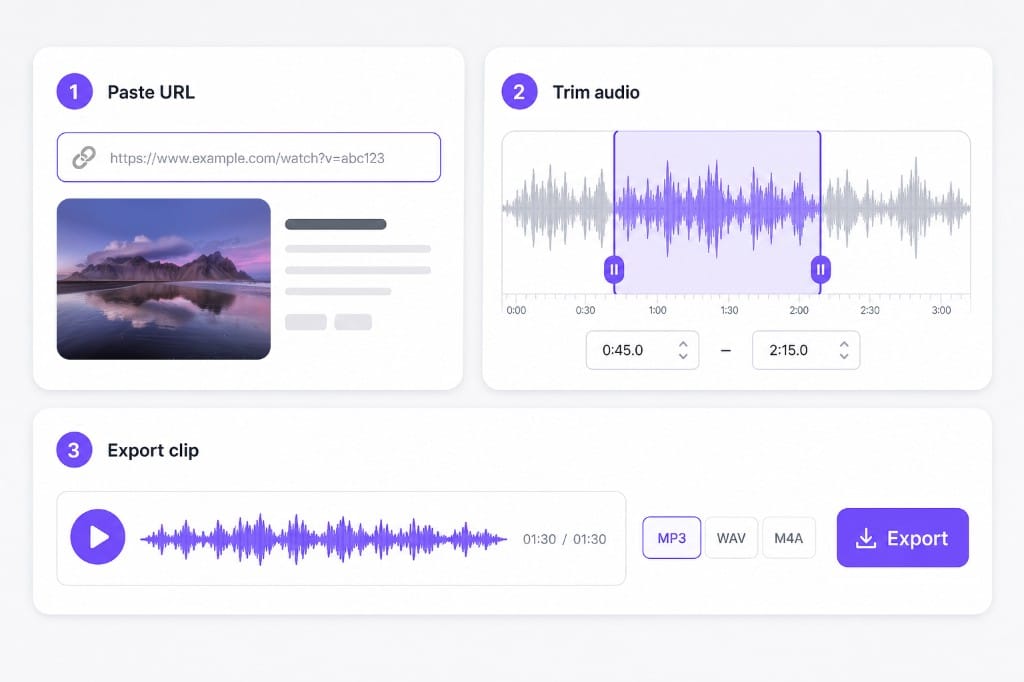
How to Cut Audio from YouTube with VMEG

  1. 01Paste the YouTube or media URL

    Use From URL to load audio from a supported link. If the link cannot be fetched, download the audio locally and upload the file instead.

  2. 02Cut the section you need

    Select the chorus, quote, or clip on the waveform. Keep or remove the selection and add fade if needed.

  3. 03Export the clip

    Choose MP3, M4A, AAC, or WAV and save after sign-in.

YouTube audio cutter workflow: paste media URL, trim waveform selection, and export MP3 or WAV

Why Use VMEG YouTube Audio Cutter

Paste a link, trim the exact clip, and export — with upload fallback when URL import is not available.

URL-first workflow

Built for people searching YouTube audio cutter — paste a link, edit, export without hunting for a separate downloader. When URL import works, you trim the loaded track on the waveform; when it does not, upload the saved file in the same editor.

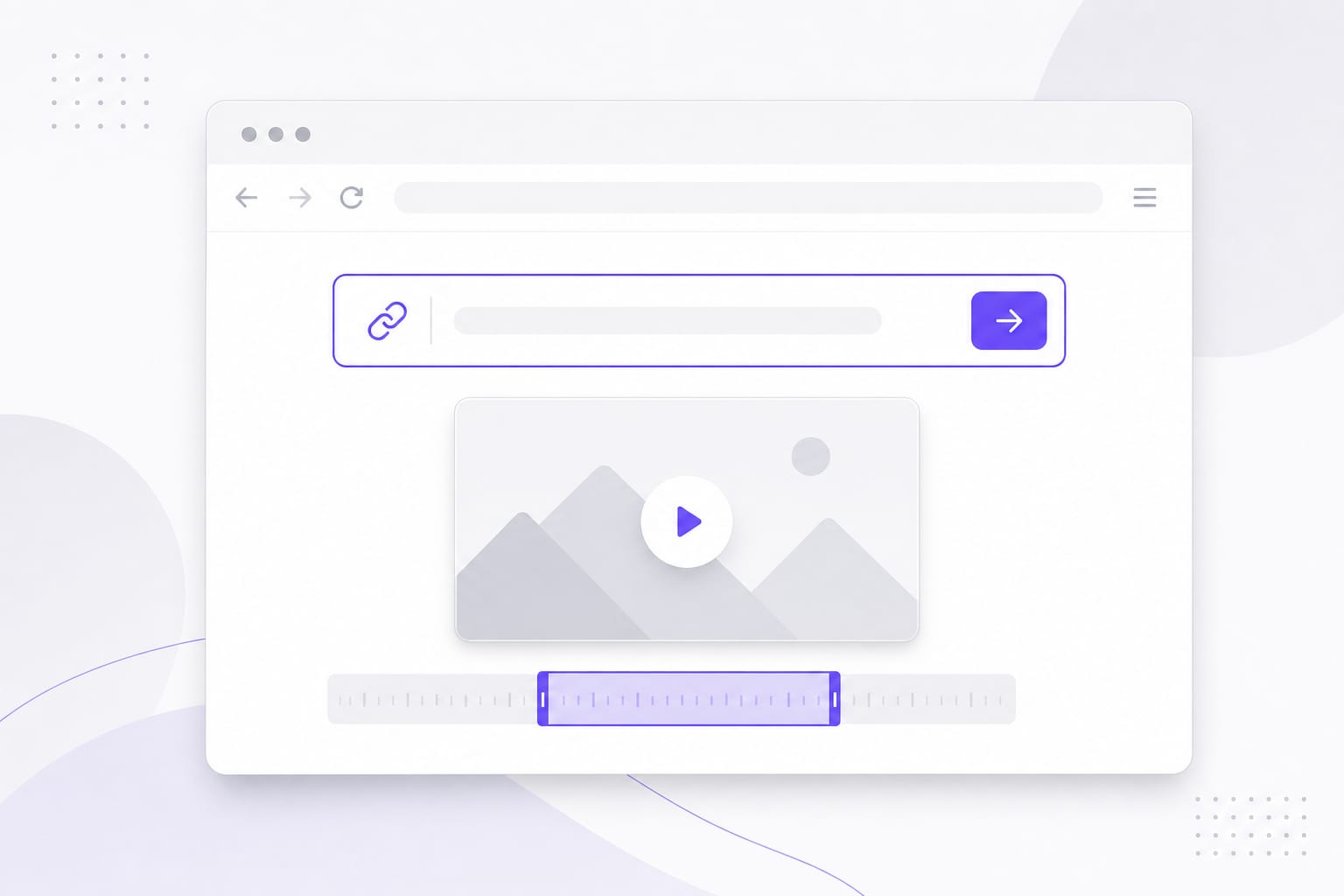
Paste a link
Paste media URL to load audio in the browser-based YouTube audio cutter

Cut, not just extract

Go beyond ripping full tracks: trim to the exact seconds you need for edits, memes, or study clips. Keep or remove selections, add fade in and fade out, then export MP3, WAV, M4A, or AAC sized for your project.

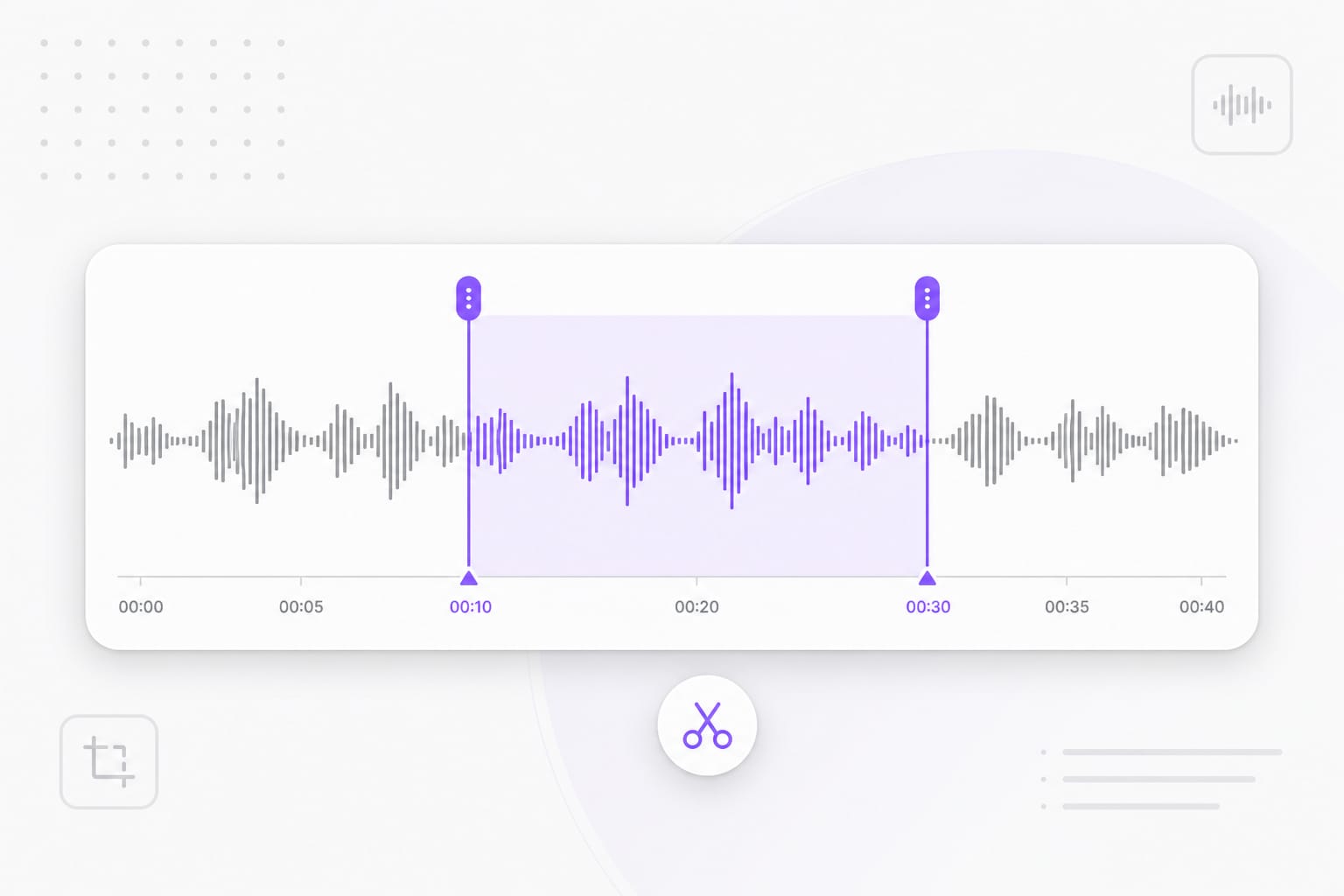
Trim your clip
Trim waveform selection to cut exact audio seconds before export

Fallback upload path

If URL import fails, upload the audio file you saved — the same editor opens either way. Video uploads also extract an audio track locally so you can cut soundtrack segments without leaving the YouTube audio cutter page.

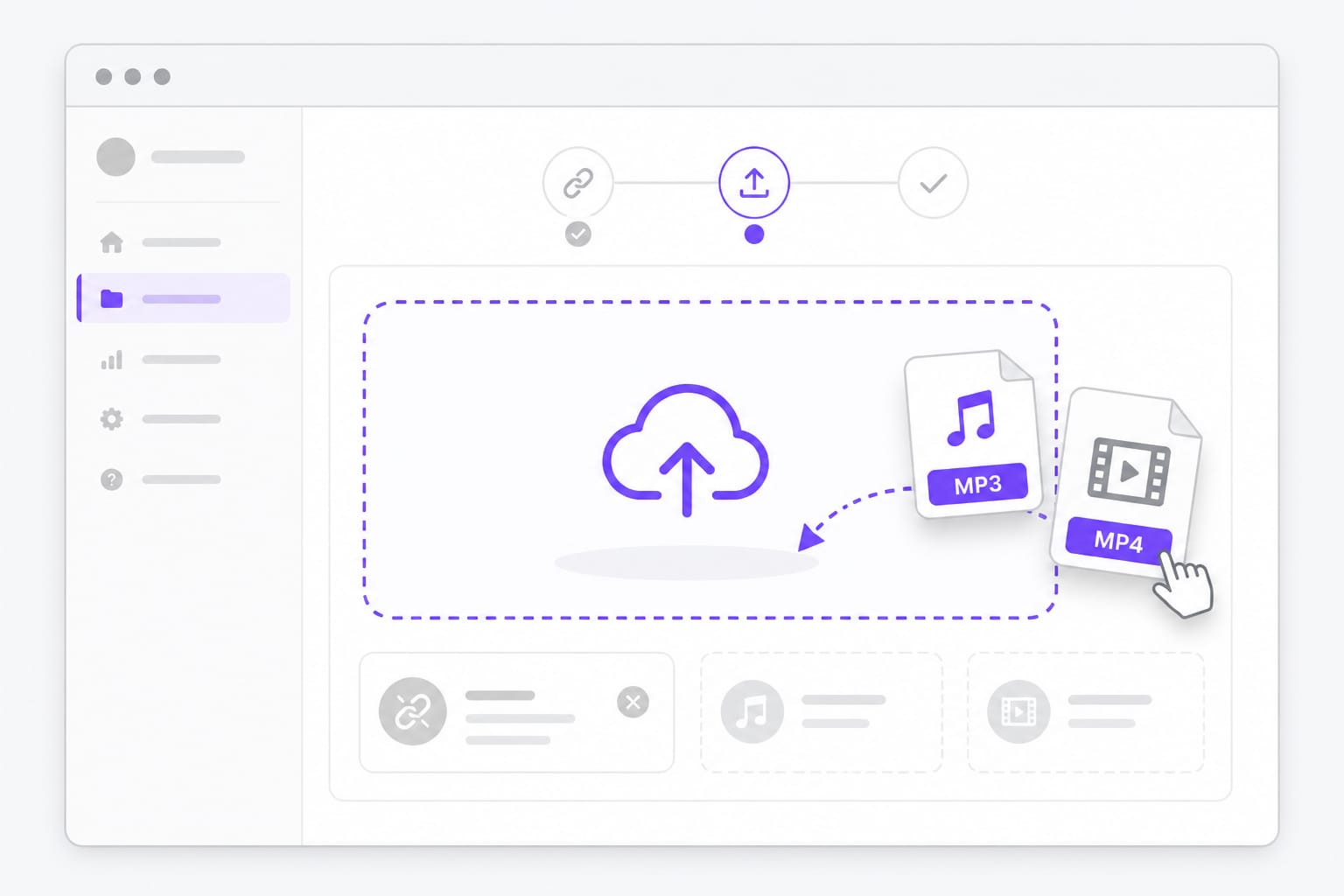
Upload instead
Upload saved audio or video file when URL import is unavailable

FAQs about YouTube Audio Cutter

How do I cut audio from a YouTube video?

Paste the video URL in From URL, wait for the audio to load, set trim points on the waveform, and export your clip. You can also upload a video or audio file you saved locally if the link cannot be fetched in the browser.

Why did my YouTube link not work?

Some YouTube URLs cannot be loaded in the browser due to platform restrictions. Download the audio with a method you trust, then upload it here to cut. The trim, fade, volume, and export tools are identical after the track is in the editor.

Is cutting YouTube audio legal?

You are responsible for having rights to the content you edit. Use this tool only on material you own or are licensed to use. VMEG provides editing capability; compliance with copyright and platform terms is up to you.

What format should I export?

MP3 for sharing, WAV for editing, M4A/AAC for Apple devices. All four are available on export after you trim. Pick the format that matches how you will reuse the clip — social, DAW, or phone playback.

Do I need an account?

Preview and edit are free in your browser. Sign in to download. Test multiple in and out points and optional fades before saving your exported clip.

Cut YouTube audio online in your browser

Paste a media URL or upload a saved file, trim the clip you need, and export MP3, WAV, M4A, or AAC — no desktop software.