Is this video to MP3 converter free?
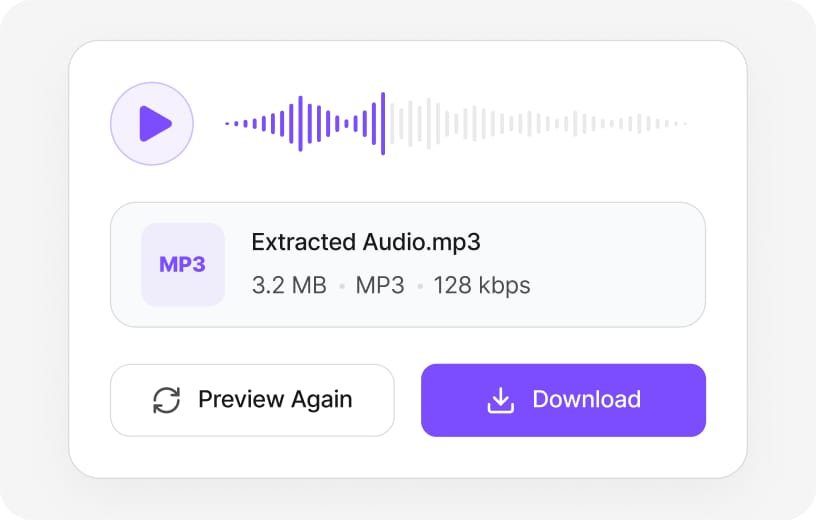
Yes. Upload a video, convert to MP3 or WAV, and preview the result for free. Download requires a free VMEG sign-in to reduce abuse. Preview and core processing are free in your browser; sign in when you download the finished Video to MP3 Converter output so exports stay reliable.
Which video formats can I convert to MP3?
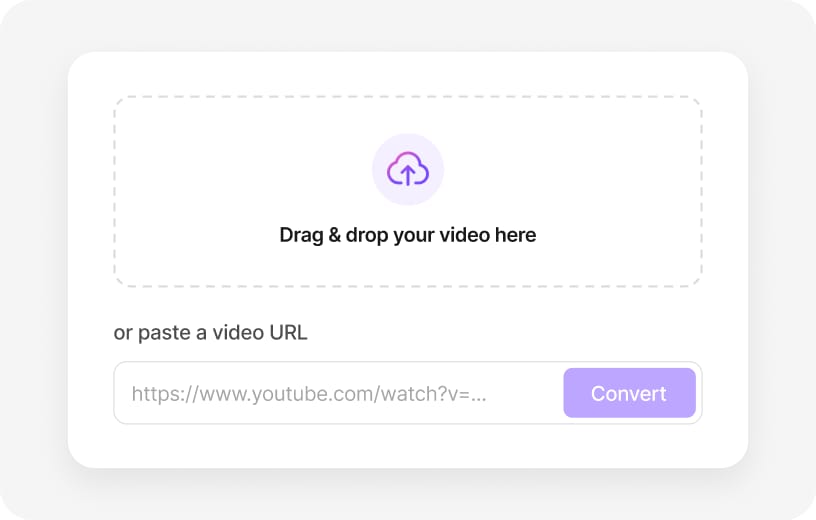
MP4, MOV, MKV, AVI, WebM, FLV, MPEG, and other common video formats are supported. Check the upload chip on this page for the full list of supported containers; matching those formats avoids failed imports.
Can I convert video to MP3 online?
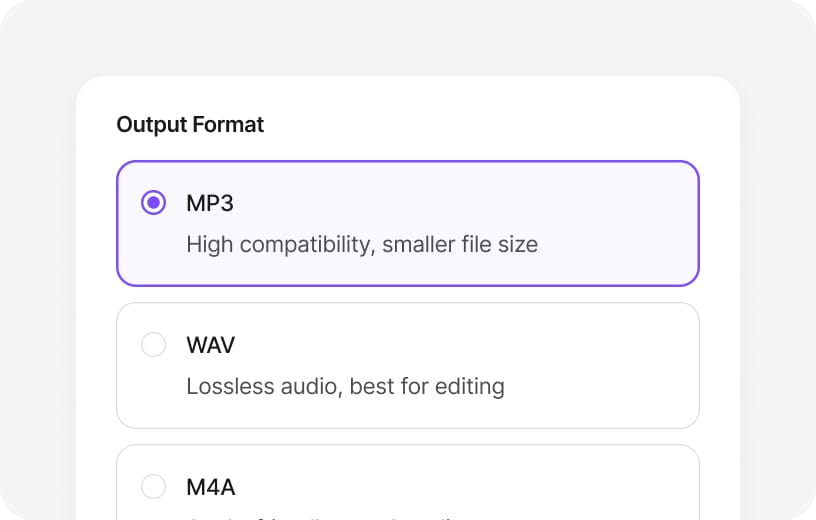
Yes. Choose MP3 or WAV on this page, preview the result, and sign in to download. WAV keeps the extracted PCM track intact; MP3 shrinks file size for sharing — pick the format that matches your edit or publish step.
Can I convert YouTube or TikTok videos to MP3?
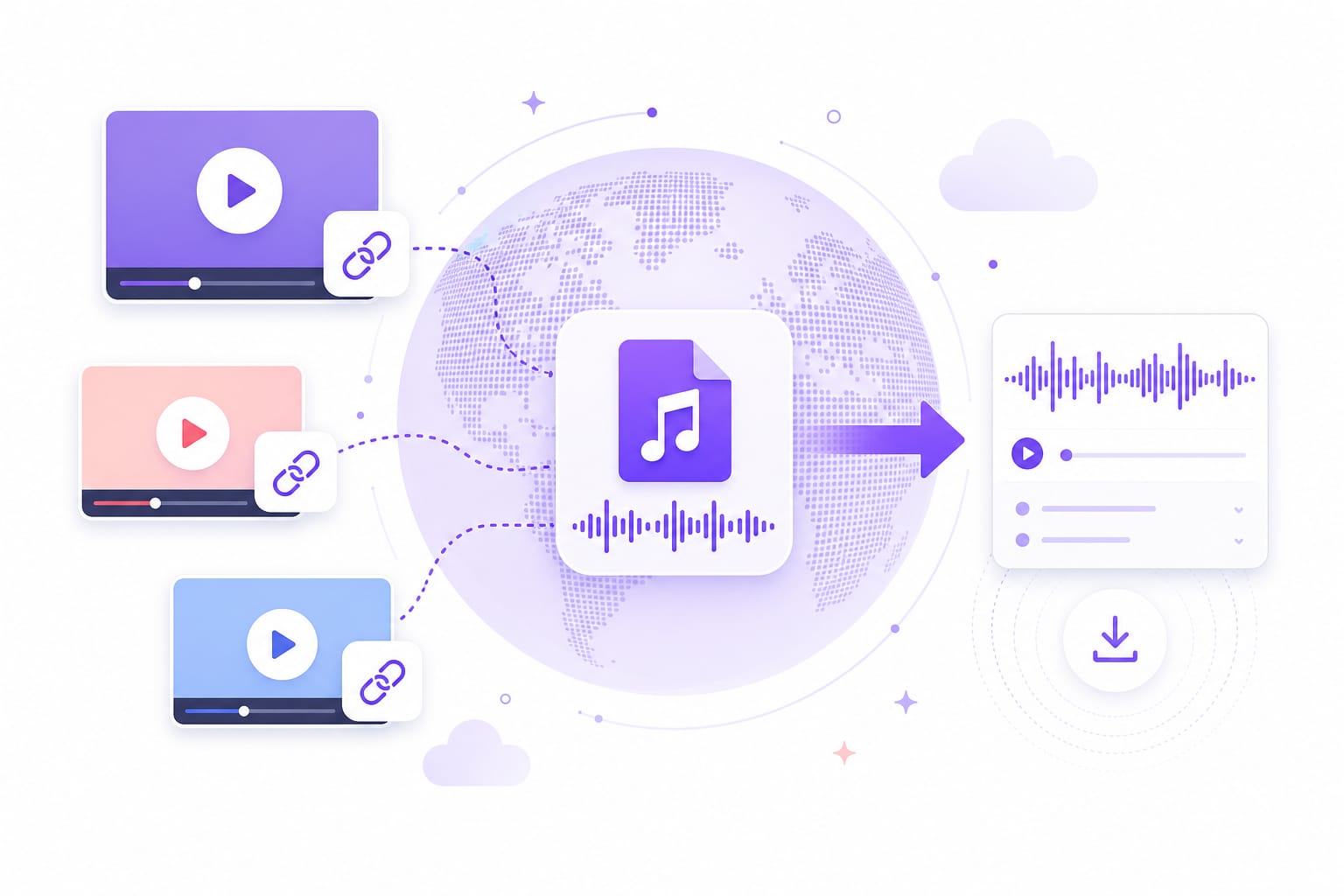
Paste a public YouTube, TikTok, Vimeo, Facebook, Instagram, X, or Dailymotion URL to start. Online links are handled by VMEG online tools for full platform support.
Is my video uploaded to your servers?
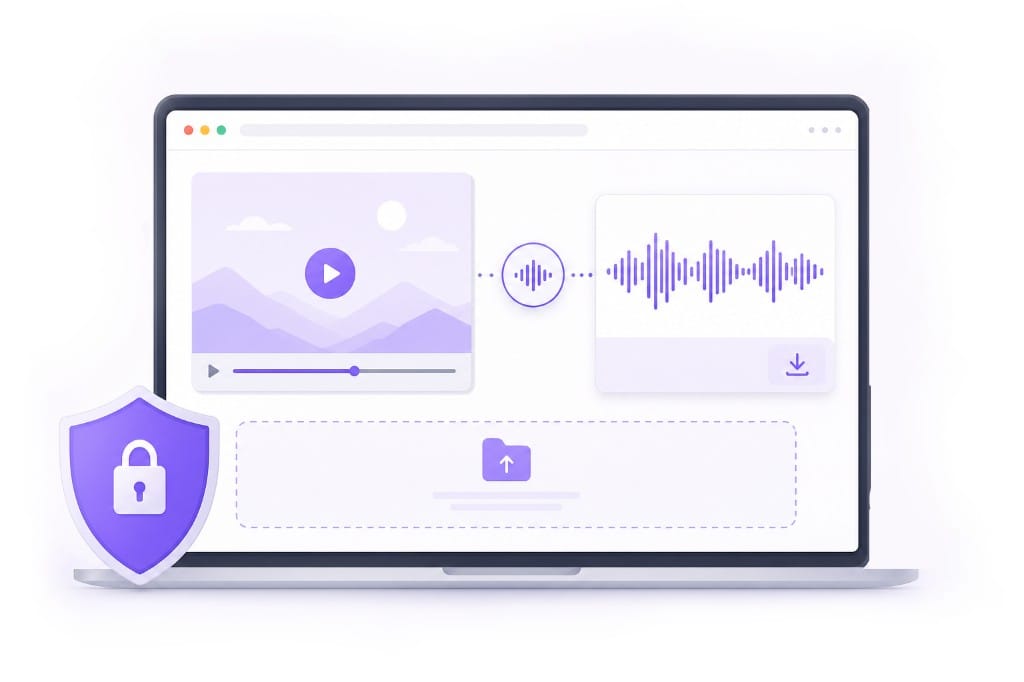
Preview is free without an account. Sign in to download your file. Processing may run on VMEG cloud servers for link imports and exports; sign-in is required to download, and your files are not used to train models.
Will audio quality be reduced?
WAV export preserves full quality from the captured track. MP3 applies compression and is best for sharing rather than mastering. WAV keeps the extracted PCM track intact; MP3 shrinks file size for sharing — pick the format that matches your edit or publish step.
Does it work on mobile devices?
Yes, on modern mobile browsers. Desktop Chrome or Edge is recommended for larger files. Short jobs work on phones and tablets; for large uploads or long exports, desktop Chrome or Edge usually finishes faster.
Do I need to install software?
No installation required. Open the page, upload a video or paste a link, and convert to MP3 or WAV. No encoder install is required — open Video to MP3 Converter in a modern browser, add your file or link, and export from the same tab.