Table-first editing, not a timeline maze
Edit #, Start, End, and Subtitle in one list — the same mental model as spreadsheet-style subtitle tools, tuned for fast SRT fixes instead of timeline scrubbing.
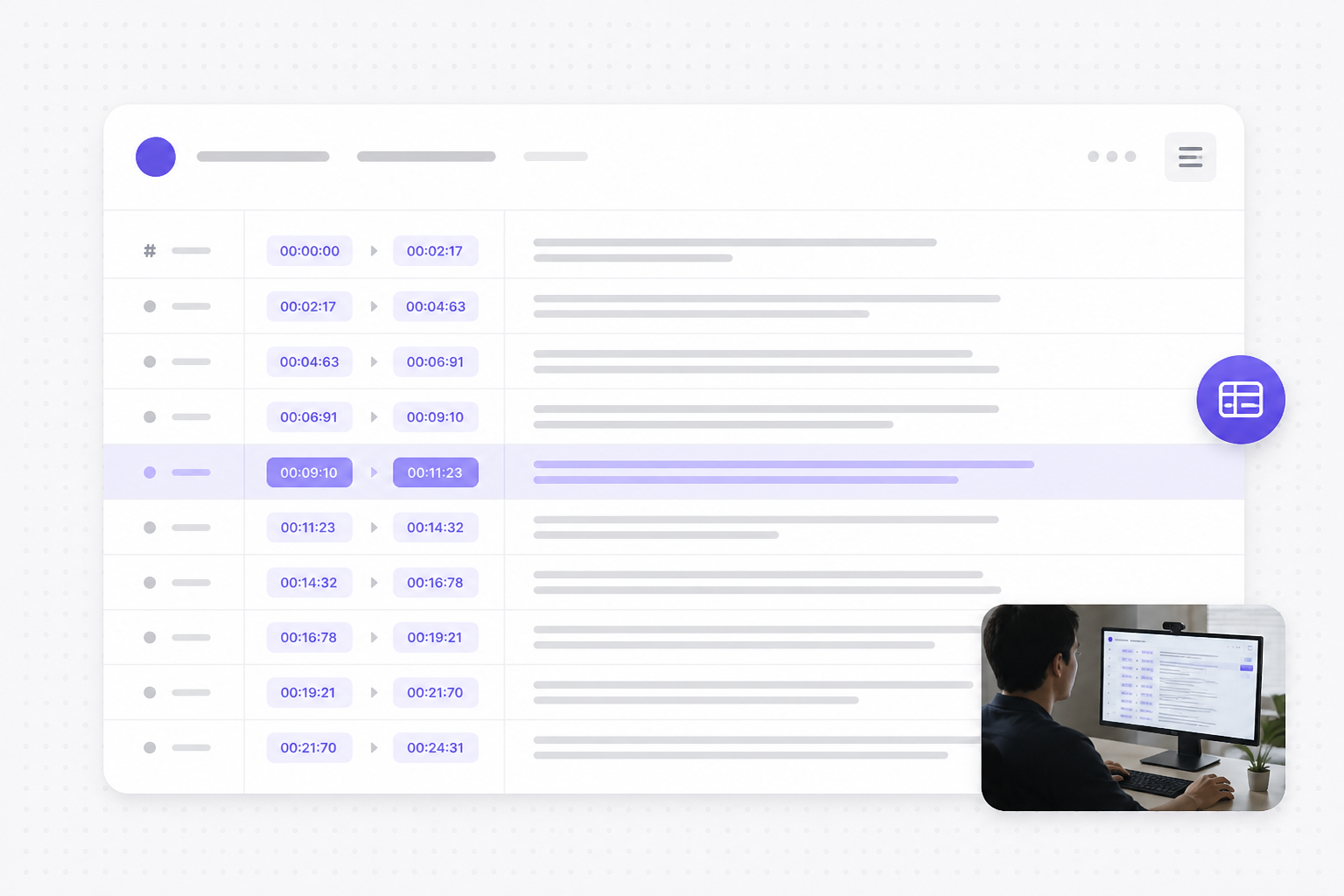
Edit, sync, and fix SRT subtitles online. Free srt editor and srt file editor - upload an SRT, adjust timing and text, run quality checks, then download SRT, VTT, or TXT.
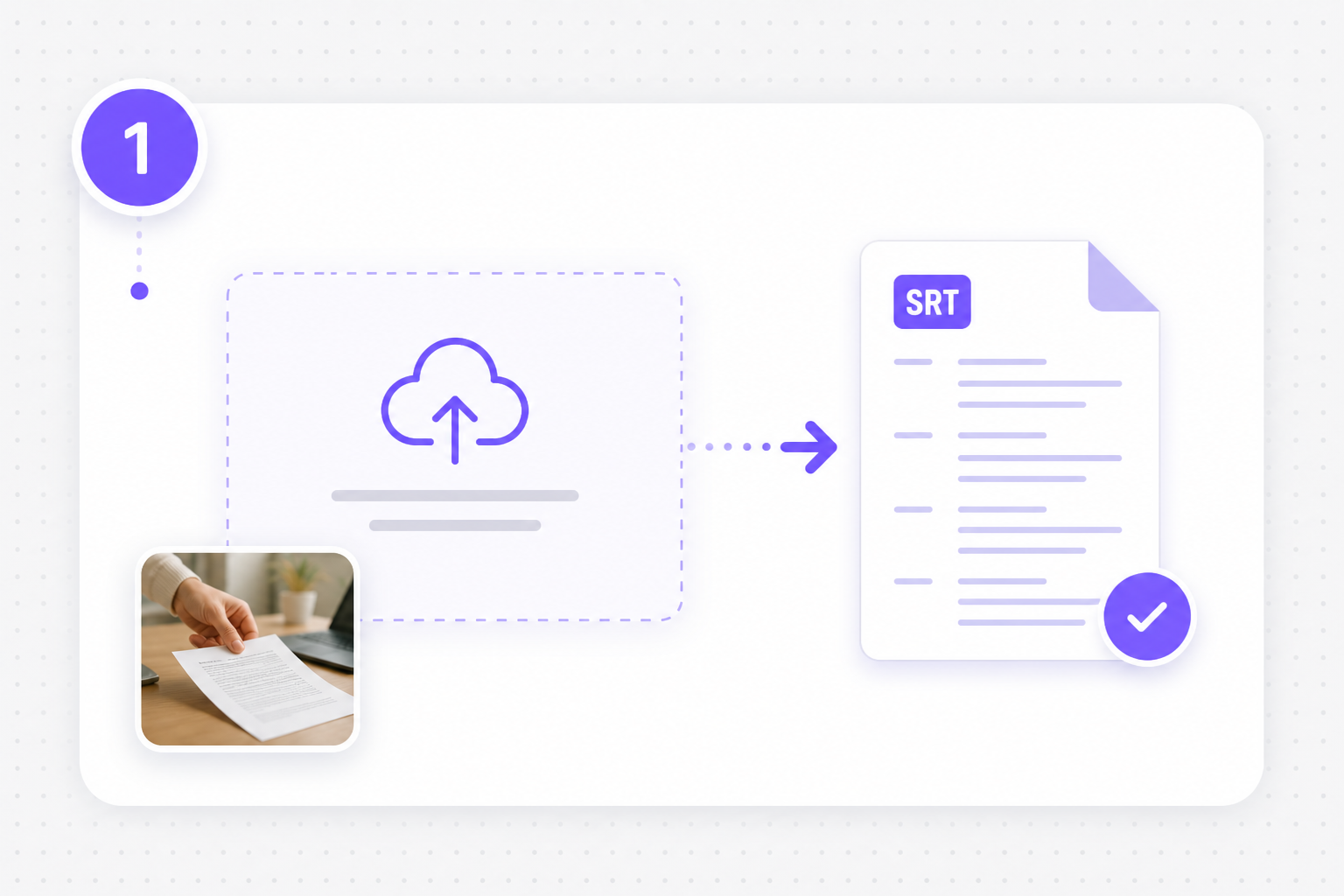
Use this free srt editor to upload subtitles, preview and fix timing and wording in a clear cue list, then export a clean SRT track — no desktop suite required.
Drop an SRT or VTT file (up to 50 MB). This srt editor online opens a subtitle preview with a numbered cue table right away — no video upload or complex timeline setup.
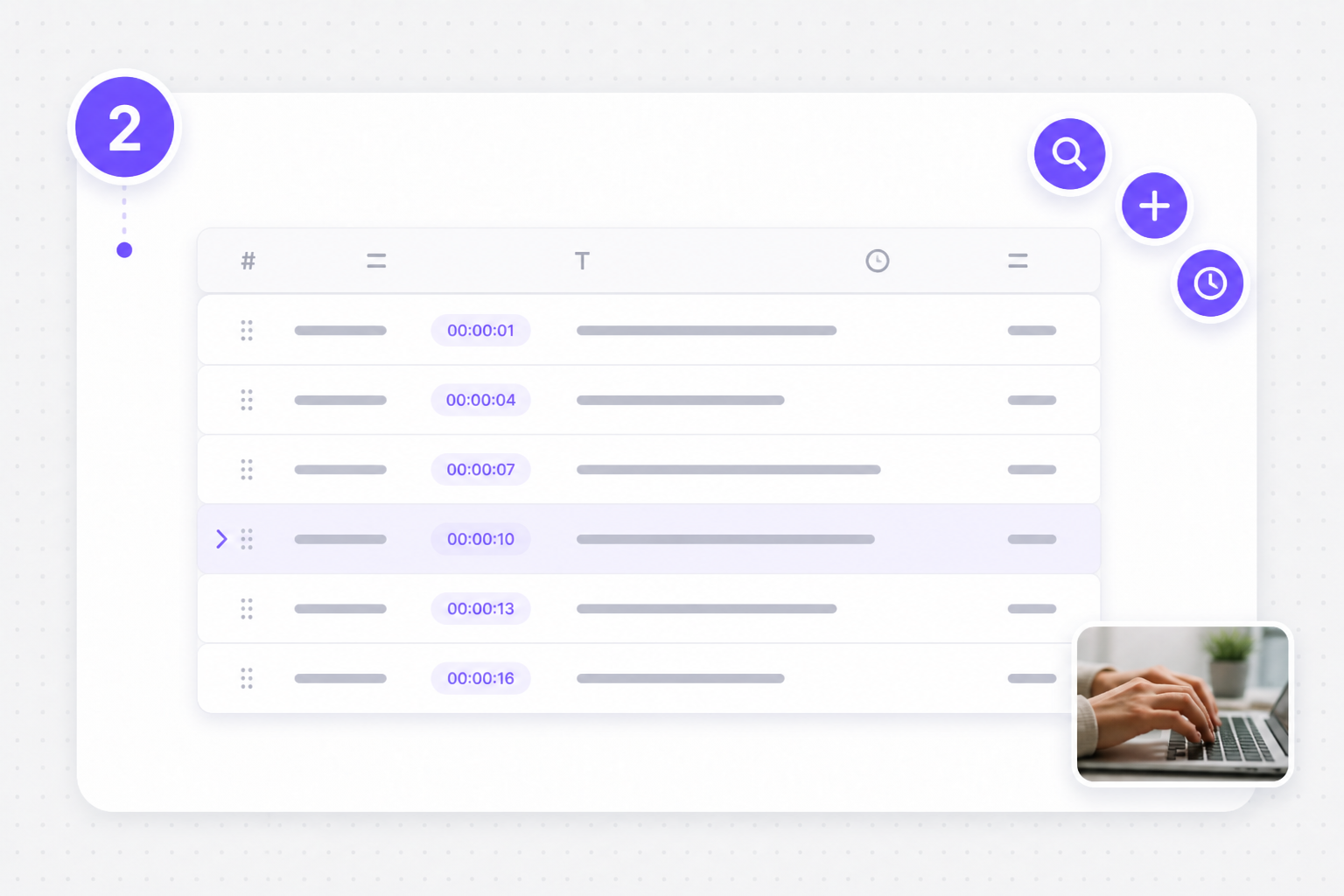
After upload, review the subtitle preview. Change Start and End timestamps, rewrite cue text, add or delete lines, shift all cues earlier or later, and run find & replace for names or ASR typos.
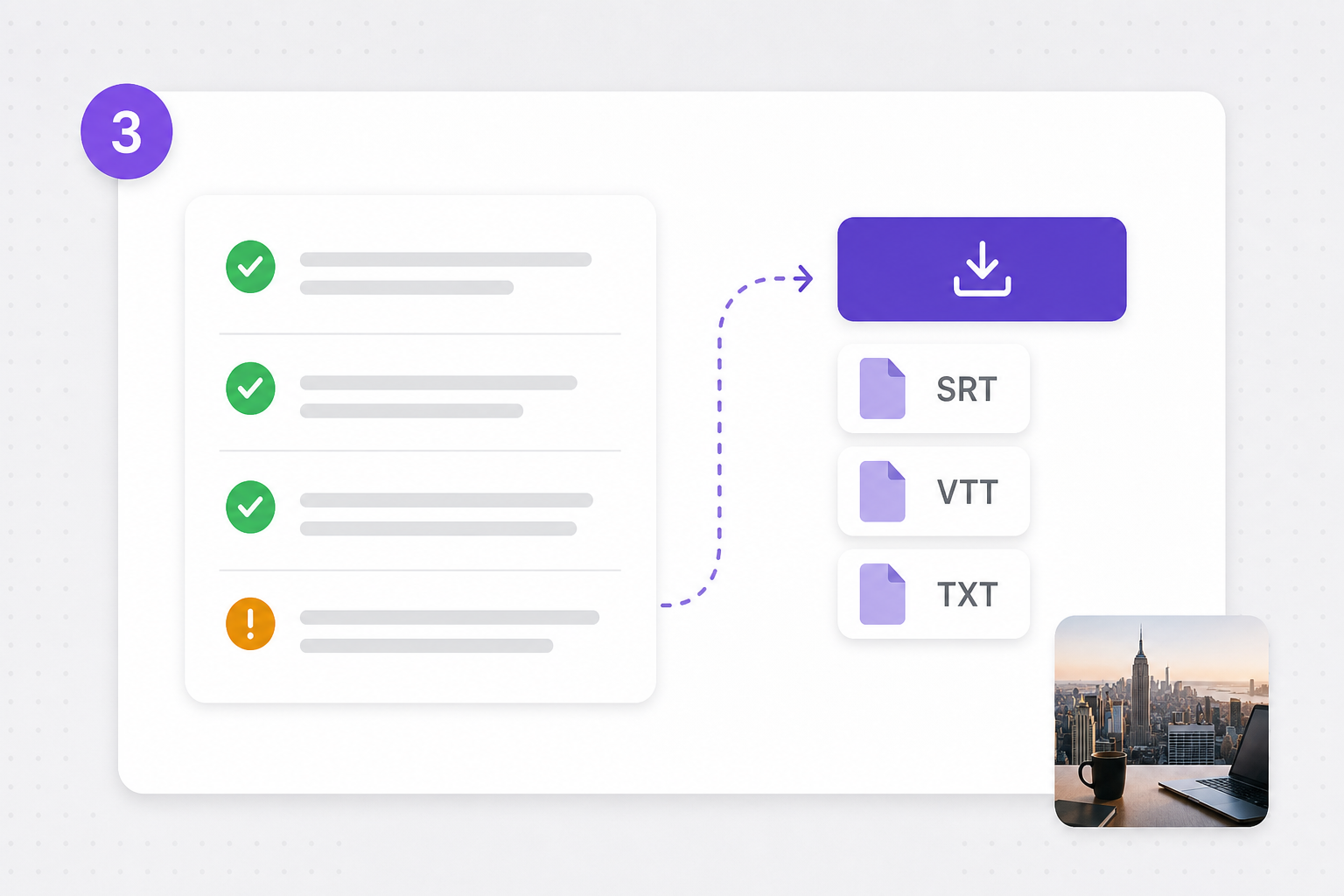
Review overlaps, empty cues, and reading speed warnings, then download SRT, VTT, or plain TXT. Keep a clean subtitle track ready for YouTube, Premiere, or translation workflows.
You need a lightweight srt file editor — not a full NLE. Fix timing, merge cues, and catch quality issues in the browser, then export and move on.
Edit #, Start, End, and Subtitle in one list — the same mental model as spreadsheet-style subtitle tools, tuned for fast SRT fixes instead of timeline scrubbing.
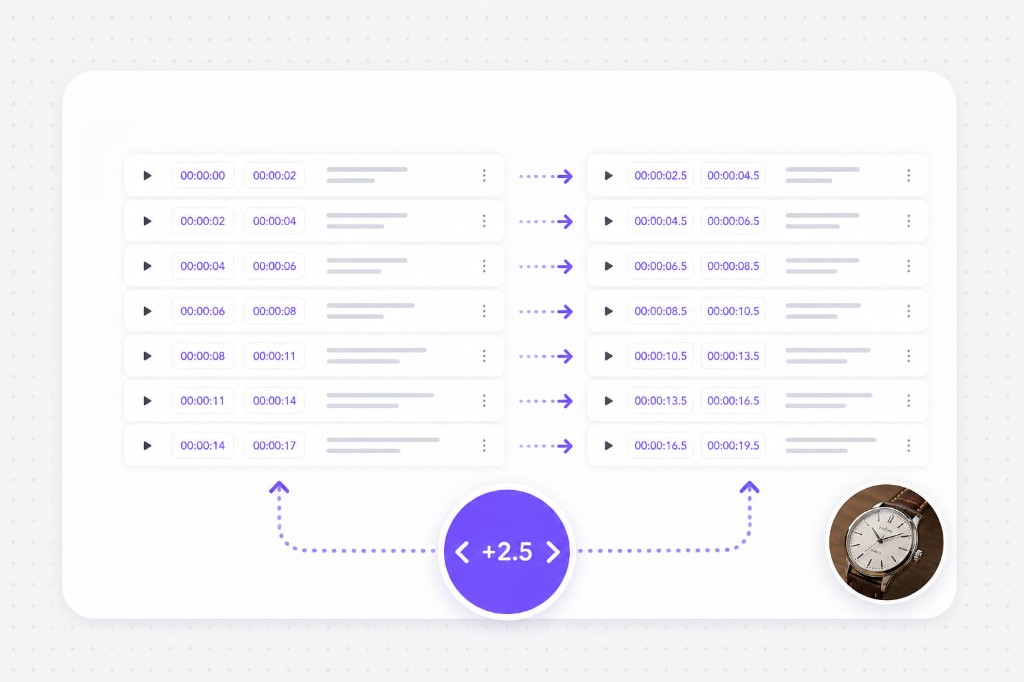
Move every cue earlier or later when the track is off by a few seconds. Find & replace cleans brand names, people, and ASR mistakes across the whole file.
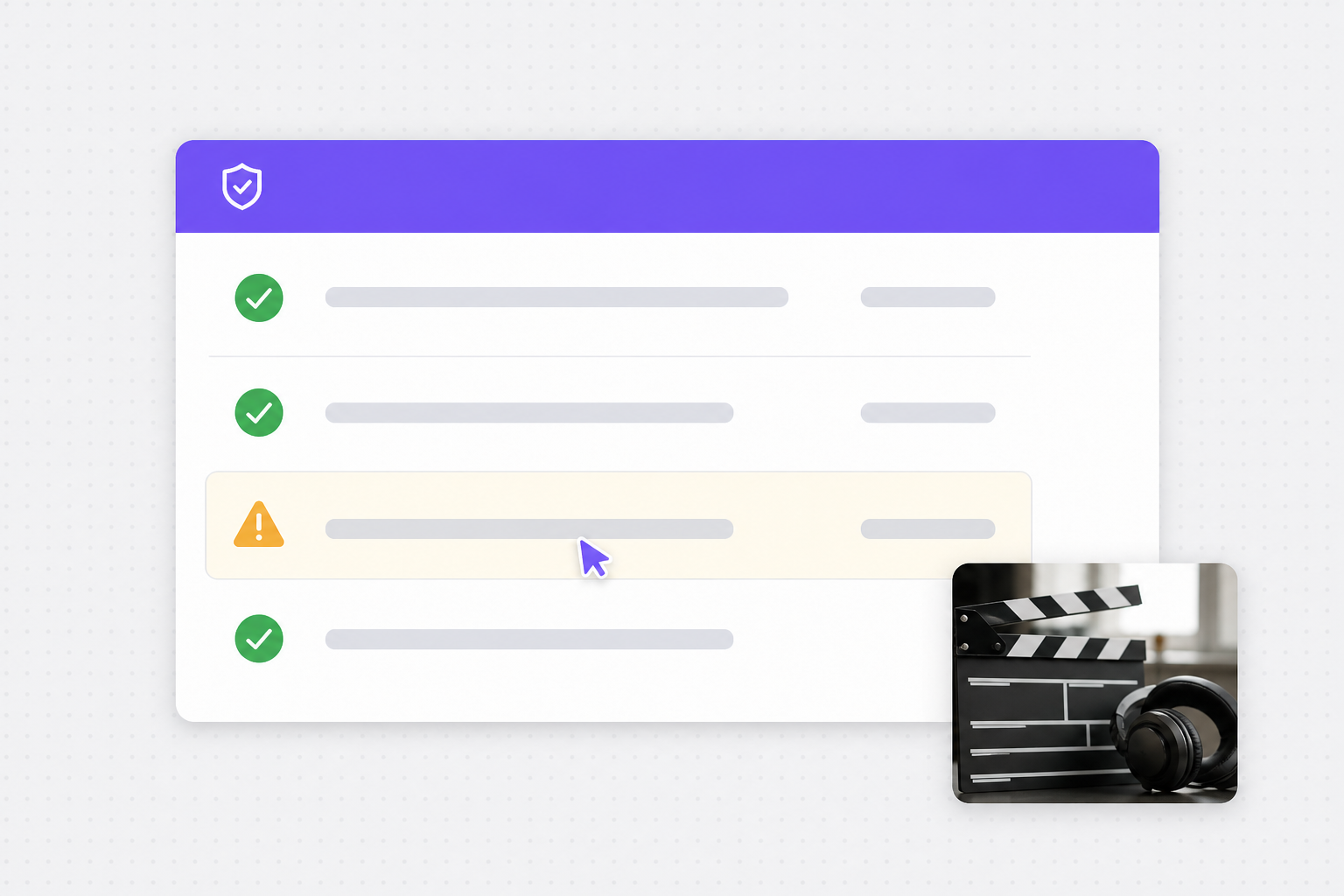
Spot overlaps, empty lines, invalid sequences, long cues, and fast reading speed (CPS) before you publish — then jump to each issue with Review.
After you polish cues in this srt editor, translate captions, dub video, or generate fresh SRT from media in the same VMEG toolkit.
Export your edited SRT and open Subtitle Translator — localize into 170+ languages while keeping every cue timestamp intact for multi-market uploads.
Try Subtitle Translator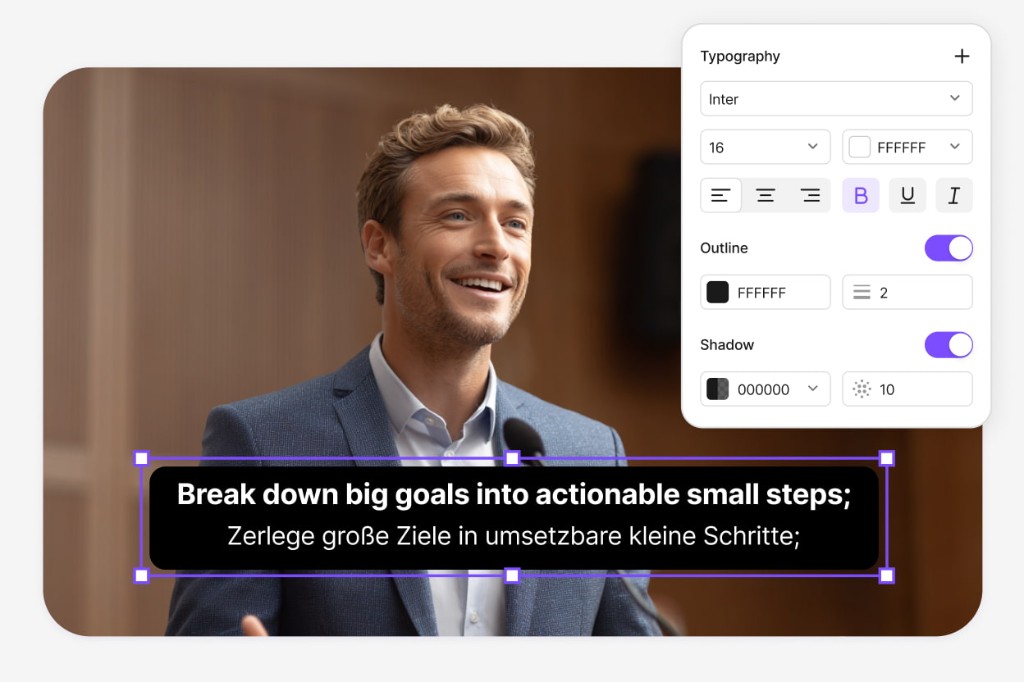
Pair a cleaned SRT with Video Translator when you need on-screen captions and AI dubbing for the full clip — not just a sidecar subtitle file.
Try Video Translator for free
After you polish SRT wording, continue into Dubbing Workflow — refine scripts, pick AI voices, and ship dubbed video without rebuilding captions from scratch.
Open Dubbing Workflow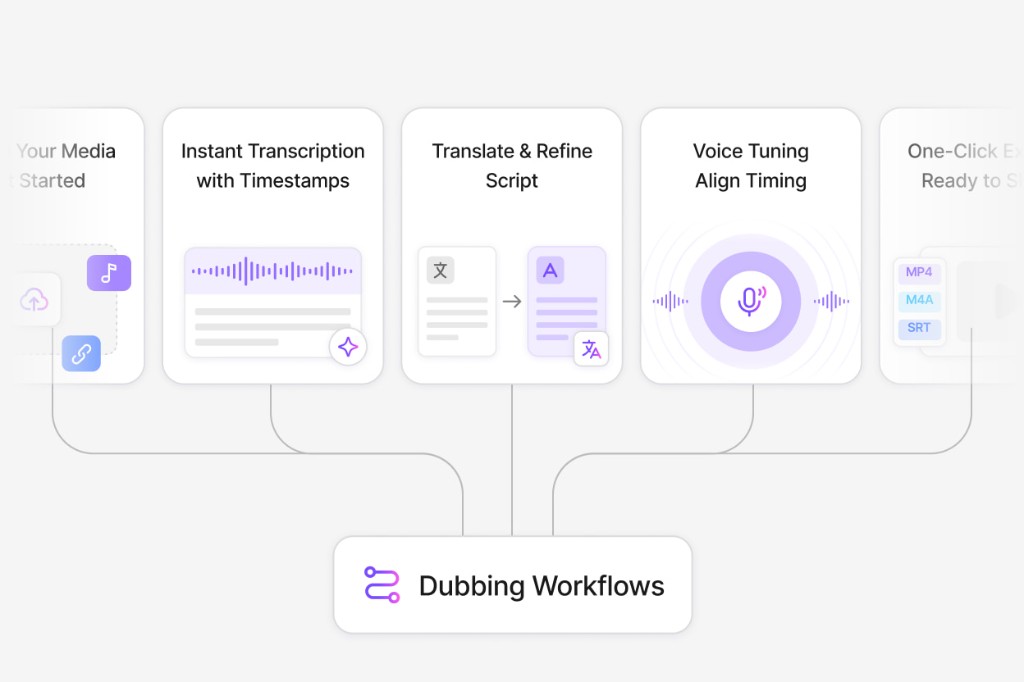
An srt editor online lets you open an SRT (or VTT) file in the browser, edit cue text and timestamps, fix common issues, and download an updated subtitle file — without installing desktop software.
Yes. Free to use 3 times a day, shared across all VMEG online tools. Upgrade to Online Tools Unlimited for unlimited daily use. Upload a file, preview and edit cues, run quality checks, and download SRT, VTT, or TXT in your browser. No video upload or paid timeline suite is required for V1.
Use Shift Timing to move every cue earlier or later by a number of seconds. That helps when the whole track is late or early relative to the video.
Yes. It flags overlapping cues, empty subtitles, invalid timing, cues that are too long, and cues that read too fast (high CPS). Review Issues jumps to each problem cue.
Download SRT by default, or export VTT and plain TXT from the download menu. Styling, fonts, and burn-in are out of scope for this lightweight editor.
No. This tool is an SRT file editor only. Upload the subtitle file, preview and edit, then export. For creating SRT from media, use Video to SRT or related generators.
Handle feature-length movies and series with AI translation, voice replacement, and subtitle tracks in one place.