What is an audio merger?
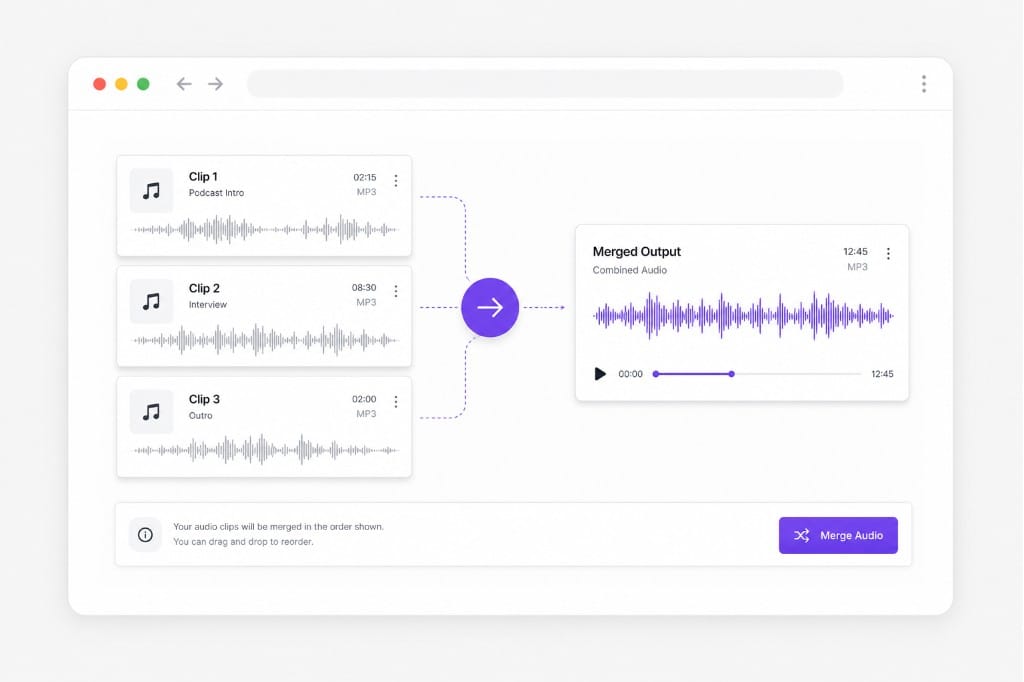
An audio merger combines multiple audio files into one continuous track. Upload clips, set the order, and export a single file. Add your clips in the merger workspace, arrange order on the timeline, preview the combined output, then export from this Audio Merger page.
Is this an audio joiner or an audio merger?
Both describe the same workflow here — you sequence clips end to end and download one merged file. Add your clips in the merger workspace, arrange order on the timeline, preview the combined output, then export from this Audio Merger page.
Which formats can I merge?
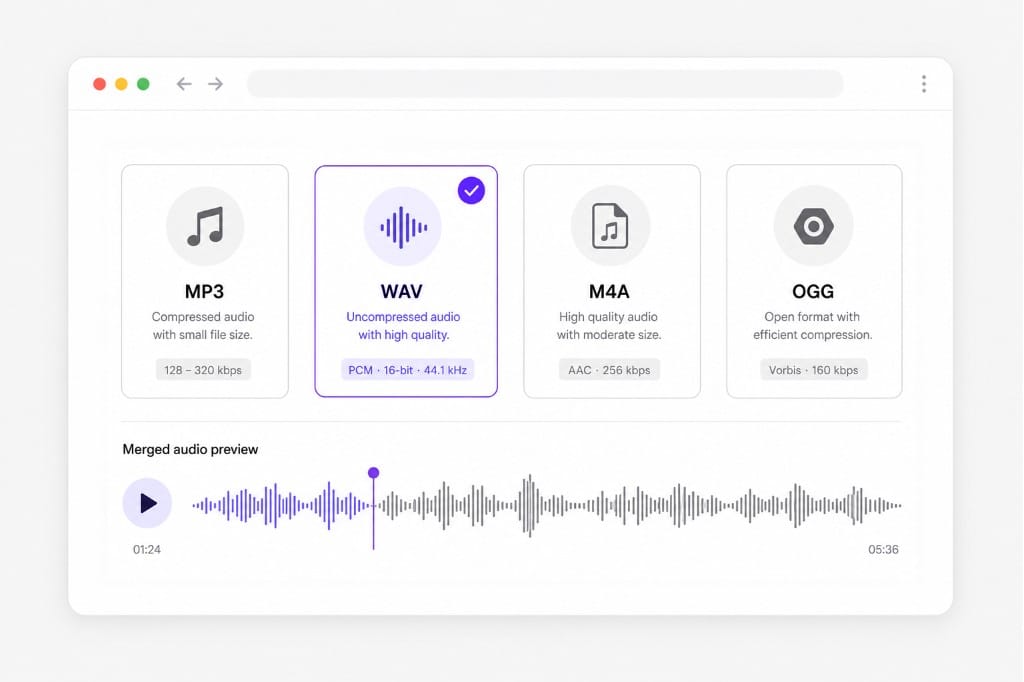
Upload MP3, WAV, M4A, OGG, and other common types. Export as MP3, WAV, M4A, OGG, or WebM. Check the upload chip on this page for the full list of supported containers; matching those formats avoids failed imports.
Will the join add crossfades between clips?
Clips are concatenated back to back. For fades or silence trimming, use an audio cutter or editor tool before or after the merge. Add your clips in the merger workspace, arrange order on the timeline, preview the combined output, then export from this Audio Merger page.
Do I need editing experience?
No. Upload, reorder, merge, and download — built for quick joins without a DAW. Add your clips in the merger workspace, arrange order on the timeline, preview the combined output, then export from this Audio Merger page.
What can I use an online audio joiner for?
Common uses include joining podcast segments, merging interview takes, combining music loops, and preparing one track for video or social posts.