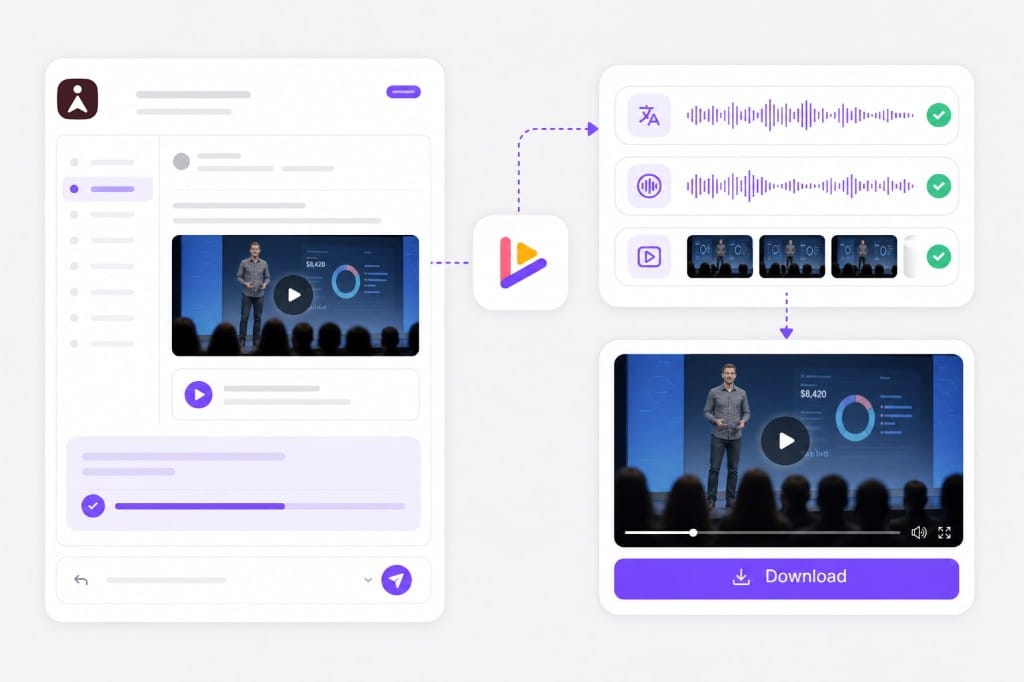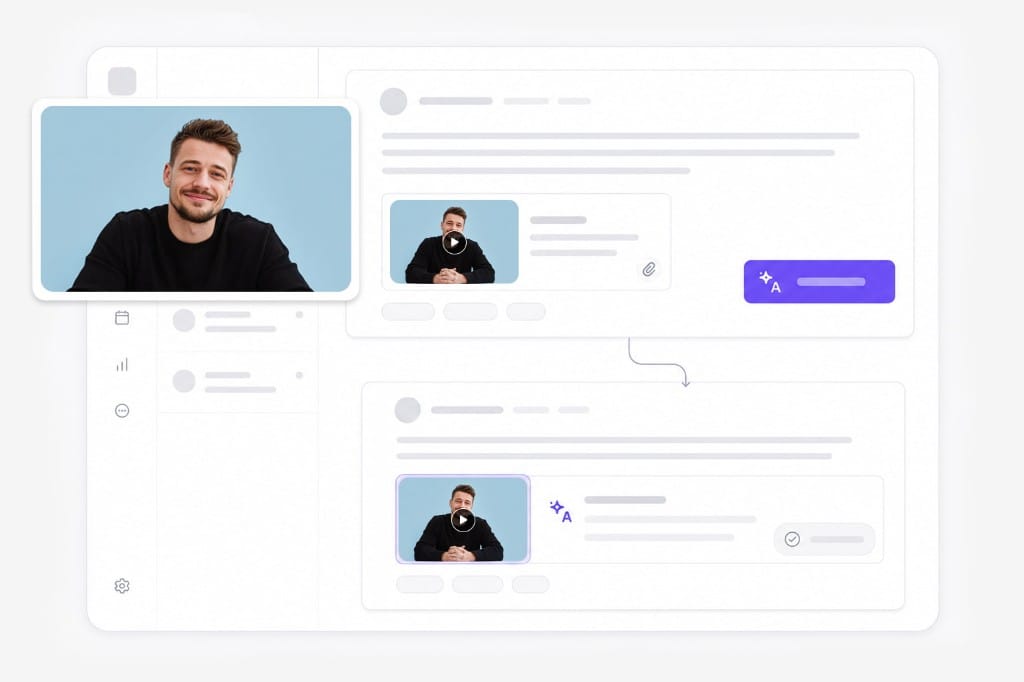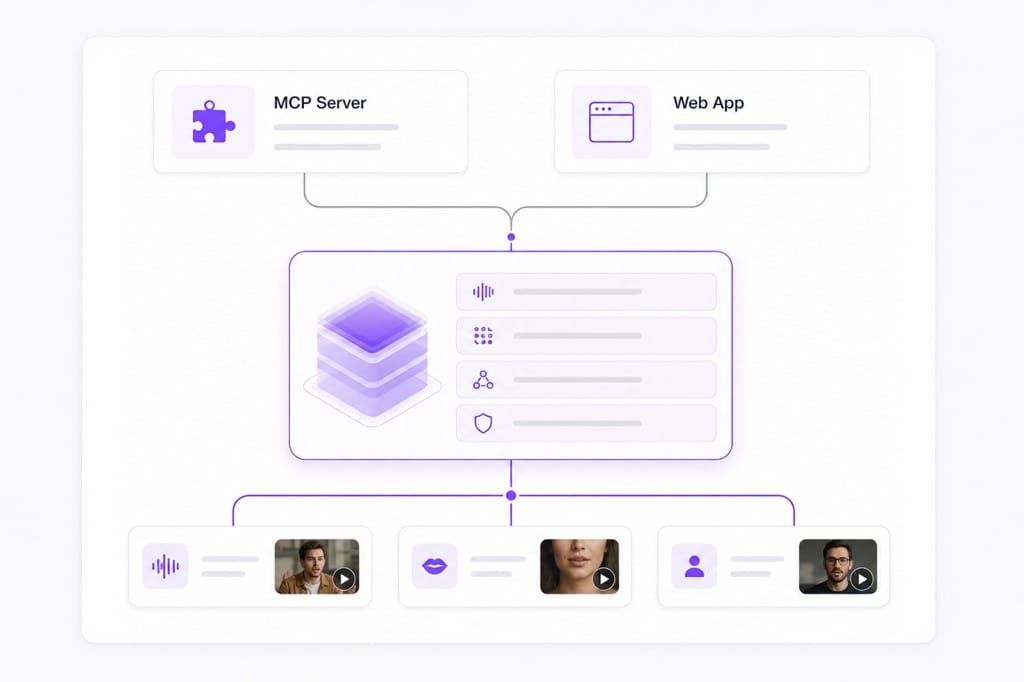
Superhuman AI is built for email, calendar, and meeting follow-ups. It does not decode the audio in an MP4 on its own. To translate a video "with Superhuman," you connect it to a tool that handles the media pipeline. VMEG is that tool. Once connected through a custom MCP connector, Superhuman AI can:
- Receive a video file or YouTube link inside a thread or meeting note
- Call the VMEG MCP tools (vmeg_create_video_translation_task, etc.)
- Wait for the translated, dubbed, and lip-synced output
- Hand the finished file back to you as part of the same workflow
This is useful for sales, customer success, and recruiting teams who already live in Superhuman and want a localized demo, training video, or follow-up recording without switching tools.