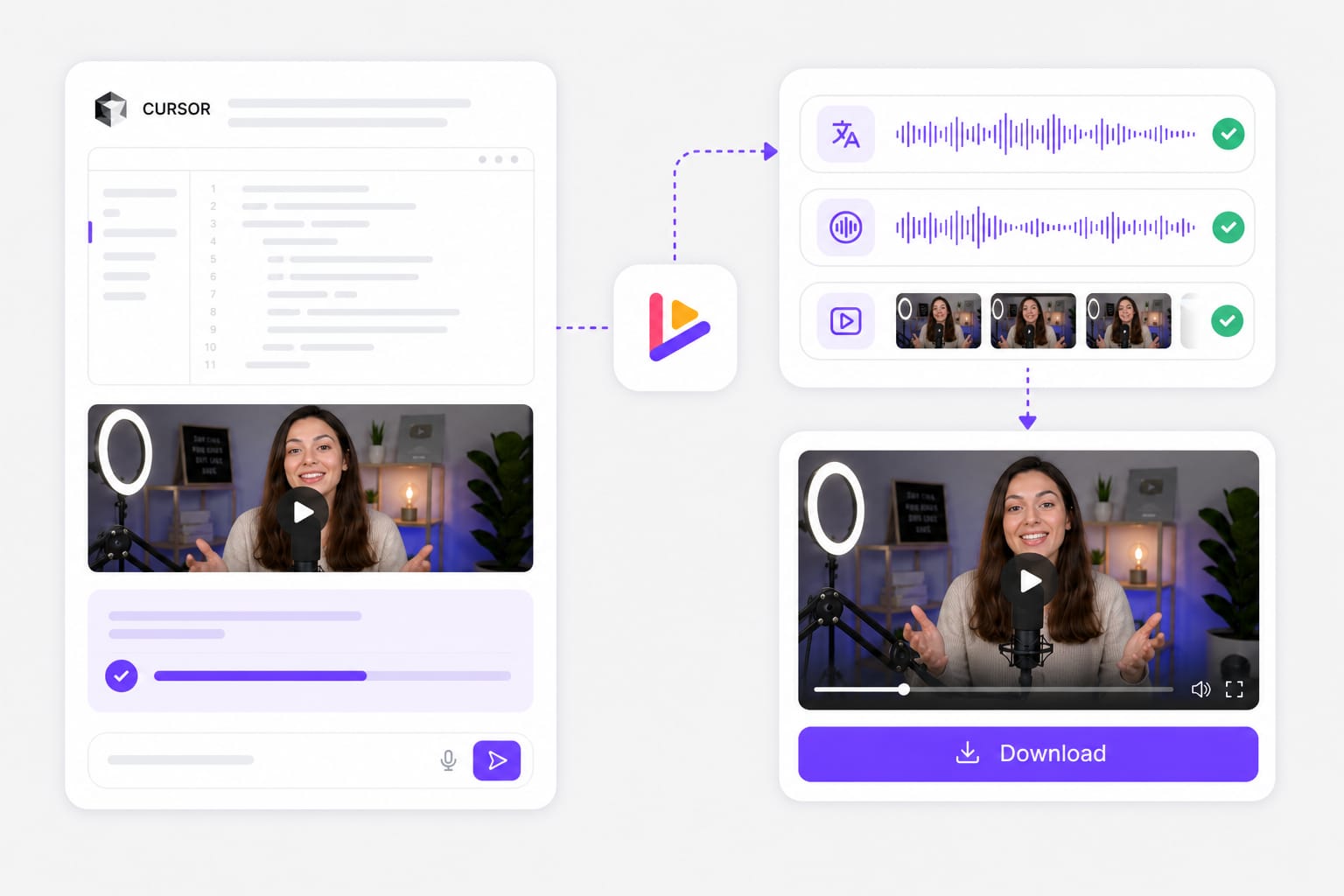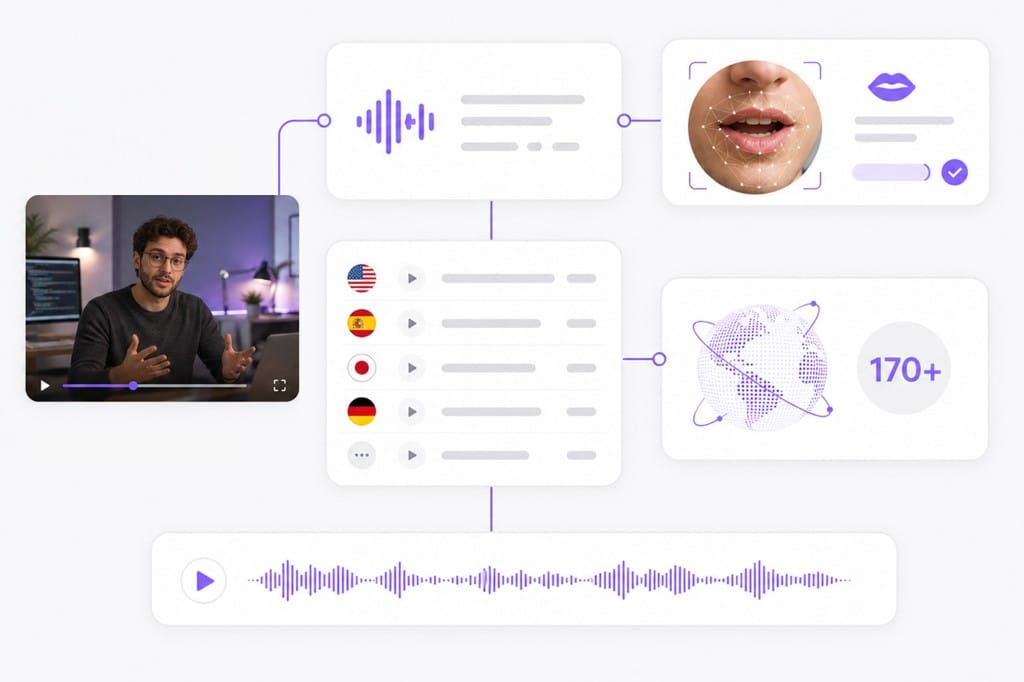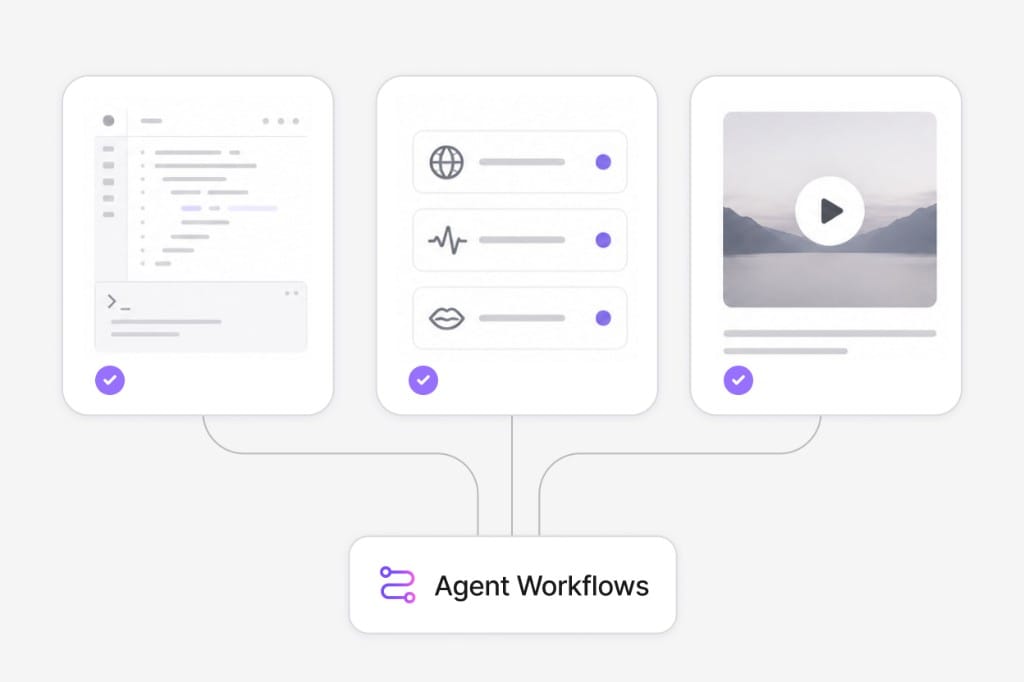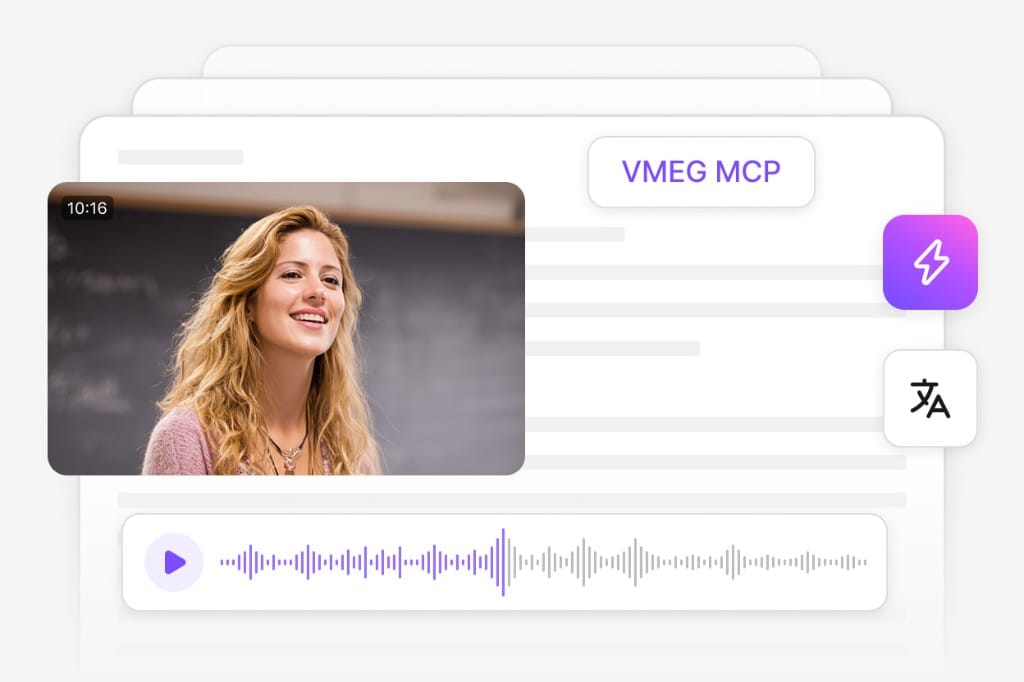
Cursor is built for software work, not media. It does not decode the audio in an MP4 on its own. To translate a video "with Cursor," you connect it to a tool that handles the media pipeline. VMEG is that tool. Once connected through the Cursor MCP directory, Cursor can:
- Receive a video file reference, local file path, or YouTube URL from the user in the agent chat.
- Call VMEG MCP tools (such as `vmeg_create_video_translation_task`) to create and manage the localization task.
- Monitor the task status and retrieve the translated, dubbed, and lip-synced output when it is ready.
- Return the finished video file or download link in the agent response.
This is useful for engineers, technical writers, and product teams who already live in Cursor and want video localization to feel like any other CLI tool call.