SRT to Speech or MP3
Convert subtitle files into natural-sounding audio and voiceovers.VMEG AI turns SRT subtitles into speech, MP3, or multilingual voice content for video and audio use.
How to Convert SRT to Audio (MP3 / Voice) in 3 Steps
01Upload Your Subtitle File and Choose a Language
Start by uploading your subtitle file, such as SRT or VTT. From the language menu, pick your target voice language. This is perfect for creating subtitles to speech for movies or multilingual voiceovers.
02Customize Voice and Timing
Adjust sentence pacing, add natural pauses, or fine-tune the text before generating the audio. You can modify speed and pronunciation settings to create a smooth, professional sound.
03Convert SRT to speech automatically and Download MP3 Audio
With everything set, click to generate your audio file. Preview it to check the quality, then download the finished MP3 file - ready to sync with your videos or share instantly.


VMEG SRT to SpeechTurn Subtitles into Natural Audio Effortlessly
Convert Movie and TV Subtitles to Natural Speech with AI
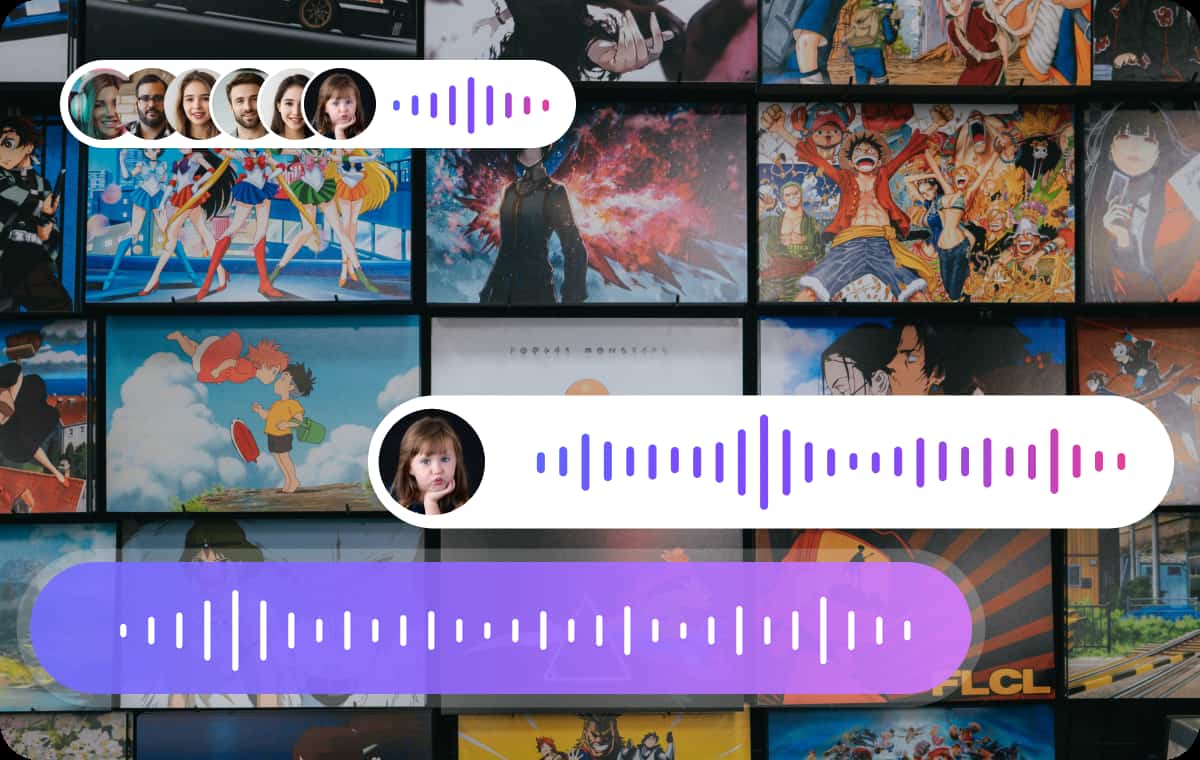
VMEG can easily convert subtitles from movies, TV shows, and documentaries into smooth, natural-sounding speech. Using advanced text-to-speech (TTS) models similar to those used by Google Cloud, you can quickly generate professional-quality narration from SRT files or embedded subtitles. Making your media content more accessible to visually impaired audiences and providing a more immersive experience for international viewers.
Built-in Subtitle Editor with a Simple Interface: Export SRT to MP3 in One Click
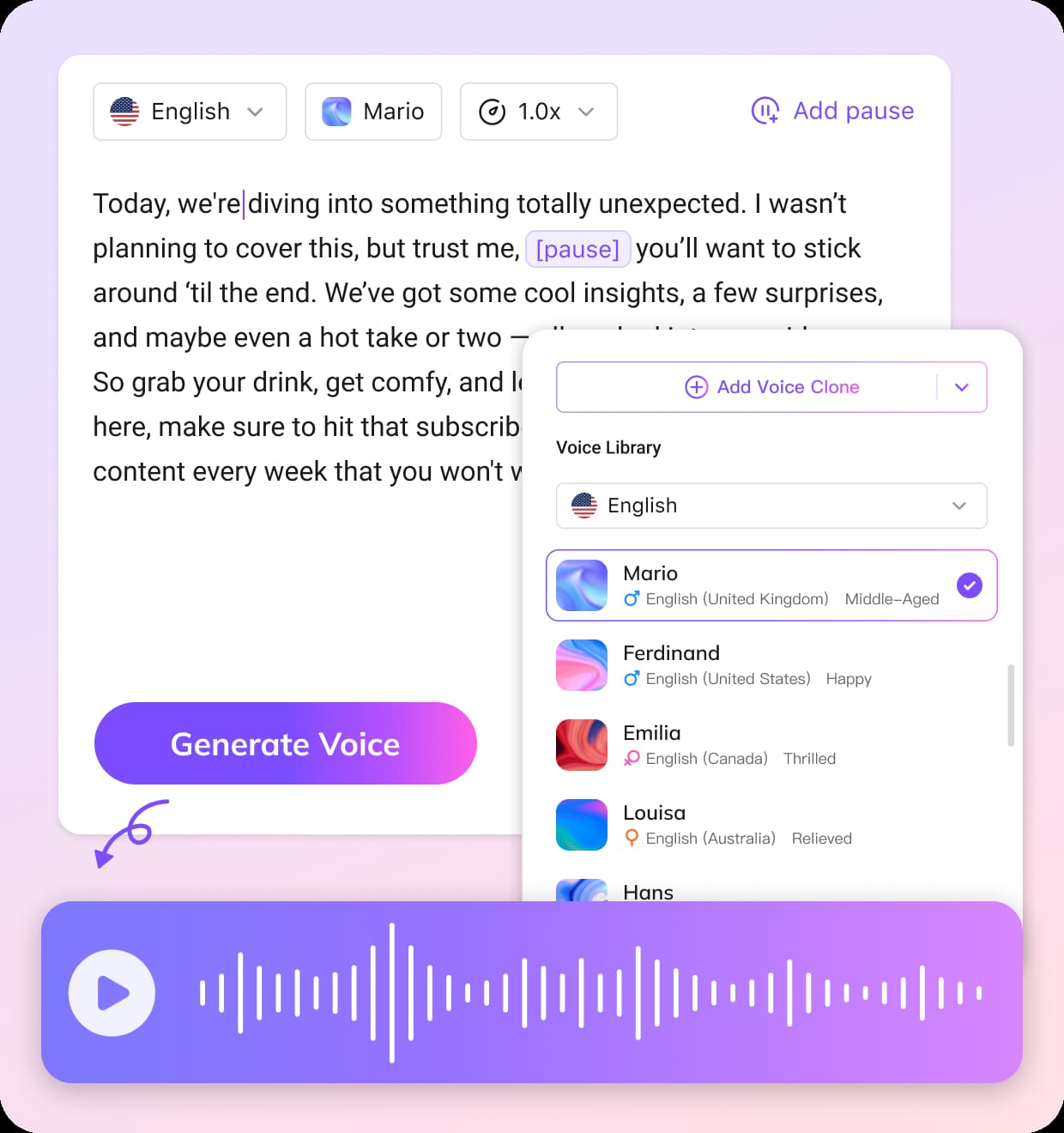
Experience VMEG AI’s user-friendly editor, designed specifically to optimize the “subtitles-to-speech” workflow. Within a single interface, you can easily adjust the subtitle timeline, text content, and speech parameters—such as pauses, tone, and speaking speed. This helps streamline the video localization process and accelerates the conversion of content from text to audio.

Multilingual Voice Library with 170+ Languages and 7000+ Voices: Multiple Voice Styles and Languages
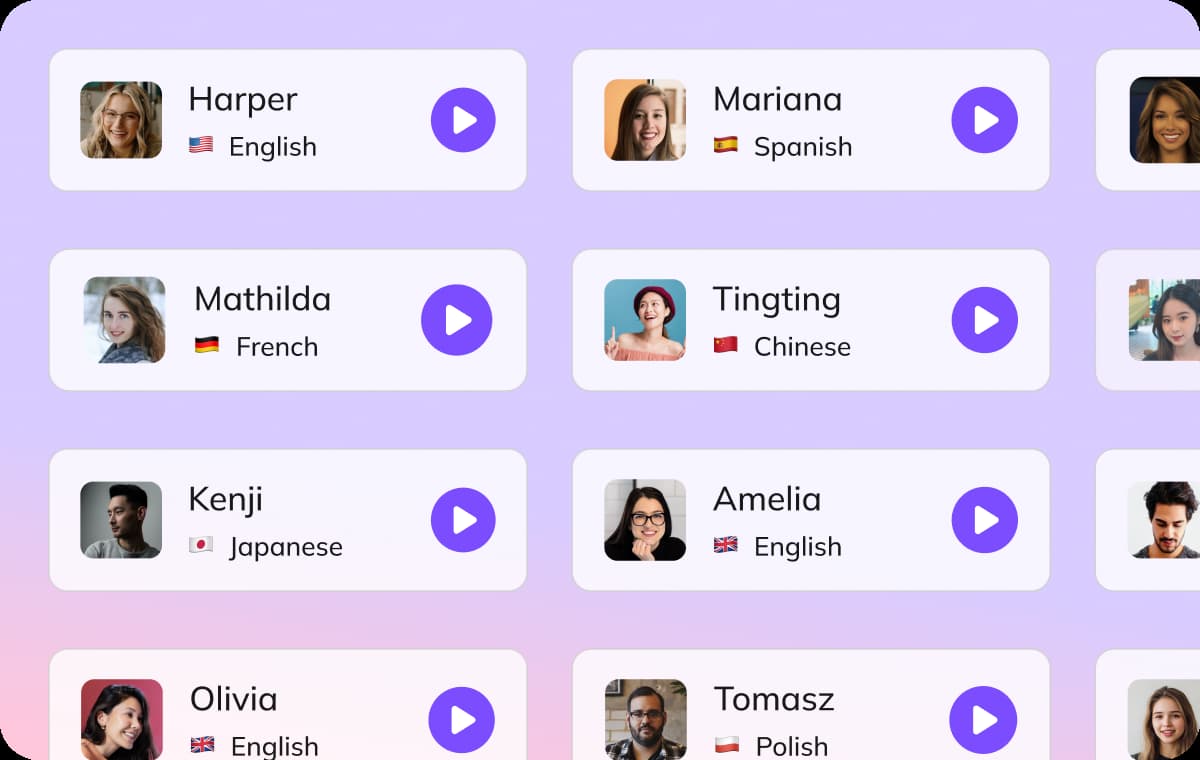
VMEG supports TTS in over 170 languages, providing seamless text-to-speech services and video translation for global audiences. You can choose from over 7,000 voice options, including different accents, ages, and emotional tones, to perfectly match the atmosphere of your film or show. This flexibility ensures that your content sounds authentic, natural, and relatable to your audience, regardless of the language used.
Use Cases for SRT to Audio Conversion

Convert Subtitles to Audio for Podcasters, Content Creators and Media Professionals
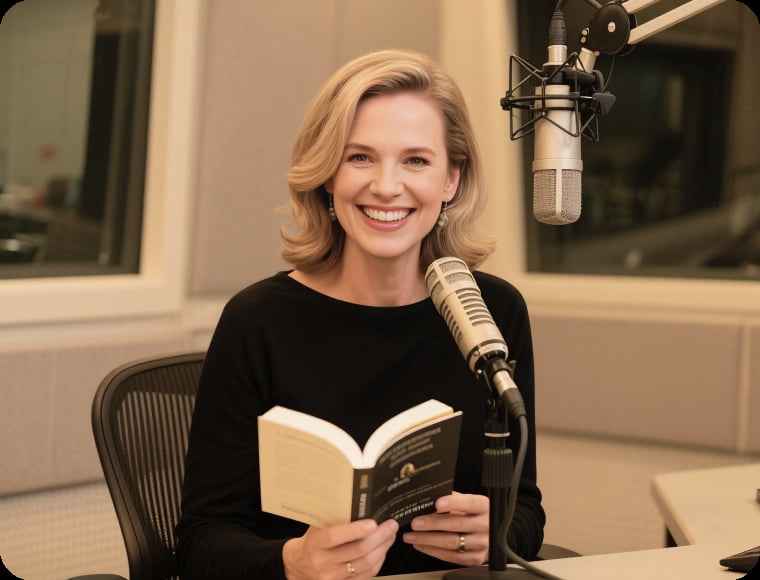
For video producers, vloggers, and media teams, subtitle-to-speech tools make it easy to turn written captions into clear audio narration. This helps convert silent clips or foreign subtitles into voice content, making videos more engaging for global audiences.
Educators, Students and Language Learners Generate Audio from Subtitles for Accessibility
Teachers and learners often use subtitles to speech movie tools to improve listening comprehension or follow along with educational videos. By transforming subtitles into audio, students can enhance their understanding of new subjects while improving pronunciation and fluency.
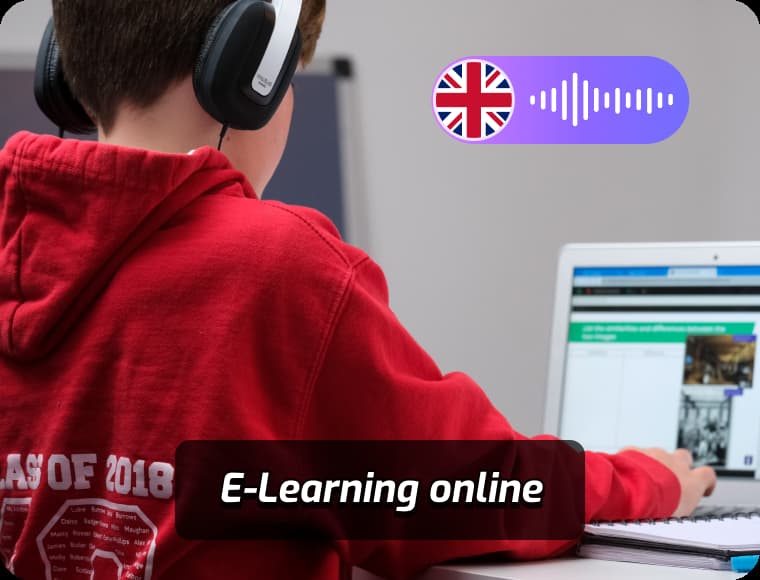
Marketers, Businesses and Agencies Translate and Voice Multilingual Subtitles
Businesses use subtitle-to-speech conversion to quickly adapt product explainers, training materials, or promotional clips into voice-narrated content. This approach helps reach broader audiences, especially in multilingual campaigns, without the need for costly voice recording sessions.
FAQs about Subtitles(.SRT) File to Audio
What is a SRT to Speech tool?
Subtitle to Speech tools convert written subtitles into clear, natural-sounding voiceovers. VMEG helps you turn any video subtitle file into professional audio for presentations, dubbing, or video narration.
Can I convert an SRT file to an MP3 with VMEG?
Yes. Simply upload your SRT file to VMEG’s text-to-speech tool, generate the voice, and download the output as an MP3.
Can I convert subtitles to speech for movies?
Yes, VMEG supports converting subtitles to speech for movies. Simply upload your subtitle file (SRT), choose a preferred voice, and generate spoken audio that aligns perfectly with your movie timeline.
How do I turn srt to audio online?
Just upload your subtitle file to VMEG, select a voice from over 7500 options, and our platform instantly creates high-quality speech from your subtitles without needing any downloads.
Discover More on VMEG
Related Searches
Subtitle to Speech
Upload your subtitle files and turn them into spoken narration quickly and effortlessly. Great for dubbing movies, adding voiceovers, or making content more accessible.