
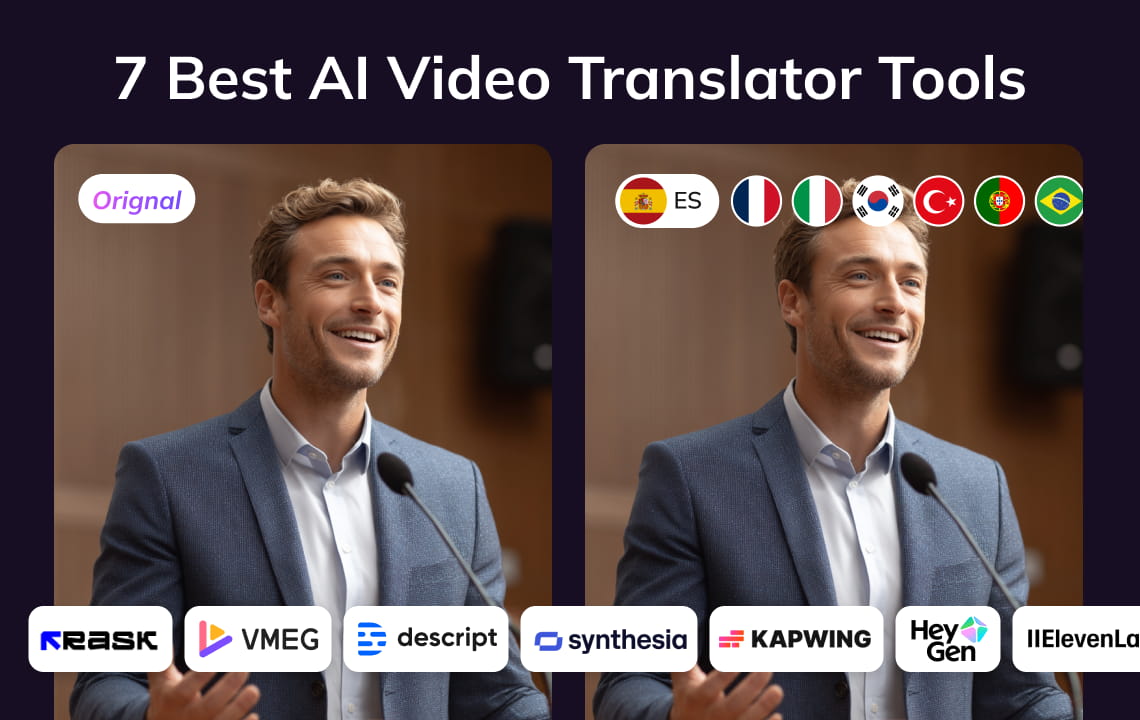
- There is no single best AI video translator for every project. The right choice depends on whether you need subtitles, dubbed audio, lip sync, transcript editing, or a repeatable team workflow.
- Compare the complete workflow, not only the language count. Review controls, speaker handling, terminology tools, output formats, and the amount of manual quality assurance matter just as much.
- VMEG is a strong fit for teams that want transcription, translation, dubbing, subtitle output, editing, and optional lip sync in one video-localization workflow.
- Always test a representative clip before committing to a platform. Include names, numbers, fast speech, overlapping speakers, music, and an on-camera speaker in the sample.
The best AI video translator is the one that matches your required output and review process. VMEG suits end-to-end localization with editable scripts and flexible video, audio, and subtitle outputs. HeyGen is a practical option for creator and presenter videos. Rask AI emphasizes multi-speaker dubbing and review controls. Synthesia fits training and business-video workflows. ElevenLabs is an audio-first choice. Kapwing combines translation with a general online editor, while Descript is built around transcript-based editing.
This guide compares seven tools by workflow fit rather than declaring an unsupported universal winner. Capabilities were checked against the companies’ public product pages. Pricing, trials, language availability, and plan limits can change, so verify the latest details before purchasing.
What Is an AI Video Translator?
An AI video translator converts spoken video content into another language. A full workflow may combine automatic speech recognition (ASR), machine translation, text review, speech synthesis or voice cloning, timing adjustment, subtitles, and optional lip sync.
These are separate stages. A tool can translate subtitles without creating dubbed audio, and it can create a dub without changing the speaker’s mouth movements. Clarifying the required deliverable prevents you from paying for features you do not need.
How We Compared the Tools
We reviewed publicly documented product capabilities rather than claiming a controlled hands-on benchmark. Each tool was assessed against the same practical questions:
Deliverable: Does it produce translated subtitles, dubbed audio, a finished video, or several of these outputs?
Review control: Can users correct the transcript and translation before final export?
Speaker and voice handling: Can it distinguish speakers, assign voices, or preserve a permitted source voice?
Timing and lip sync: Can users adjust pacing, and is visual lip sync available when an on-camera speaker needs it?
Terminology: Are there tools for names, product terms, pronunciation, or translation instructions?
Production fit: Is the workflow designed for a single clip, general editing, repeated localization, or team review?
We did not rank output quality because no common test file, language pair, or scoring protocol was supplied. Use the test checklist later in this guide to make that comparison for your own content.
AI Video Translator Comparison
| Tool | Best fit | Workflow strengths | Check before choosing |
| VMEG | End-to-end video localization | Editable translation, dubbed video, subtitles or audio output, speaker controls, voice options, and optional lip sync | Confirm current credits, plan limits, and whether lip sync is needed for the project |
| HeyGen | Creator, presenter, and marketing videos | Existing-video translation, voice preservation, subtitles, lip sync, and avatar workflows | Check plan-specific translation minutes, review controls, and target-language availability |
| Rask AI | Multi-speaker and repeatable localization | Speaker separation, glossary and prompting controls, editable segments, dubbing, subtitles, and lip sync | Test speaker detection, difficult audio, and the exact voice-cloning language pair |
| Synthesia | Training and business video programs | Dubbing for uploaded video, multiple languages, editor review, lip sync, collaboration, and multilingual delivery | Separate its uploaded-video dubbing workflow from its avatar-video creation workflow |
| ElevenLabs | Audio-first dubbing | Automatic voice cloning and dubbing designed to preserve delivery across languages | Plan the visual edit, subtitles, and lip-sync workflow separately if the final video needs them |
| Kapwing | Social and marketing teams that also edit video | Translation, dubbing, subtitles, voice cloning, lip sync, and general-purpose video editing in one project | Confirm export, watermark, collaboration, and usage limits for the selected plan |
| Descript | Transcript-led editing and collaboration | Translate speech and captions, edit video through text, assign voices, refine timing, and review as a team | Confirm language access and translation features for the required plan |
7 AI Video Translators and Their Best Use Cases
1. VMEG: Best for an End-to-End Localization Workflow
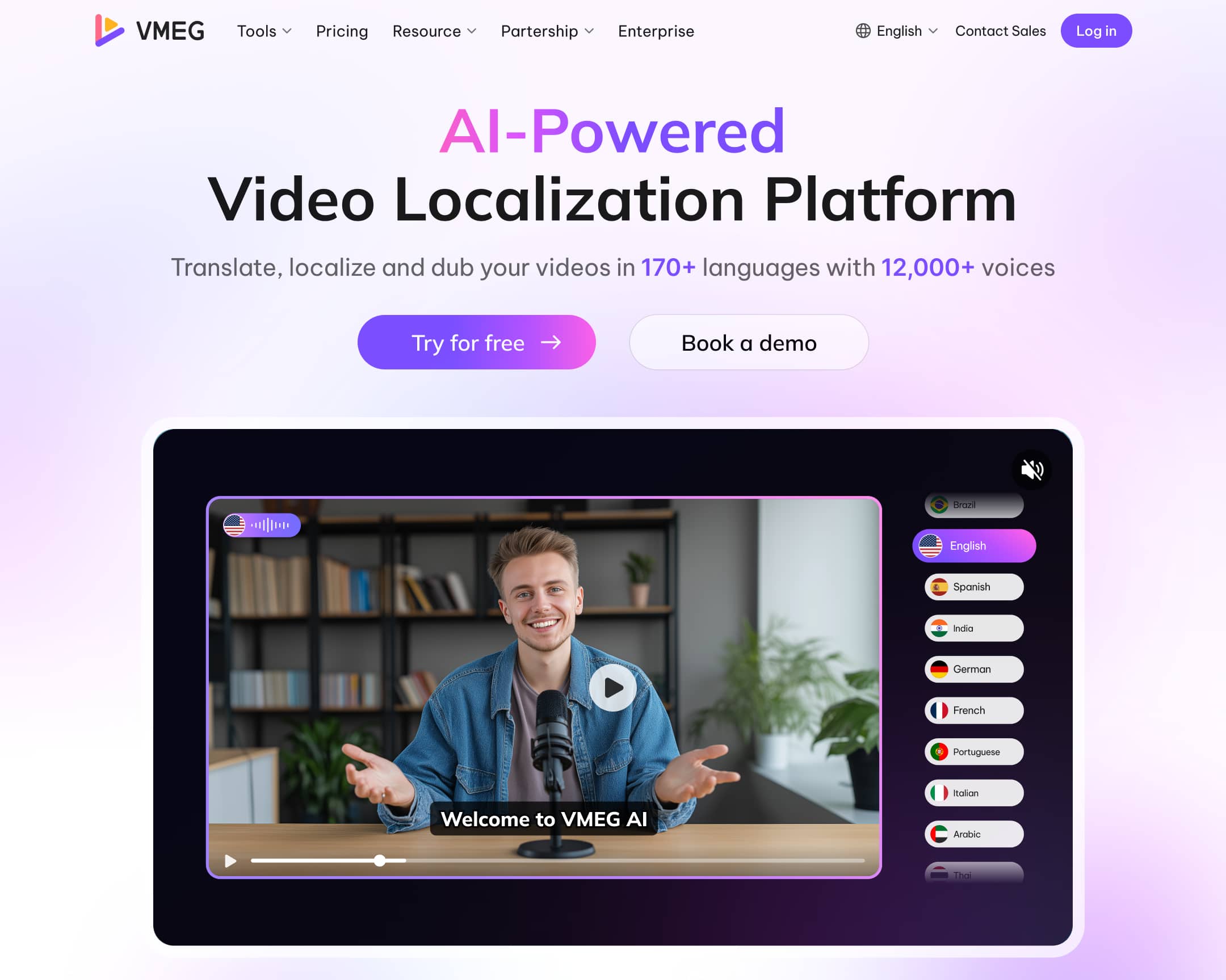
Core Capabilities of VMEG.AI:
Connected localization workflow: VMEG Video Translator is built around a connected video-localization workflow rather than a single automated output. Teams can upload a file or supported link, transcribe the source speech, translate the script, manage speakers and voices, generate dubbed video, translated subtitles, or audio, apply optional lip sync, and review the result before export.
Language, voice, and speaker support: Current VMEG product information lists 170+ languages and 17,000+ AI voices, together with authorized voice cloning and multi-speaker recognition.
Context and terminology controls: A key VMEG advantage is the level of control available after the first version is generated. Its Localization Agent can use the wider video context, content type, and target audience when interpreting the translation task. Glossaries help keep brand names, product models, character names, and technical terms consistent; translation prompts guide tone and wording; and pronunciation dictionaries help teams control how names, abbreviations, and specialist terminology are spoken.
Detailed review and selective regeneration: Editors can review and revise the source text, translation, speaker assignments, voices, speed, volume, timing, and subtitles, then regenerate selected segments instead of restarting the entire video for one correction.
Repeatable production at scale: For teams working beyond a single clip, VMEG also supports batch processing, multi-language production, an Editing Studio, and enterprise localization workflows, making it suitable for recurring content libraries as well as individual projects.
Best For: Creators, marketing teams, educators, agencies, enterprises, and localization teams that need an end-to-end workflow with more control over terminology, pronunciation, speakers, timing, subtitles, and multi-language production.
Consider: AI output still needs human review, especially for names, numbers, technical terms, culturally specific phrasing, and high-stakes content. Advanced editing, batch, and enterprise capabilities may vary by workflow or plan. Trial access uses limited credits, so confirm current feature access, usage limits, and export conditions before starting a production batch.
2. HeyGen: Best for Presenter and Creator Videos
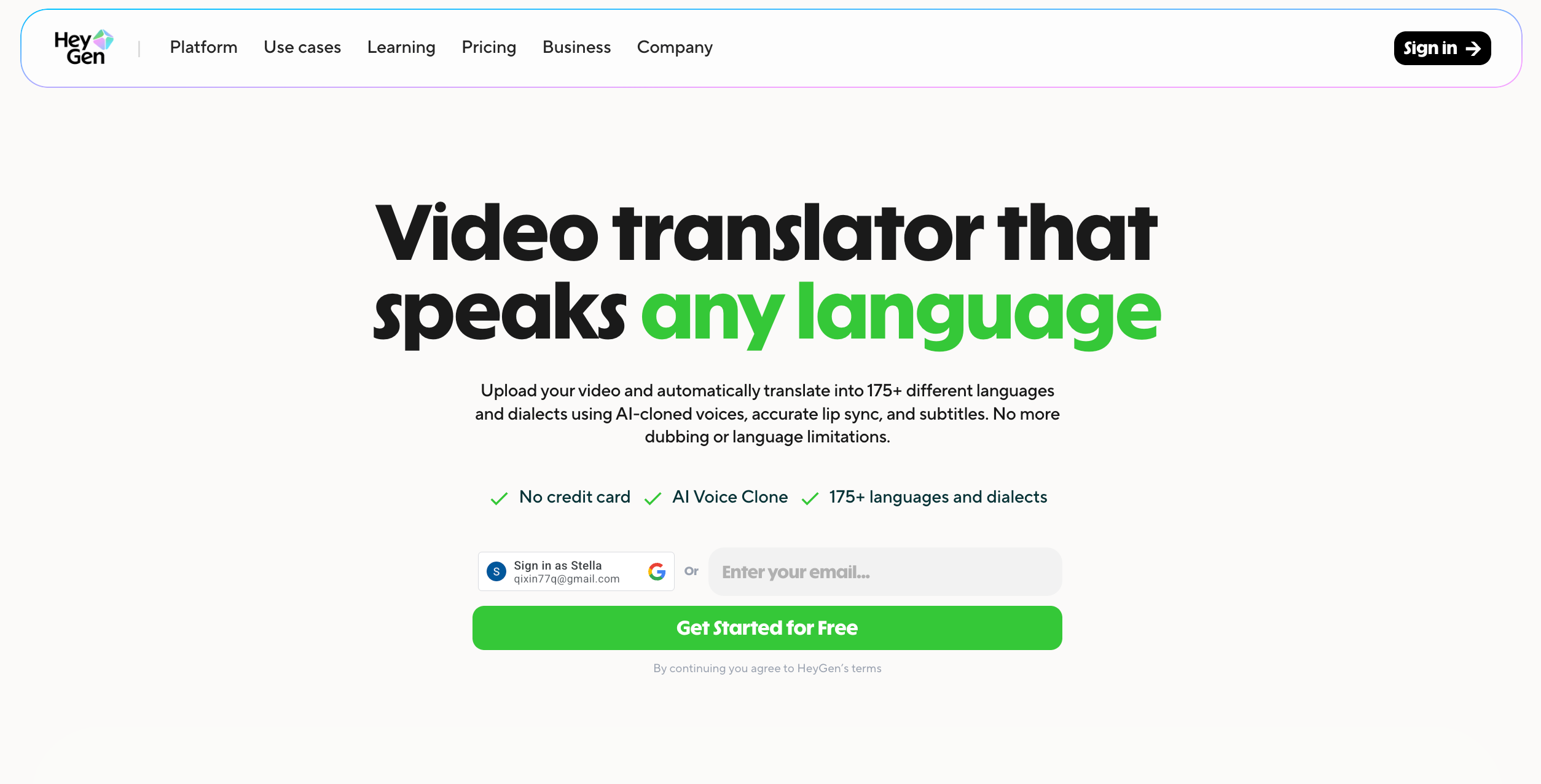
Core Capabilities of HeyGen:
Video translation: HeyGen translates uploaded videos and supported links.
Voice and visual delivery: The translation workflow includes voice preservation, subtitles, and lip sync.
Avatar-video creation: Its broader platform also includes avatar-video creation, giving teams one ecosystem for creating presenter-led content and localizing existing footage.
Best For: Talking-head videos, product explainers, social ads, and teams that want translation and avatar creation in the same platform.
Consider: Confirm which translation, proofreading, multi-language, and collaboration features are included in the selected plan. Test the actual camera angle, pacing, and speaking style because lip-sync results depend on the source footage.
3. Rask AI: Best for Multi-Speaker Localization
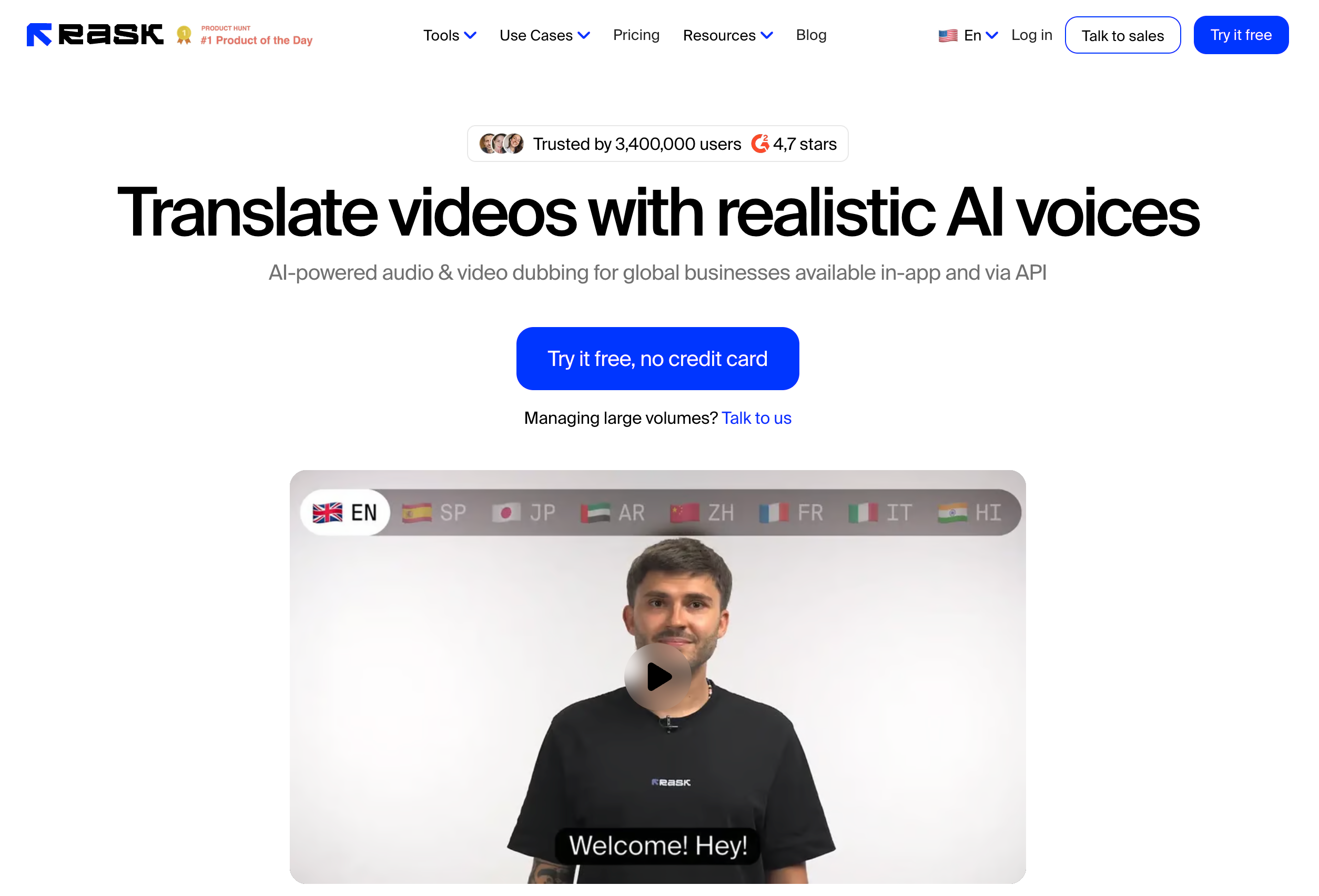
Core Capabilities of Rask AI:
Dubbing and speaker handling: Rask AI combines dubbing with speaker separation, subtitles, and lip sync.
Translation controls: The workflow includes editable segments, translation prompting, and terminology controls.
Review workflow: Reviewers can identify and correct difficult segments instead of accepting the first automated result unchanged.
Best For: Interviews, podcasts, panels, courses, and teams that repeatedly localize content with several speakers.
Consider: Voice cloning may not be available for every translation language. Test speaker changes, overlapping speech, background music, and the exact source-to-target language pair.
4. Synthesia: Best for Training and Business Video Programs
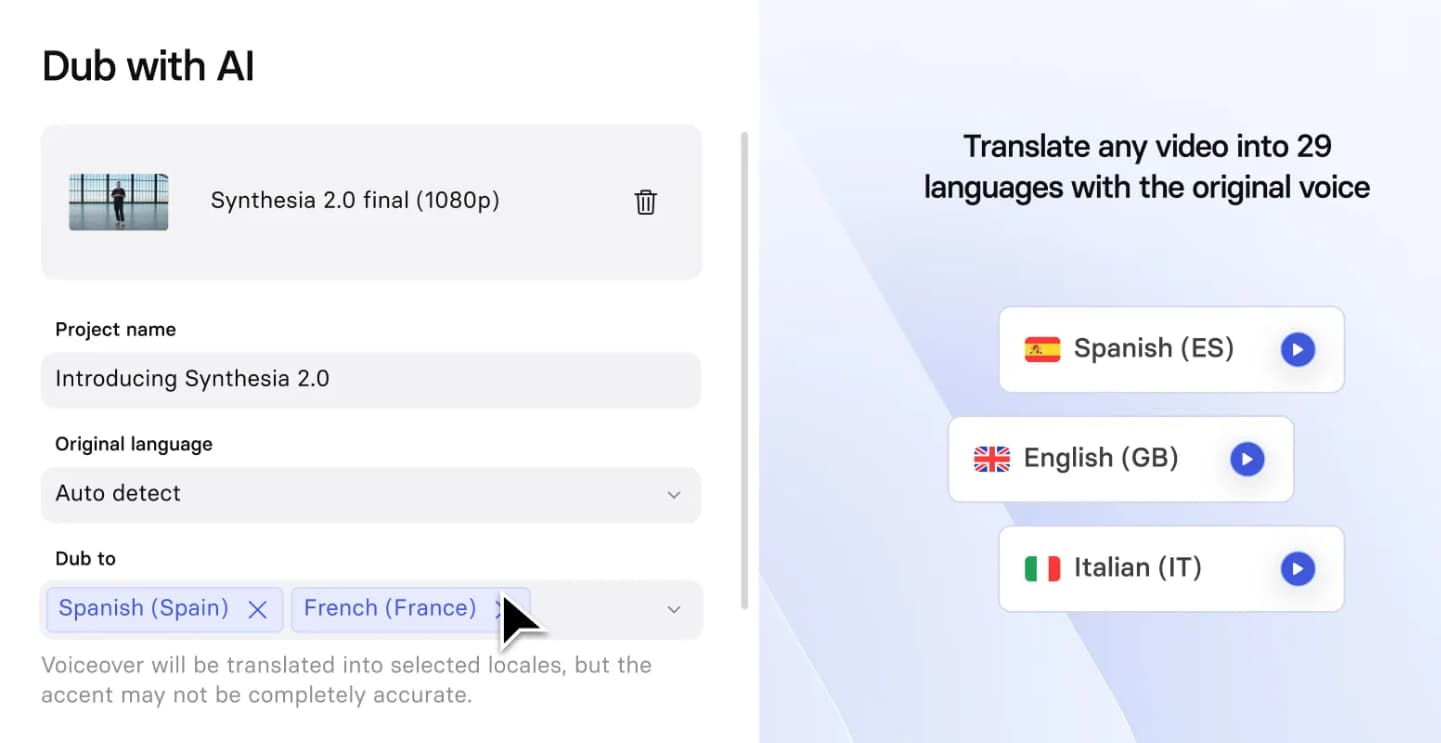
Core Capabilities of Synthesia:
Video dubbing: Synthesia can dub uploaded or supported online video.
Voice and visual delivery: It can generate subtitles, preserve speaker voices, and apply optional lip sync.
Multilingual program management: Collaboration and multilingual delivery features support organizations managing repeatable training, internal communication, and customer-education programs.
Best For: Structured business-video libraries that need review, governance, collaboration, and multiple language versions.
Consider: Synthesia separates the workflow for translating videos created inside its platform from the workflow for dubbing externally created footage. Confirm which path matches the source material and required output.
5. ElevenLabs: Best for Audio-First Dubbing
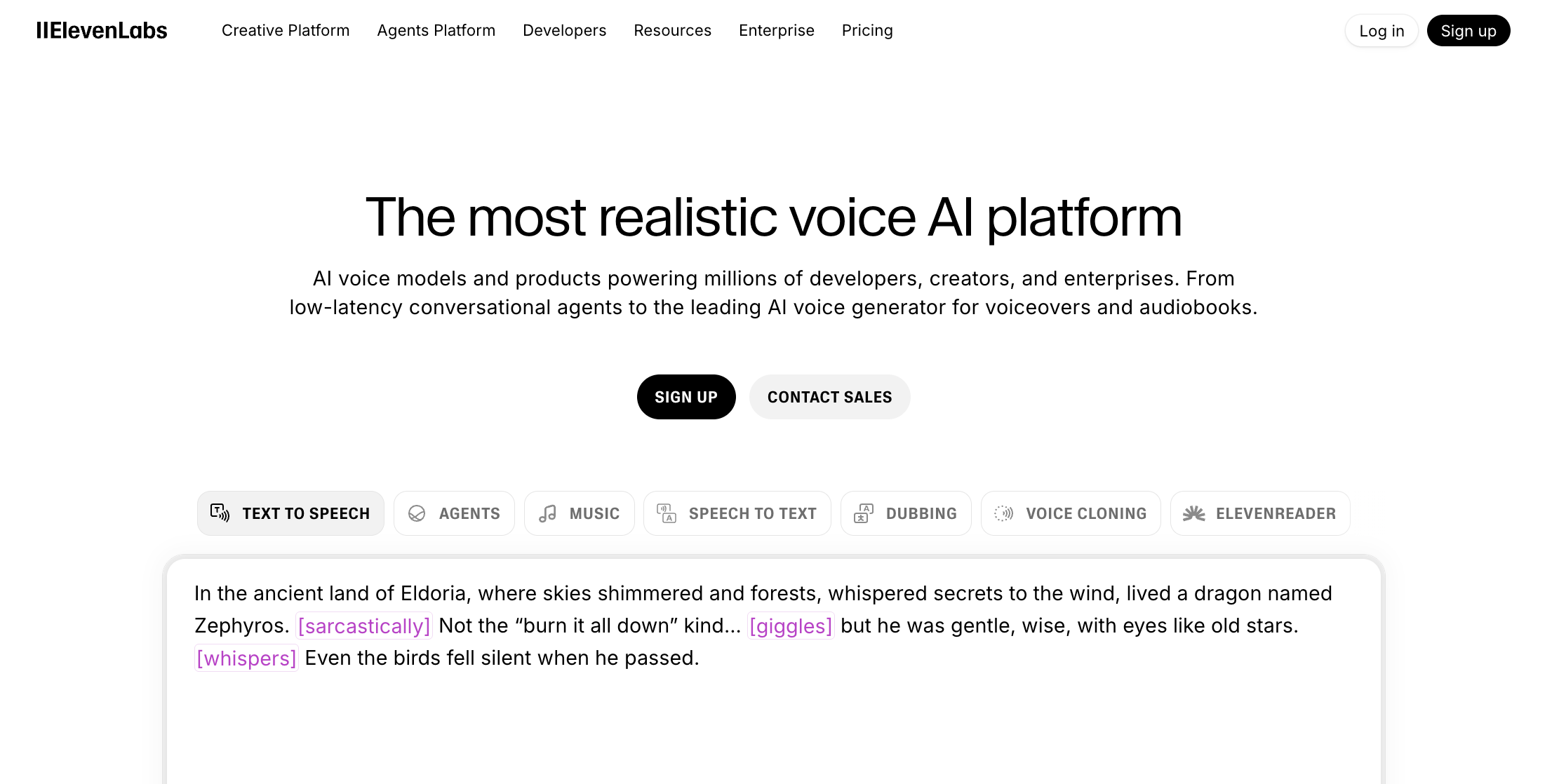
Core Capabilities of ElevenLabs:
Audio-first dubbing: ElevenLabs Dubbing Studio focuses on translated speech and automatic voice cloning.
Segment editing and voice delivery: Its tools support editing dubbed segments and preserving the original delivery across supported languages.
Workflow scope: It is primarily an audio-first workflow rather than a complete visual localization editor.
Best For: Podcasts, narration, interviews, and projects where the translated audio track and vocal delivery are the main priorities.
Consider: Plan the remaining video workflow separately. If the final deliverable needs visual lip sync, detailed subtitle styling, or broader timeline editing, verify which additional product or editor will provide those steps.
6. Kapwing: Best for Translation Plus General Video Editing
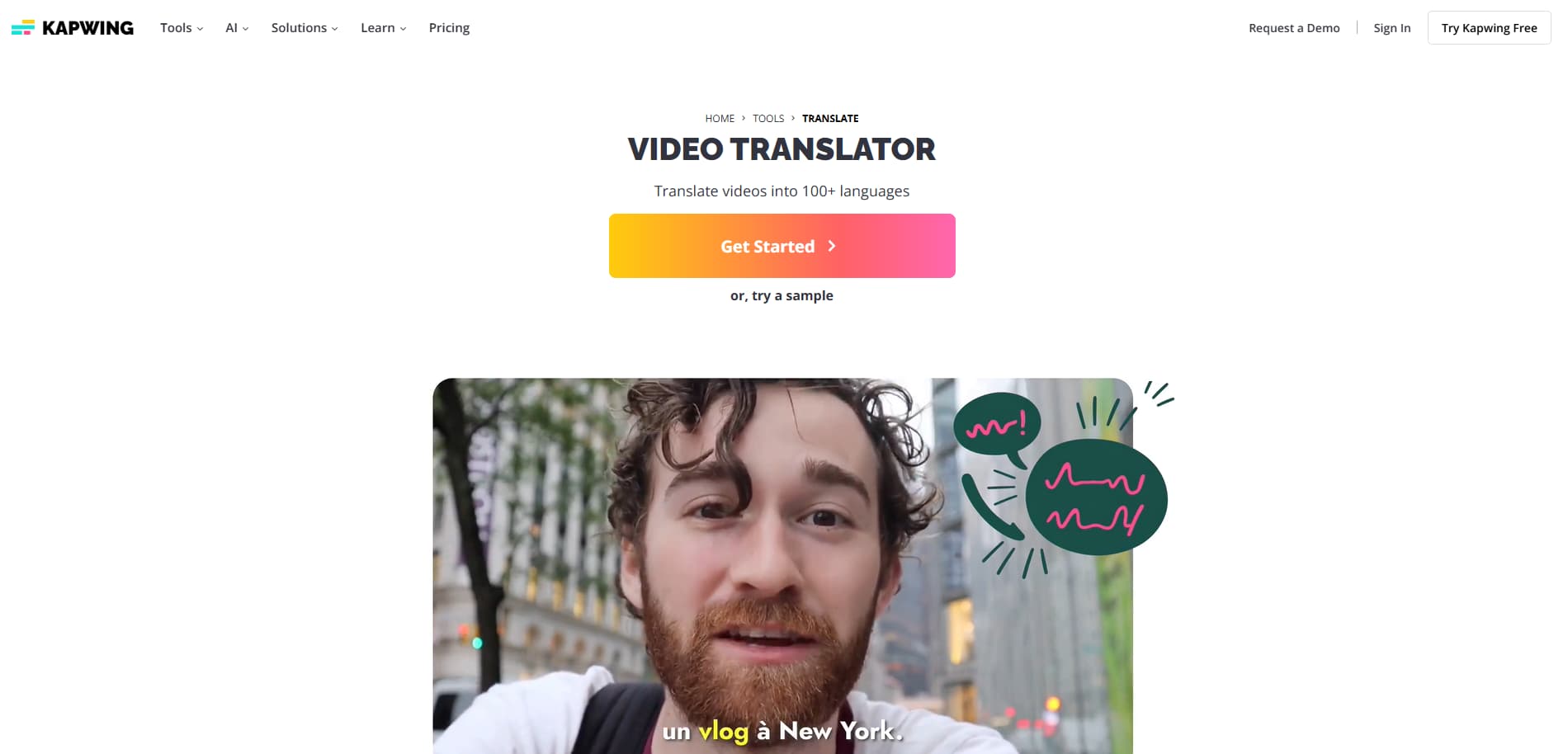
Core Capabilities of Kapwing:
Translation and dubbing: Kapwing combines translated subtitles, dubbing, and voice cloning.
Localization controls: Its workflow includes lip sync and terminology controls.
General video editing: Teams can localize a clip while also resizing, captioning, styling, and preparing it for different publishing channels.
Best For: Social, marketing, and content teams that want translation and general video editing in the same browser-based project.
Consider: Verify plan limits, export quality, watermark rules, and collaboration access. A broad editor can be convenient, while complex localization programs may require more specialized review controls.
7. Descript: Best for Transcript-Based Editing
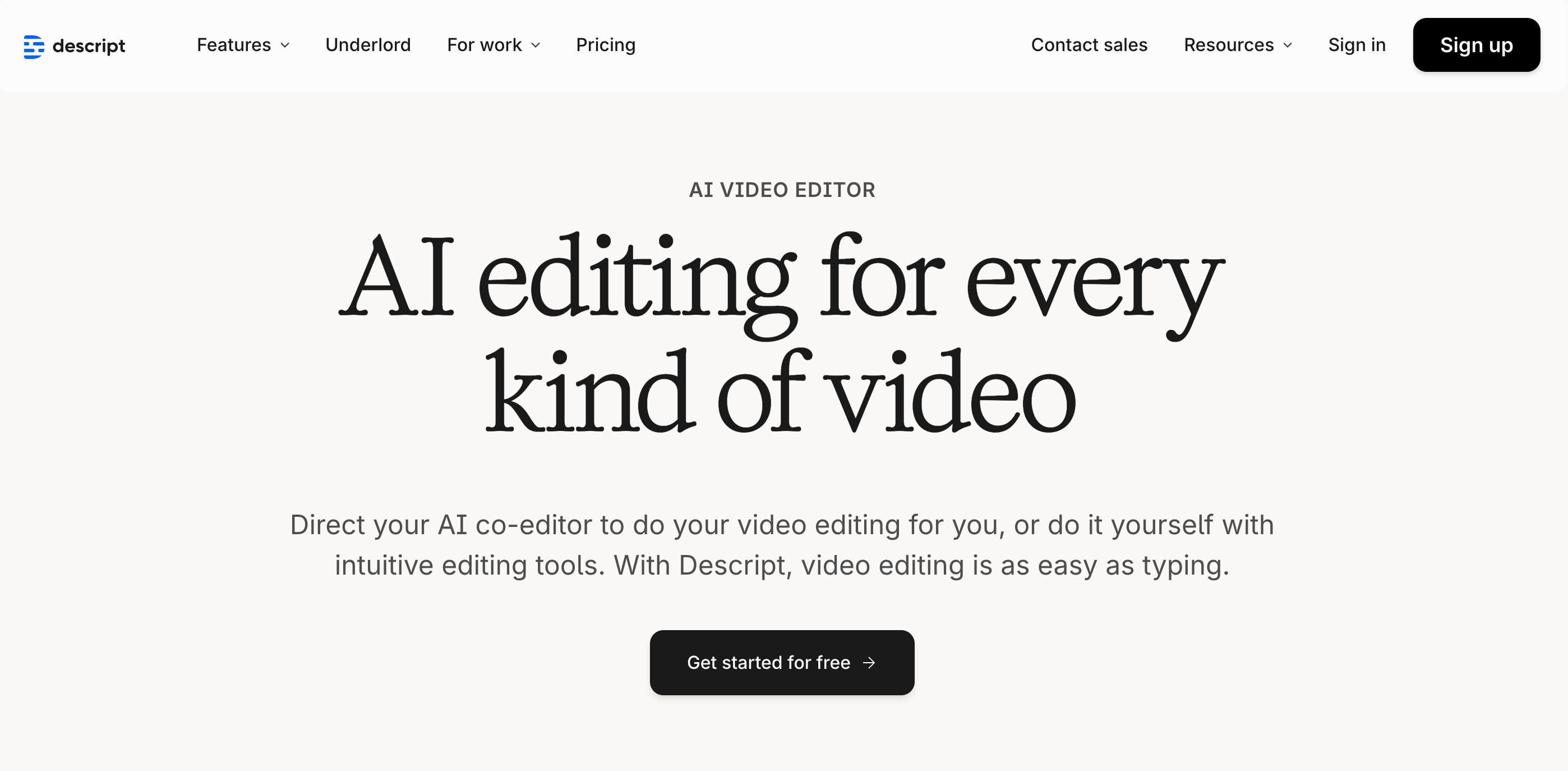
Core Capabilities of Descript:
Transcript-based editing: Descript centers video editing on the transcript.
Translation and dubbing: Its workflow can translate speech and captions, create dubbed versions, and assign voices.
Timing and text-based revision: Teams can refine timing and revise the result by editing text.
Best For: Podcasts, interviews, tutorials, and marketing videos that already rely on transcript-based editing and collaborative review.
Consider: Translation and dubbing access varies by plan. Confirm the required language pair and whether the needed lip-sync, proofreading, and collaboration options are included.
How to Choose an AI Video Translator
Define the deliverable. Decide whether you need soft subtitles, burned-in captions, translated audio, a dubbed video, or a fully localized video with on-screen text and lip sync.
List non-negotiable controls. Include speaker separation, voice choice, glossary support, pronunciation, timing, subtitle styling, collaboration, and export formats.
Choose a representative test clip. Use 60–120 seconds with names, numbers, domain terms, two speakers, music, and a visible face. A clean studio monologue alone will not expose the difficult cases.
Score the same outputs. Review transcript errors, meaning, terminology, pronunciation, speaker identity, pacing, subtitle timing, and lip alignment. Record how much manual correction each version needs.
Compare total workflow cost. Include editing time, regeneration, collaboration, export restrictions, and human review. A low per-minute price can still be expensive if cleanup takes longer.
If you need help with the production steps, use the step-by-step video translation guide.
A Practical Quality Test
Run the same clip through your shortlisted tools and review it with a native or professionally qualified speaker when the content matters. Use this checklist:
Transcript: names, numbers, acronyms, punctuation, speaker changes, and omitted words.
Translation: meaning, register, terminology, idioms, calls to action, and local conventions.
Voice: pronunciation, pacing, emotional fit, consistency, and authorized use of cloned voices.
Timing: sentence boundaries, pauses, subtitle reading speed, cut points, and audio overlap.
Visuals: lip alignment on visible speakers and untranslated text inside graphics or the original video.
Operations: correction time, regeneration behavior, exports, version management, and reviewer access.
Do not use one aggregate “accuracy” score unless you define how it was calculated. A translation can preserve the general meaning while still failing on a product name, medical term, or legal instruction.
Where AI Video Translation Still Needs Human Review
AI video translation is most reliable when the source audio is clear, speakers take turns, and the vocabulary is common. Plan additional review for these conditions:
Audio and speaker complexity: Background noise, overlapping speech, heavy accents, and songs can increase review effort.
Language and content complexity: Code-switching, jokes, idioms, technical terminology, and text embedded in graphics need closer checking.
Visible-speaker conditions: Lip sync depends on what the camera shows. Occluded mouths, profile angles, rapid cuts, facial hair, and extreme close-ups can make artifacts more noticeable.
For legal, medical, financial, safety, or compliance content, use qualified human review and follow the organization’s approval process before distribution.
Frequently Asked Questions

