What does the voice enhancer do?
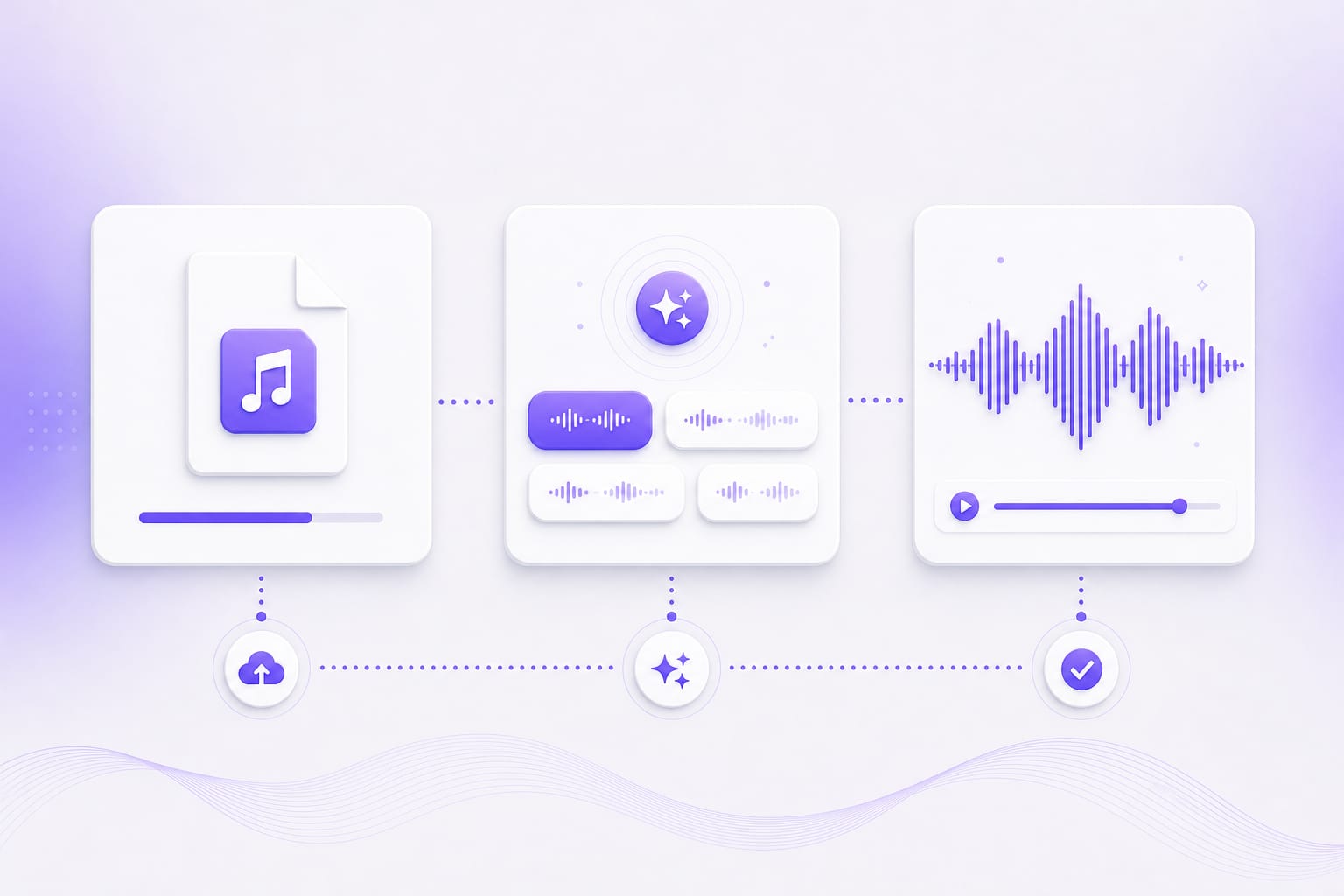
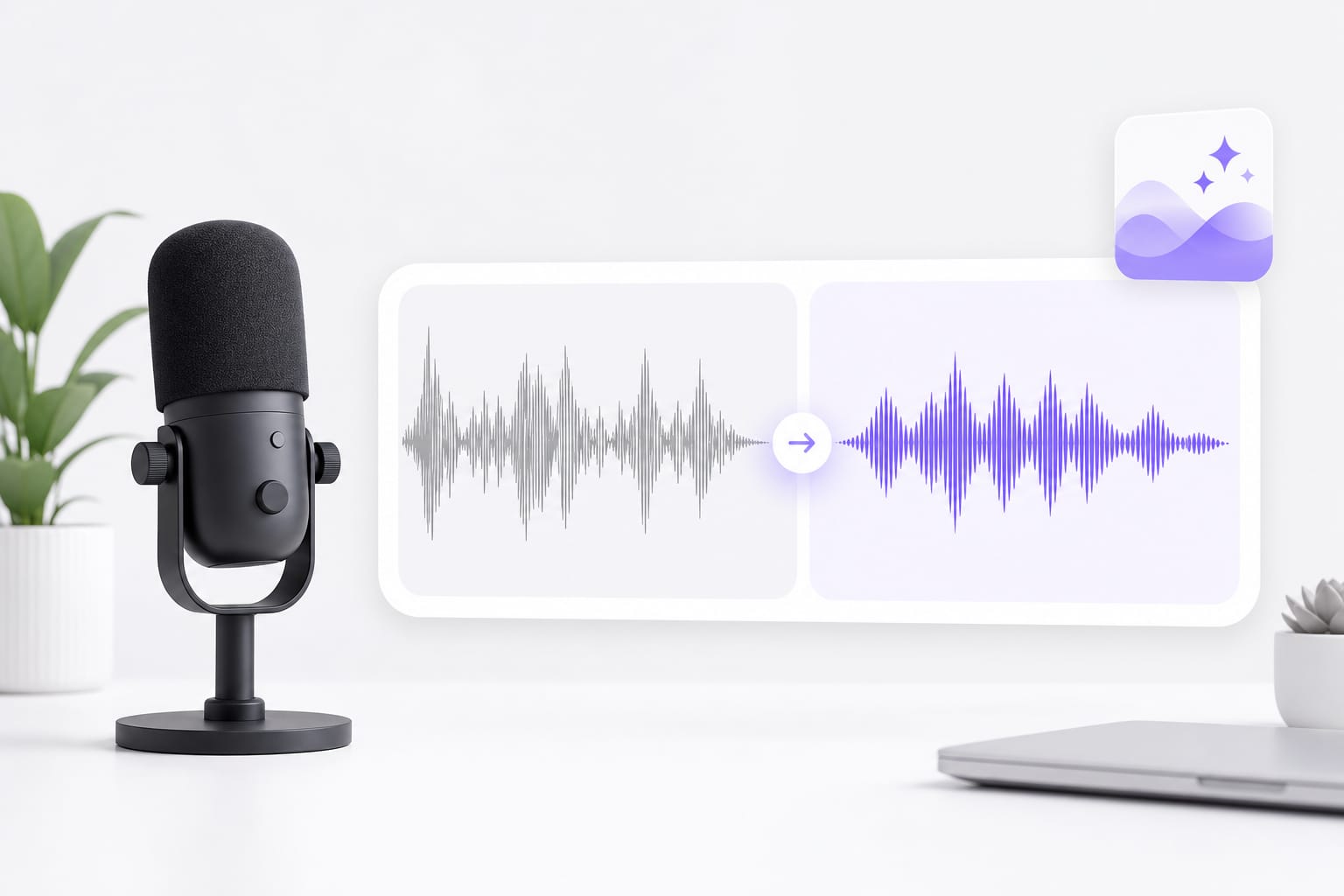
It applies a high-pass filter, presence shaping, compression, and output gain according to the preset you choose. Drop a voice memo, podcast clip, or video with dialogue into Voice Enhancer, pick a preset, preview the enhanced audio, then download when it sounds right.
Can I paste a YouTube link?
Yes. Paste a public URL from YouTube, TikTok, Vimeo, Facebook, Instagram, or X when supported. Public links from major platforms work best; if a private or region-locked URL fails, download the media locally and upload it to Voice Enhancer instead.
Can the voice enhancer remove background music?
No. The presets process the full soundtrack and do not separate speech from music. Use a stem separation tool when you need isolated vocals.
What can I upload to the voice enhancer?
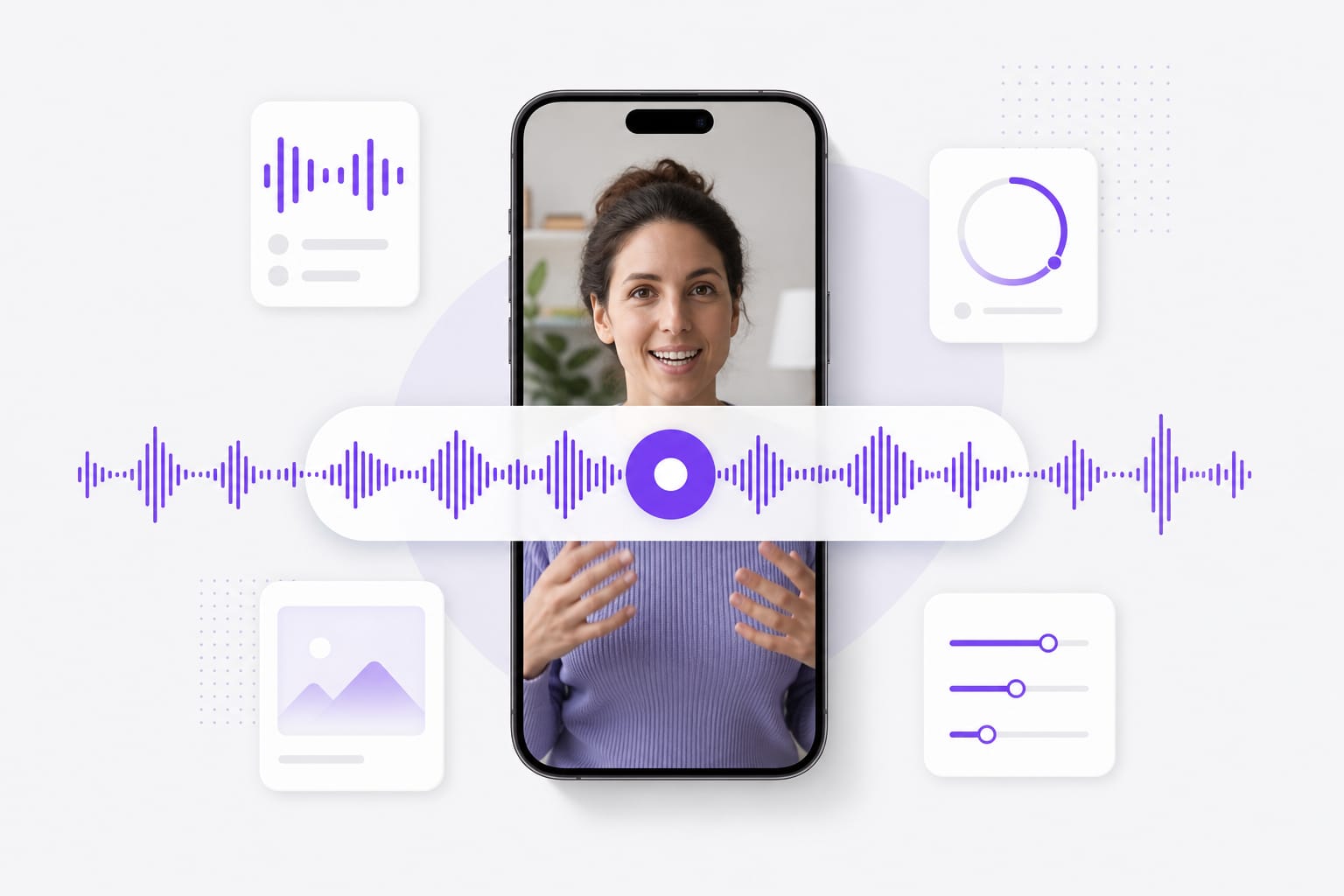
MP3, WAV, M4A, AAC, FLAC, MP4, MOV, MKV, and WebM up to 100 MB per file. Drop a voice memo, podcast clip, or video with dialogue into Voice Enhancer, pick a preset, preview the enhanced audio, then download when it sounds right.
Can I compare presets before processing the full file?
Yes. Choose a preset and listen to a short enhanced preview before generating the complete result. Drop a voice memo, podcast clip, or video with dialogue into Voice Enhancer, pick a preset, preview the enhanced audio, then download when it sounds right.
What format does the voice enhancer download?
The tool generates an enhanced WAV file. You can upload and preview without signing in, then sign in for the download. Check the upload chip on this page for the full list of supported containers; matching those formats avoids failed imports.