iPhone and QuickTime MOV without conversion
Creators often re-wrap MOV to MP4 just to get subtitles. Upload the native MOV, generate SRT, and skip an extra export step when learning how to create srt files for mov from phone footage.
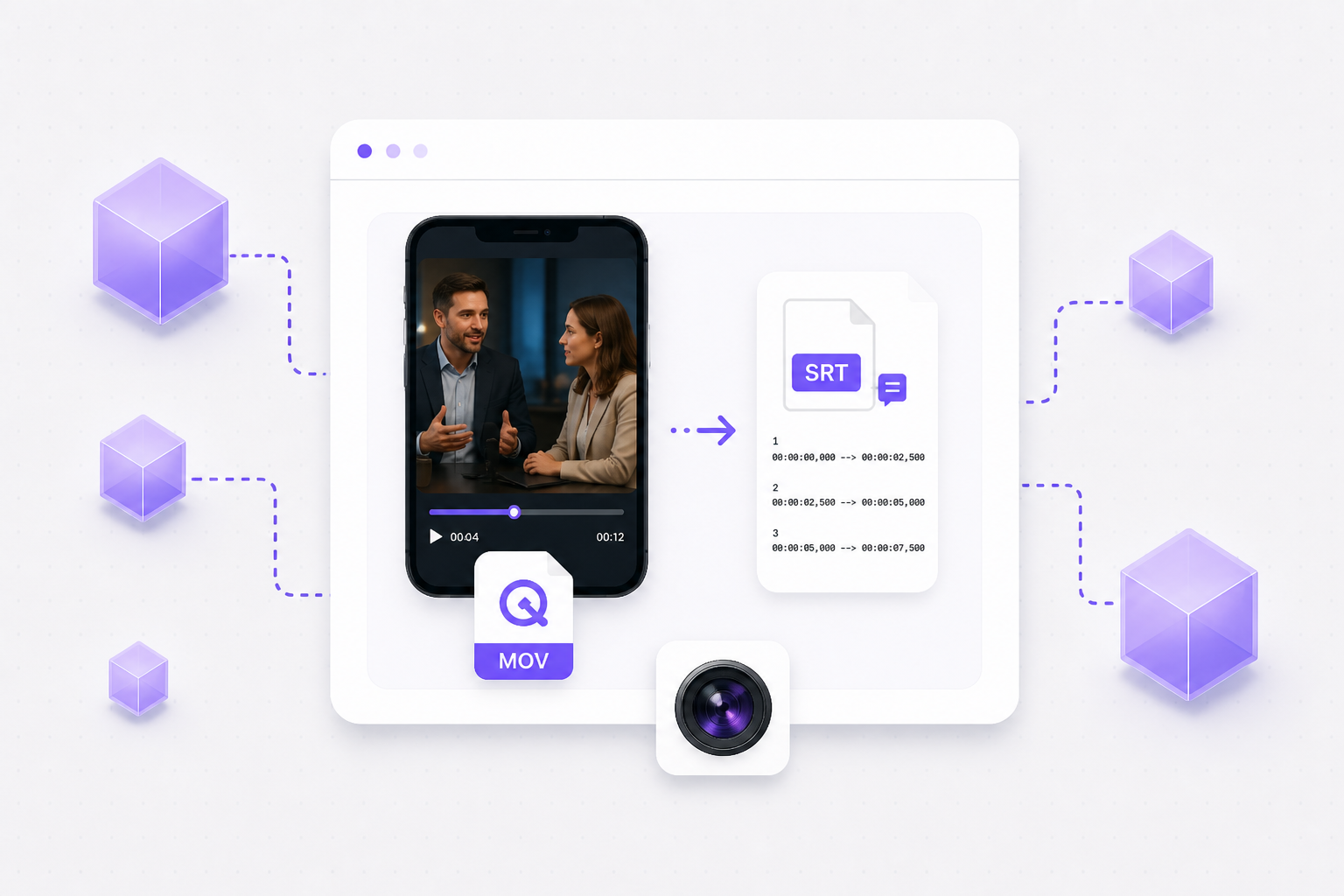
Create SRT files for MOV online — upload QuickTime or iPhone exports, paste a link, and download timed subtitles with AI transcription in your browser.
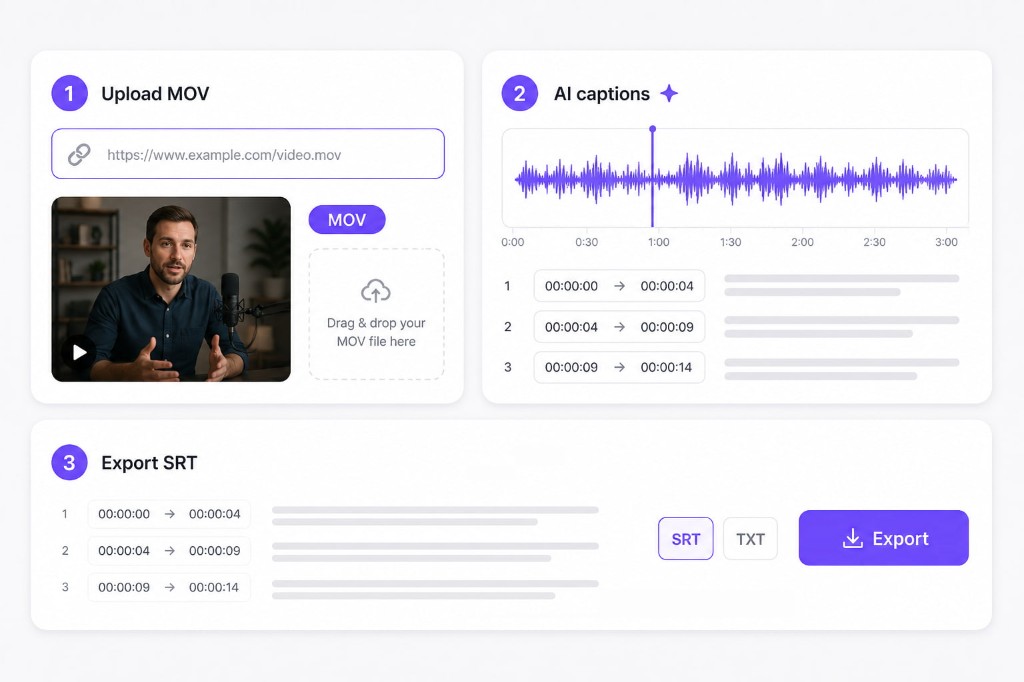
01Upload MOV or paste a link
Drop a QuickTime MOV, Final Cut export, or iPhone clip up to 300 MB. Paste a public YouTube URL when your mov to srt source lives online.
02AI builds timed captions
VMEG extracts audio from the MOV container, runs speech recognition, and aligns each subtitle line with precise start and end timestamps.
03Export SRT for your editor
Download SRT for Premiere, DaVinci, or YouTube uploads, or grab plain TXT for scripts and show notes.
Apple workflows default to MOV — this free online mov to srt tool turns camera rolls and QuickTime exports into standard subtitle files without Final Cut plugins.
Creators often re-wrap MOV to MP4 just to get subtitles. Upload the native MOV, generate SRT, and skip an extra export step when learning how to create srt files for mov from phone footage.
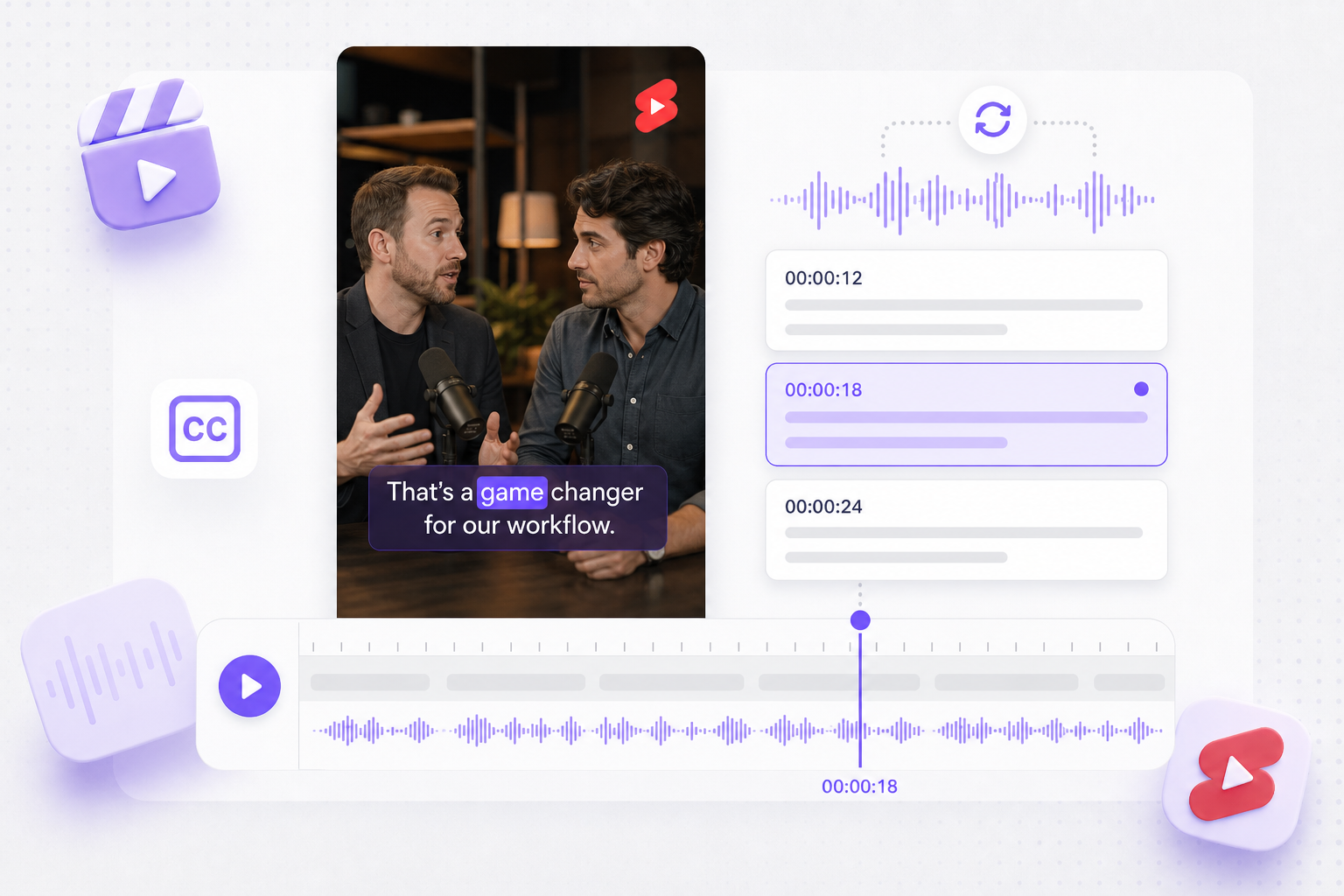
Vertical MOV clips for Reels and Shorts still need readable captions. AI assigns frame-accurate cues so mov to srt exports sync when you burn subs or upload sidecar files.
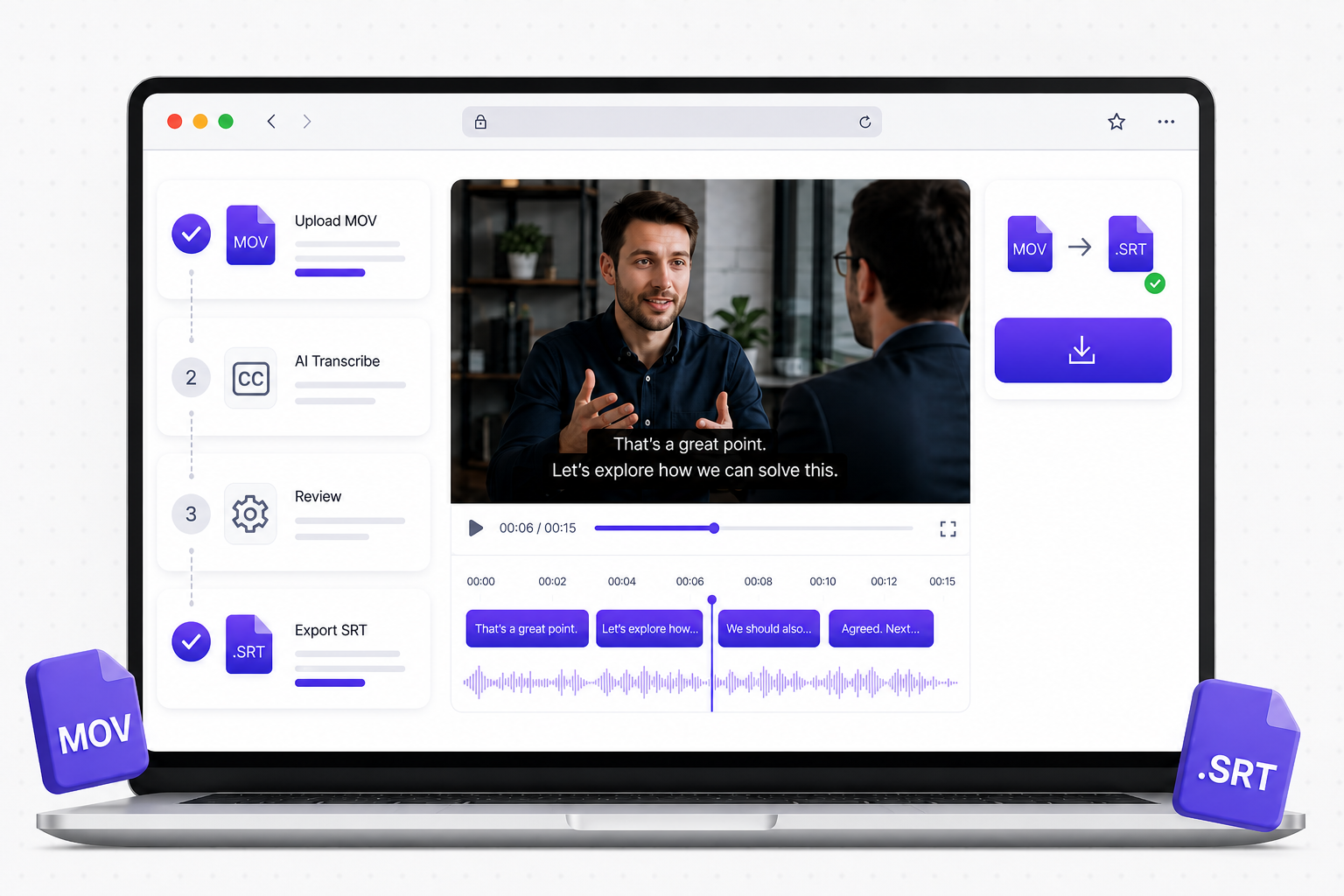
Process MOV in the tab where you already review dailies. Preview captions free, sign in only at download, and avoid installing another desktop subtitle suite.
After mov to srt export, translate captions, run AI dubbing, and reach viewers in 170+ languages without rebuilding cue timing.
Localize a finished MOV project with translated on-screen captions, AI dubbing, and optional lip sync — start from the SRT you generated here.
Try Video Translator for free
Upload your MOV-derived SRT and localize into multiple languages while every cue keeps its original timing.
Try Subtitle Translator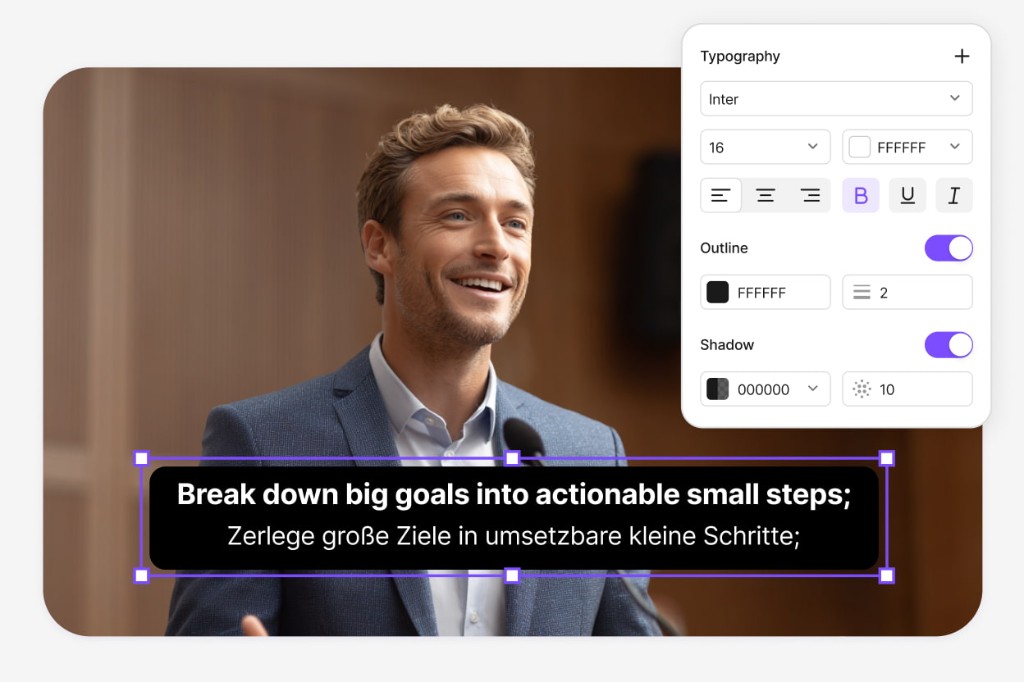
Move from SRT export into Dubbing Workflow — refine scripts, tune AI voices, and export MP4 or SRT without manual re-timing.
Open Dubbing Workflow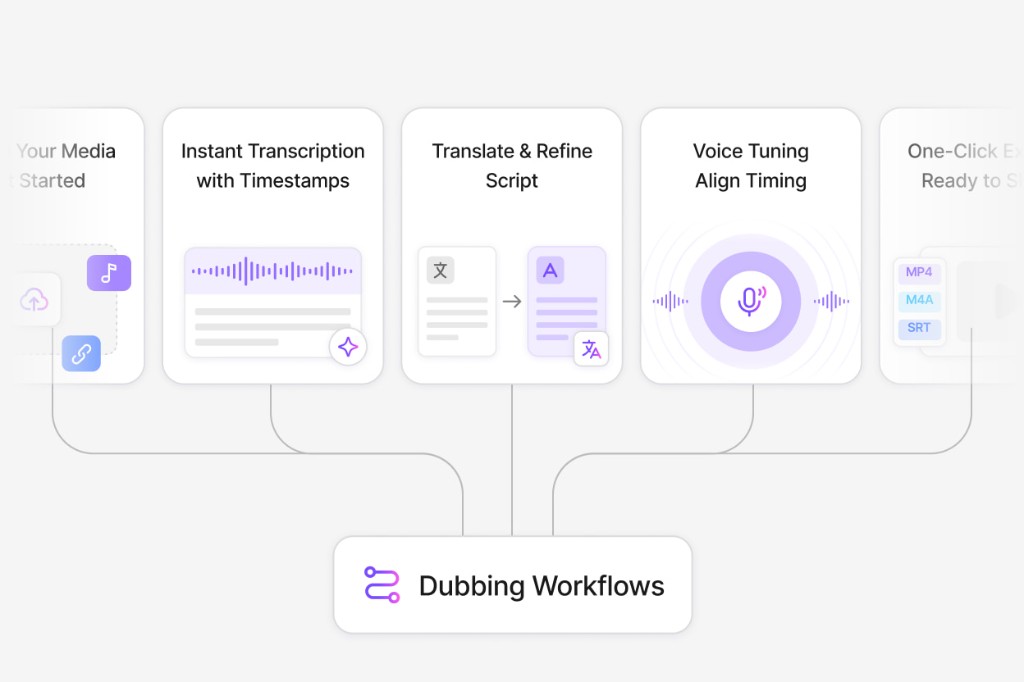
Upload your MOV file on this page, wait for AI transcription, preview captions, then download SRT after signing in.
Yes. MOV from iPhone camera rolls and AirDrop shares are supported alongside QuickTime and Final Cut exports under the 300 MB upload limit.
Paste a public YouTube or TikTok URL when your MOV source is hosted online. VMEG runs the same subtitle pipeline as a local upload.
Large ProRes masters may exceed the size limit. Export a compressed H.264 MOV or MP4 proxy for transcription, then relink captions in your NLE.
Generate and preview subtitles for free. Download requires a free VMEG account.
Upload SRT or VTT files and localize every cue while keeping timestamps intact — ready for multi-market uploads.