Upload or record in one place
Talk into your mic or upload a clip, then send it through cloud voice conversion in one workflow.
Add audio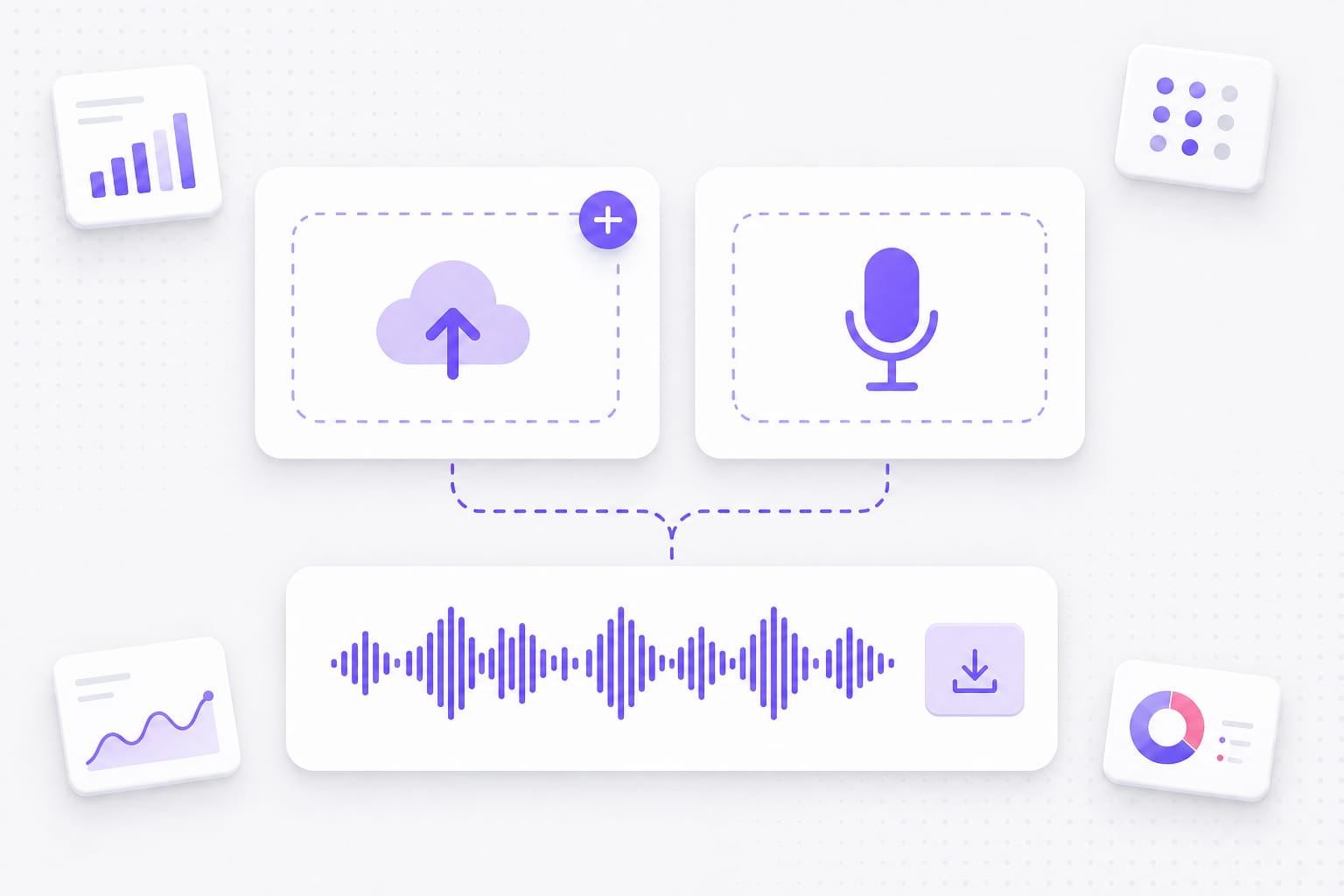
Use this ghostface voice changer online to upload or record a clip, pick Ghostface Classic or horror icon voices like Jason or Pennywise, and download as MP3 or WAV — no desktop app.
Three quick steps to turn a clip into a voice changer Ghostface result in your browser.
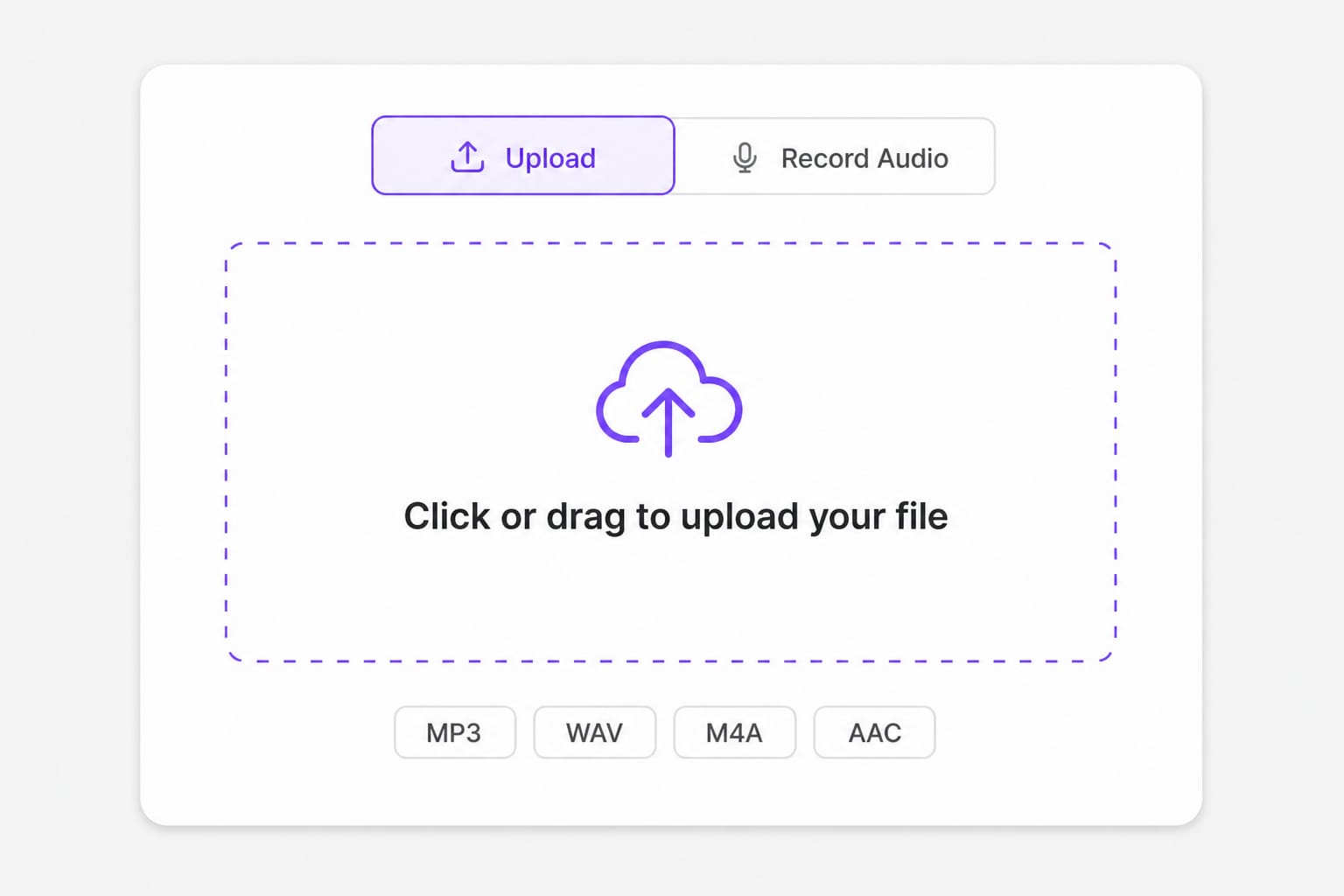
Hit the record button to capture your voice, or drag in an audio file you already have.
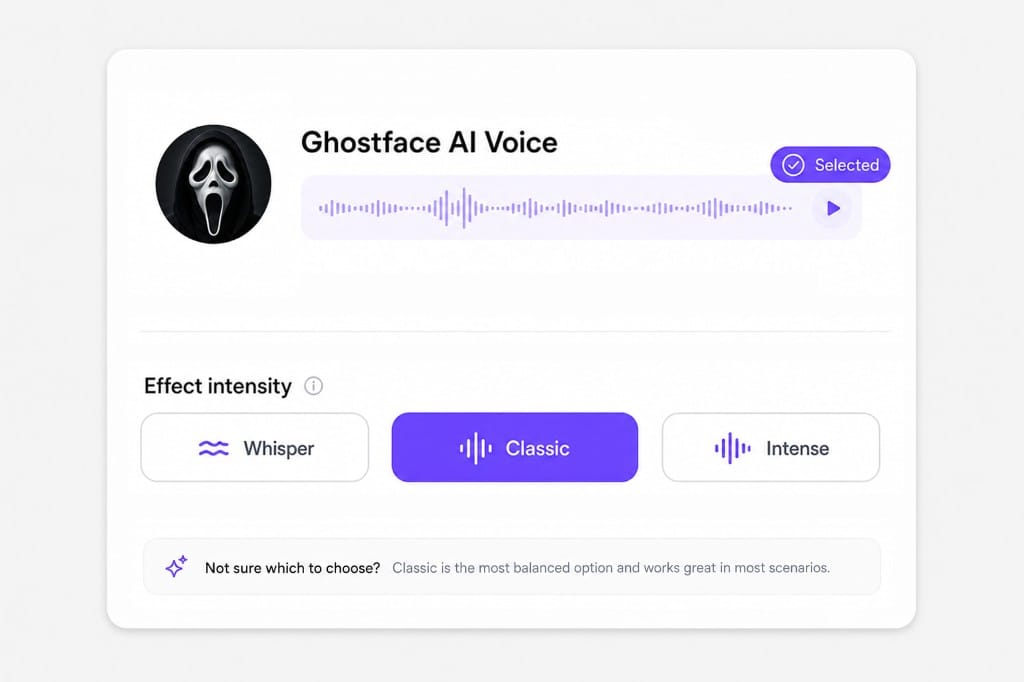
Choose Ghostface Classic, Jason Voorhees, Pennywise, or another horror reference voice.
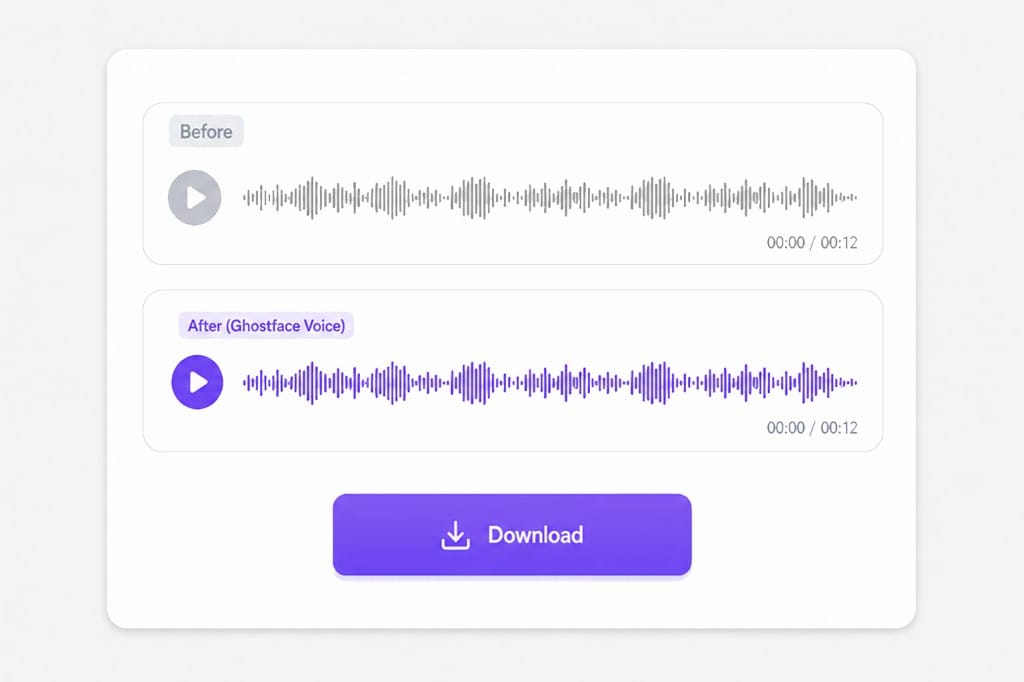
Generate the horror voice, preview it, then download MP3 or WAV.
A voice changer Ghostface tool built for Scream-style clips — upload or record, pick a horror AI voice, and export without a full editor.
Talk into your mic or upload a clip, then send it through cloud voice conversion in one workflow.
Add audioPick Ghostface Classic, Jason Voorhees, Freddy Krueger, Pennywise, and more — each reference voice is tuned for scary clips and slasher-style content.
Pick a voice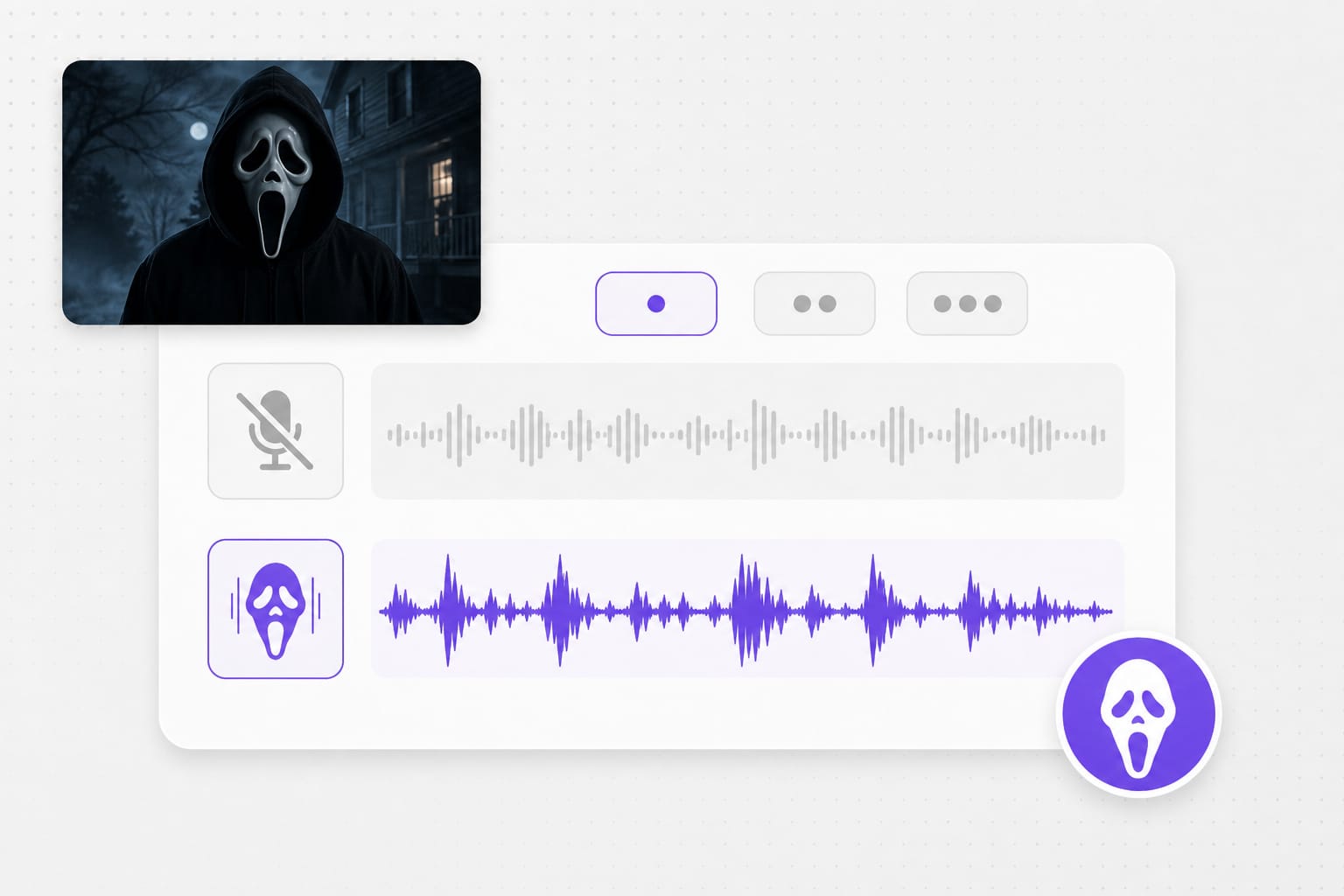
This ghostface voice changer online runs in Chrome, Edge, or Firefox. Preview free in the browser; sign in when you download.
Generate now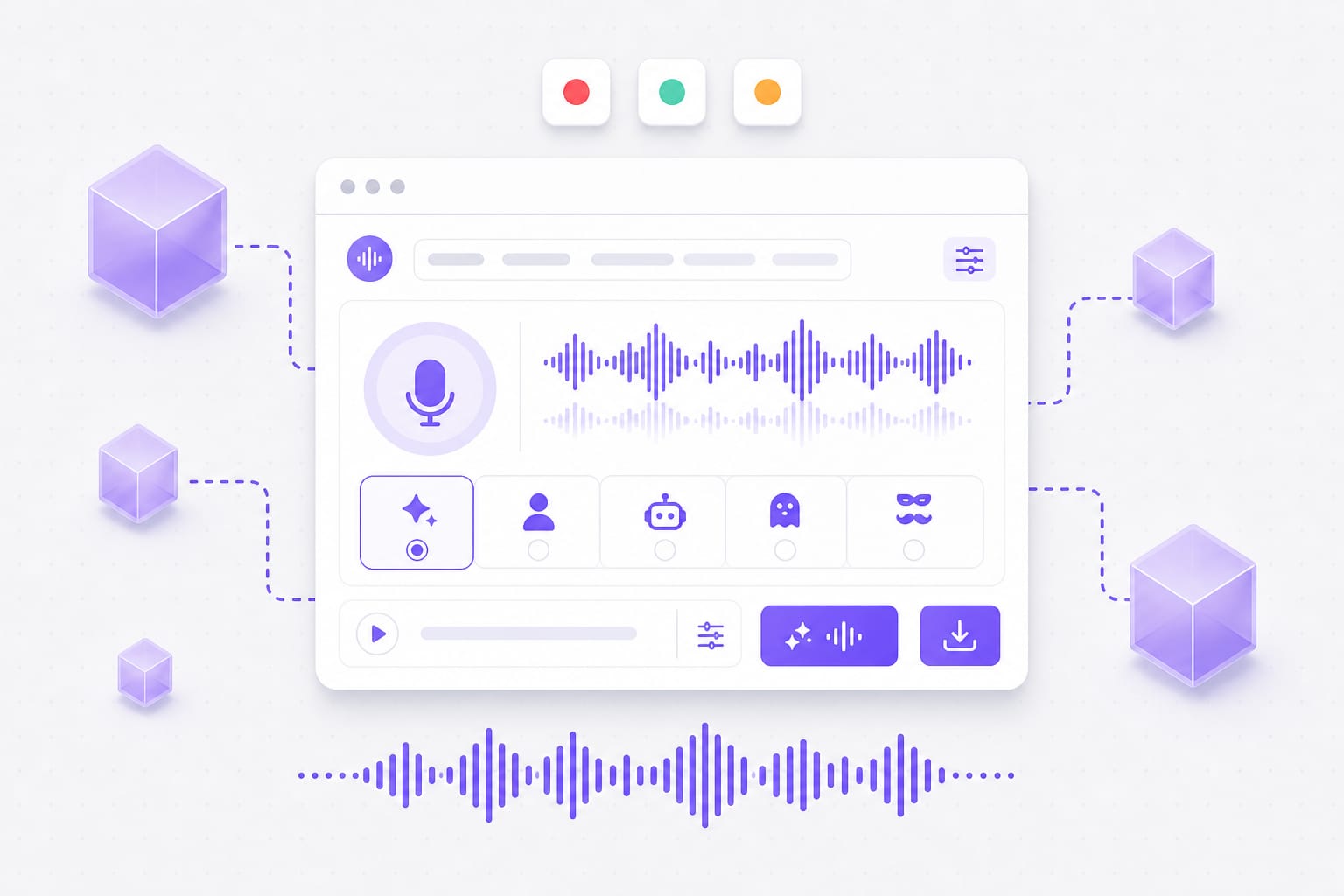
Upload or record a clip, pick a horror AI reference voice such as Ghostface Classic or Jason Voorhees, and generate a Scream-style horror voice you can download as MP3 or WAV.
Ghostface Classic, Ghostface Cinema, Jason Voorhees, Freddy Krueger, Pennywise, Vecna, Frankenstein, Pamela Voorhees, Restless Ghost, and Zombie — plus MP3 or WAV export.
Yes. The voice changer Ghostface workflow runs in a modern browser on desktop or mobile. No app download is required.
Yes. Open the Record tab, allow microphone access, and capture a line. When you stop, the clip loads into the same AI voice flow.
Free to use 3 times a day, shared across all VMEG online tools. Upgrade to Online Tools Unlimited for unlimited daily use. Sign in when you download the processed audio.
MP3, WAV, M4A, AAC, FLAC, and OGG up to 30 MB. Free plan clips are limited to 3 minutes per export.
Upload SRT or VTT files and localize every cue while keeping timestamps intact — ready for multi-market uploads.