How can I merge two videos?
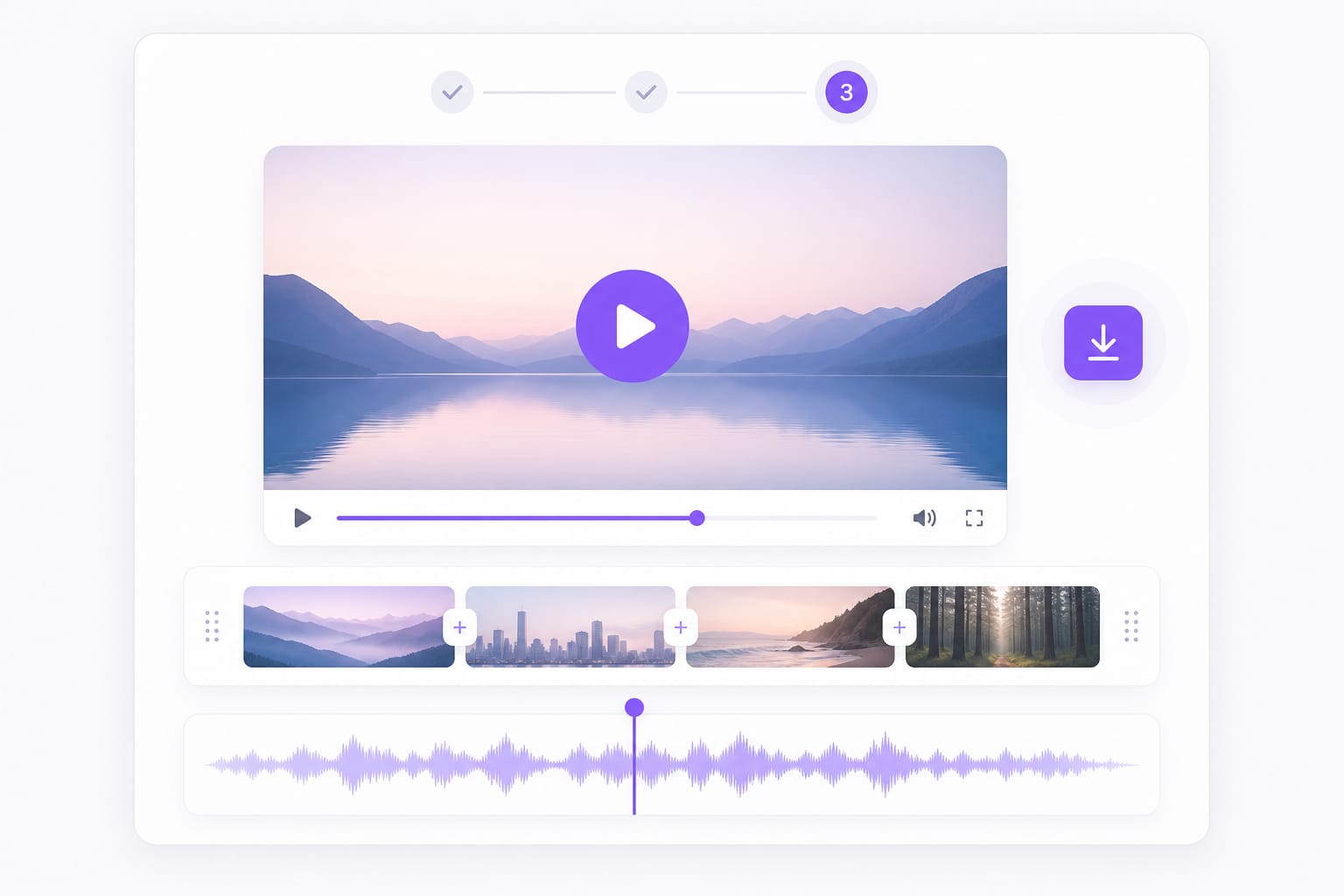
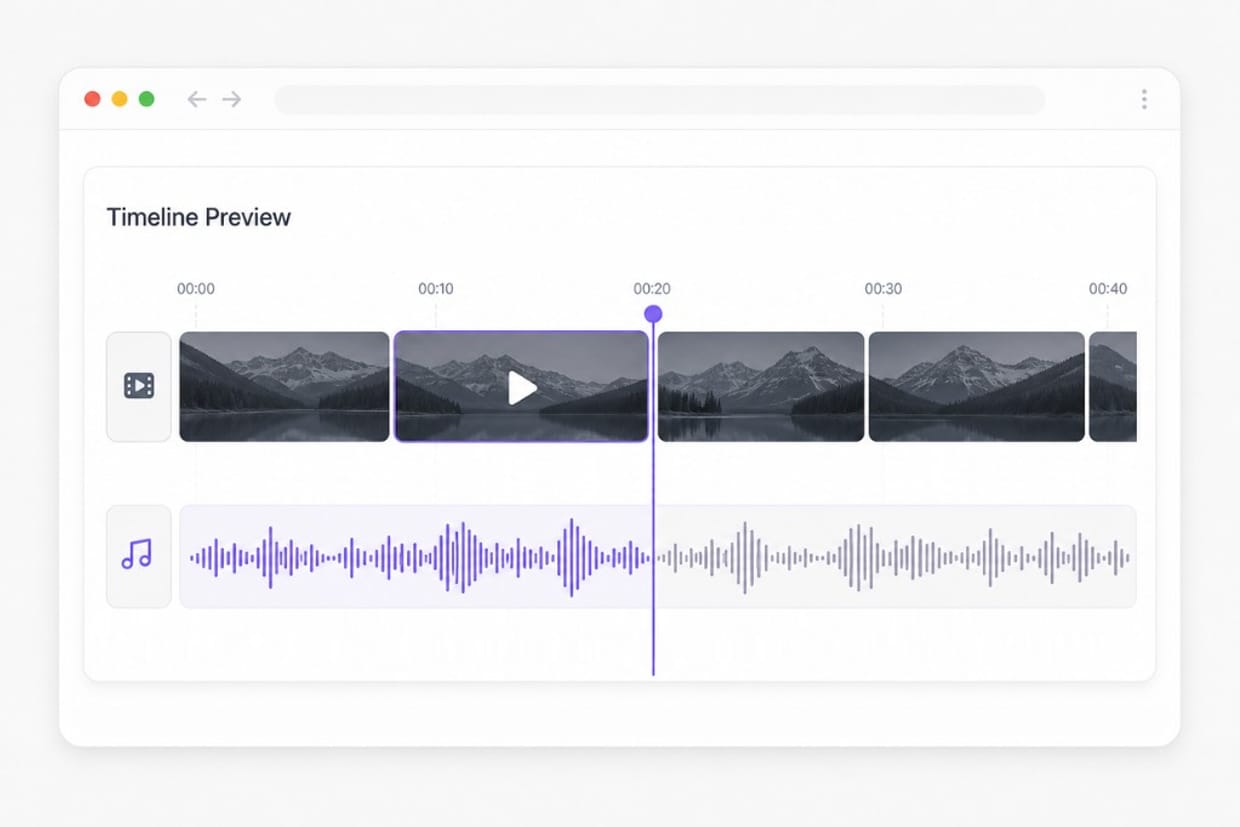
Upload both files, arrange them in order, choose MP4 or WebM, and click Merge. Preview the result, then sign in to download. Add your clips in the merger workspace, arrange order on the timeline, preview the combined output, then export from this Video Merger page.
Can I merge 2 videos online free?
Yes. Upload and merge in the browser. Preview is free; sign in to download the merged file. Preview and core processing are free in your browser; sign in when you download the finished Video Merger output so exports stay reliable.
What is a video merger vs a video joiner?
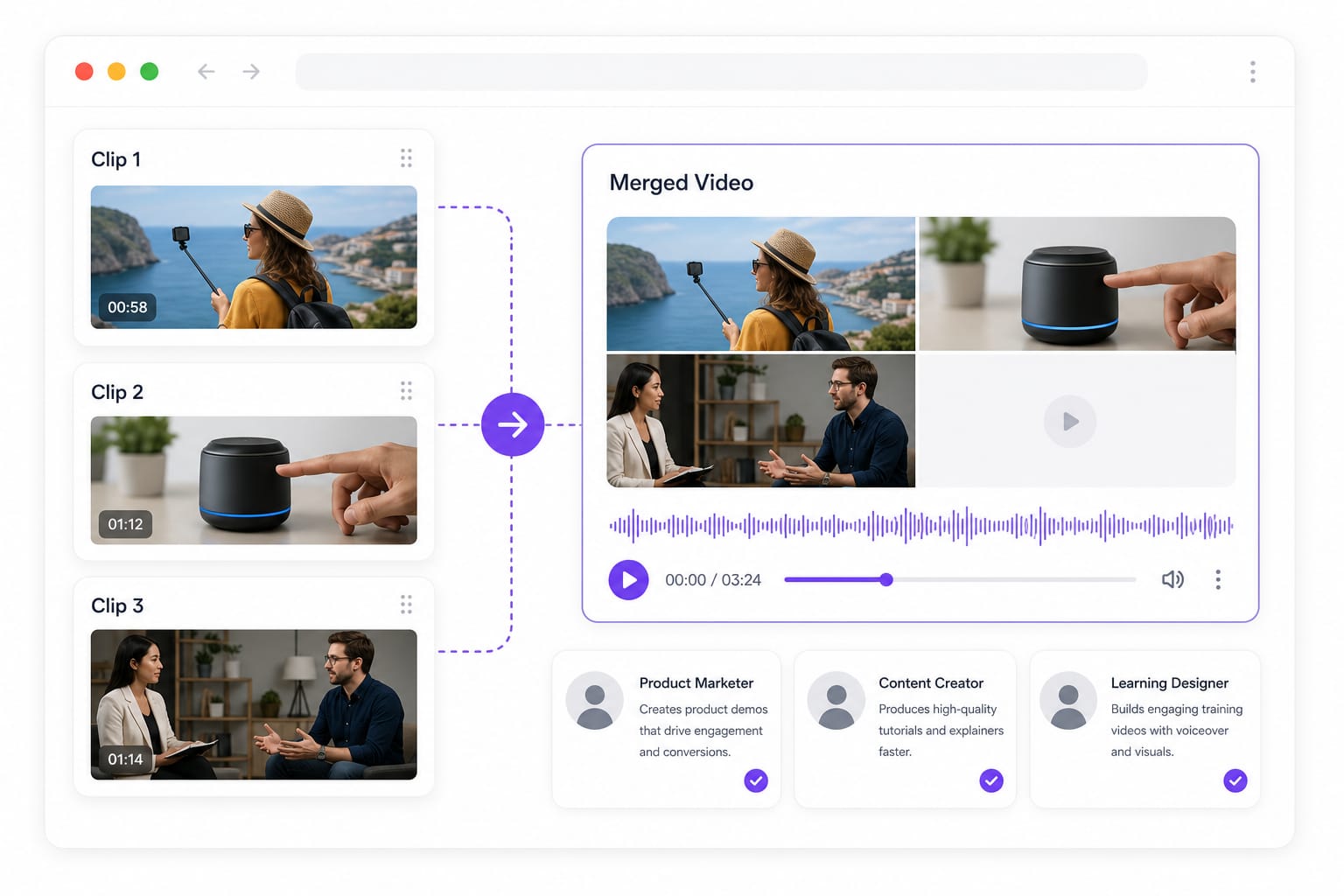
Both mean combining multiple videos into one output file. This page handles sequencing and export in a single workflow. Add your clips in the merger workspace, arrange order on the timeline, preview the combined output, then export from this Video Merger page.
Which formats can I use?
Upload MP4, MOV, MKV, M4V, AVI, and more. Export as MP4 for broad compatibility or WebM for web-friendly playback. Check the upload chip on this page for the full list of supported containers; matching those formats avoids failed imports.
Will the merger keep audio from my clips?
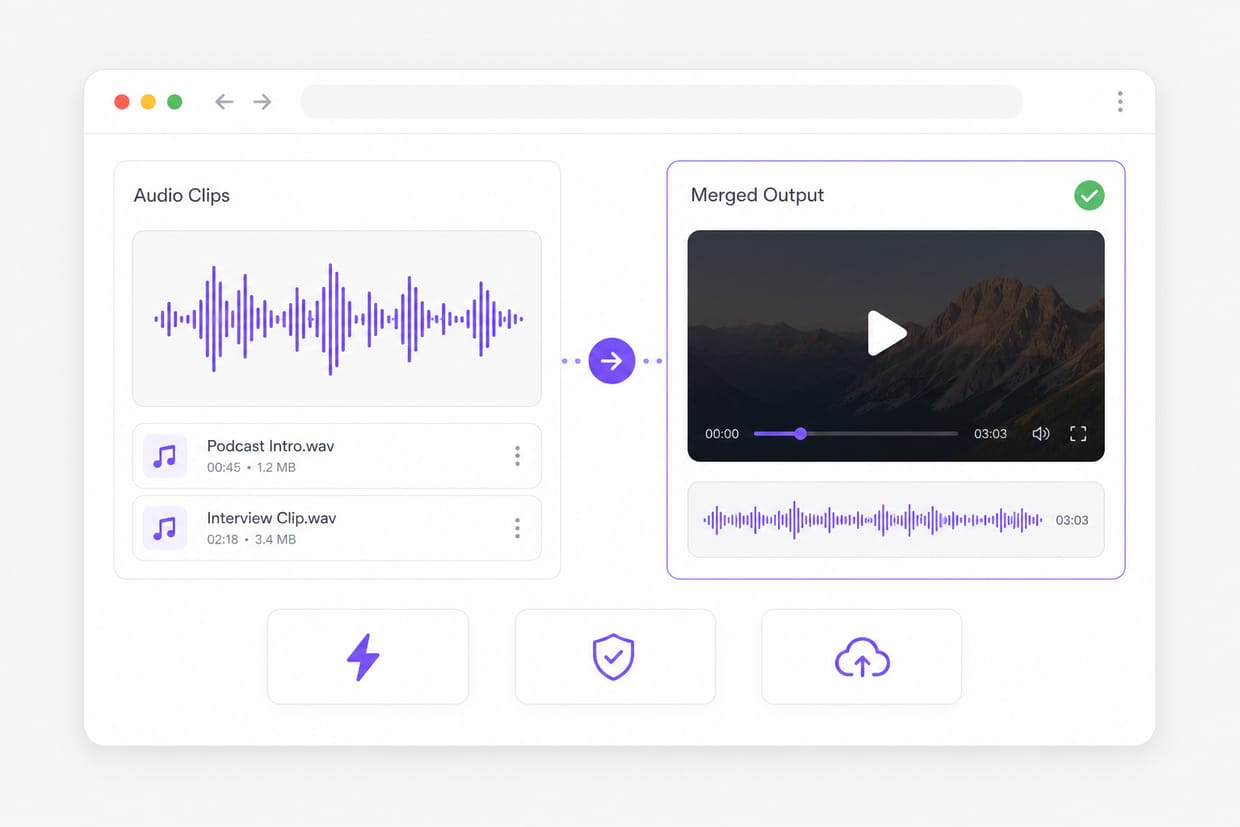
Yes. The merged file includes the original audio from each uploaded video in order. Add your clips in the merger workspace, arrange order on the timeline, preview the combined output, then export from this Video Merger page.
Do I need editing software?
No. Upload, reorder, merge, preview, and download in the browser — no desktop install required. No encoder install is required — open Video Merger in a modern browser, add your file or link, and export from the same tab.